

Full Images
I’m currently using the following FluentCommunity Custom CSS to stop feed images being cropped/constrained and instead display the complete image at its original aspect ratio:
.feed_media_image,
.feed_media_image *,
.feed_custom_uploaded,
.feed_custom_uploaded * {
max-height: none !important;
height: auto !important;
aspect-ratio: auto !important;
}
.feed_media_image img,
.feed_custom_uploaded img {
display: block !important;
width: 100% !important;
height: auto !important;
max-height: none !important;
object-fit: contain !important;
}
Could the TBC native app replicate this behaviour for feed images?
Essentially I’d like single feed images to:
-
use the full available feed width
-
retain their original aspect ratio
-
have no fixed/max height
-
show the complete image rather than crop it
-
use the image’s natural height based on its aspect ratio
It would be ideal if this could be an option in the Feed settings, for example:
Feed image ratio: Original / Cropped
The web CSS already gives me exactly the behaviour I want in FluentCommunity; I just need the native TBC feed to render images the same way.
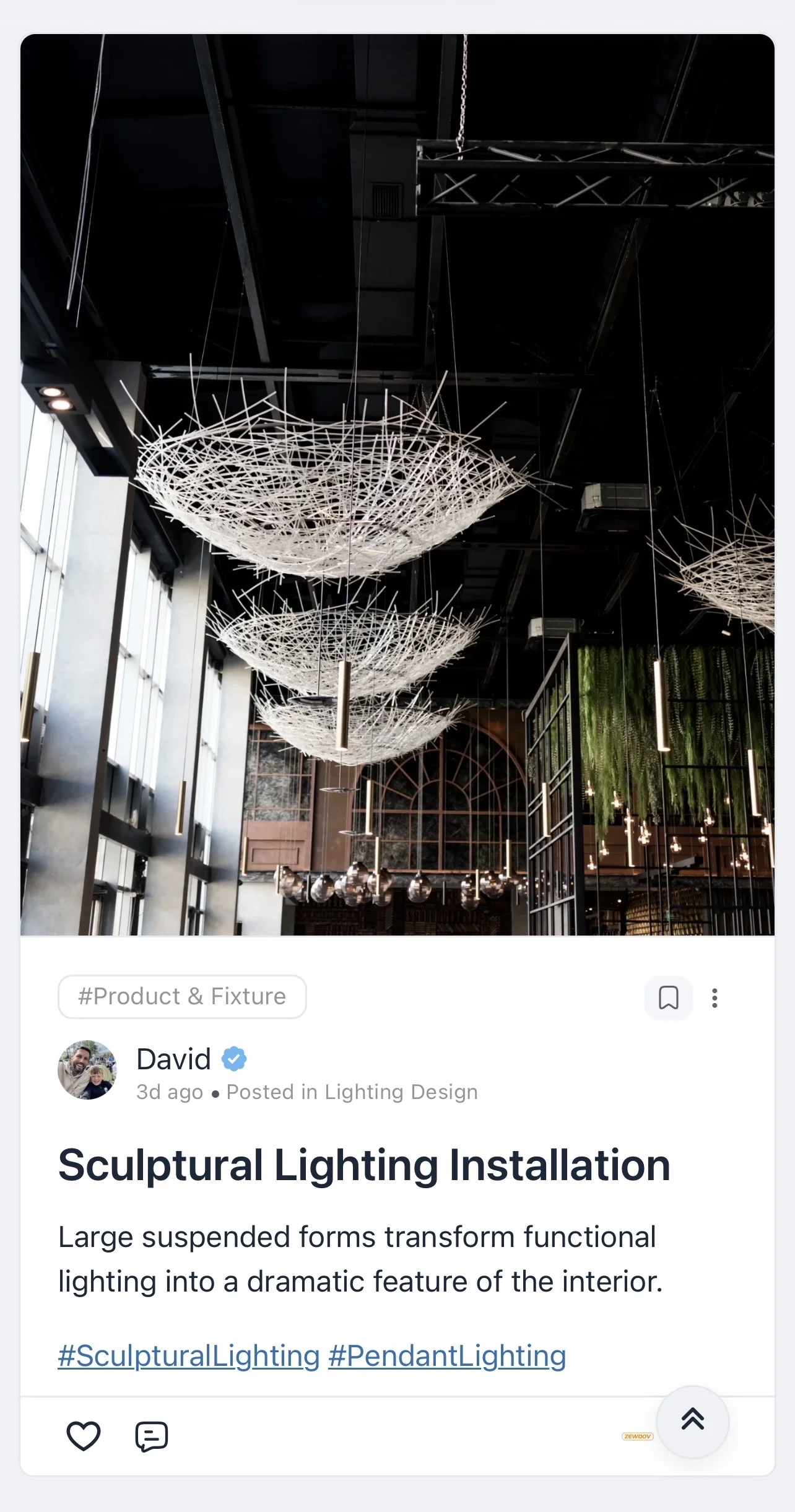
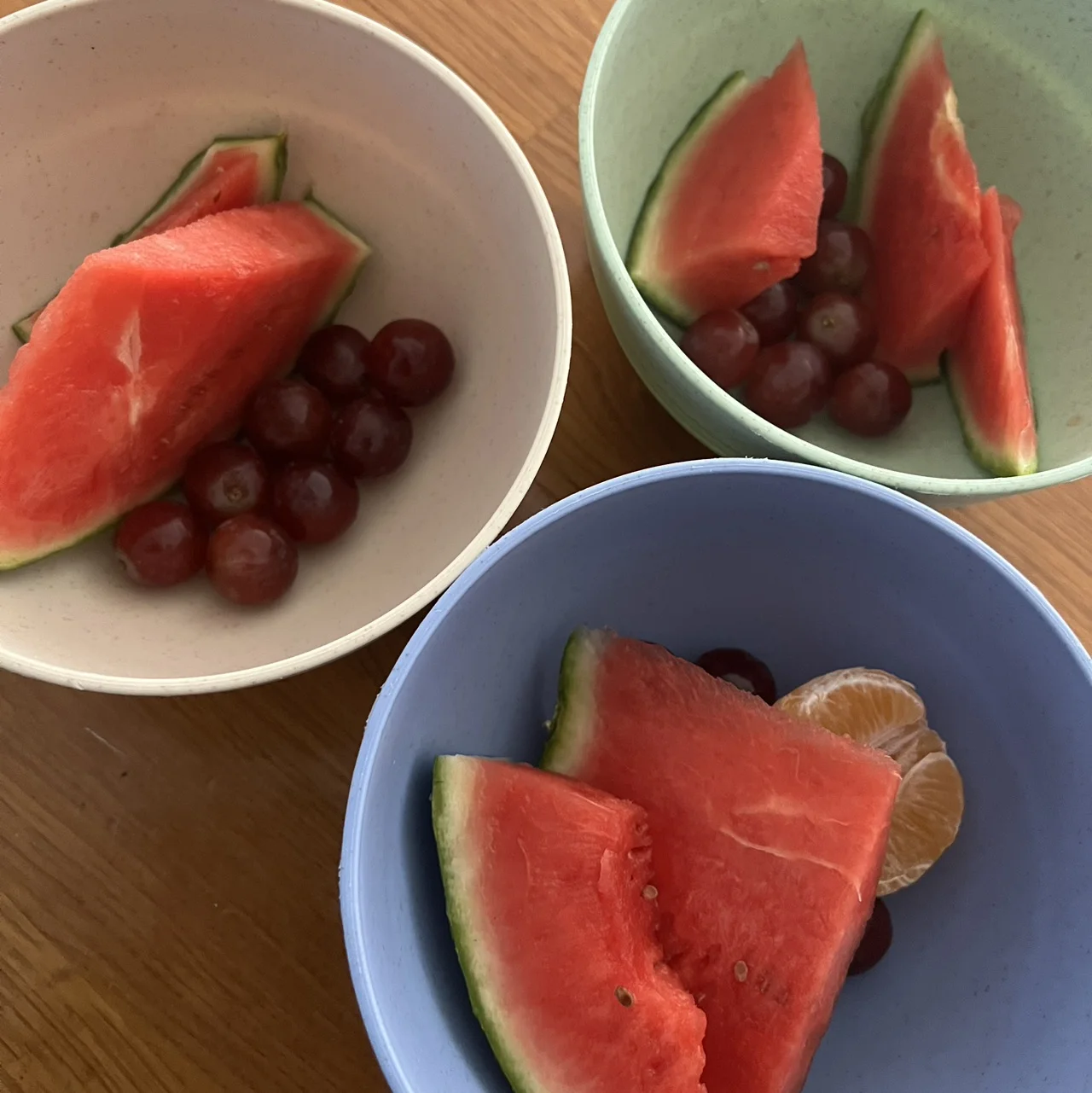
As a possible React Native implementation, would something along these lines achieve it?
width: '100%',
aspectRatio: originalWidth / originalHeight,
resizeMode: 'contain'
So the image fills the available feed width, keeps its original aspect ratio and displays the complete image without cropping.
Ideally there would also be no fixed or maximum height applied to the image container.

Thanks, the screenshot help me see it. Let me check it out sounds like perfect for a feed option.