

The app · iOS and Android
Your community, native.
A native iOS and Android app for Fluent Community. The feed, messaging, spaces, courses and profiles are real native screens, and the rest of your site opens inside the app, already signed in — in both stores, under your own name, in an app that feels built just for your community. Because it was.
What’s in it · the main screens
Everything your members do on the web. On their phone.
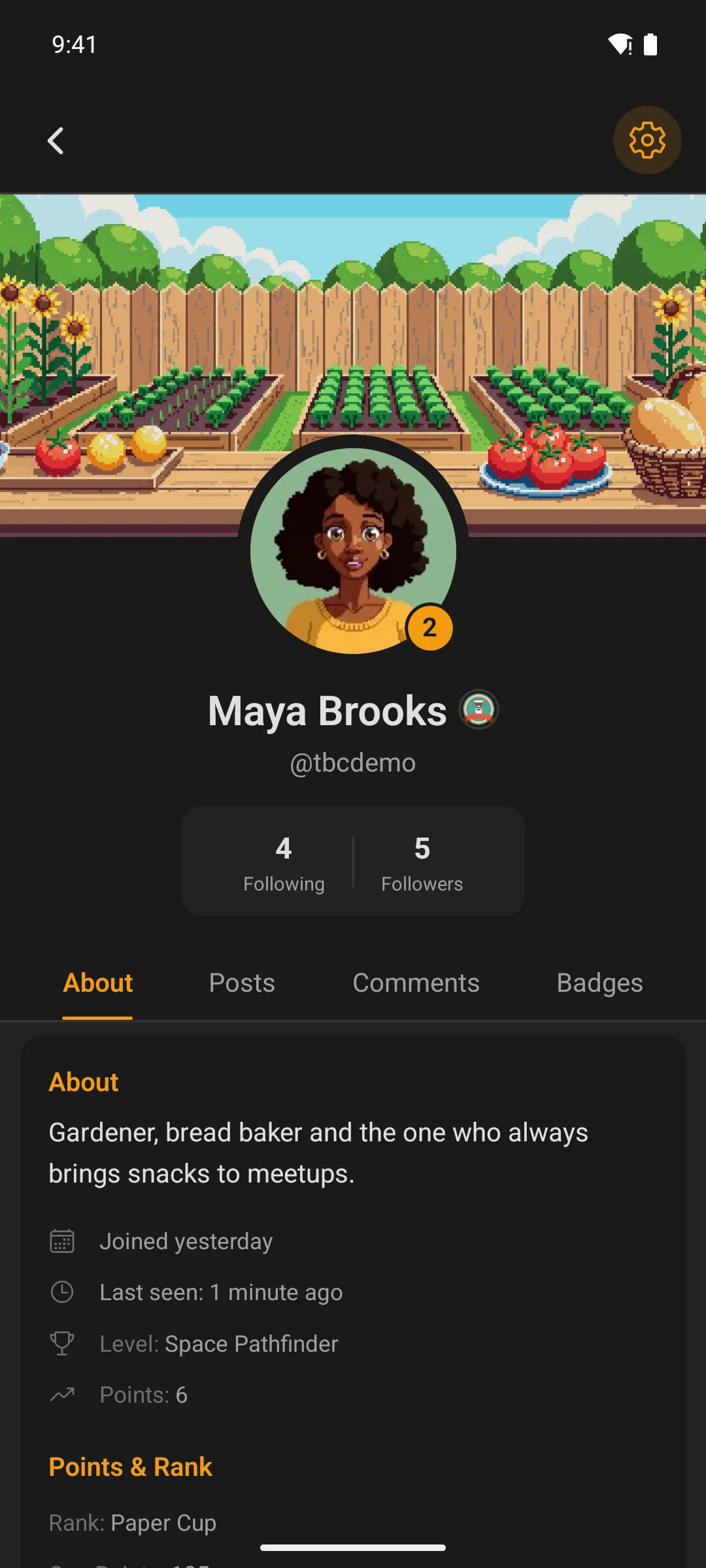
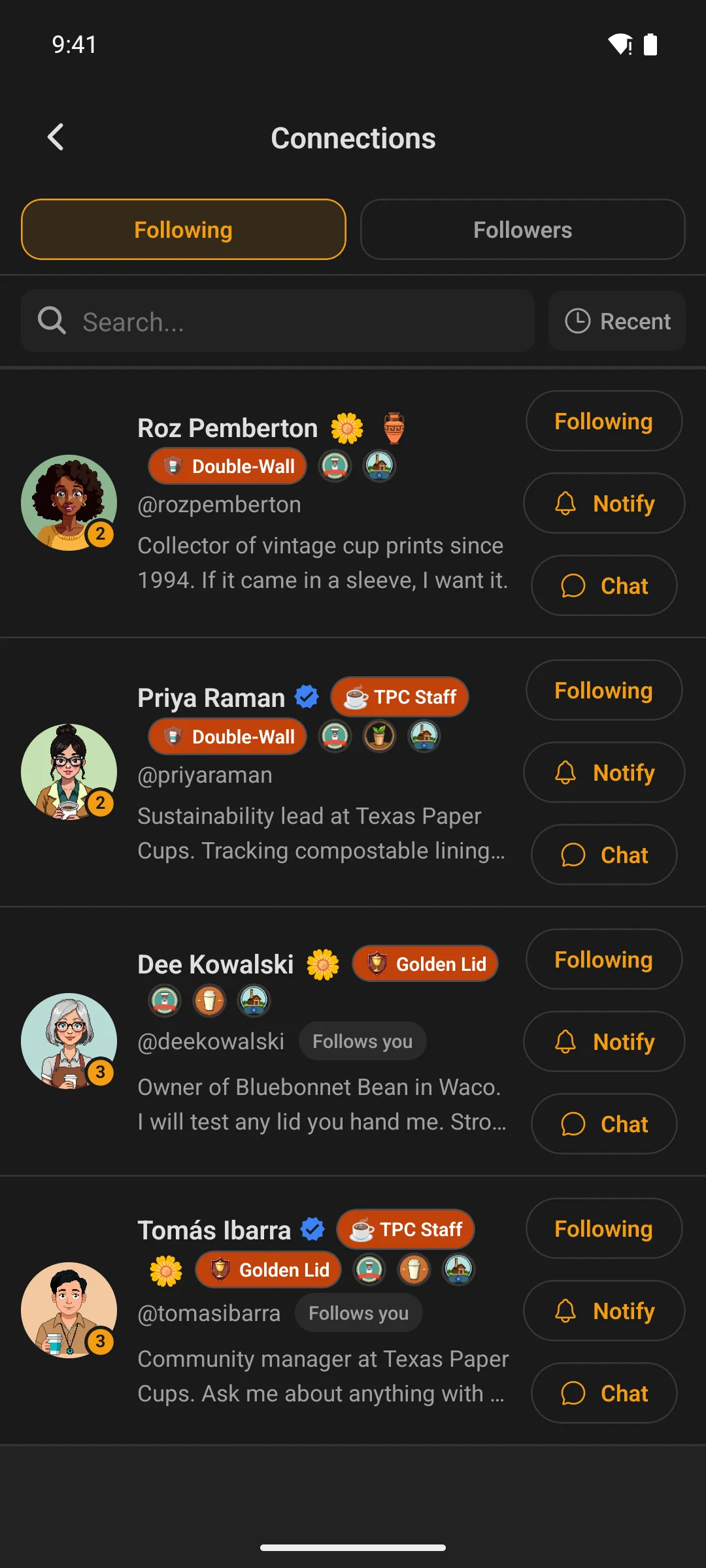
Every one of these is yours to tune from WordPress — layout, sorting, what appears and who sees it — without touching the app. Colours come from your Fluent Community settings, light and dark, and The Plugin can override them for the app alone. Captures are from the demo app on a real Fluent Community site, not mock-ups. Tap one; every capture opens full size.
Home
The first screen is yours to build
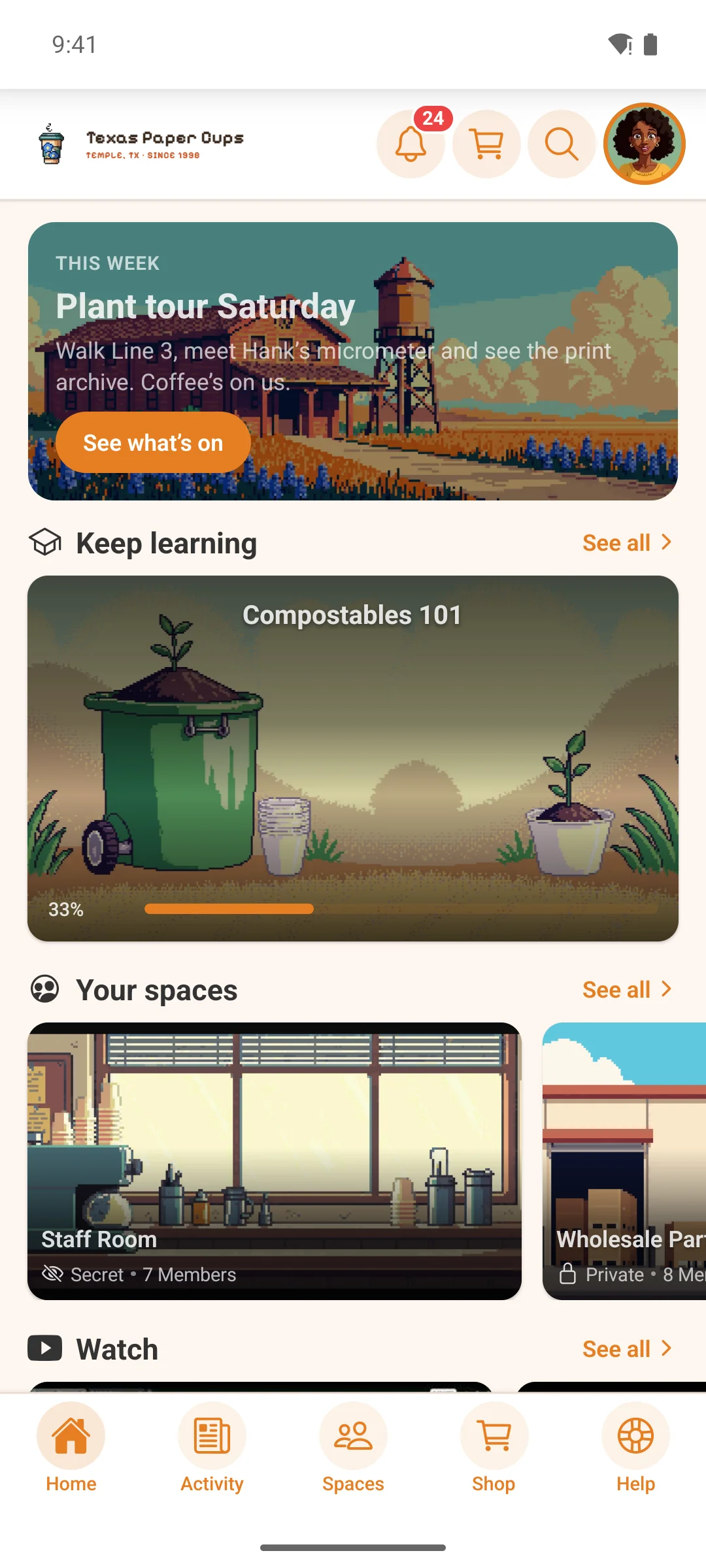
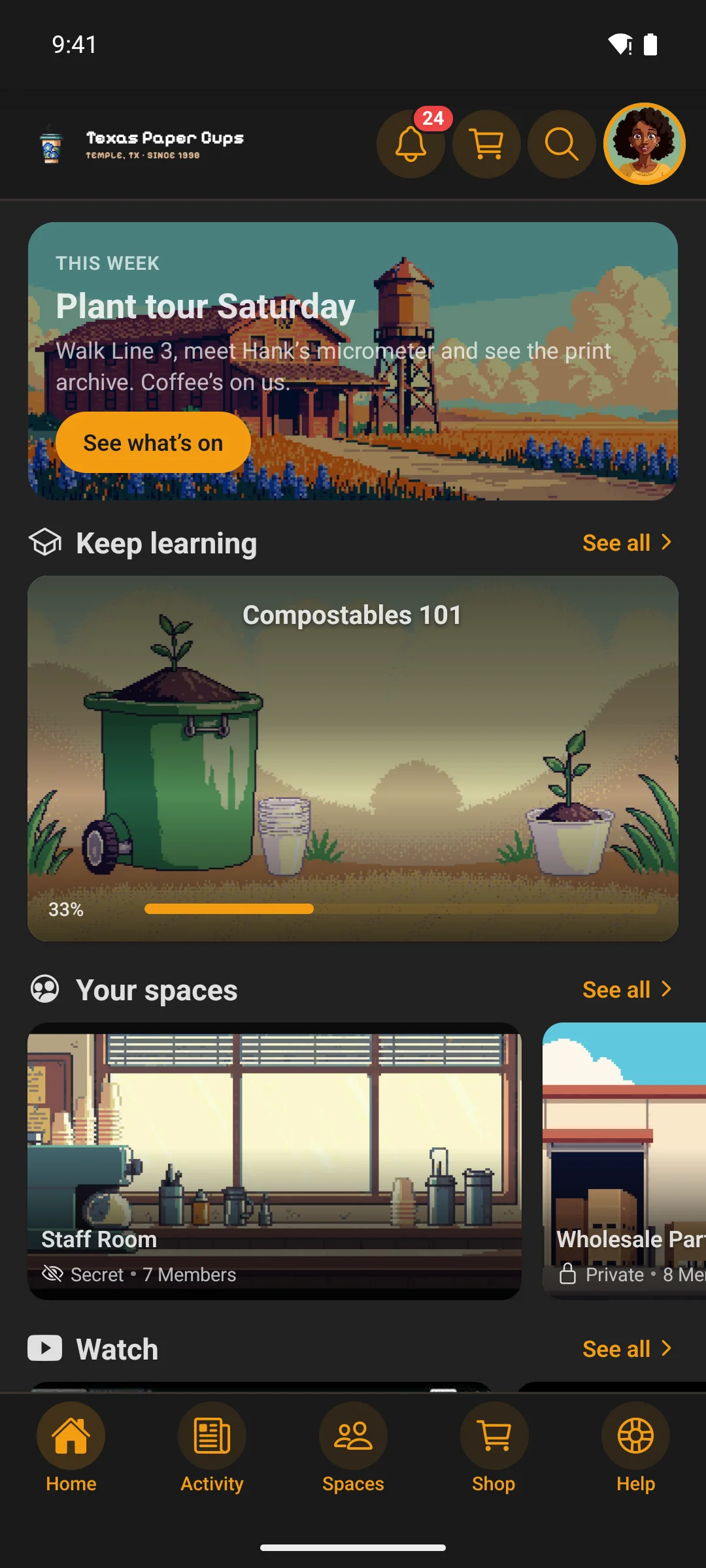
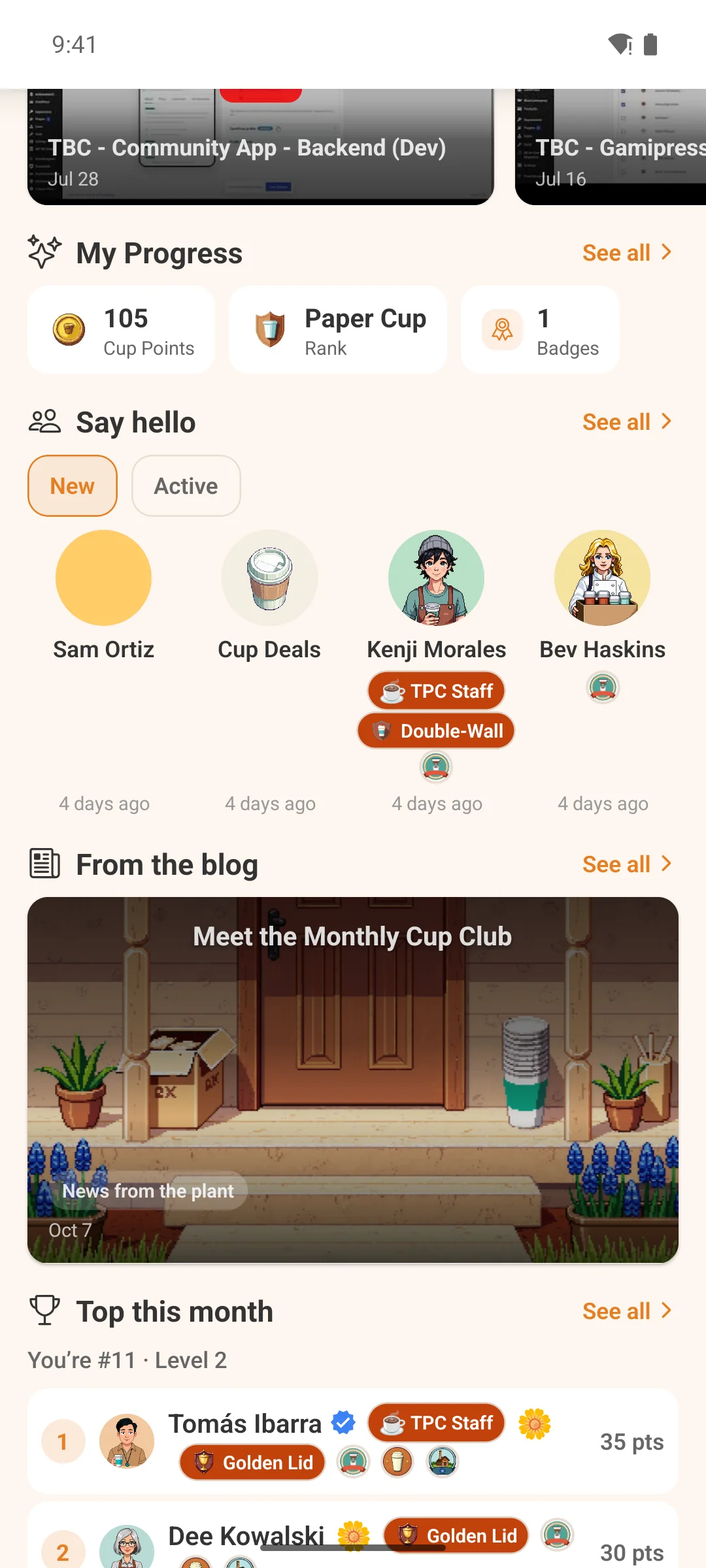
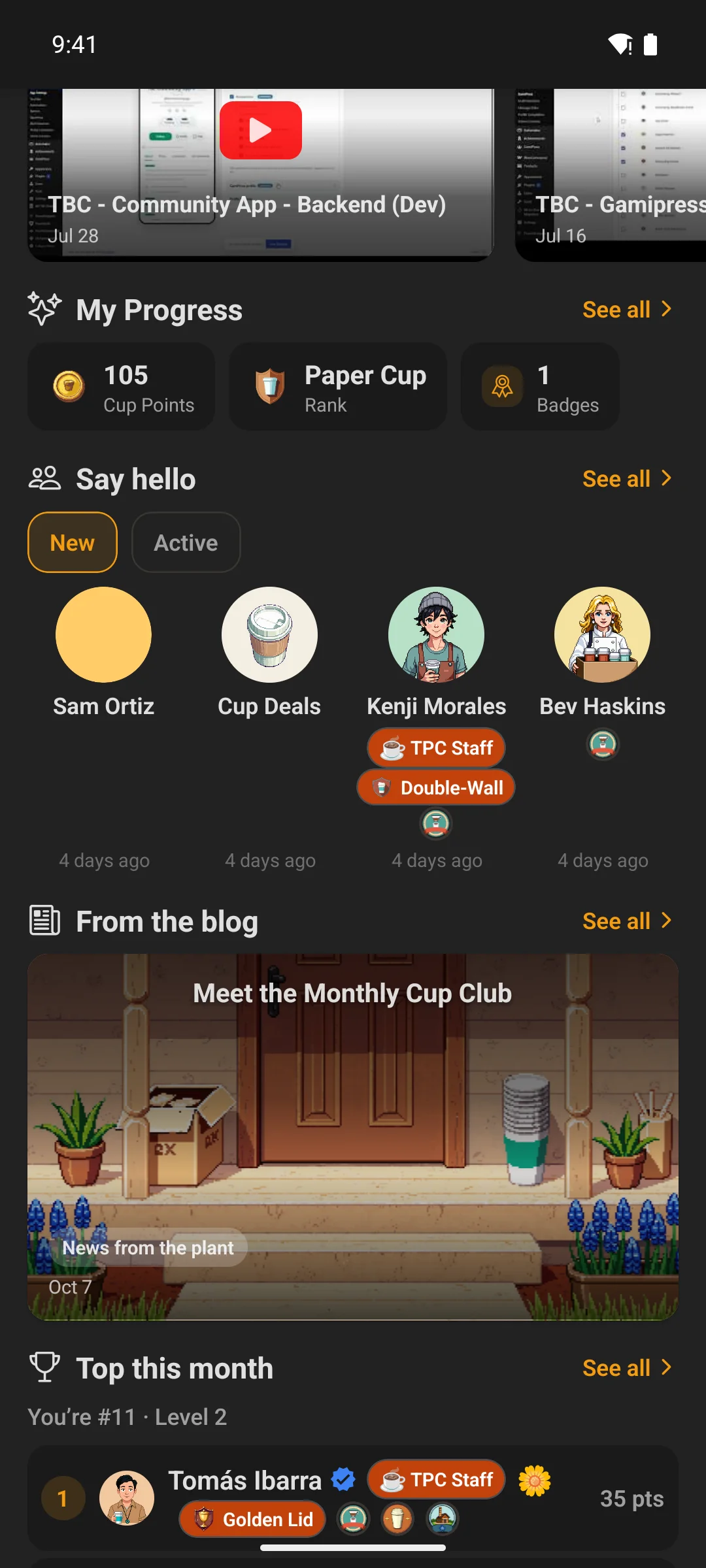
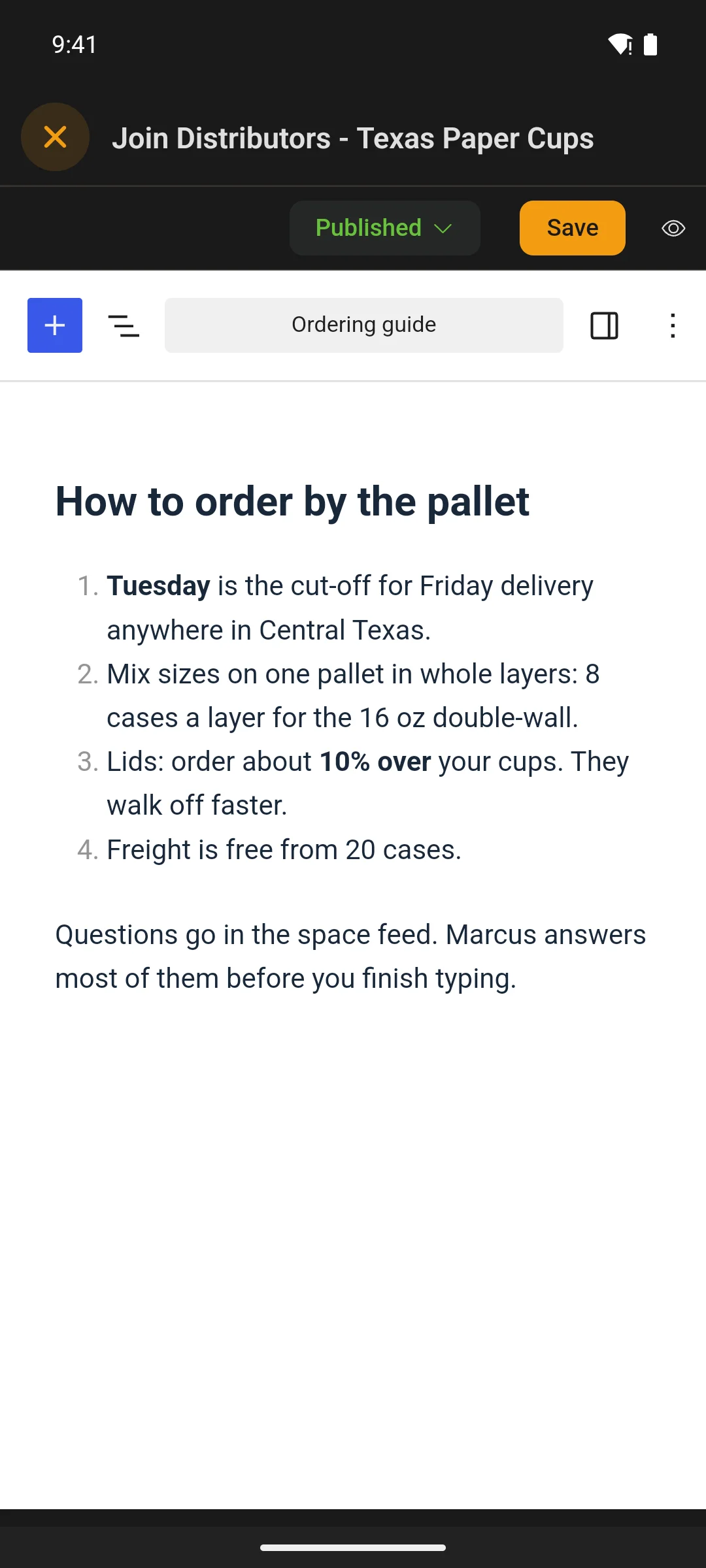
Home is not a fixed layout. It is a stack of widgets you arrange in WordPress — members, spaces, courses, your blog, a video, a promo card, a grid of tiles pointing anywhere on your site — and you can build more screens like it.
- Add the same widget twice and show something different in each — what they are part-way through up top, the full catalogue below
- Every widget has its own audience rule, so a screen shows each member only what they should see
- It stays locked in your order, or you let members rearrange it and hide what they don’t use (see Arrange)
- Save a change in WordPress and members see it the next time they open the app — no build, no store review
- On a tablet the same screen becomes two or three columns
Arranged in The Plugin’s widget builder, previewed on four device sizes before it ships.
Arrange
Members set up their own home screen
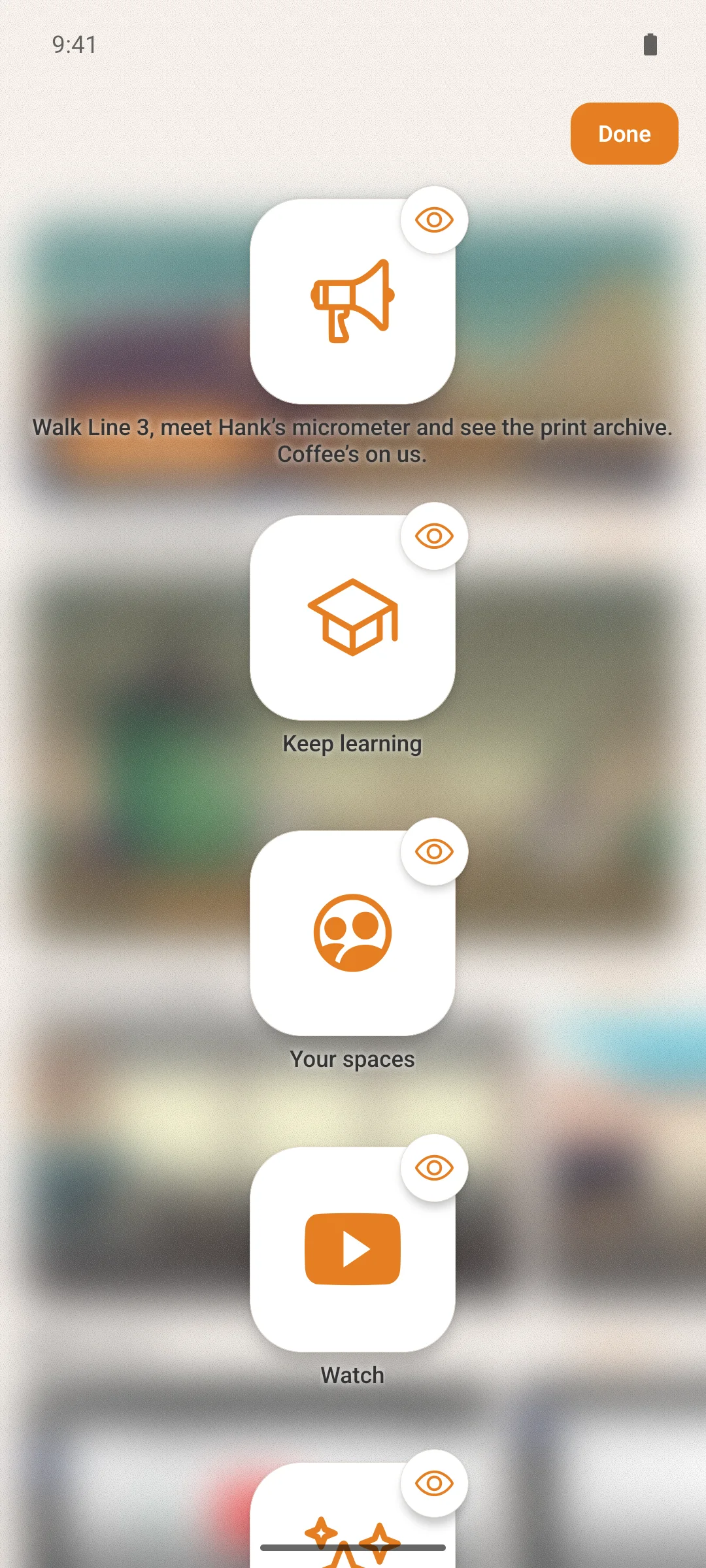
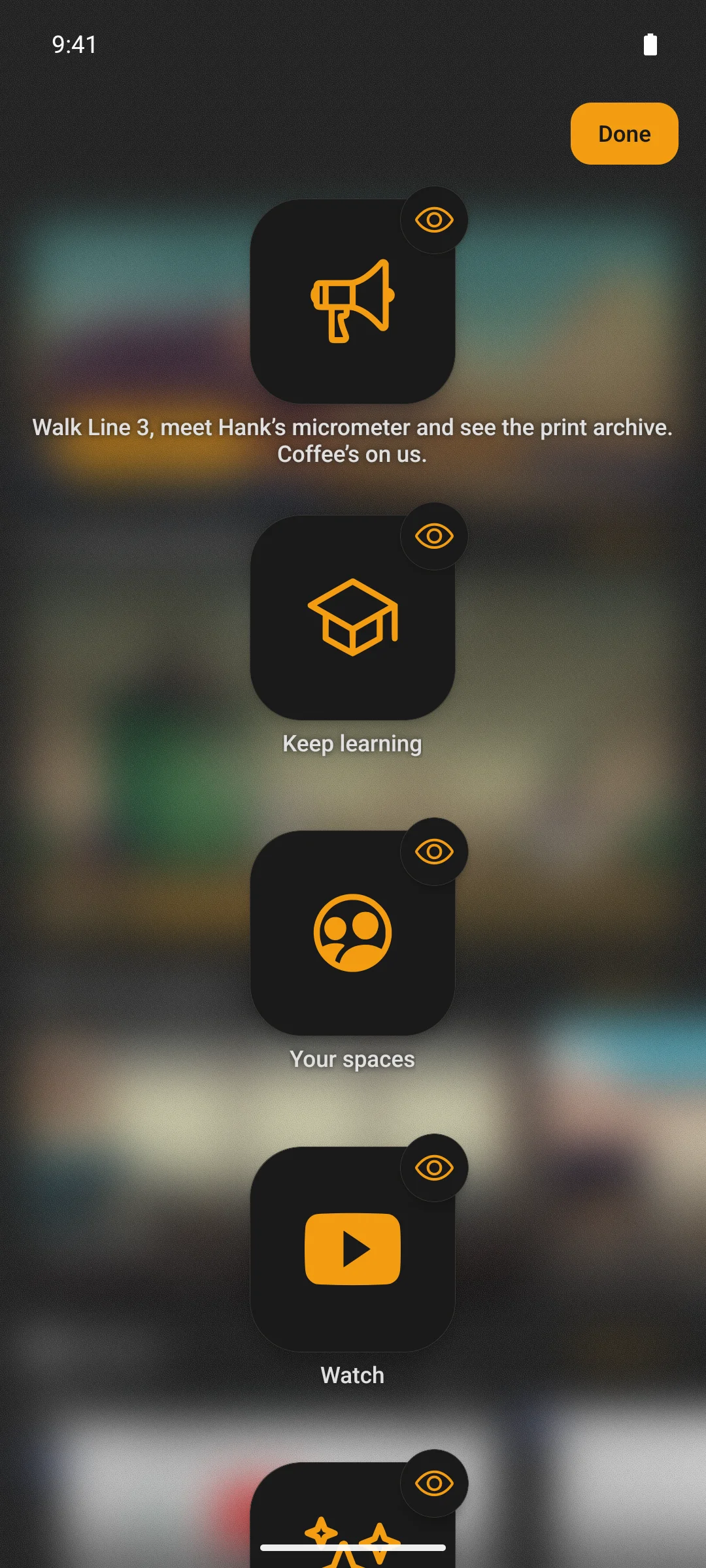
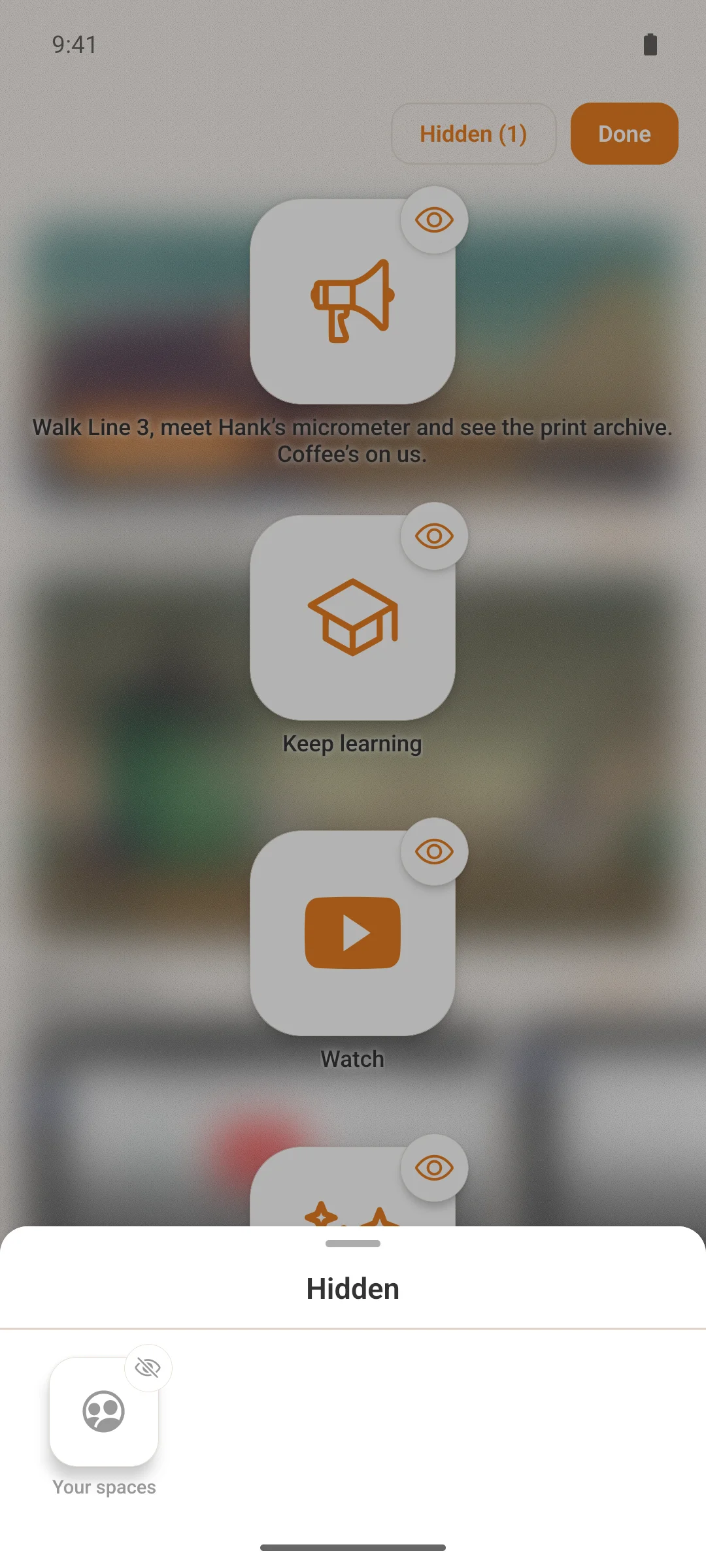
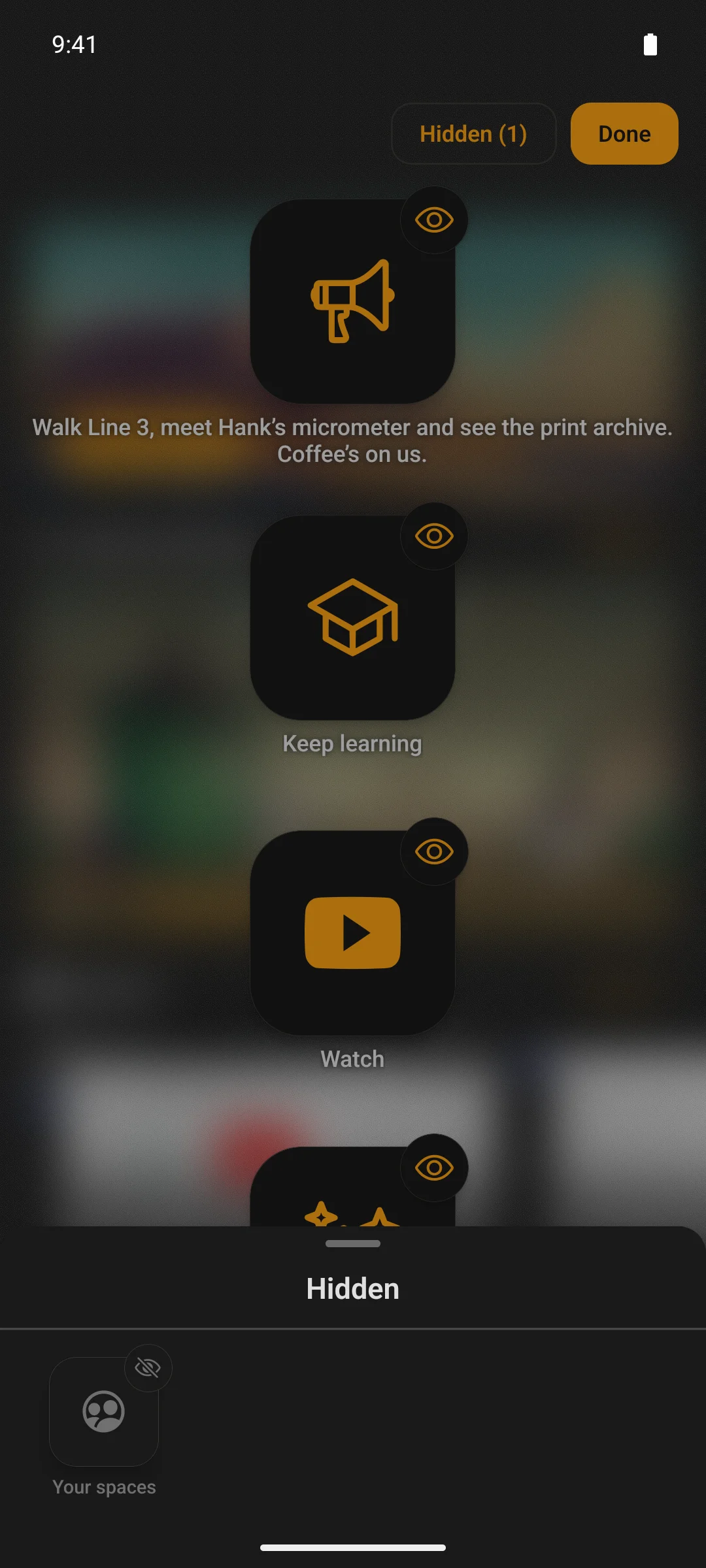
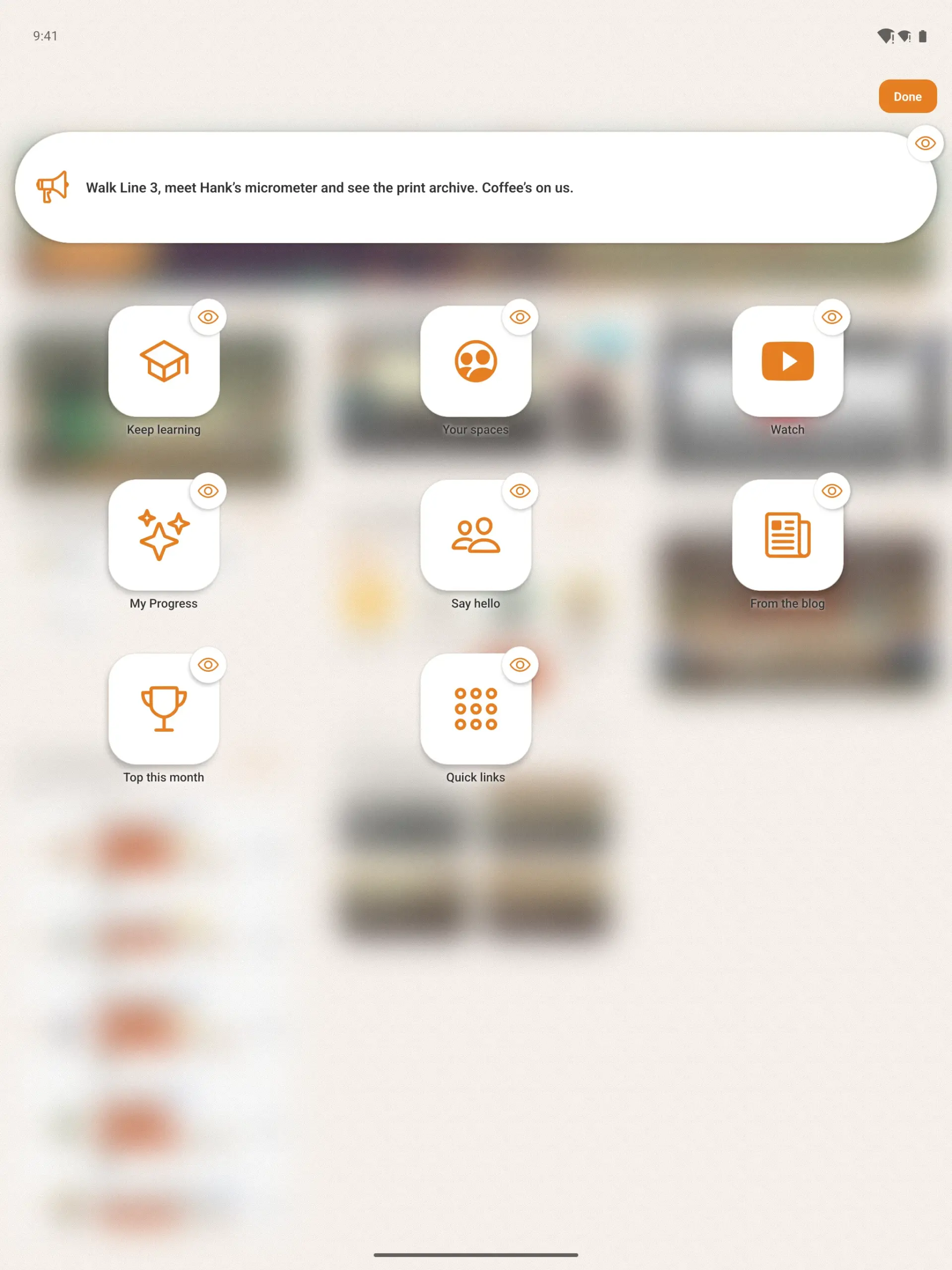
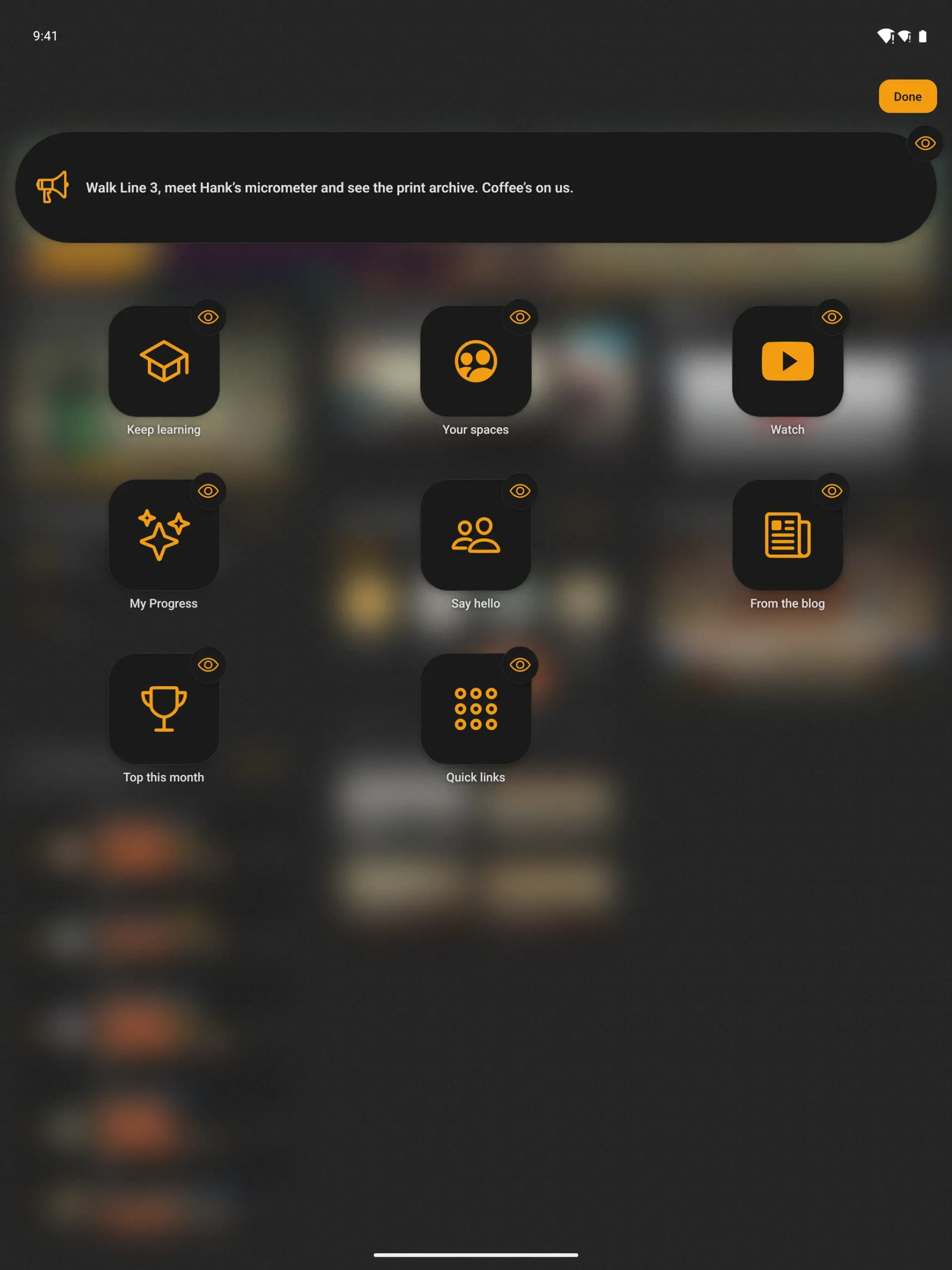
Widget screens start locked, so a screen of links and tiles that works like a menu reads the same for everyone. On a screen that works as a home page, switch on rearranging, hiding or both. A member then presses and holds the screen, and its widgets turn into app icons over the blurred page.
- Drag an icon to a new place and the screen behind moves as it drops
- Tap a widget’s eye to take it off the screen; the Hidden list puts it back where it was
- Pinned widgets stay at the top, where you put them
- Each member’s arrangement is saved on their phone, and locking the screen again keeps it for when you reopen it
- On a tablet the icons sit in the same columns as the widgets behind them
Switched on per screen in The Plugin’s widget builder, under Customize › Widget Screens.
Activity feed
Everything your members do on the web, from their phone
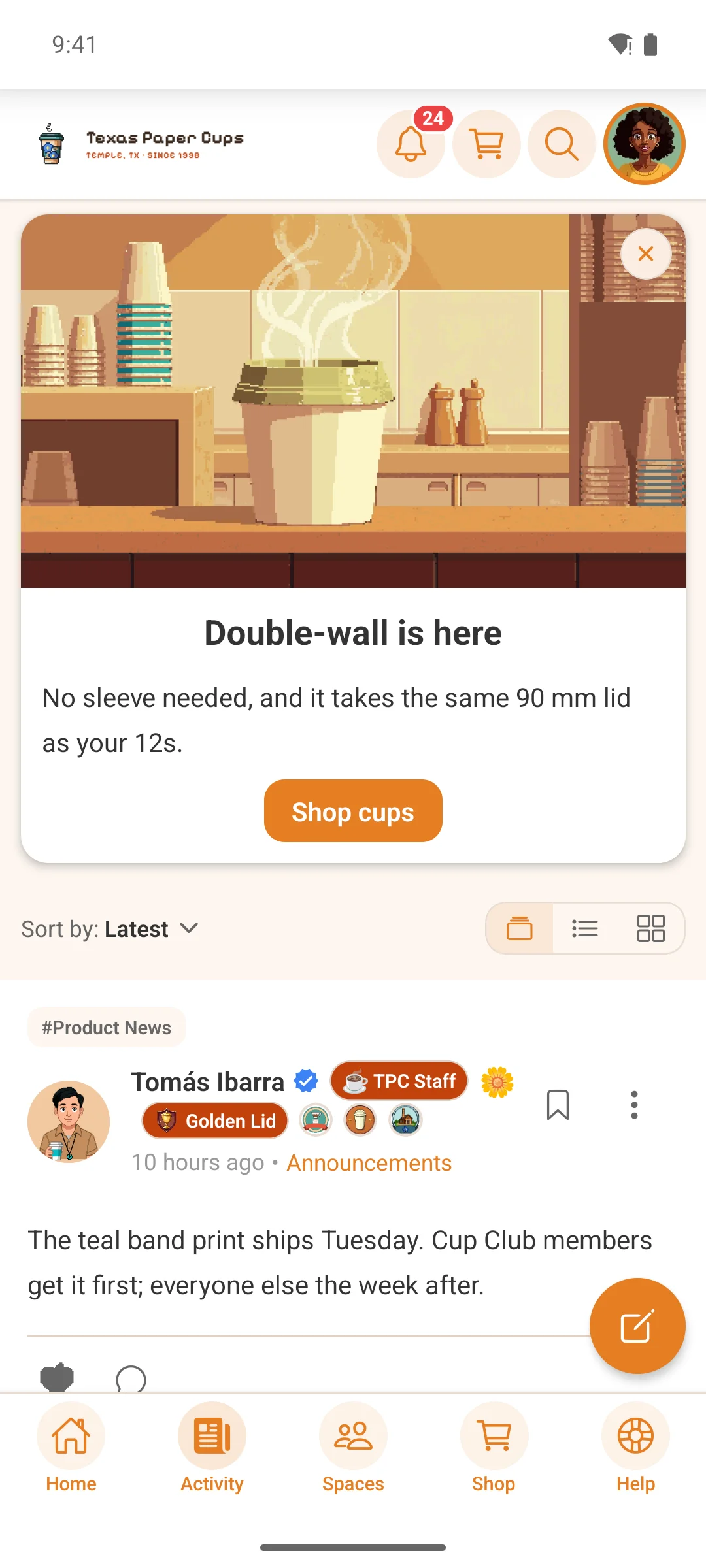
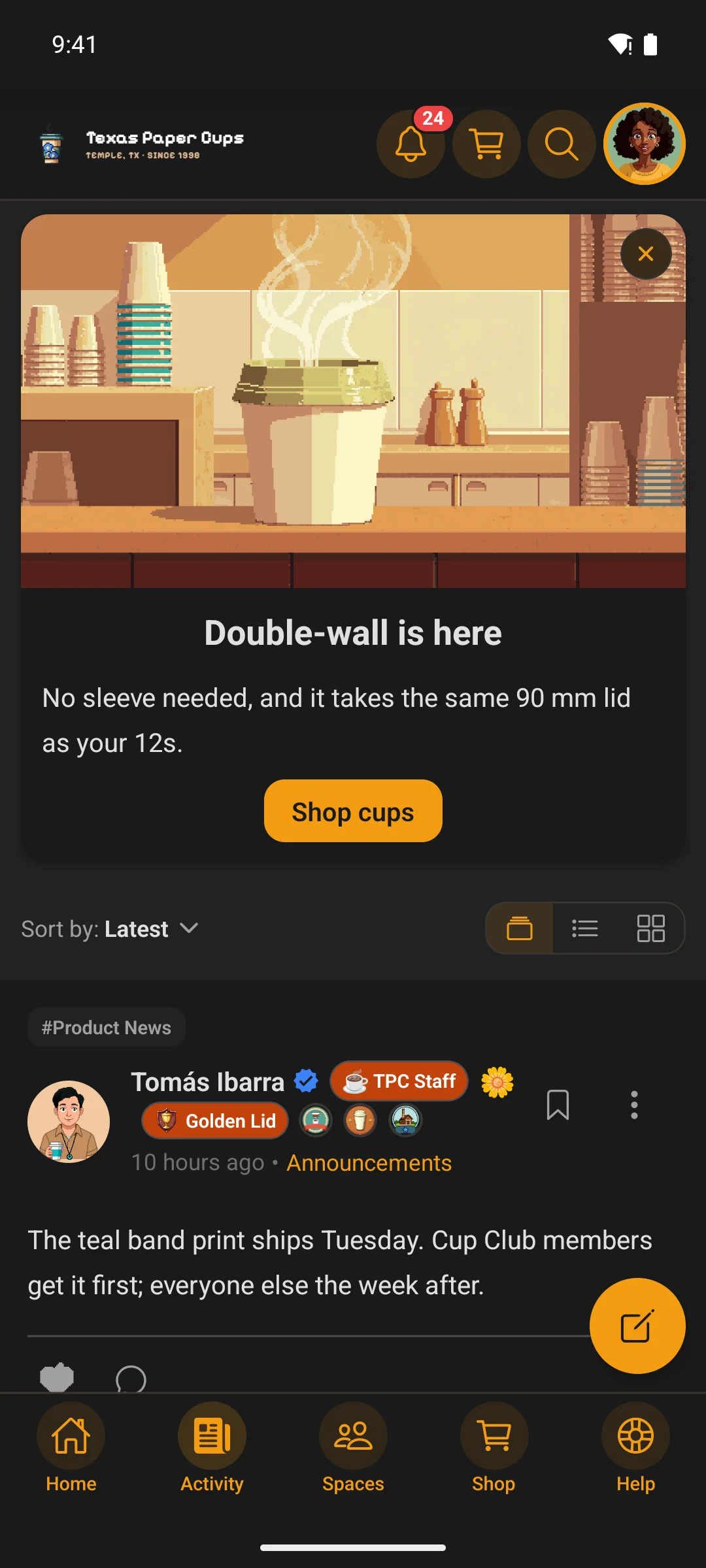
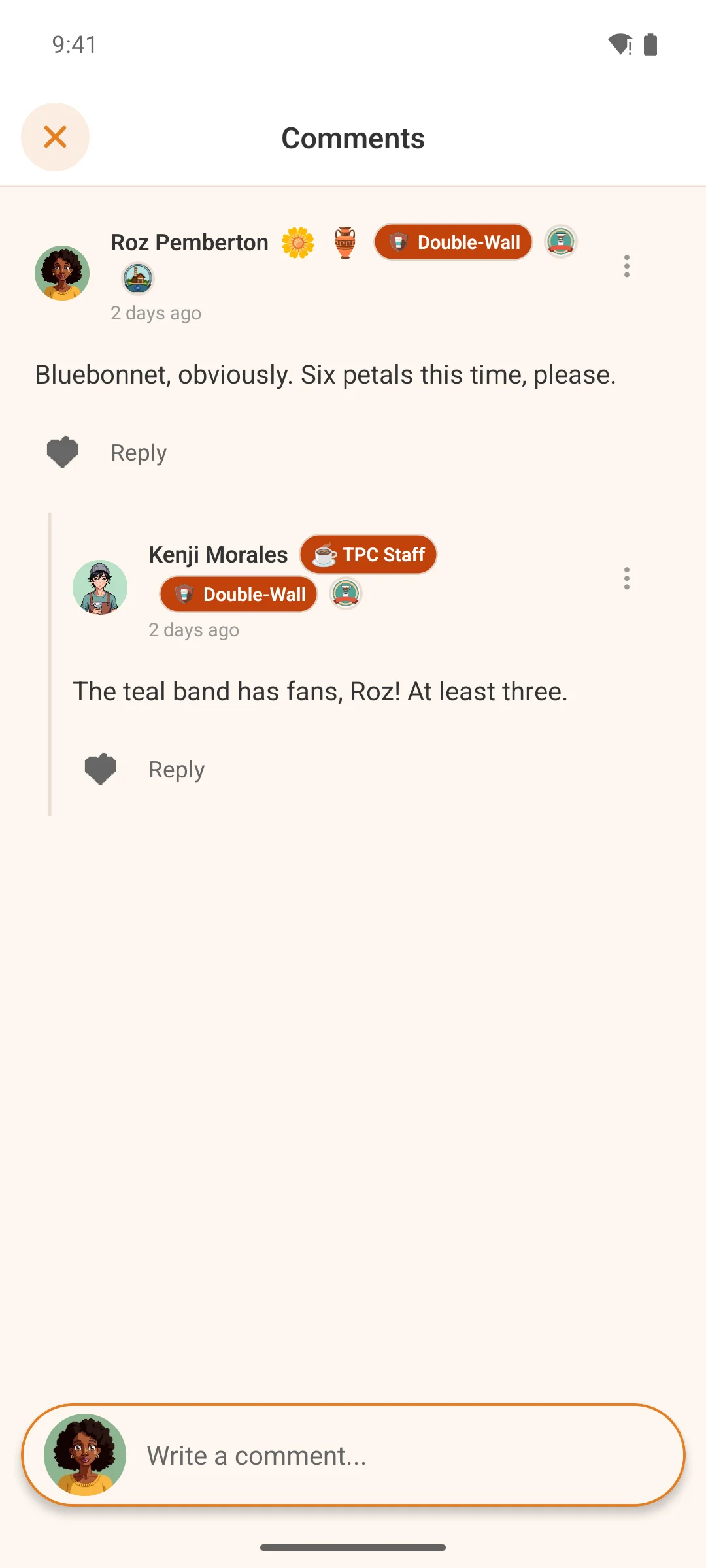
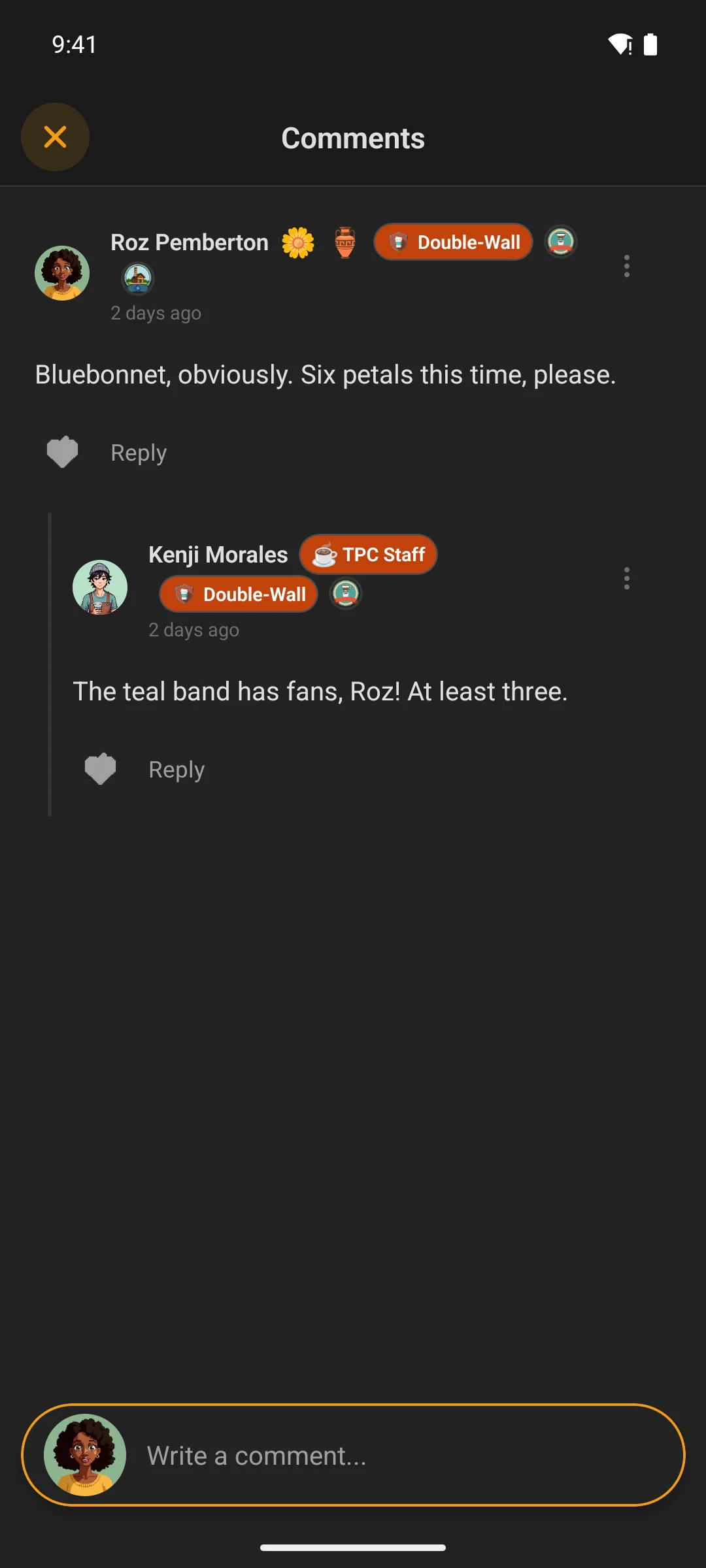
Posts, comments, nested replies, media, bookmarks, reactions. Admins can pin important posts to the top of any space.
- The UI responds the instant you tap — no waiting for the server to confirm before your reaction lands
- Pull down to refresh; new posts, comments and reactions load instantly
- It opens on what they saw last, kept on the phone, and refreshes underneath — a weak connection gets the community, not a spinner
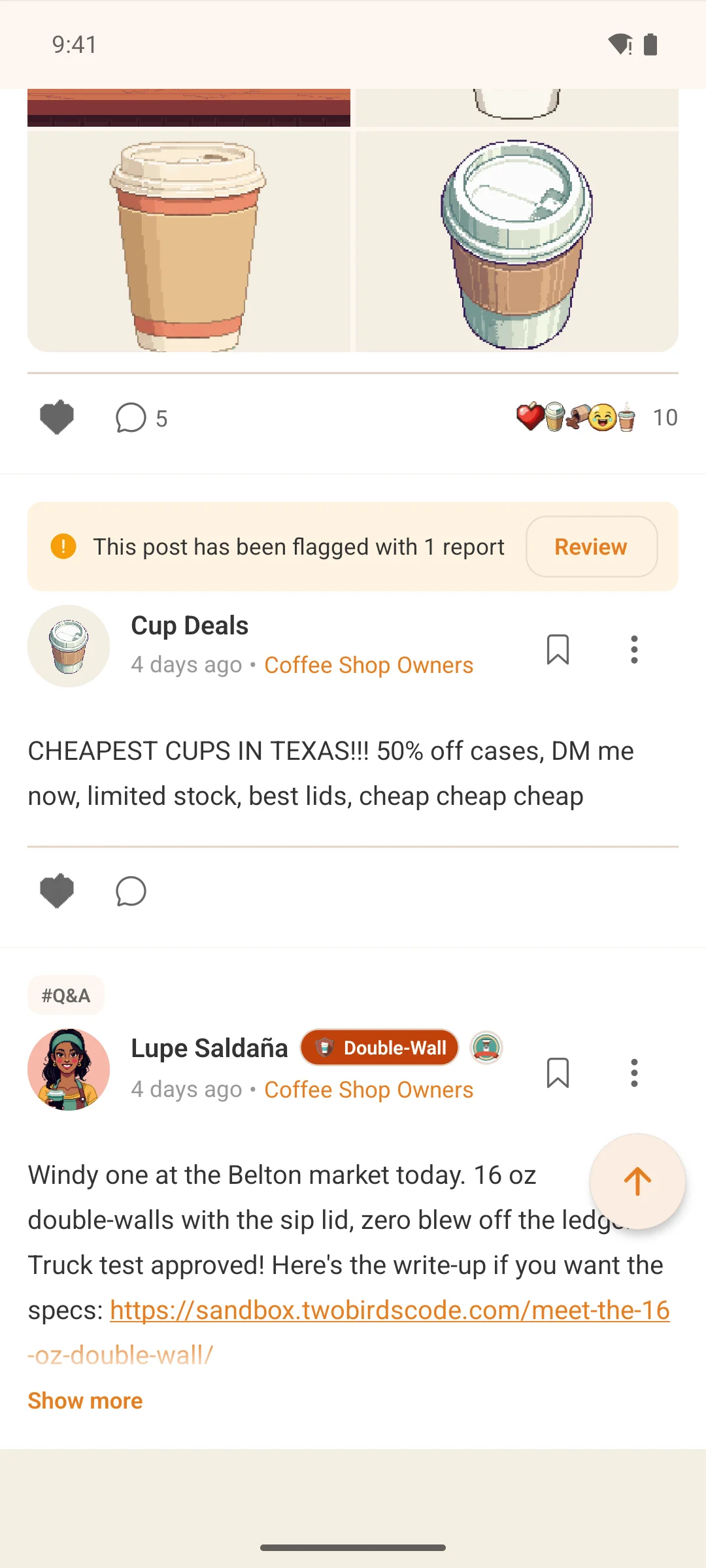
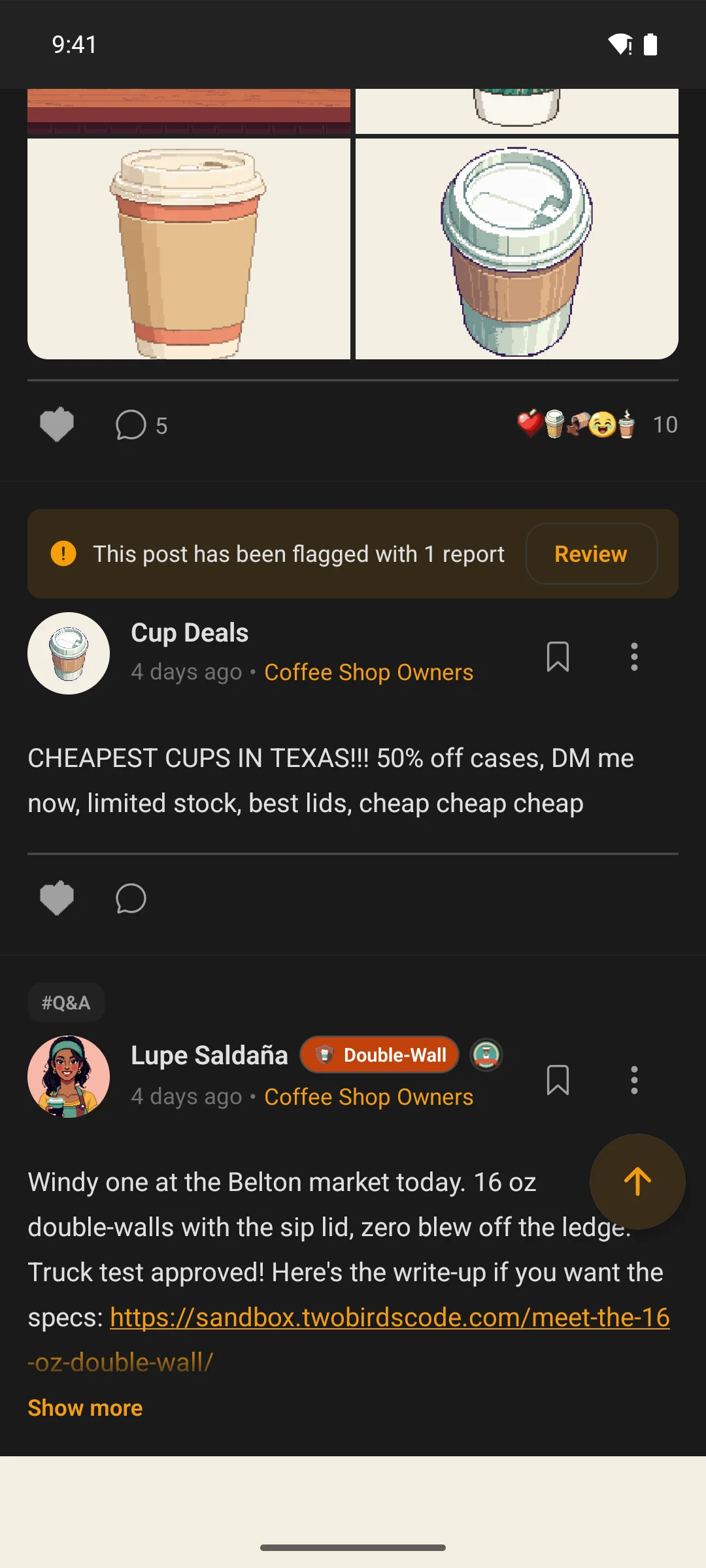
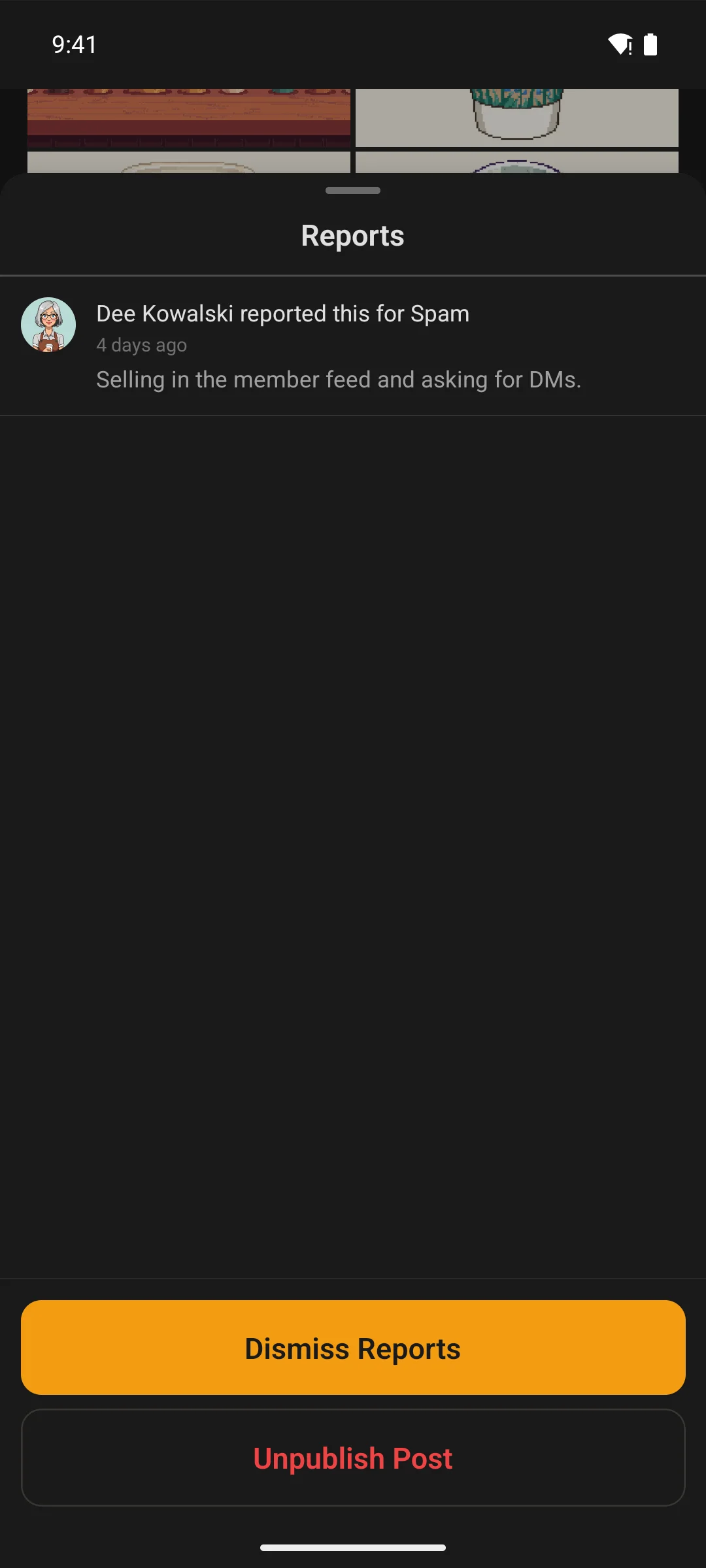
- A flagged post wears a banner for the people who moderate it: read the reports, then dismiss, unpublish or approve, without leaving the feed
Posting
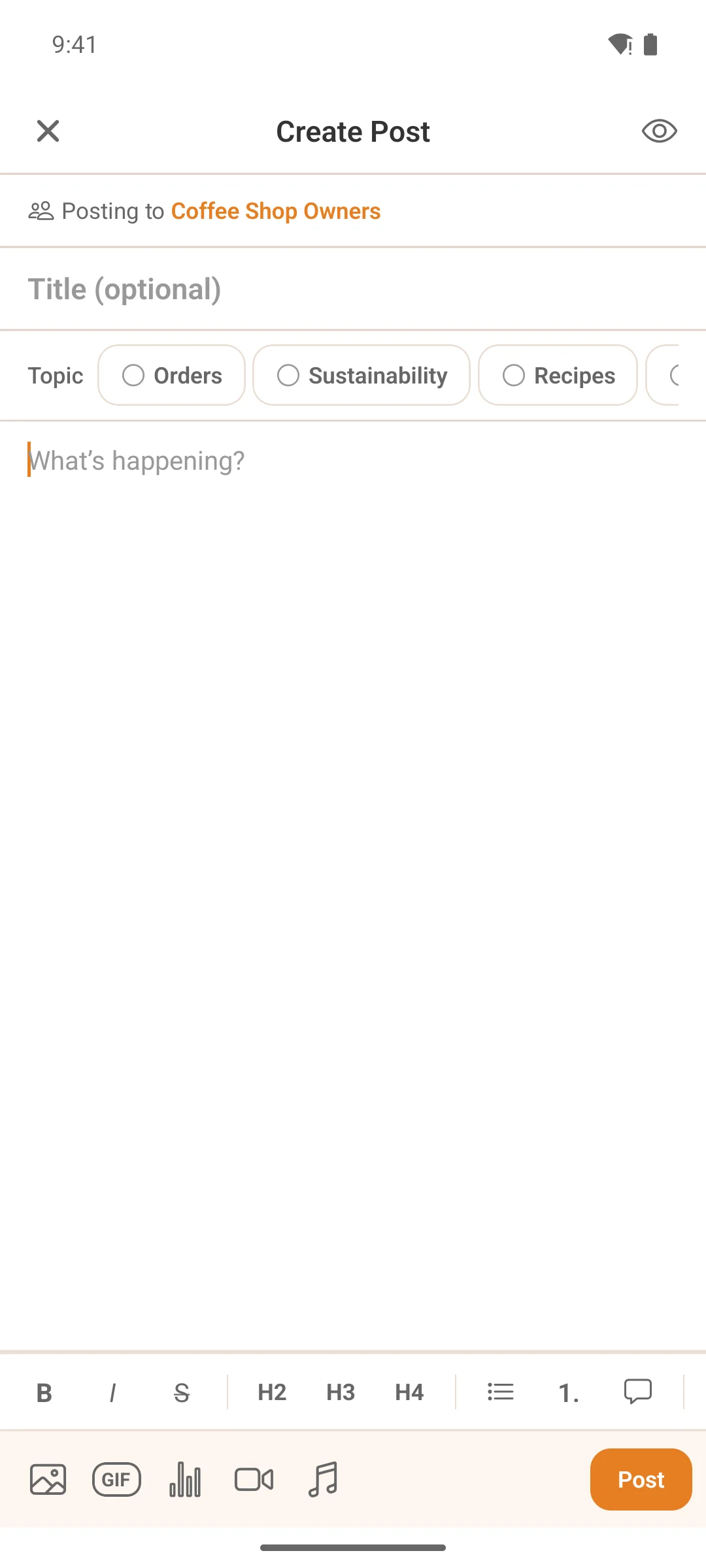
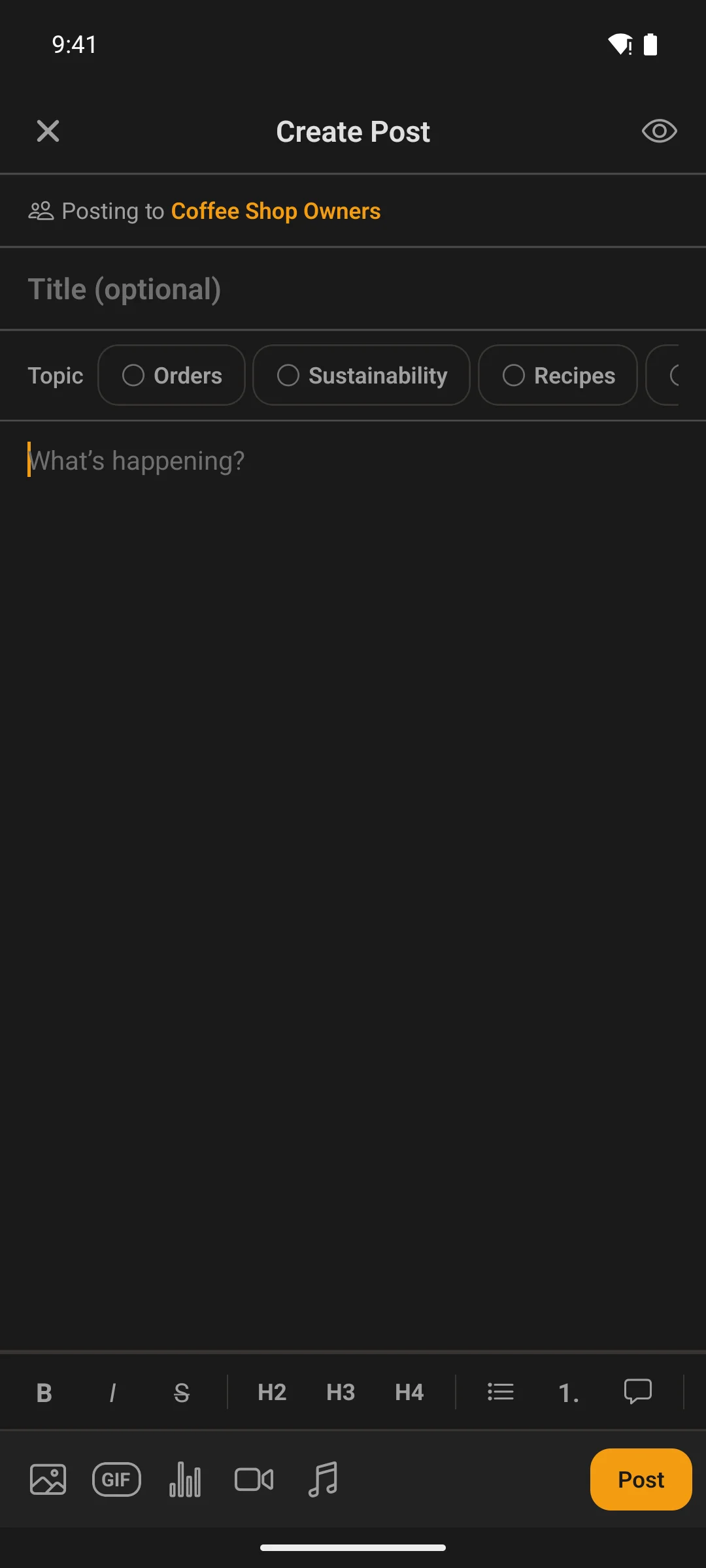
A full composer, not a text box
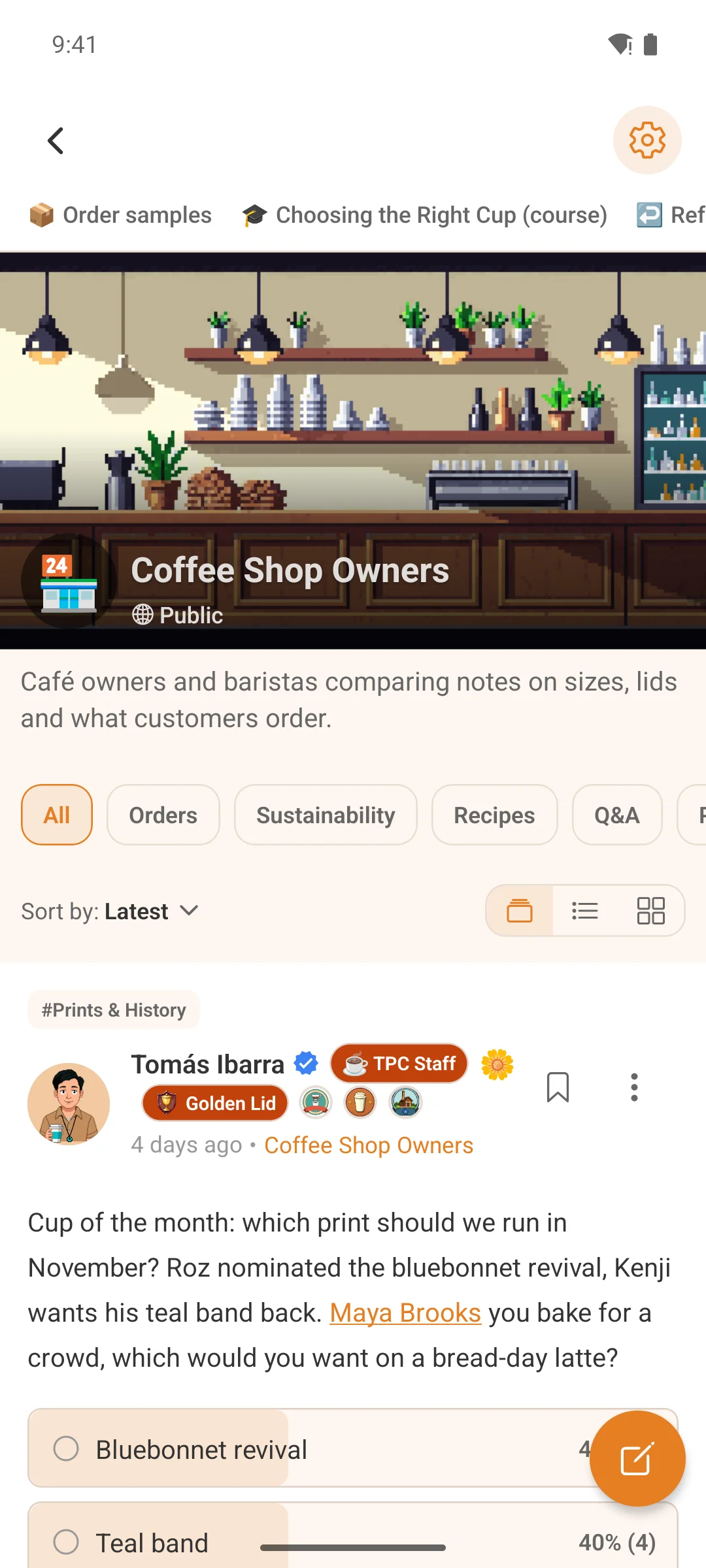
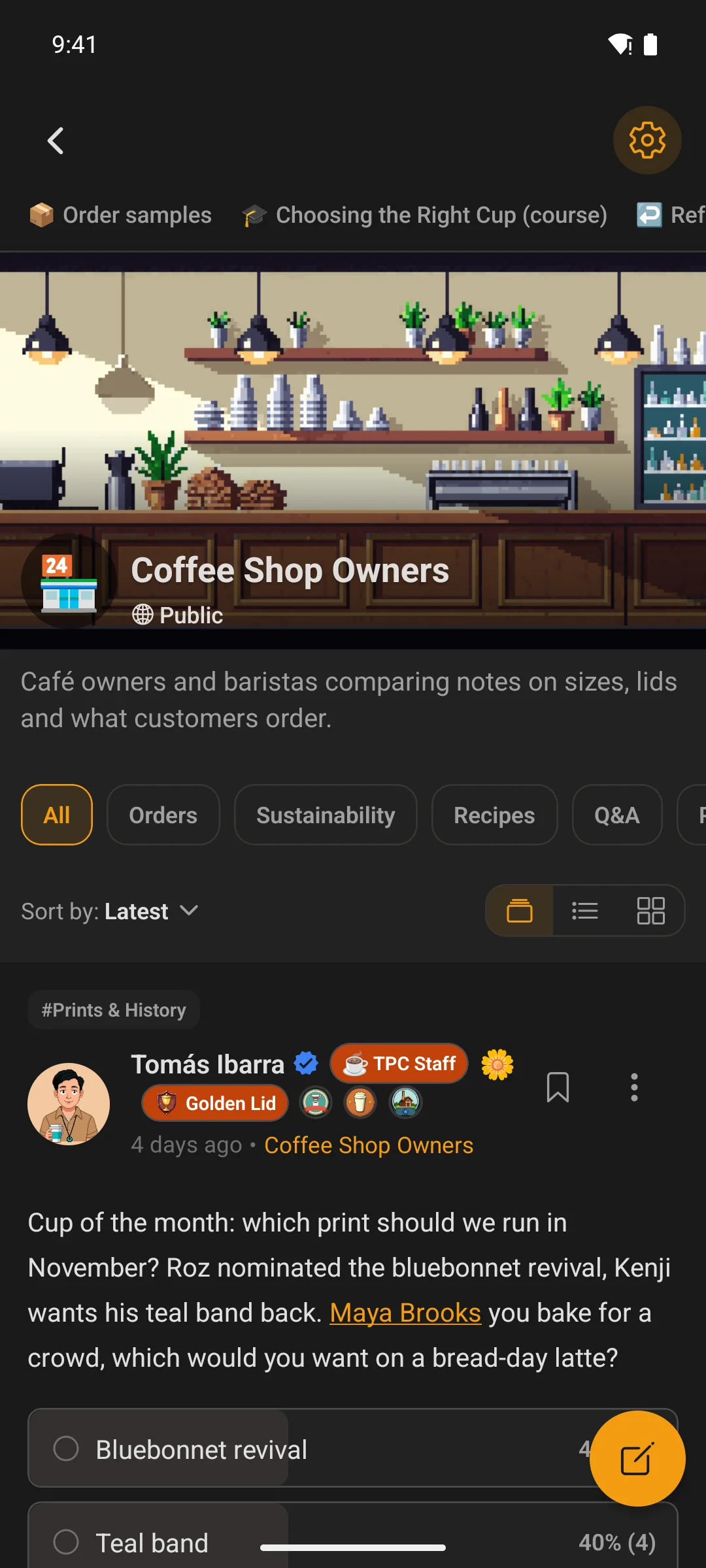
Photos, video, audio and documents, GIFs, polls and @mentions, with formatting and a preview before it goes out. The space it goes to is picked in the composer itself.
- Pick how a post starts: a docked pill across the feed, a floating button, or a box at the top of the list — set for the community, and members can switch it themselves when you allow it
- Paste a YouTube or Vimeo link, or upload a video from the phone when your site runs Fluent Player
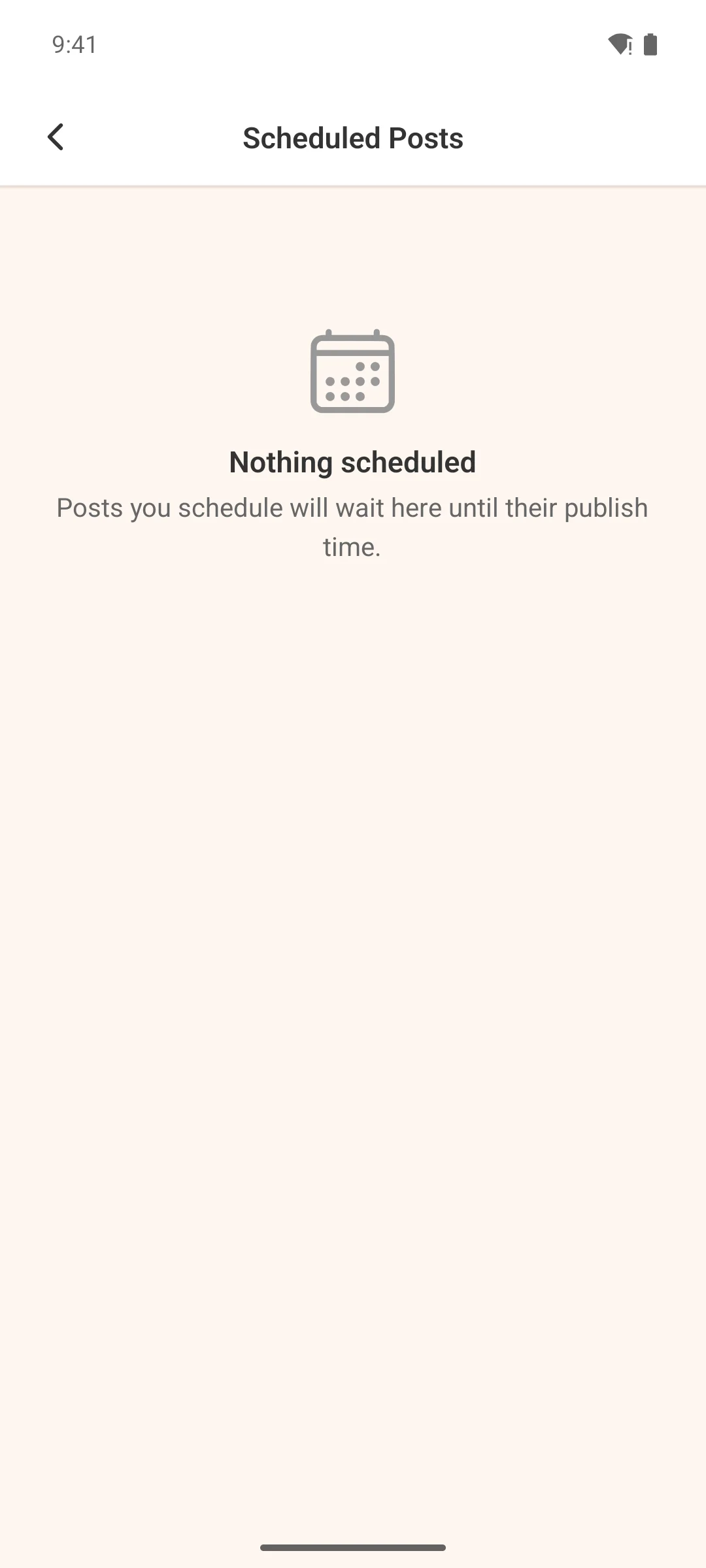
- Schedule a post for later where your site allows it; scheduled posts wait in Settings until they publish
- The draft saves as they type
Real-time messaging
Messages that arrive while you watch
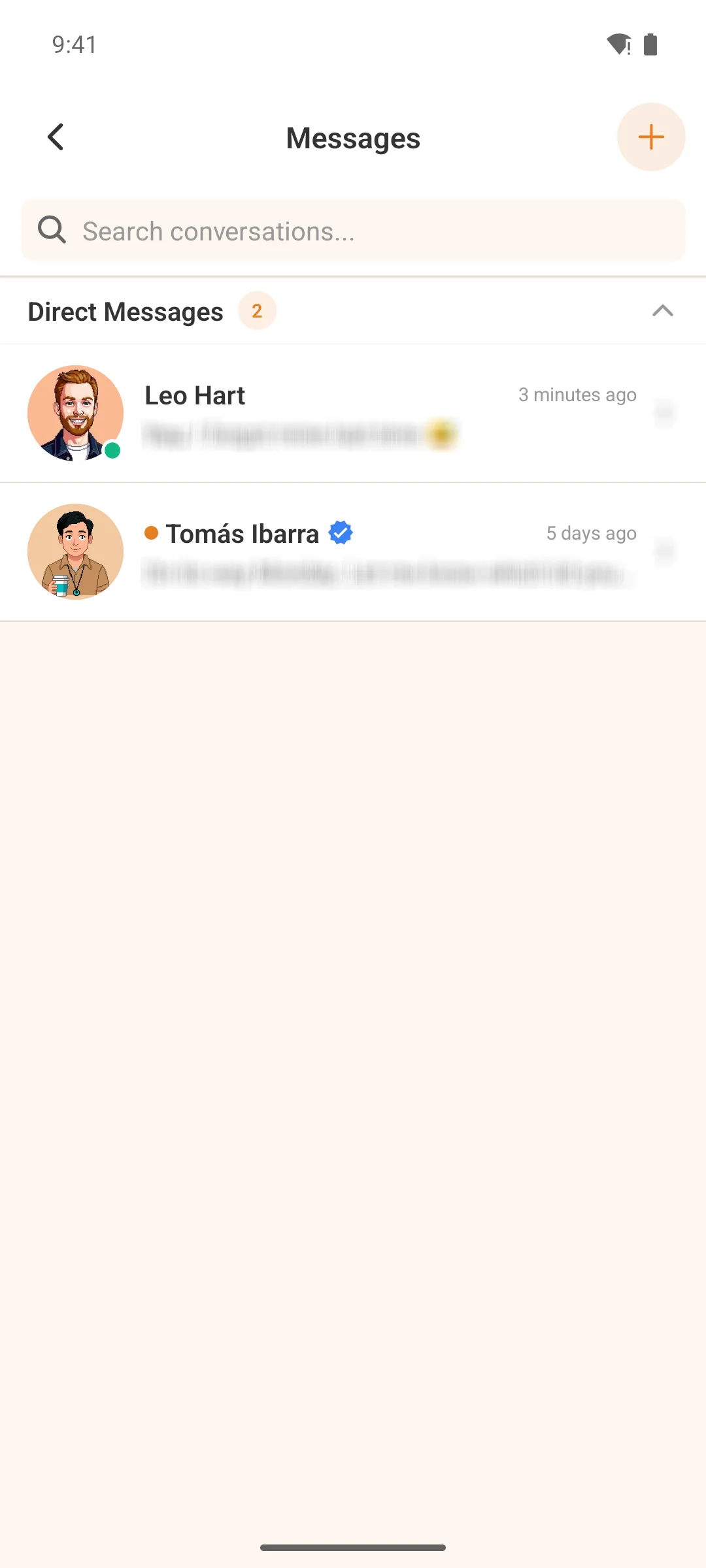
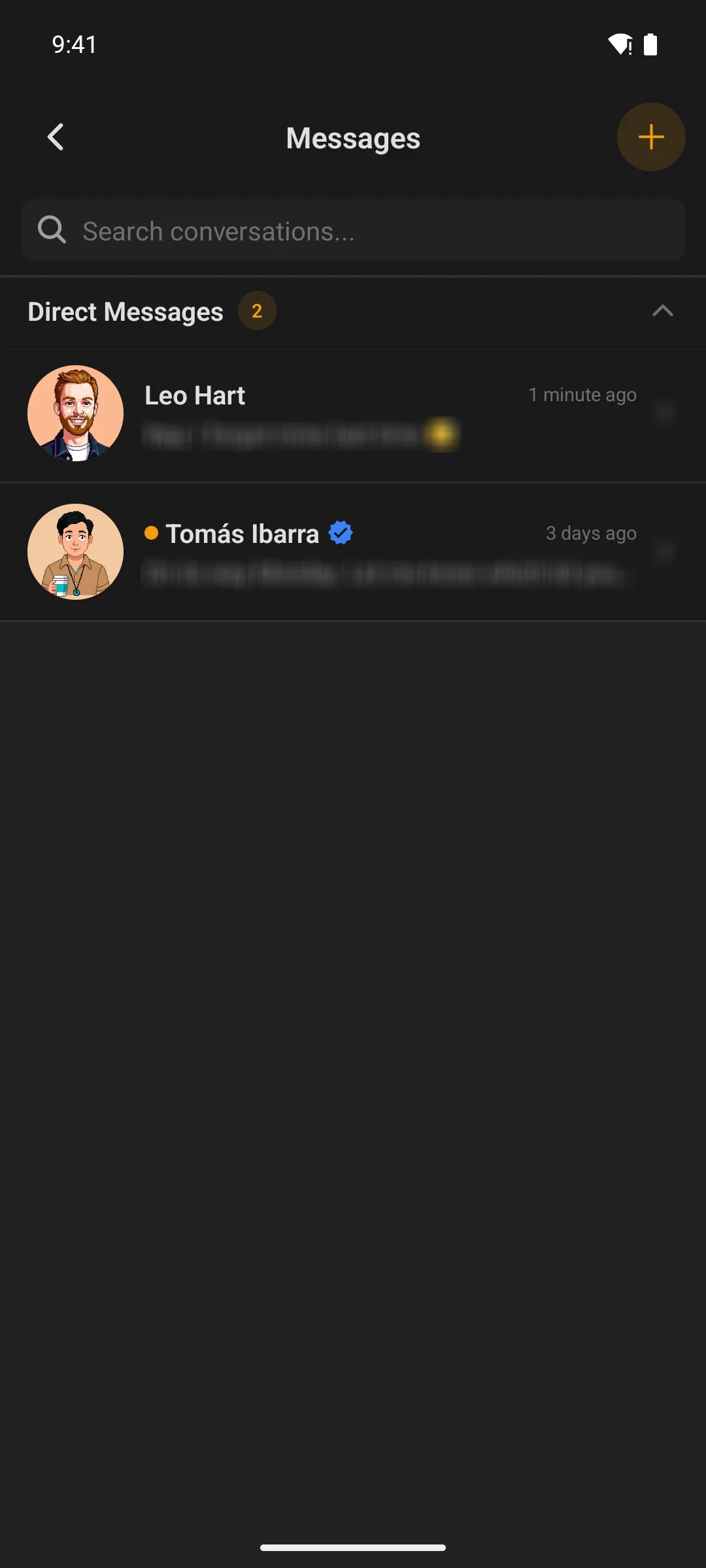
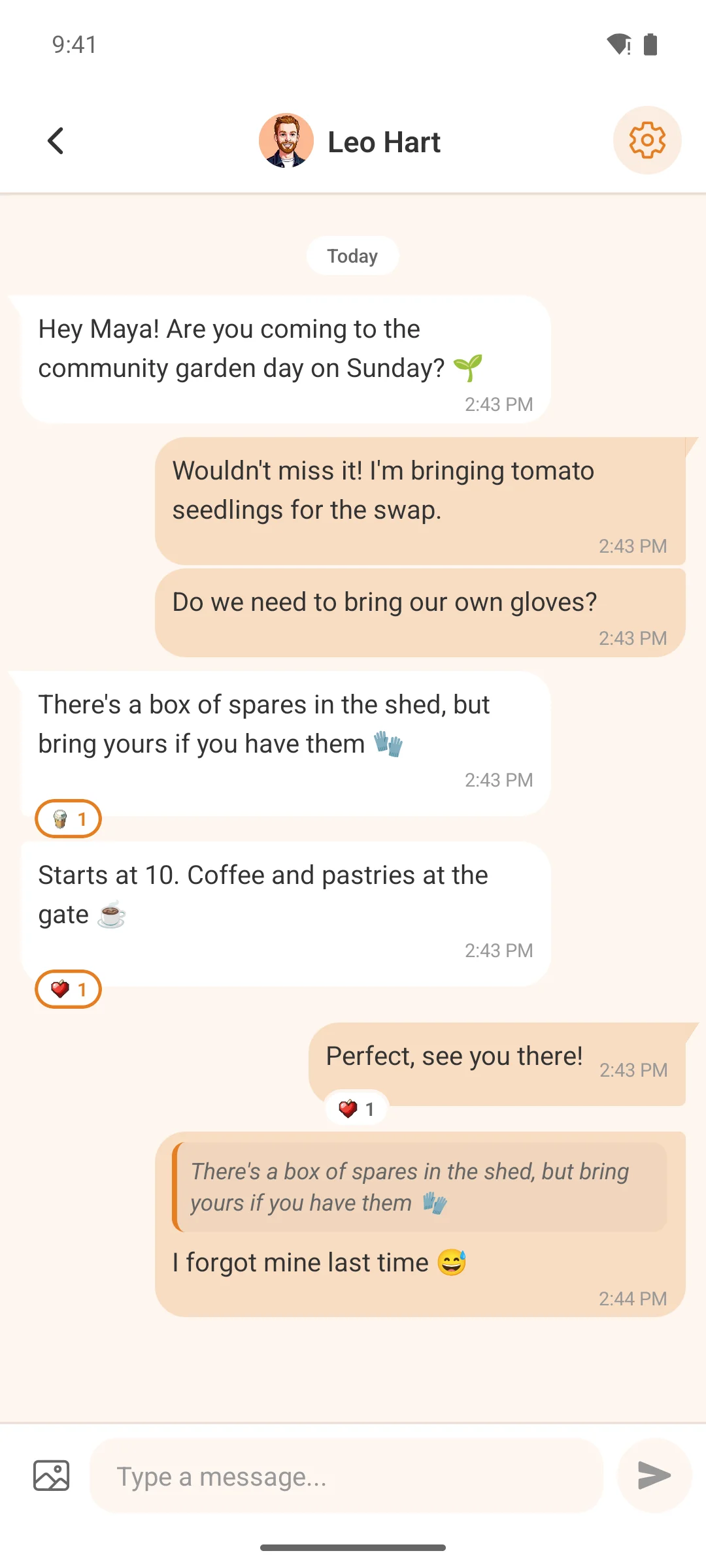
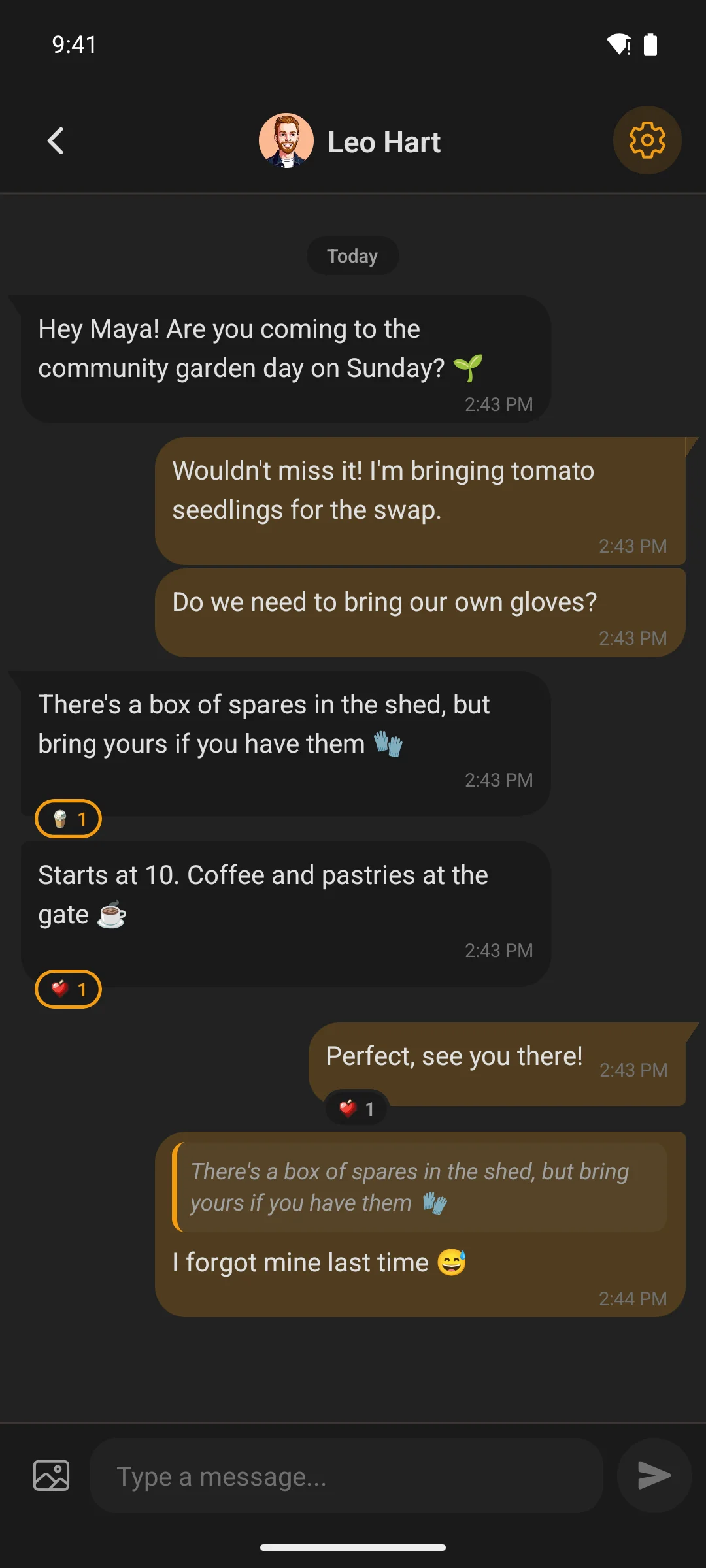
Direct messaging powered by Fluent Messaging. Messages deliver instantly over WebSocket — reactions, image attachments, reply quotes. Tap a notification and land directly in the conversation.
- Unread counts on the tab bar, in sync across the app
- If the connection drops it falls back to checking on a timer, so messages slow down rather than stop
- On a tablet, the conversation list and the conversation sit side by side
- Block or unblock anyone; delete messages or whole threads
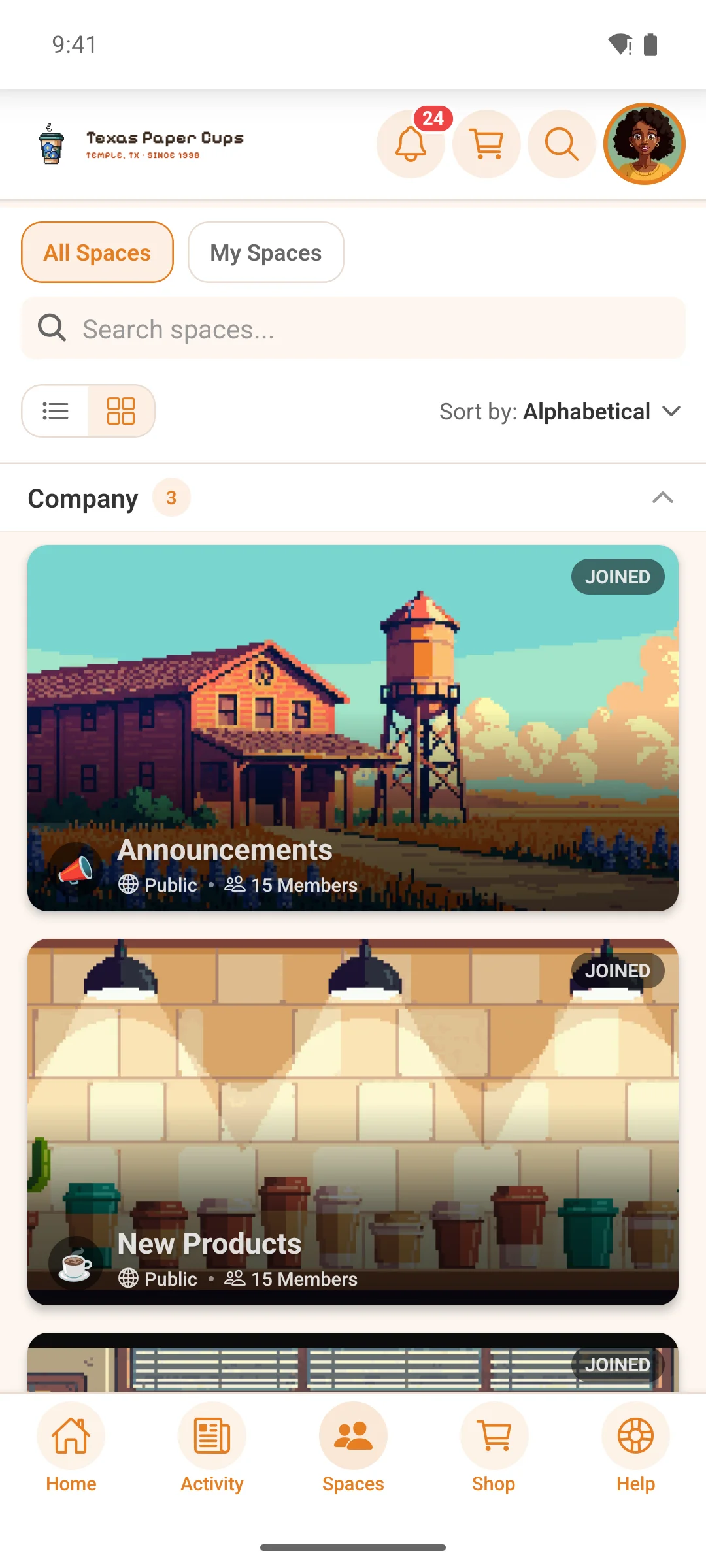
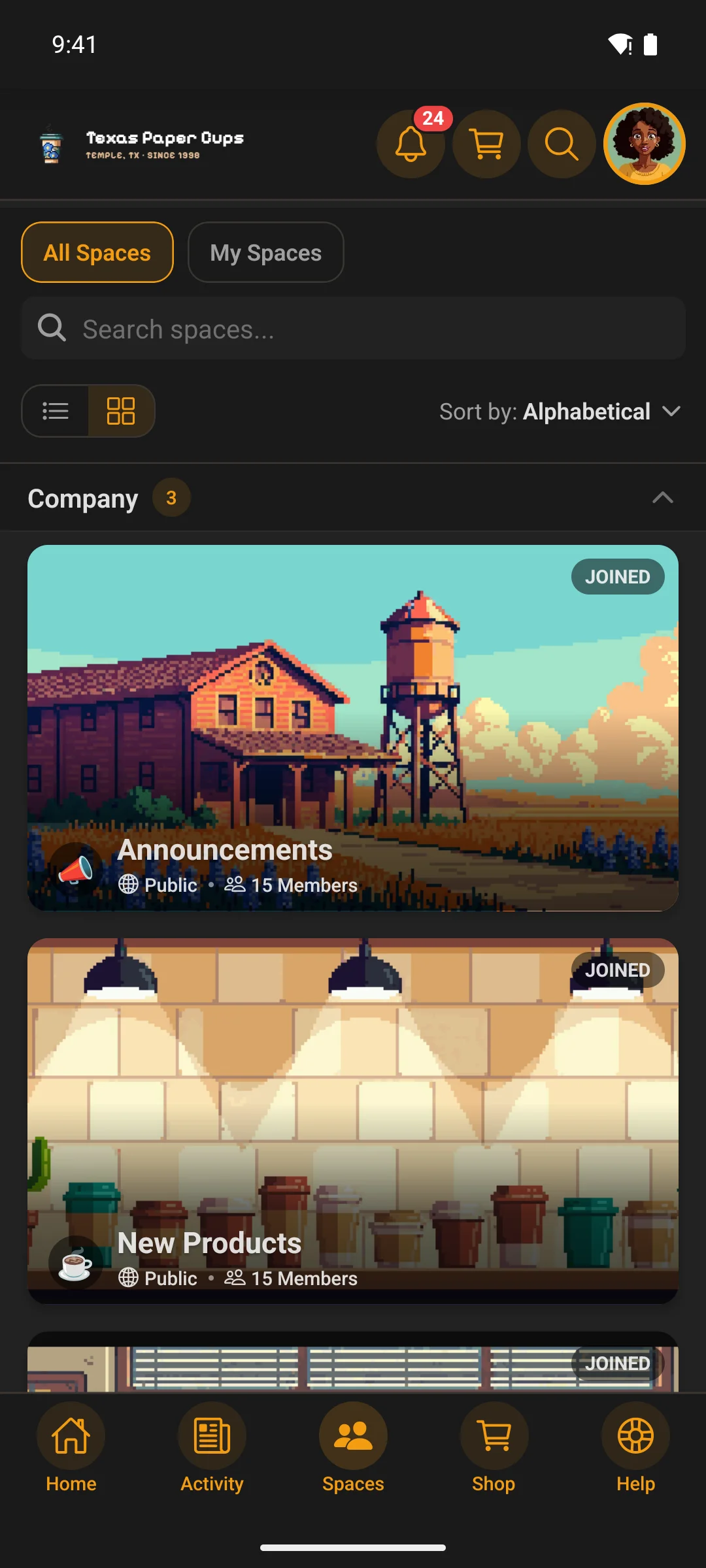
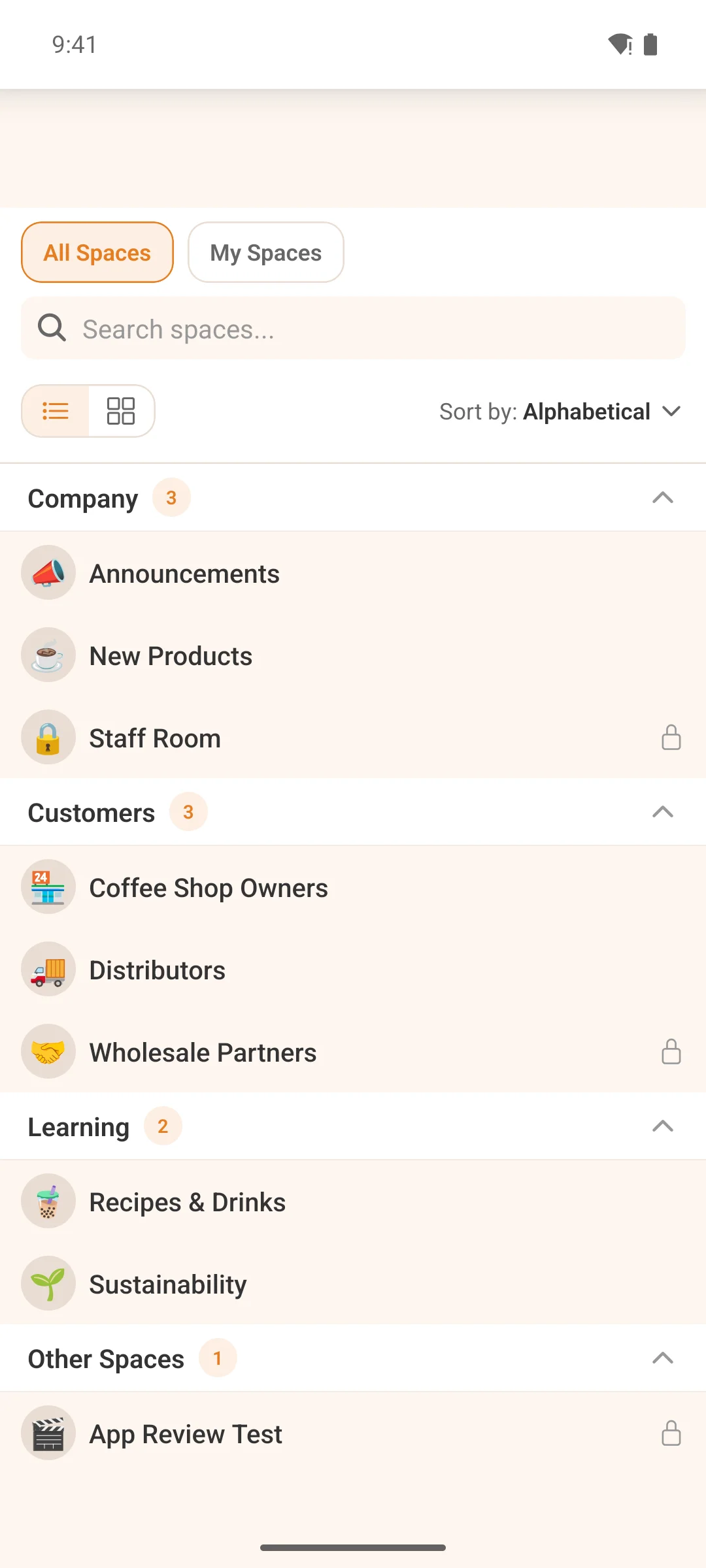
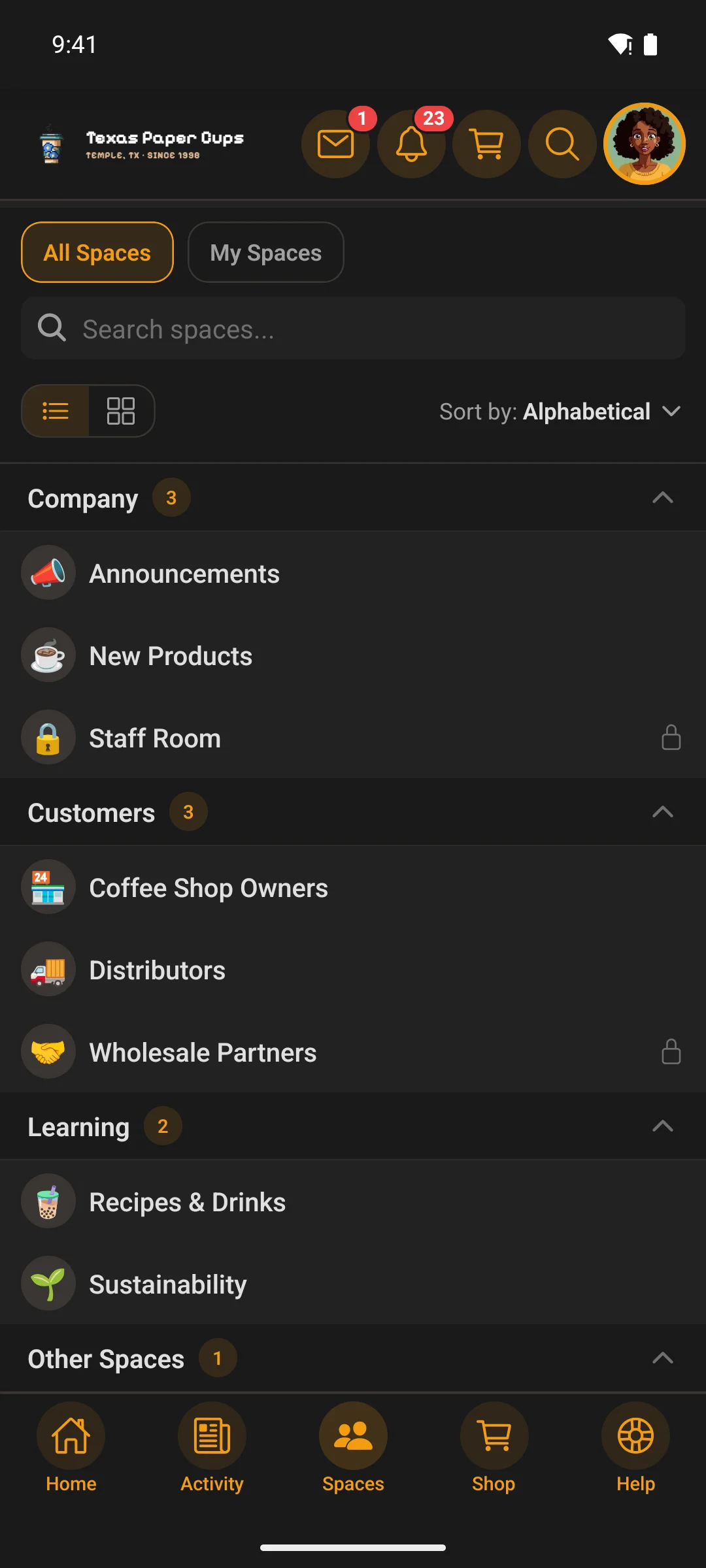
Spaces
Public, private and secret — each with its own rules
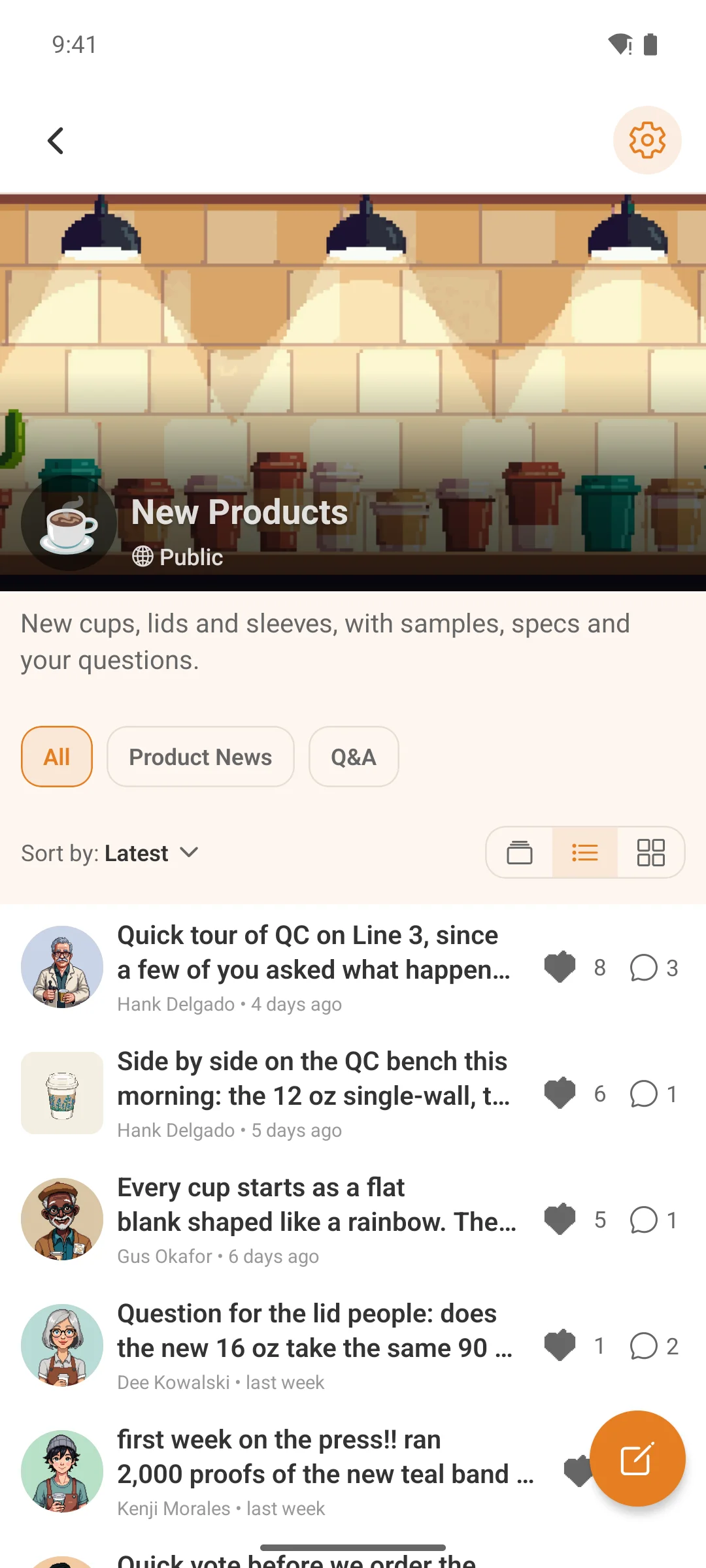
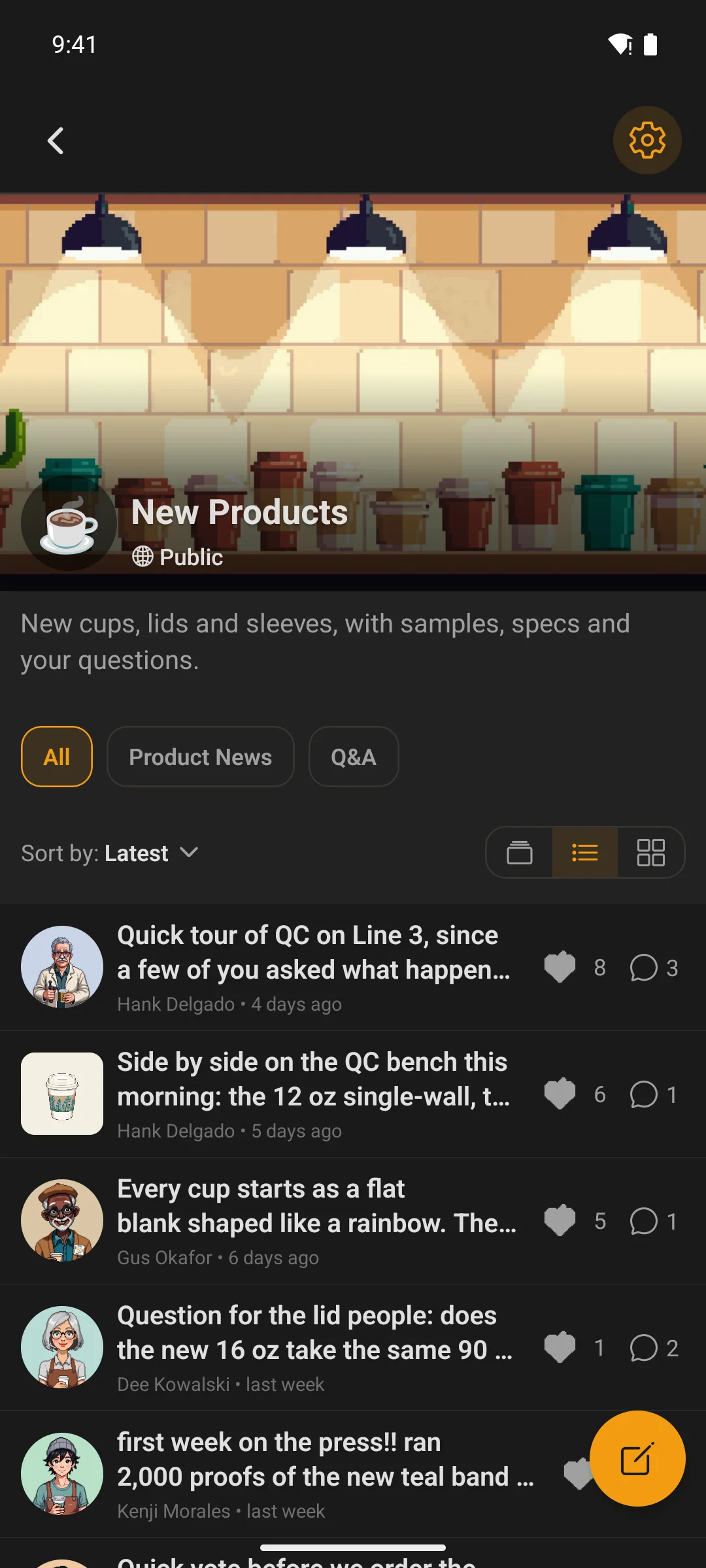
Each space has its own feed, member list and permissions. Private spaces show a lock screen until approved. Secret spaces don’t show up at all unless you’re invited.
- Space groups organize everything into collapsible sections
- A space’s documents, links and media each have a screen of their own
- Members browse, request to join and post; moderators review what gets flagged; space admins manage members and join requests, the space’s own menu, its links and its pages — from the app
Profiles
The whole member, not just a name
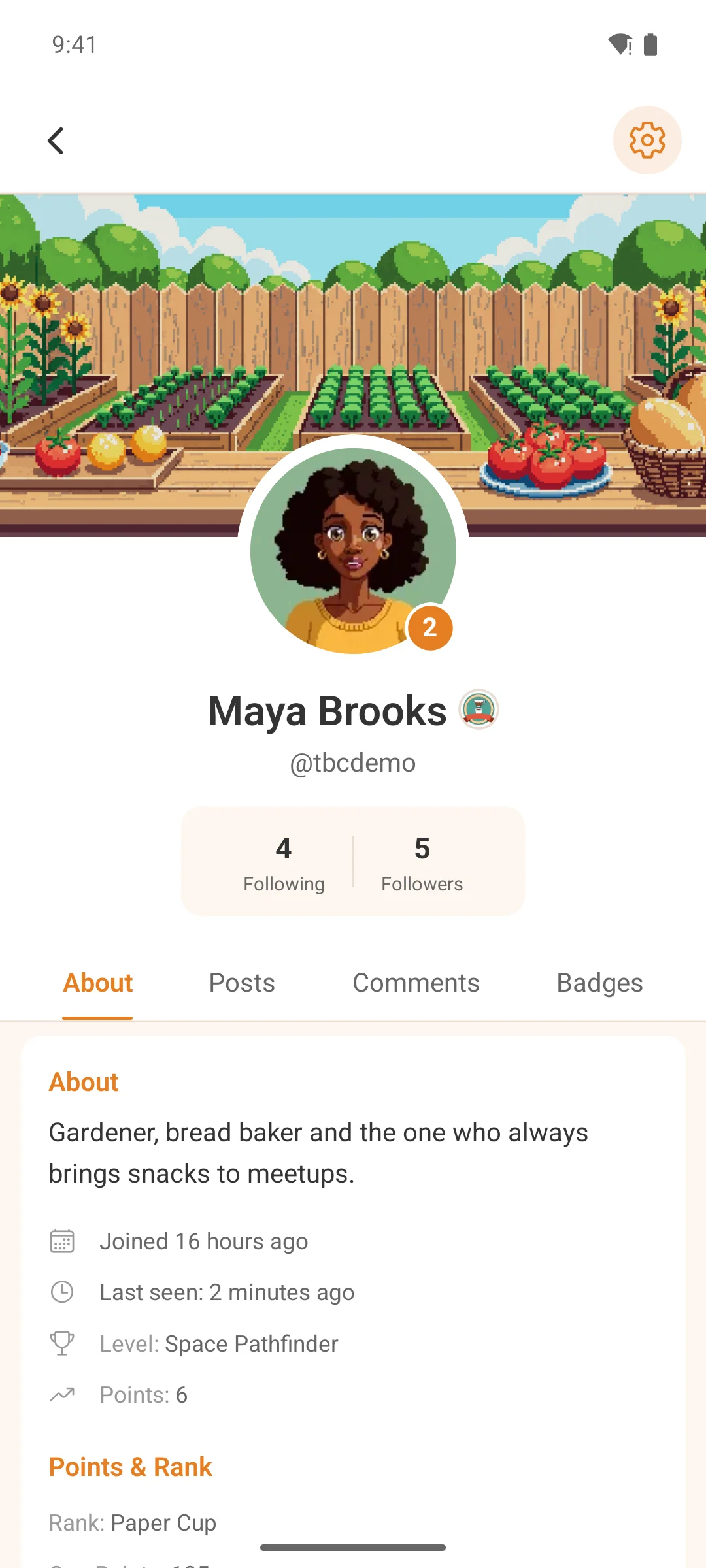
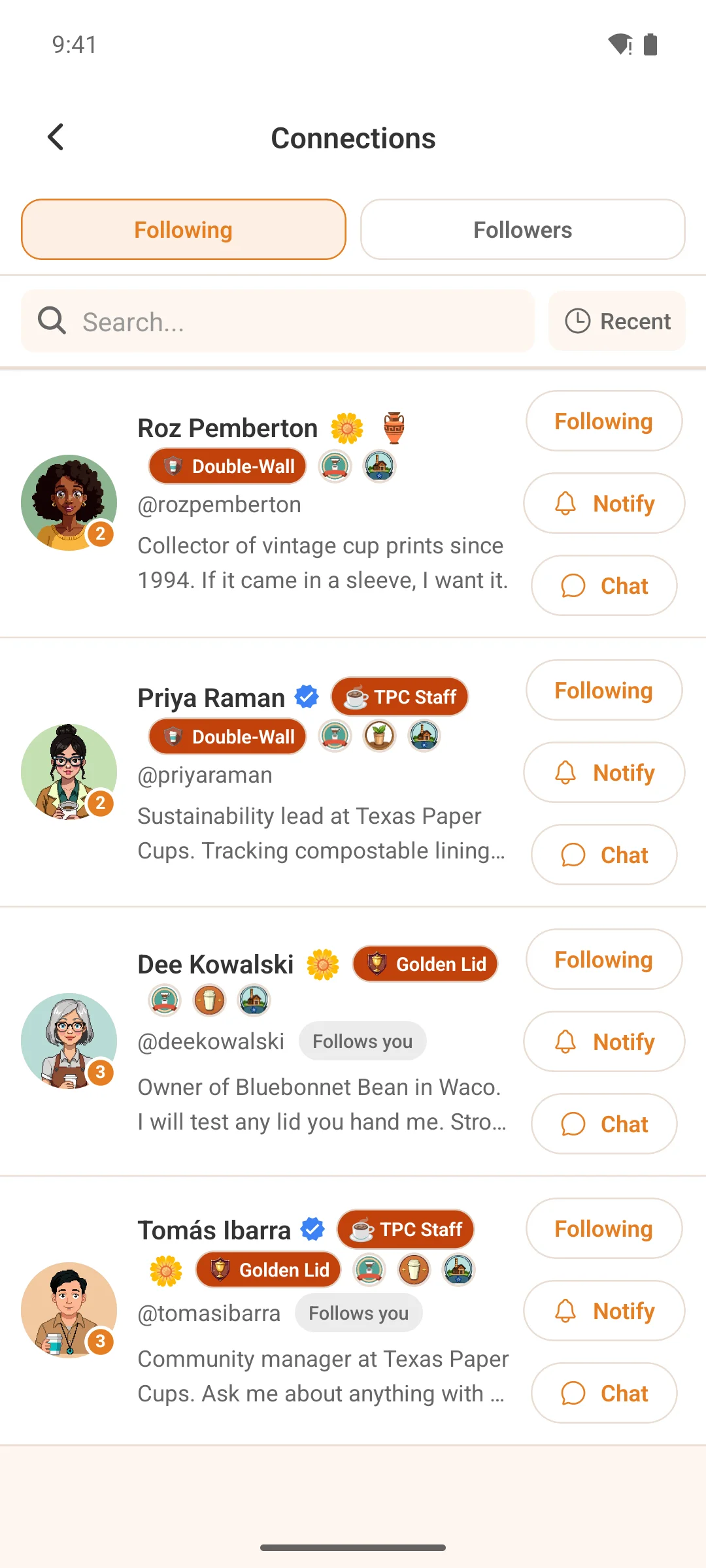
Avatars, cover photos, bios, badges and custom fields. Follow people, send a direct message, see their posts and activity — all from their profile.
- Members edit their own profile in the app
- Verified badges, role indicators and admin-assigned achievements display automatically
- Restricted profiles show only the About tab to non-connections
Push notifications
Native push, and members decide what pings them
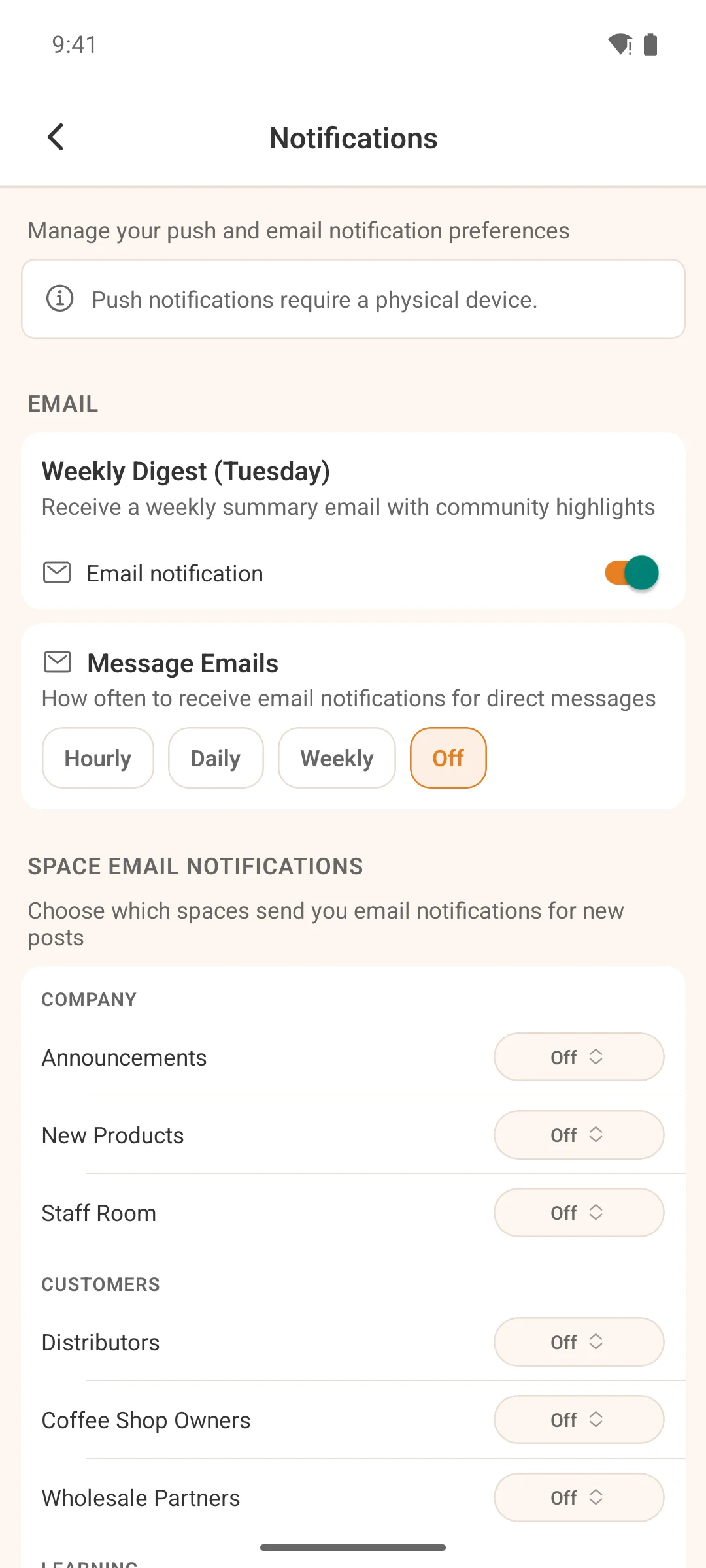
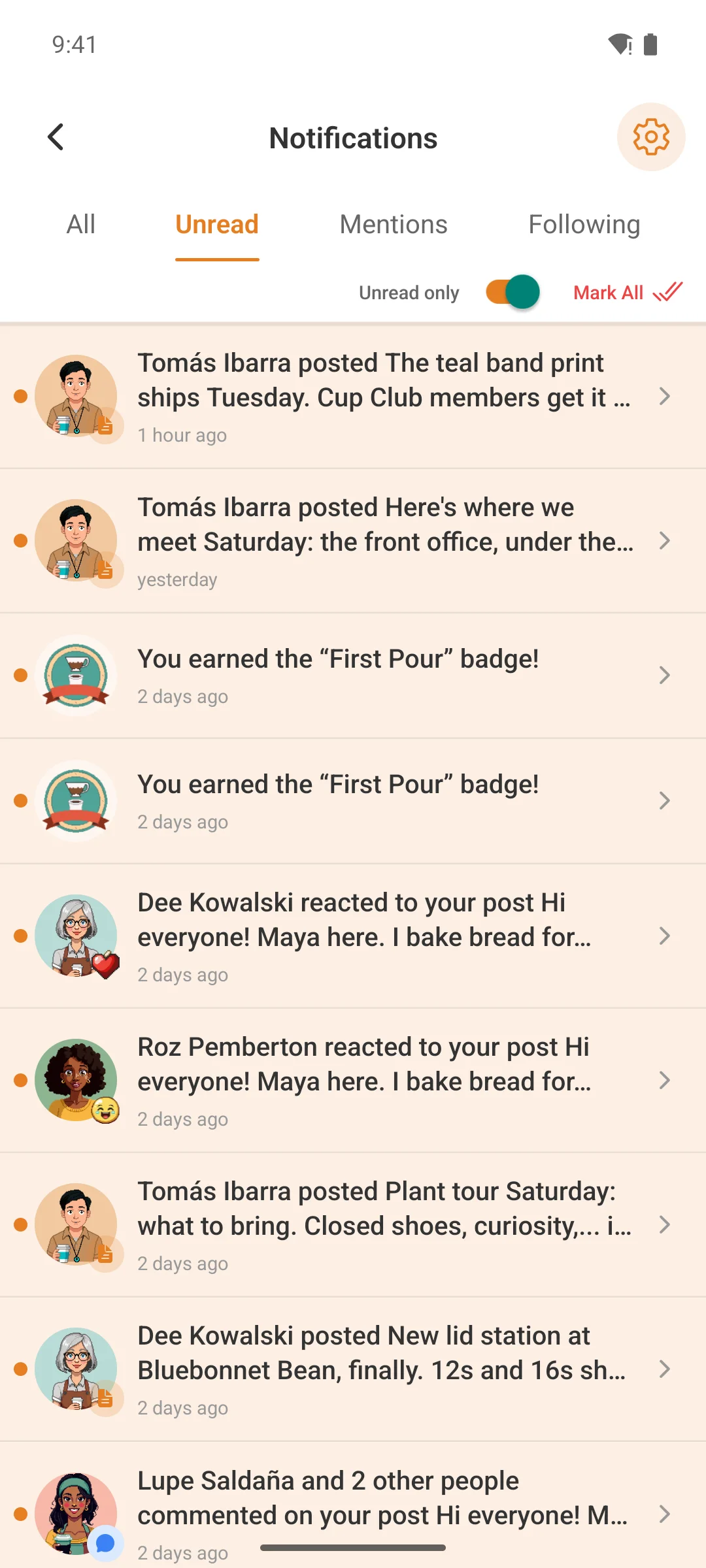
New direct messages, replies on your posts, mentions, reactions, activity in your spaces — through Apple and Google, with nothing extra to install. Tap a notification and land on the post, comment or conversation it was about, even when the app was closed.
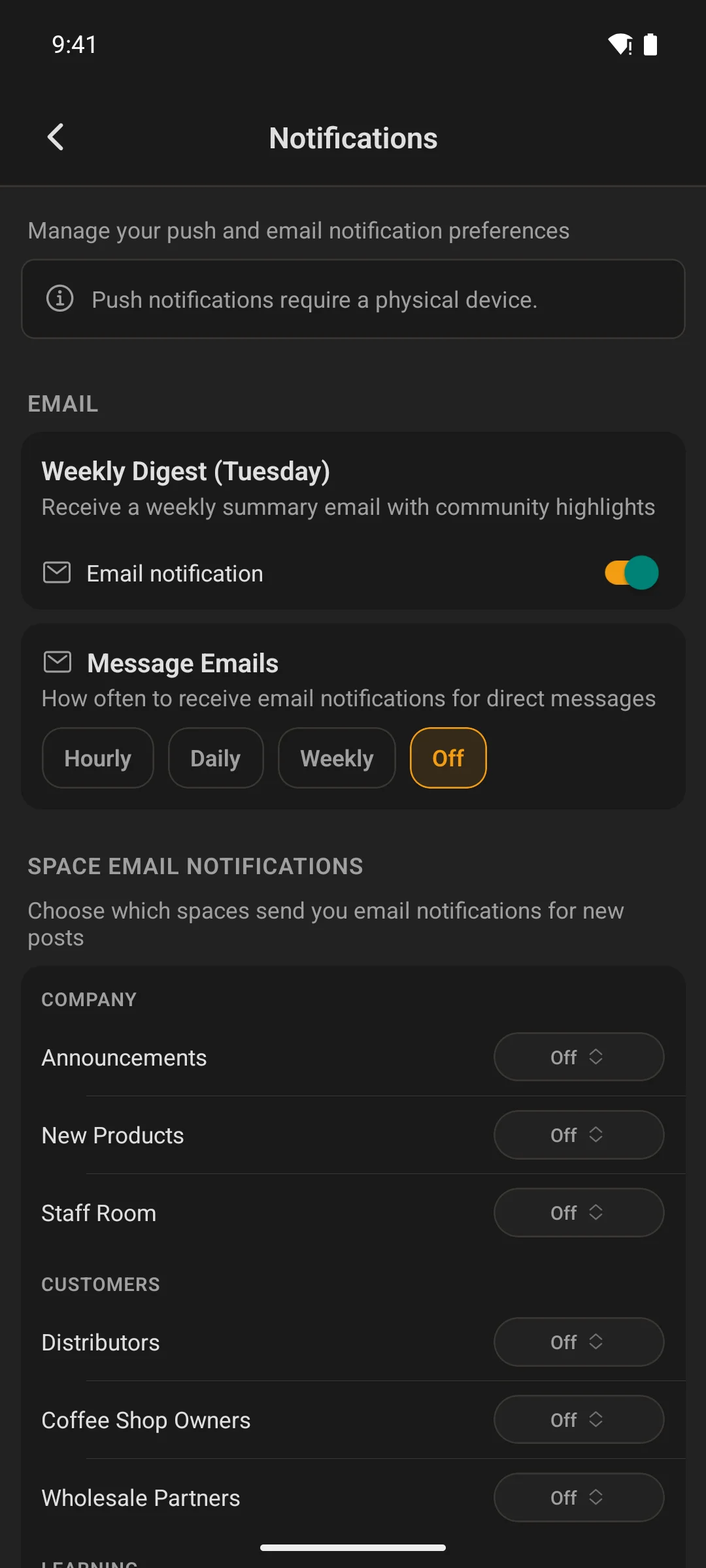
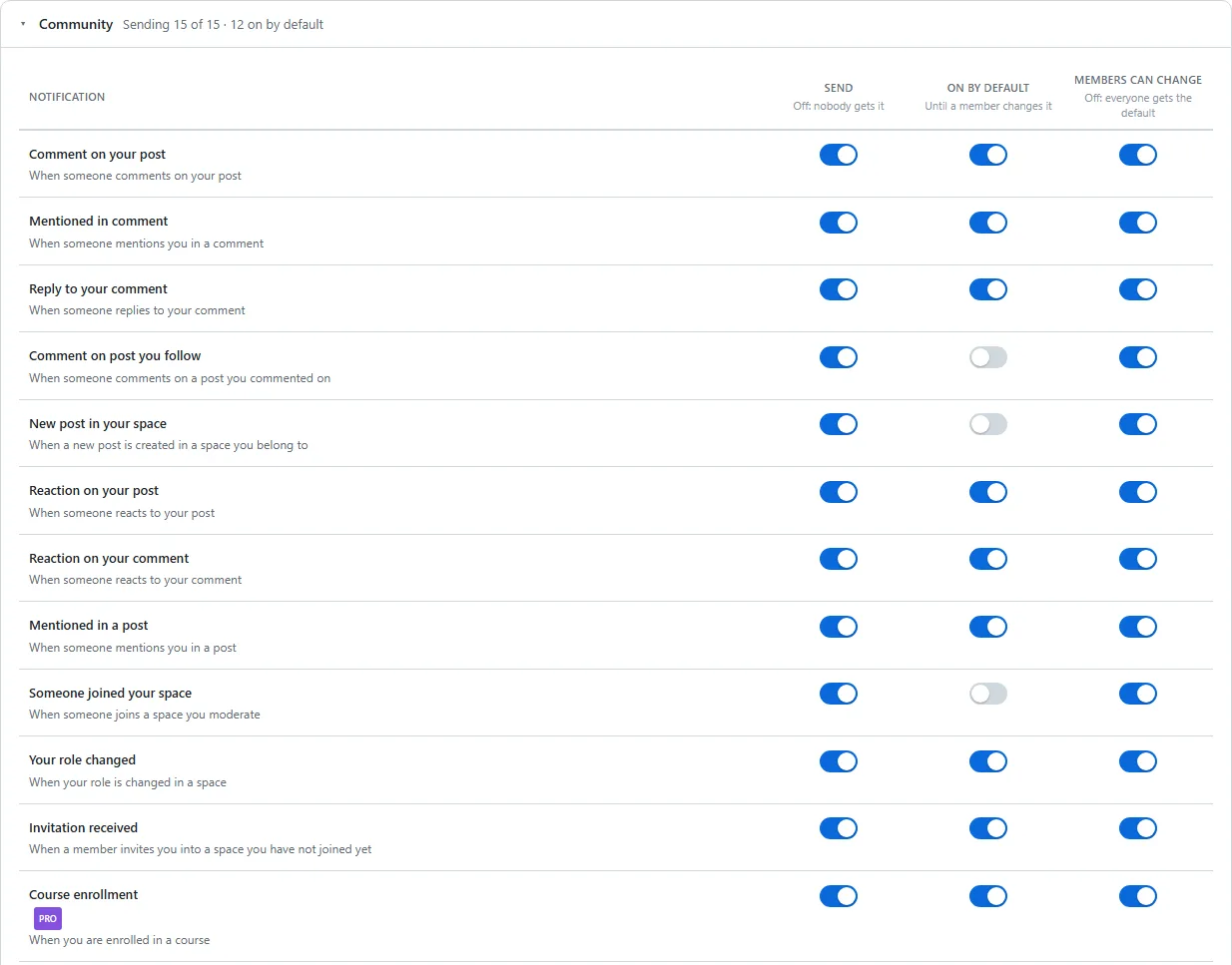
- Every notification type has its own toggle for push and email
- Per-space settings for the spaces they care more (or less) about
- Badge counts on the app icon stay in sync with what’s actually unread
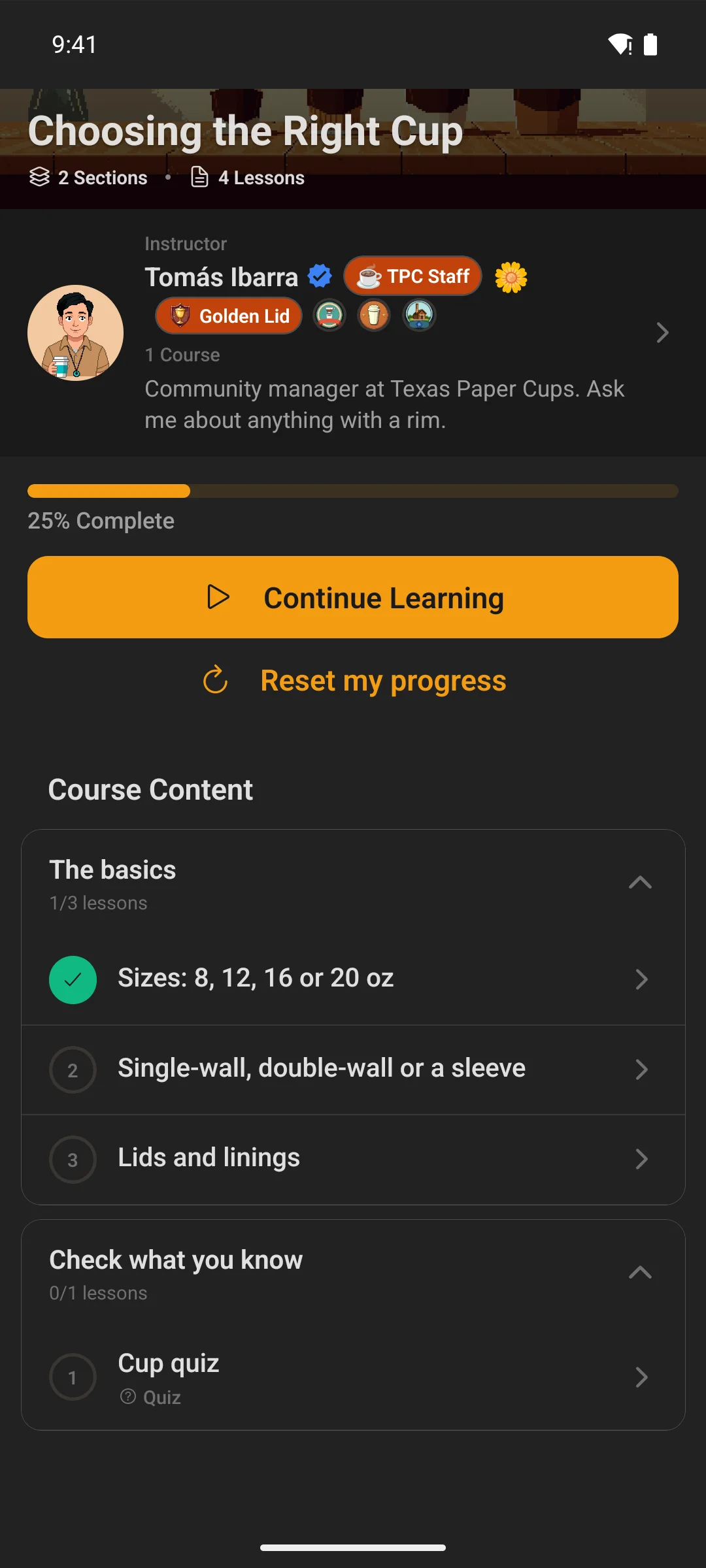
Courses
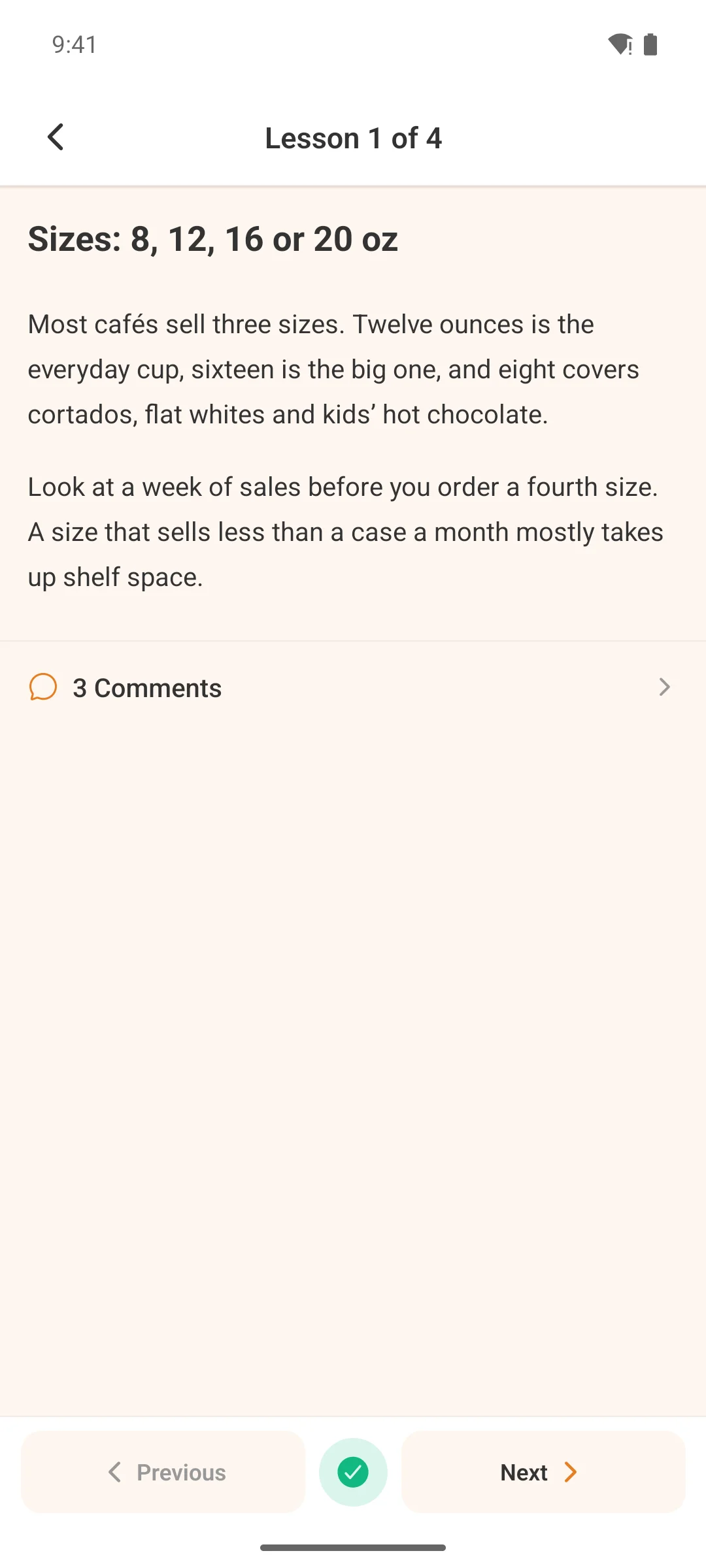
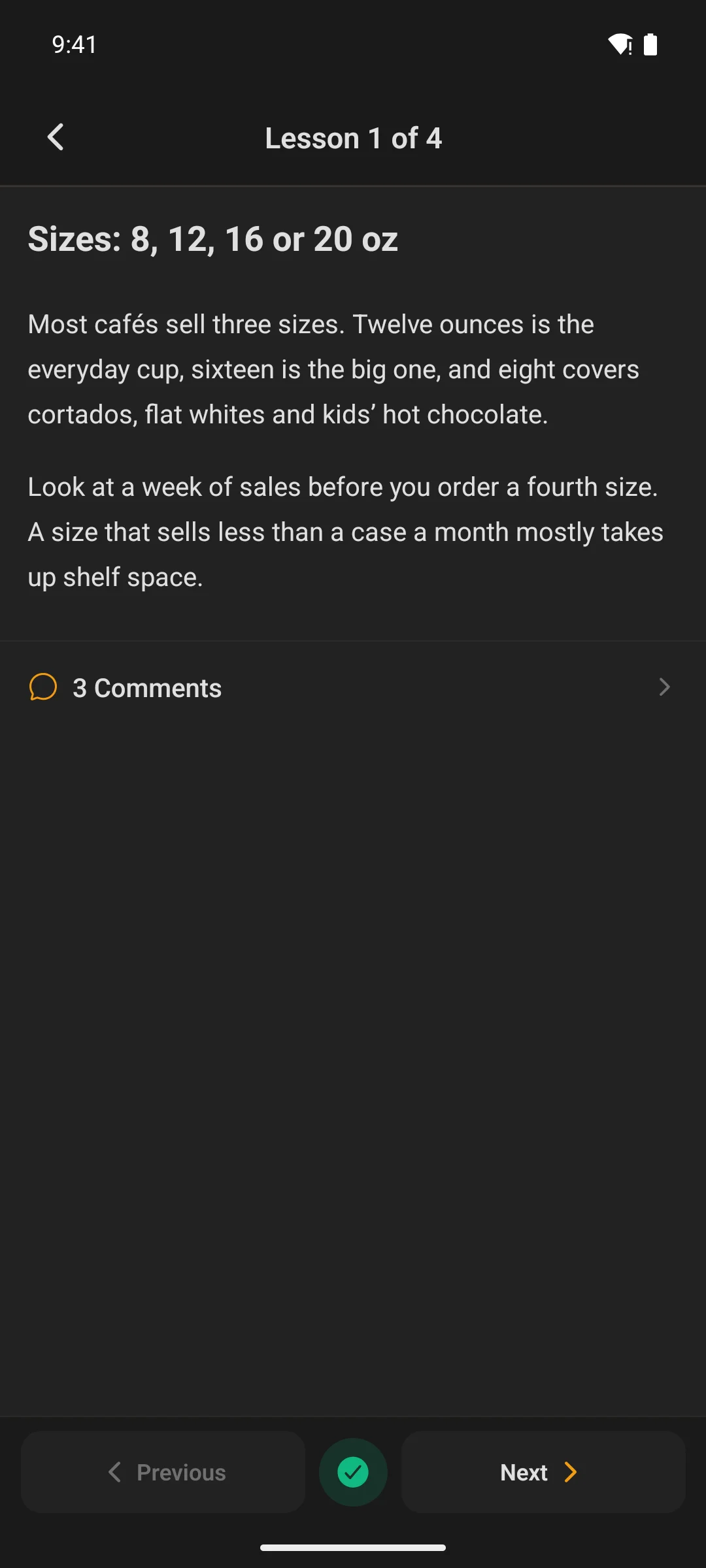
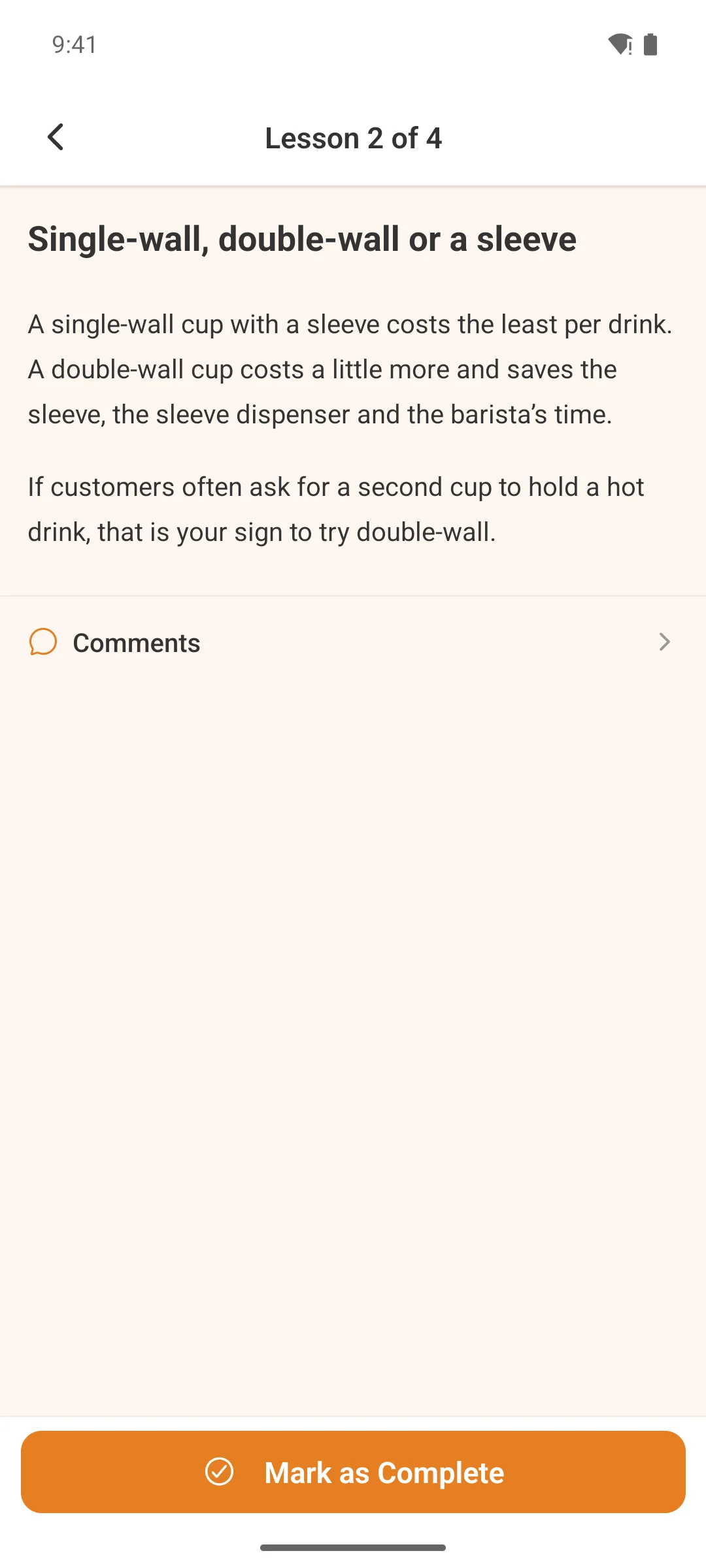
The full course library, native
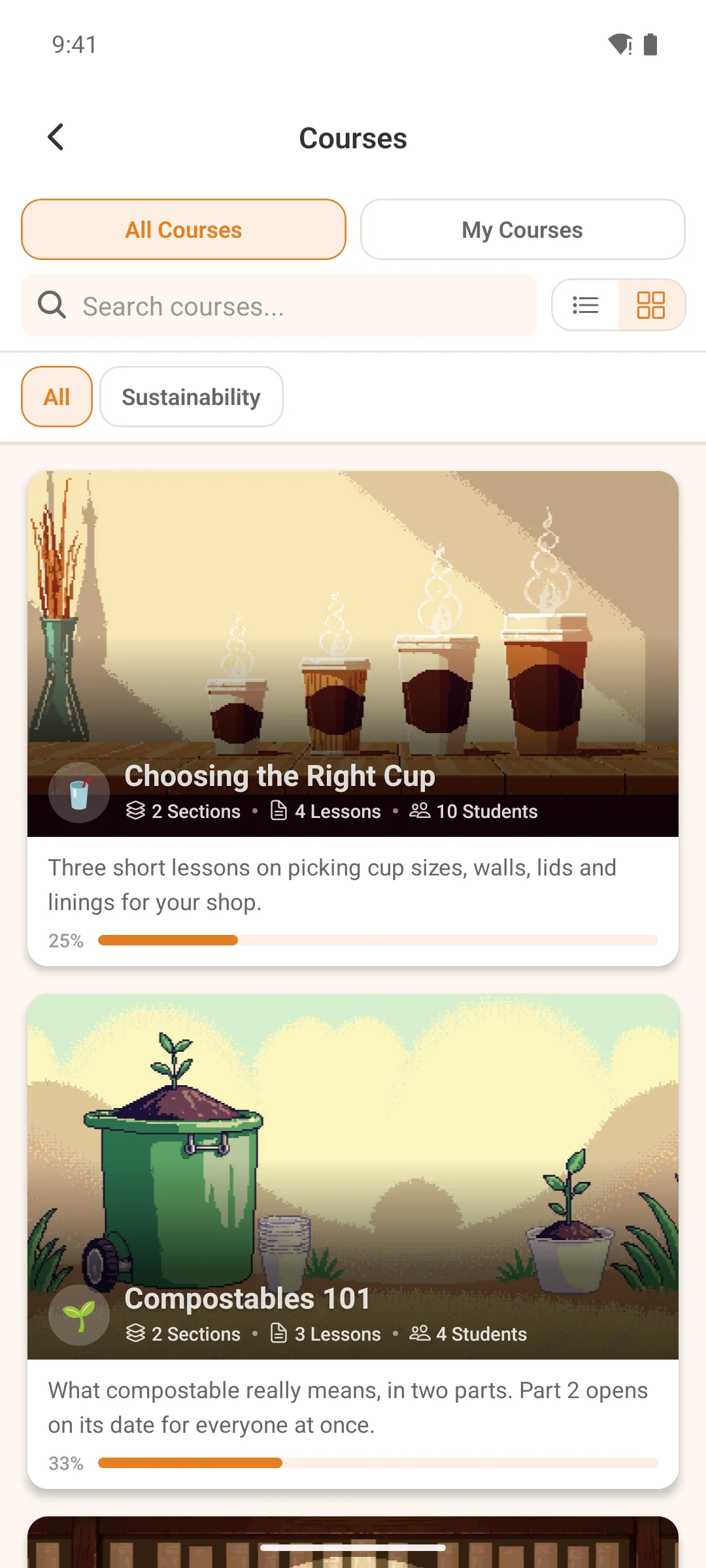
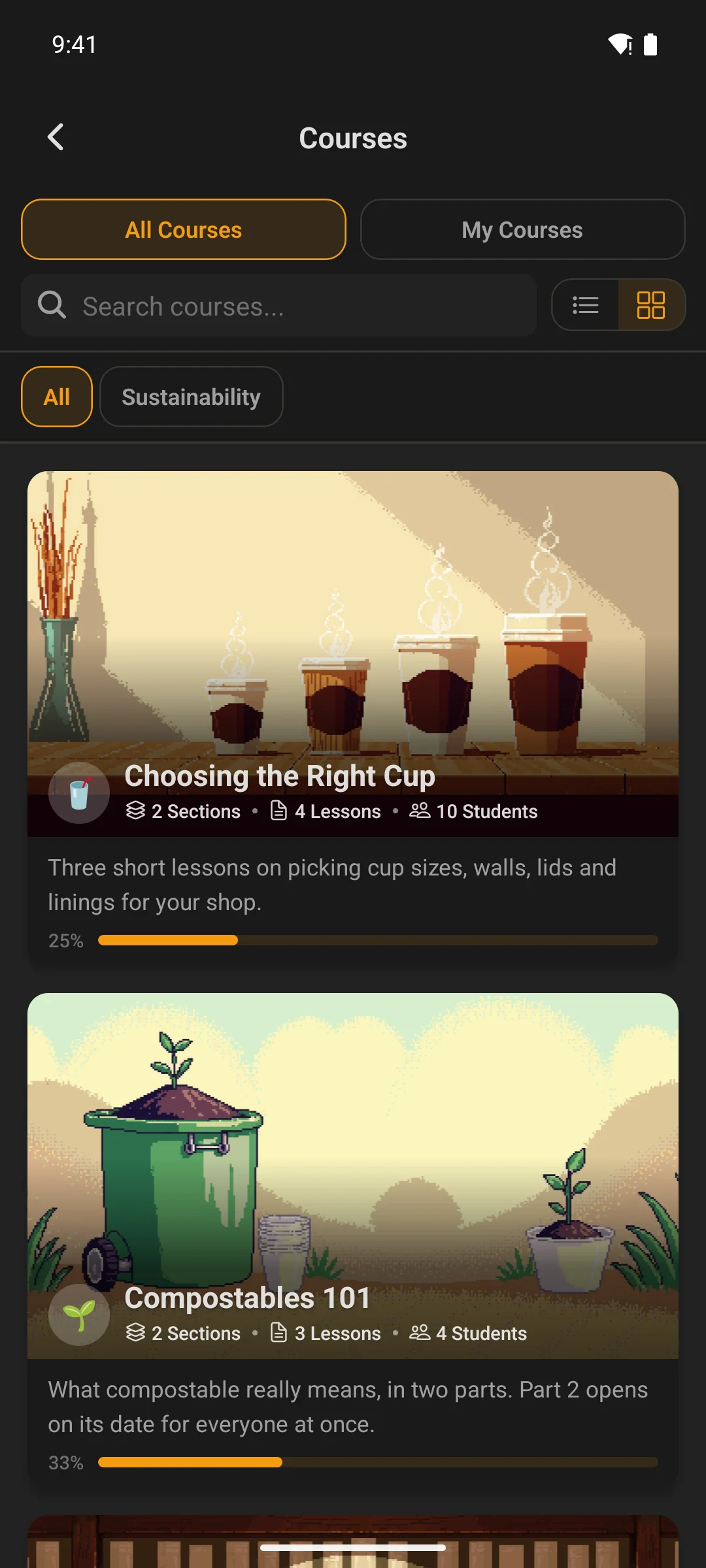
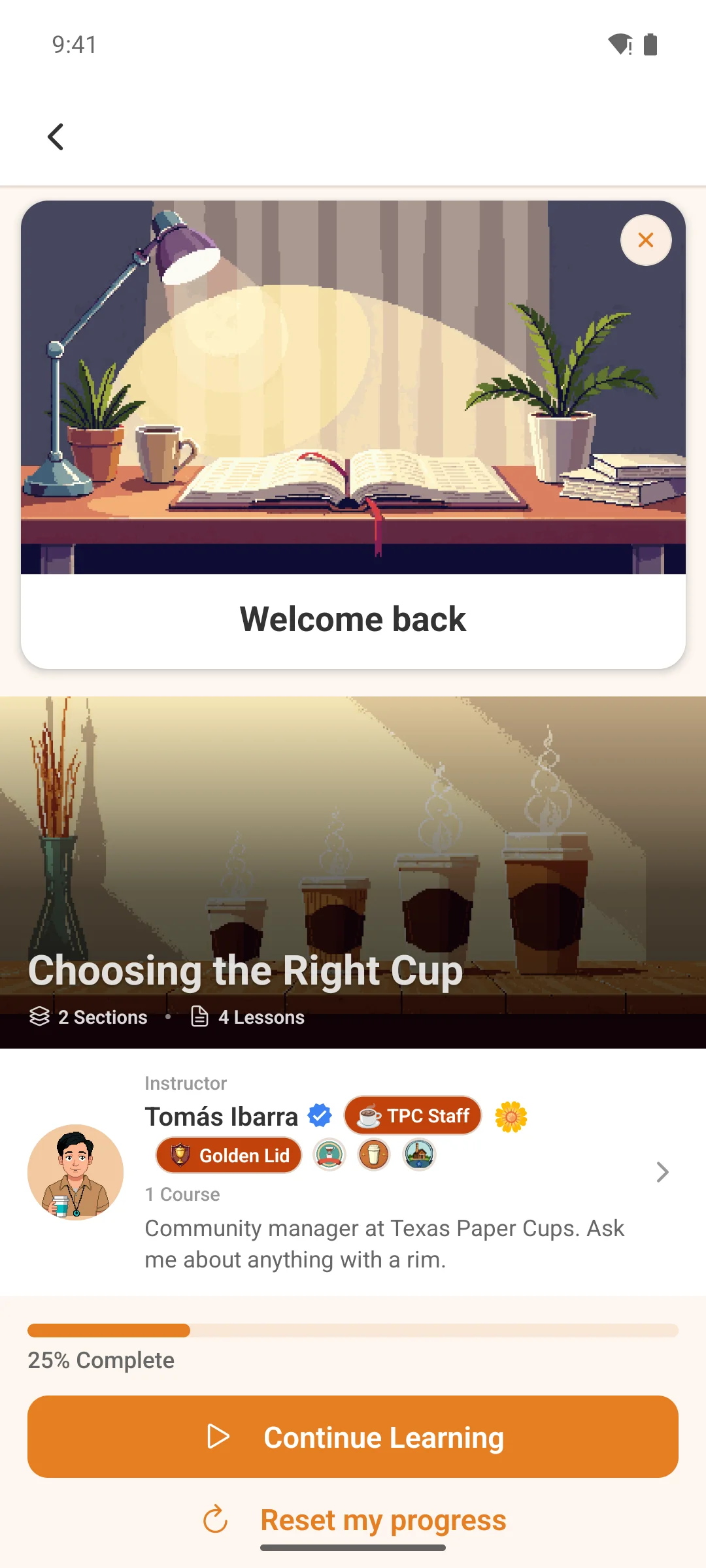
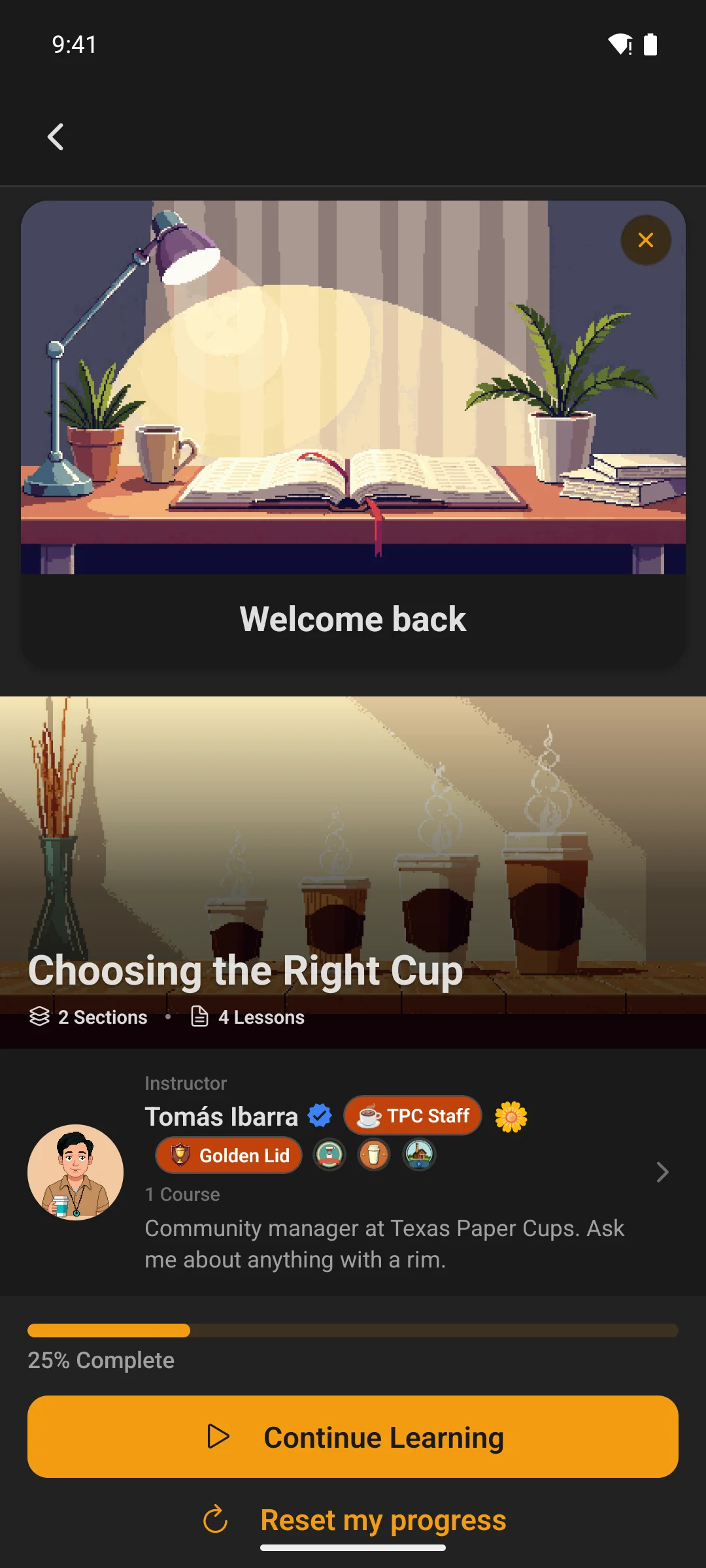
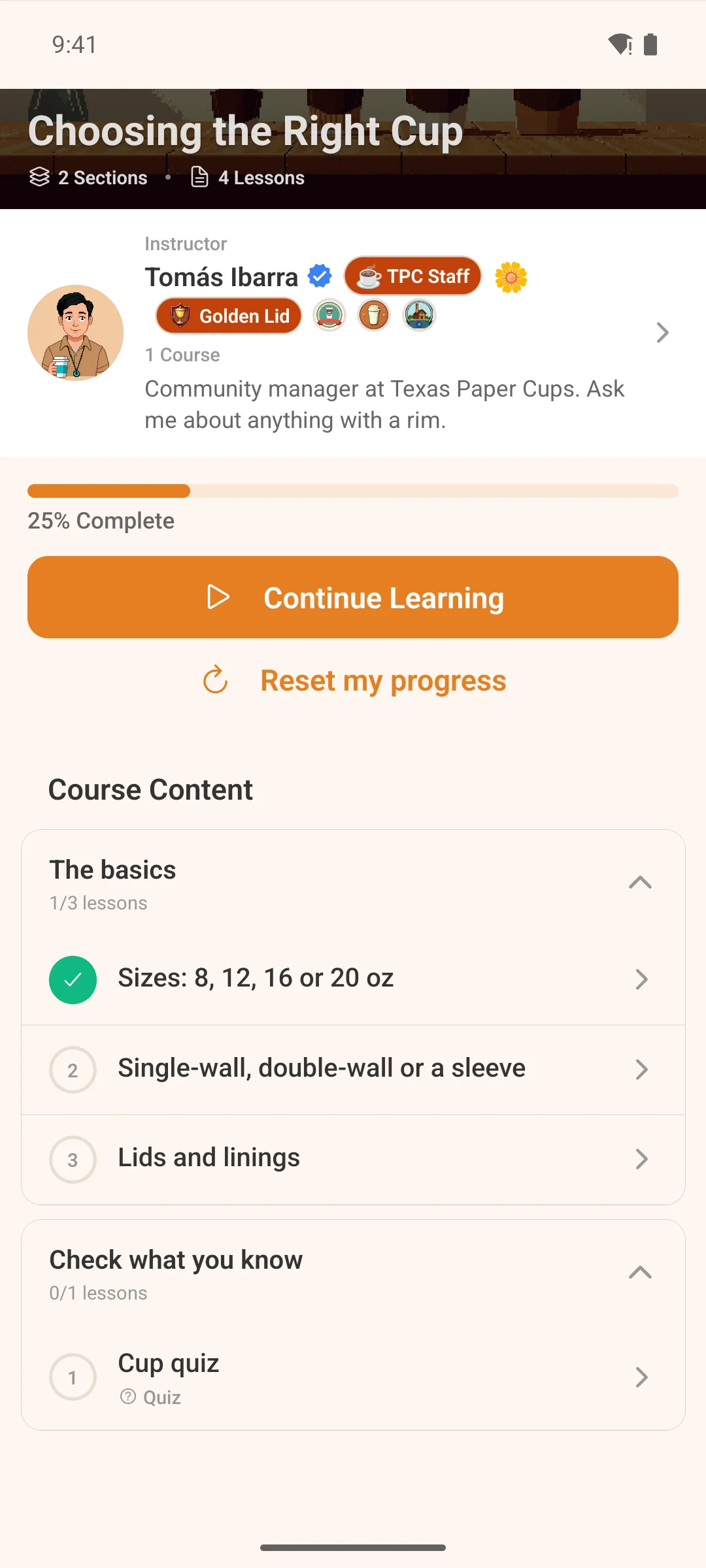
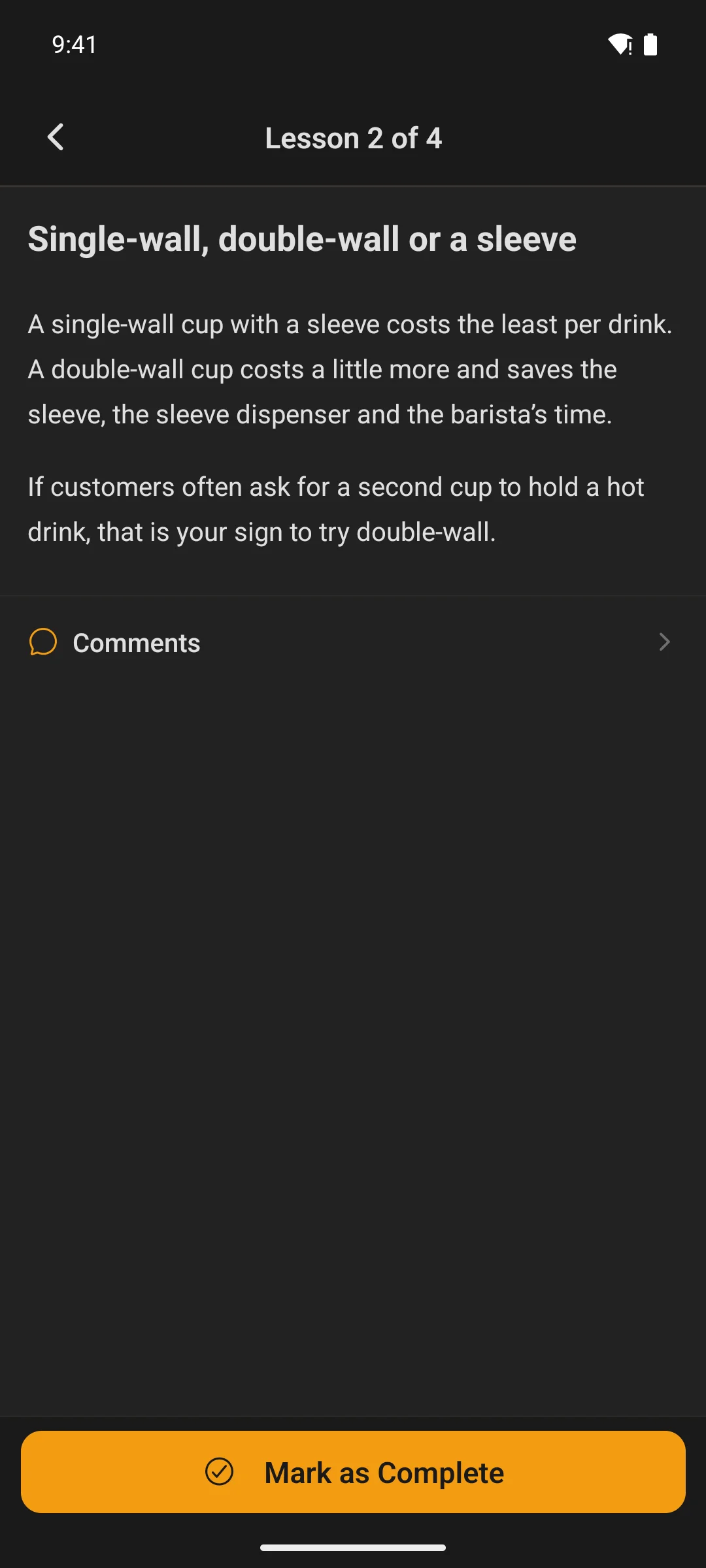
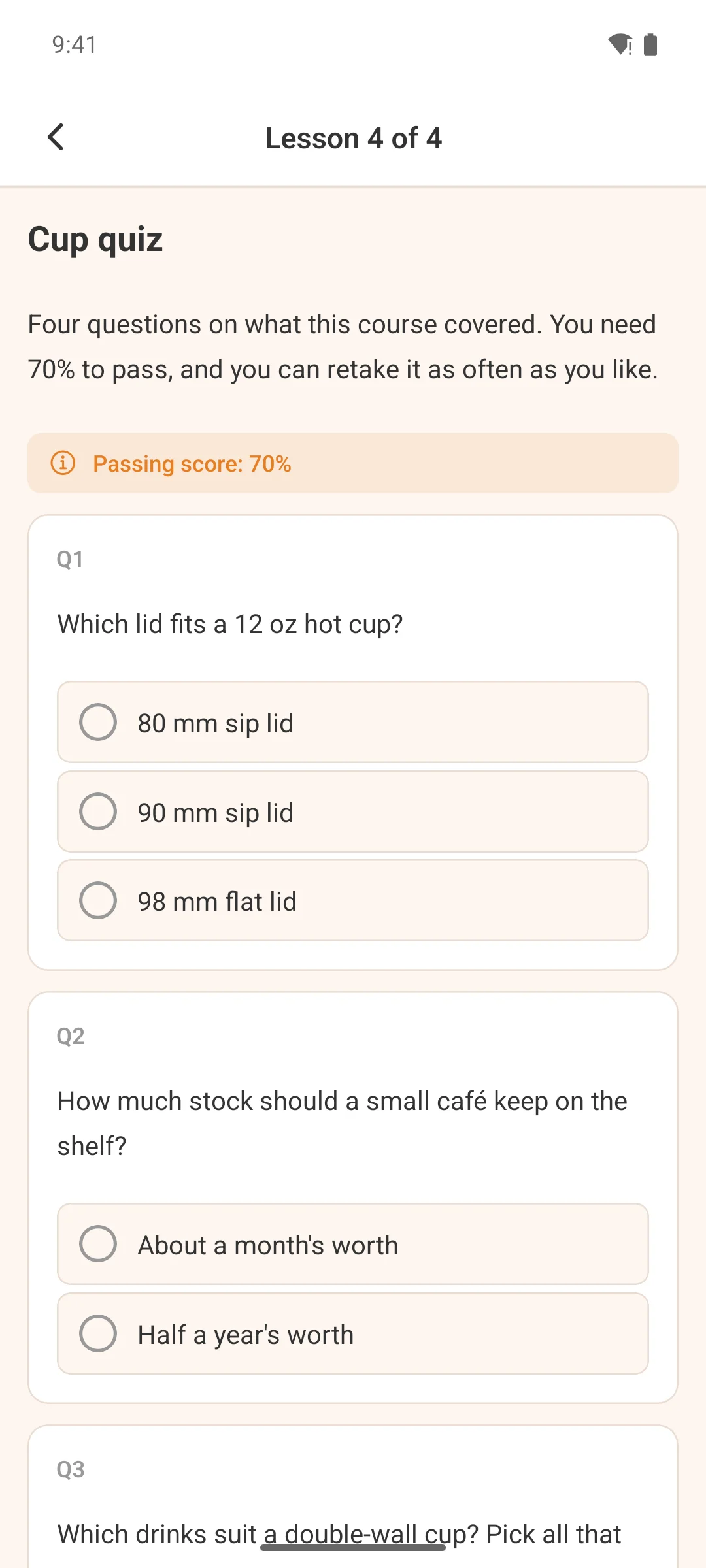
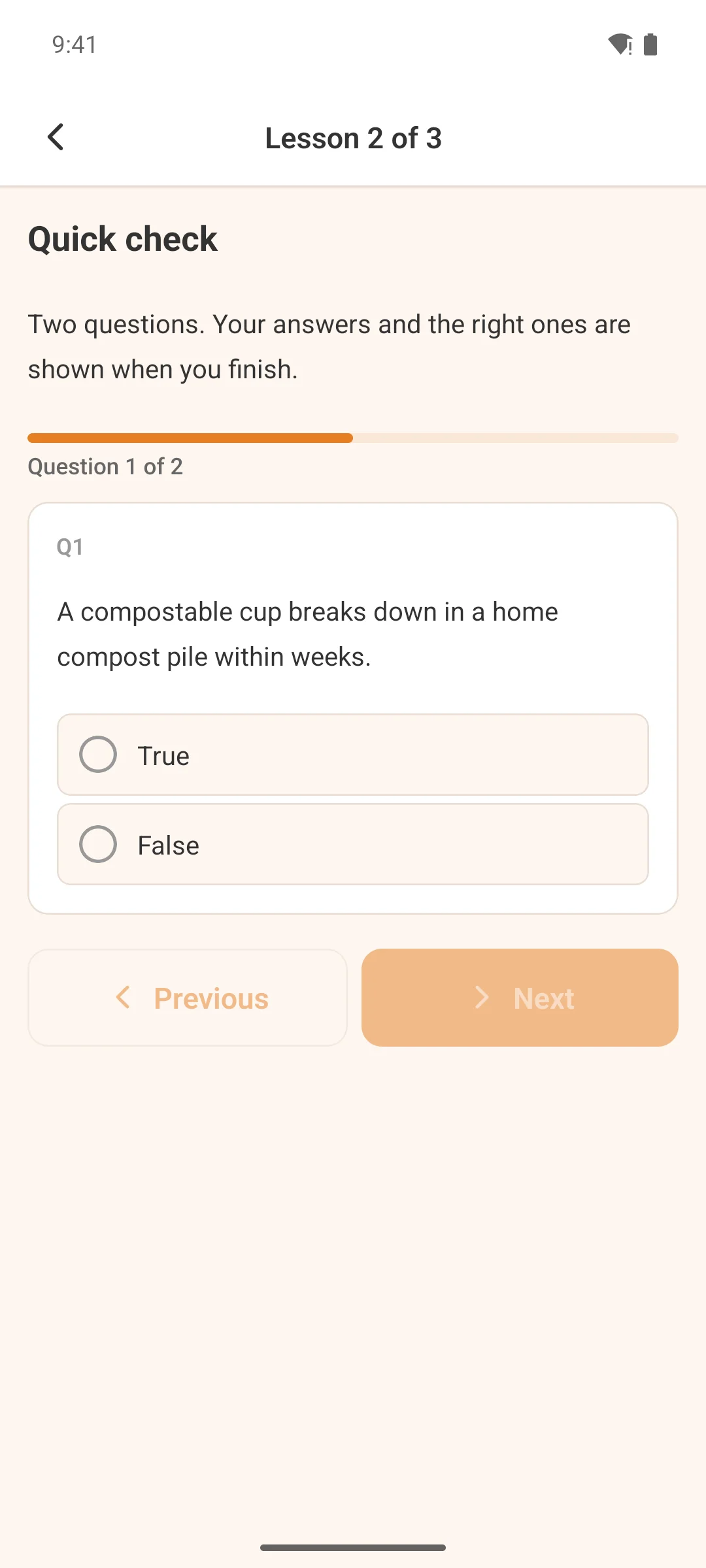
Browse everything or jump straight to the courses you’re enrolled in. Search by name, filter by category, and pick up exactly where you left off — progress syncs with the web automatically.
- Cover photo, instructor and collapsible lesson sections per course
- Free preview lessons for people who have not enrolled; drip content shows unlock dates on locked sections
- Restricted courses show a lock screen with enrollment options; admins control access from WordPress
Member directory
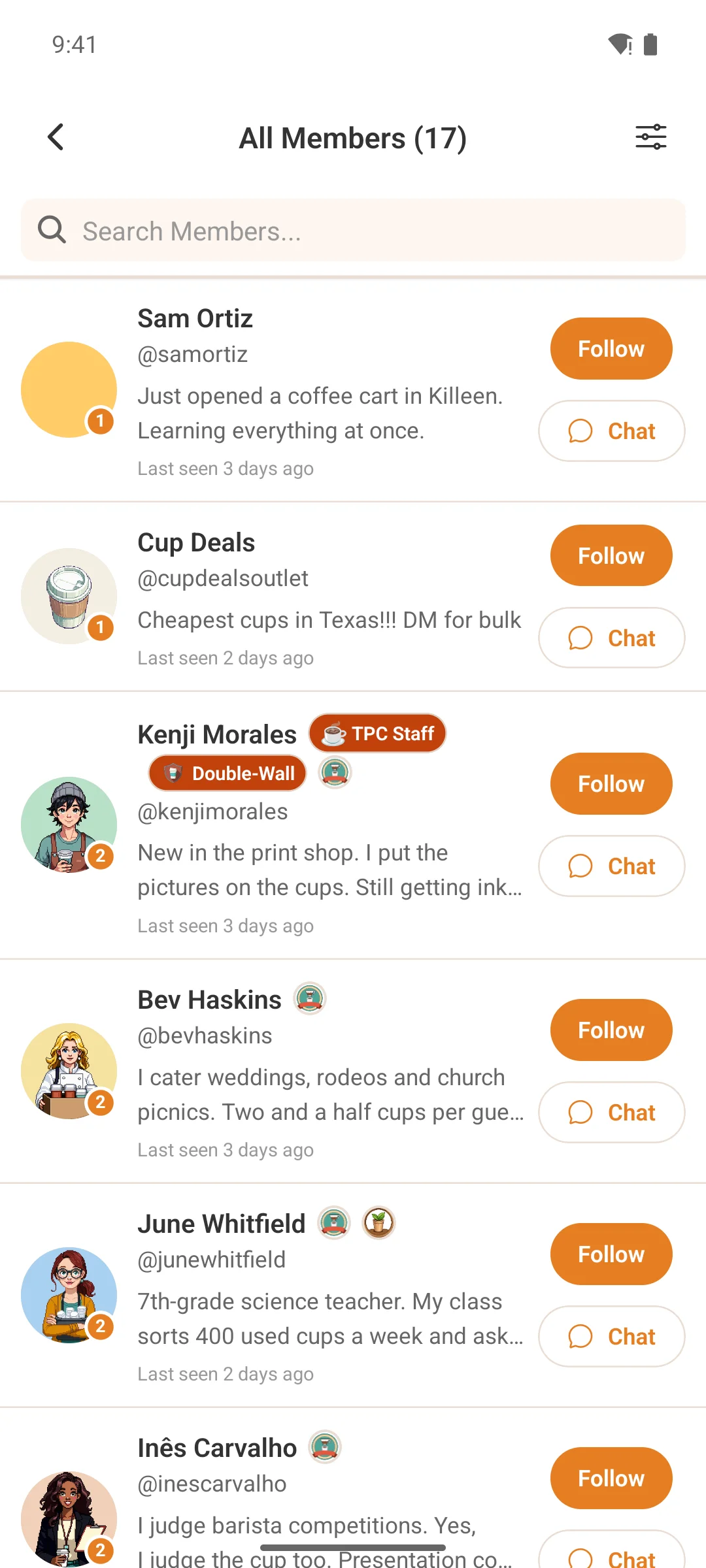
Find anyone in your community
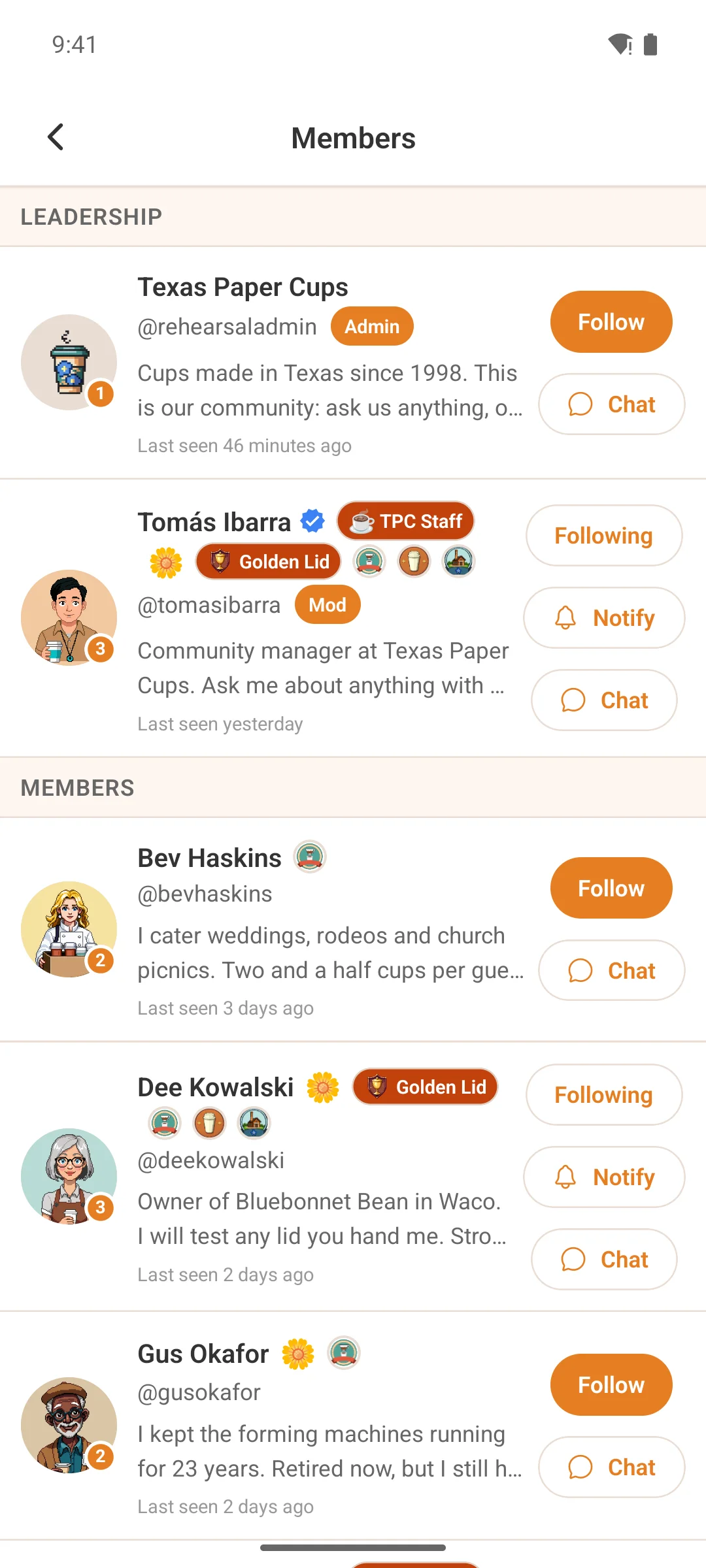
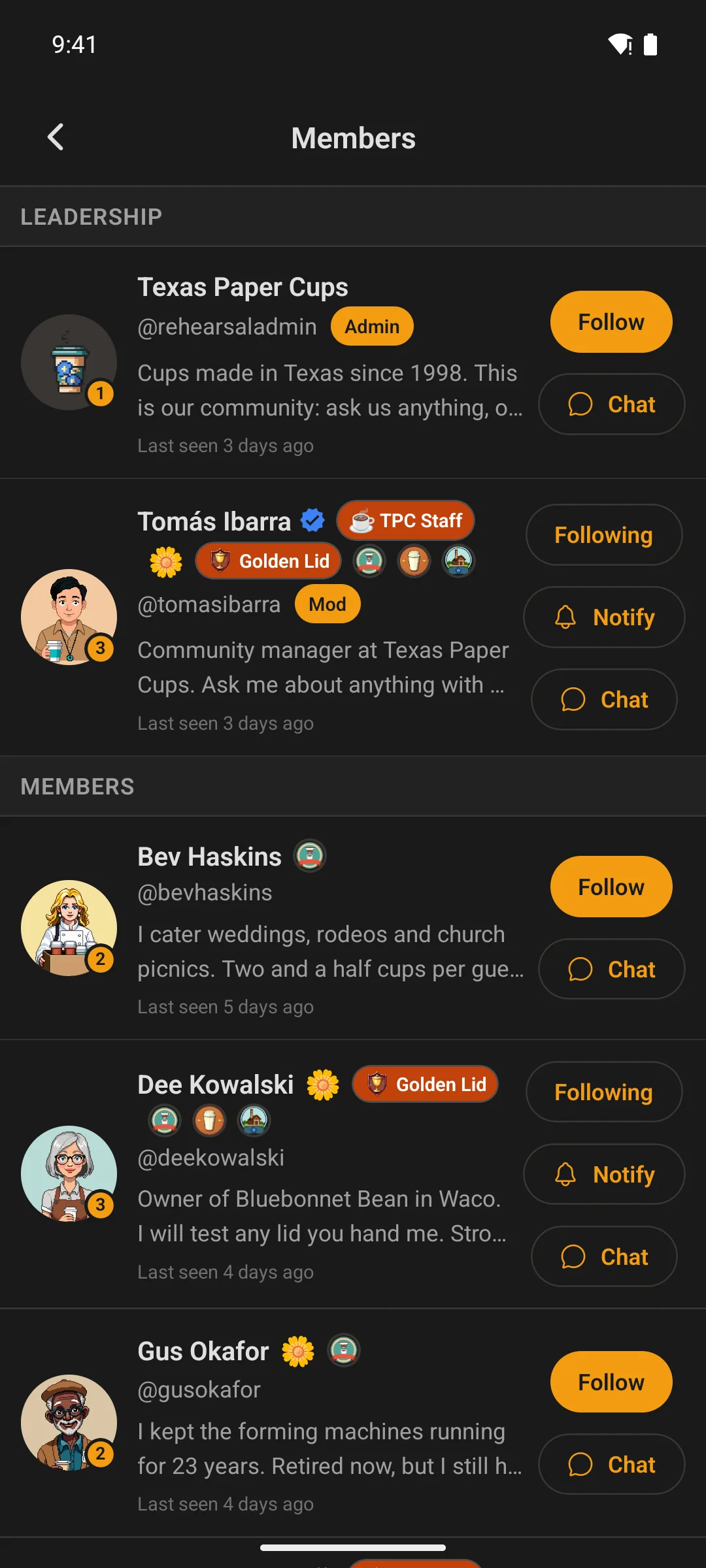
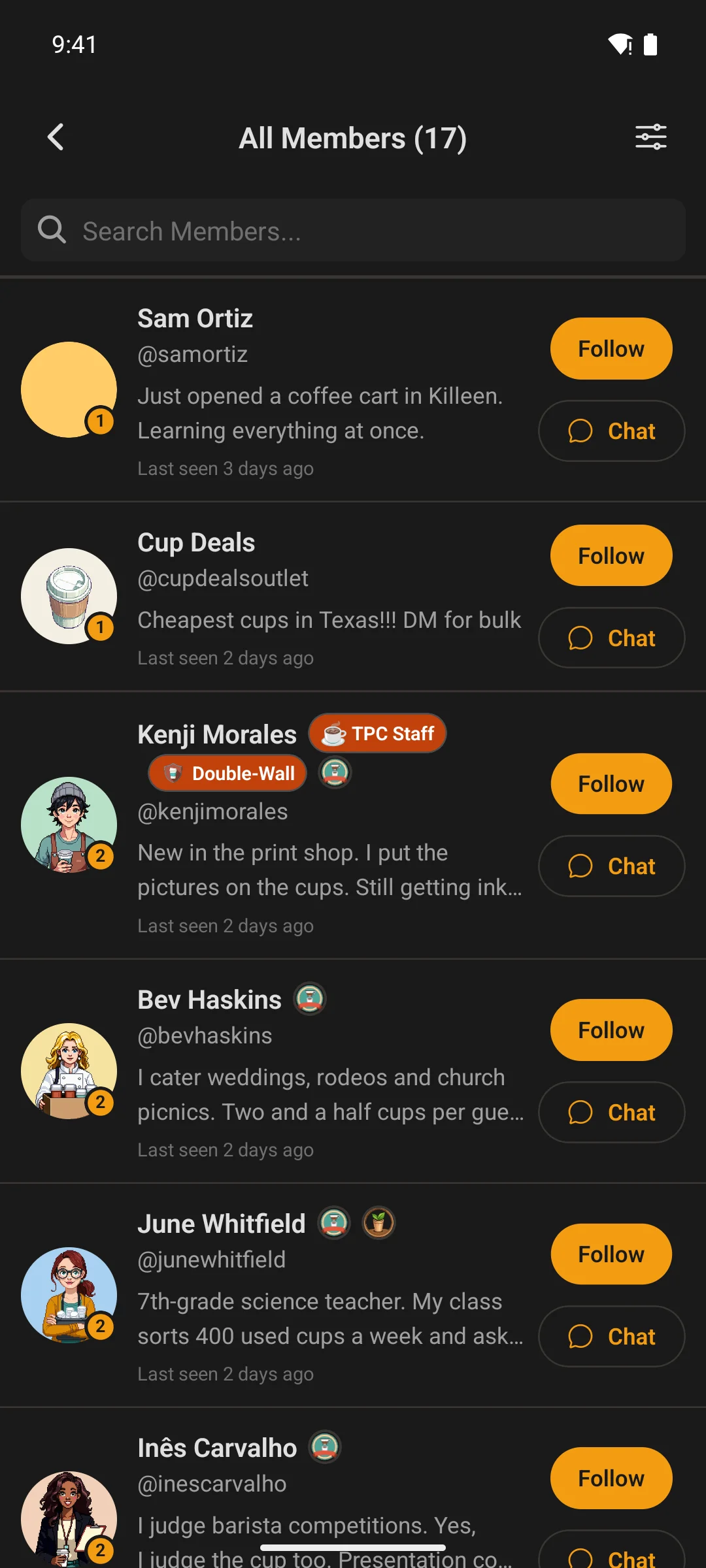
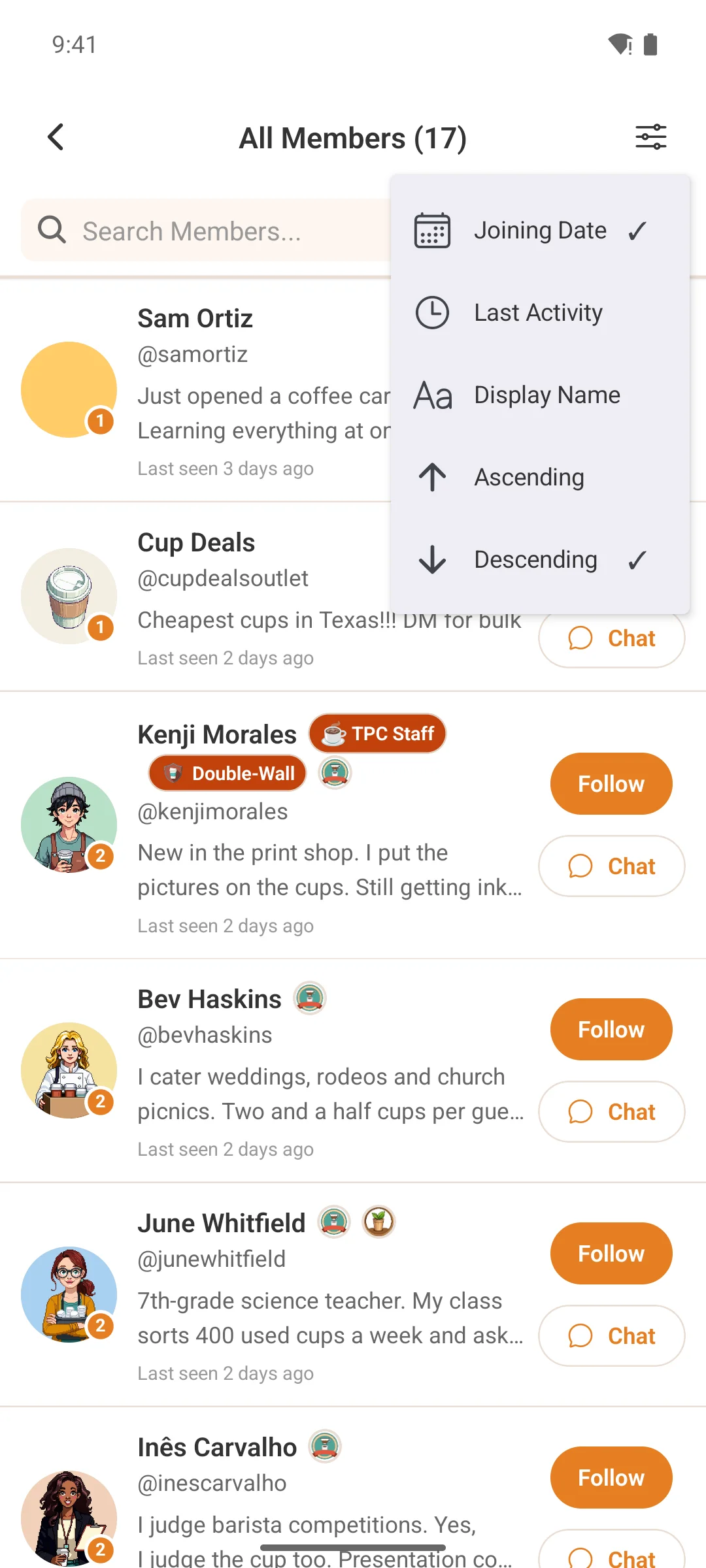
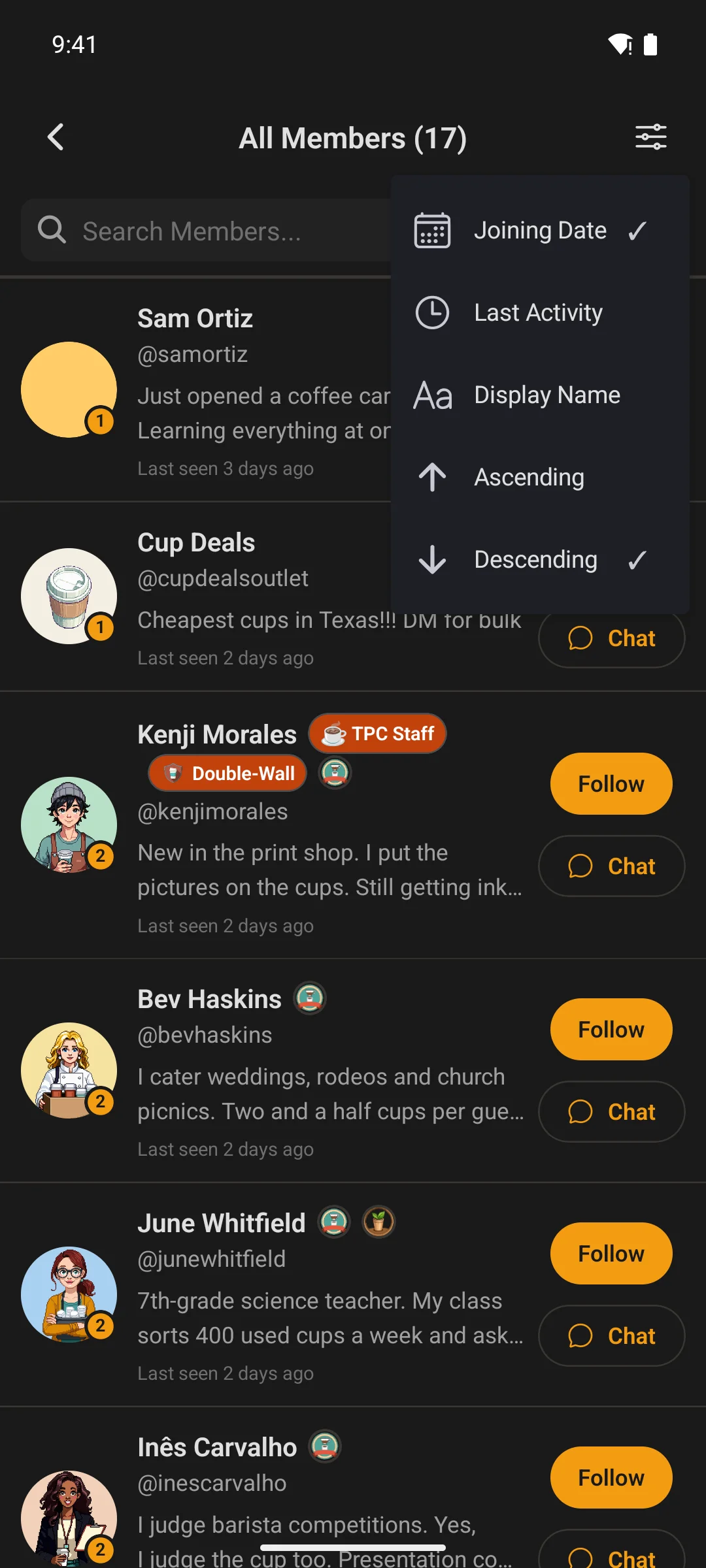
Search by name or username; sort by join date, last activity or alphabetical. Follow, message or jump to a full profile from one screen.
- Infinite scroll, and pull-to-refresh keeps the list current
- New members surface naturally, so the community feels alive, not static
Global search
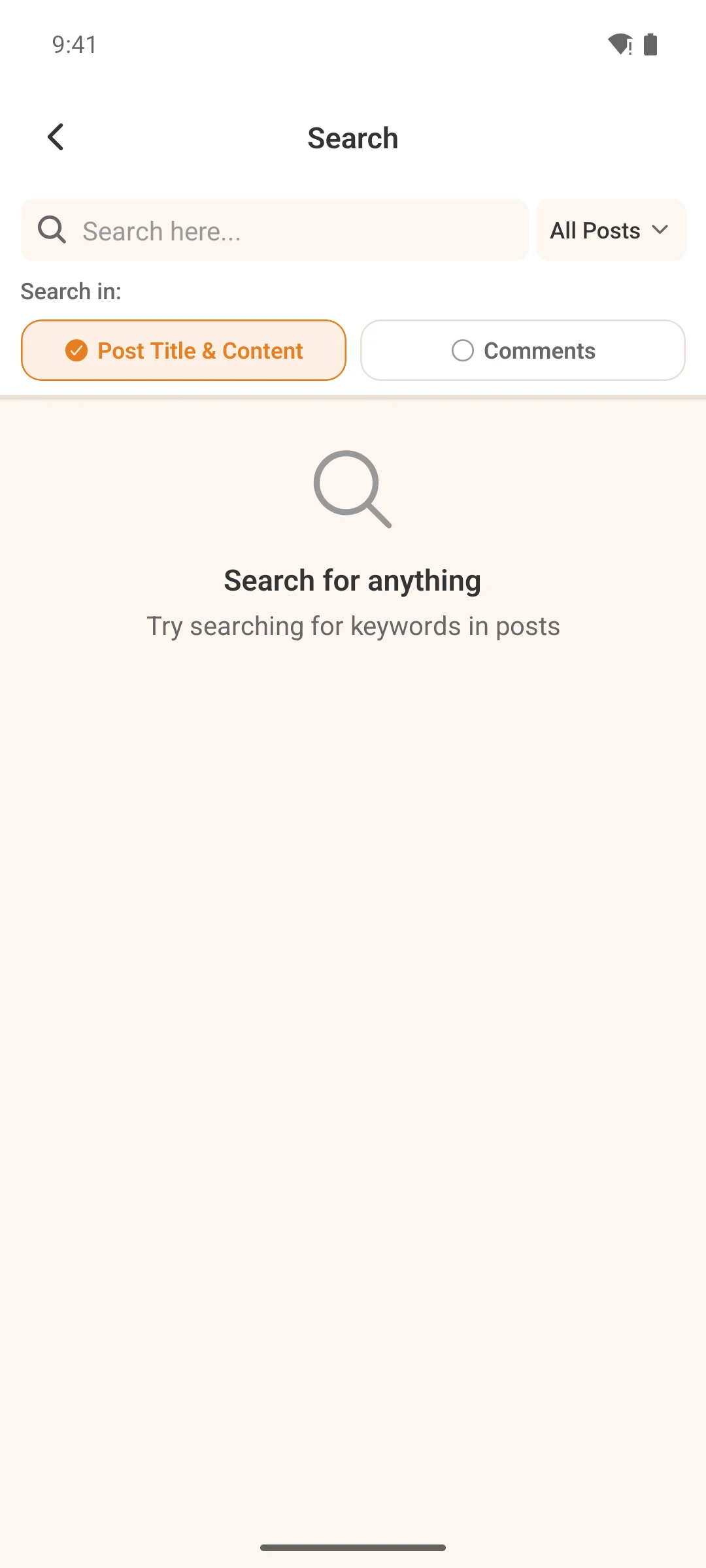
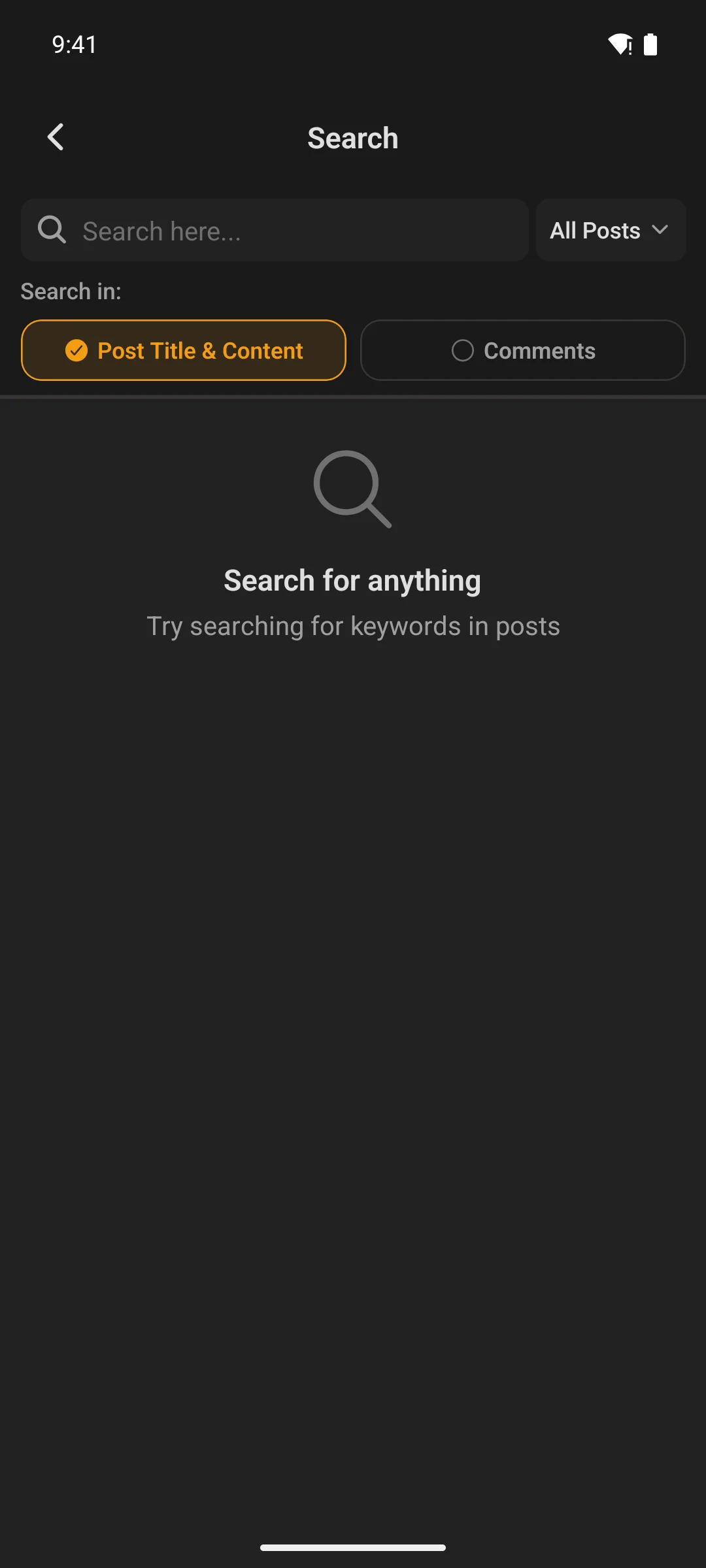
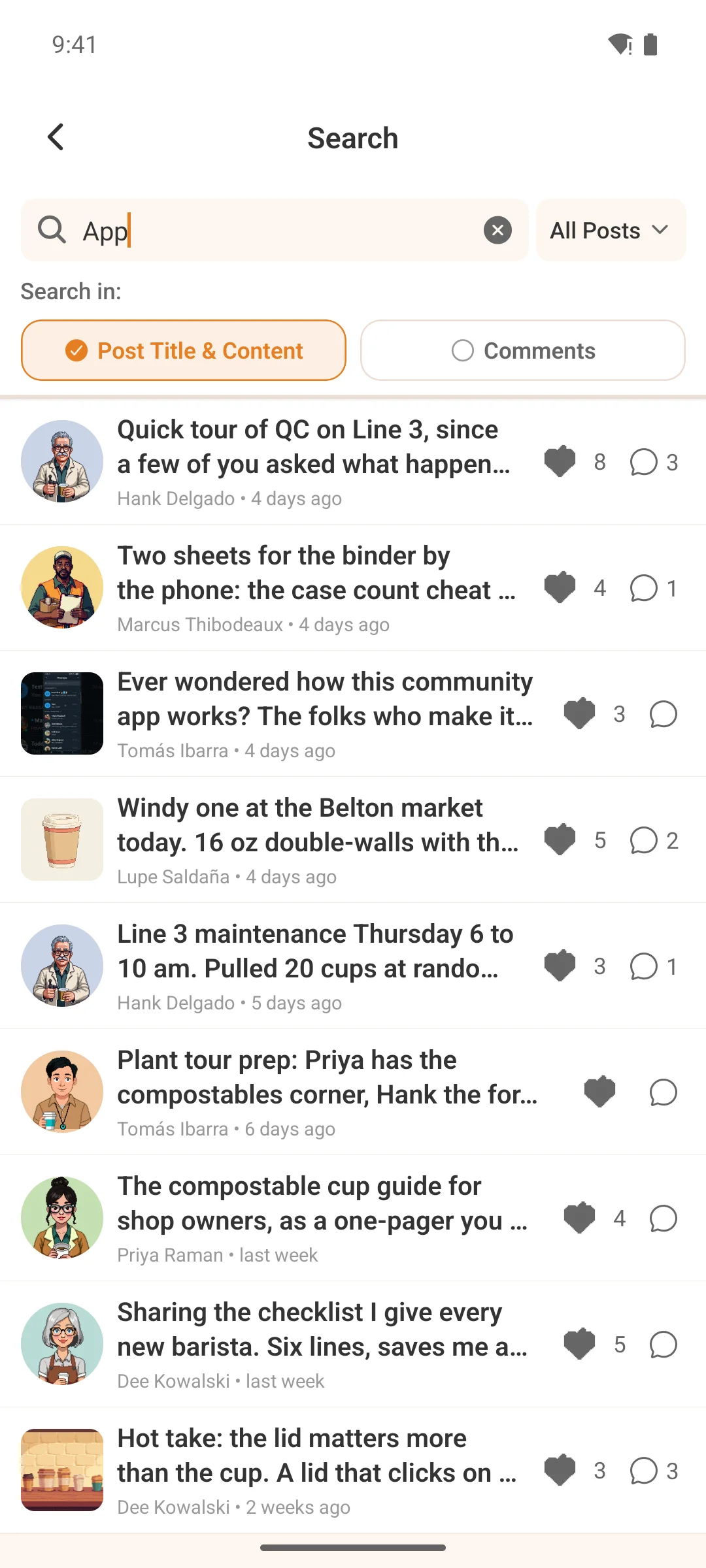
One field, the whole community
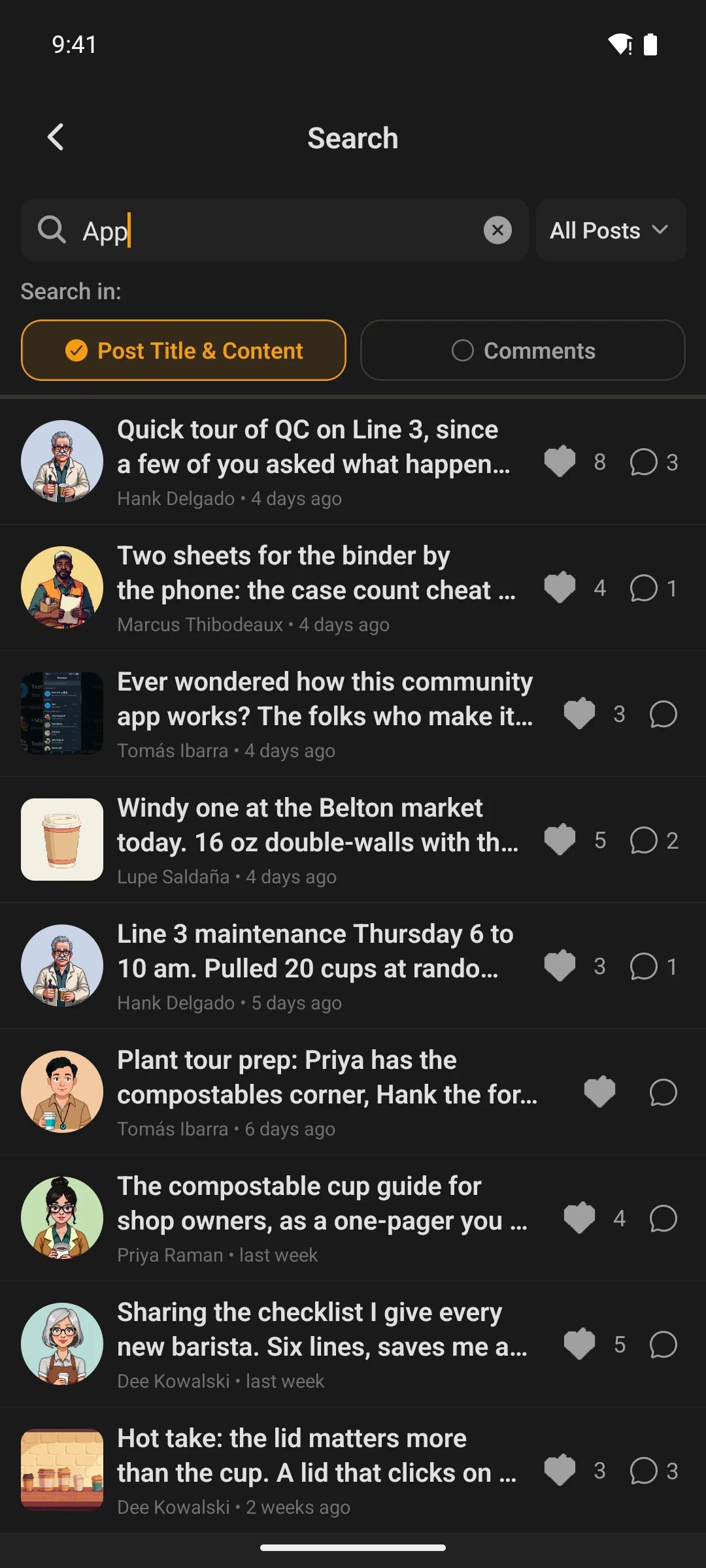
Native parity with Fluent Community’s own portal search — the same choice between searching post titles and comments, and the same per-space scoping.
- Results grouped by what they are, not dumped in one list
- Scope to a single space when you already know where it lives
Bookmarks
The posts they meant to come back to
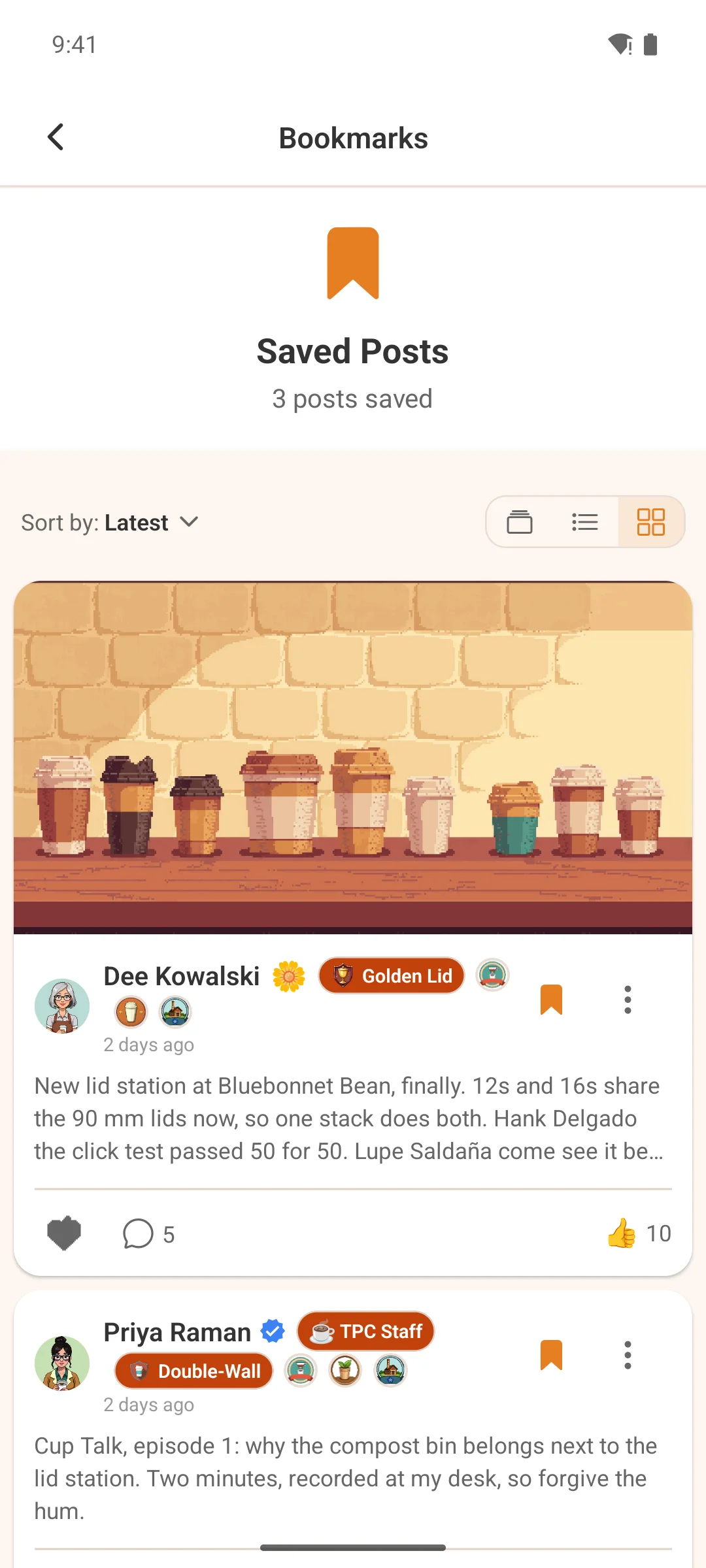
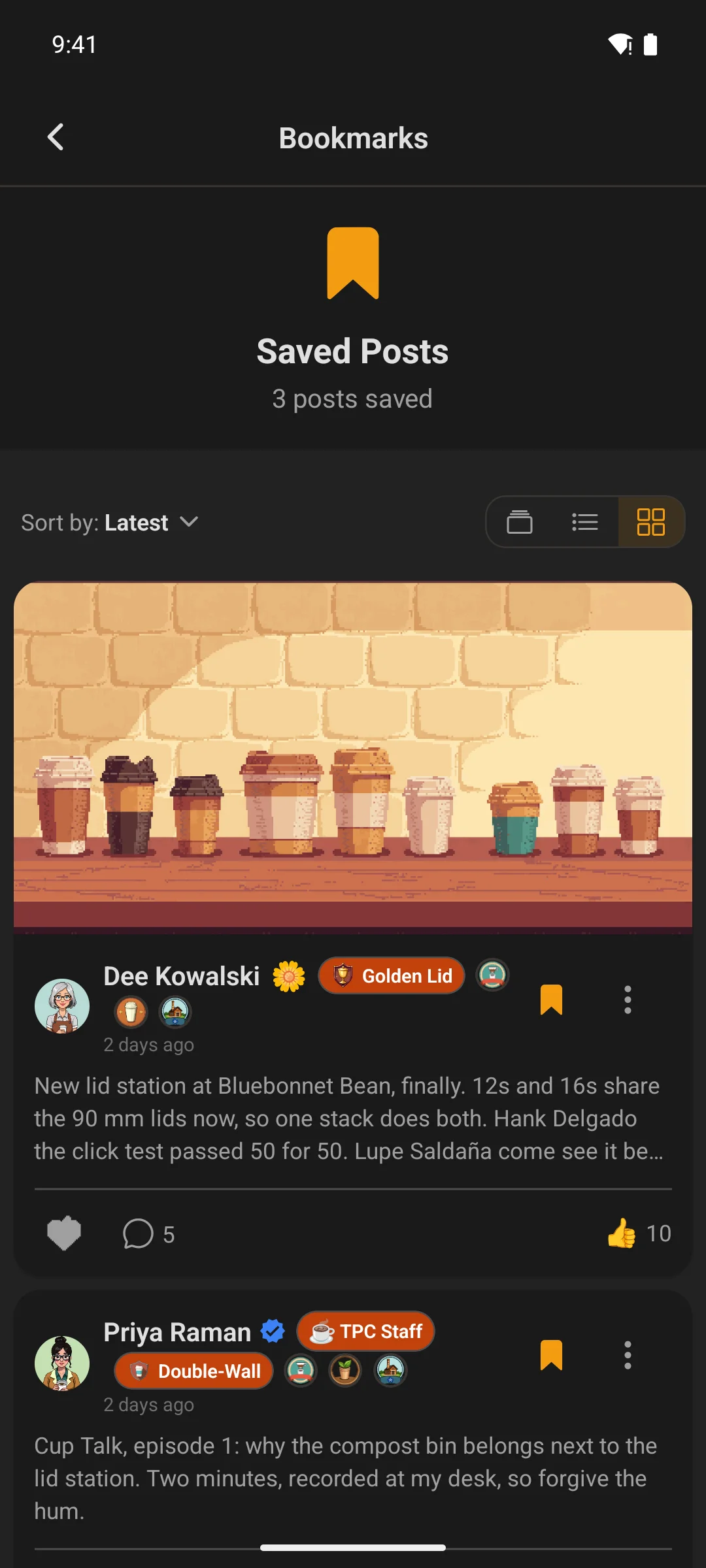
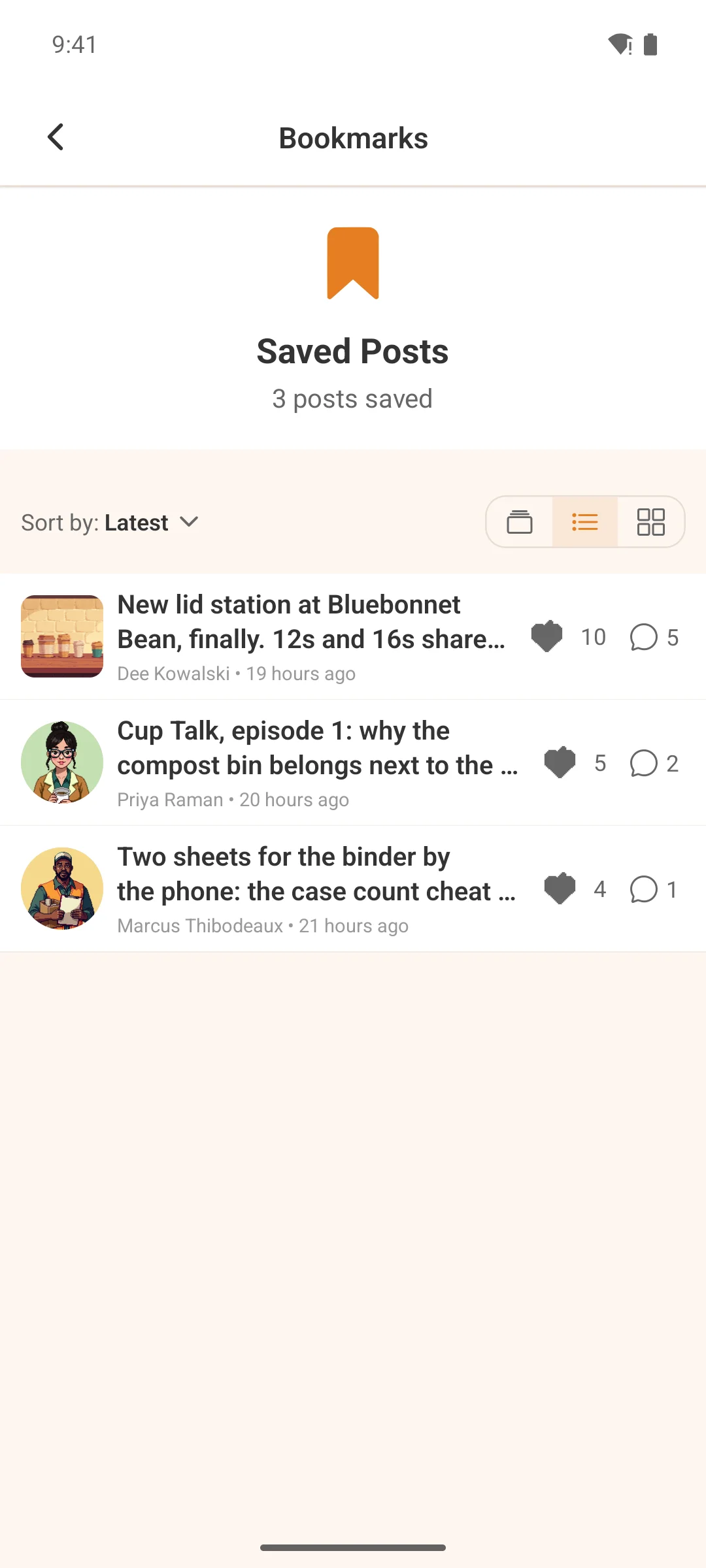
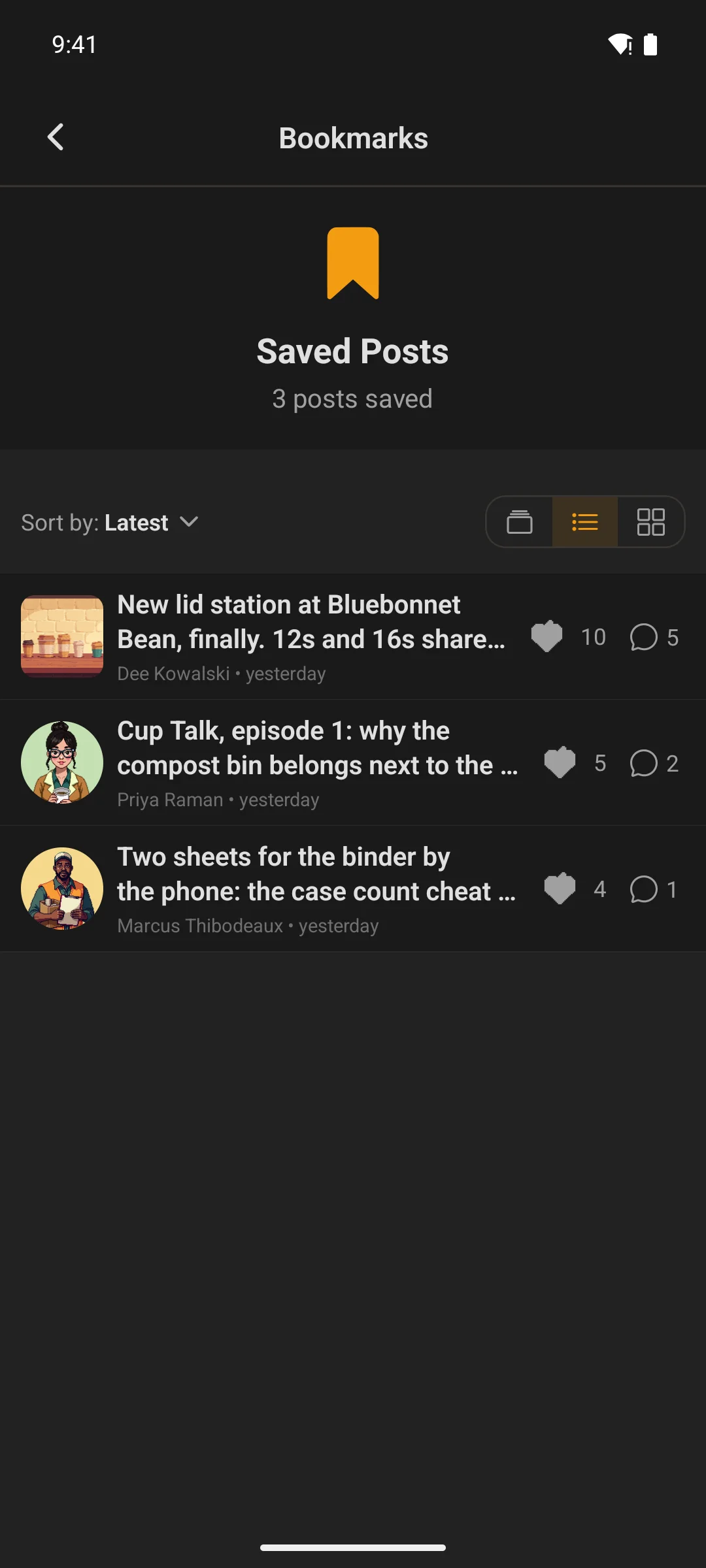
Bookmark from any post in one tap. The saved list sorts on the server across seven orderings — newest, oldest, most active, most liked, popular, alphabetical, or the ones nobody has answered yet.
Blog
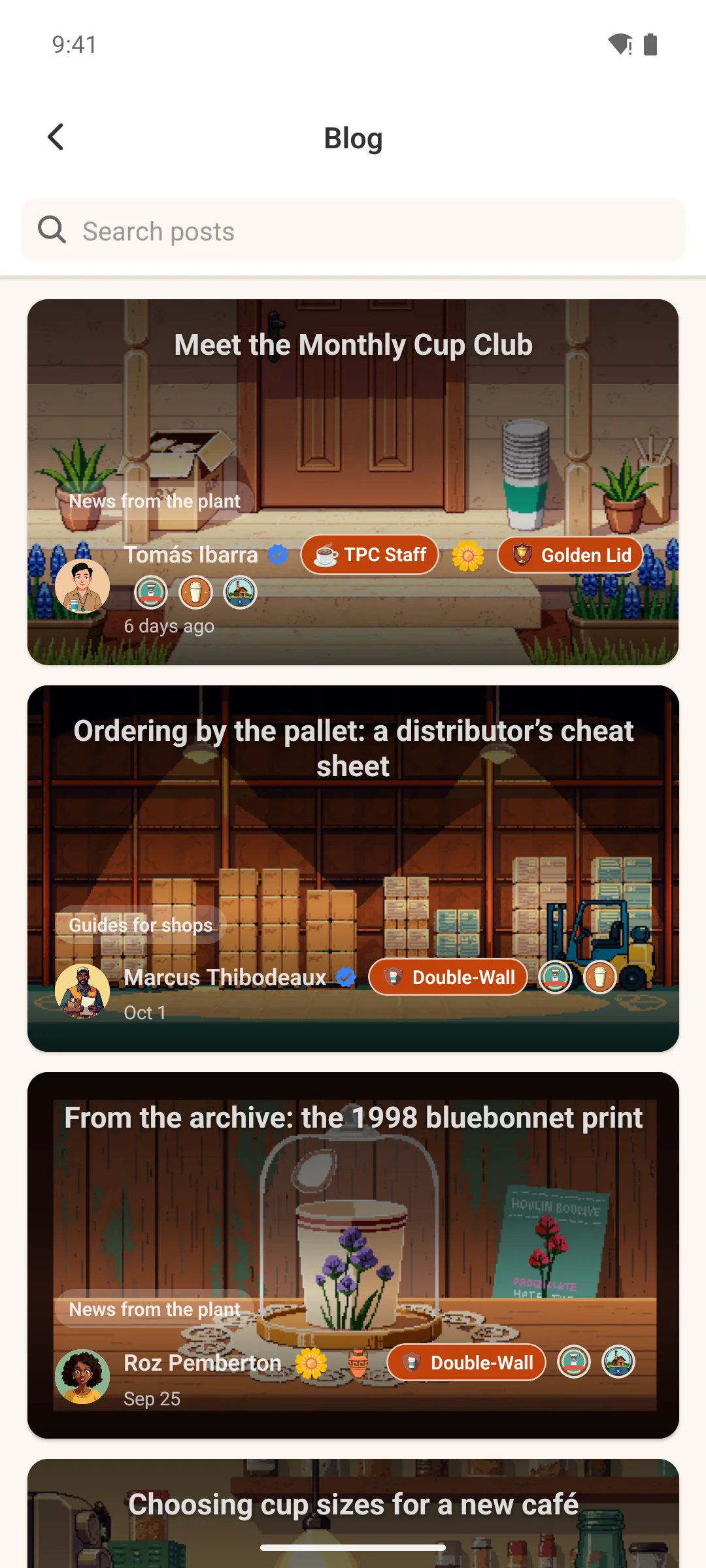
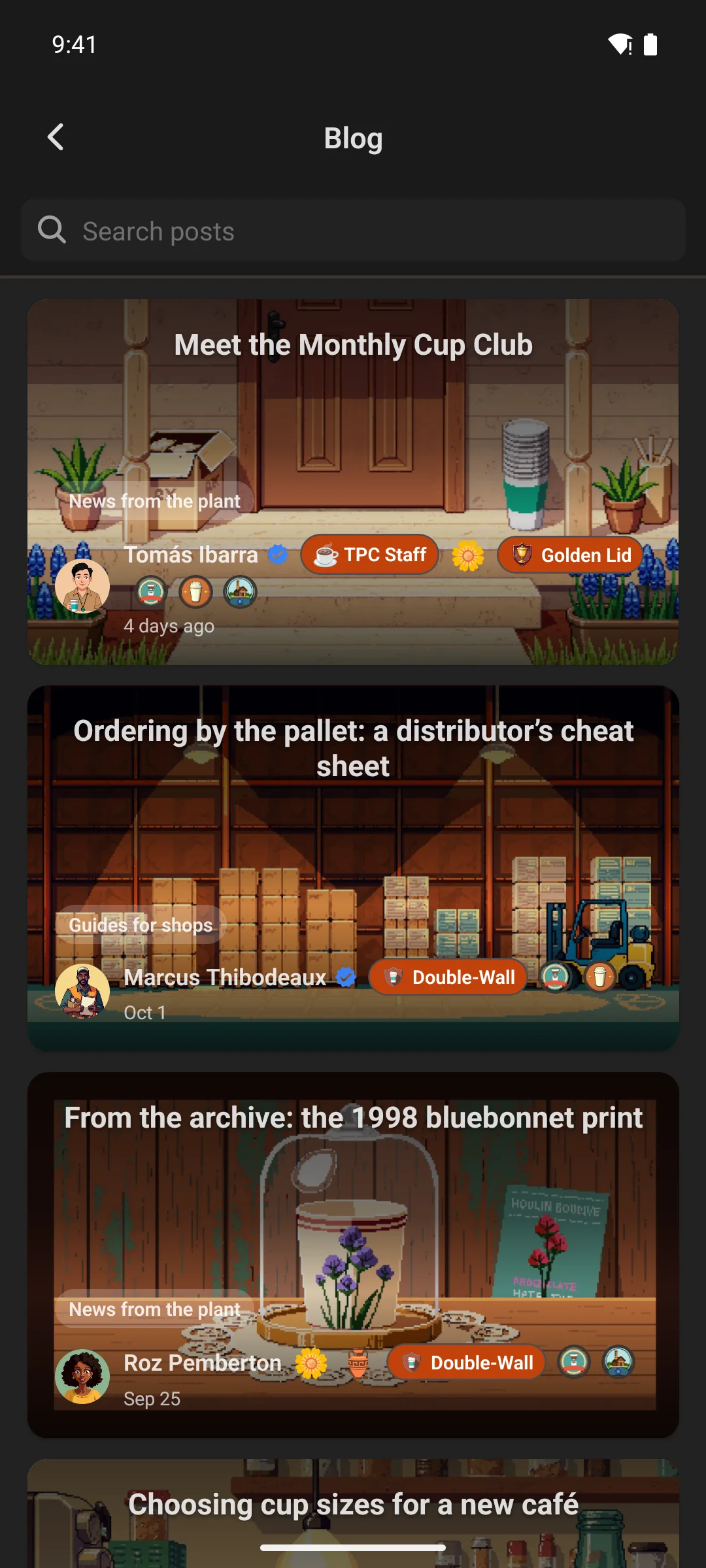
Your WordPress posts, in the app
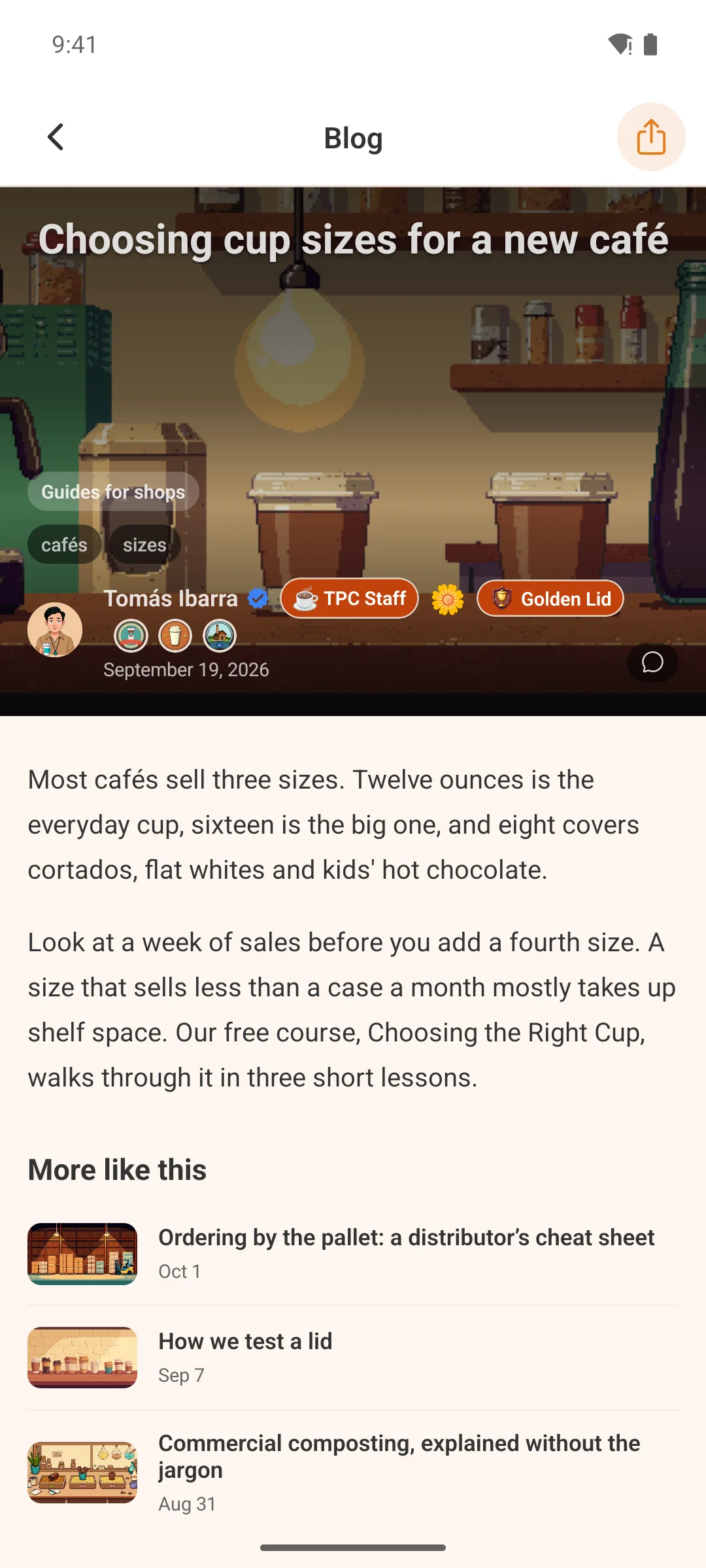
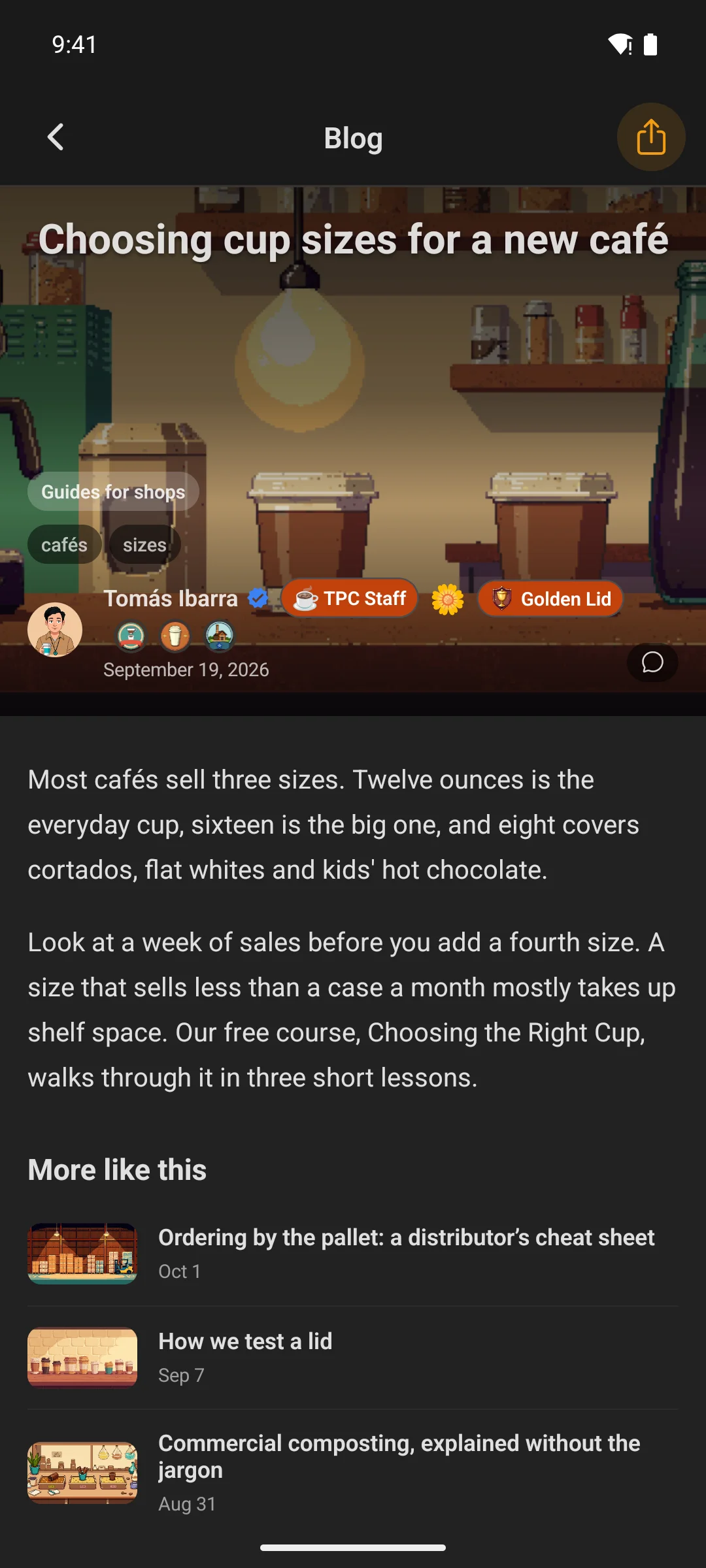
The post list, the post itself and its comments — something Fluent Community’s own portal does not carry at all. It began as an add-on and was promoted into the core app.
- Search the list, tag chips on a post, and a related-posts strip you can switch on
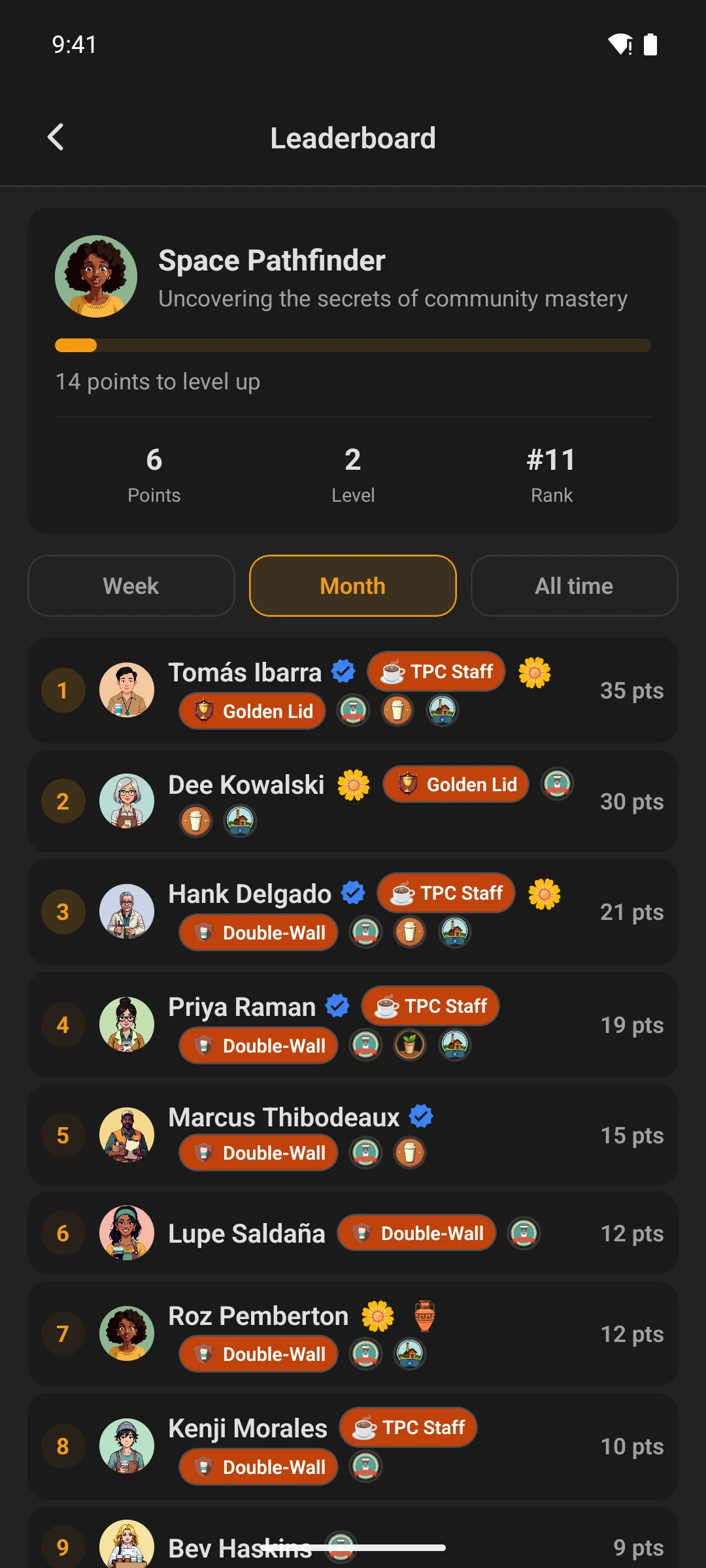
Leaderboard & achievements
Two ways to reward the people who show up
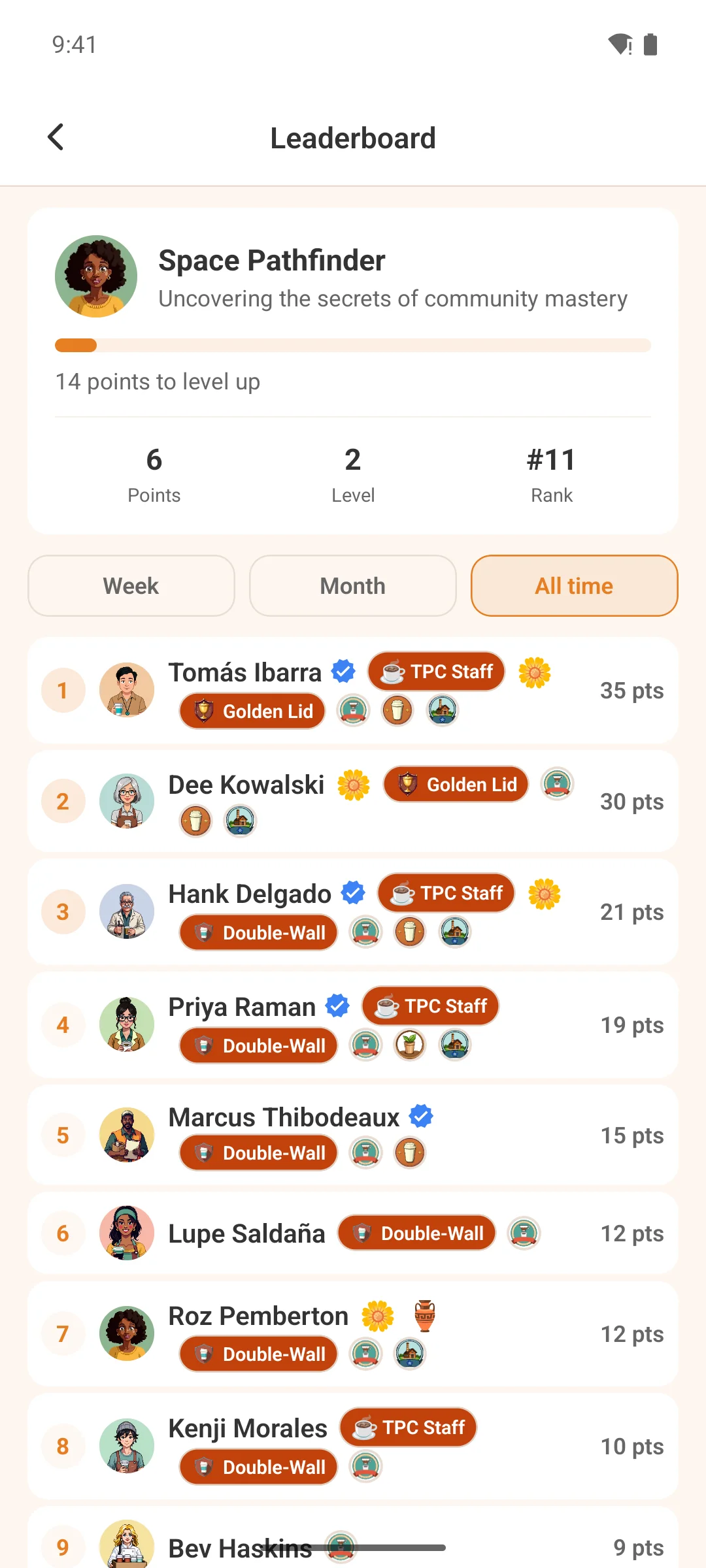
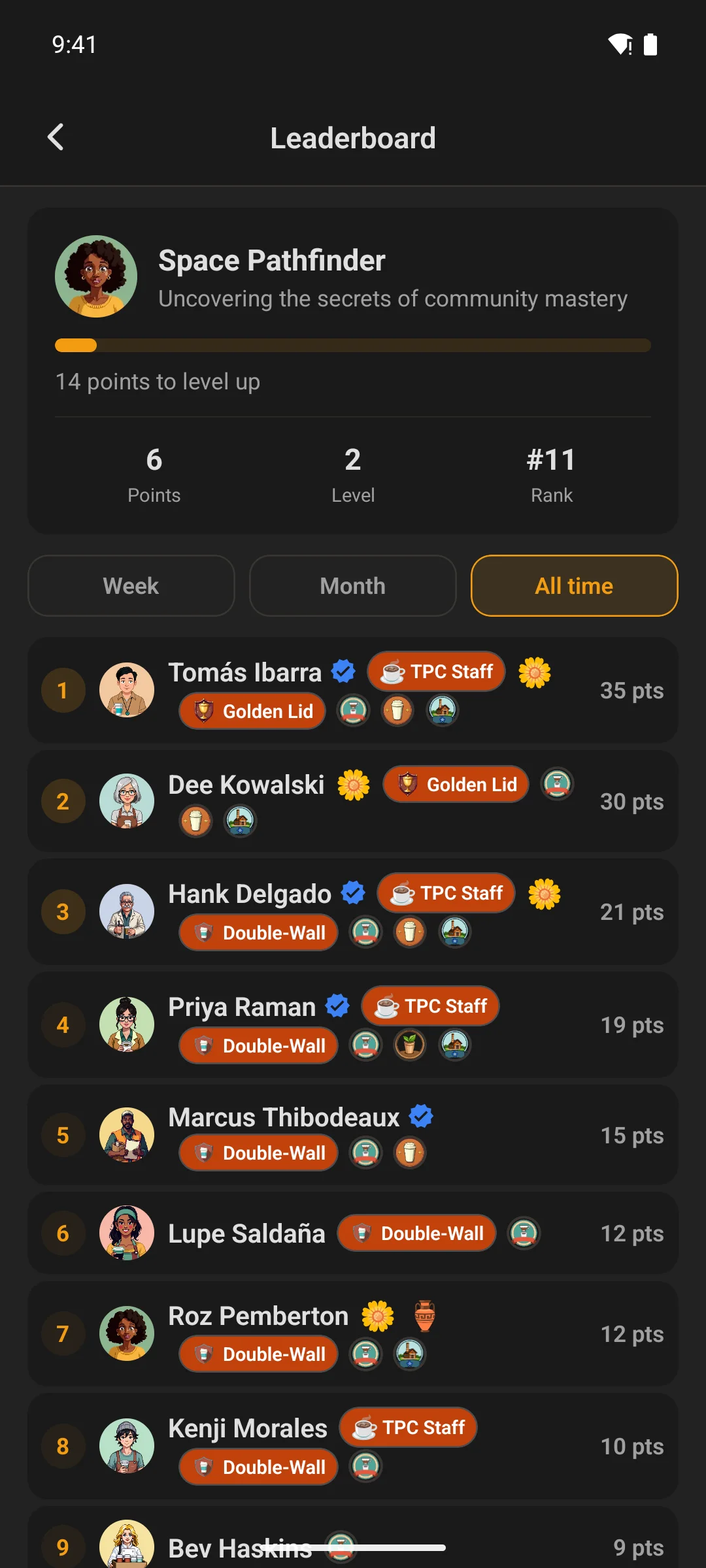
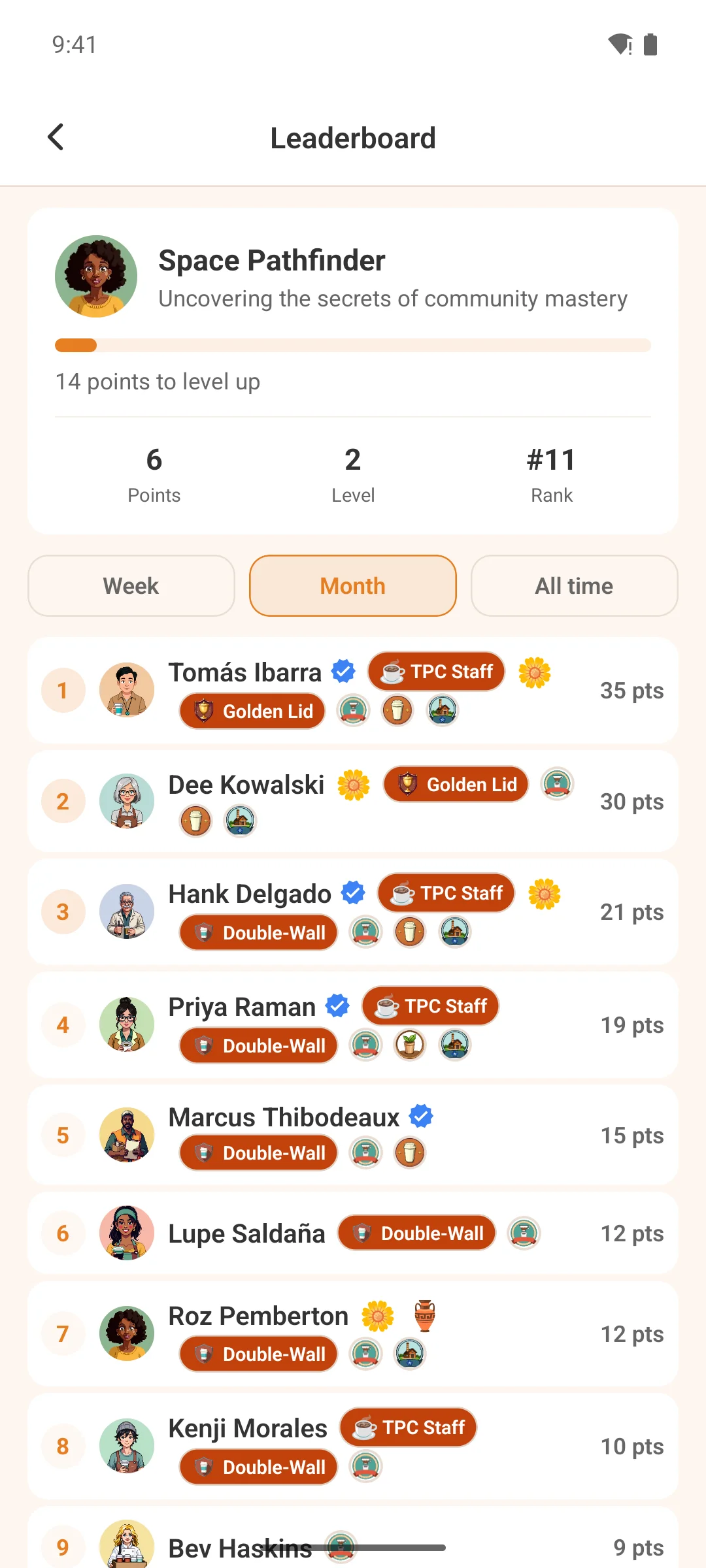
Fluent Community Pro’s points and levels board, rendered natively — last 7 days, last 30, or all time. And if you run GamiPress, the add-on brings its achievements, ranks and points across too, with its own screens and home-screen widgets.
- Both are feature-gated: a screen and its menu row appear only when the site actually has that system switched on, rather than showing an empty board
- The GamiPress add-on also registers Top Members and My Progress widgets you can drop on any screen
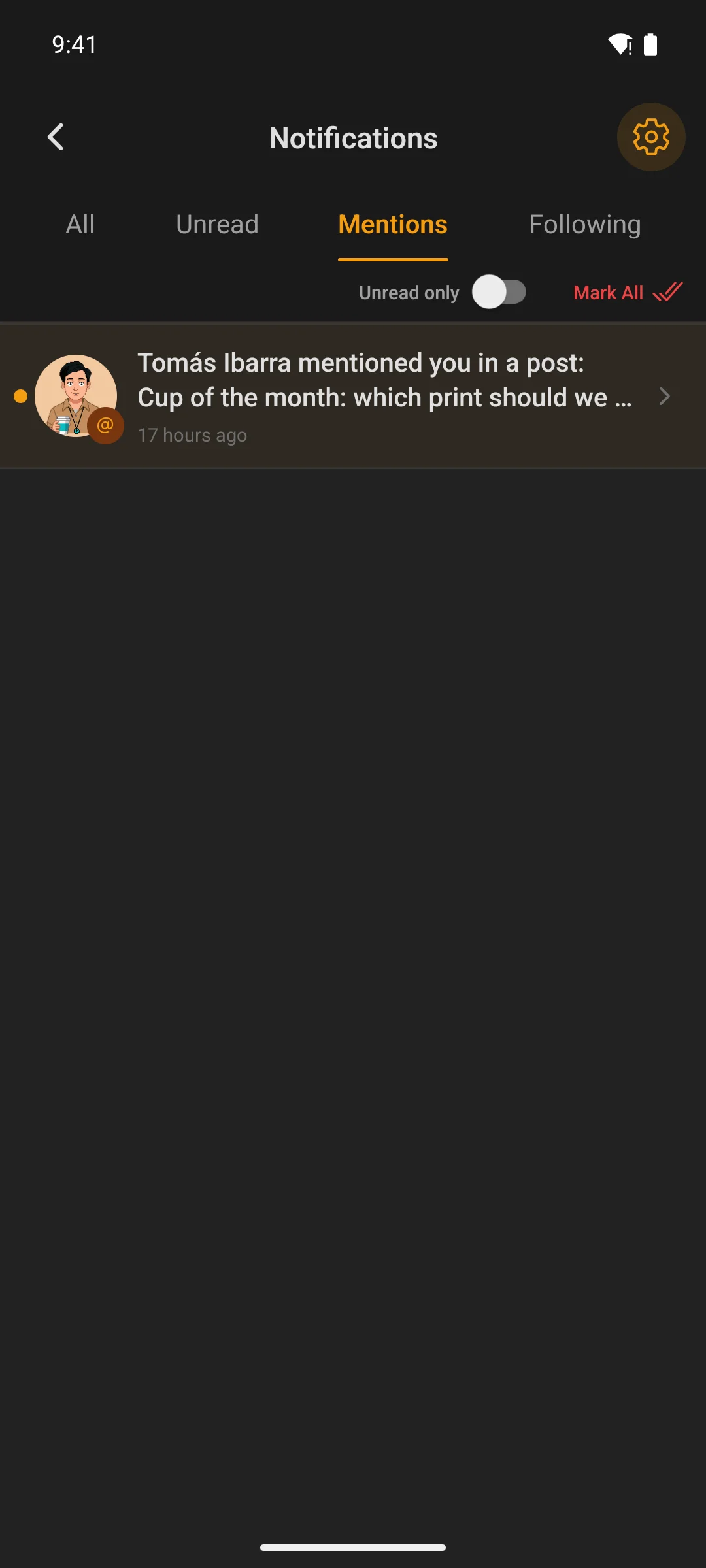
Notification inbox
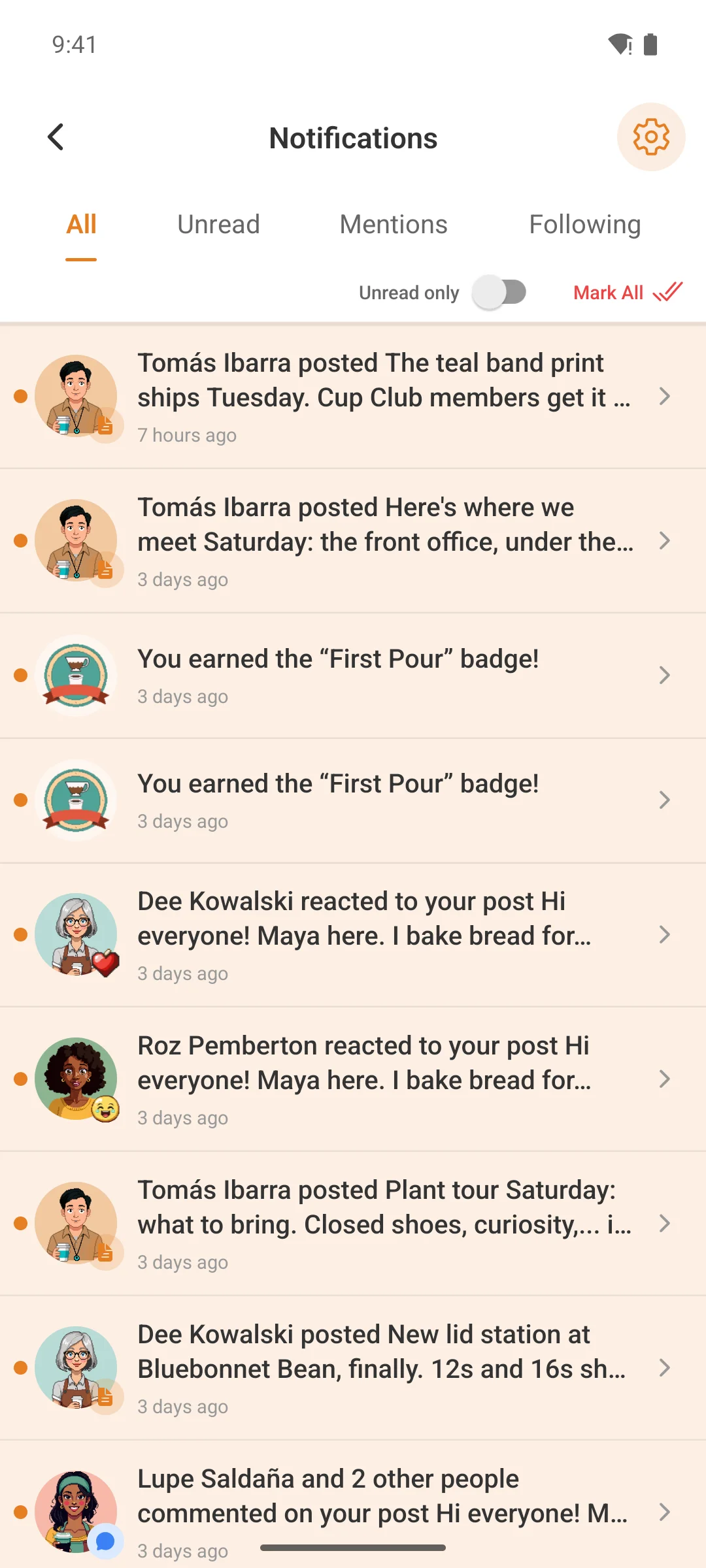
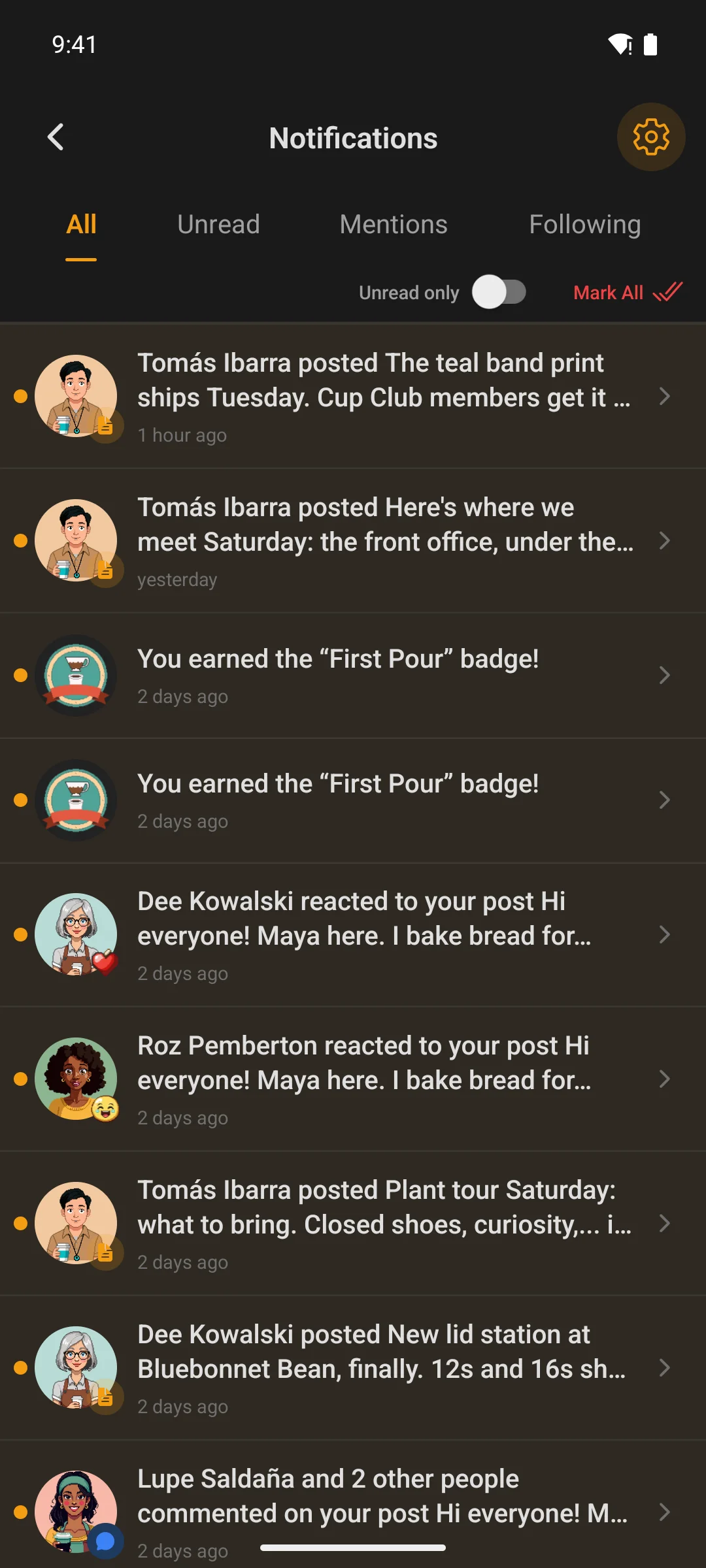
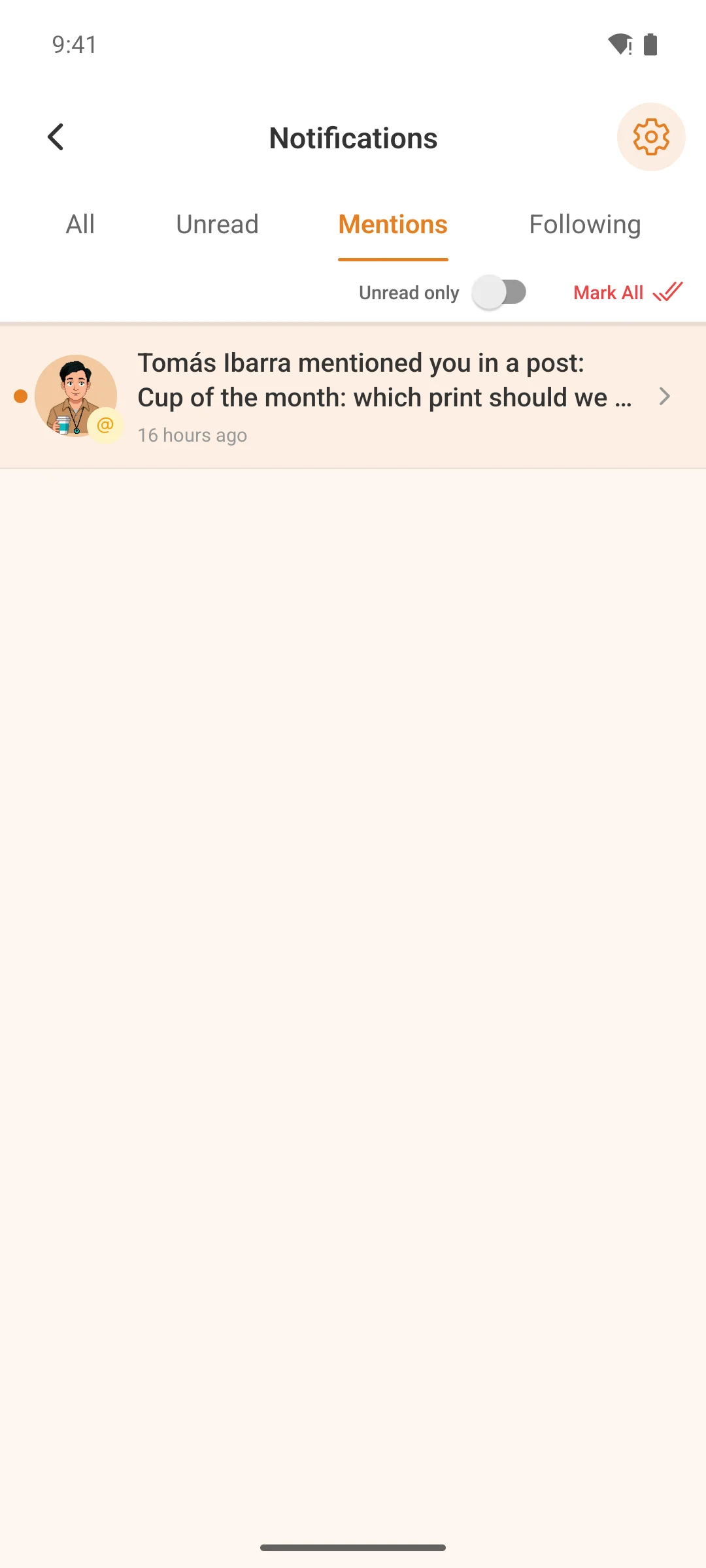
Everything you missed, in four tabs
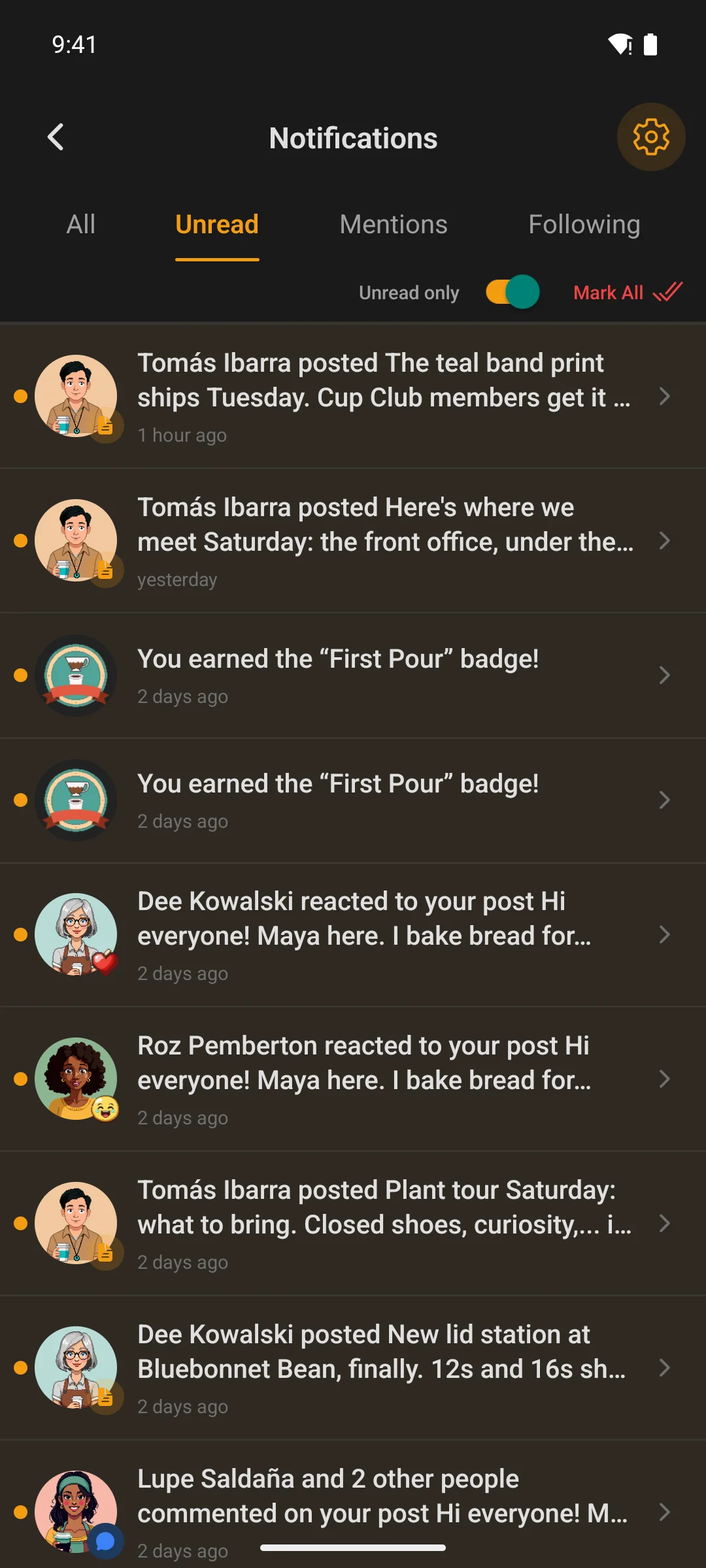
All, Unread, Mentions and Following — the same four the web portal uses. Swipe a row to mark it read, or tap it and land on the exact post, comment or conversation it came from.
- Badge counts stay in sync with what is genuinely unread, without polling for it
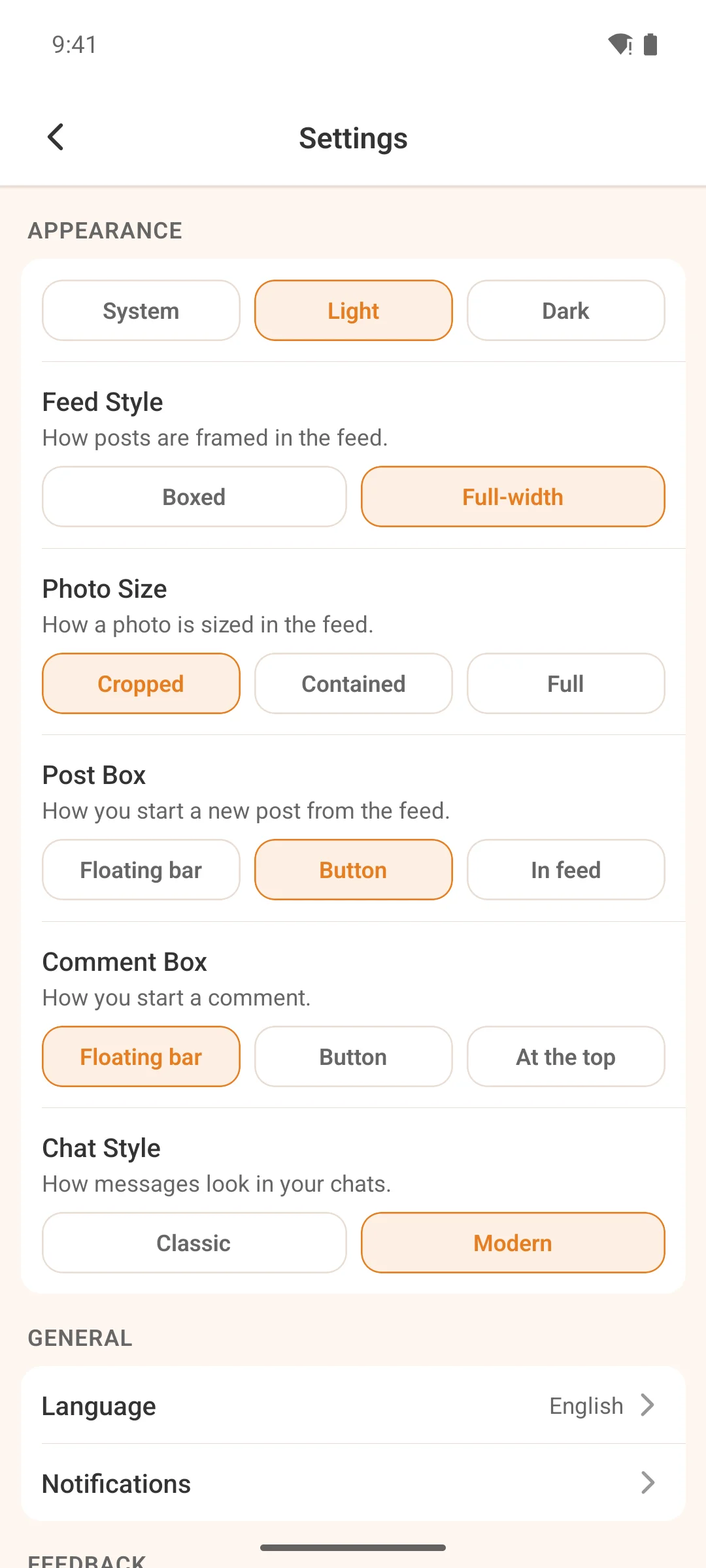
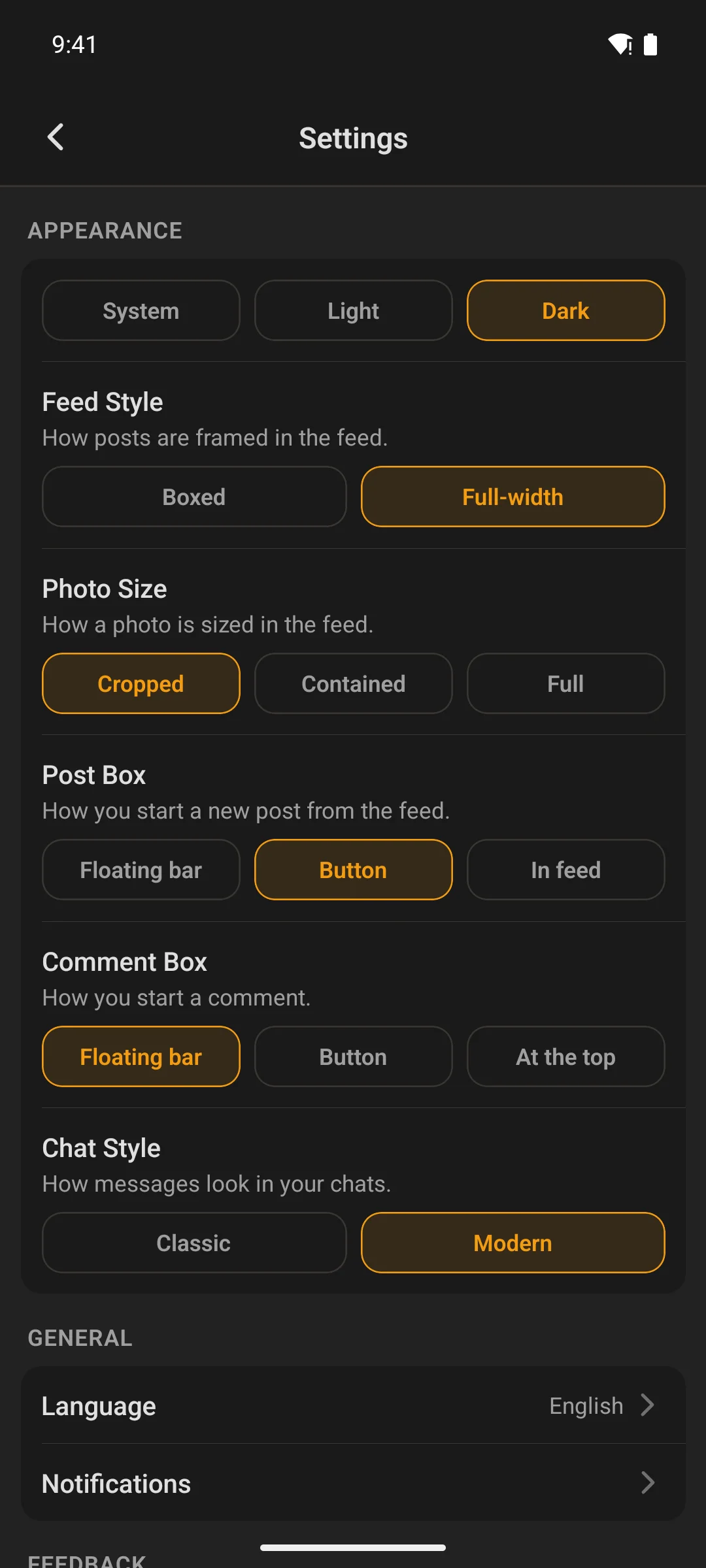
Settings
Every preference in one place
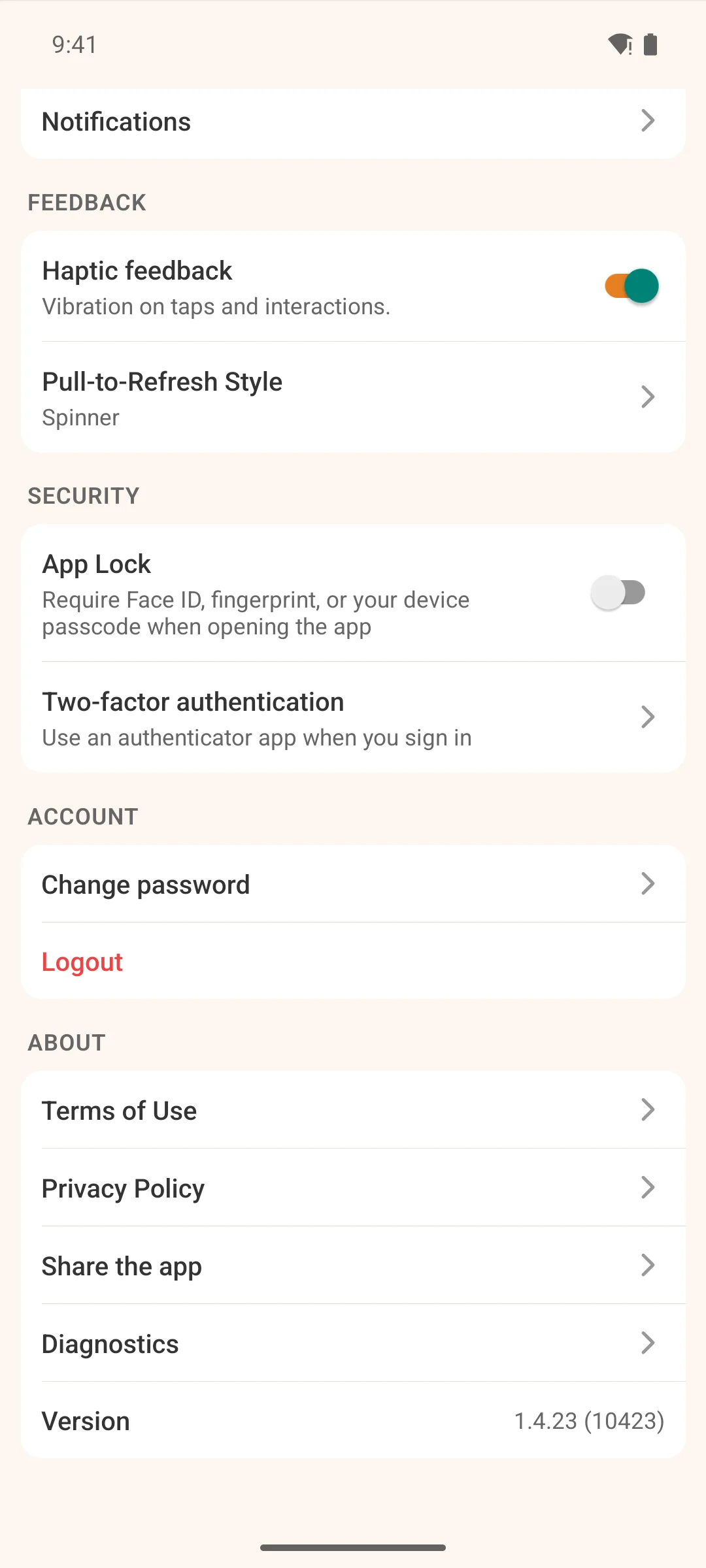
Notification preferences for push and email in one screen, a weekly digest switch, per-space email levels, appearance, language, and the app lock.
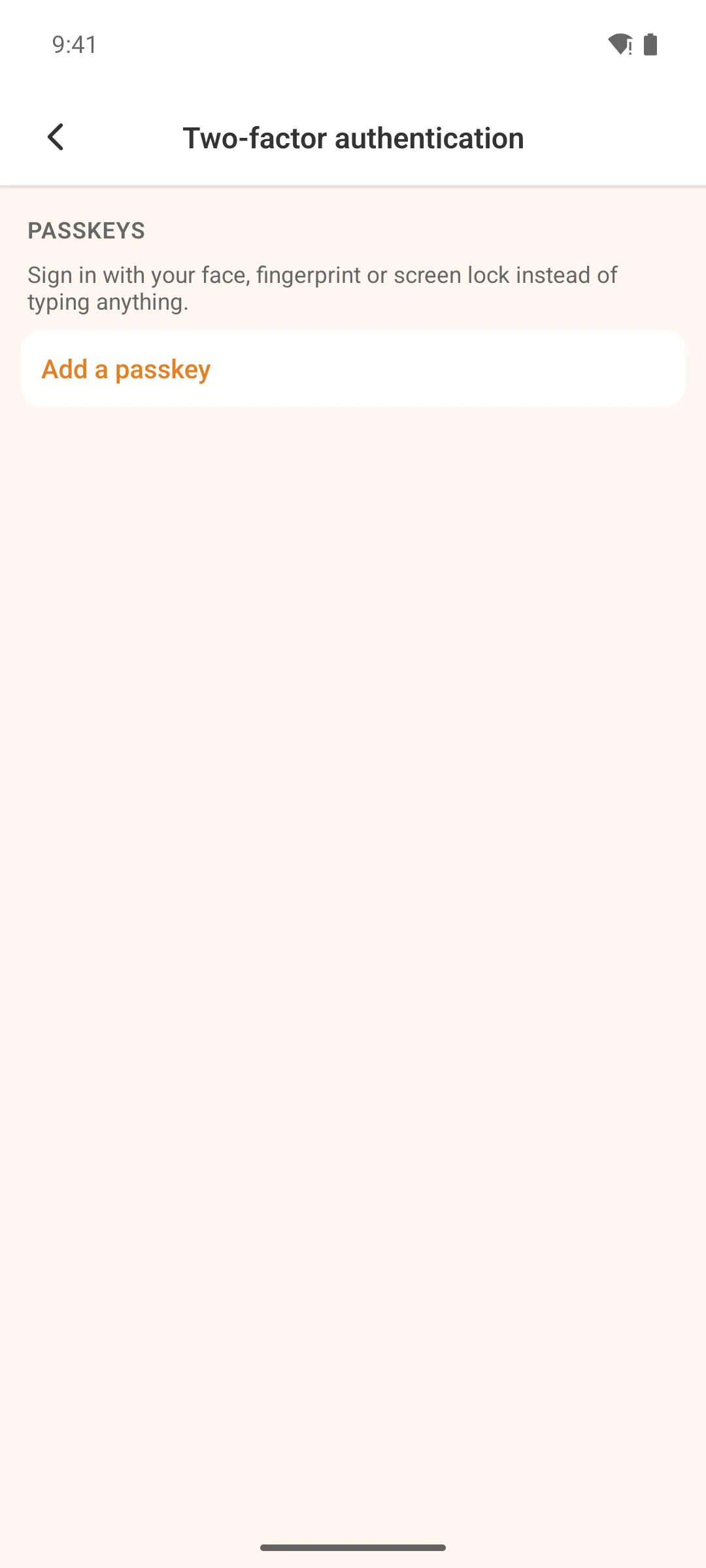
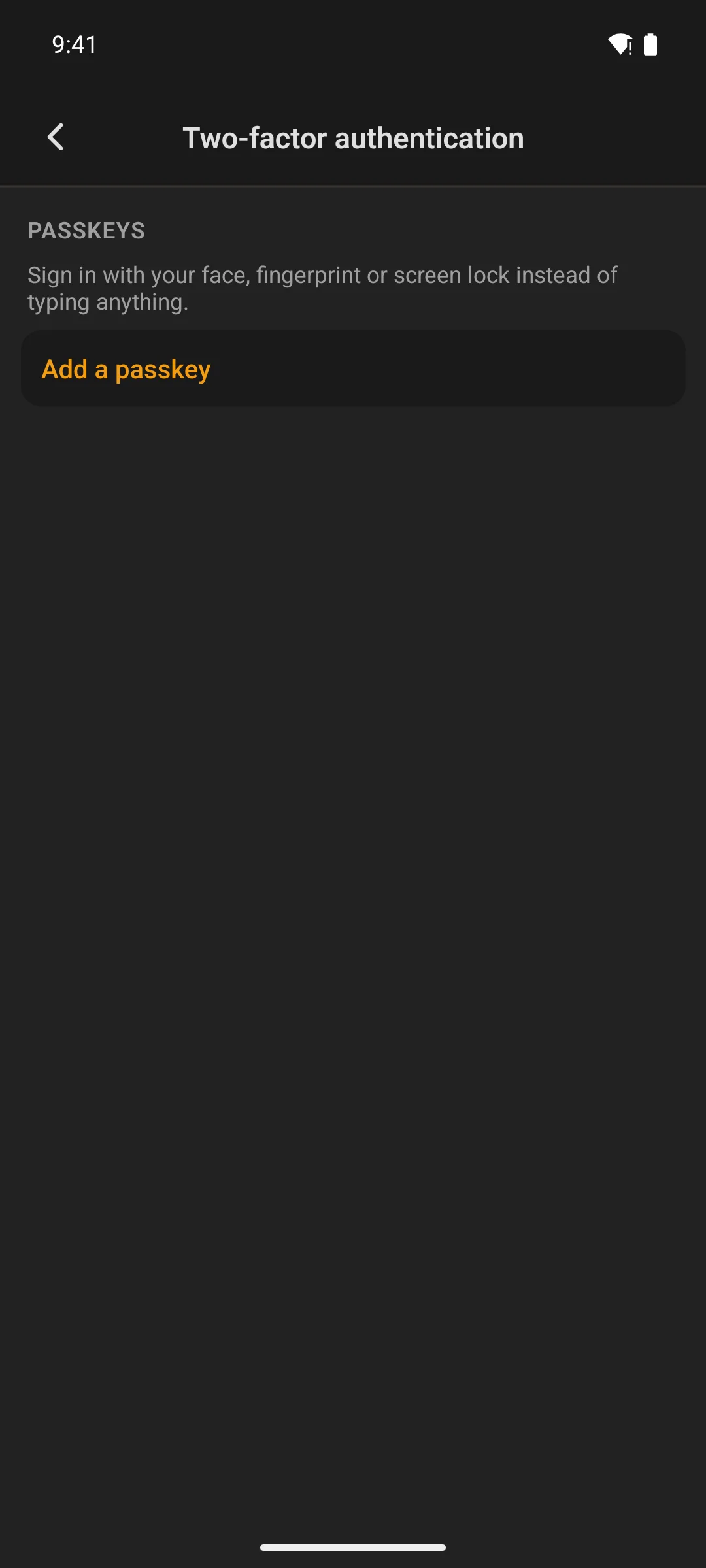
- Passkeys, the authenticator app and recovery codes have their own screen under Security
- Scheduled posts waiting to publish, and checkout, live here too
- Delete your account from inside the app — which the stores require and most wrappers skip
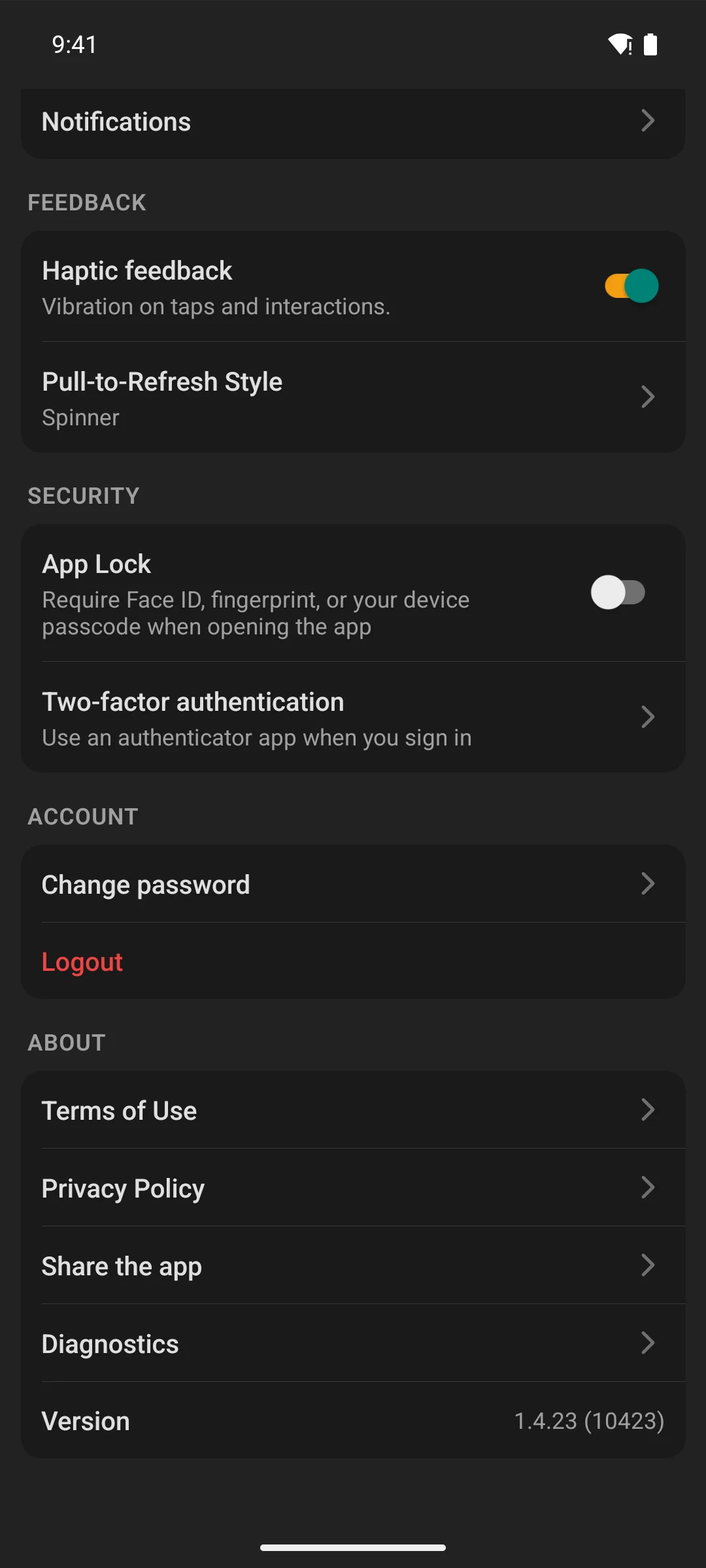
Diagnostics
What to send us when something is wrong
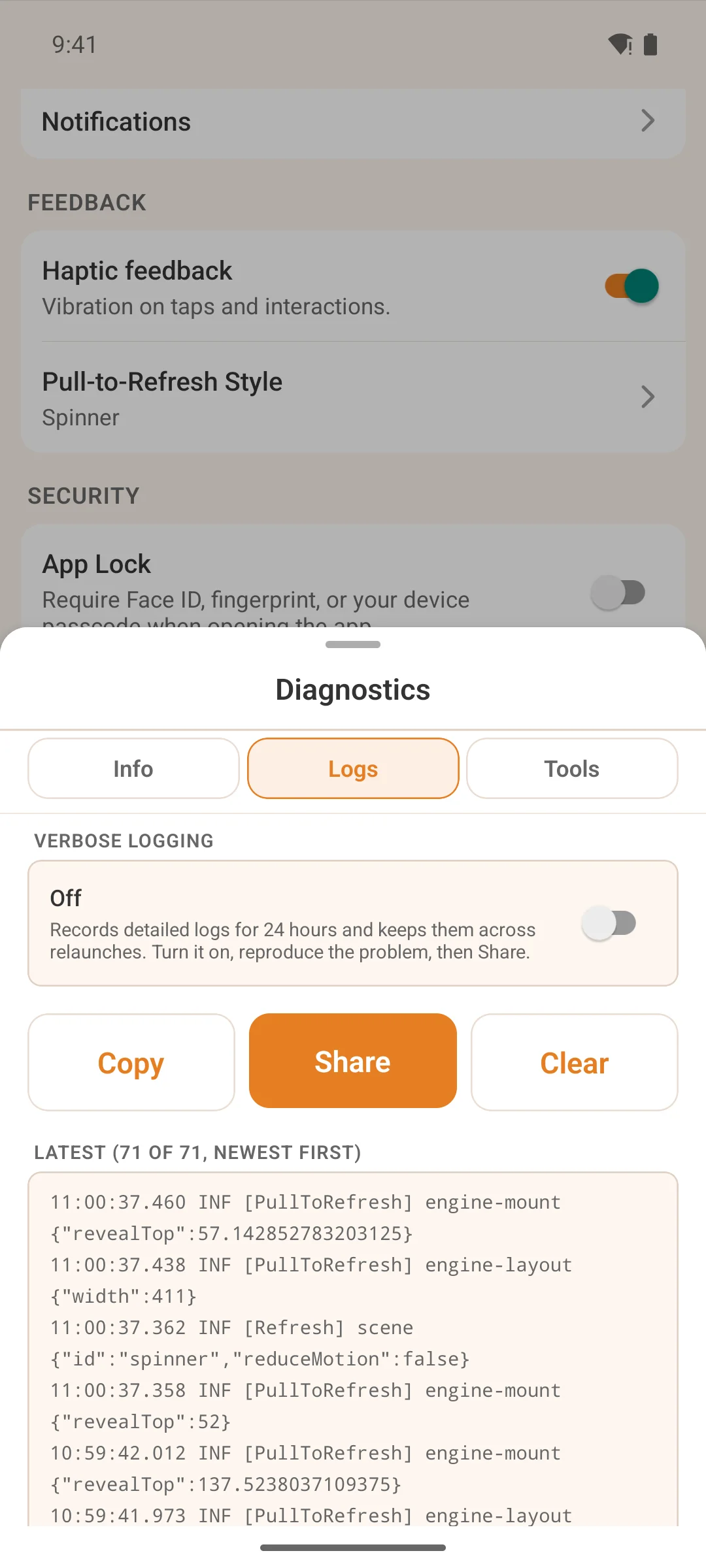
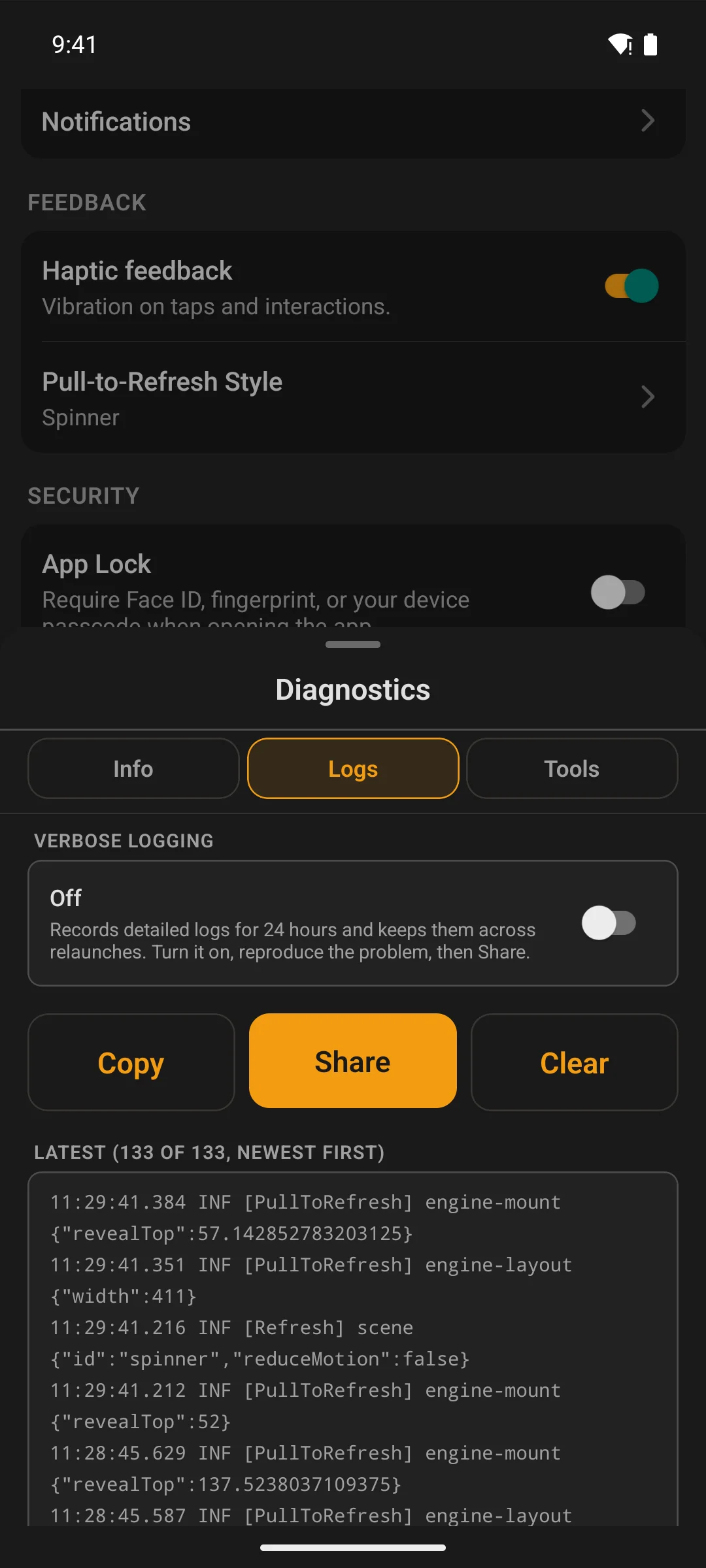
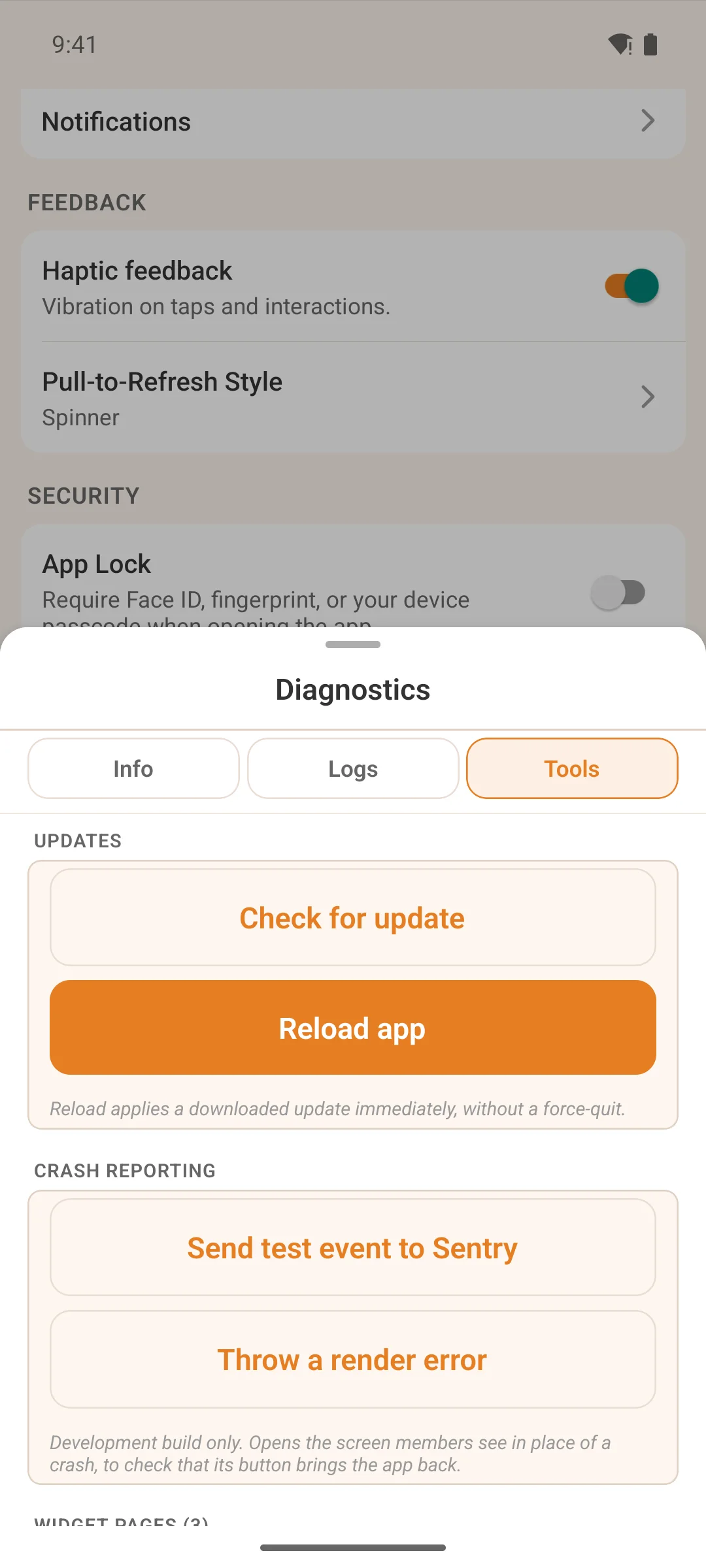
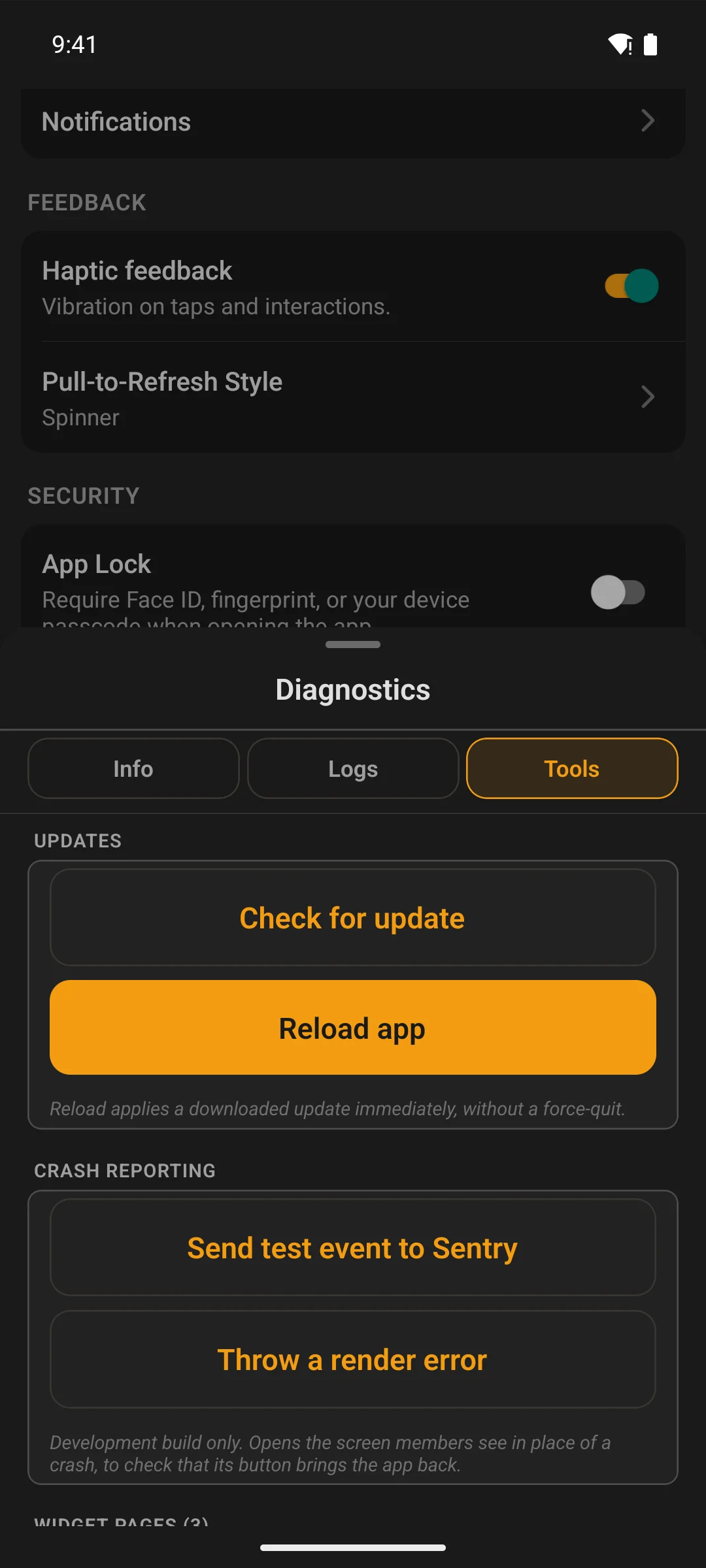
Every member carries a diagnostics screen: the app and core version, the site it is talking to, push registration, the last errors, and a one-tap copy of the lot. Most support threads end at the first message because of it.
- Push registration state, so “I get no notifications” has an answer in the screen itself
- A tools section for clearing caches and re-running the checks, without reinstalling
- For admins, and anyone you give a copy to, a Site section that switches the installed app to your staging site or a sandbox and back, with a STAGING badge while it is there
- Nothing sensitive: keys and tokens never appear, and the copy is plain text you can read before you send it
Your site, inside the app
Anything without a native screen is still one tap away
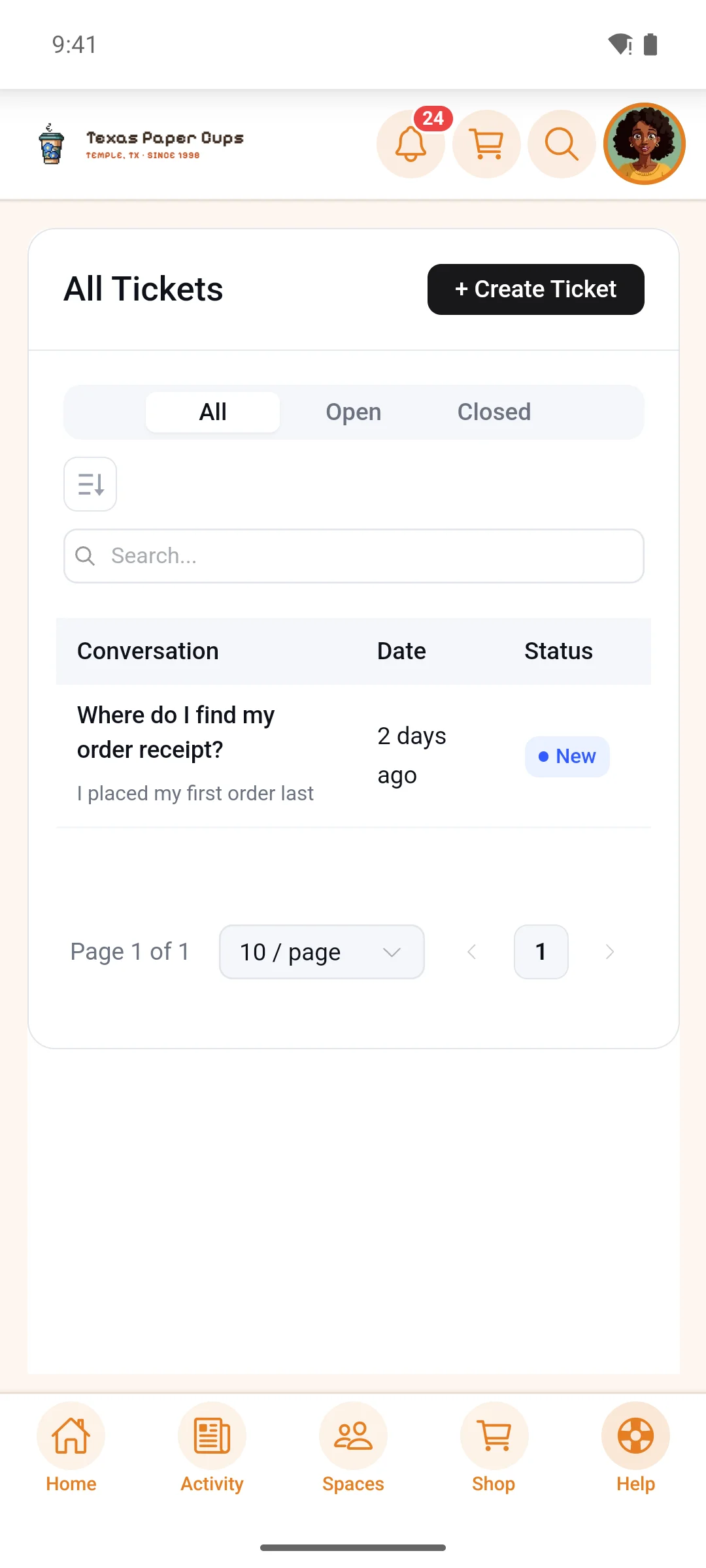
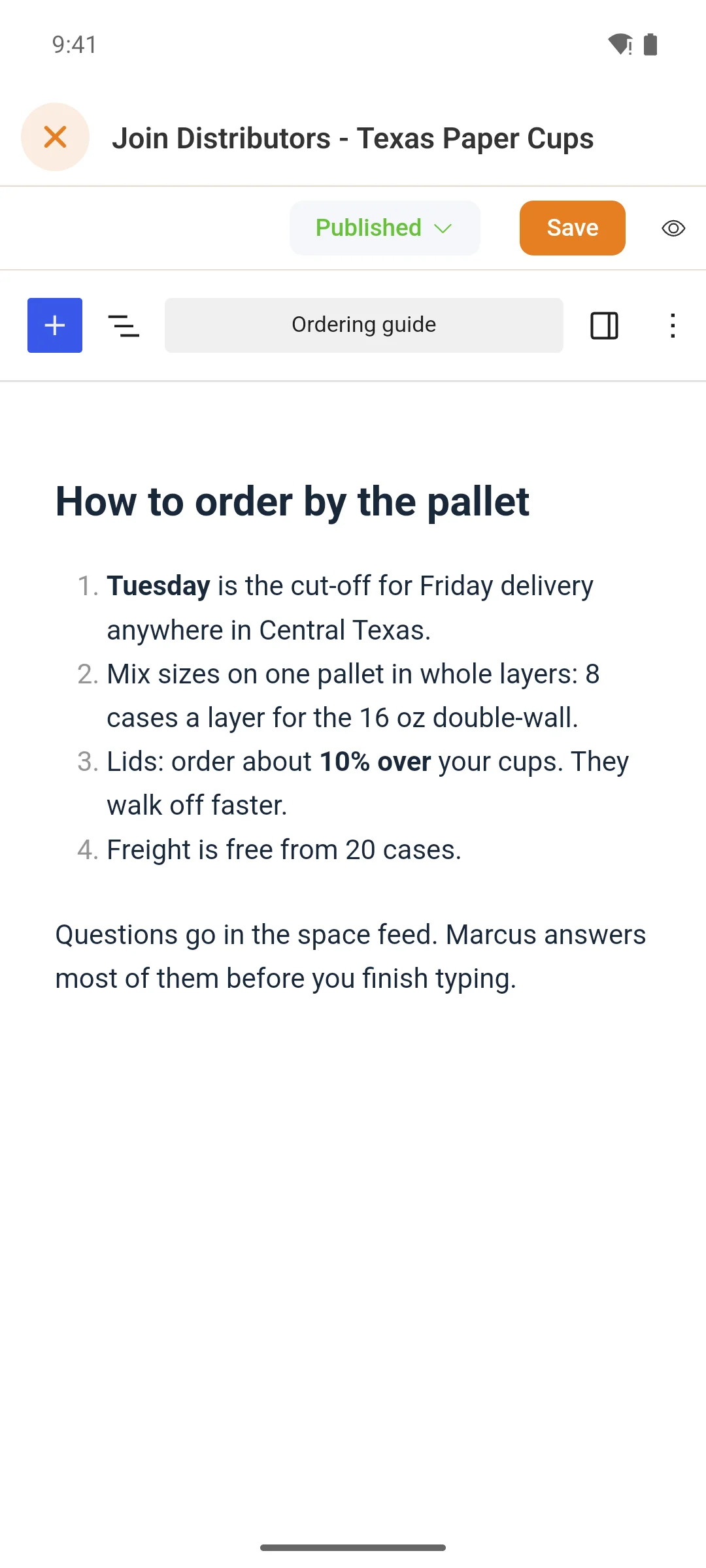
A page, a form, a checkout — anything else on your site opens inside the app, already signed in, so nobody is sent off to a browser and a login page. A link in one of those pages that points at a post, a space or a course opens the native screen instead.
- Point a tab, a launcher tile or a widget at any page, from WordPress
- Other people’s sites open in the app too, or in the phone’s browser if you choose
- Extra CSS for pages opened in the app, without changing your website
Moderation
What gets flagged is handled where it happened
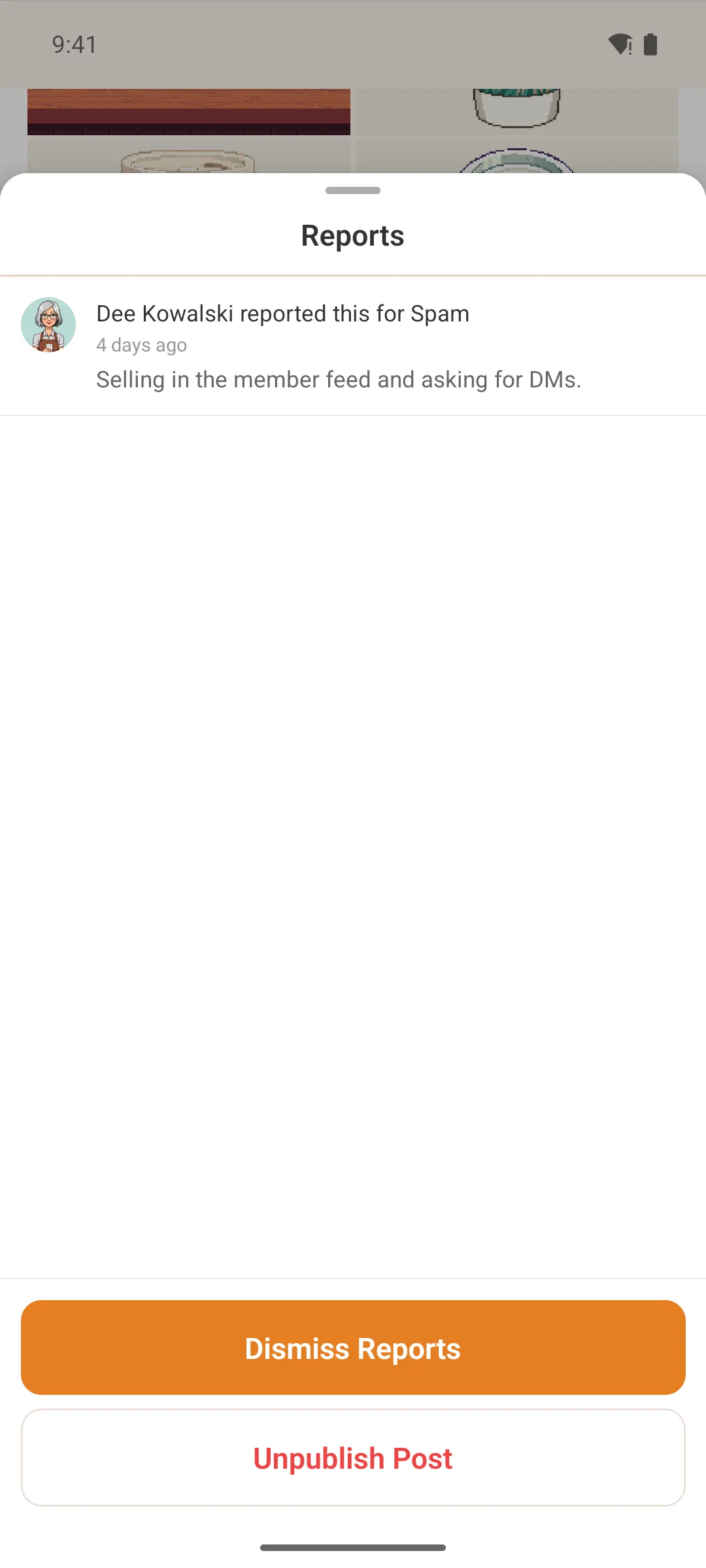
A reported post or comment wears a banner for the people who moderate that space. Open it and the reports are there — who raised what, and why. Dismiss it, unpublish the post, or approve something the community held back.
- The card updates in place: the banner appears without a reload, and an unpublished post leaves the list
- A post already decided cannot be reviewed a second time into republishing
- Reports are never kept on the phone, so a decision is always made against a fresh one
- Automatic flags read as what they are, rather than as a machine key
Sign in and sign up
The first screen anyone sees, in your words
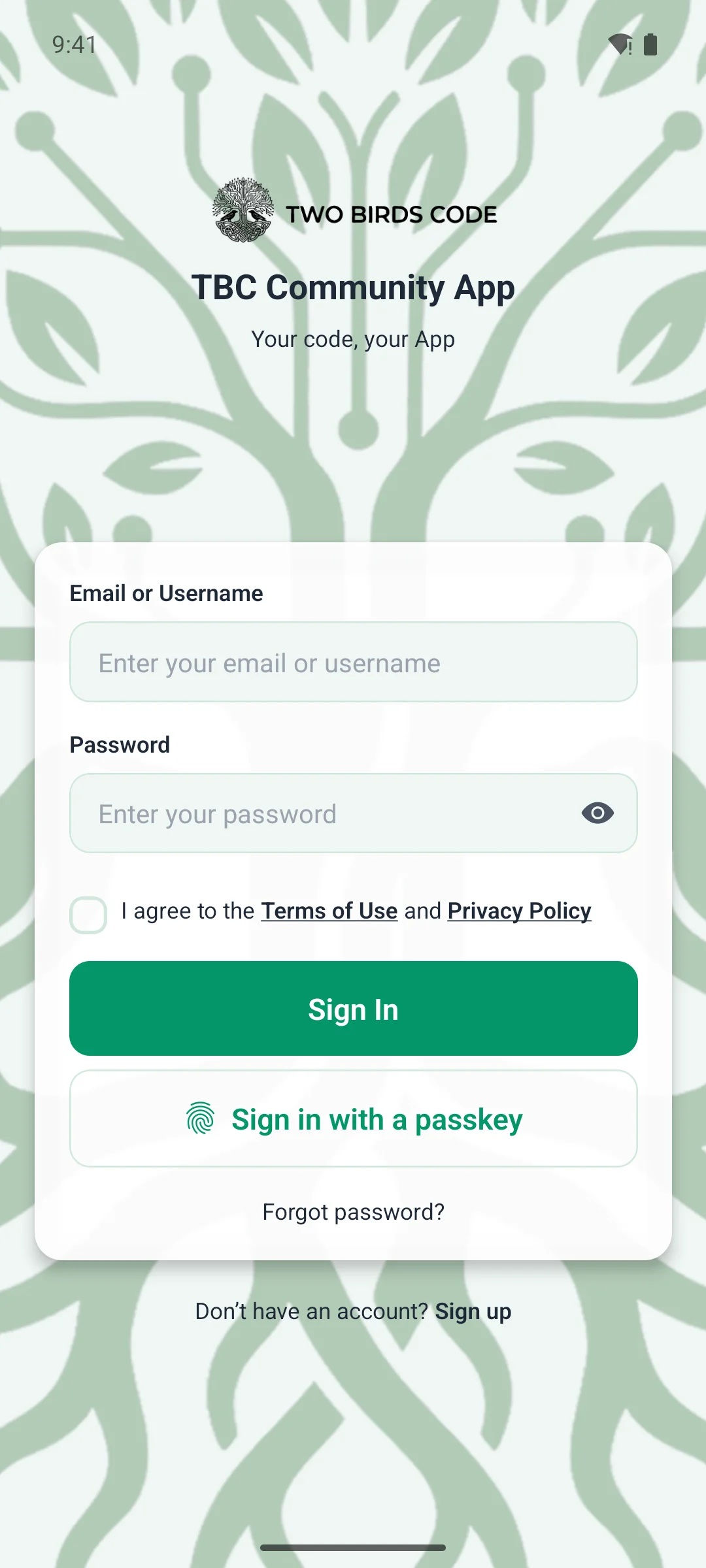
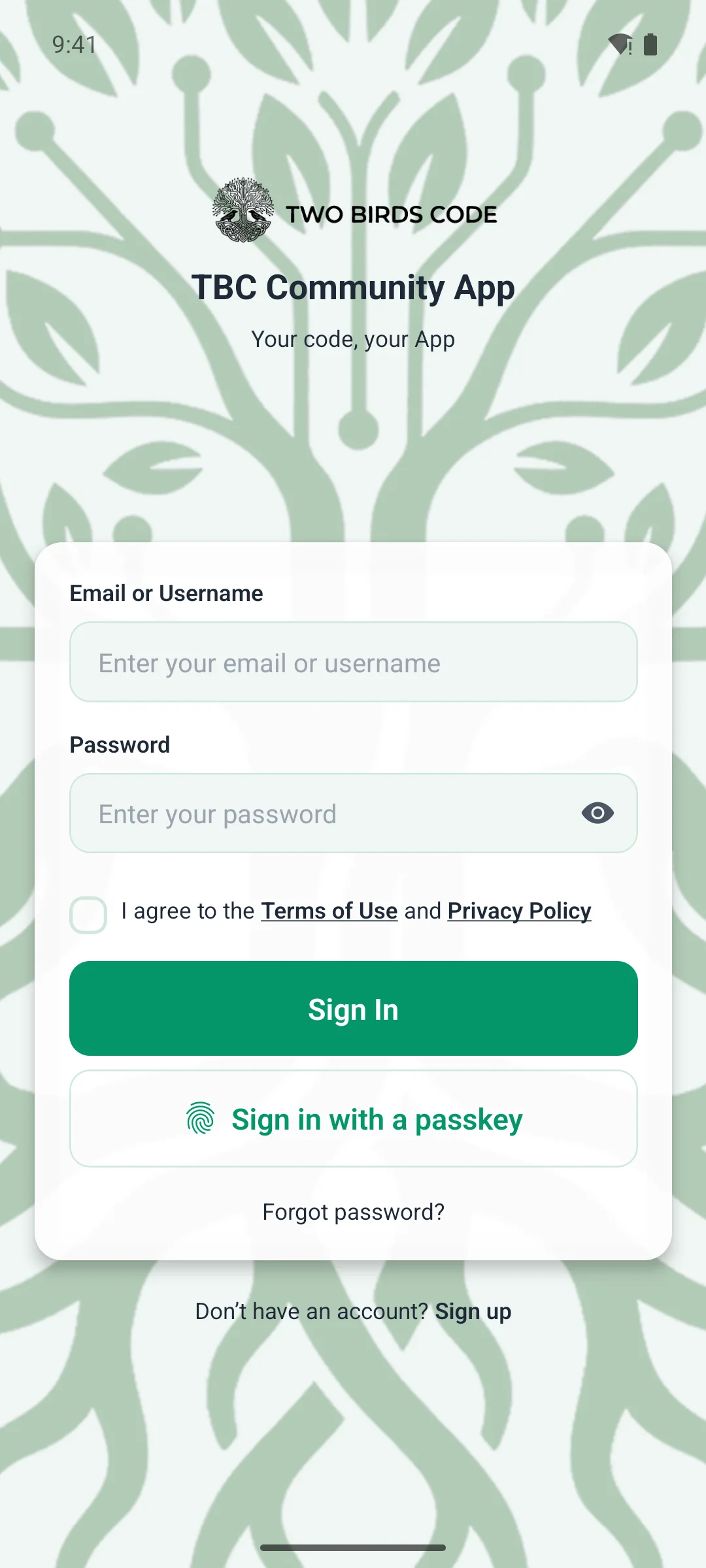
Sign in, sign up and password reset are native screens. New members create their account in the app, with email verification if your community requires it. The wording follows your Fluent Community text until you change it for the app alone.
- Sign in with a passkey — a face, a fingerprint or a screen lock, and no password to type
- Where your community asks for a second step, members set up a passkey or an authenticator app without leaving the app, and keep recovery codes for the day their phone is not with them
- App Lock puts the app behind Face ID, a fingerprint or the device passcode — you make it optional, required or off
Subscriptions
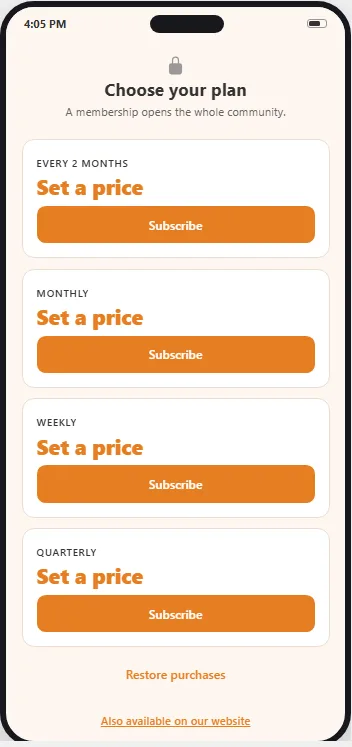
Sell memberships inside the app
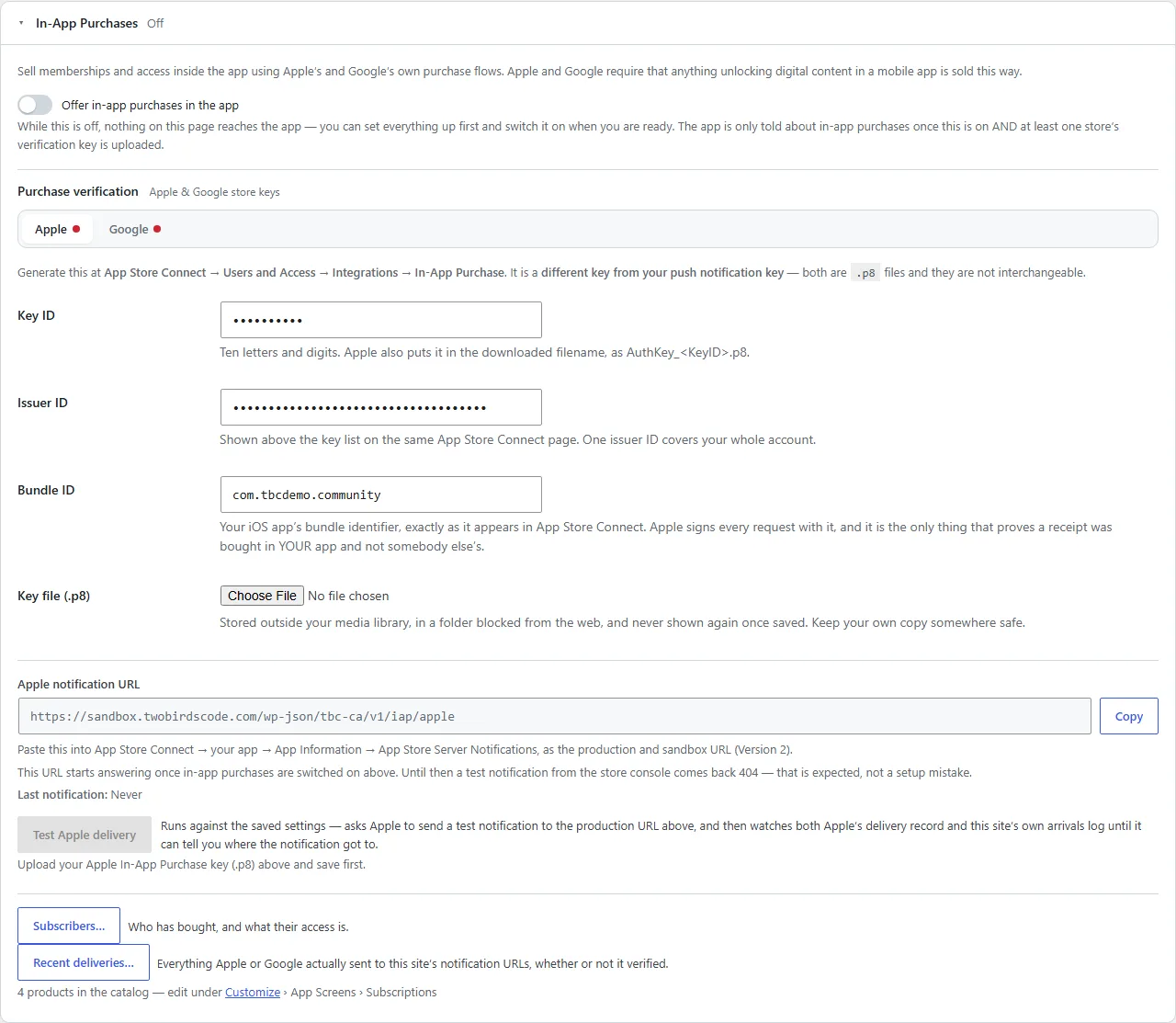
Members pay through Apple or Google, at the price their own store shows in their own currency, and your WordPress site grants the access. It comes with every app and stays off until you turn it on.
- Sell the whole community as a membership, or one space or course at a time
- Your site checks every purchase with Apple and Google before it grants anything
- The members you already have are never locked out when you switch it on
The launcher
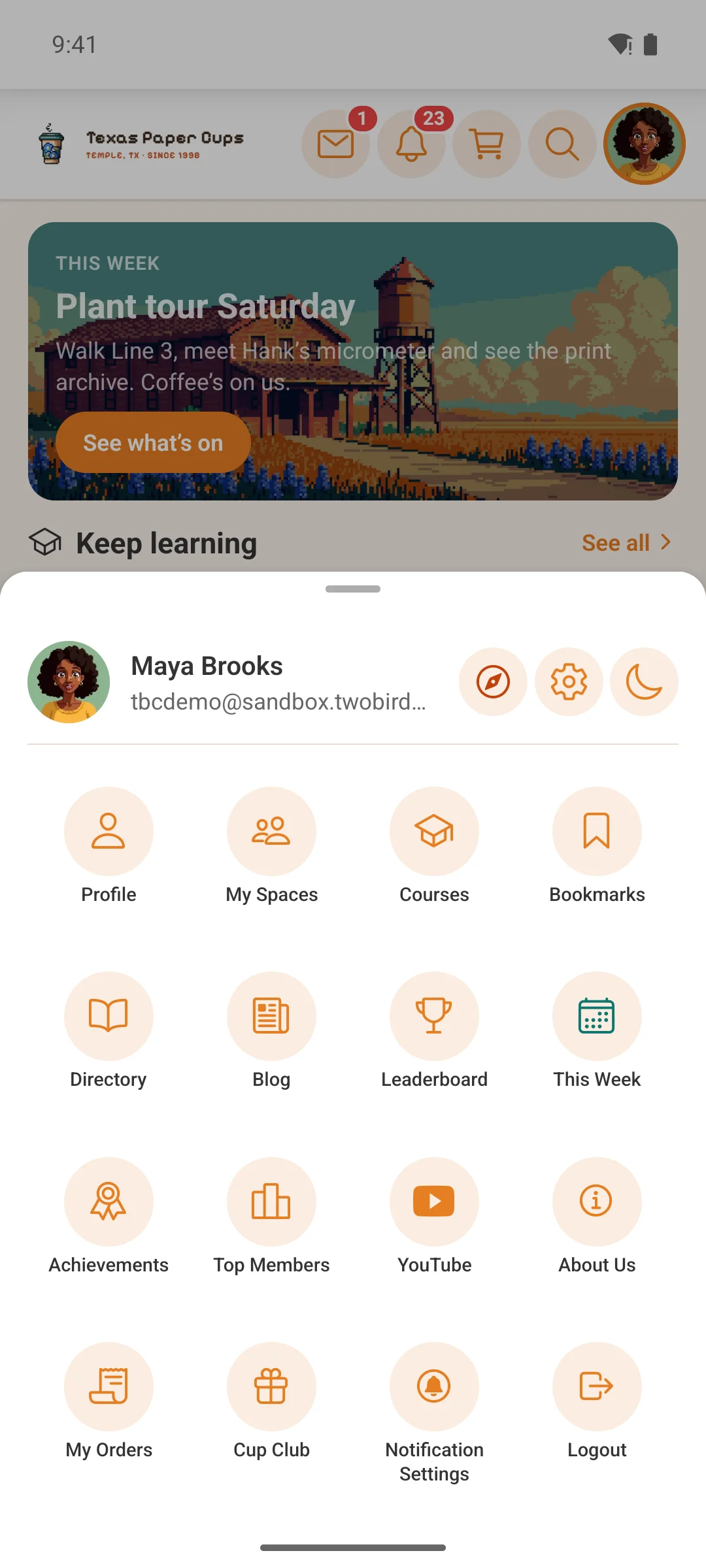
Everything that is not a tab, one tap from anywhere
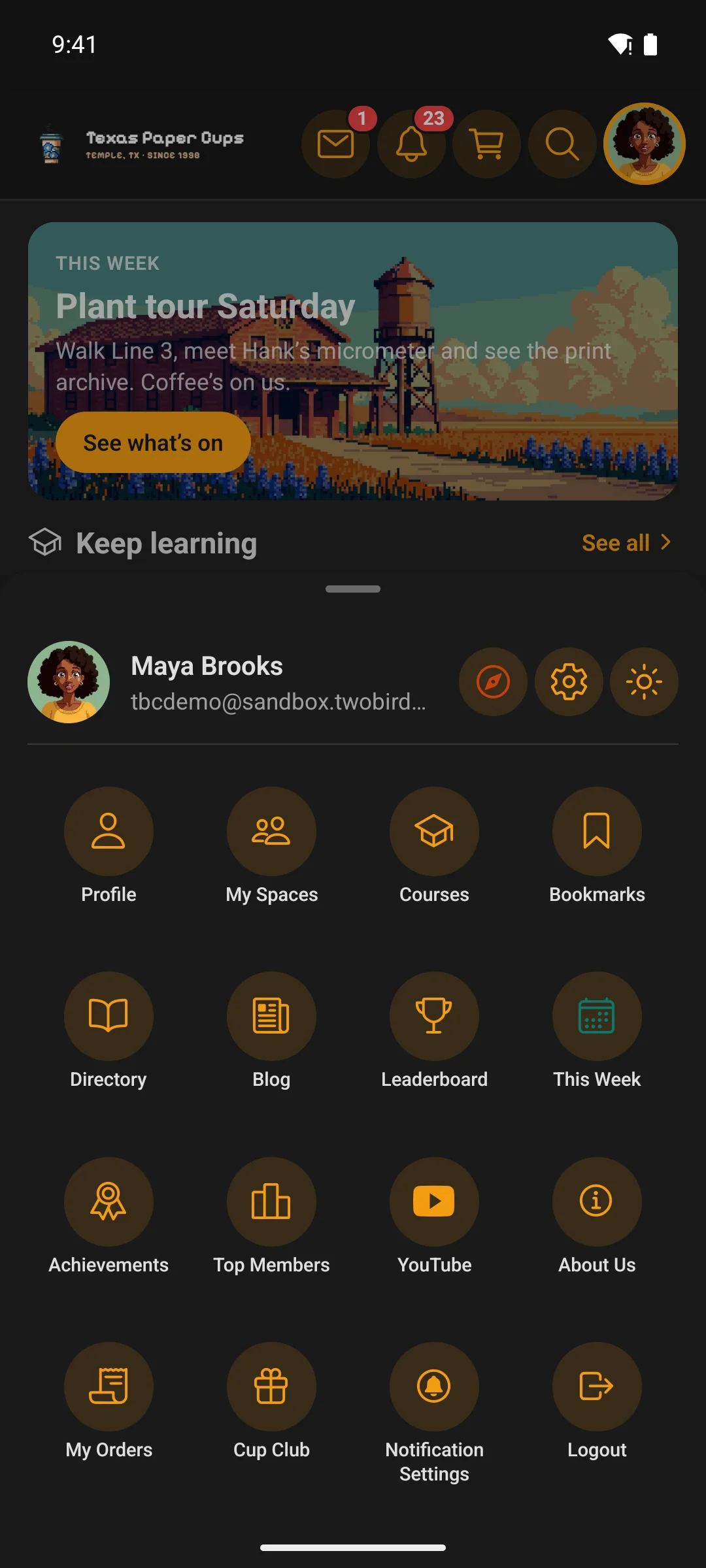
The bottom bar holds five things. The launcher holds the rest — profile, spaces, bookmarks, the directory, courses, your blog, achievements, top members, and any link you want to add, including your own pages and external sites.
- You choose what appears in it, in what order, and who sees each entry — the same audience rules as everywhere else
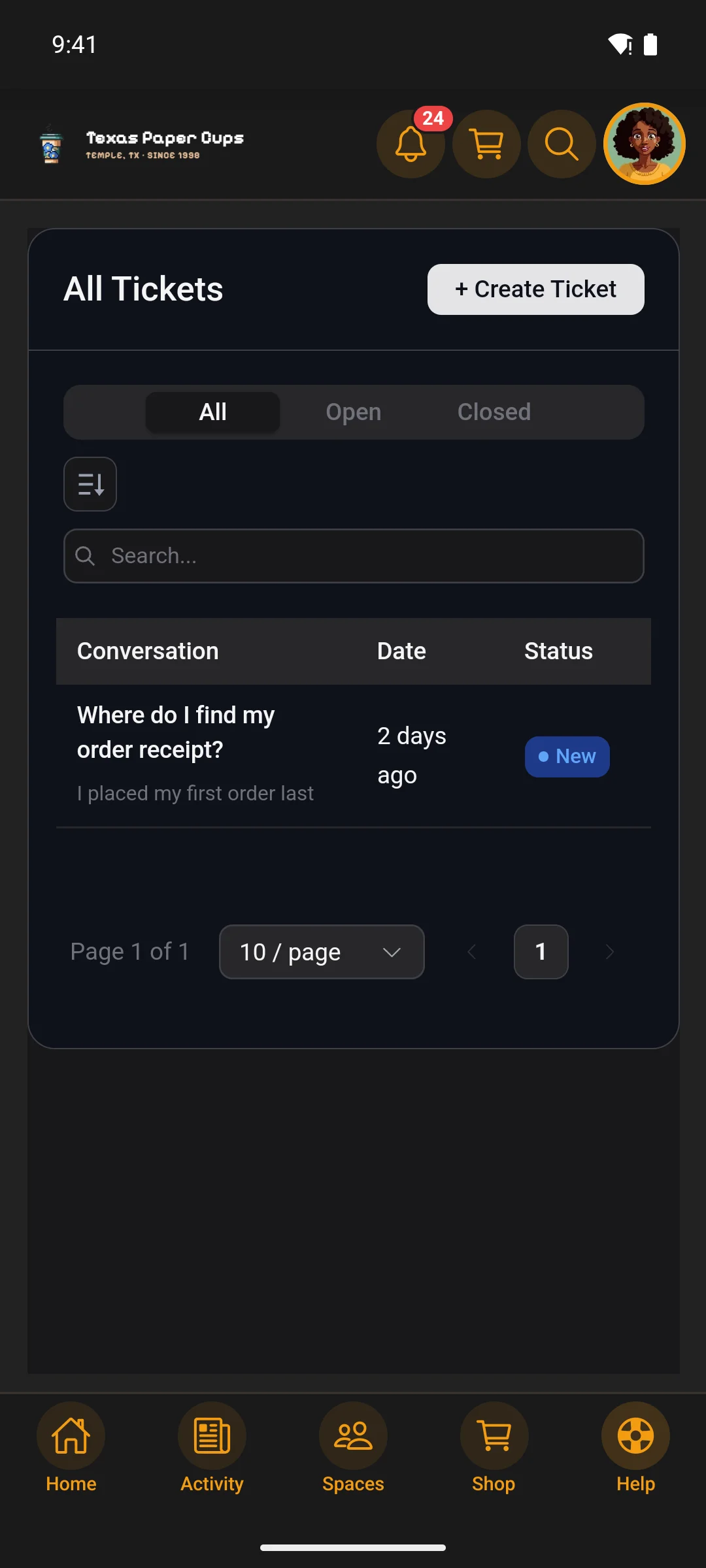
- Light and dark switch right here, so a member is never stuck in the wrong one
- Support and settings sit beside the member’s own name and avatar
The options · and why this one
Every other way onto a phone gives something up.
A custom-built app used to cost tens of thousands. The cheaper ways that followed each trade away something your members notice, or something you own.
The other ways
A web app. Members follow browser steps to save your site to their home screen. Every screen is still the website, it is in neither store, and on iPhone push only works once the site has been added.
A shared app. Every community’s members download the same app from someone else’s listing, then find their way into yours. Quick and cheap, but the app on the phone carries their name.
A branded-app platform. A native app with your name on it, which can cost $1,000 to $4,000 a year, every year — and on some, the app stops working the day you stop paying.
This app
In both stores, under your name. A link for your site, your emails and your printed cards, installed like every other app.
Native where members spend their time, your whole site behind it. The feed, messaging, spaces, courses and profiles are native screens. Anything else your WordPress site can do — a page, a form, a plugin, a checkout — opens inside the app, already signed in.
Push with real depth. Up to nineteen kinds of event, each with its own switch for members, settings per space, announcements you send from WordPress, and a tap that lands on the exact post even when the app was closed.
Shaped without code, and built to grow. Menus, whole screens built from seventeen widgets, and the theme are arranged in WordPress on a live preview. Add-ons bring new screens and widgets, and most updates reach phones over the air in minutes.
Yours. On your own accounts, from $33 / month, and it keeps working if you stop paying.
Get one
Two ways to get it built.
Dev Bundle
The full source, the dashboard and the plugin. You configure, build, submit and update it yourself, under your own store accounts.
Managed
Not building it yourself? We build and submit under your own Apple and Google accounts — you fill in your details on the plugin’s Managed tab.