

The dashboard · included with the Dev Bundle
Build and ship your own app. Without writing code.
The Dev Bundle ships the full source and this dashboard to drive it. Configure the app,
build it for both stores, submit it, and push updates — from a browser on your own
machine. One command opens it: npm run dashboard
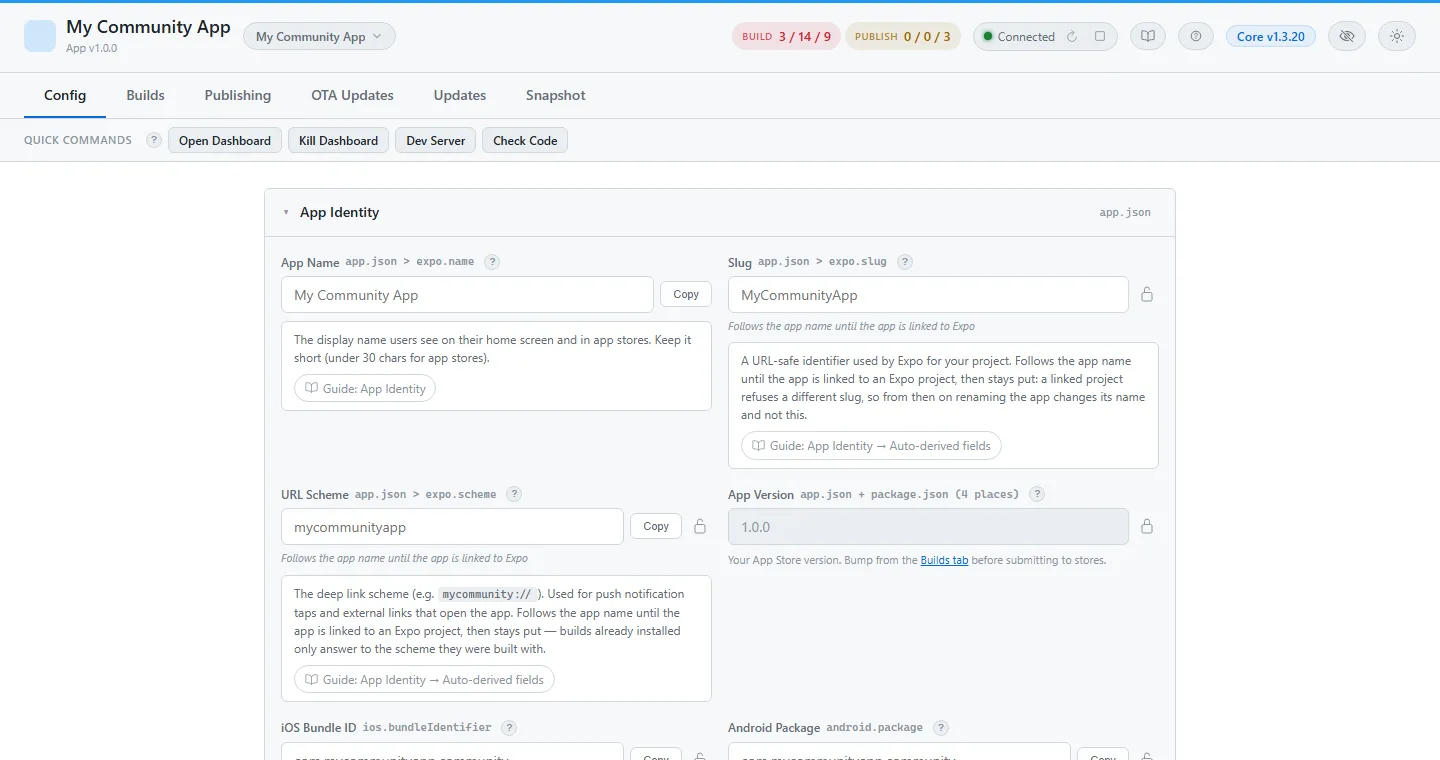
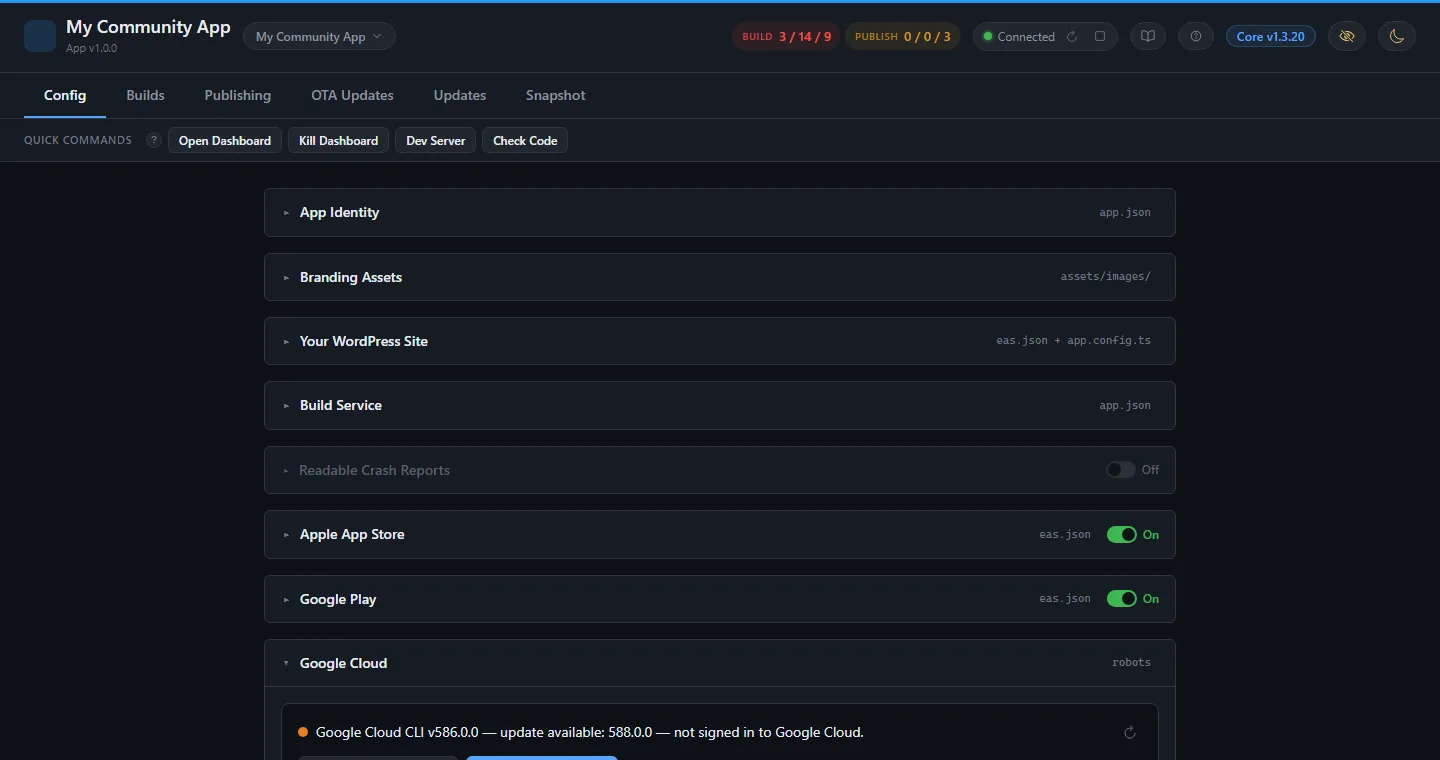
Config · eleven cards, one form
Everything the app needs, in one form.
What the app is called, how it looks, where it points, who builds it, both sets of store credentials, push, permissions, and memberships. Each field says which file it writes and carries a ? that explains what it is for and where to find the value. Click a card. Every screenshot opens full size.
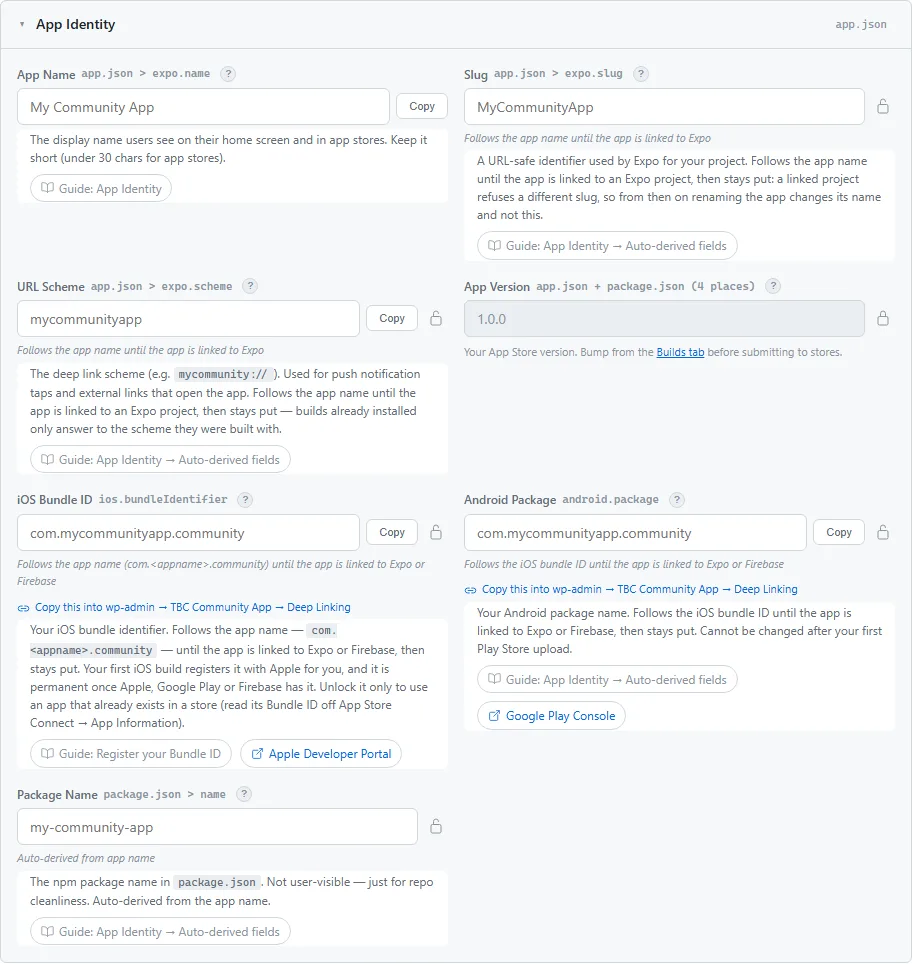
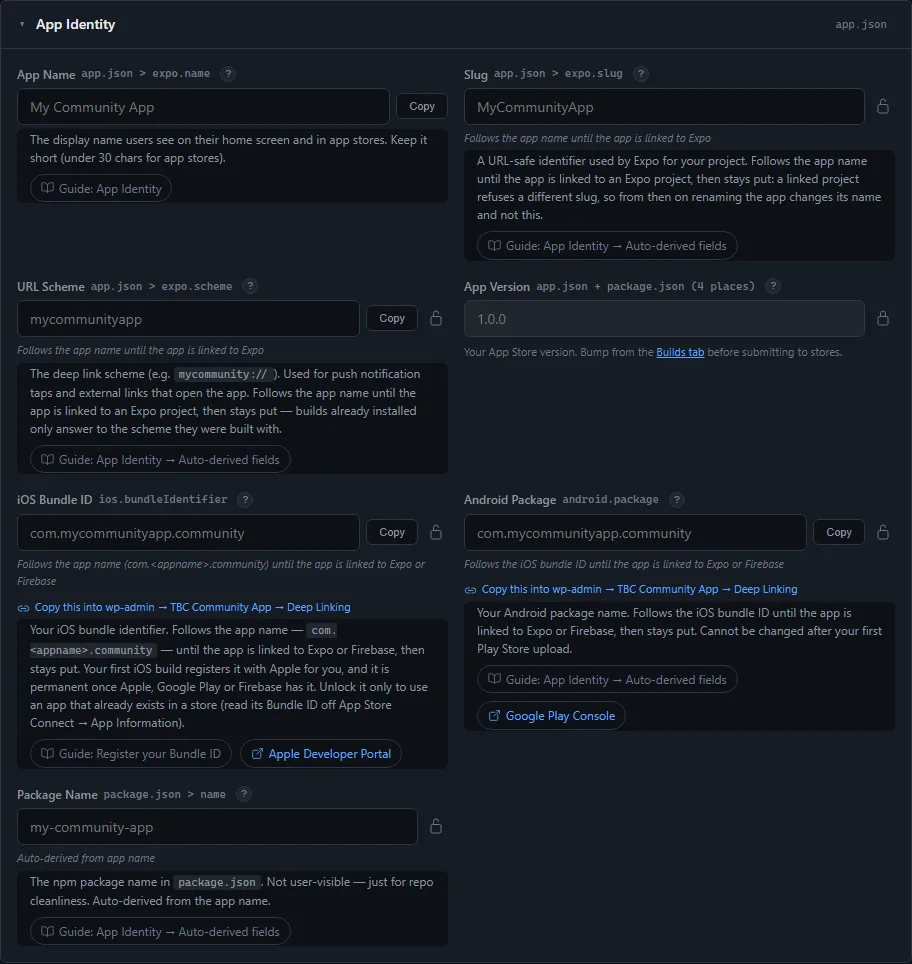
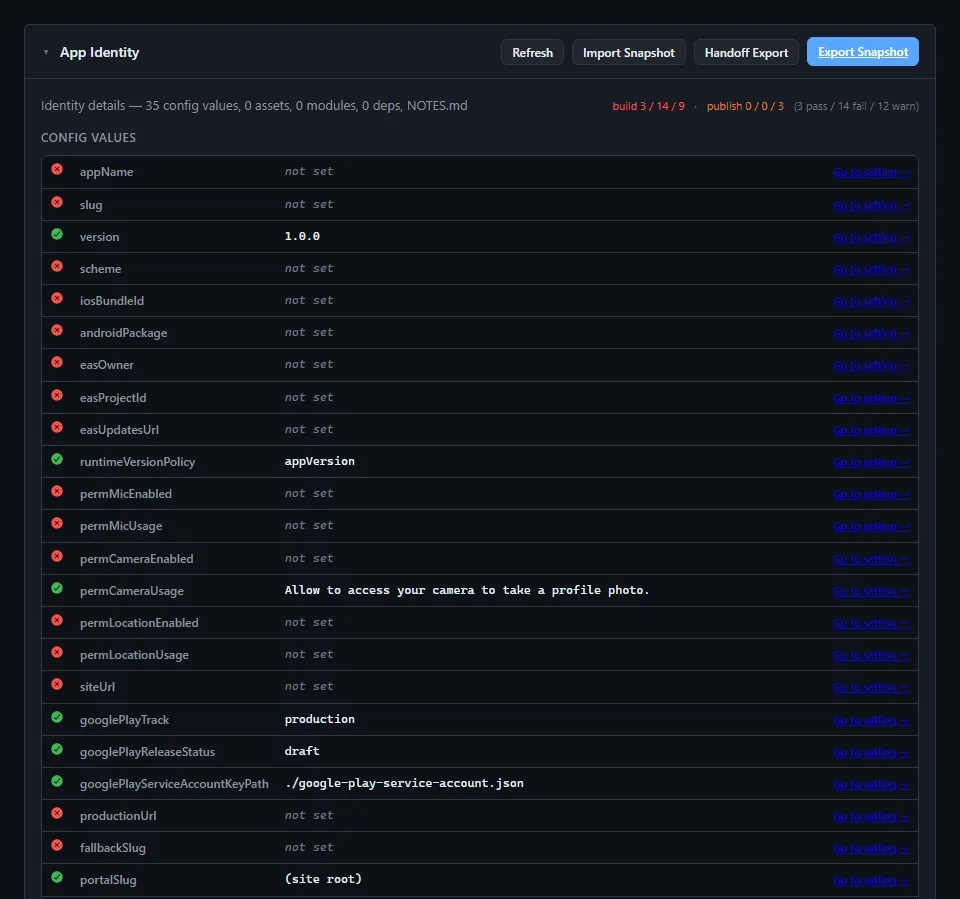
App Identity · app.json
What the app is called
Name, slug, URL scheme, version, iOS bundle ID, Android package, user agent. Type the name and the rest is derived — every derived field is locked until you unlock it, so the four names that must agree, do.
- Each field says which file it writes —
app.json,package.json - A one-click copy into the WordPress plugin’s Deep Linking fields, so both halves match
- Version is read-only here; you bump it on the Builds tab before submitting
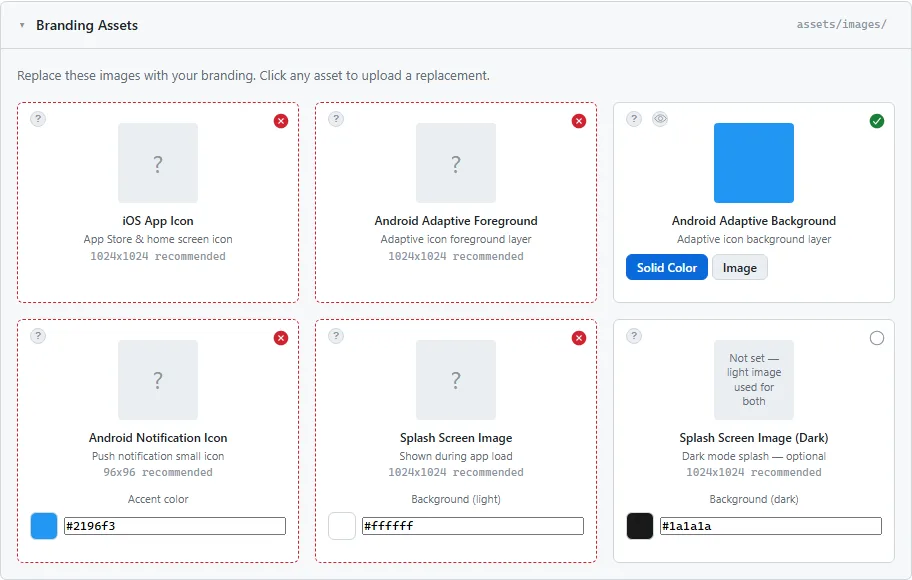
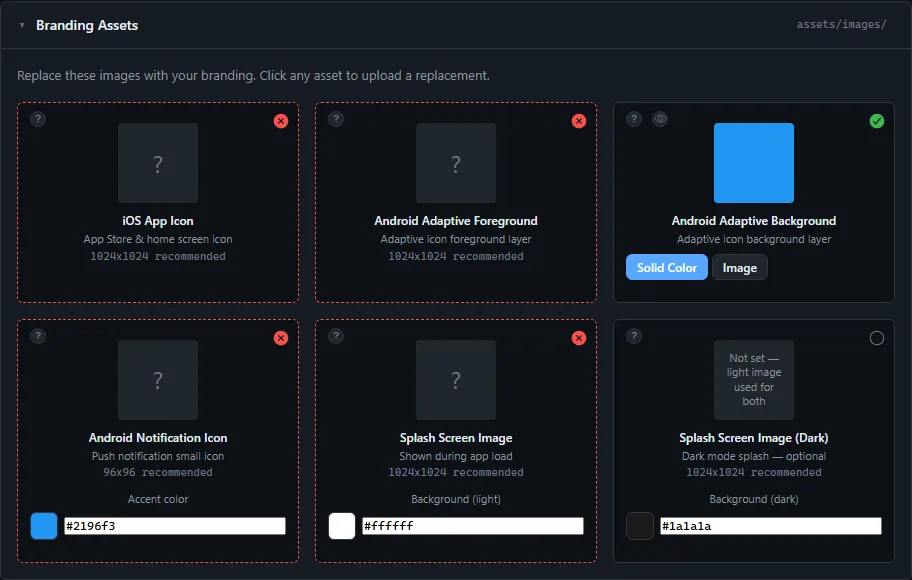
Branding Assets · assets/images/
Six pictures, dropped in
iOS icon, Android adaptive foreground and background, notification icon, and a light and dark splash. Click any one to replace it; the card shows the size it wants and the size you gave it.
- Adaptive background as a solid colour or an image
- Accent and splash background colours beside the pictures they sit under
- A tick on each asset when it is the right size — no guessing what Apple rejects
Your WordPress Site · eas.json + app.config.ts
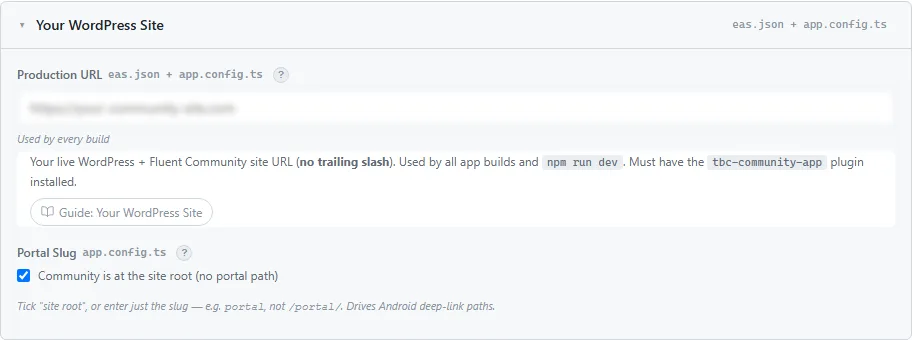
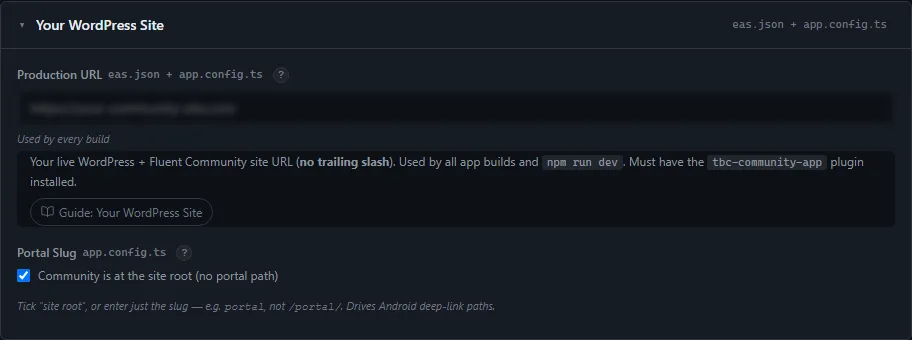
Where the app points
Your site URL and the portal slug that drives Android deep links.
- Every build starts on your live site. A staging copy is set in WP Admin, and the app switches to it from its Diagnostics screen
- Tick “community is at the site root” or enter the slug — both halves of the app follow it
Build Service · app.json
The account that does the building
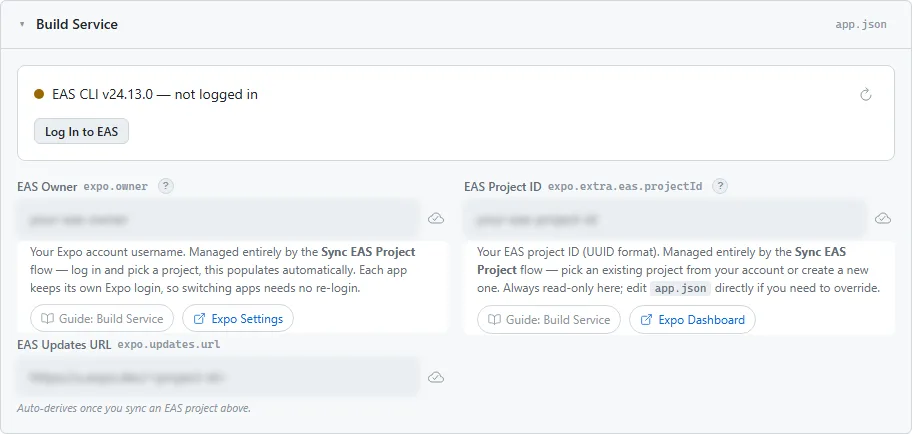
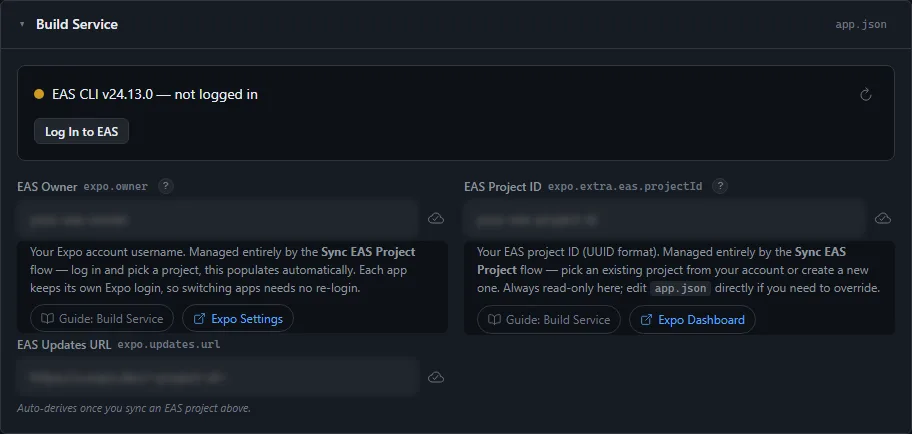
The dashboard checks the build CLI, its version and whether you are logged in, and offers the fix on the same line. Owner, project ID and the updates URL are read from the service and baked into every native build.
- Log in and update the CLI from the card, not a terminal
- Each project keeps its own login, so a build never goes to the wrong account
Readable Crash Reports · Sentry
Crash reports you can read
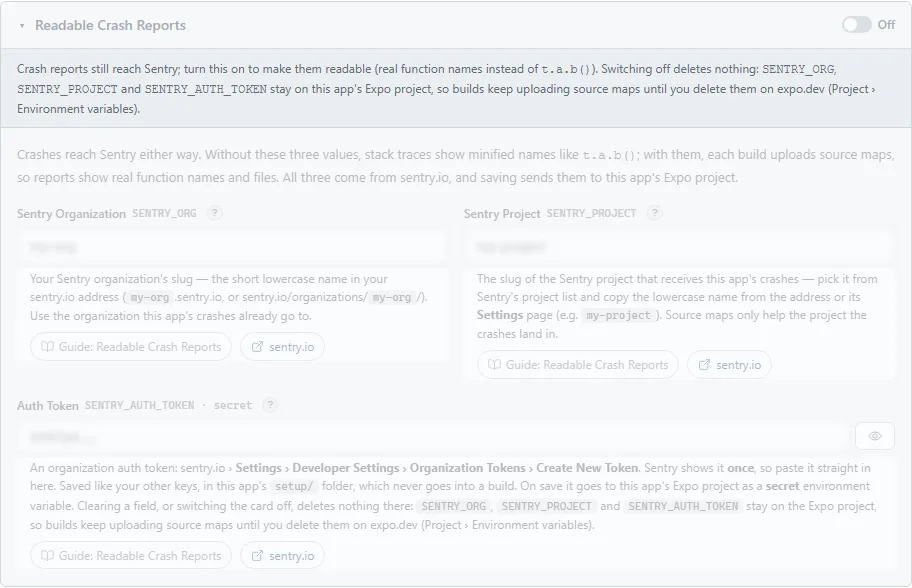
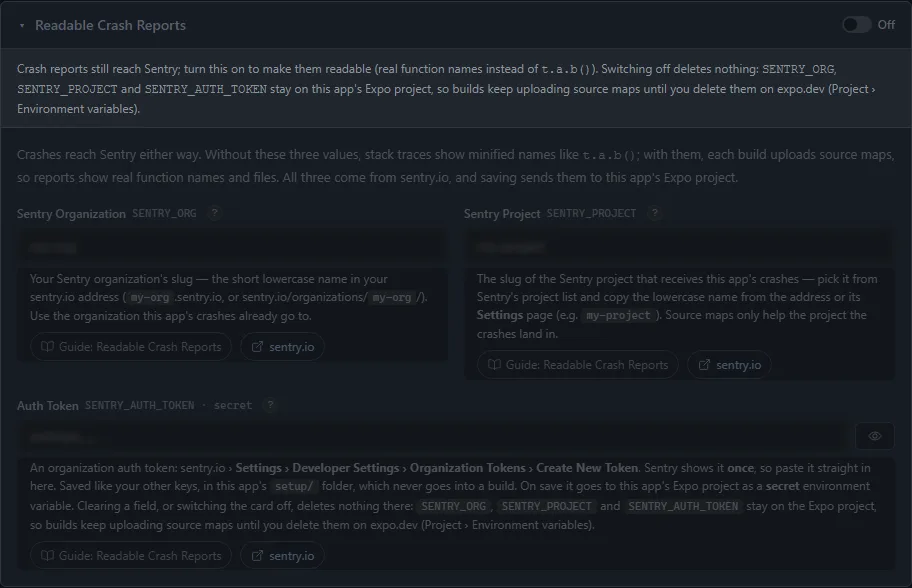
Crashes reach Sentry either way. Add your Sentry organisation, project and auth token and every build uploads its source maps, so a report names the real function and file instead of t.a.b(). Saving sends all three to the app’s build-service project.
- One switch in the card’s header turns it on and off
- Switching it off deletes nothing — the values stay with the build service until you remove them there
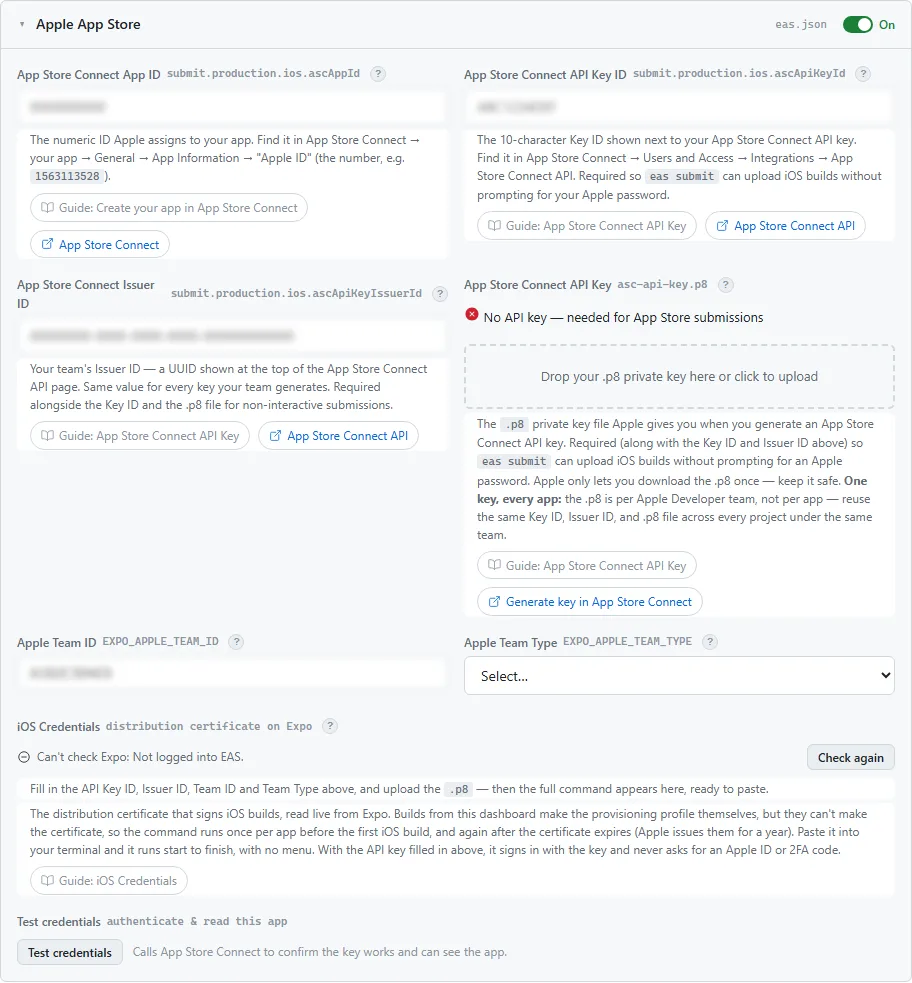
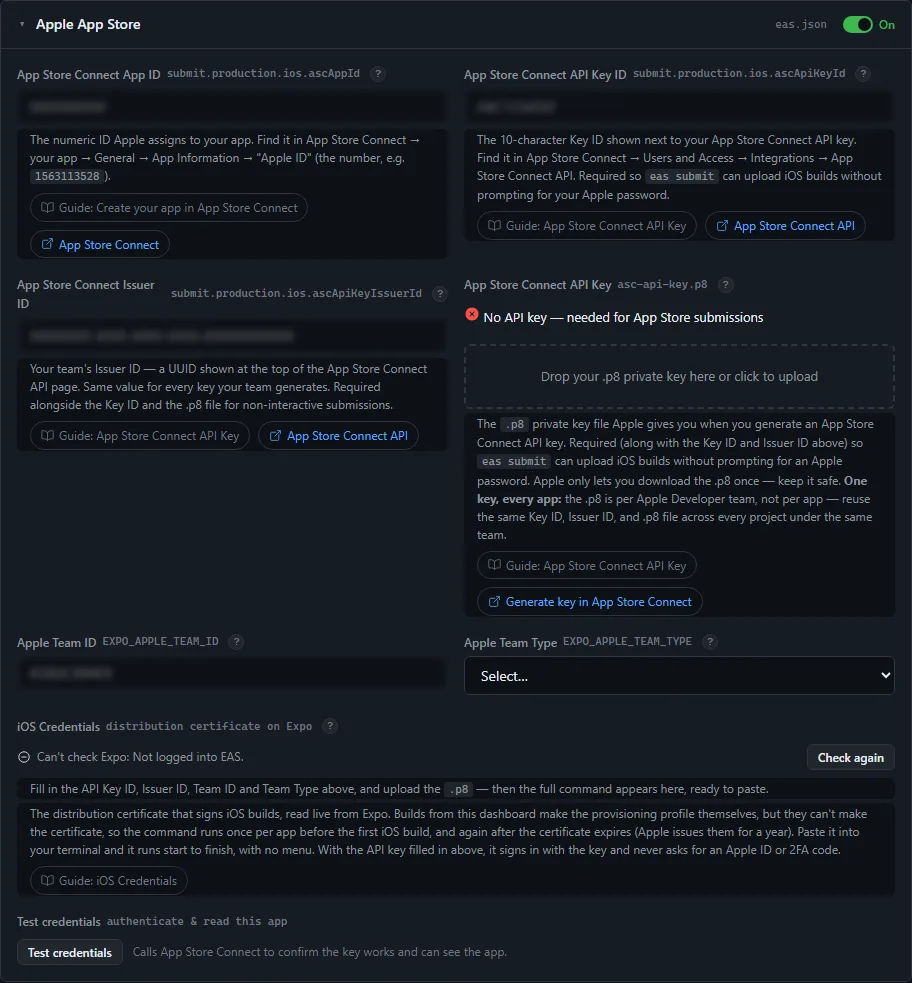
Apple App Store · eas.json
No Apple password. Ever.
Store access is by API key, not by account login, so nothing asks for a password or a two-factor code. That is what makes it possible to publish for a client whose account you do not hold the password to.
- App ID, key ID, issuer ID, team ID and type; drop the
.p8on the card - The signing certificate read live from Expo, with its expiry date. While Expo has none, the card shows a one-time command with your values already in it; paste it and it runs start to finish, no prompts
- Test credentials asks App Store Connect whether the key works now, rather than a build failing an hour later on a permission nobody checked
Google Play · eas.json
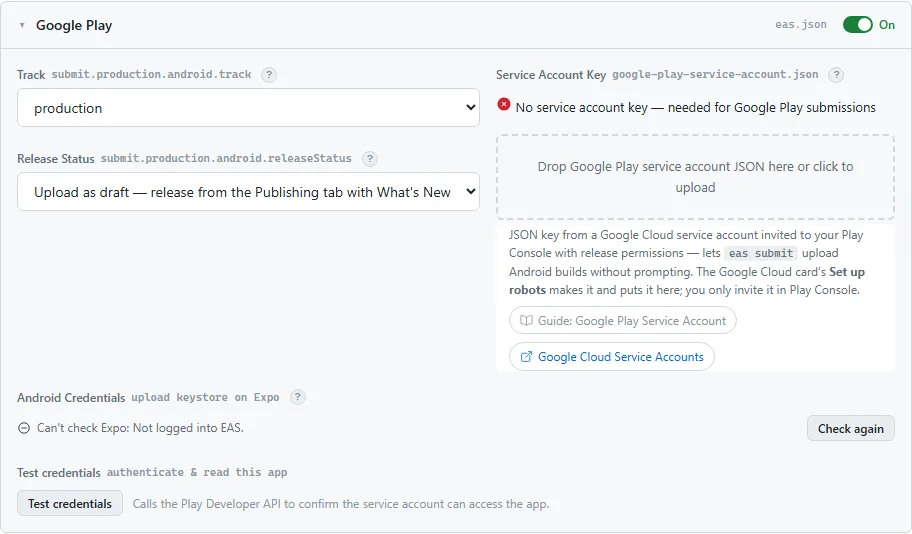
Same idea, Google’s way
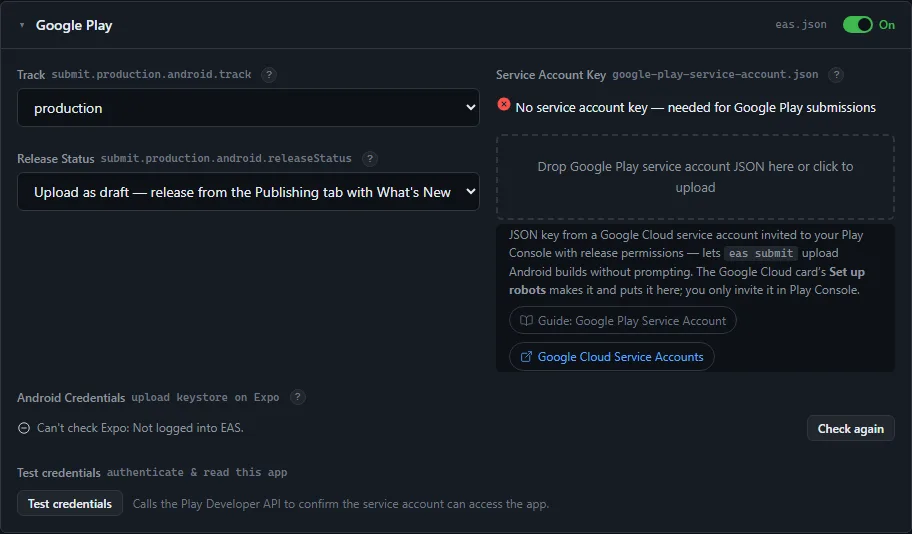
A track, a release status, and the service-account JSON dropped on the card. The upload keystore needs no command: your first Android build makes it, and the card shows when it did. Same Test credentials button, against the Play Developer API.
- Default release status is “upload as draft” — nothing goes live until you release it from Publishing
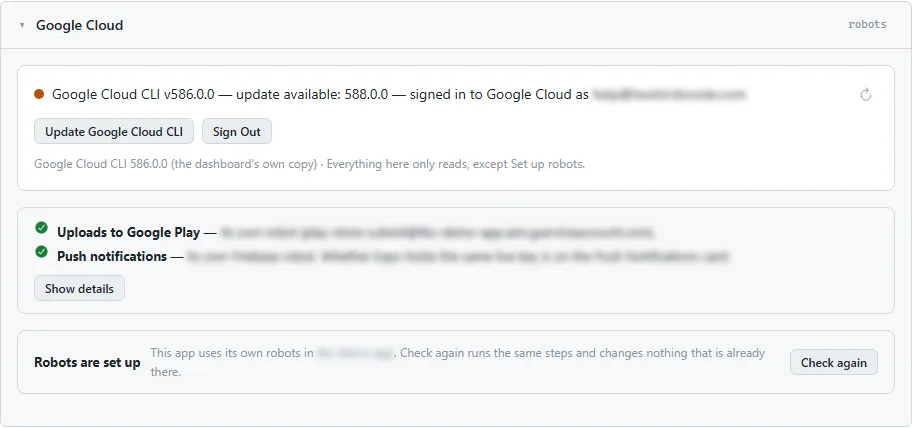
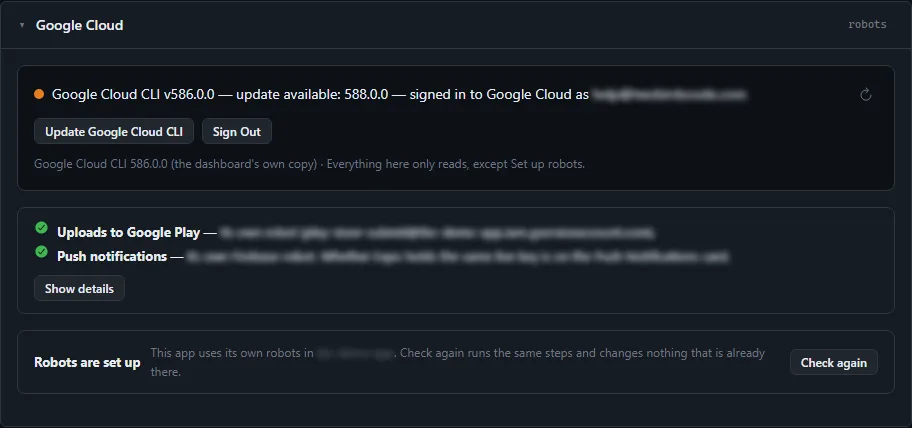
Google Cloud
Which robot does what, in plain words
Sign each app in to Google once. The card then answers three questions — what the app uploads to Google Play with, what sends its push notifications, and what checks its purchases — and whose robot each one is, with the evidence behind Show details.
- Set up robots builds the app’s own Google Play robots in its own Firebase project, and swaps in a new key only after it passes its test
- The dashboard installs and updates Google’s gcloud tool itself — no installer and no admin prompt
- Everything on the card only reads, except Set up robots
Push Notifications · Firebase
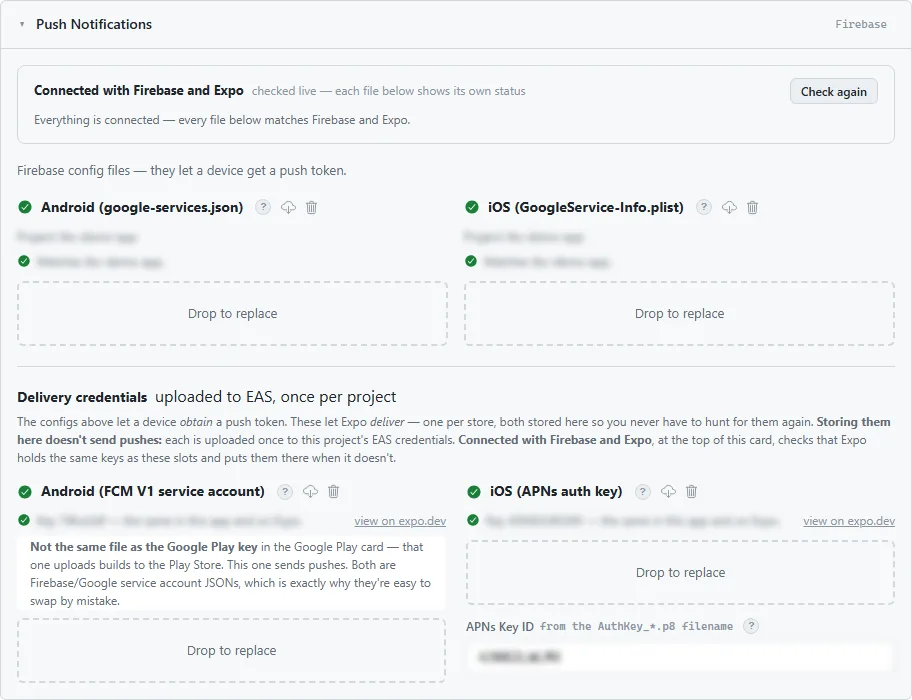
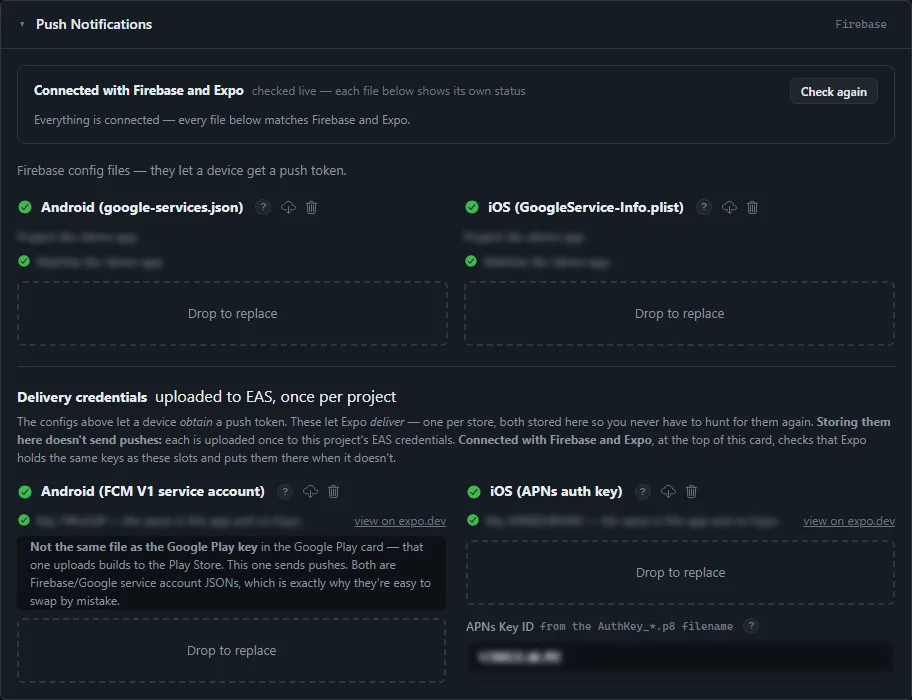
Push, set up once
Connect the app to its Firebase project and both config files are downloaded for you. Under each file — the config files and the FCM and APNs delivery keys — the card shows, checked live, whether Firebase and the build service hold the same one, with one button to fix any that differ.
- The card says plainly which Google JSON is which; the Play key and the FCM key are easy to mix up
- Firebase keys nothing uses are listed for deletion, asked first — and one another app on the same project uses is never offered
- Your server never holds Apple or Google push credentials
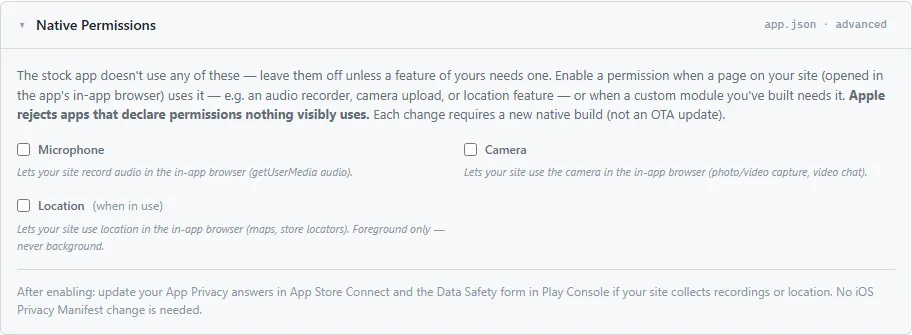
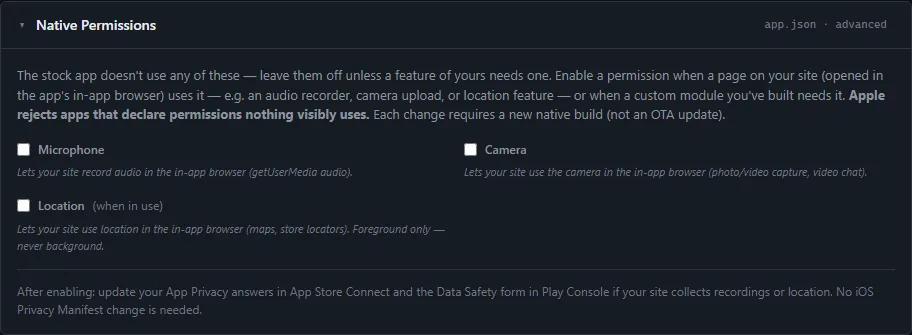
Native Permissions · app.json
Off unless you need them
Microphone, camera, location. The stock app uses none of them; enable one only when a feature on your site needs it, because Apple rejects apps that declare permissions nothing visibly uses. Each change needs a new build, not an update.
In-App Purchases · package.json
Selling, wired up
One switch enables the purchase module. Then a three-step readiness check: Apple’s paid-apps agreement, whether your site is announcing purchases yet, and whether the catalogue has been synced to both stores.
- Sync catalog to stores creates the subscription group and its products from the plans you designed in WordPress


The other five tabs · build, publish, update
Config is where you set it up. These are where you ship it.
Same window, next five tabs. Every one reads live from the build service and the two stores — none of it is a log of what you remember doing.
Builds
Native builds without a Mac
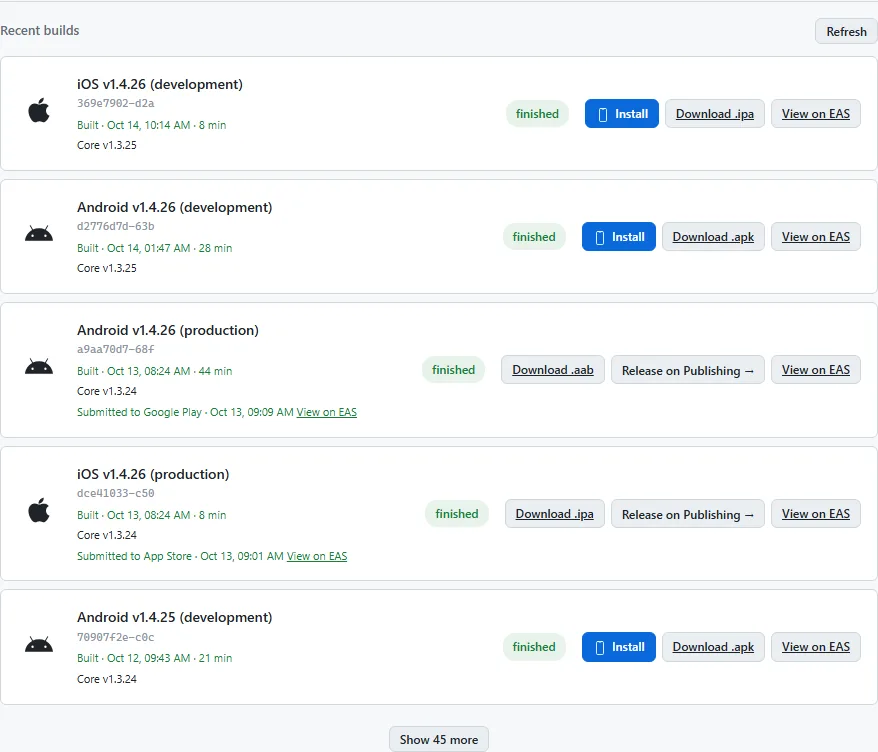
Bump the version — major, minor, patch — and build for iOS and Android. Four files stay in step, so neither store rejects an upload over a number nobody remembered to change.
- Dev, preview, simulator or production, per platform
- Your build-service quota shown before you spend it
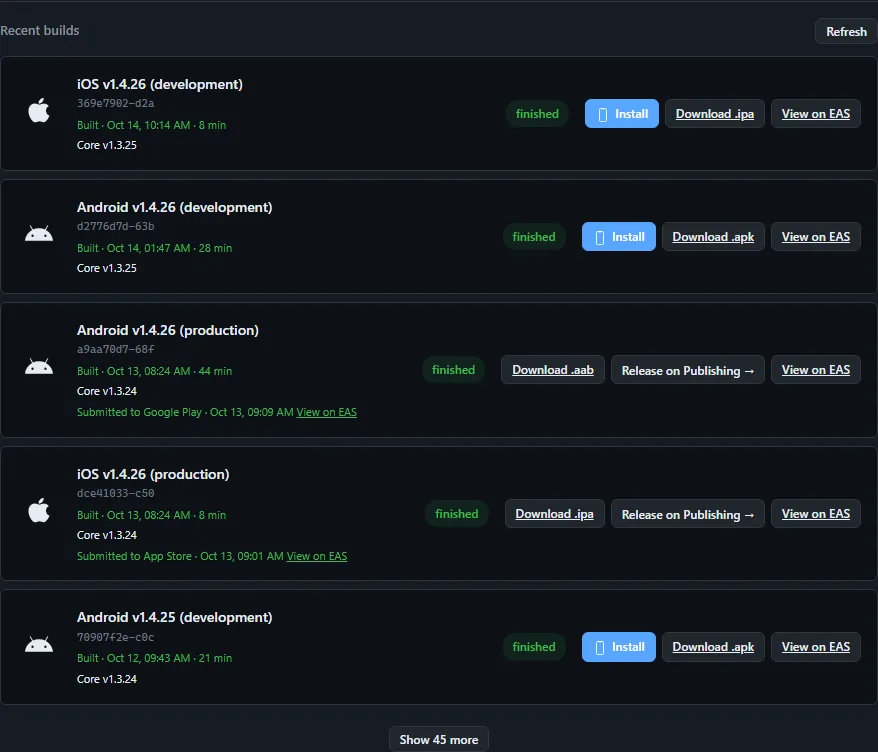
- Finished builds list live from the service, each with a download, a route to Publishing and a link to the build itself
Publishing
The store listing, written once
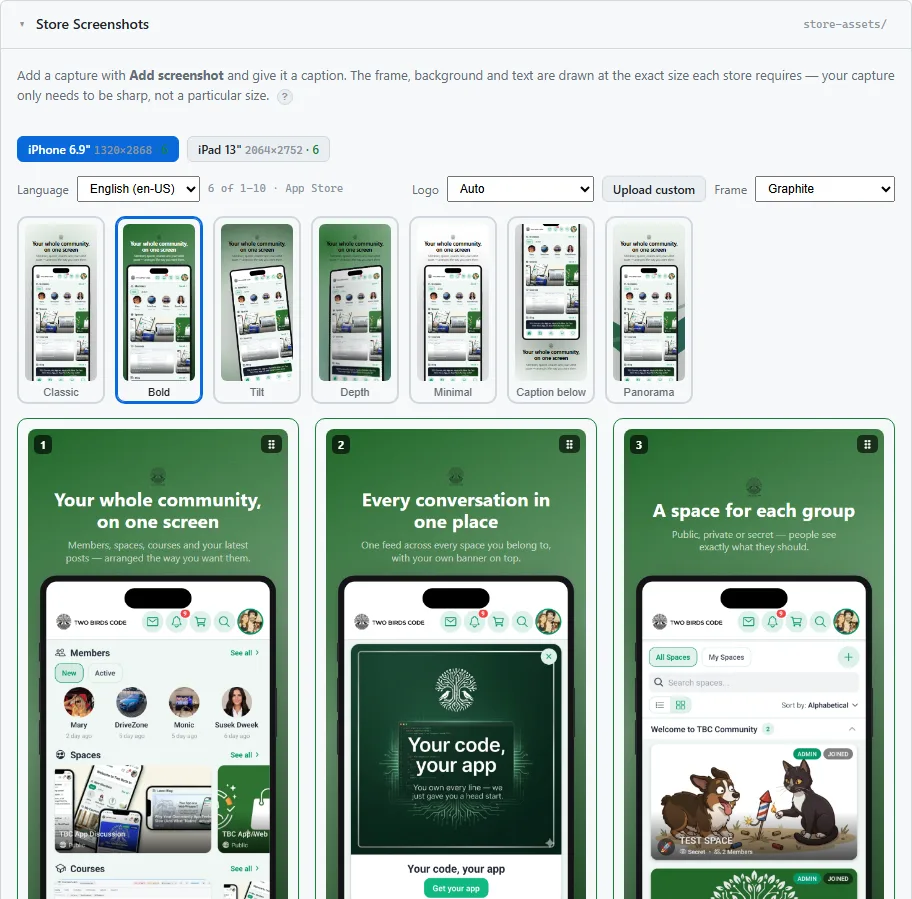
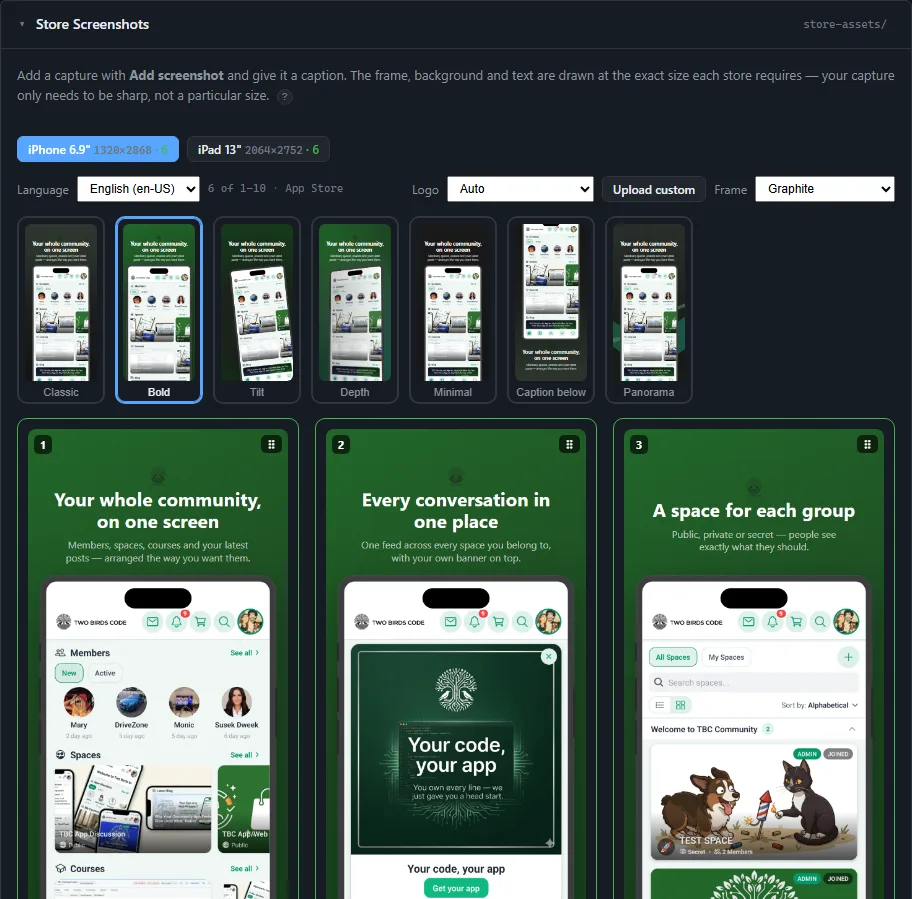
Reads your listings from Apple and Google and writes back to them. Descriptions, keywords, screenshots, the age-rating questionnaire, and the review notes Apple now rejects apps for leaving empty.
- Both stores, one text — their limits differ, and the fields count for you
- Screenshot frames drawn at the exact size each store demands
- One card lists what no API can reach, so you know what is left to do by hand
- Staged, not fired: upload a build as a draft, attach release notes, release when you are ready
- A pre-flight list of things worth checking — a version mismatch, an empty field — before you submit
OTA Updates
Fix something in minutes, not days
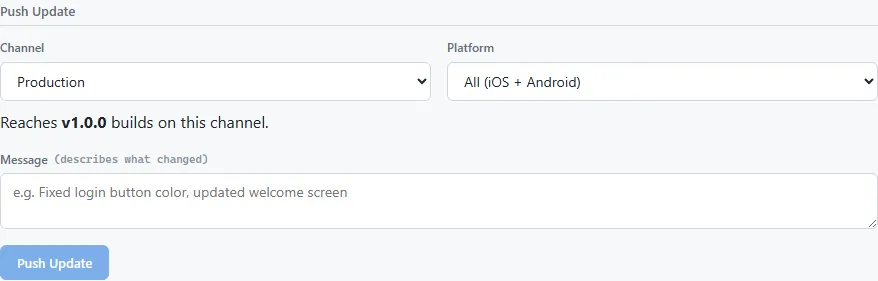
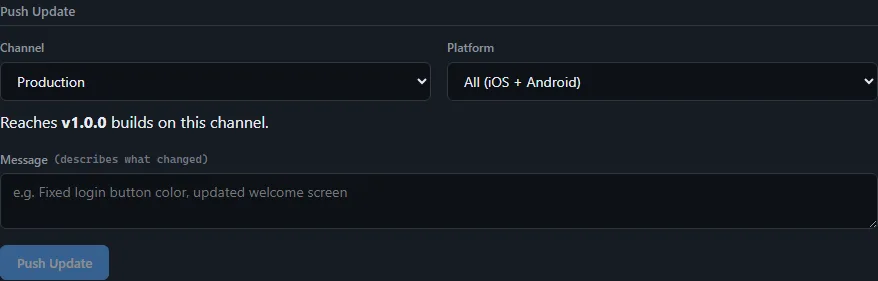
A change that touches only JavaScript goes to everyone over the air, with no store review. Anything native still needs a build, and the dashboard tells you which you are looking at before you push.
- Each push says which installed builds it reaches: the channel you pick, at the current app version
- Update history with a sanctioned rollback
- An emergency lever back to the build people already have
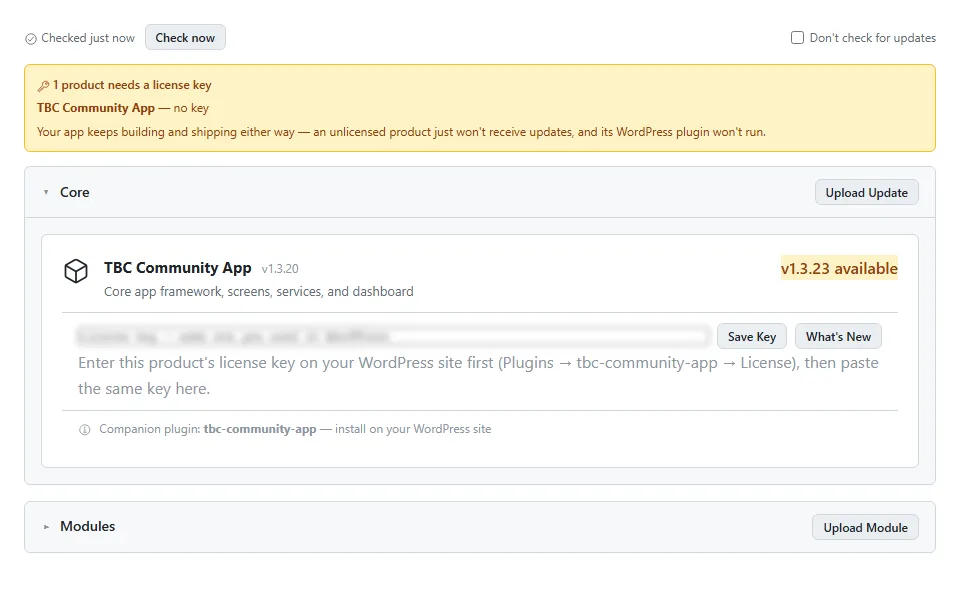
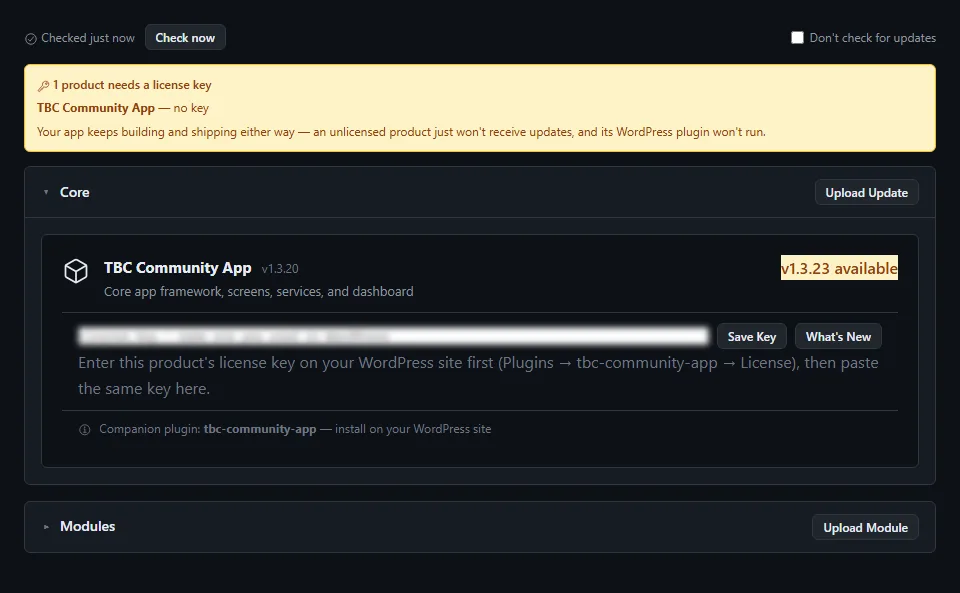
Updates
Keep the core current
The app core ships as a versioned package. This tab shows which version each project runs, what the latest is, and updates it in place — your branding, config and modules untouched.
- Release notes for each core version before you take it
- Whether the update needs a new native build or can go out over the air
Snapshot
Everything about this app, in one file
A full picture of the project — config, versions, what is on each store, what is in flight — as one file you can attach to a support request or keep before a change.
- Sensitive values hidden with one button, so it is safe to share

All apps · if you look after more than one
Every client app on one screen.
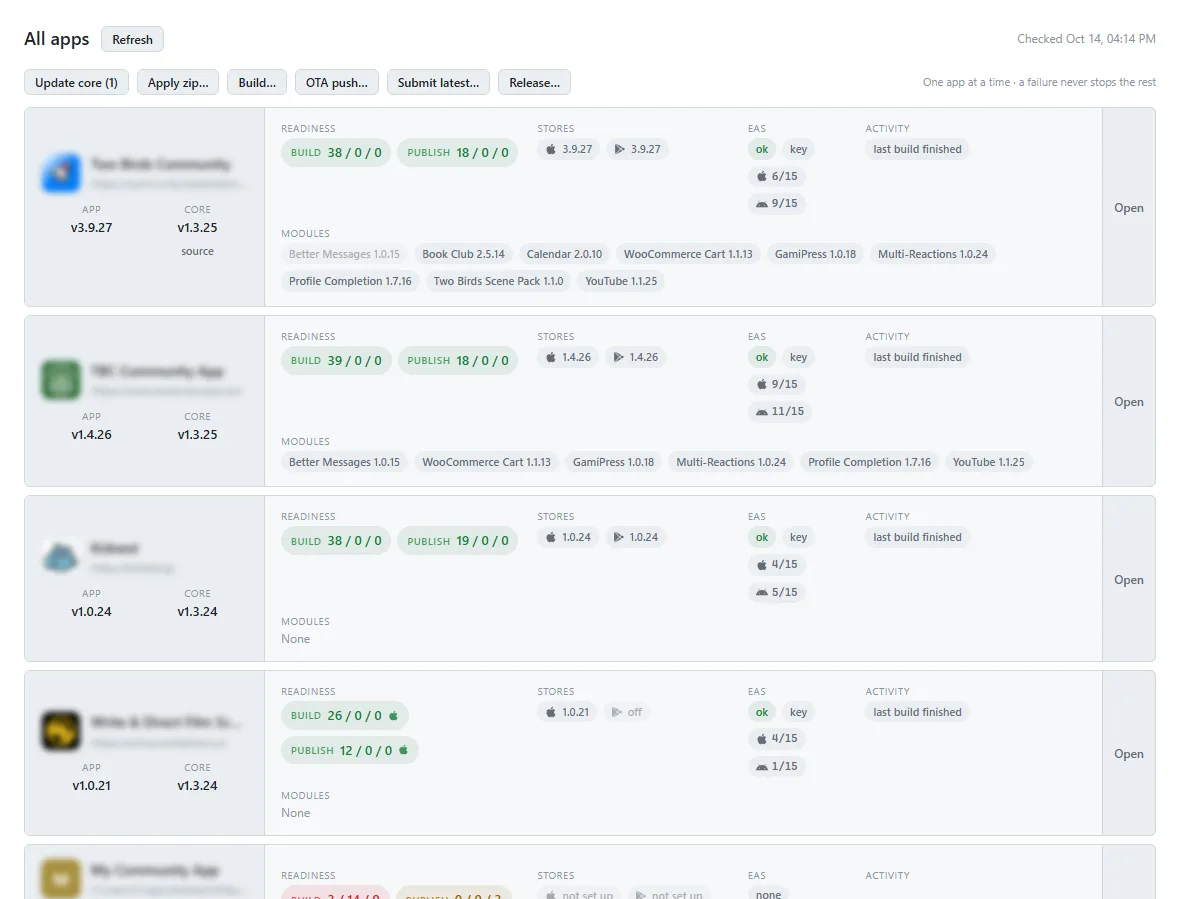
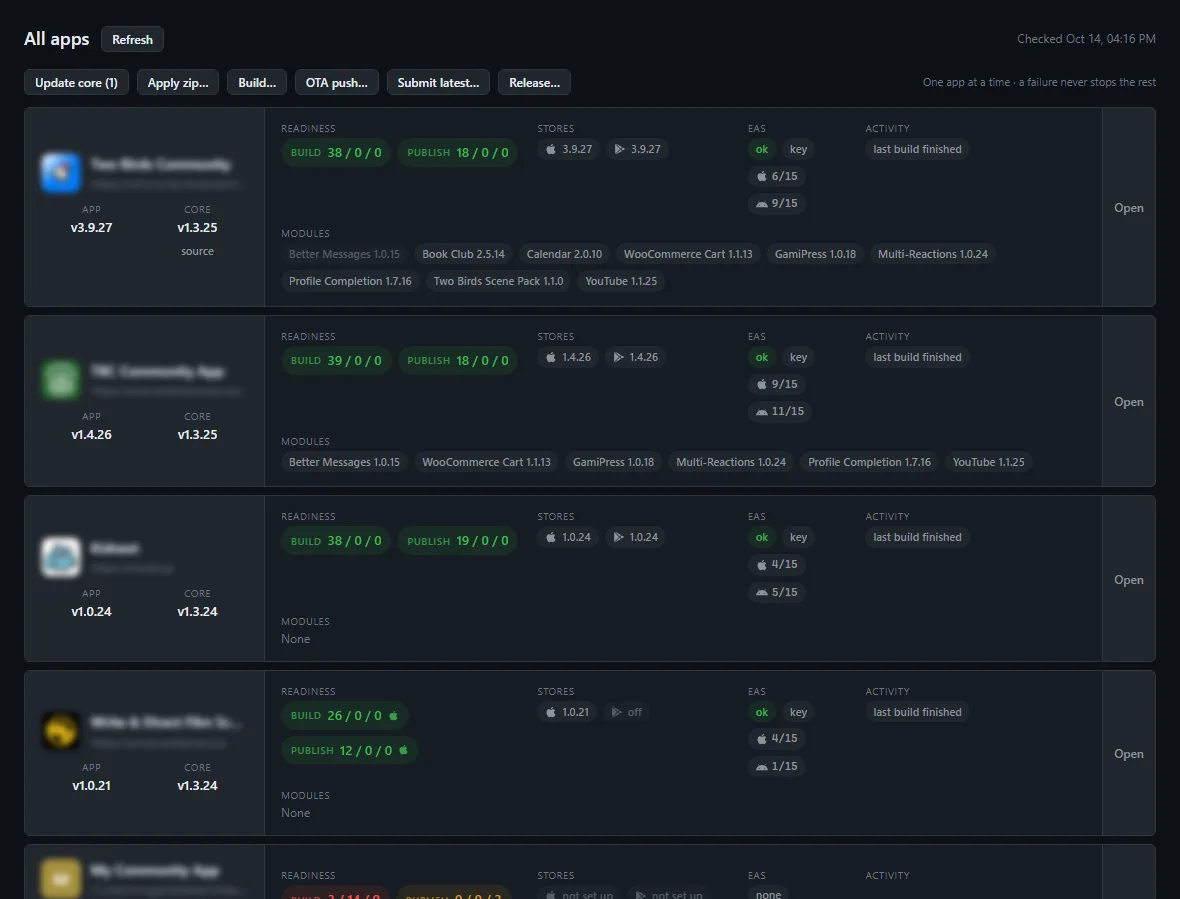
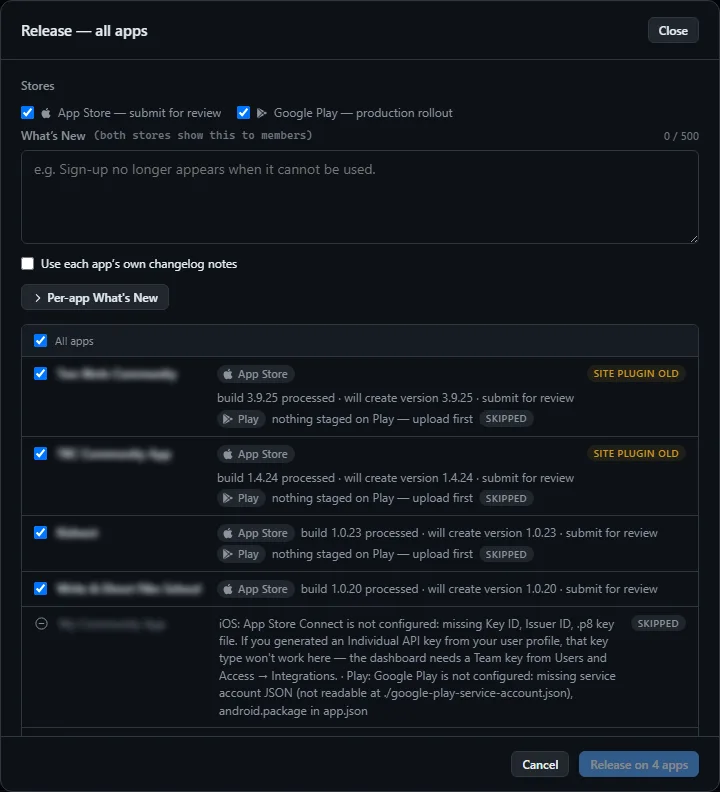
The switcher at the top moves between projects, and each keeps its own build-service login. All apps opens a grid — the version each runs, whether it is ready to build and publish, what is live on each store, and anything in flight — with six actions that run across the fleet. Click one.
All apps
The grid
One row per project: the app and core version each runs, whether it is ready to build and publish, what is live on each store, the modules it carries, and anything in flight. The six buttons above the grid run an action across every app you tick.
- Readiness counts are live — pass / warn / fail for build and for publish
- Update core puts every app that is behind onto the published core in one pass — branding, config and modules untouched, apps already current skipped. Its count says how many are behind, so zero means there is nothing to do
- Apply zip beside it takes a core or module zip from disk instead: a core you repackaged without changing its version, a rollback, or a module update for every app that already has it. The zip says which it is, and what was written is listed per app
- Each project keeps its own build-service login, so a build always goes to the right account
- One button hides every client name and path before you share a screen
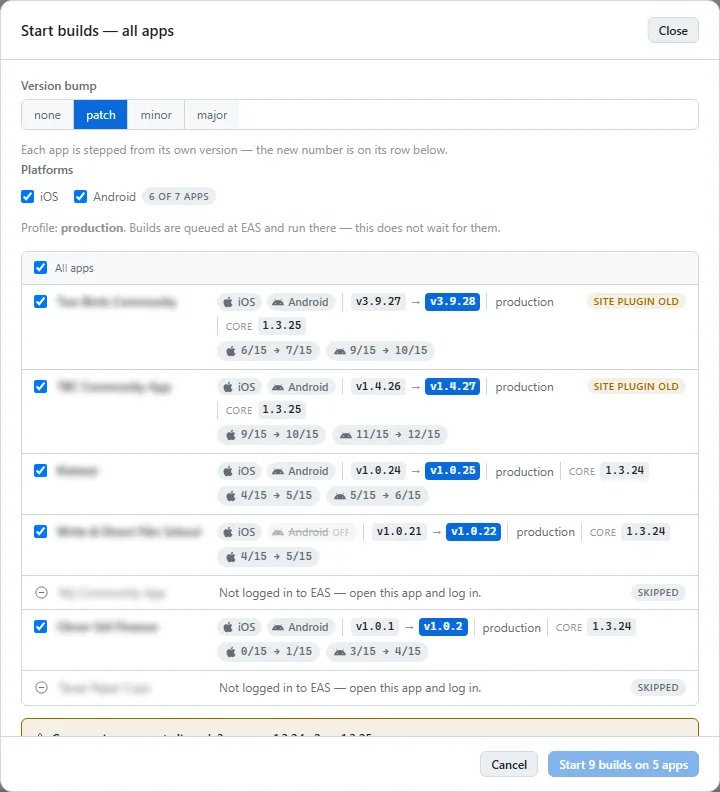
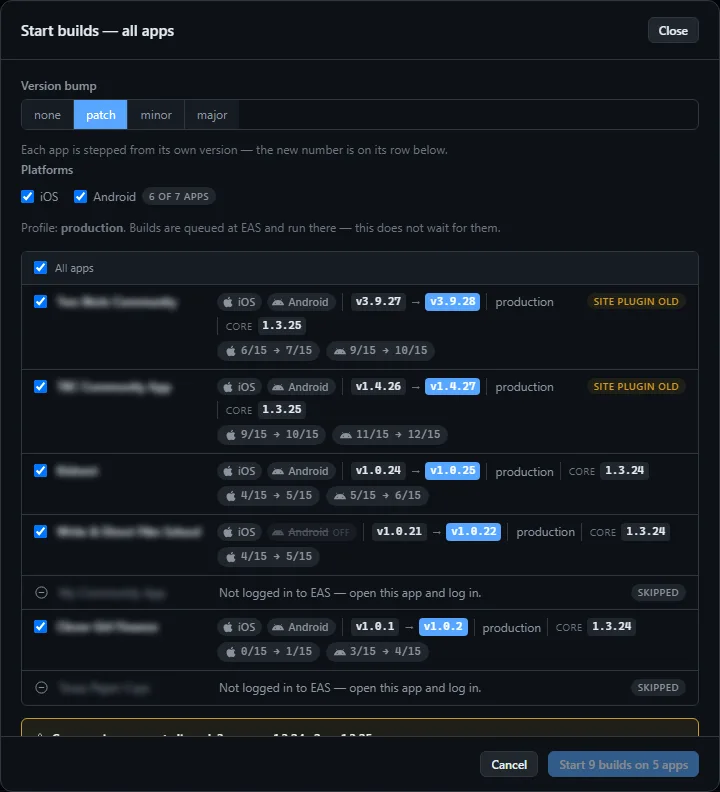
Build
Build them all, one at a time
Pick platforms and a profile, and the dashboard queues a build for each selected app under that app’s own build-service login. One at a time, and a failure on one never stops the rest.
- Your quota shown per account before you spend it
- Each finished build lands in that app’s Recent Builds like any other
OTA push
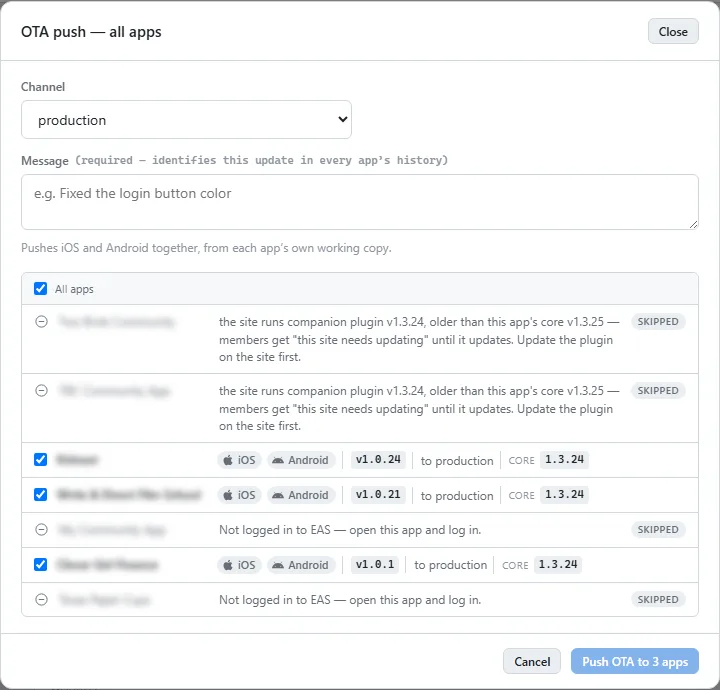
One fix to every phone, before lunch
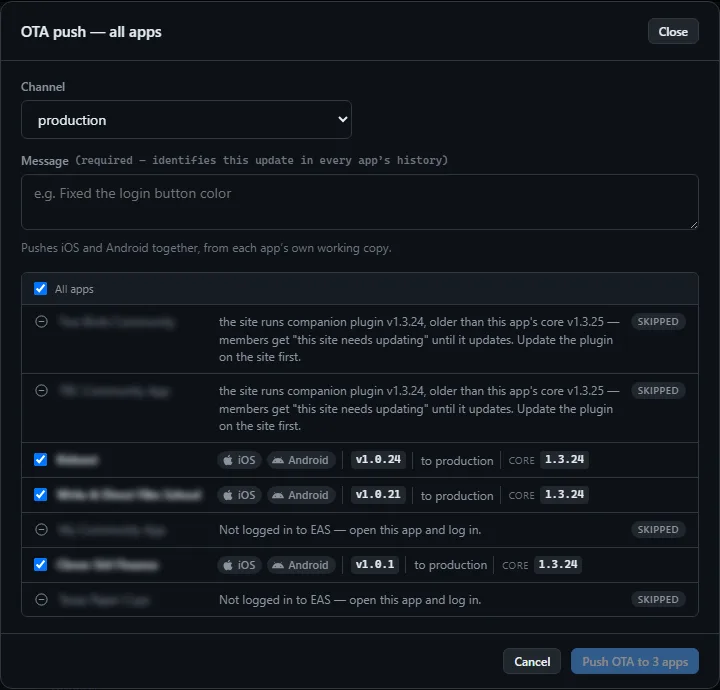
A channel, a message, and a checklist of apps with their version and core beside each. Pushes iOS and Android together, from each app’s own working copy.
- Apps not logged in to the build service are skipped and say so
- If the selected apps run different core versions it stops and tells you — the same push means something slightly different on each — and you tick to proceed anyway
Submit latest
Latest production build, to both stores
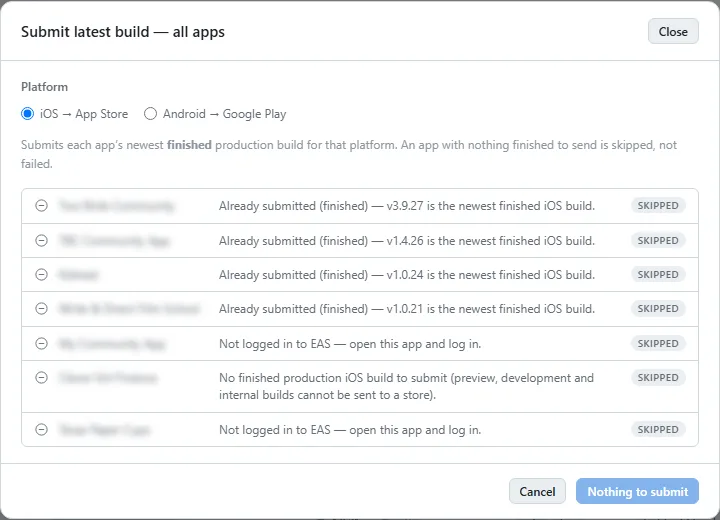
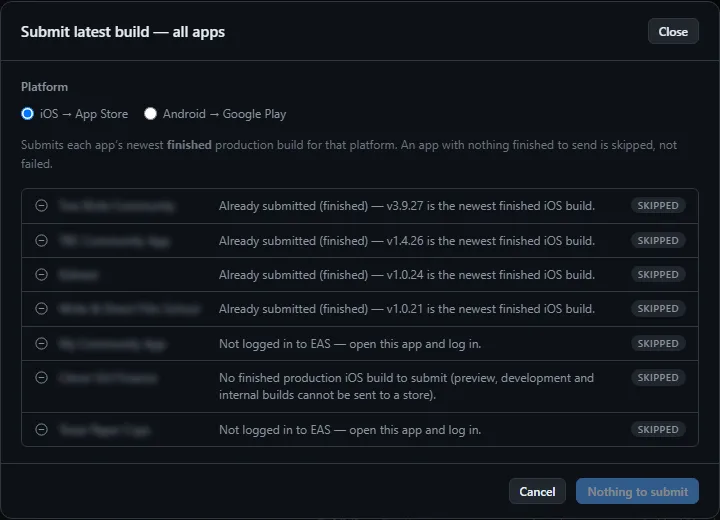
Takes each app’s newest production build and submits it — App Store Connect and Google Play — as a draft, using the API keys on each app’s Config. Nothing goes live from here.
Release
The full run, across the fleet
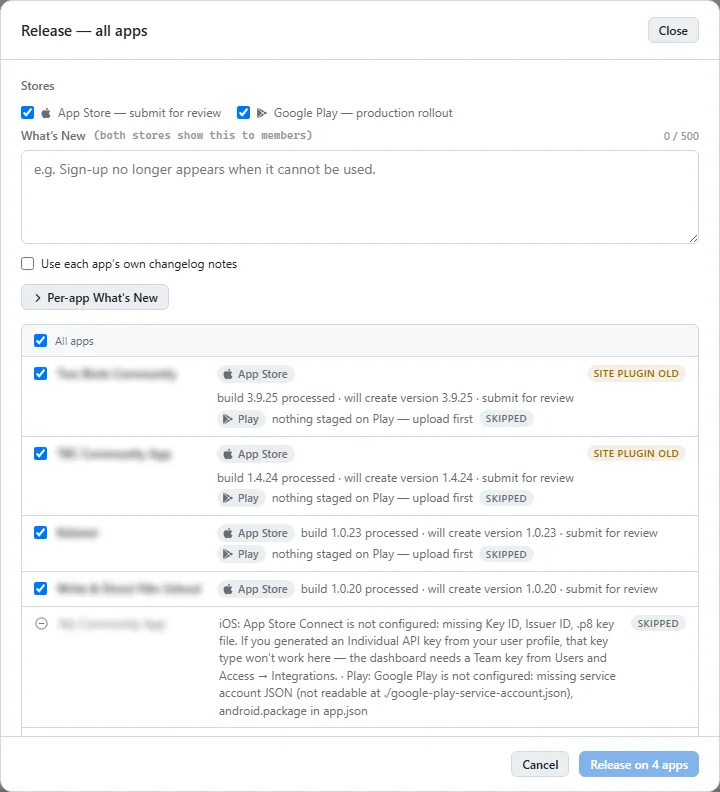
Bump, build, submit, and stage release notes for every selected app in one go. Each step reports per app, so a rejected upload on one client is one line in the log, not a halted release for everyone.
Two ways to get it built
The same app either way.
Dev Bundle
The full source and this dashboard. You configure, build, submit and update it yourself, under your own store accounts.
Managed
Not building it yourself? On the Managed tier this dashboard is ours to run. You fill in your details on the plugin’s Managed tab in WordPress, and we build and submit under your own Apple and Google accounts.