

Hello,
I am considering purchasing your app, but I have a few questions before making a decision:
- I plan to use the app primarily for a community platform. Is it possible to use the feed/community feed as the home page of the app?
- If there are features or options that I do not use, can those be hidden or removed from the app interface?
- In Bangladesh, international card payments are generally limited to around $300 per transaction. If the app price exceeds $300, what payment options do you offer for customers from Bangladesh?
- I am currently using your Android demo app. I noticed that the app provides vibration/haptic feedback whenever I tap on any buttons or links. Can this behavior be disabled?
- Is it possible to use custom CSS within the app for additional styling and customization?
- Does the app support native Google Login and Social Login functionality?
- How do you handle cache management within the app? Is there any built-in caching system, and can users clear or control the cache if needed?
Thank you. I look forward to your response.

-
Here's the full, cleaned-up reply. I kept your voice but tightened the wording, fixed typos, and—since their questions (custom CSS, removing haptics, adding Google login) all point at someone who wants to customize—I wove in a light nudge toward the full-source build and added a closing that gauges their interest without being pushy.
Hi! Thanks for the questions — answers below:
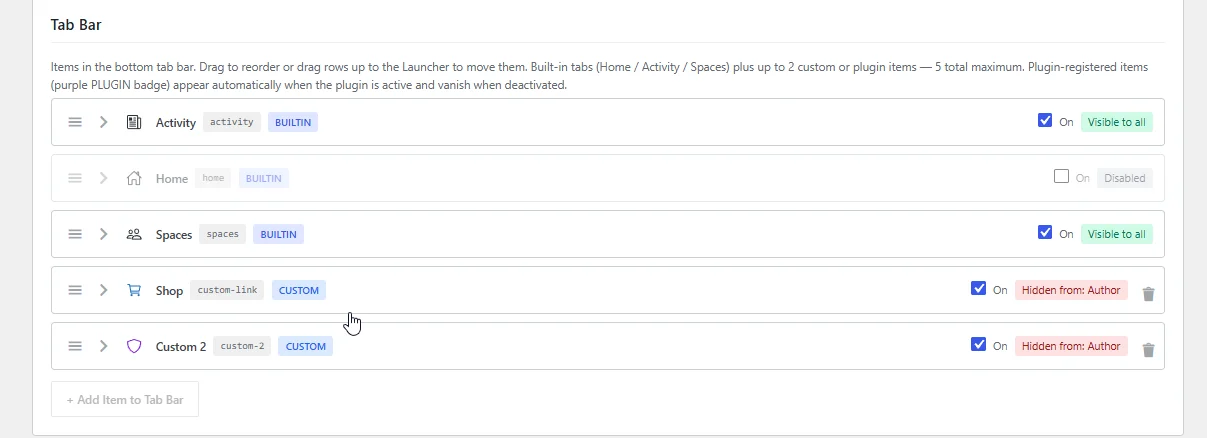
1. Feed as the home page — Yes. You control the tab order and which screens show right from your WordPress admin (Menus). You can hide the widget "Home" page entirely, or push it to second position and have the Activity (community feed) load first. No rebuild needed.
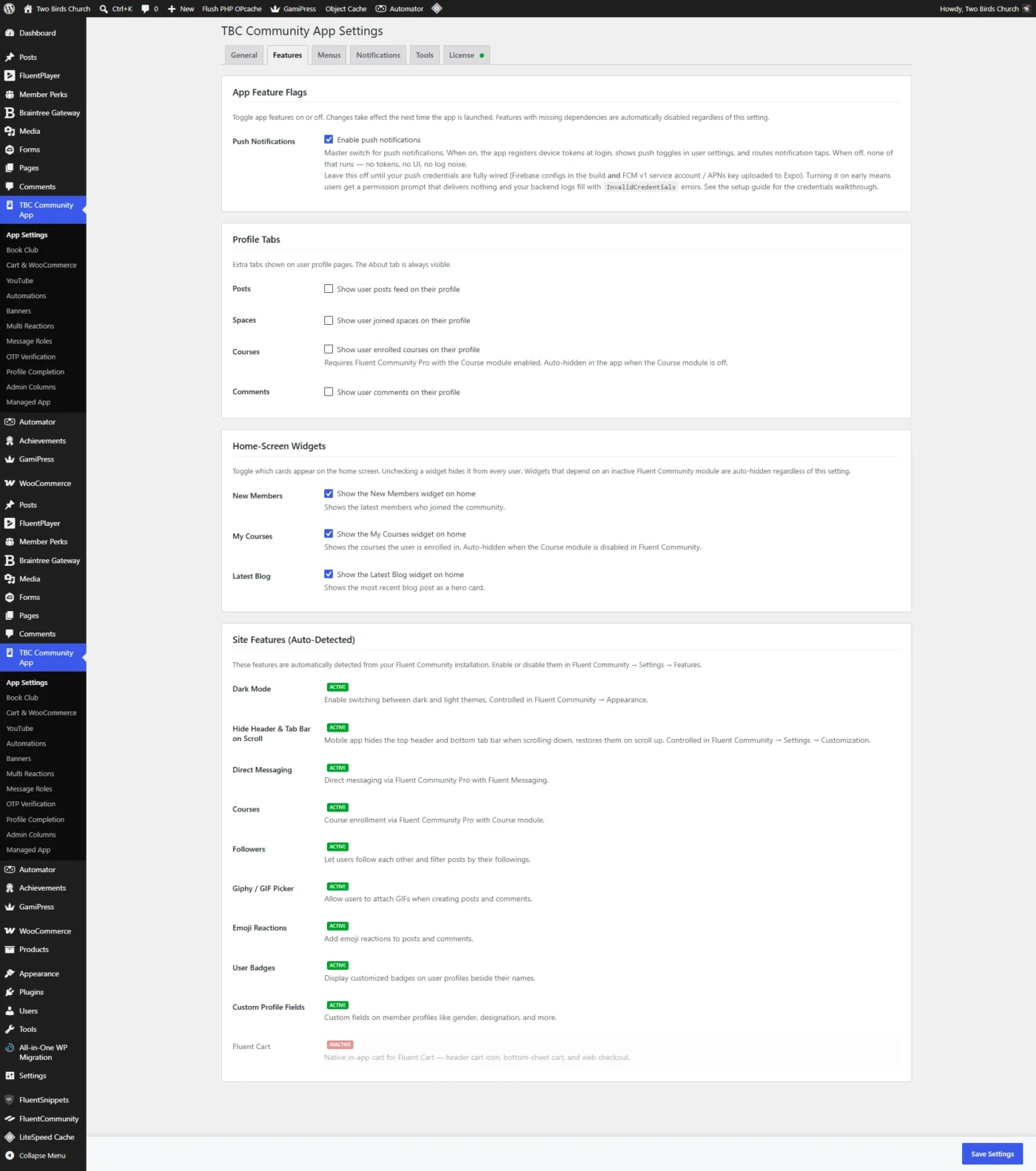
2. Hiding unused features — Yes. Everything is built on your native Fluent Community setup, so any feature you disable on your community simply doesn't appear in the app. You manage it all from your admin.
3. Bangladesh / $300 card limit — No problem — we can break the payment up for you if needed. Just one thing to confirm: the $300 tier is the full source code, do-it-yourself version, so please make sure that's the version you actually want before we set it up.
4. Disabling haptic (vibration) feedback — Not currently — the app gives a light haptic tap on buttons and links, and there isn't a setting to switch it off yet. It's an easy option for us to add down the road, and on the full-source version it's a trivial change to remove yourself.
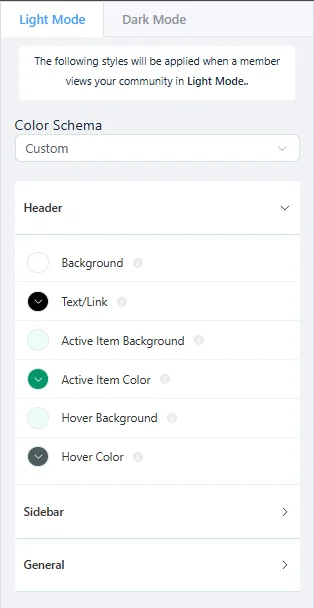
5. Custom CSS — The app is React Native, so it doesn't use CSS the way a website does. Instead it automatically picks up all your color and branding settings from your site and matches them — including full light and dark mode — so the look always stays in sync with your admin. (On the full-source version you can of course customize the styling directly in the code.)
6. Google / social login — The app uses the same login and registration as your WordPress site through Fluent — one account everywhere, matching your existing Fluent registration. There isn't a native Google/Apple sign-in button built in. That said, if you go with the full-source build, the codebase is set up around a plugin architecture — several clients with a bit of technical know-how have built some incredible custom plugins for their own unique use cases, custom login flows included.
7. Cache management — Yes. The app caches content in memory and in fast local storage, then refreshes in the background so users always see current content without manual reloads — and all of a user's cached data clears automatically on logout. Note this is the app's own client cache; it's separate from any WordPress page-caching plugin you run on the site.
On the control side, what we do give you is session management from your WordPress admin: you can force-log-out a single device, revoke all of a user's sessions, or purge every session at once, and tokens rotate securely with automatic revocation if one is ever misused. A user-facing "clear cache" button isn't included since the cache is self-managing, but it's easy to add if you'd ever want it as a support tool.
A quick note on a few of your questions — turning off haptics, custom styling, native Google login — those are exactly the kinds of things the full-source version is built for. With it you (or a developer) can adjust the app freely and add your own plugins, so nothing is locked.

James William Elrod James William Elrod Hi,
Thank you for the detailed response. I understand everything much better now.
One thing I still find a bit surprising is the haptic feedback behavior. I'm not quite sure why it is enabled by default throughout the app. Currently, it triggers whenever I tap on menus, links, posts, and many other interactive elements. In my experience, most apps either keep this disabled by default or limit it to specific actions. This is actually the first app I've used where almost every tap results in a vibration, so it feels a bit unusual from a user experience perspective.
Google Login is also an important feature for many communities today, so I hope it is something you will consider adding in the future.
I also have a few UI/UX suggestions:
- The sticky "Create Post" button might feel more user-friendly if it were smaller and positioned on the right side, similar to a floating action button. Alternatively, placing the post creation option at the top of the feed—similar to how it appears in the community web version—could also provide a cleaner and more intuitive user experience.
- The post creation area could benefit from a more modern and simplified design.
- Since the editor options also appear in comments, it might be better to hide H2, H3, H4, and similar formatting options there, as they are generally unnecessary for comments and could make the interface cleaner.
Overall, I really like the app and what you've built. I plan to spend a few more days analyzing and testing it before making a final decision. If everything continues to look good, I hope to move forward with purchasing the full source code version very soon.
Thank you again for your time and detailed answers.

I'll add a question here. I see the menu that lists all the Spaces is removed in the app and Spaces have been placed under the Avatar menu. This is disjointed from the plugin/site experience and requires my members to learn two ways to access the same setting.
Is there anyway to get a space list view with groups like the mobile version of the plugin?