

Top Spacing on iOS
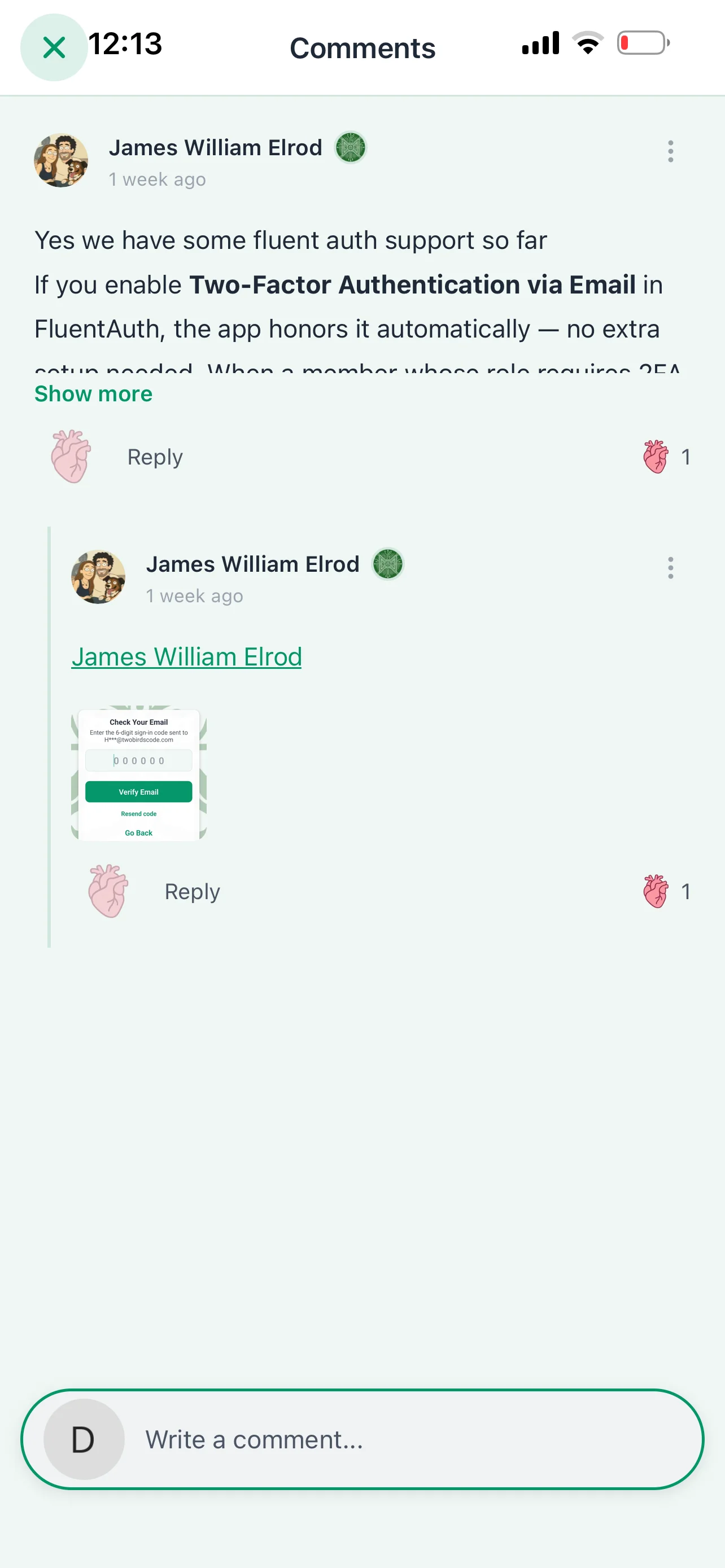
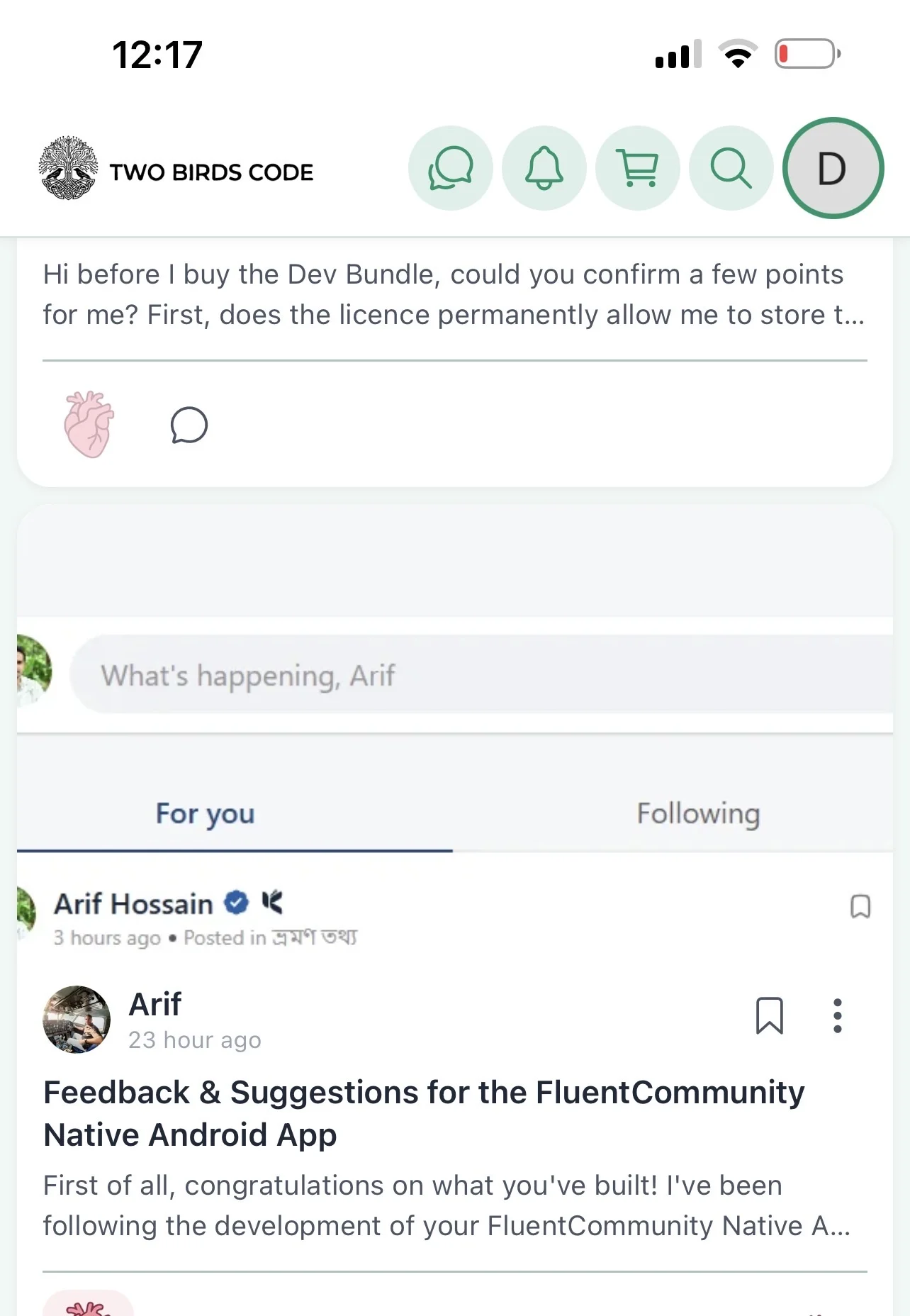
Small issues, there seems to be a spacing issue at the top on iOS app portrait view (haven’t tried android) which only fixes itself when rotating device to landscape and back?
-
When viewing comments the X appears above which can’t be clicked.
-
Feed wall shows top post stuck behind banner menu
-
When adding image to post the whole comment section closes and we have to open it again to continue
Great progress so far 🙂

Let us know if its still issue in the latest version if you get screen shots or screen recordings those help a ton but we made some tweaks in 1.3.3 that may have cleared this up already