Core 1.3.24: one app, your live site and its copies
One installed app can now switch between your live site and its copies: your staging site, or a sandbox you set up for one person. This post covers 1.3.24, with a short catch-up on the three updates before it.
Try things on a copy, from the app your members use
Until now, testing a plugin or a setting on your staging site meant a separate app build pointed at it. In 1.3.24 the switch lives in the app. Set your staging site's address in WP Admin › TBC Community App › Config › Staging Site and choose who sees it: Admins only, Admins + roles, or Everyone (for a demo app where people try your setup).
A sandbox per person
Sandbox access gives one person a copy of their own, such as a client trying their setup before it goes live. Pick the member, enter the sandbox's address, and they see only the sites you give them. Admins see the staging site and every sandbox.
How it looks in the app
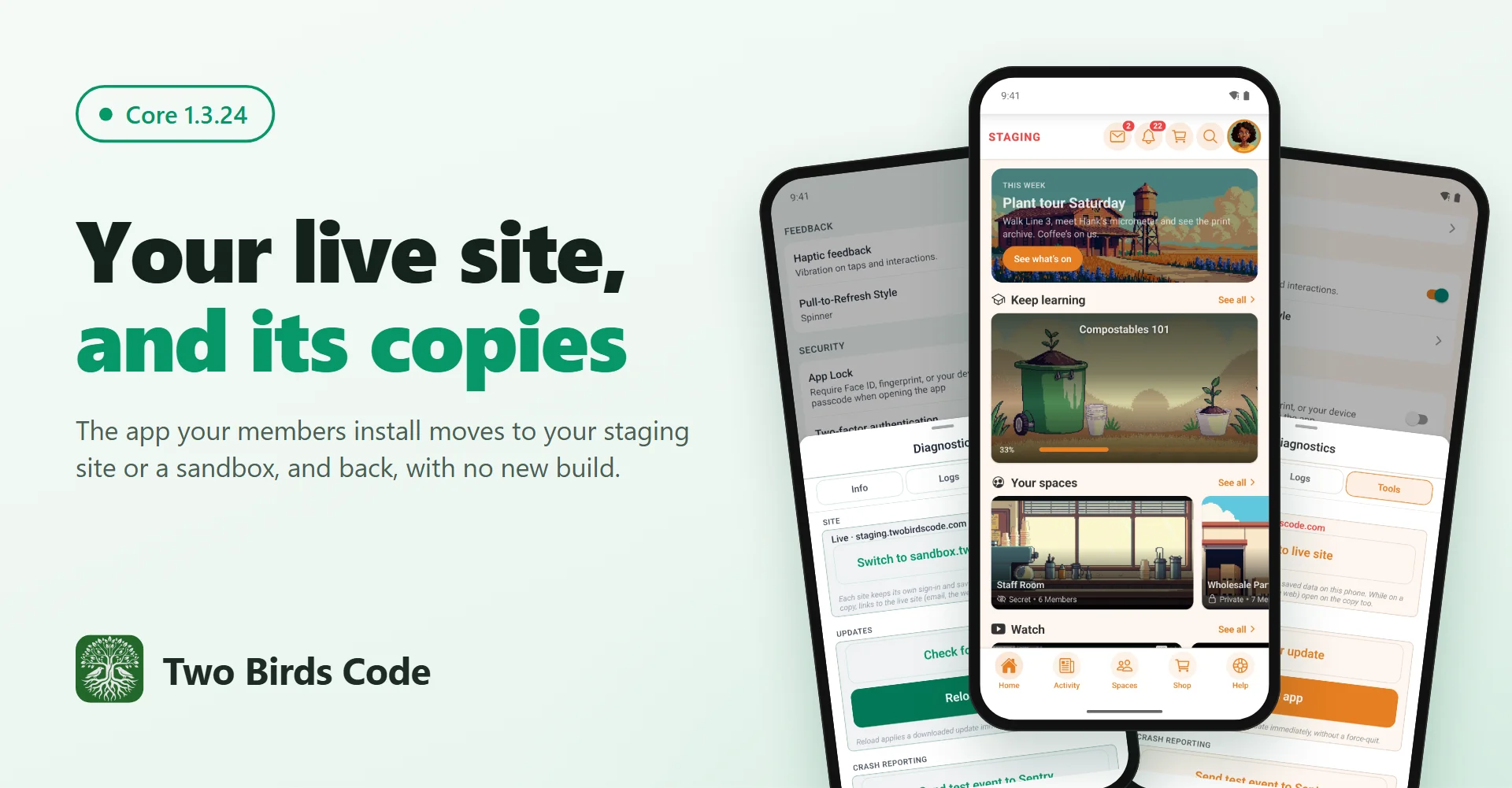
Hold the logo for 2 seconds (or Settings › About › Diagnostics), open Tools › Site, and tap Switch to. The app checks the copy runs the companion plugin at this version or newer, then restarts there with a red STAGING badge. Each site keeps its own sign-in, and a Back to live site button is on the sign-in screens and every blocking screen, so a copy that is down never leaves anyone stuck. While the app is on a copy, a link to your live site (from an email or a web page) opens on that copy, and so does a tapped notification from the live site.
Also in this release
- The Community Menu widget shows the sidebar groups you pick, as menu rows, a carousel, tiles, a hero card, buttons or chips
- "Spaces in a group" on the Spaces widget shows only that group's spaces
- Pushes leave right away again after a plugin is switched off (sites on 1.3.21 to 1.3.23 waited for the queue: late, never lost)
- On Android, tapping a notification opens it even after the phone closed the app in the background
- Editing a post keeps its voice notes, and a post holds one kind of media, as on the website
- Tapping a blog author or a commenter opens the right profile
- Pages stay clear of the clock when the header hides as you scroll
- Startup crashes on Android 12 and newer reach your Sentry
- The Managed tab walks each client through their part with a short "Your steps" list, and Submit works as soon as the licence is active
- Every add-on's save bar says Saved only when the save went through
Since our last post
1.3.21 to 1.3.23 brought notifications in seconds, the phone's own menus and sheets, one pop-up for reactions, a Comment box setting, post links that open the post, and posts with a document that now go up. The blog has the details.
Before you update
- 1.3.24 needs a new app build (the Android notification fix is native)
- Update the companion plugin to 1.3.24 on your site and on any copy you want to switch to
- Managed clients: if your reviewer account was made on the Managed tab before this update, open Tools › App Review Account once, leave the password box empty and press Set Up Review Account (or Top Up Access). It keeps the password the stores have.
- Wrote your own module? Check it before you update: 1.3.22 removed the old sheet components (BottomSheet, Sheet, SidePanel, SheetMenu and a few more), and the Module System doc shows what replaces each
The full write-up, with pictures: https://www.twobirdscode.com/blog/core-1-3-24-switch-the-app-between-your-live-site-and-its-copies/
Trying the switch on a staging site? Reply here and tell us how it went, or what you'd like next.