


TBC App - Youtube Widget
Your latest uploads on the home screen, tapping through to playlists and videos — cached server-side so it never burns API quota.
v1.1.18
YouTube · app module + WordPress plugin
Your channel, on the home screen — in whatever shape suits it.
A home-screen widget that draws four different ways, a full catalogue of every playlist, and a screen per video with room to read. All of it native, all of it in your theme. Your API key never ships in the app.
Four views · one add-on
The widget, the screens, the setup, and why it is fast.
Click a tab. Every capture opens full size and is a real screen from a real device.
What members meet every day
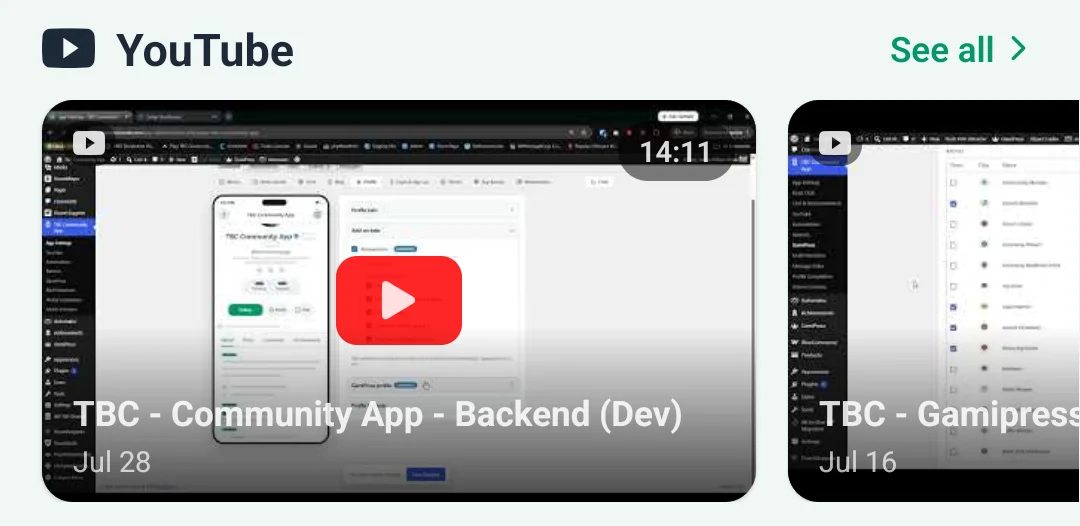
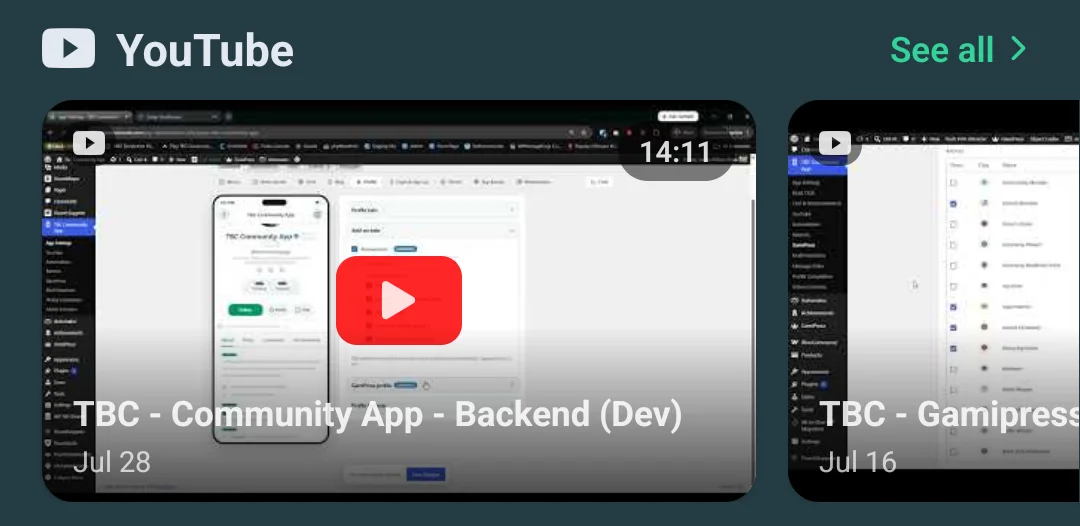
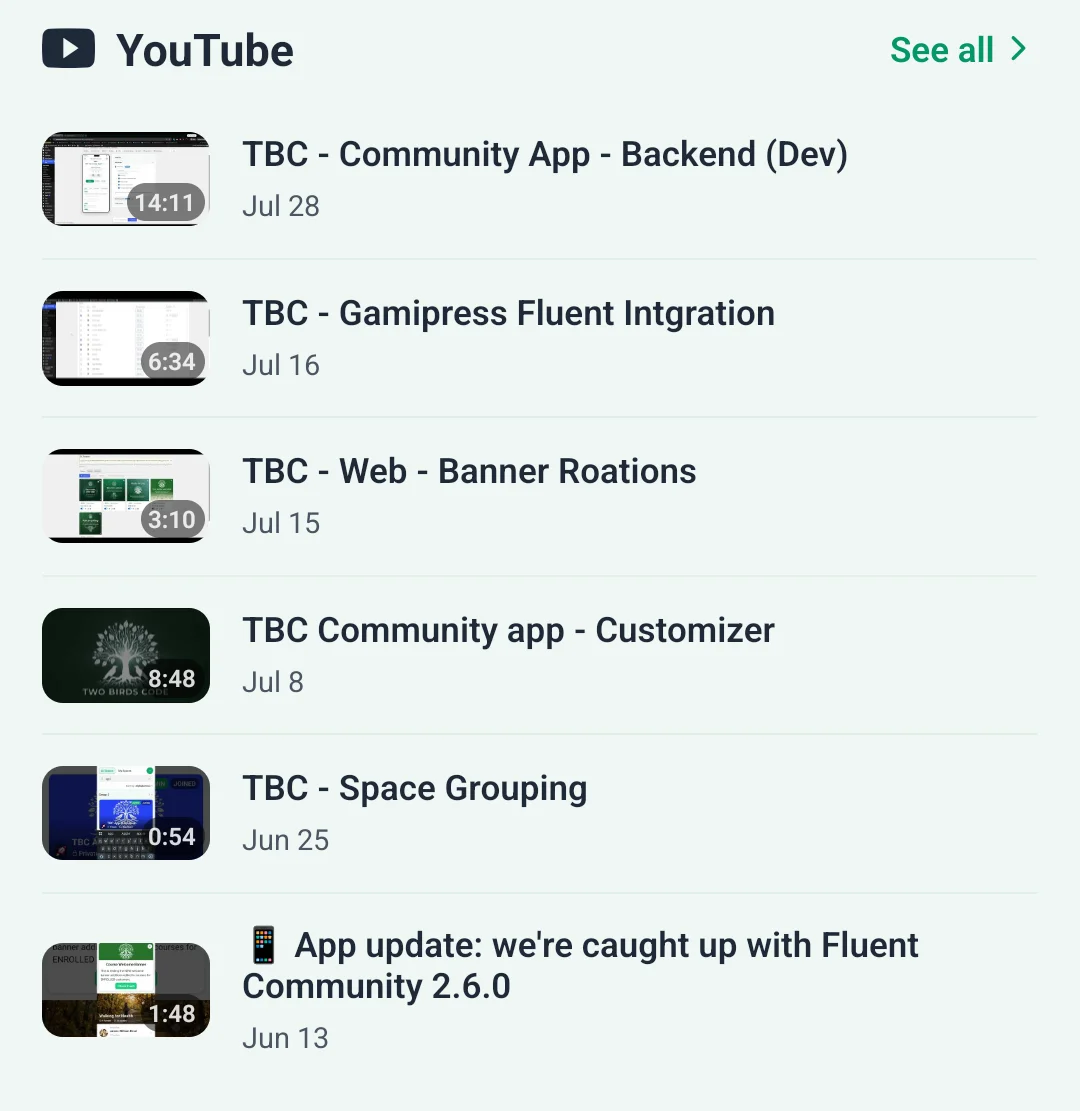
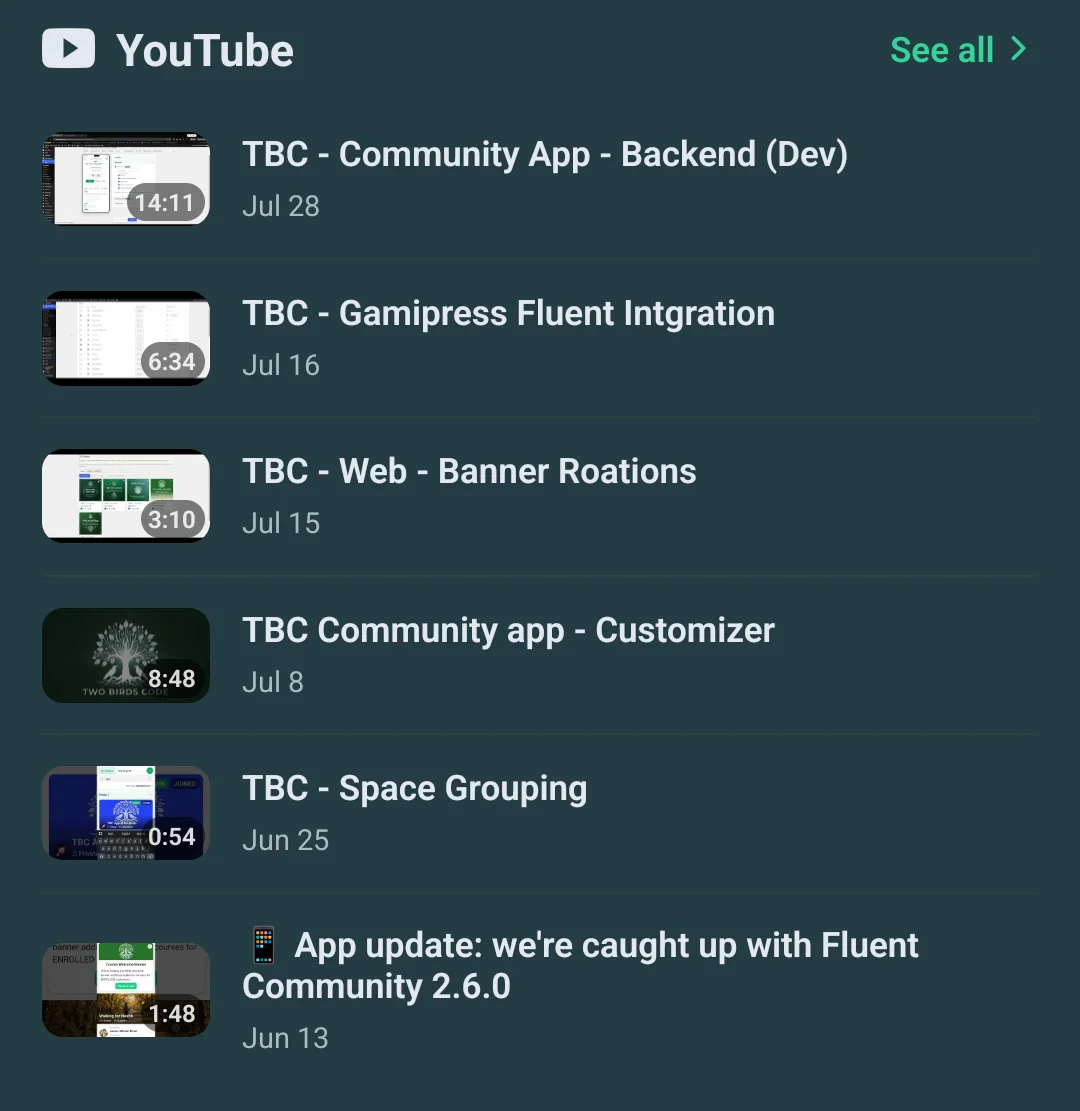
One widget, four shapes
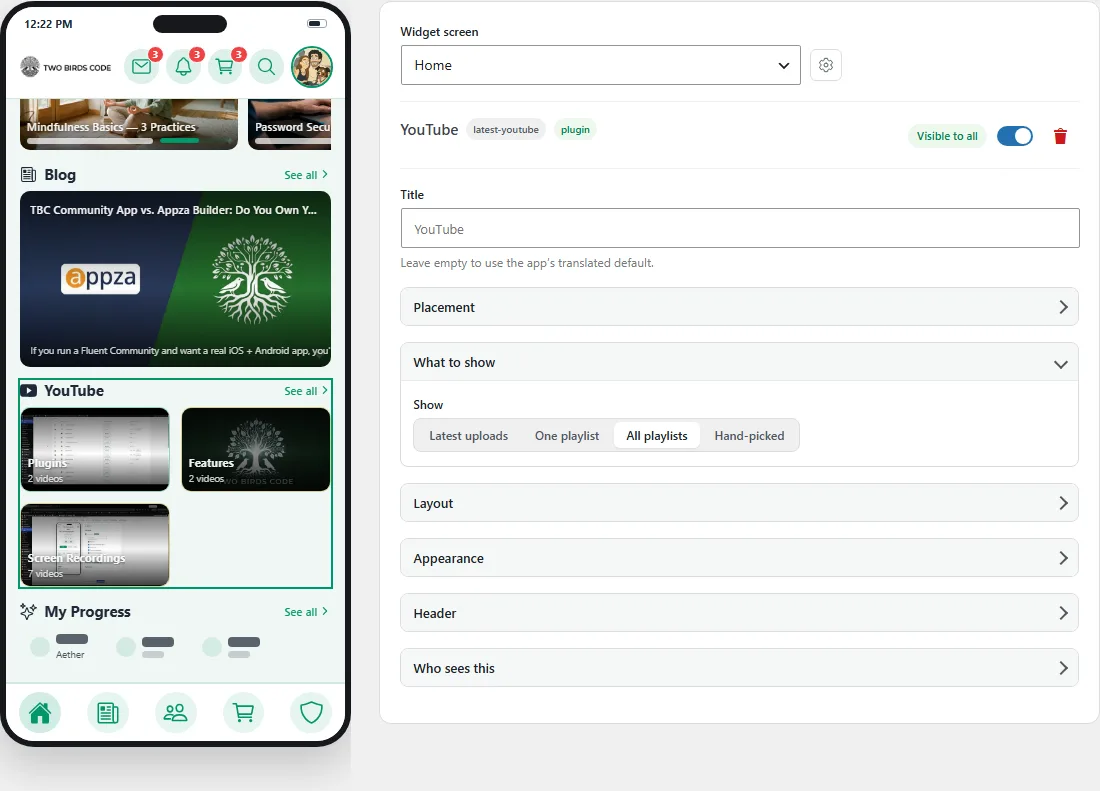
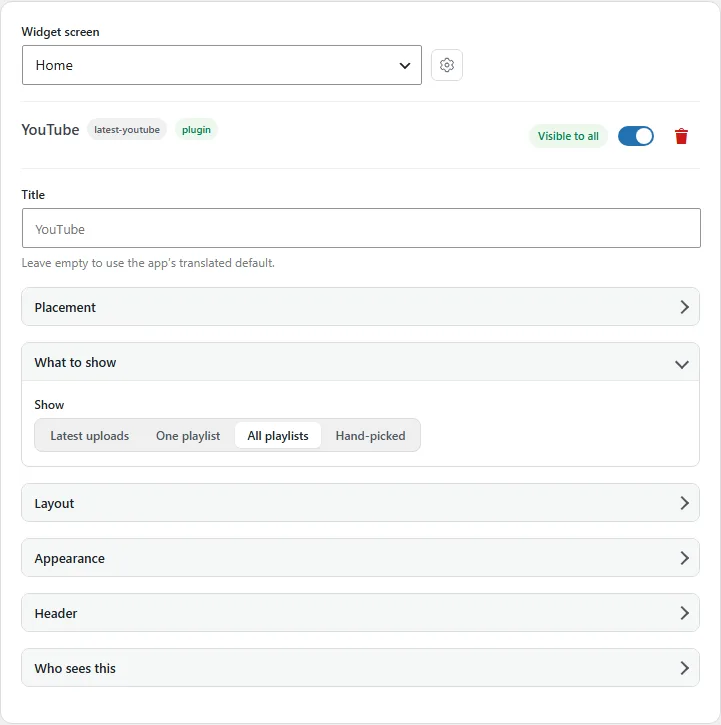
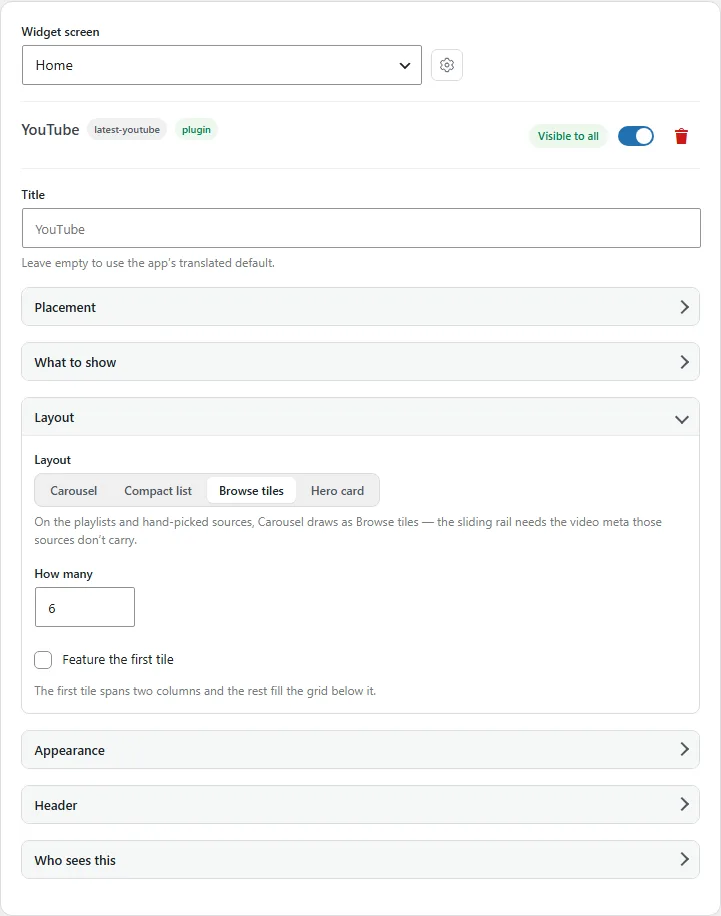
Your channel sits on the home screen in whatever weight suits the rest of it — a sliding rail, compact rows, a grid of tiles, or one full-width hero that plays where it is. Same widget and same content; you pick how loudly it speaks.
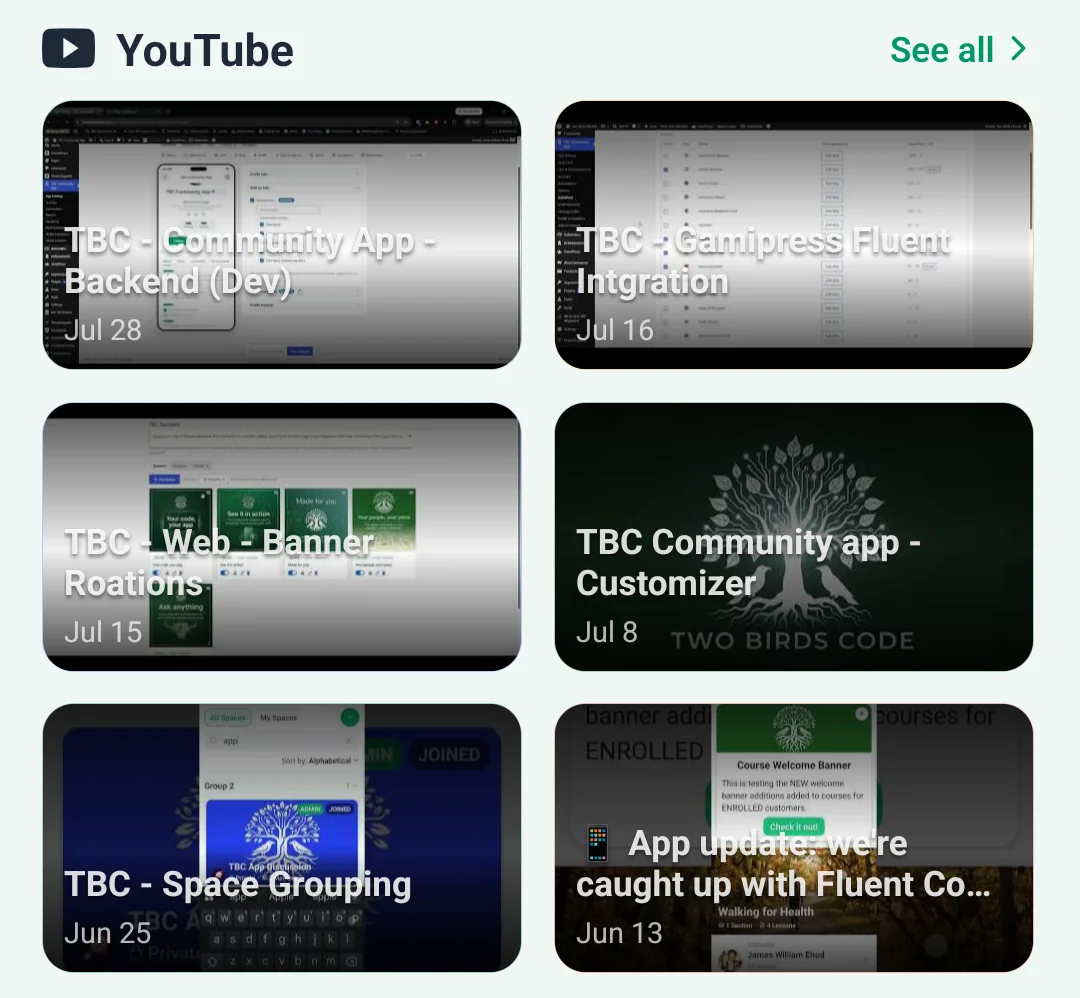
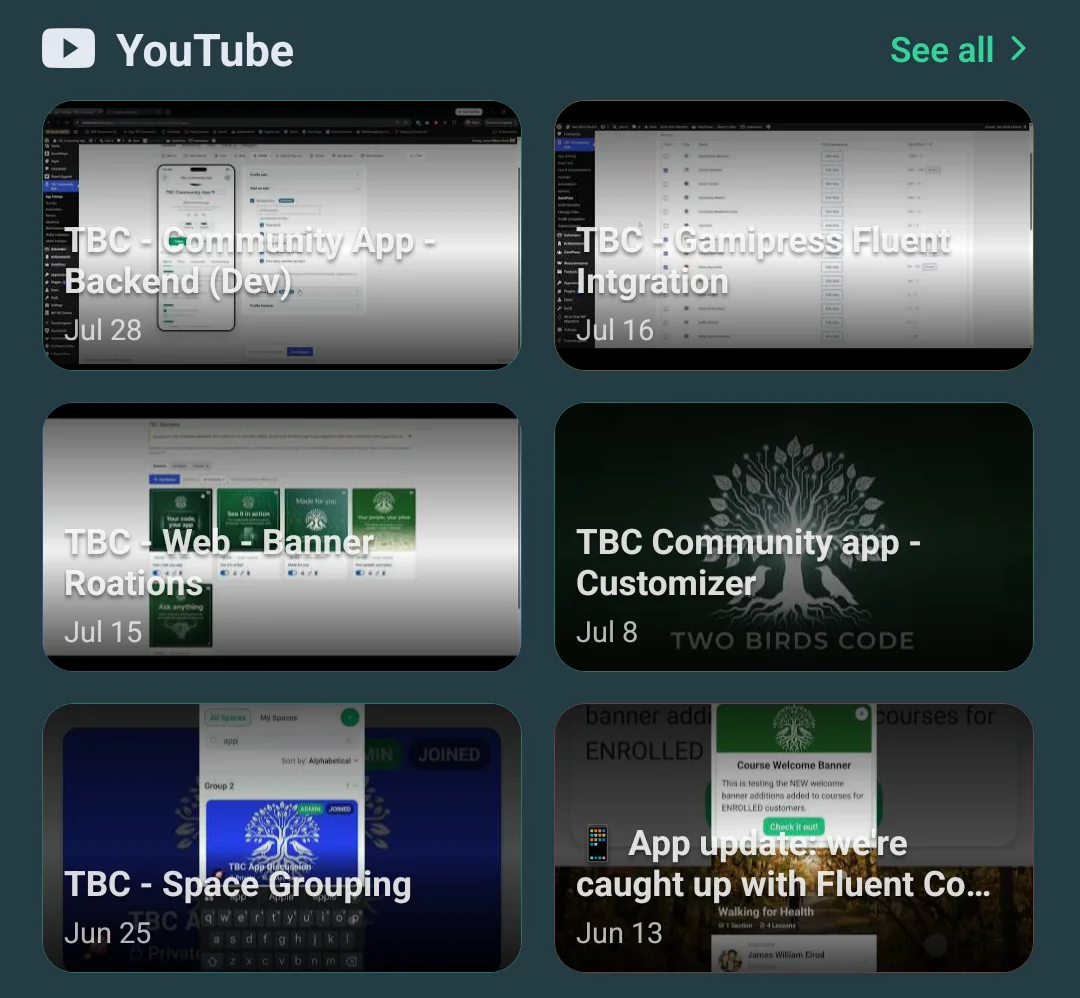
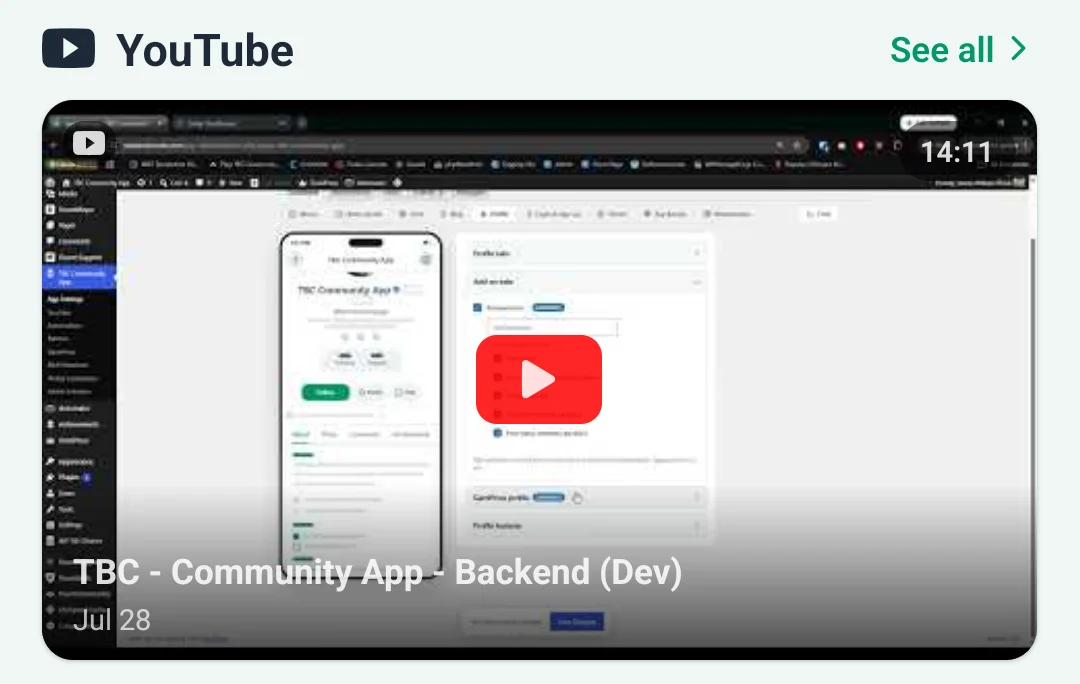
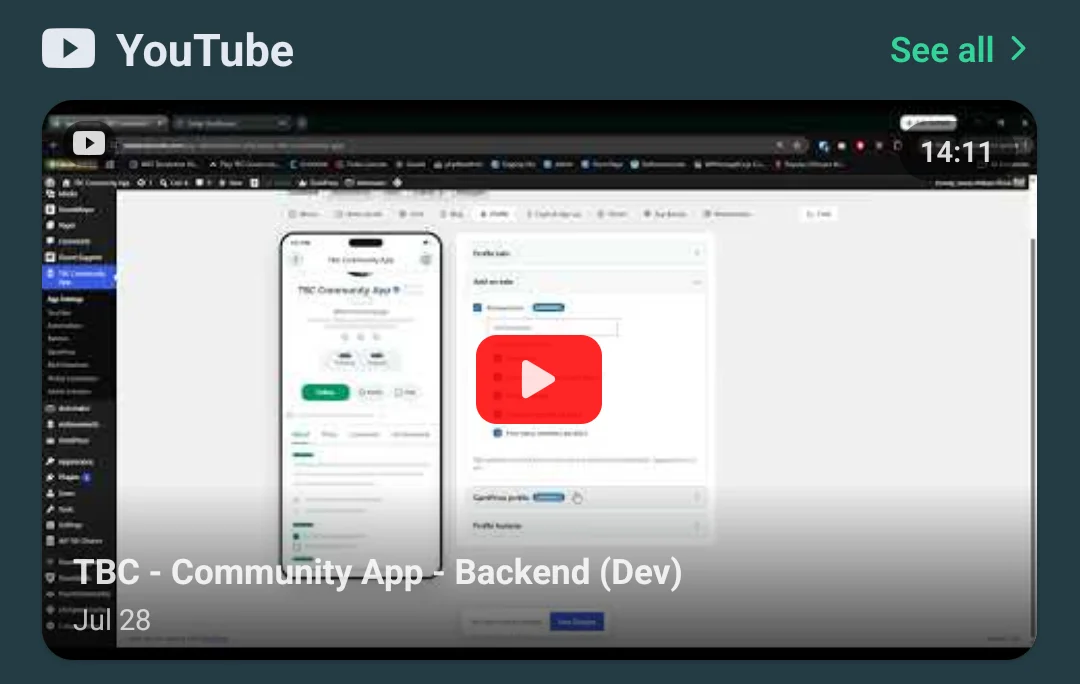
A tap away
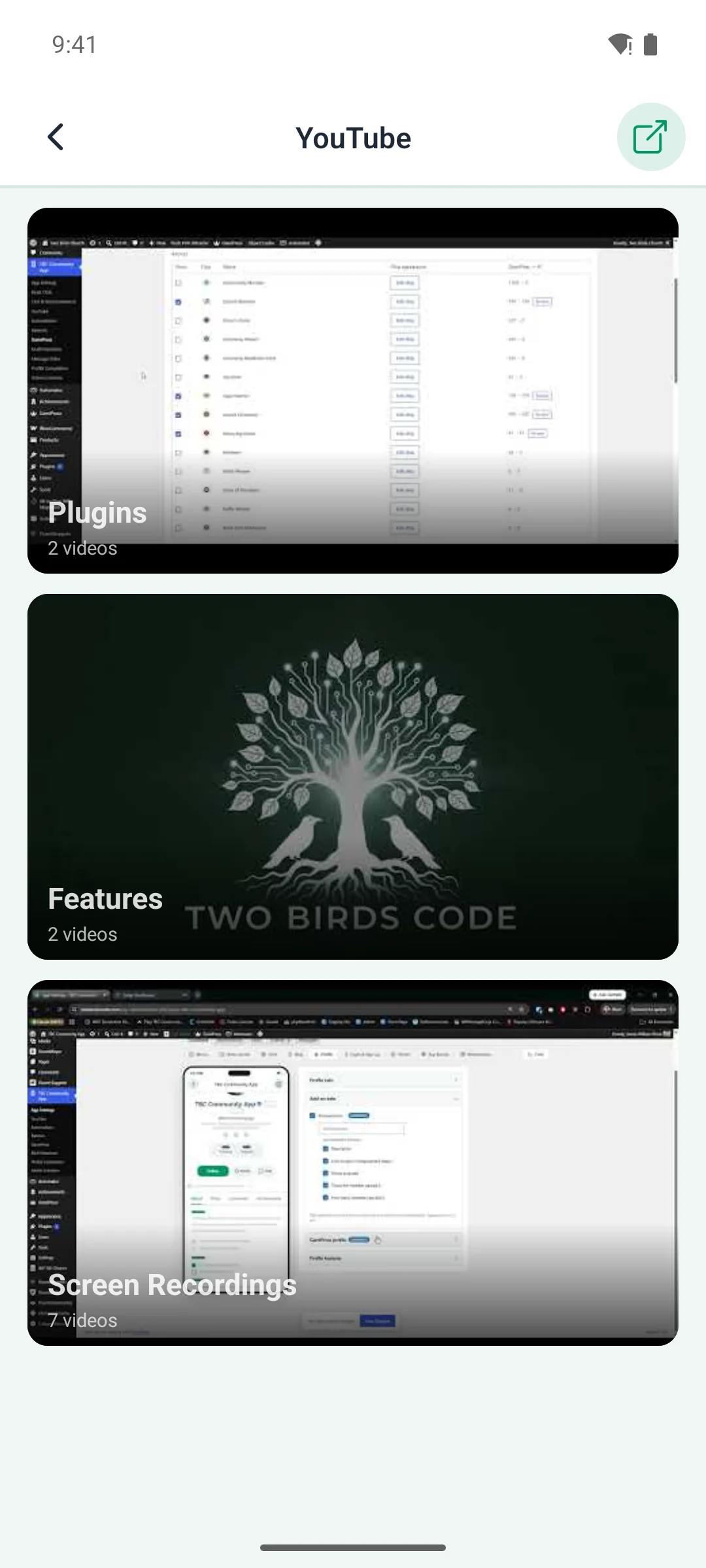
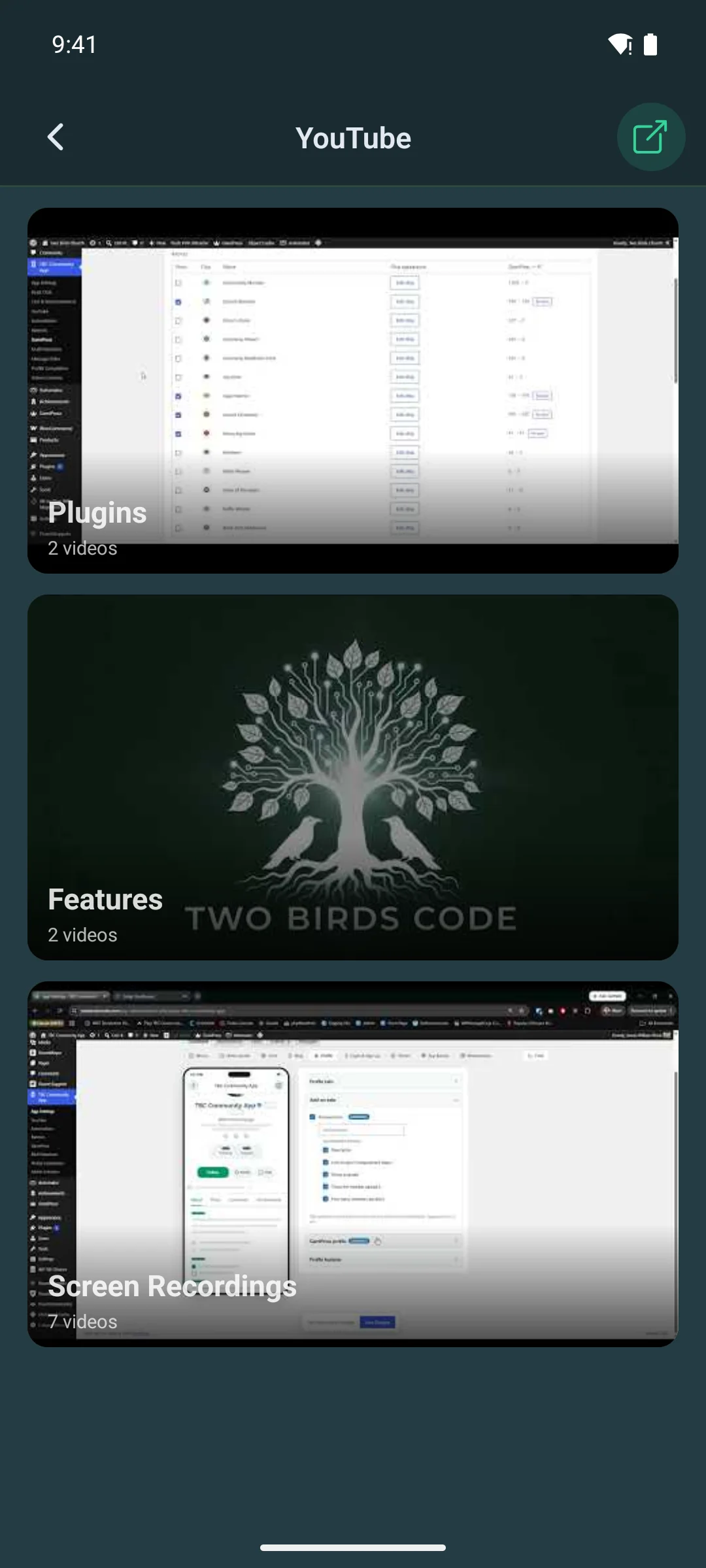
The whole channel, and a screen per video
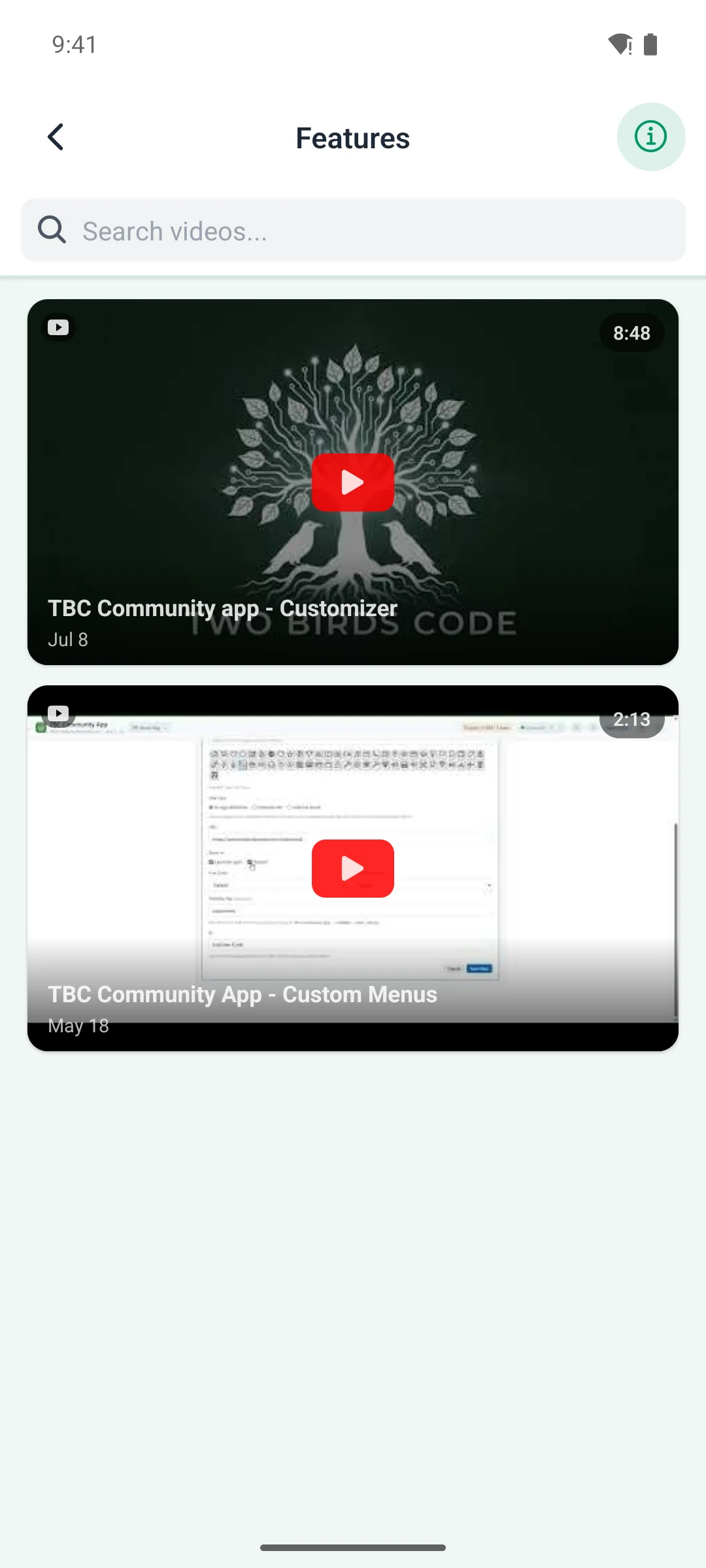
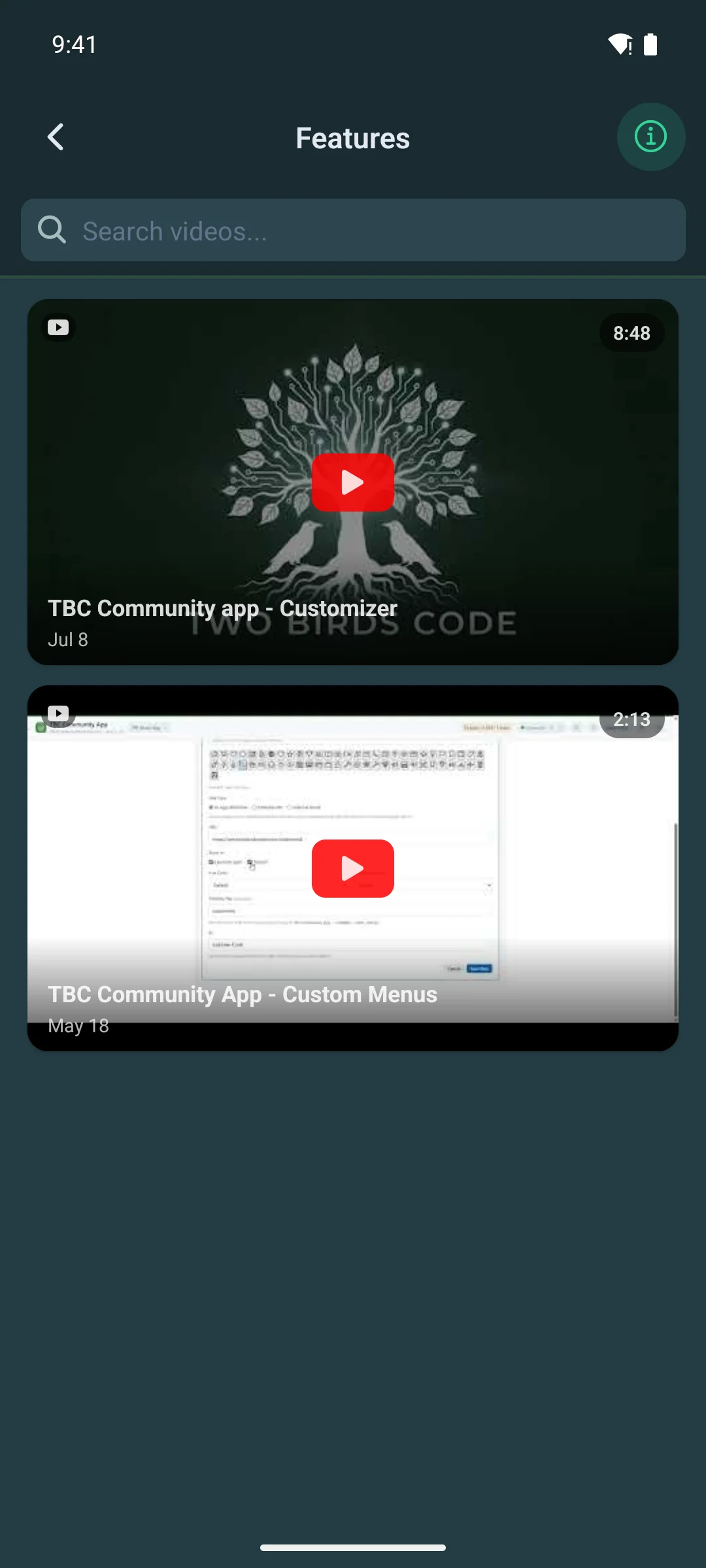
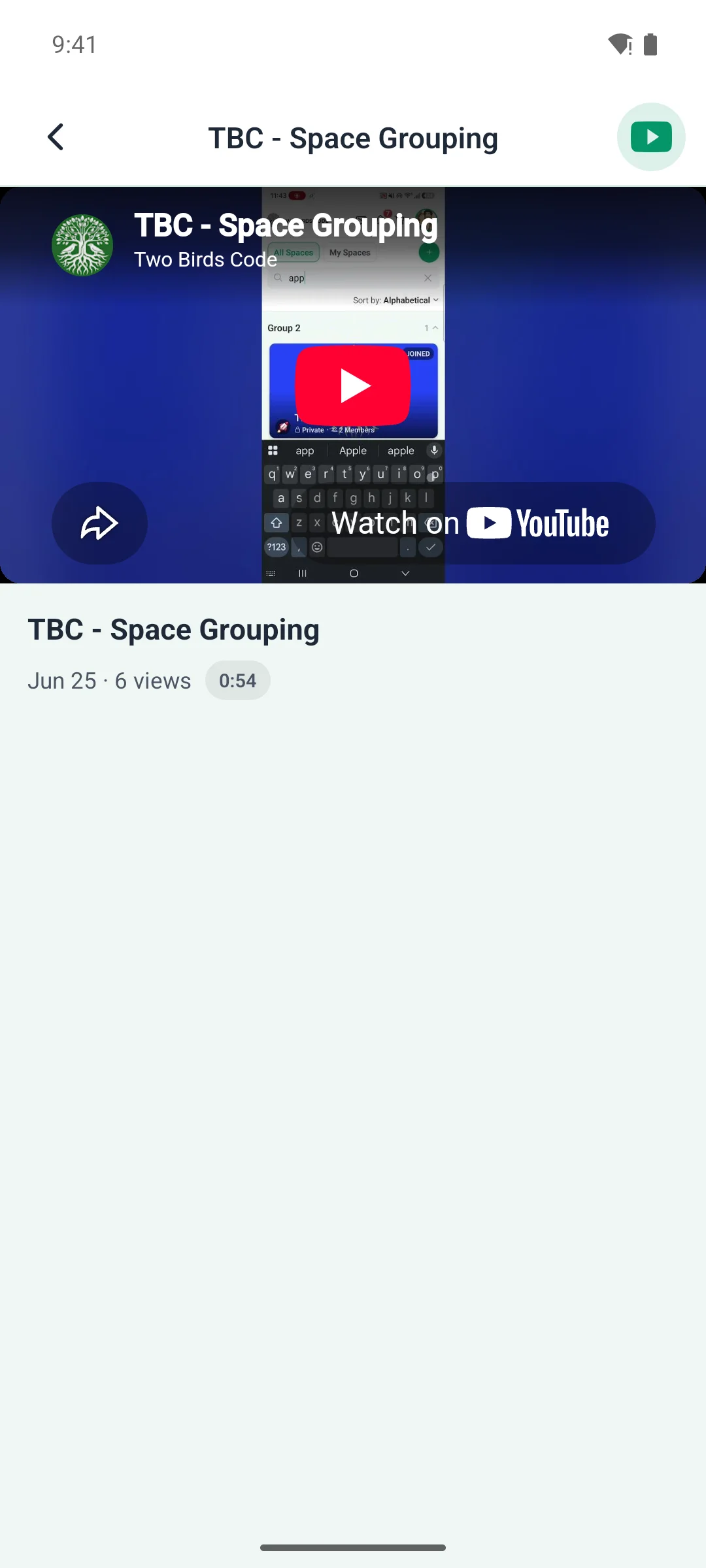
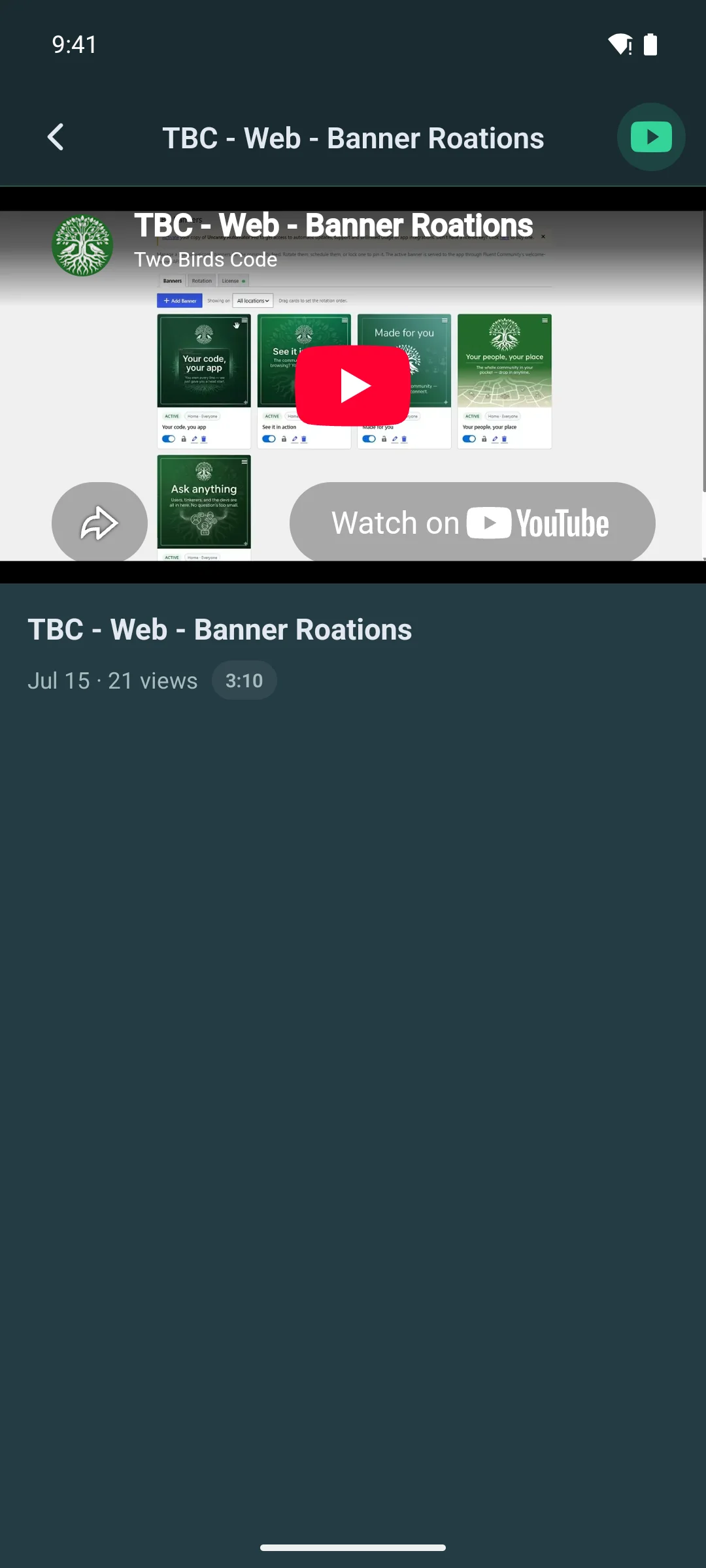
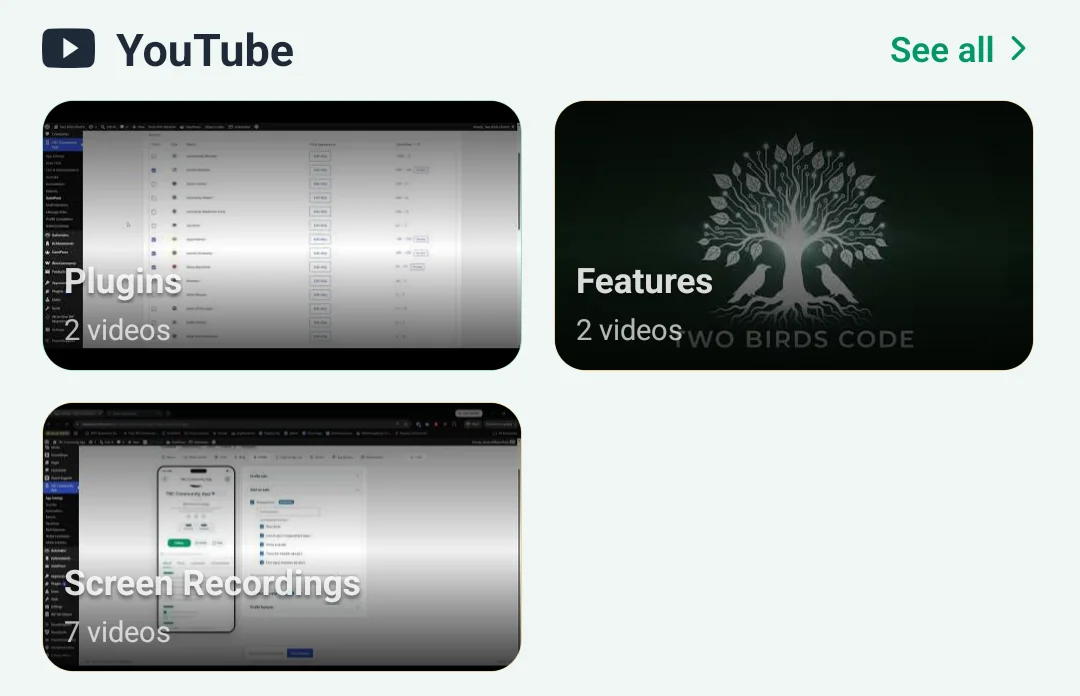
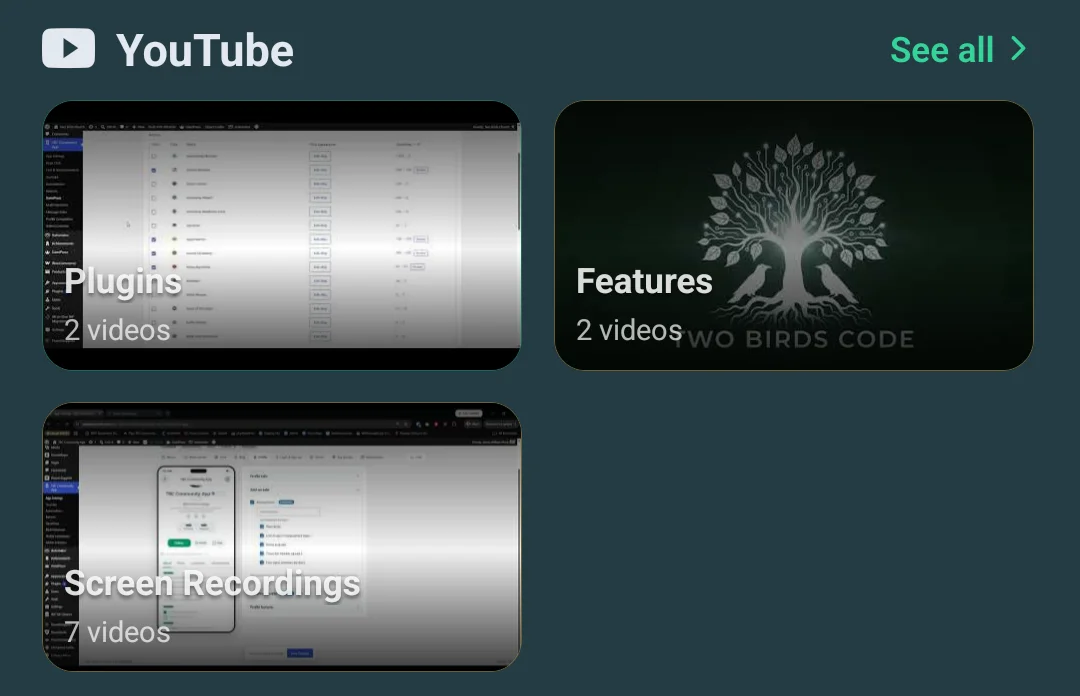
Every playlist you publish, each opening to its videos in the order you arranged them. Tap a row or a rail card and the video gets its own screen with room to read — because a thumbnail that small was never somewhere to watch anything. The full-width hero still plays where it sits.
Where you shape it
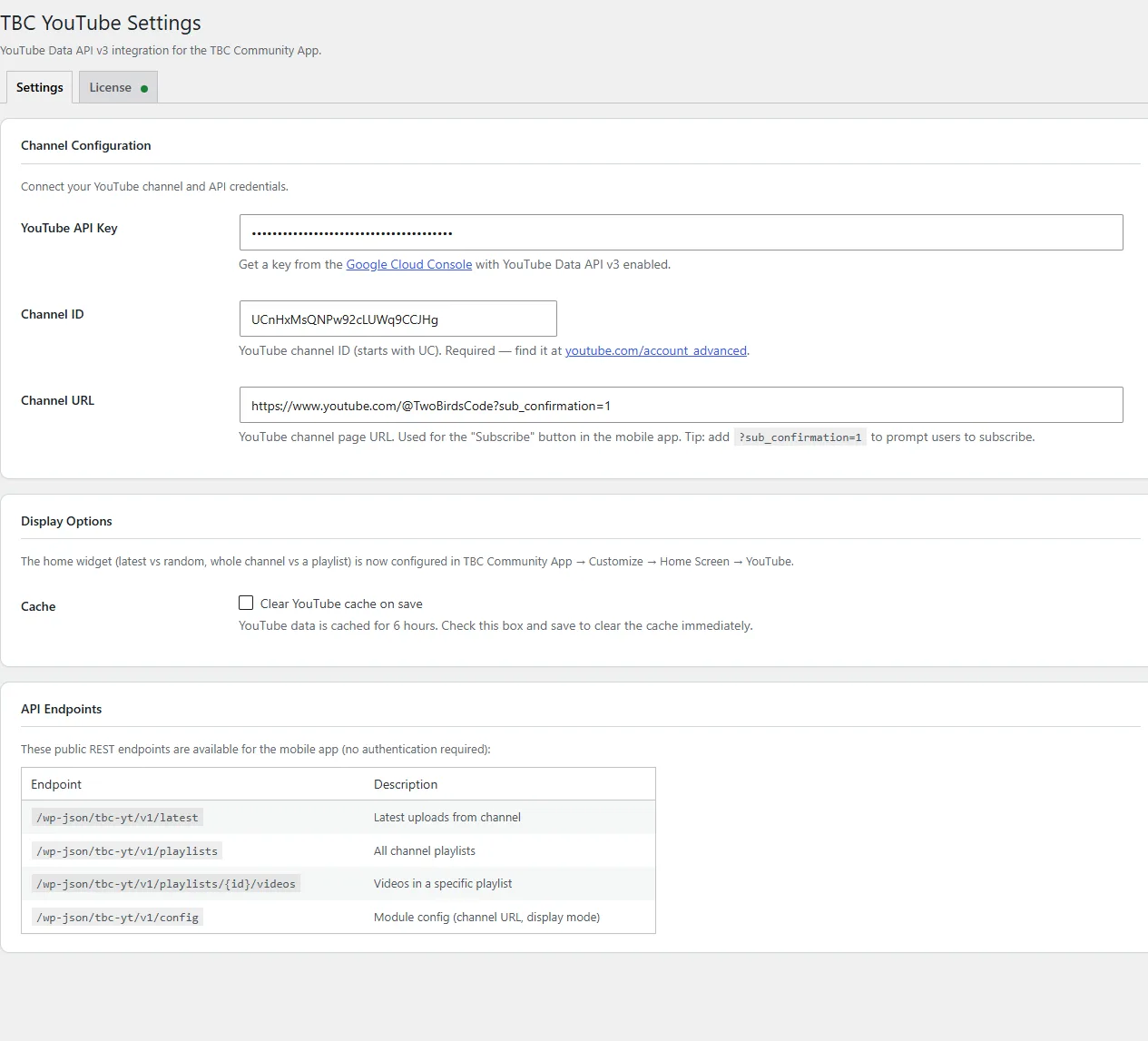
Two screens in WordPress, and no rebuild
The plugin’s own settings page holds the key, the channel and the cache. Everything about how the widget looks lives in the Customizer, beside a phone that redraws as you change it — and what you save reaches members the next time they open the app. No store review, no developer.
The part that matters later
Your app never calls YouTube directly
The companion plugin sits between your app and YouTube and caches every response on your own WordPress site. A small architectural decision with four practical consequences:
- Members see videos instantly — served from your cache, not fetched per person
- Your API quota lasts — one refresh serves your whole community instead of one member each
- No key in the app bundle — an app binary can be unpacked; your server cannot
- Rotate without rebuilding — change the key in WordPress and every member follows at once
What you get
- App module — the home widget in four layouts, the channel screen, playlist screens and a screen per video
- Companion WordPress plugin (
tbc-youtube) — settings and server-side caching - Your theme, both modes — the screens follow your Fluent Community colours in light and dark
- Lifetime licence — buy once, no per-member fees
What you need · setup is about ten minutes
- The TBC Community App — Dev Bundle or Managed
- WordPress with Fluent Community
- A free YouTube Data API v3 key from Google Cloud Console
- Your channel ID — it is in the URL of your channel
Pricing
One payment. Then it is yours.
A lifetime licence for the module and its companion plugin. No per-member fees, and nothing that stops working if you stop paying us — because there is nothing to keep paying.
Google does not charge for the YouTube Data API at the quota a normal community uses, and the caching here is what keeps you inside it.