Introducing User Switching for Fluent Community, a free plugin
A free plugin for Fluent Community sites: sign in as any member from their profile, and switch back from the header.
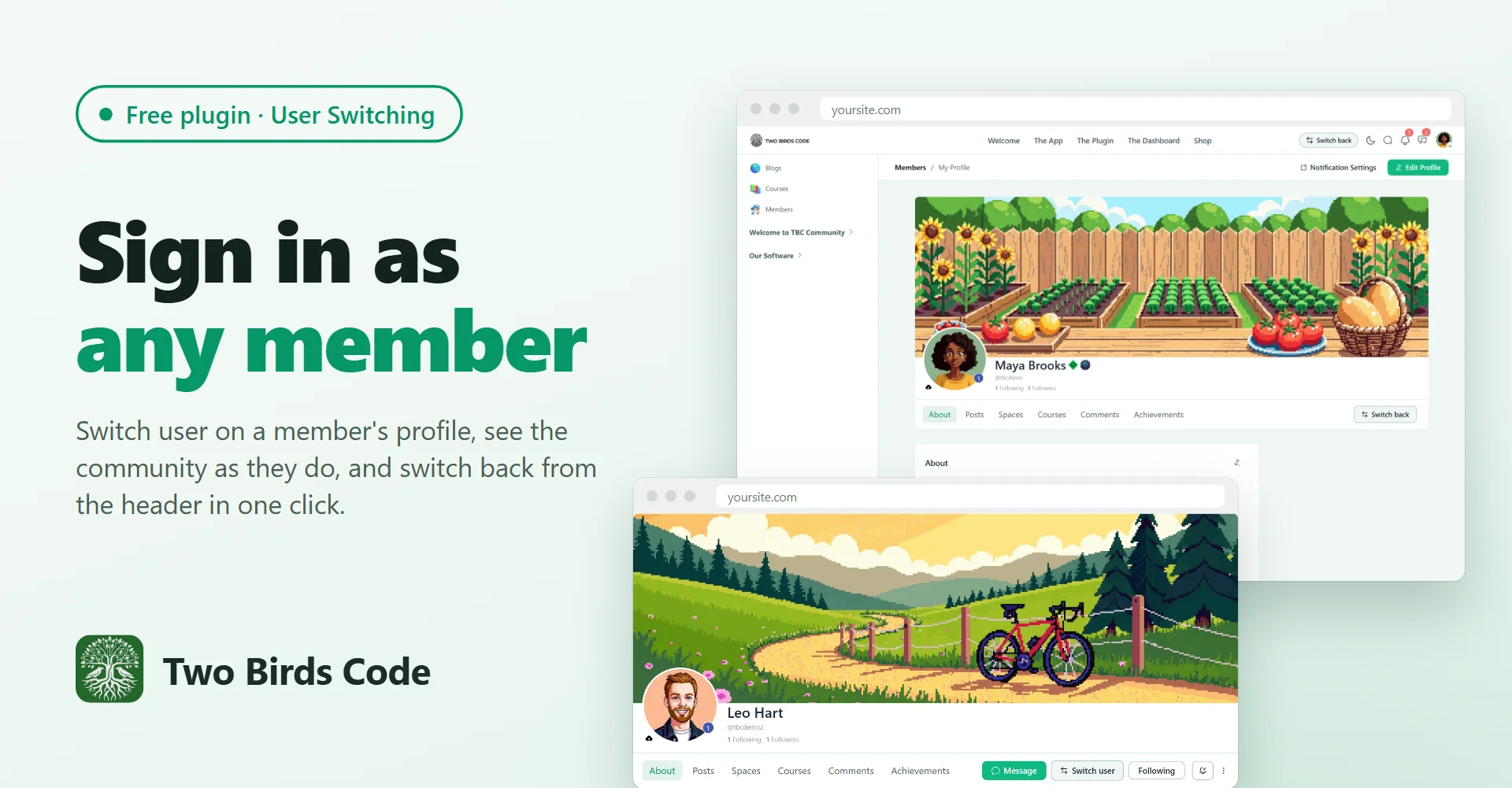
Switch user, on the profile
The free User Switching plugin from WordPress.org lets an admin sign in as another user and back again, but its buttons live in WP Admin and the toolbar, and the Fluent Community portal hides the toolbar. This plugin puts a Switch user button on member profiles. Click it and you land on the same profile, signed in as them, so you see the portal exactly as they do.
Switch back, from the header
While you are switched, a Switch back button sits in the portal header on every page. One click returns you to your own account on the page you were on. Hover it to see whose account that is.
Nothing to set up
User Switching keeps every permission check and cookie, so the rules match WP Admin: on a standard site only administrators can switch, and members never see a button. The plugin's Overview page shows whether User Switching is active and installs it for you if it isn't.
What you need
- Fluent Community, free or Pro
- User Switching, free from WordPress.org
- A free licence key from our store, which turns the buttons on and brings updates
It's free: https://www.twobirdscode.com/blog/item/tbc-web-user-switching/
Full details and screenshots: https://www.twobirdscode.com/blog/free-plugin-user-switching-for-fluent-community-1-0-1/
If you also run our TBC Community App, the app shows no switch buttons. This one is for the website.
Tell us what you'd like us to build next.