


I'm using the Android mobile app and any time I type '@' it doesn't show any names to highlight for mentioning. Only if I select "Reply" does it prefill the user name as a mention.
Also, when I select to comment or create a new post the modal slides up but the cursor is not active. Which requires me to click on the screen again to start typing. Feel that flow can be optimized by mirroring how it works on web with the cursor being active on the input field automatically.

Core 1.3.3 is here, along with a matching companion-plugin update. Here's what your members get.
Pull-to-refresh, reimagined. Pull any list down and a small animated world opens up instead of the stock spinner — drag to reveal it, release and it plays on while the content loads. Six scenes to pick from in Settings → Feedback: Spinner, Clockwork, Circuit, Theme Aquarium, Theme Jungle, and Minimal. Every one is painted in your theme colors rather than fixed art, so it re-skins to your brand automatically. Reduce Motion is respected. And a scene built specifically for your community can slot straight into the same picker as an add-on.
A real leaderboard. Fluent Community's points board is now a native screen, with a launcher tile and a home widget. Rank members over the last week, the last month, or all time — all three arrive together, so switching is instant. Each member sees their own standing above the board: points, level, rank, and how far to the next level. Requires Fluent Community Pro, and hides itself when that isn't present.
Also new:
- Level & points on profiles — the About tab now matches what your website shows.
- Boxed or full-width feed — keep the rounded cards, or run posts edge to edge with a lone photo bleeding to the edges. You set the default; members can switch if you let them.
- Space Documents is a full screen — a space's file library used to open in a bottom sheet, squeezing a long list into half the display. Now it gets the whole screen, the same way Media already did.
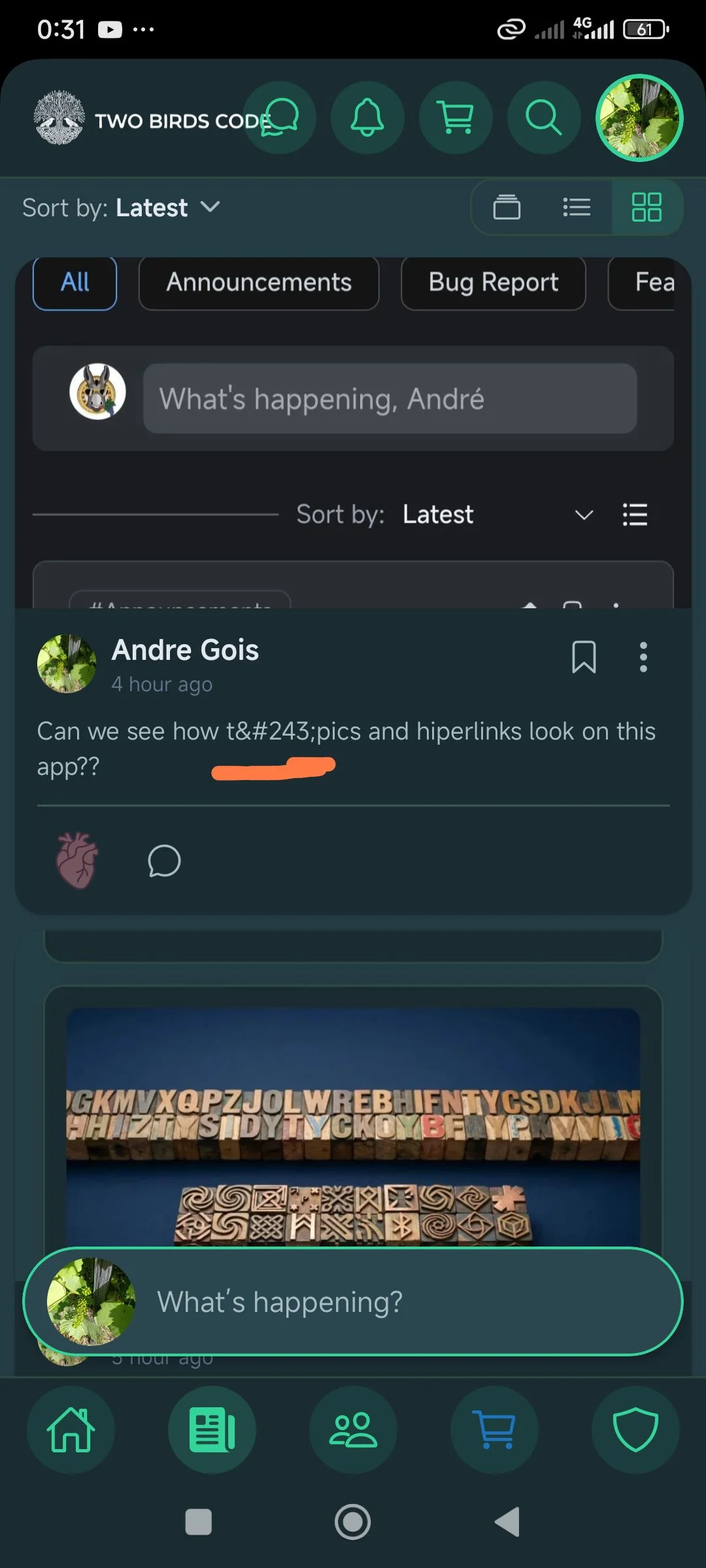
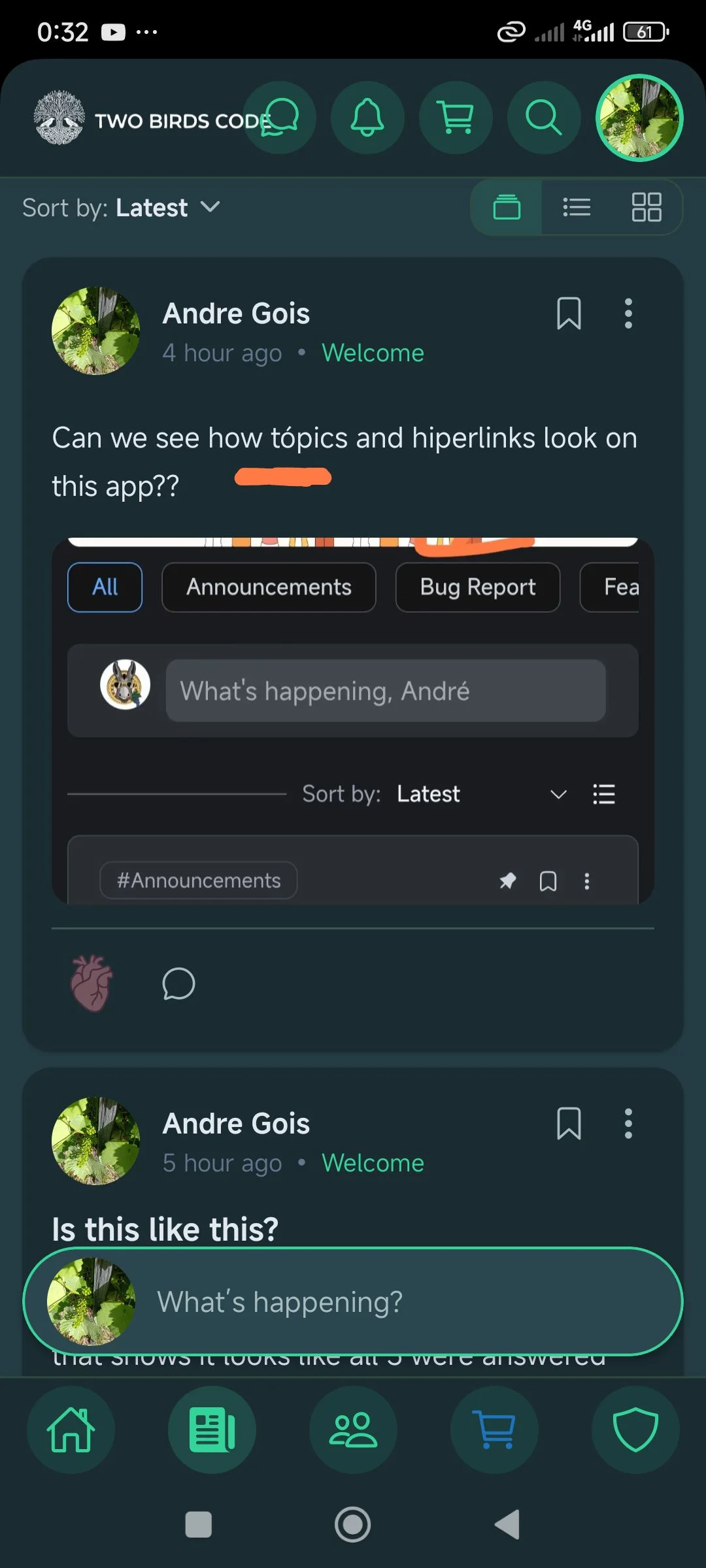
- Tappable topic tags — tap a #Topic chip to filter the feed, same as on the web.
- All eight feed sorts, and a space's own default sort is finally honored.
- Members widget toggles — trim it down to just names and faces.
Fixed:
- Changing your username no longer locks you out of your own profile.
- The Comments close button now works on notched iPhones.
- No more mystery gap at the top of a list.
- Space headers stop flickering when you tap a topic.
- Switching off "Offer dark mode" now actually sticks.
Rolling out now — restart your app to get it.

I noticed a functional discrepancy between the web version and the mobile app regarding how "Topics" work in the feed.
When browsing the community on the web, if a published post has a specific topic assigned to it, clicking on that topic correctly redirects us to a filtered view showing all the posts associated with that specific topic.
However, in the mobile app, if we tap on the topic tag of a post in the feed, nothing happens. It seems the tag isn't clickable on mobile.
My suggestion: It would be great to bring this feature to the app as well! Making the topics clickable in the mobile feed so they link to their respective topic feeds would ensure feature parity across platforms and greatly improve content discovery for users
I'd like to share a feature suggestion focused on UI consistency and usability.
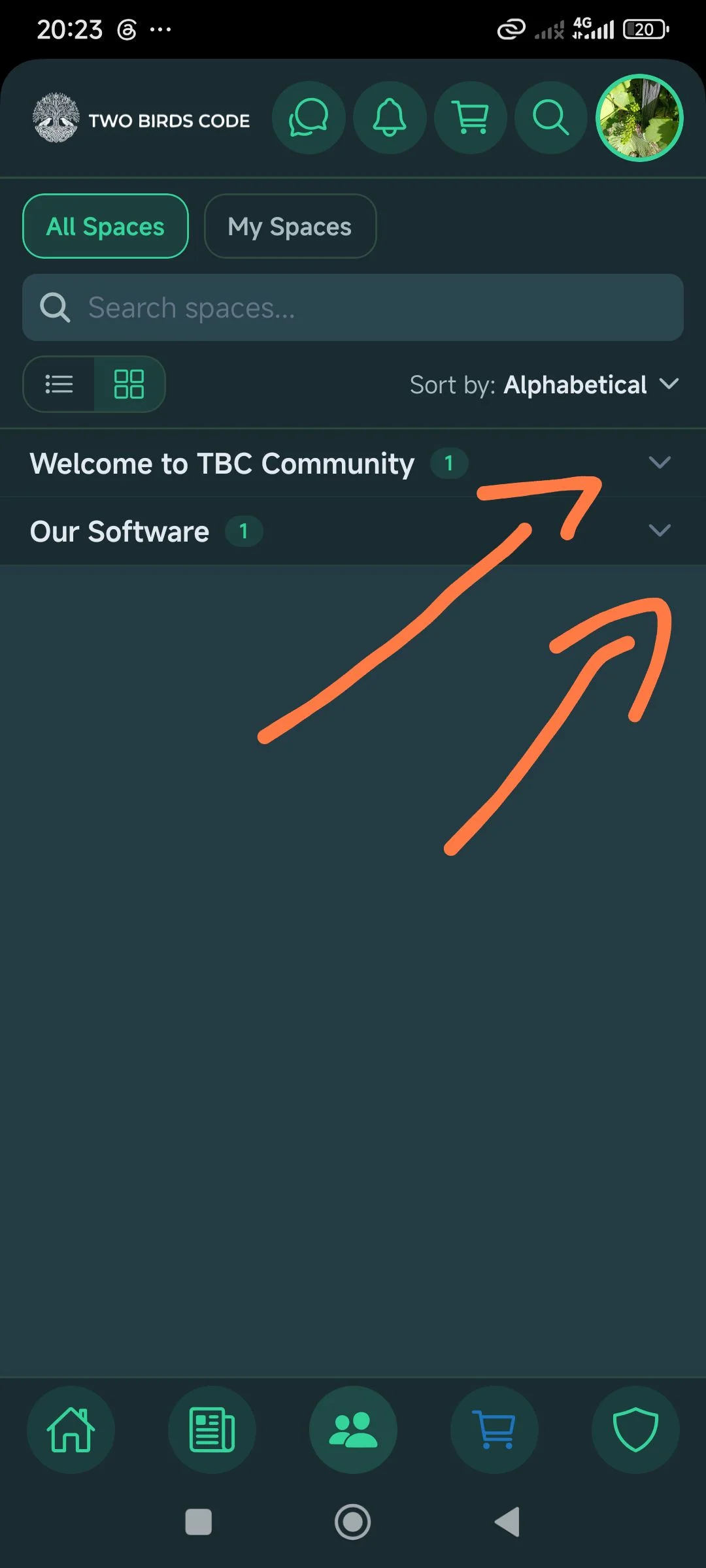
I noticed that on the main Spaces tab, we have the great option to expand and collapse the category groups (using the arrows on the right) to keep our view organized.
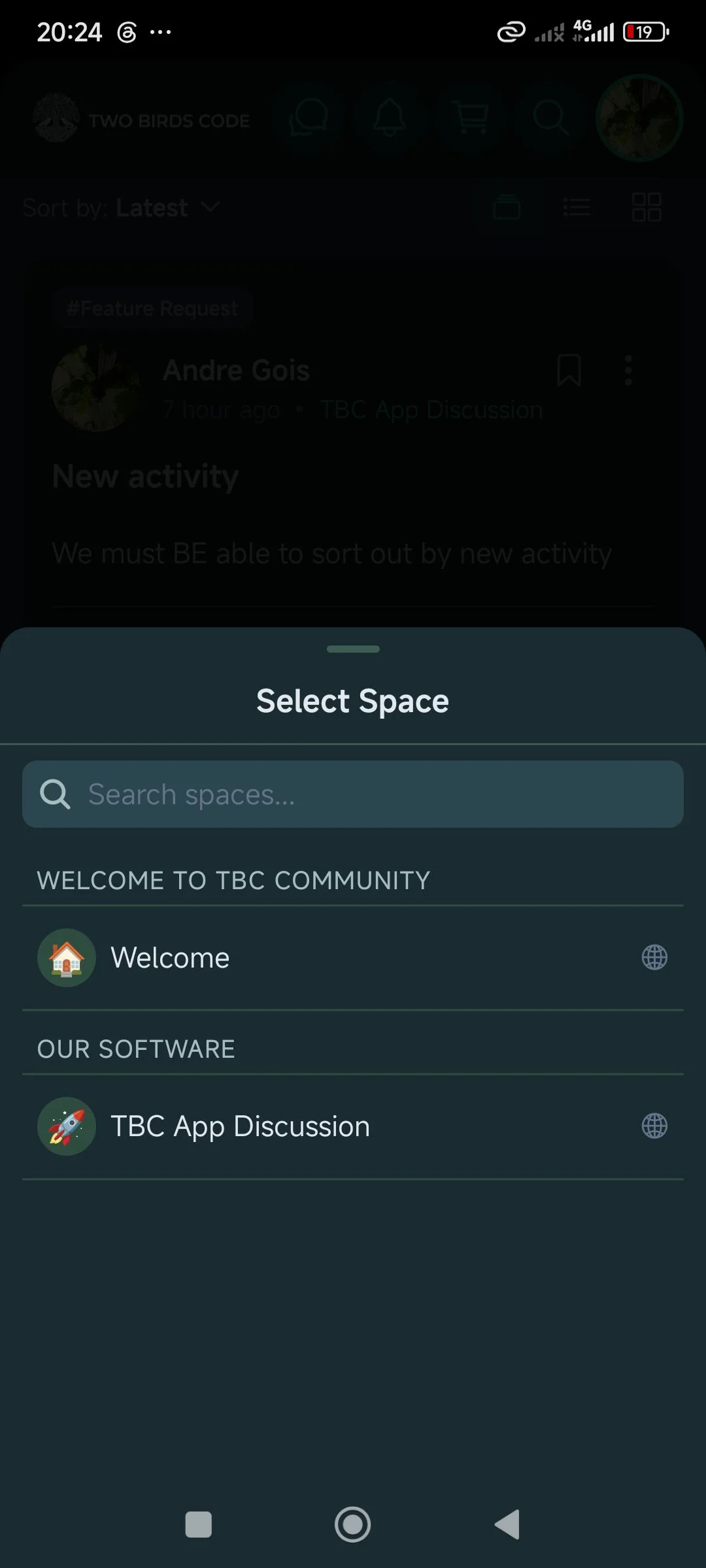
However, when we are writing a new post and the bottom "Select Space" menu opens up to choose where to publish it, those same categories are static and don't allow us to collapse the list.
My suggestion: It would be great if you could replicate that same collapsible behavior inside the "Select Space" modal. As communities grow and more categories are added, being able to minimize these lists would make navigation much cleaner and more intuitive for the user. Thanks for the great work and keep it up!
We must BE able to sort out by new activity
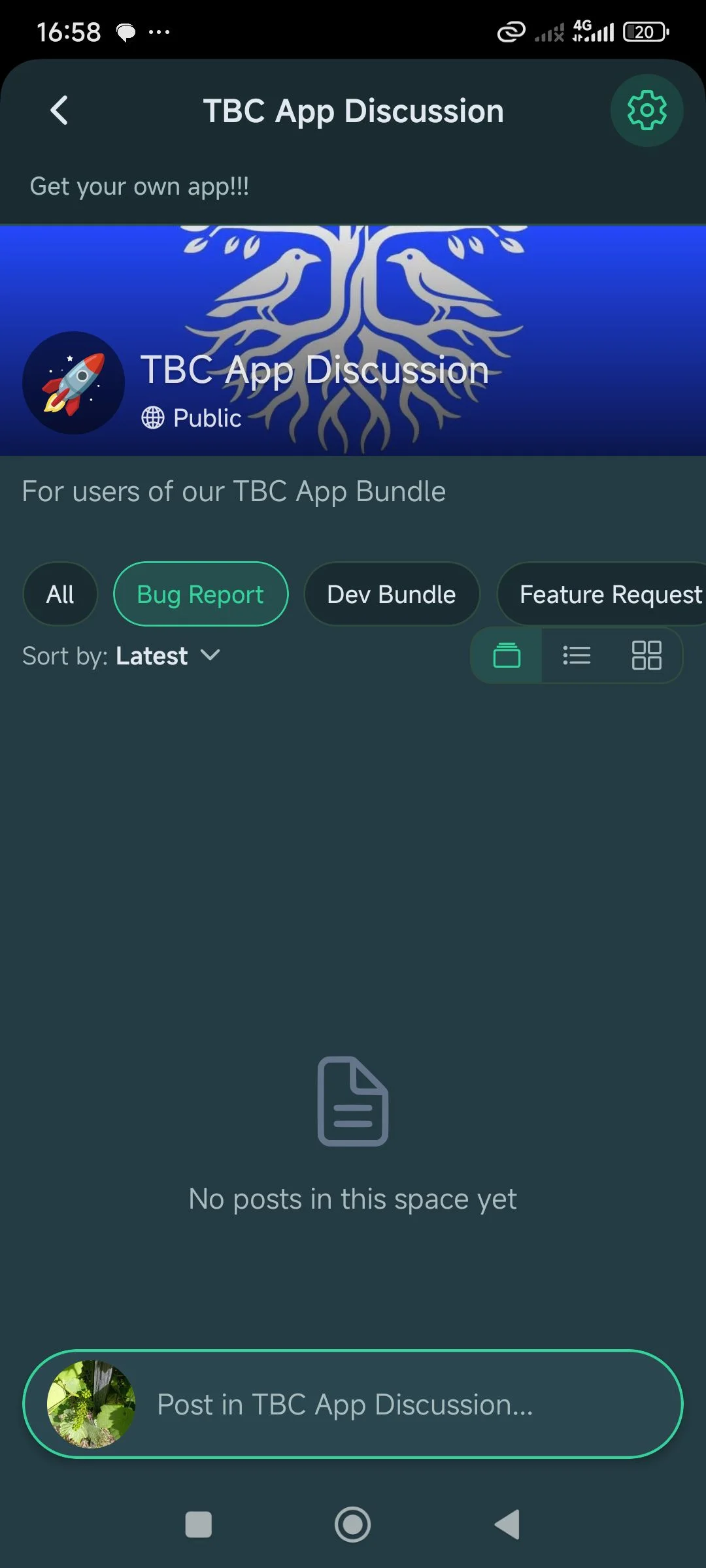
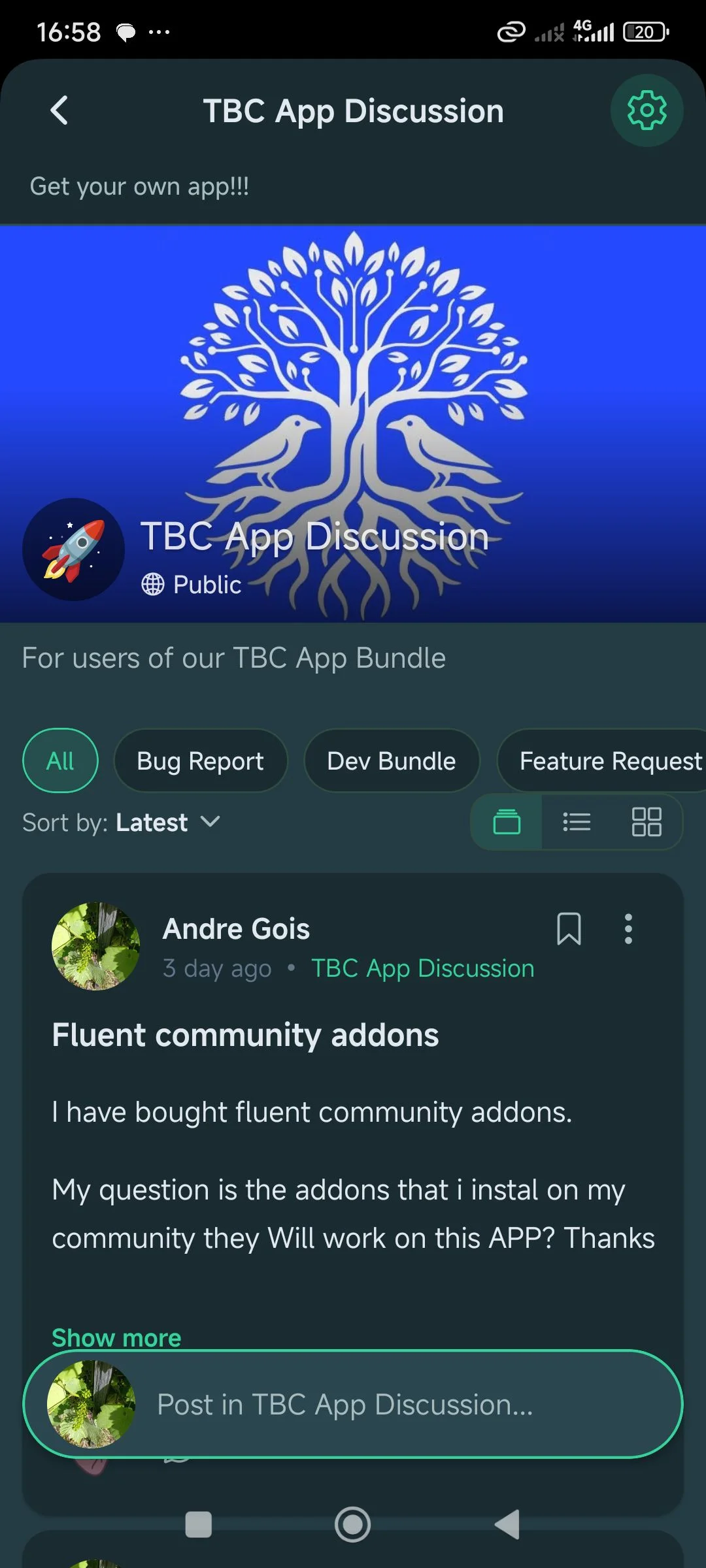
I have bought fluent community addons.
My question is the addons that i instal on my community they Will work on this APP? Thanks

Is the app compatible with 2fa from the plugin FluentAuth?
A meaty app update just landed. The highlights:
- Card or list view for Spaces. A new toggle on the Spaces tab flips between the rich card layout and a compact list (icon + name, a lock on private spaces) like Fluent's web sidebar — and it remembers your pick.
- Headers that get out of the way. Across Spaces, Blog, Courses, the member directory, feeds, profiles, settings, and messages, the header now slides away as you scroll down and returns as you scroll up — more content on screen while you read.
- "Unread only" notifications. New All / Unread / Mentions / Following tabs, an Unread only switch, and one-tap Mark all read — zero in on exactly what you haven't seen, matching the web.
- It remembers how you left it. Your Spaces view and sort order stick between visits, and the member directory keeps its sort too.
- Polish. Tinted, easier-to-tap header buttons, a tidier New Members row, and consistent logo placement across login, register, and forgot-password.