

Core 1.3.19: rebuilt pull-to-refresh scenes and Google Play in one button


 ·
24 min read
·
24 min read
Core 1.3.19 · what’s new
Pull to refresh, rebuilt. Google Play in one button.
Six of the pull-to-refresh animations are redrawn, every member’s picture now shows their level, and the setup dashboard can connect your app to Google Play for you. None of it needs a new app build.
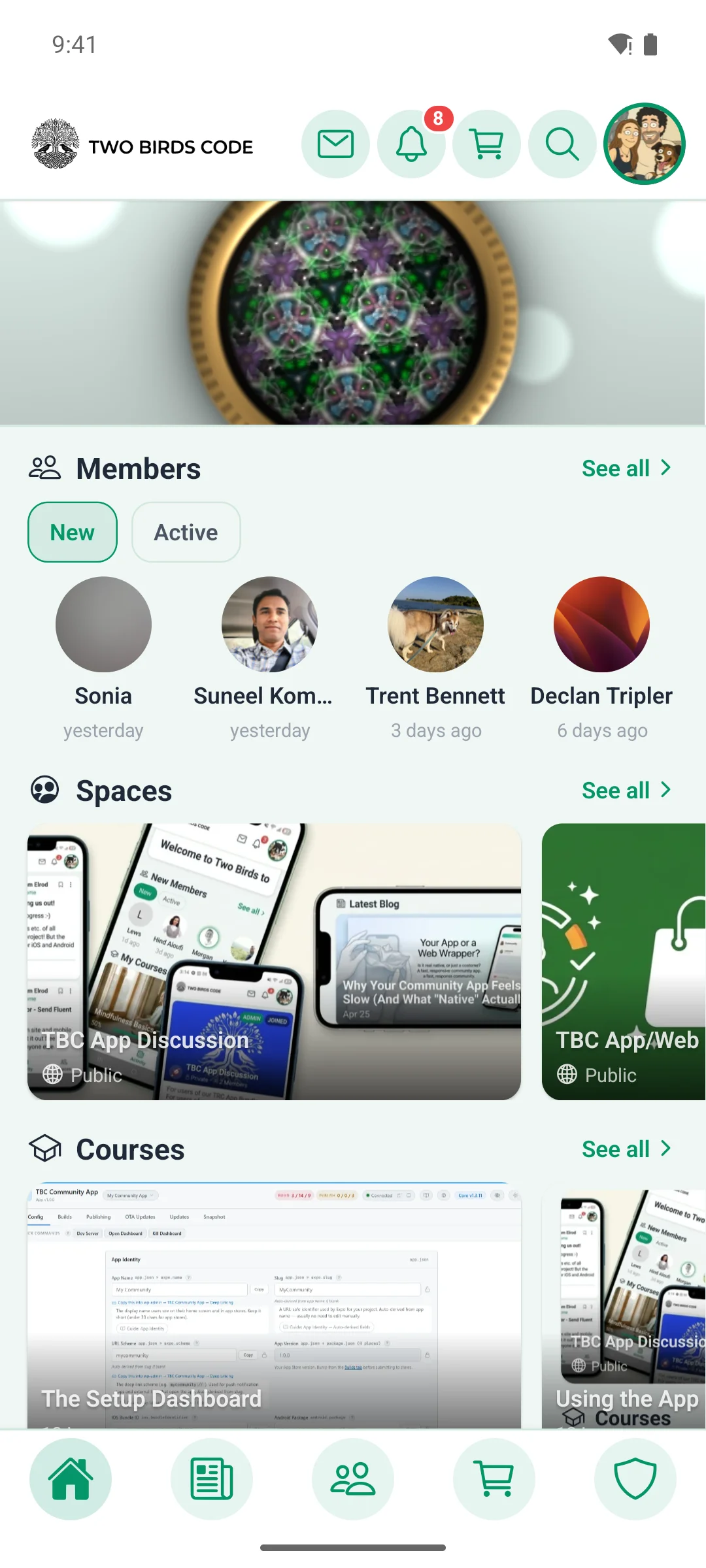
Pull to refresh · six animations
Pull down, and something good happens.
Pull down on a screen to refresh it and a short animation plays while the app loads. Six of those animations are new in this release.
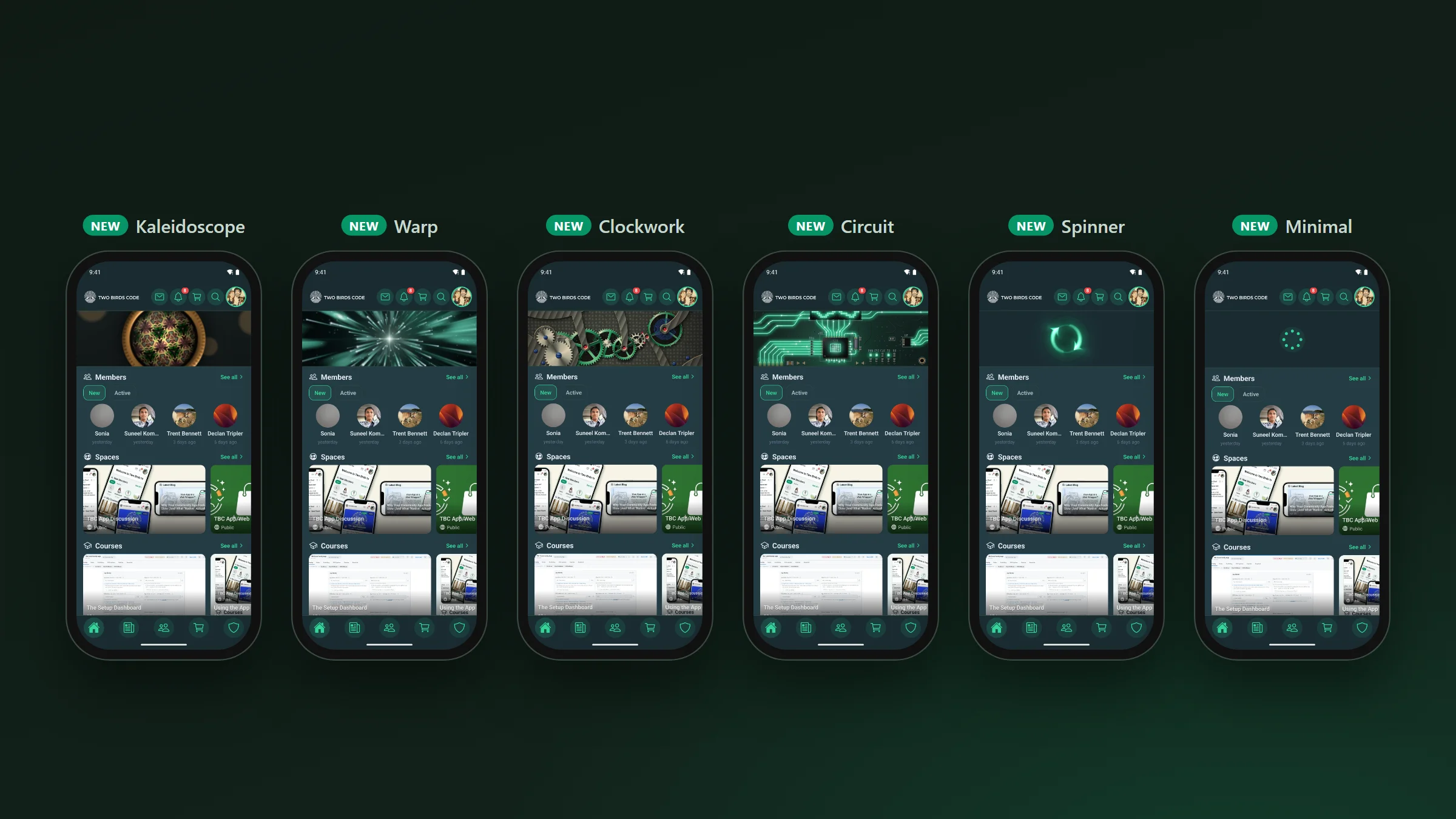
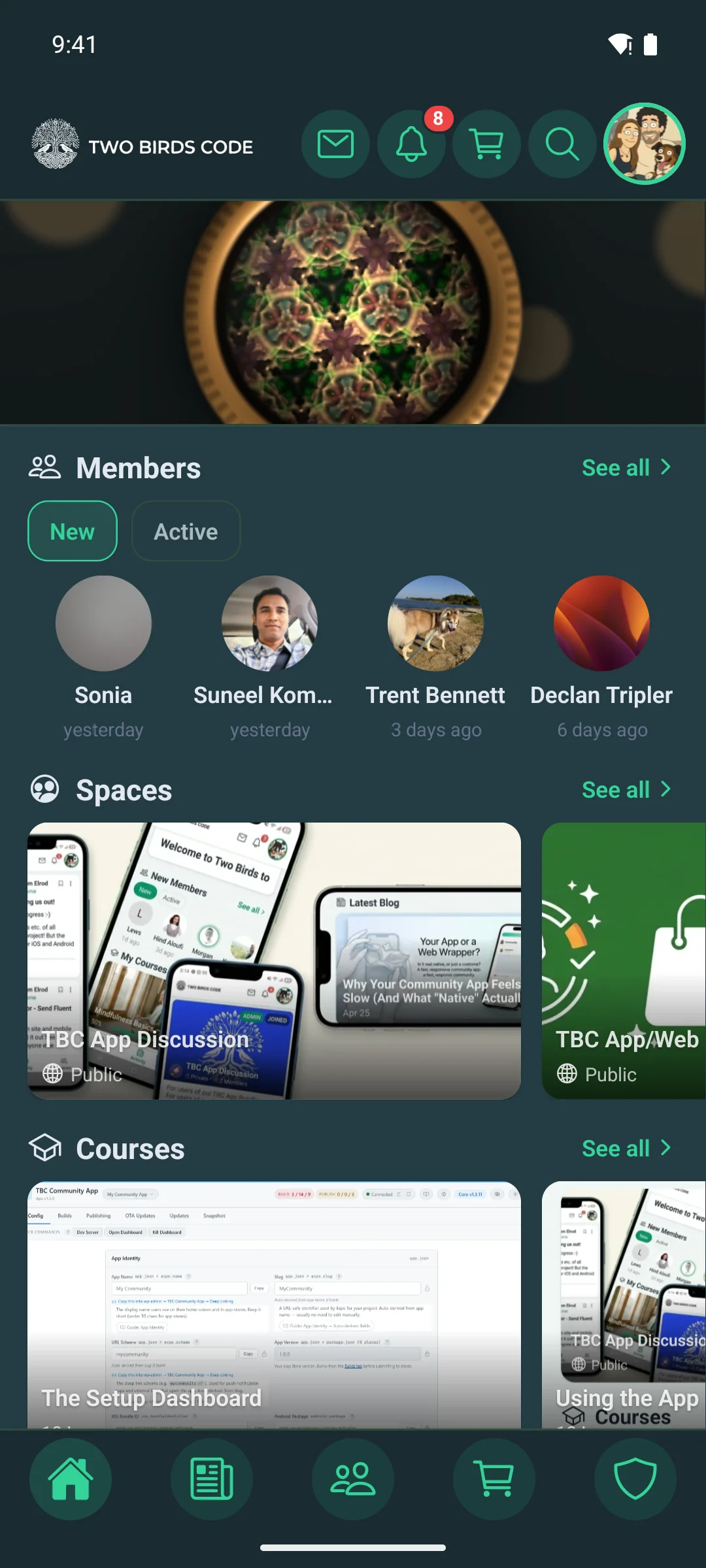
- Kaleidoscope: coloured glass turning inside a brass kaleidoscope
- Warp: flying through stars, faster the further you pull
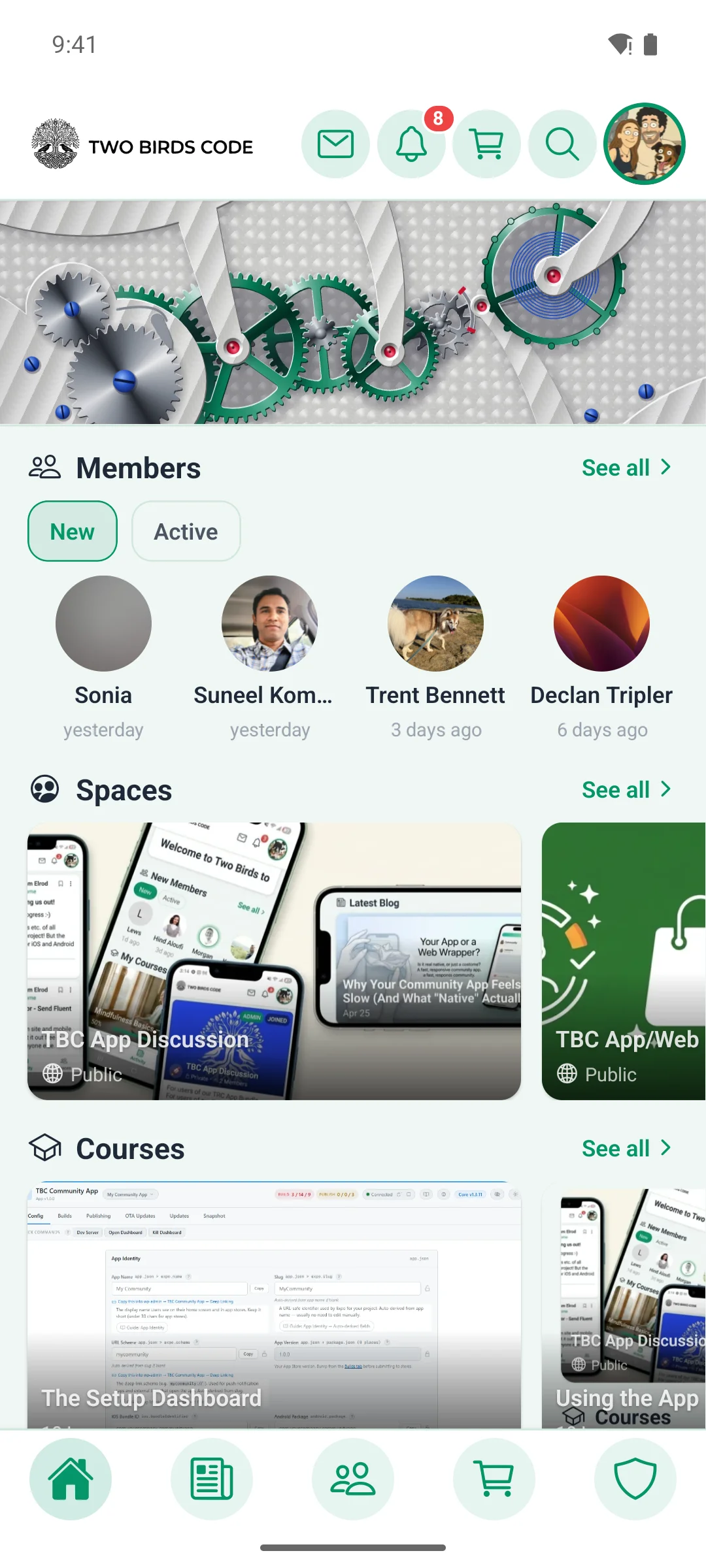
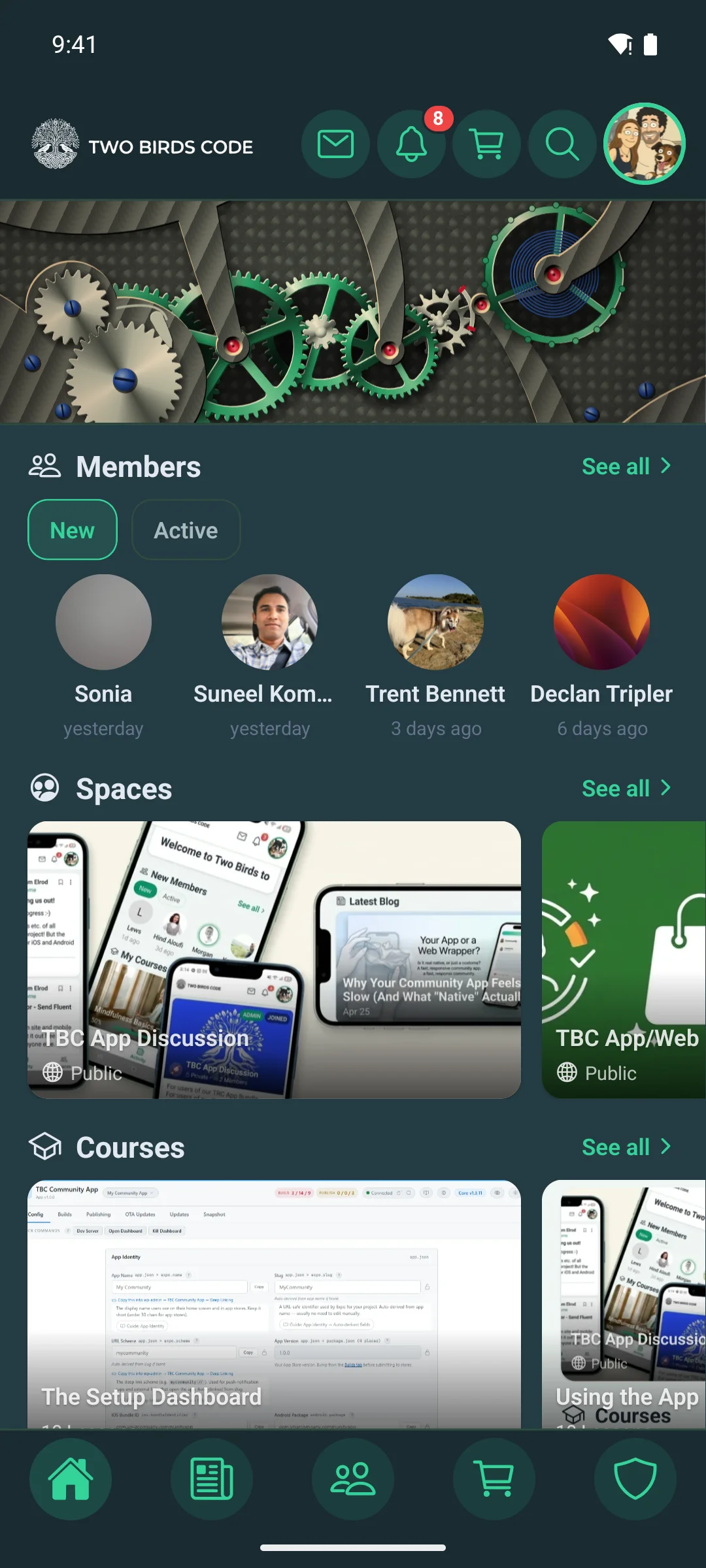
- Clockwork: gears turning as you pull
- Circuit: a circuit board lighting up
- Spinner and Minimal: cleaner, sharper versions of the two simple styles
The detailed ones react to how hard you pull and flick, switch to a night-time look when the app is in dark mode, and pick up your app’s brand colours. Members choose their favourite in Settings › Pull-to-Refresh Style. On a phone with Reduce Motion turned on, the app uses the plain Minimal animation.
Members · who is around
Levels on every member’s picture.
Each member’s level now shows as a small number on their profile picture, just like on your website.
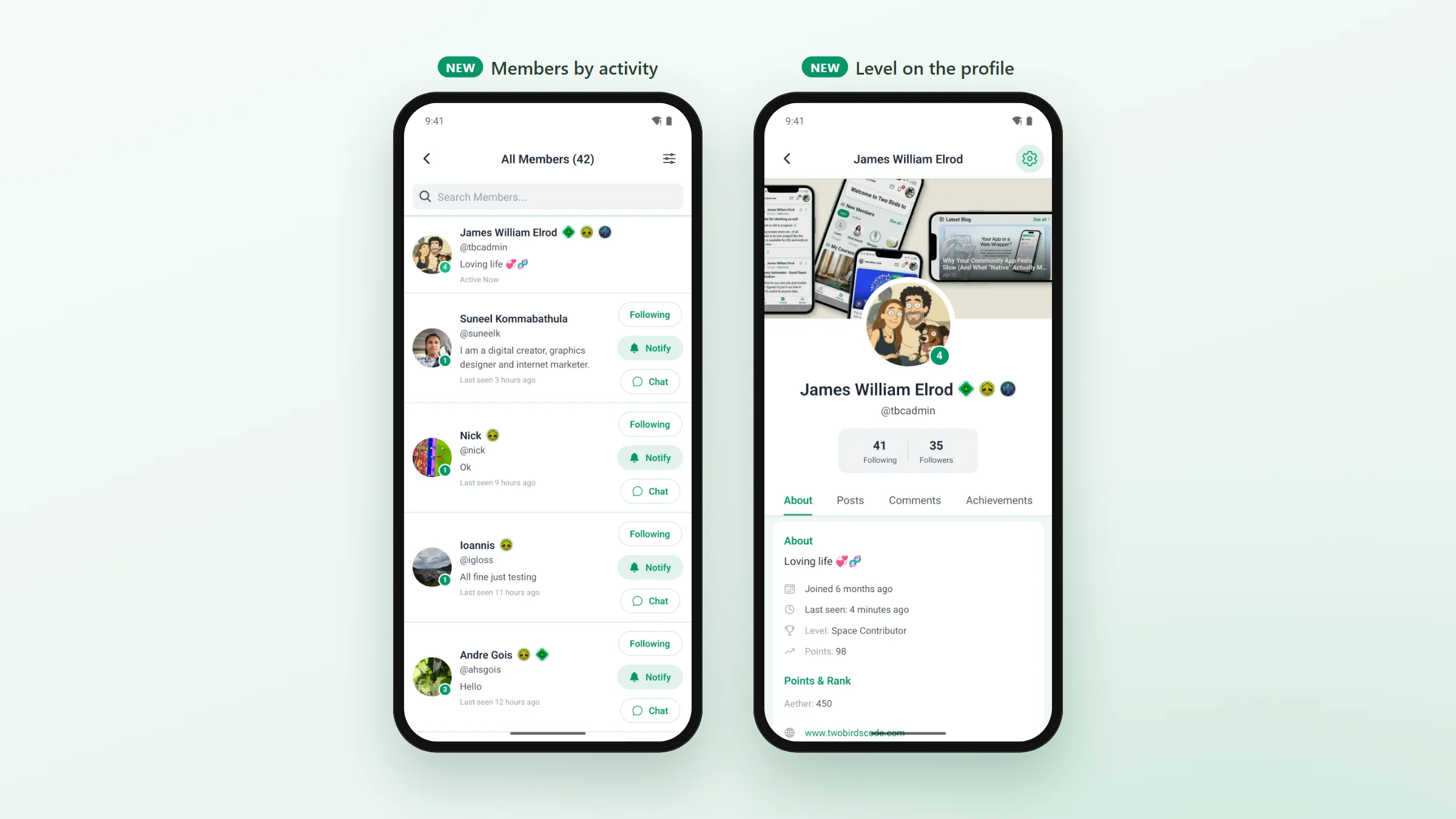
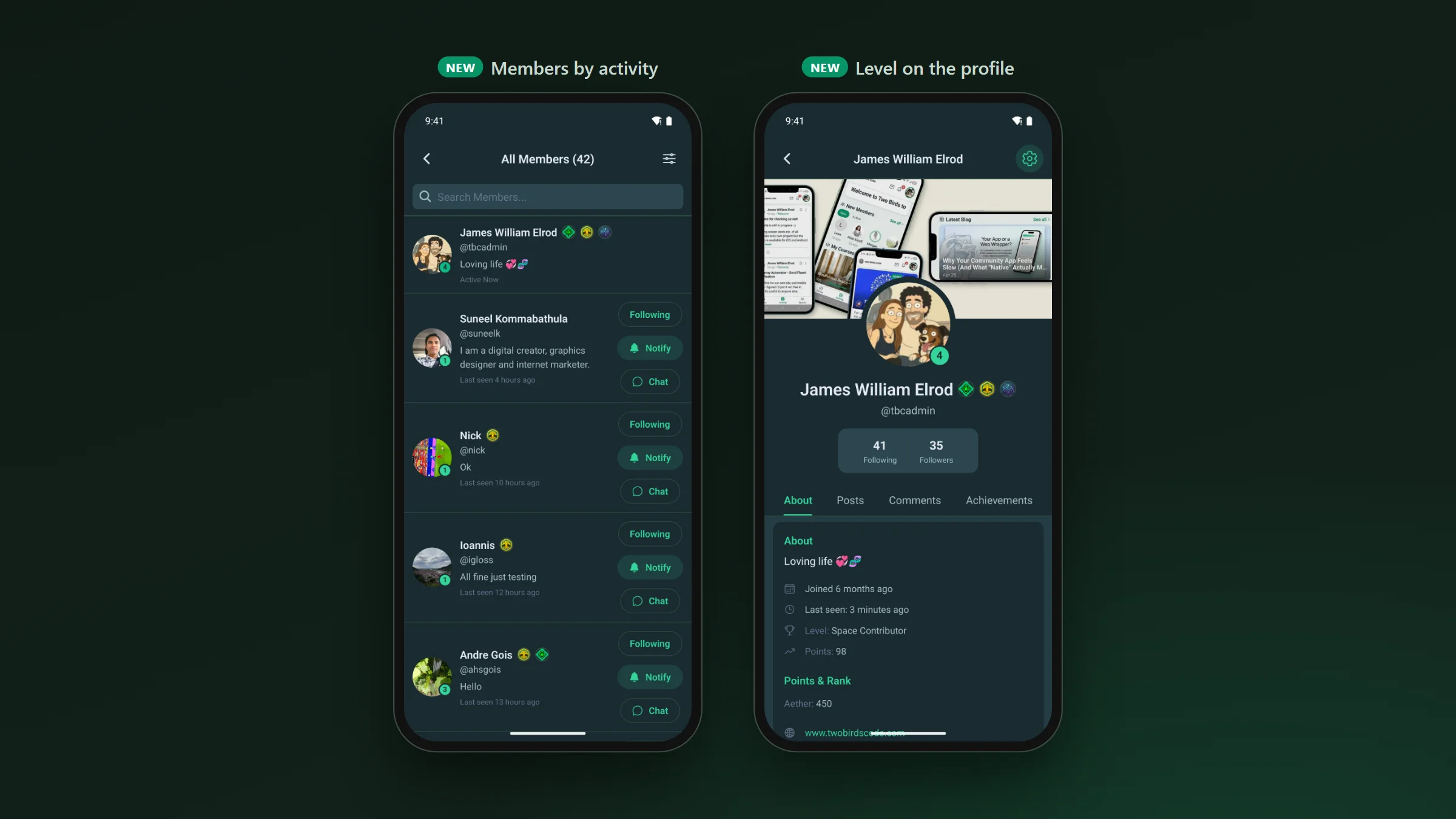
You’ll see it in the member list, in a space’s members, in followers and following, and on profiles. If your community has its leaderboard turned off, no levels are shown.
Sort the member list by Last Activity and whoever is online right now comes first. A course page also shows its instructor’s badges, and an instructor with no photo gets their initials, like everyone else.
If you publish your own app · the setup dashboard
Google Play in one button.
To publish on Google Play, send push notifications and check in-app purchases, your app needs a few special Google accounts, which Google calls service accounts. Until now you created them by hand in Google’s developer console. The dashboard now does it for you. If we build your app for you, we take care of this on our side.
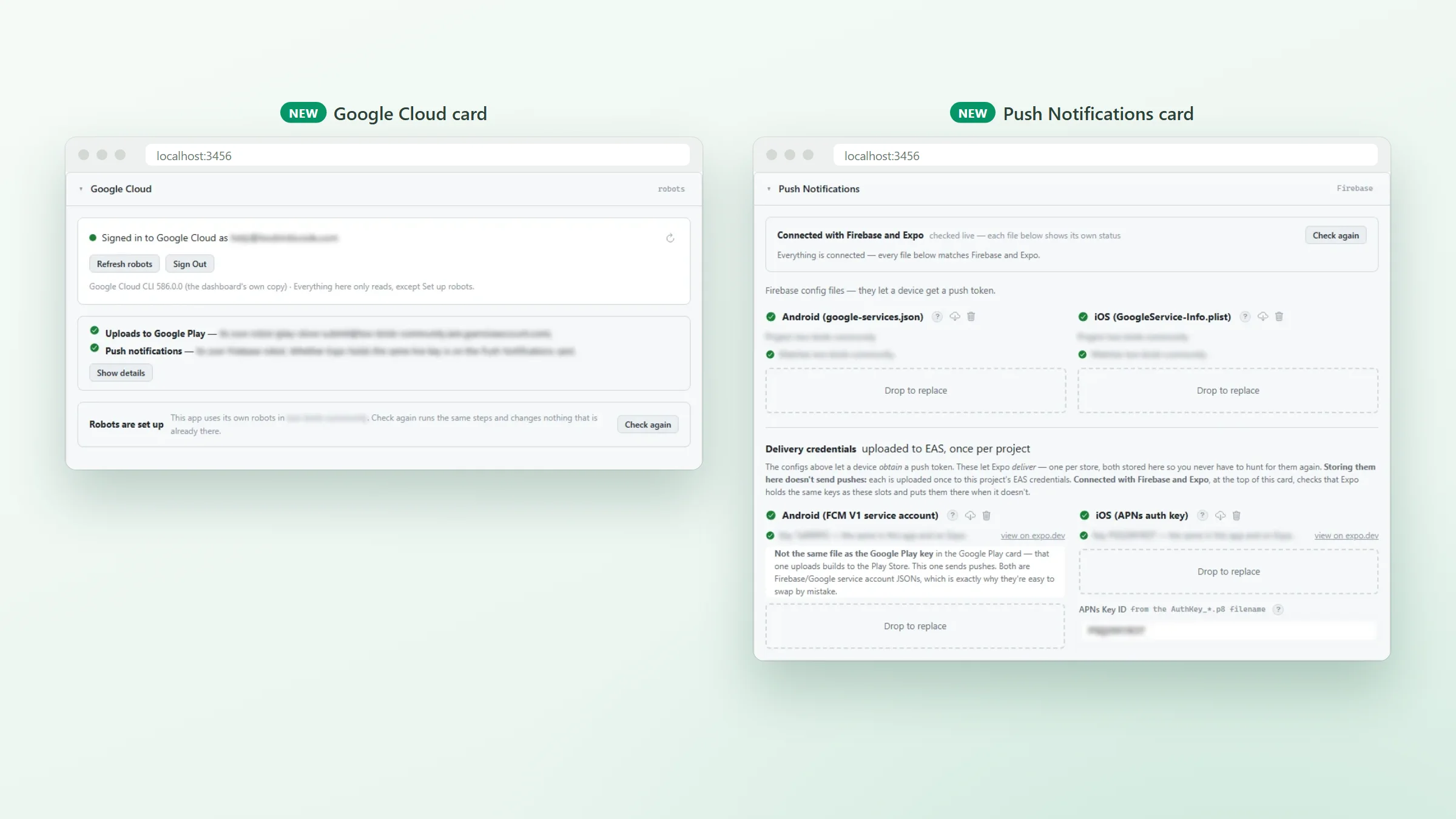
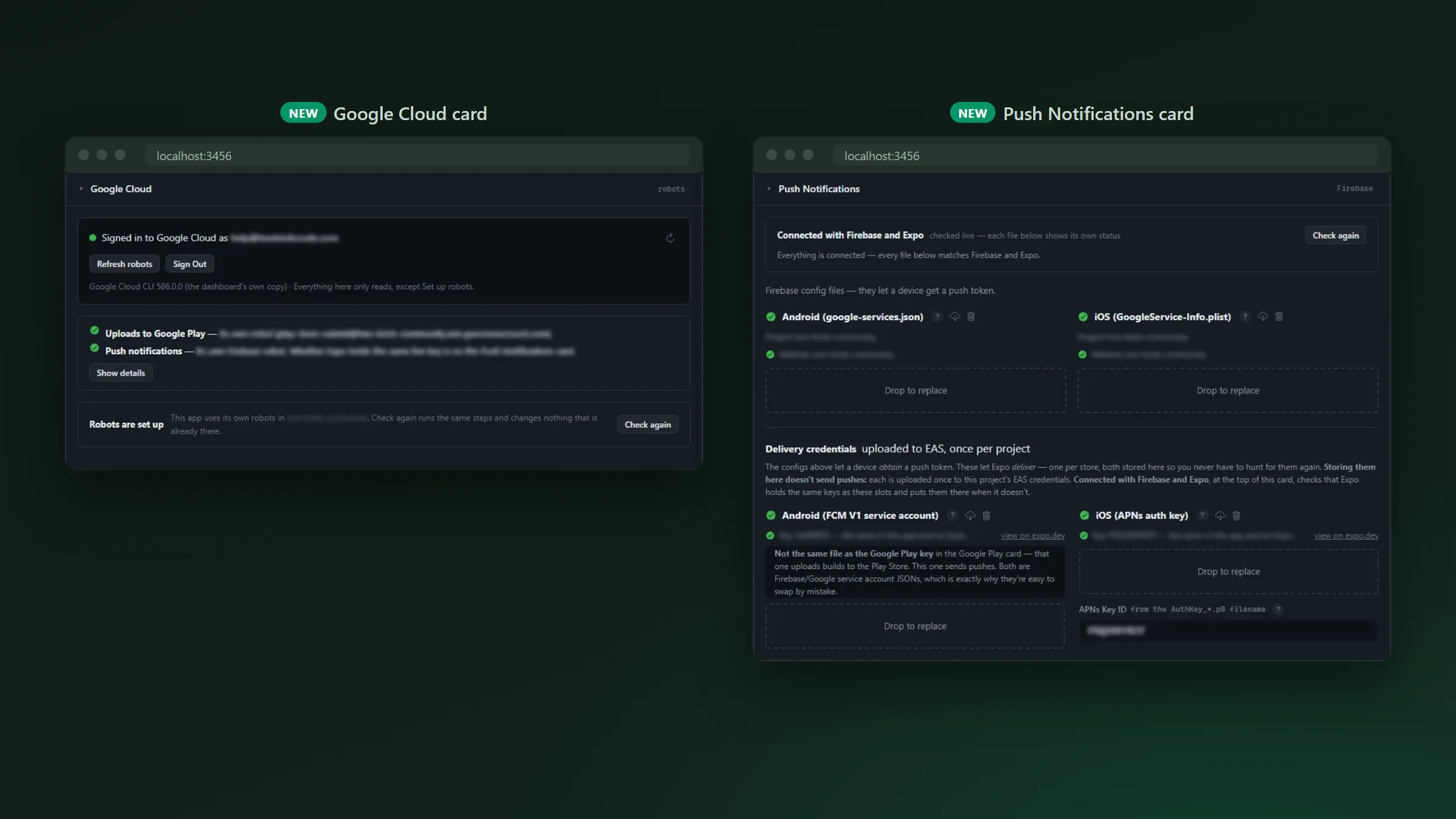
- Sign in to Google once on the new Google Cloud card, and it shows in plain words which account your app uses for each job.
- Press Set up robots and it creates whatever is missing, inside your own Google project.
- Your app keeps its current keys until the new ones have been tested and work.
- The Google tools the dashboard needs are downloaded and kept up to date for you.
Push notifications got the same treatment. Choose your Firebase project (Firebase is Google’s service for sending notifications) and the dashboard downloads the files your app needs, then checks they match every time you open the card.
Also in 1.3.19 · improvements and fixes
The smaller things members will notice.
- When members come back to the app, the feed stays where they left it.
- Times like “5 minutes ago” appear in the member’s own language.
- Members can add photos and videos without giving the app access to their whole photo library.
- Lists show a preview of what’s loading, instead of a spinner or a blank screen.
- Changing a password, or using Log Out Everywhere, also signs the app out on the member’s other devices.
- Sign-in codes and other emails use the same design as the rest of your community’s emails.
- On Android, if a subscription payment fails, Google Play’s own message appears in the app so the member can fix it.
- Crash reports are easier to read: connect Sentry, the service that collects crash reports, and each report shows which part of the app crashed.
- Before an update is sent to phones, the dashboard checks whether it needs a new app build first.
Fixes
- A message in a space’s chat no longer pings every member, matching the website.
- Members who use the app in Spanish or Greek get Better Messages notifications in their language.
- Blog previews and messages show symbols like “&” and apostrophes properly.
- Flag and family emoji show correctly as space icons.
- Audio added to a new post is posted with it.
- The in-app cart shows prices with tax included when your store does, and follows your store’s quantity limits.
- On iPhone, Restore brings back purchases made on another device.
- Turning a tablet sideways keeps your place in the list.
- Every add-on has its own fixes: Admin Columns, Automations, Banners, Cart, GamiPress, Multi-Reactions, Profile Completion and YouTube. The details are in each one’s changelog.
Core 1.3.19 · before you update
If you read one part, read this.
- 1.3.19 doesn’t need a new build. It can go out as an over-the-air update.
- If you build your own app, press Log In to EAS once on each app after you update the dashboard.