

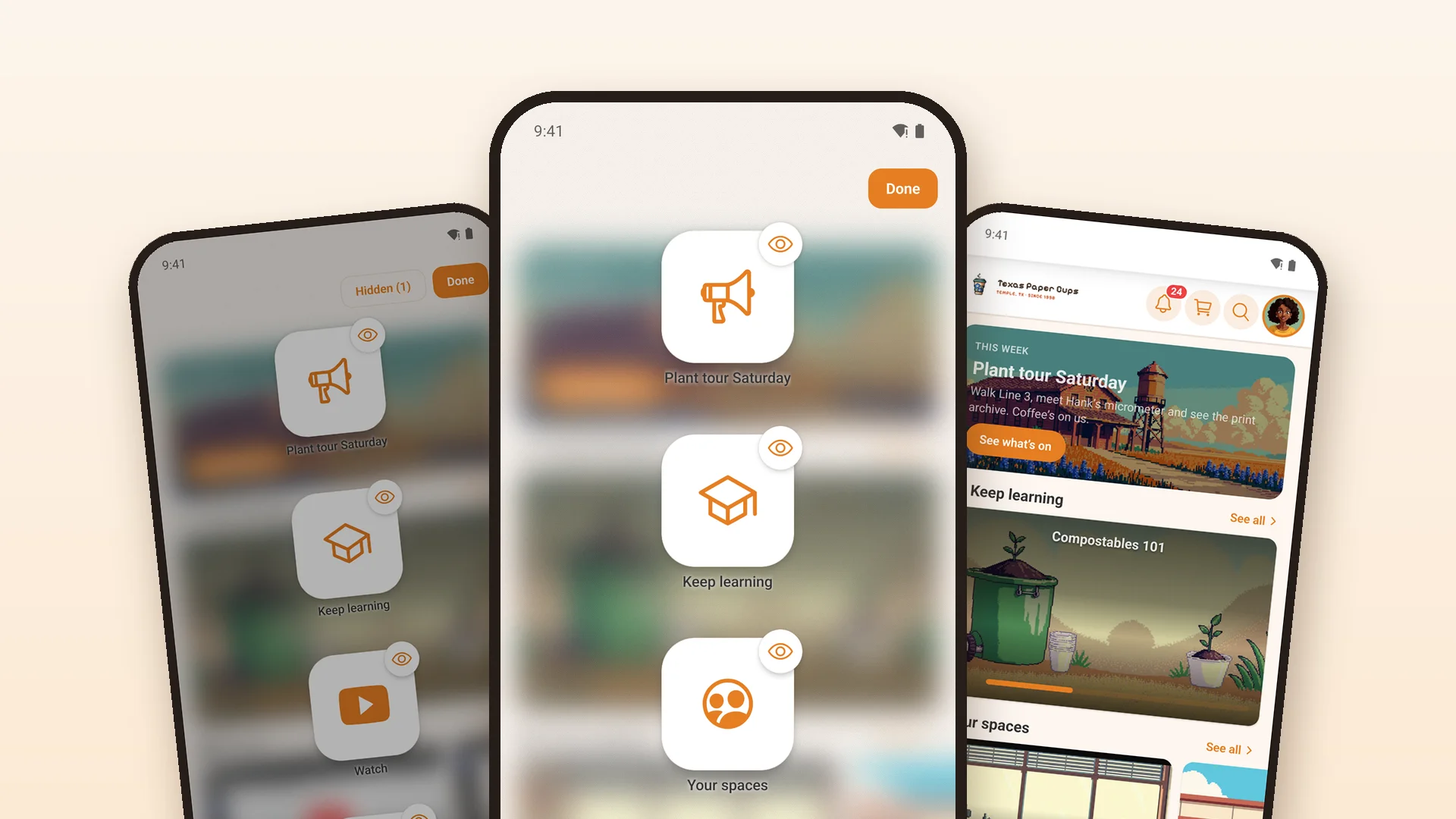
Core 1.3.25: arrange your home screen



 ·
25 min read
·
25 min read
Core 1.3.25 · arrange your home screen
Works with Fluent Community 2.12
Your home screen, the way each member likes it.
Members can now press and hold their home screen, move the cards around and hide the ones they don’t use. You choose which screens allow it. This update also works with Fluent Community 2.12, which came out on October 16.
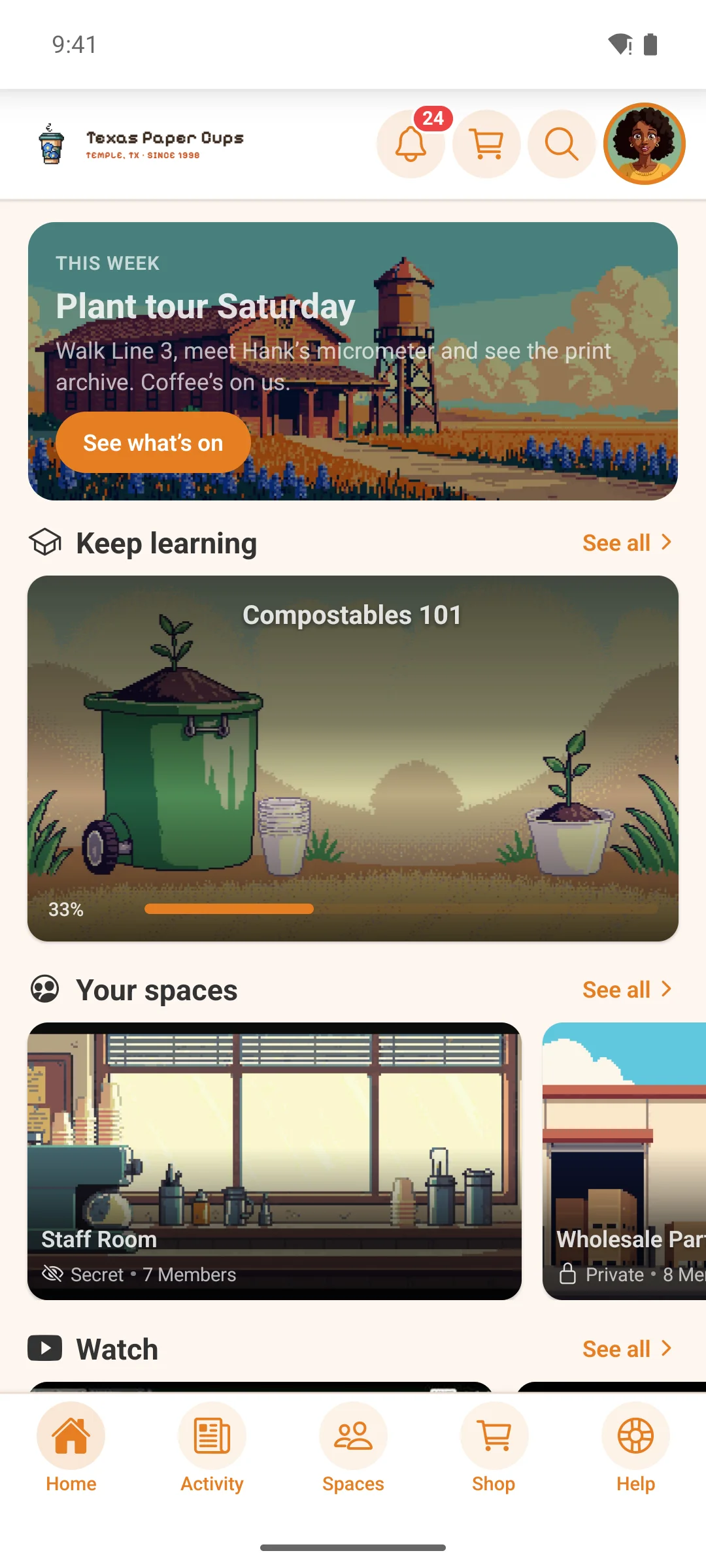
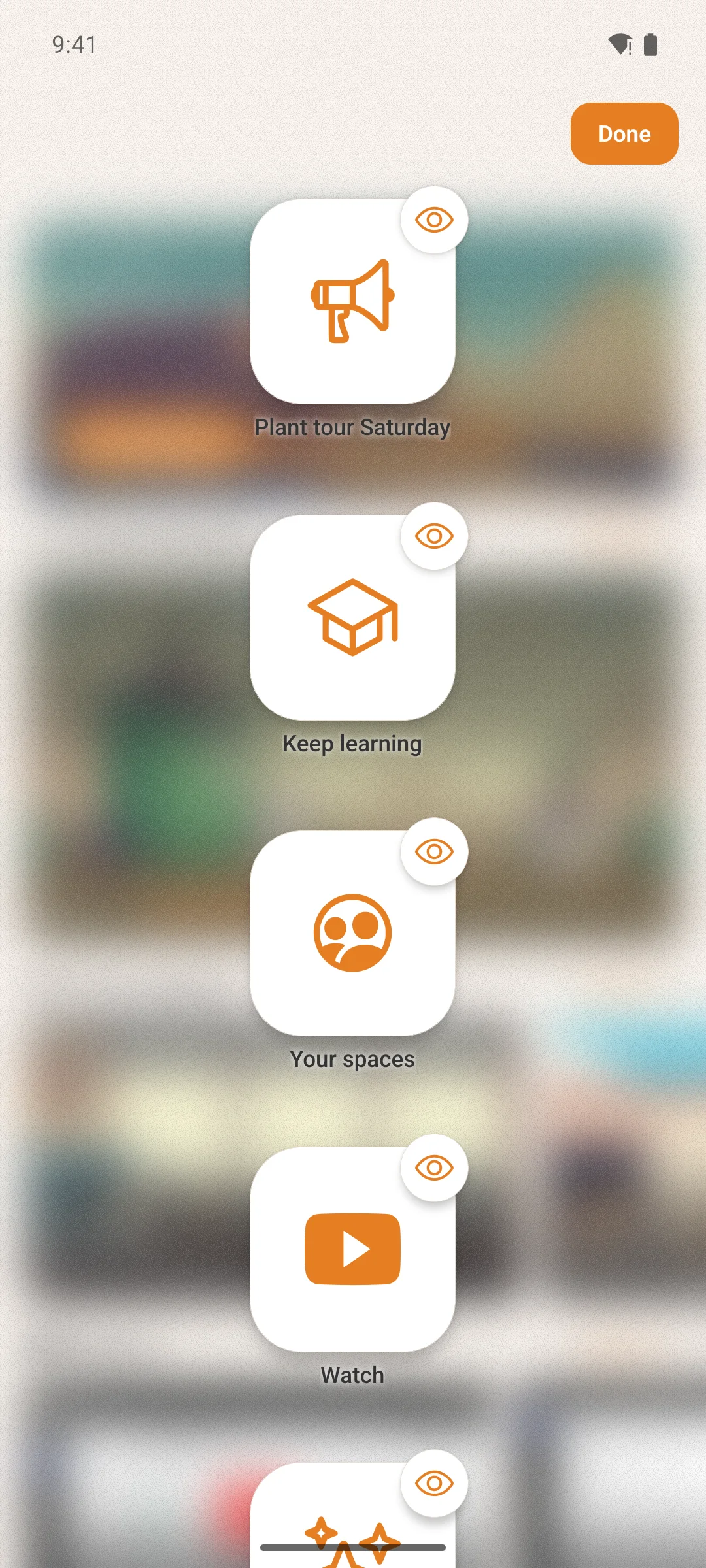
Home screen · Customize › Widget Screens
Let members arrange their home screen.
Your members can now set up their home screen the way they like. They press and hold the screen, and each card turns into an icon they can move or hide. Each member’s layout is saved on their own phone.
You decide where this is allowed. In Customize › Widget Screens, each screen has two new switches: one lets members move cards, the other lets them hide cards. Screens stay locked until you turn a switch on, so a menu page still looks the same for everyone.
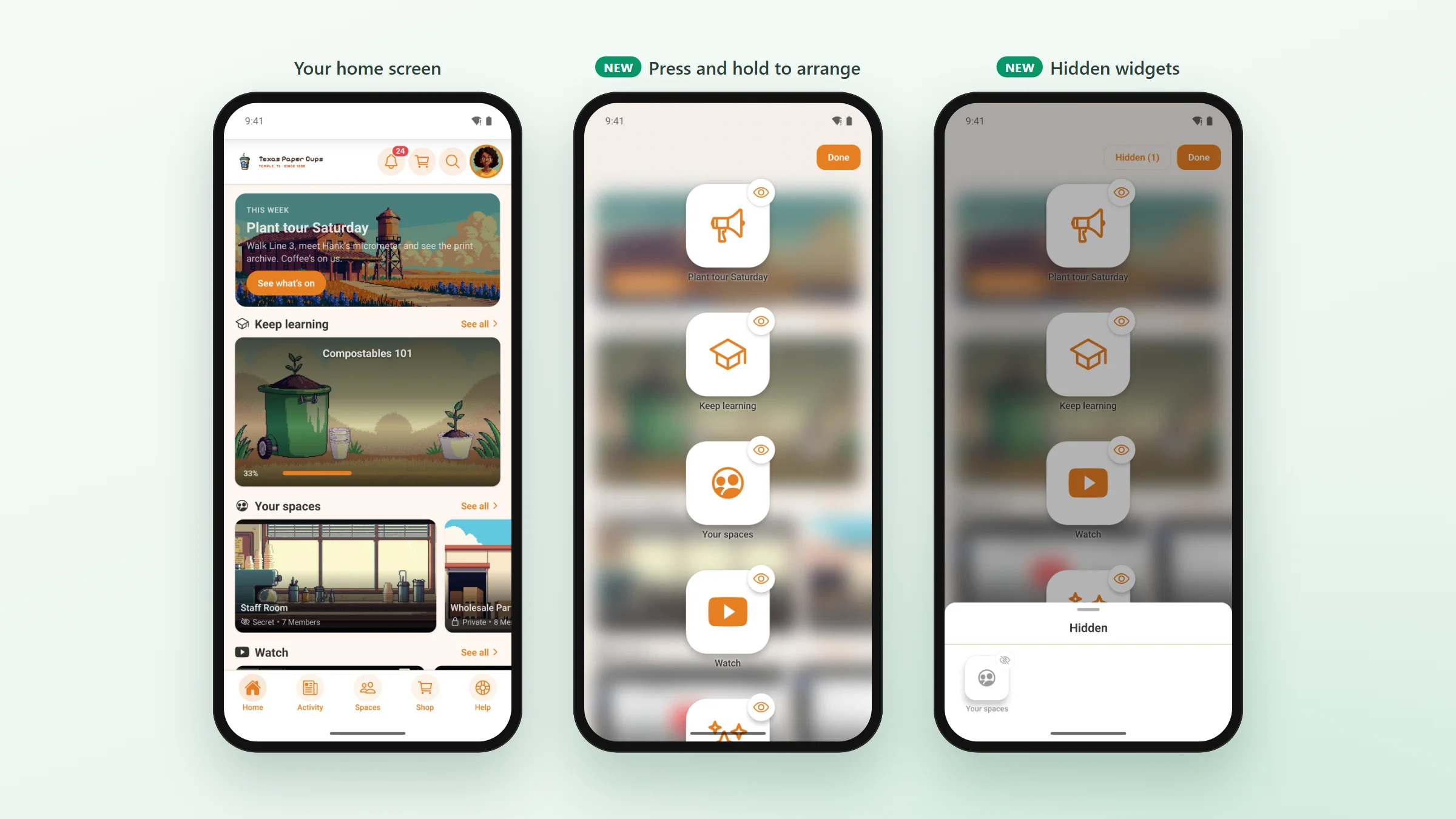
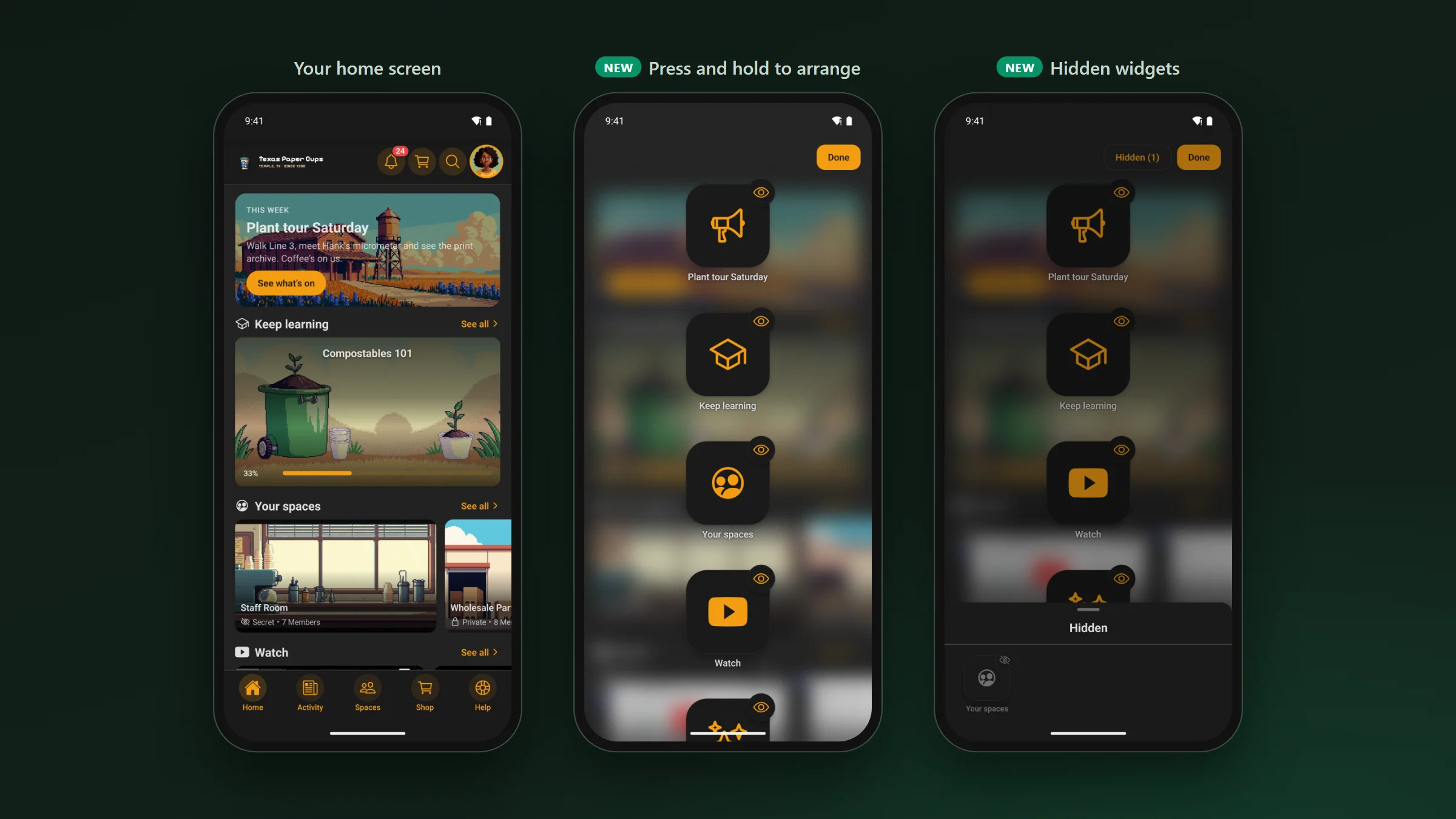
- Drag a card to move it.
- Tap the eye on a card to hide it.
- Hidden cards wait in a Hidden list. Tap one to bring it back.
- Pinned cards stay at the top.
- Members who use a screen reader get an Arrange widgets button at the bottom of the screen.
Also in 1.3.25 · improvements and fixes
What else you’ll notice.
For your members
- Screens load faster and use less data when you switch back and forth.
- Direct messages open faster, the way Fluent Messaging’s own chat opens them. Fluent Messaging
- Opening a notification email in the app marks it as read, like your website does. Fluent Community
- A space’s unread badge clears once it’s read in the app, like on your website. Fluent Community 2.12
- Chat menus match Fluent Messaging 2.12: no Block for admins and moderators, and no Leave in a space chat you haven’t joined. Fluent Messaging 2.12
- A member who isn’t allowed to start a chat is told why. Fluent Messaging
- Space and course tiles now show their cover photos. Fluent Community
- On a tablet, the sign-in screen looks like your website’s login page. Fluent Community login customizer
- Editing a post keeps its files and its video, the way your site’s own editor does. Fluent Community
- The bell’s count stays right on every site, including sites that use Better Messages. Better Messages
- Better for members who use a screen reader.
- Long pages no longer hide their last lines behind the phone’s buttons.
- On iPad, the tab bar fits in Split View.
- Signing up no longer closes the app on Android.
For you (site admins)
- Spaces and courses show in the order you set in Fluent Community, and members see a Sort by menu only if you let them change it. Fluent Community 2.12
- If you sell membership in the app, a member you’ve blocked can subscribe in the app to get back in, as they can on your website. FluentCRM
- A space bought in the app shows its posts straight away when FluentCRM tags grant access. FluentCRM
- The cart shows each discount rule by name and the price before the discount, as your checkout page does. FluentCart Pro
- A member locked out after too many sign-in tries is told to wait, in FluentAuth’s own words. FluentAuth
- A new My Courses menu item, so all courses and a member’s own courses can be two entries.
- A space or course bought in the app opens right away.
- A member who loses a paid space or course sees it lock, even on a screen they have open.
- A Call to Action card’s button uses your site’s button colour.
Two small fixes came after it. In 1.3.26, Android builds no longer run out of memory. In 1.3.27, members who pay for their membership on your website get straight into the app, and the renewal screen closes on its own once their membership is back.
If you build your own app · the setup dashboard
A simpler setup dashboard.
The setup dashboard is rebuilt around the jobs you do: make the app, ship it, keep it current.
- Home tells you what to do next, with a button for each step.
- Steps you take on Apple’s and Google’s websites are on the list too, with links.
- It stops a build or update that would fail, and tells you why.
- Before you build, install Node.js 22.13 or newer.
- On Release to stores, press Generate from project on the Data Safety card, check it and push it.
- Run the In-App Purchases sync again for any subscription made before this update.
Core 1.3.25 · before you update
Four steps.
- This update needs a new app build and a store update.
- Widget screens start locked. Turn on the switches for any screen members may arrange.
- Set your Spaces order in Fluent Community. Customize › Spaces no longer sets it.
- Passkeys show only once the Deep Linking card on the plugin’s Config tab is filled in.