

TBC App/Web - Profile Completion

SKU: TBC-APP-PROF-MOD

Force new and returning members to complete their profile — bio and avatar — before they can access your community. Works on both web (Fluent Community portal) and inside the TBC Community App on iOS and Android.

$29.00
Buy Now

Stop empty profiles. Force members to fill in the profile fields you require — bio, avatar, cover photo — before they can access your community.

TBC Profile Completion is a gate that blocks both new registrations and returning logins until a member has filled in the profile fields you require. No more faceless accounts, no more “User123” in your feed, no more members slipping through the cracks with a blank bio. A clean, branded overlay walks them through the missing fields — then they’re in.

Works identically on the web (as a full-page overlay injected directly onto Fluent Community portal pages) and inside the TBC Community App on iOS and Android (as a native gate screen). One purchase, both surfaces covered.

What It Does

  • Blocks incomplete profiles — Users cannot browse, post, comment, or interact until required fields are filled
  • Gates new registrations — Triggered immediately after sign-up, before the user ever sees the community
  • Gates returning logins — If a legacy user has a missing bio, avatar, or cover photo, they hit the gate next time they log in
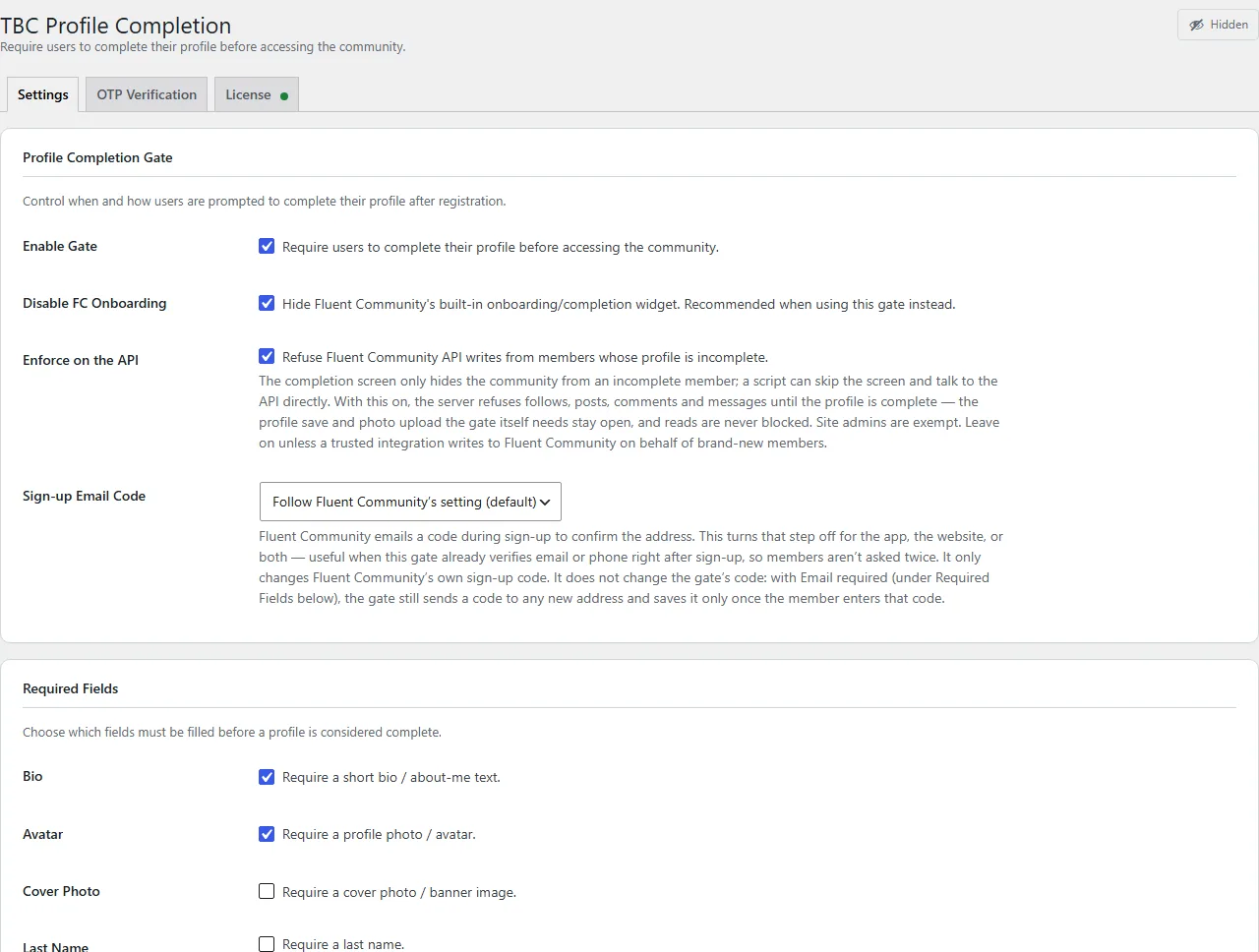
  • Configurable requirements — Toggle “require bio”, “require avatar”, and “require cover photo” independently from the admin panel
  • Non-dismissable — Android back button is blocked on mobile; the web overlay has no close button. It’s a gate, not a suggestion.

Web Experience (Fluent Community Portal)

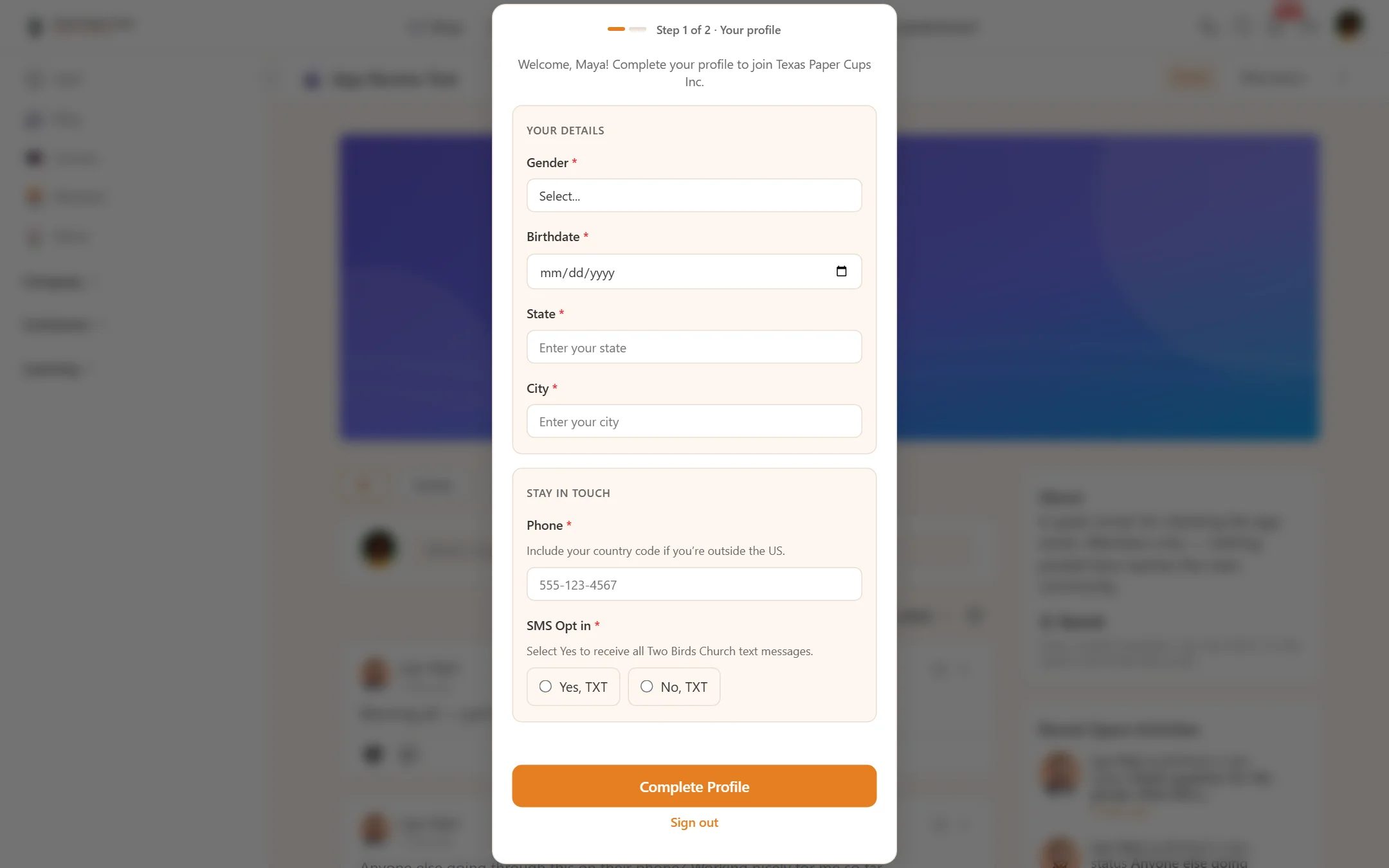
  • Full-page overlay injected directly onto FC portal pages — no separate page to configure, no redirect loop
  • Cover photo + avatar layout matching the real FC profile page — cover banner with overlapping avatar, both clickable to upload
  • Bio textarea with live character counter
  • Social links section — automatically reads Fluent Community’s enabled social providers so members can fill them in at the same time. Inputs render with provider icon chip + domain prefix + compact username input, matching Fluent’s native profile UI (instagram @username, fb_username, etc.)
  • Semi-transparent backdrop with blur — the site stays visible behind the card so the experience feels native, not modal-heavy
  • FC native onboarding suppression — optional toggle to hide Fluent Community’s built-in “Complete your profile (X%)” widget so only your gate shows

Mobile App Experience (Only with the TBC Community App)

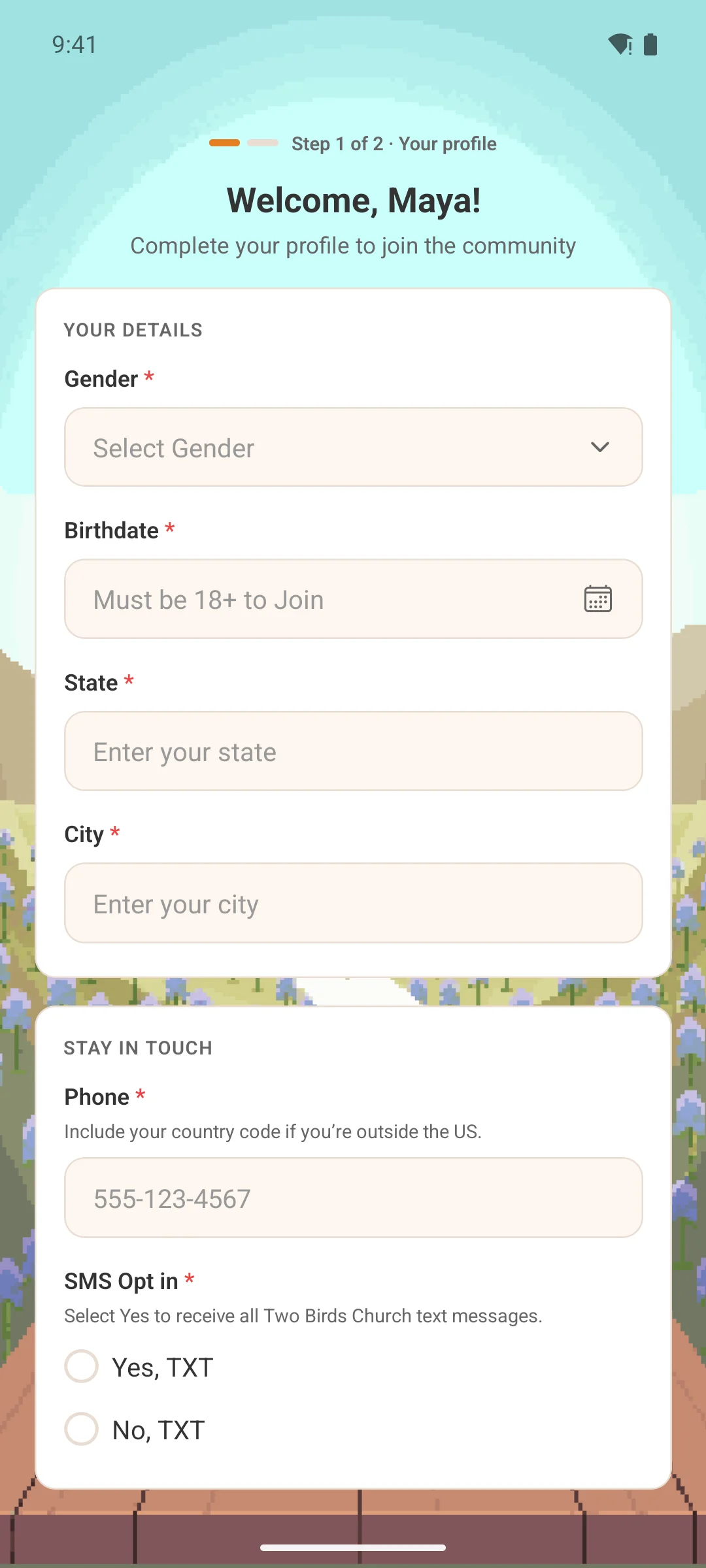
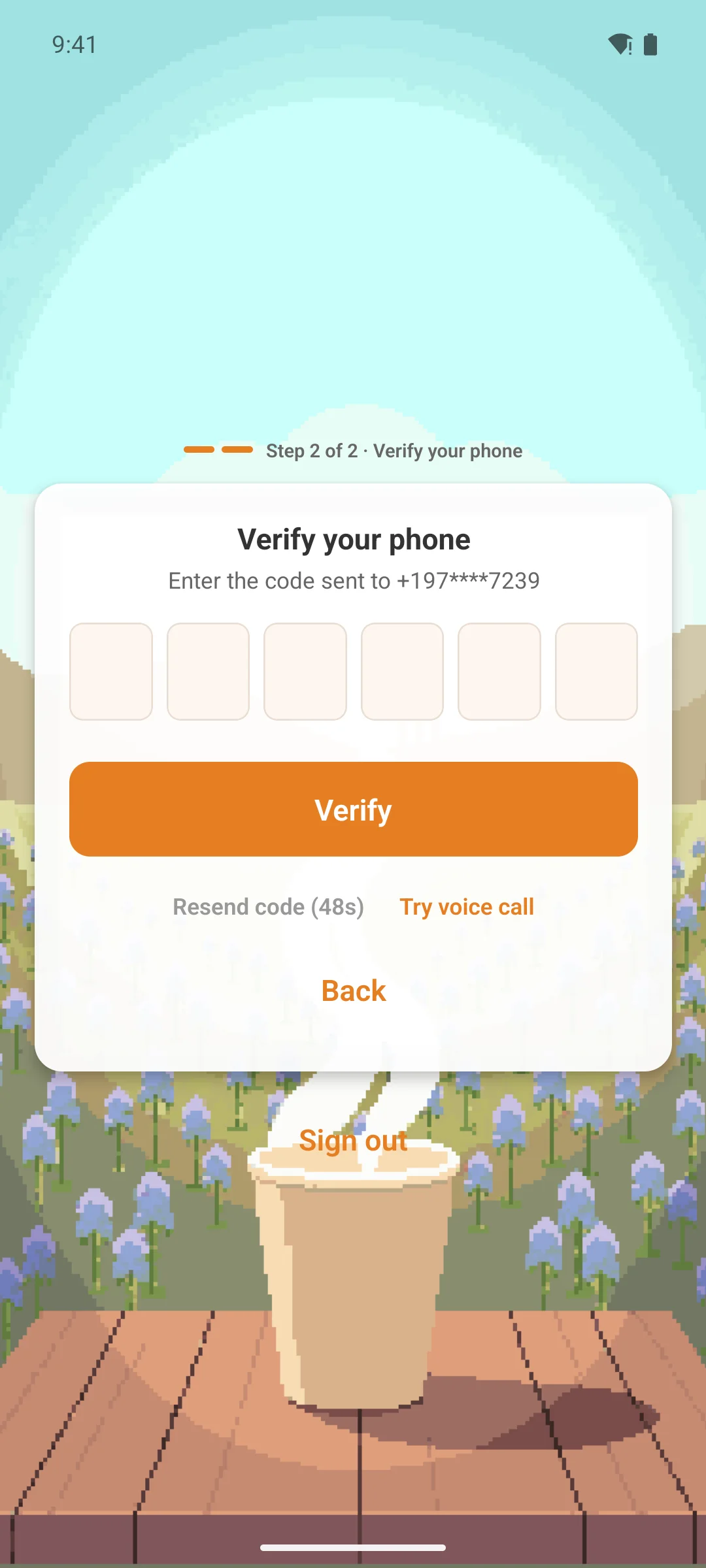
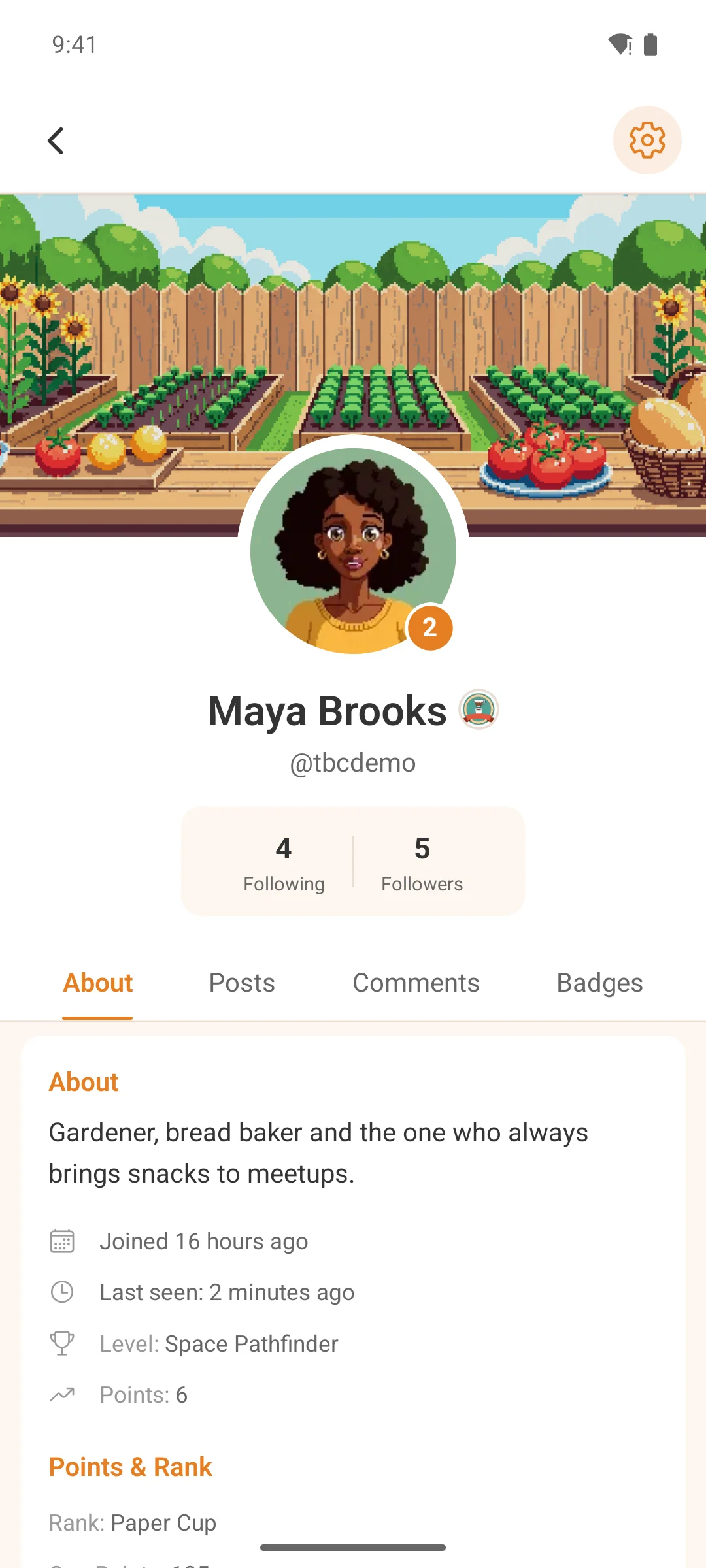
  • Native gate screen — full-screen branded lockout inside the TBC Community App, not an in-app browser
  • Same ProfileCompletionSteps component used during registration — consistent UX whether the user is new or returning
  • Pre-populated fields — any data the user already has is loaded in so they only fill what’s missing
  • Uses FC’s native media upload flow — avatars and cover photos are uploaded through Fluent Community’s own media pipeline for full consistency
  • X-TBC-Profile-Incomplete response header — every authenticated API request is checked; the moment the server flags the profile as incomplete, the app routes straight to the gate
  • Hardware back button blocked on Android — the gate can’t be dismissed until the profile is complete

Theming

  • Inherits Fluent Community’s CSS variables for the web overlay — seamless visual match
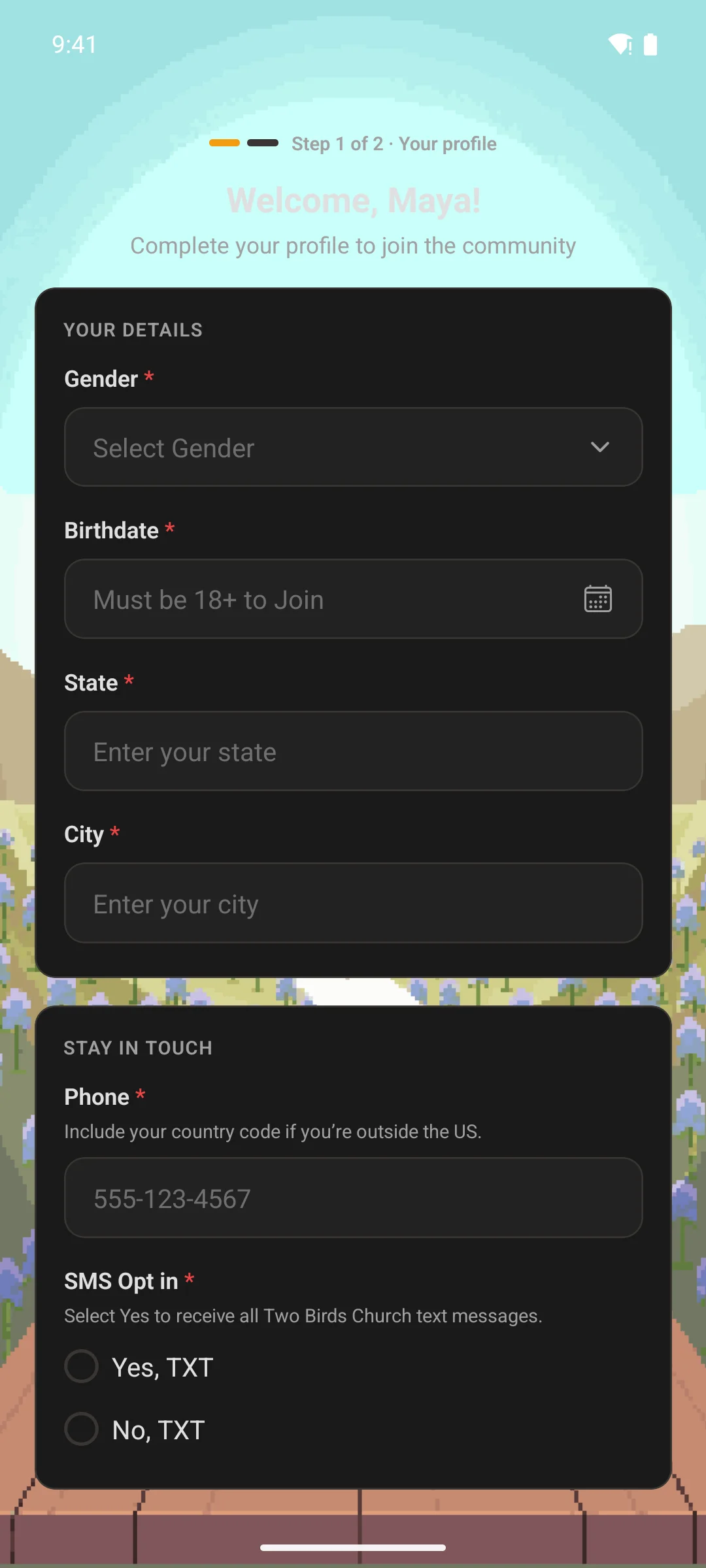
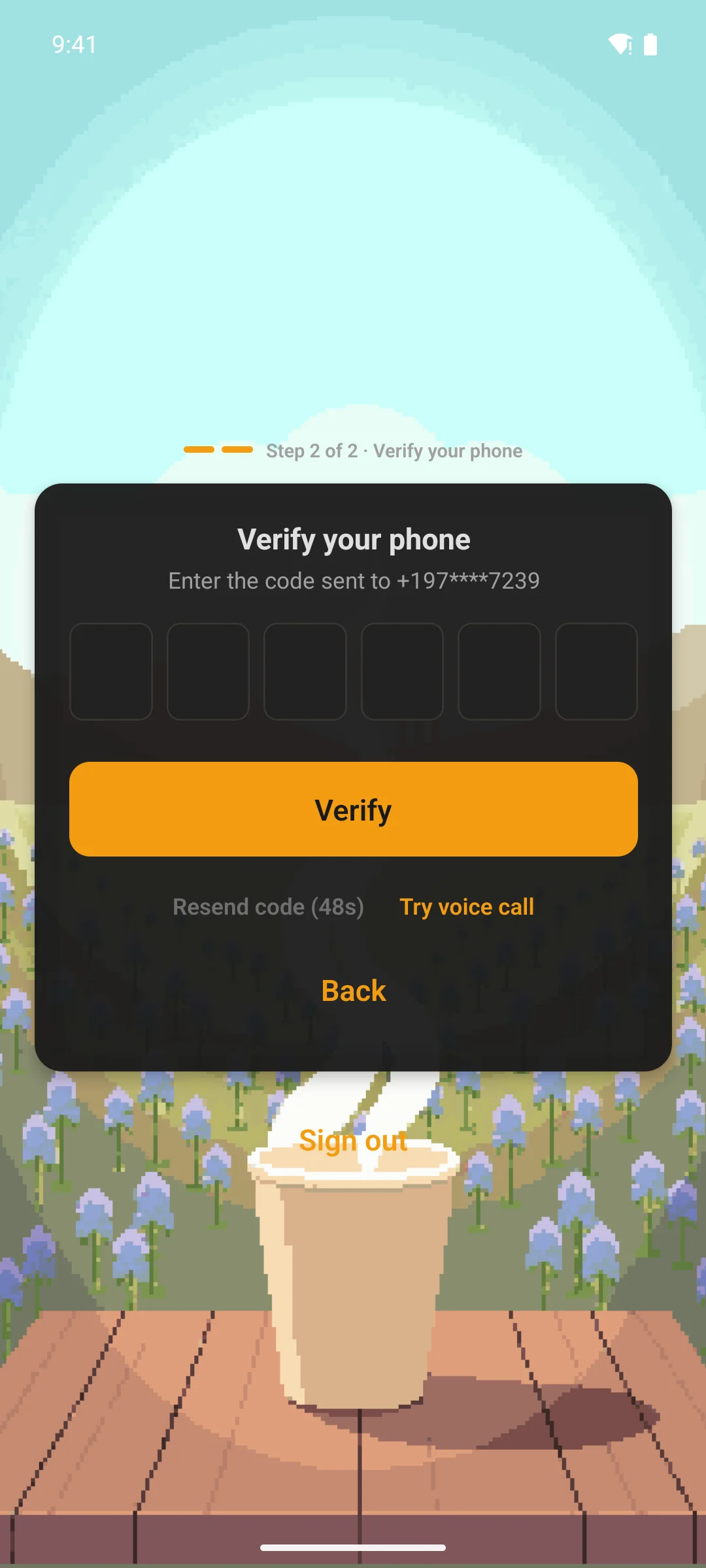
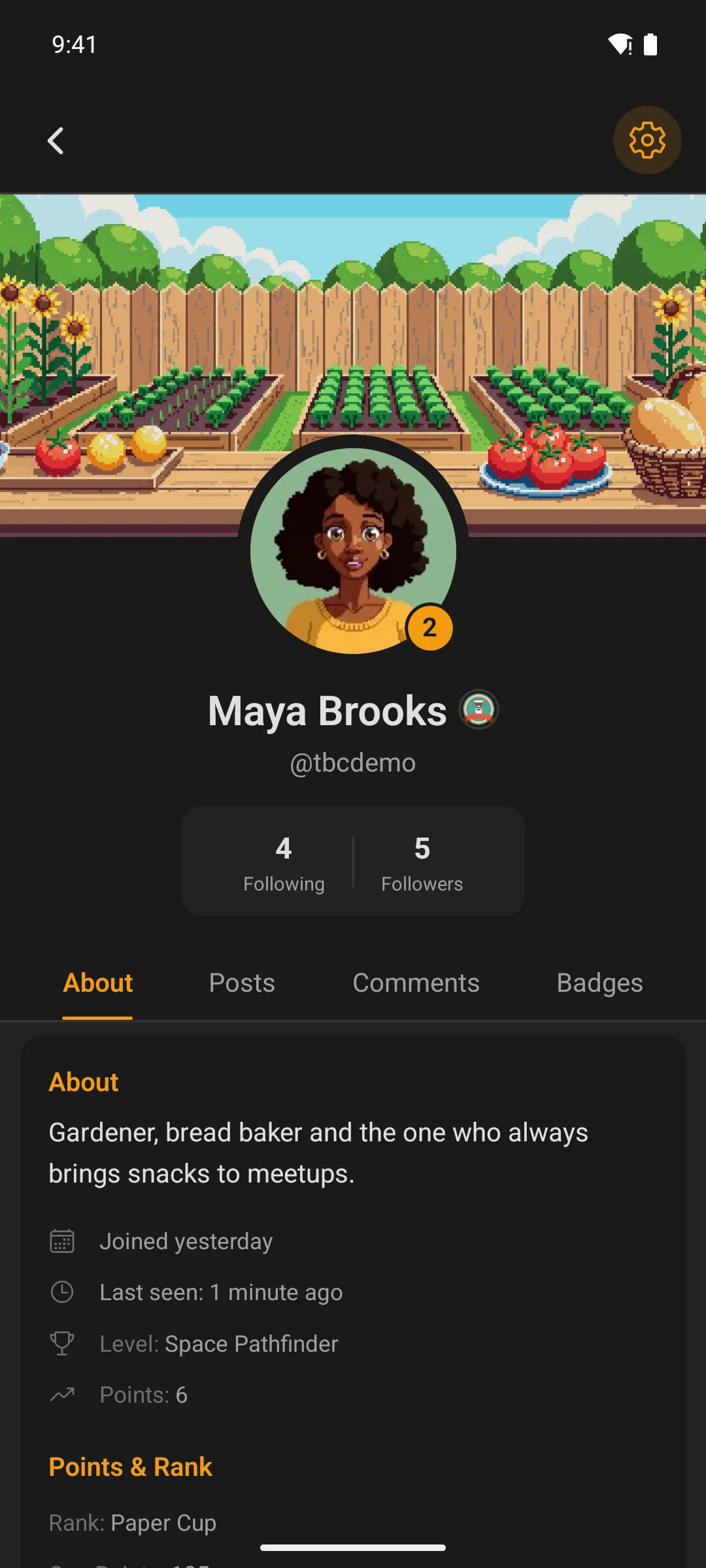
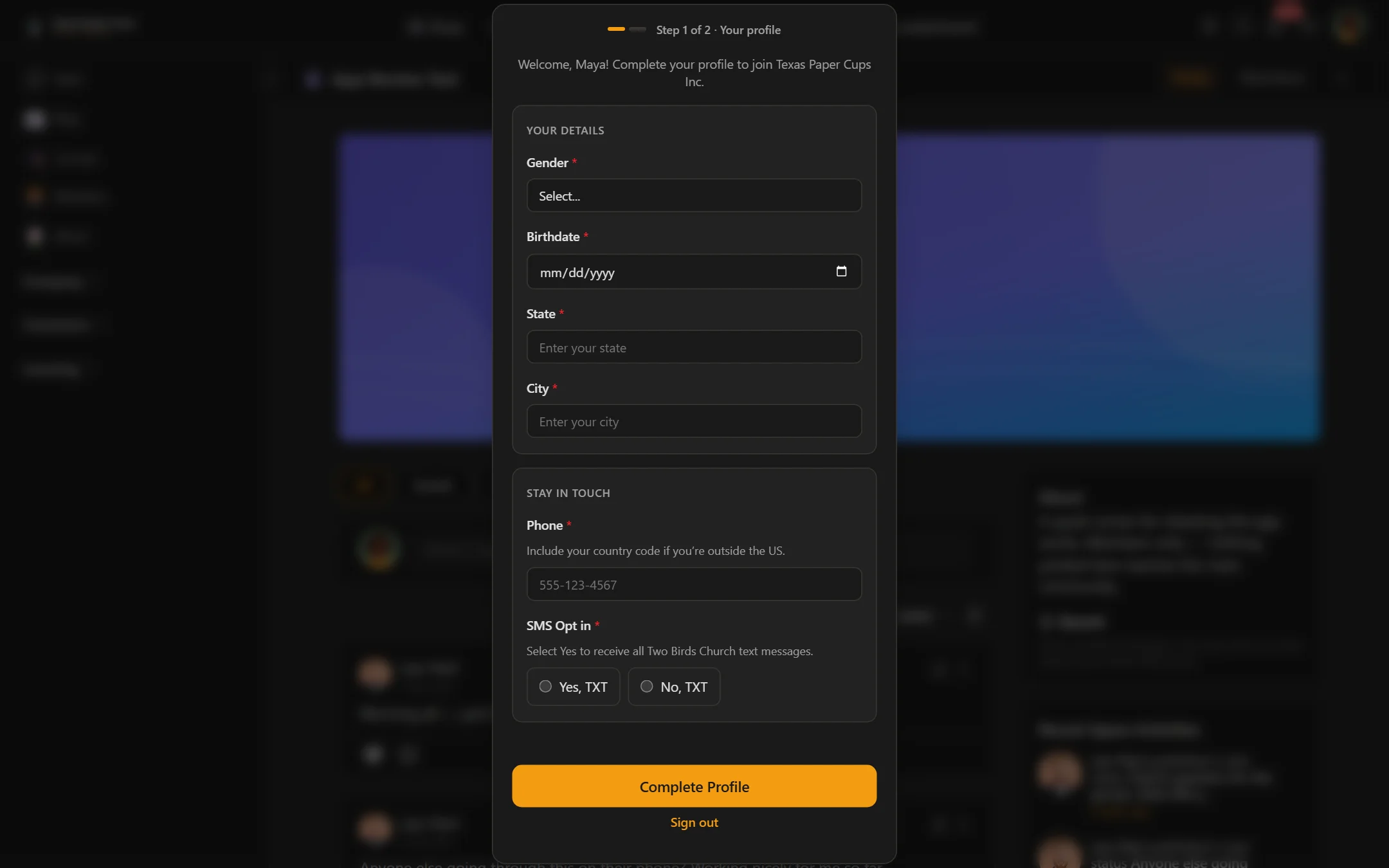
  • Automatic light and dark mode on both web and mobile, following the user’s chosen theme
  • Uses your app’s logo, accent color, and branding automatically — no duplicate configuration

Admin & Configuration

  • Settings page nested under the TBC Community App WordPress menu
  • Master enable/disable toggle for the entire gate
  • Require bio toggle
  • Require avatar toggle
  • Require cover photo toggle
  • Disable FC native onboarding toggle
  • License section — enter your license key, view your plan, and deactivate from this site if you need to move it elsewhere
  • Data cleanup on uninstall option — fully removes settings and user meta when disabled

How It Works Under the Hood

  • Marks new users as incomplete via the tbc_ca_post_register action immediately after registration
  • Re-evaluates completion on the fluent_community/update_profile_data filter and the XProfile model save event — once the user meets the requirements, the gate is lifted automatically with no refresh prompt
  • Avatar check delegates to FC’s native XProfile::hasCustomAvatar() — same source of truth FC uses for its compilation score, no pattern matching against Gravatar fallback URLs
  • Advertises its capability through the tbc_ca_registration_config filter so the mobile app knows the feature is active on this site
  • Uses template_redirect for web page blocking and the response header approach for SPA portal pages
  • Fully compatible with Fluent Community’s own profile API (bio, social links, avatar, cover photo) — no forked data store, no duplicate fields

Clean & Safe

  • Doesn’t modify Fluent Community’s core data — all profile fields save through FC’s native endpoints
  • Disabling the gate from the admin page lifts it instantly with zero cleanup needed
  • Optional full uninstall cleanup — settings, per-user completion meta, and cached data all removed on deletion if enabled

Requirements

  • WordPress 5.8+
  • PHP 7.4+
  • Fluent Community (free or Pro)
  • Optional: TBC Community App (iOS/Android) for the native mobile gate — the web overlay works on its own with no other plugin required

Installation & Updates

Two parts depending on which surfaces you want covered:

  1. WordPress plugin — Upload tbc-profile-completion.zip via Plugins → Add New → Upload, activate, then enter your license key under TBC Community App → Profile Completion → License. Once licensed, future updates appear on the WordPress Plugins screen like any wp.org plugin — one-click install, no more manual zip uploads.
  2. Mobile module (optional, only if you ship the TBC Community App) — Open the setup dashboard (npm run dashboard), go to the Updates tab, click Import Module, and upload the module .zip. The dashboard auto-registers and enables it. Rebuild or push an OTA update to your users.

License

One-time purchase. You own it forever — no subscriptions, no renewals. Includes all future updates and support for as long as the plugin is maintained.

One license per site. Your license key activates on a single WordPress install. Need to move it? Deactivate from the License tab on your current site, then activate on the new one — no support ticket required.

Server-outage protection. If twobirdscode.com is ever unreachable, the plugin keeps running for 14 days from its last successful license check, so an outage on our end never disrupts your live site.