TBC App - Youtube Widget

SKU: TBC-APP-YOU-MOD

Your latest uploads on the home screen, tapping through to playlists and videos — cached server-side so it never burns API quota.

$29.00
Buy Now

v1.1.18
Changelog · v1.1.18

1.1.18 — 2026-09-03

Sync — lockstep bump, no plugin changes.

1.1.17 — 2026-08-29

Sync — lockstep bump, no plugin changes.

1.1.16 — 2026-08-26

✨ New

  • A video gets its own screen, and the small surfaces send you there. Every video surface played in place, which is right for the widget's full-width hero and wrong for everything smaller — a rail card or a compact-list row is too small to watch anything in, so tapping one started a video the reader could not see properly and left them nowhere to read the description. Small surfaces now open a detail screen; the hero still plays where it sits.
  • Two layouts the widget was missing — a rail and a compact list.
  • Hand-pick the videos. A buyer can choose exact videos instead of taking the channel's latest, with per-video overrides for the title, thumbnail and accent. The ids are yours; the titles and meta are still read live, so a video the channel retitles updates itself.
  • Real thumbnails in the Widget Screens builder. The plugin contributes its recent videos to the builder's preview rows, so this widget draws actual content there like the core ones do.

🔧 Changed

  • The preview endpoints share one wrapper. Each had grown its own copy of the same permission check, cache read and error shape, which is three places for them to drift apart. One wrapper now, so they cannot.
  • The documentation says which core plugin it needs, correctly. It claimed 1.3.13 — a version that does not exist. The rails the filled preview rides (tbc_ca_register_preview_rows and the widget registration's layout_shapes) ship in 1.3.12.
  • The shared admin library caught up with the rest of the suite. Every TBC plugin ships a byte-identical copy of the same admin CSS, JS and licenser under one handle, and this plugin's copy had fallen behind. It now carries the Hide sensitive control — which covers credentials on screen so a settings page can be screen-shared or screenshotted without publishing them — the one-open-at-a-time accordion, and newest-wins registration, so the copy WordPress actually loads is the most recent one installed rather than whichever plugin happened to register first.
  • The documentation theme re-synced, so this plugin's HTML reference looks like the rest of the suite again.

1.1.15 — 2026-08-16

Sync — lockstep bump, no plugin changes. The 1.1.15 change is module-side: a playlist you have already opened reopens instantly from cache.

1.1.14 — 2026-08-09

Sync — lockstep bump, no plugin changes. The 1.1.14 change is module-side and internal: the widget's display-mode setting is read through the shared enum reader.

1.1.13 — 2026-08-01

🔧 Changed

  • The License tab's support contact follows the site's vendor identity. A dev-bundle buyer running managed service for their own clients points it at their own business from the client site's wp-config.php, so their clients see their address rather than ours. Left undefined it stays Two Birds Code, so nothing changes on an ordinary install.
  • Greek. The app module ships a Greek catalog this release, so its screens follow the app's language — see the module changelog. The plugin's own admin screens are unchanged.

1.1.12 — 2026-07-27

Sync — lockstep bump, no plugin changes. The 1.1.12 work is app-module only: the YouTube screens moved onto the app's shared screen and cover-image primitives.

1.1.11 — 2026-07-24

✨ New

  • The YouTube widget previews properly in the Home Screen builder. Arranging your home screen used to show a generic grey placeholder wherever this widget sat, so you couldn't tell how much room it took or how it read next to everything else. The preview now draws its real shape — a wide 16:9 thumbnail with title and date underneath. Nothing to configure.

1.1.10 — 2026-07-21

🛠 Fixed

  • The Save bar works without JavaScript, and stops claiming unsaved changes mid-save. The floating Save pill only appeared once JavaScript had run, so a settings form could be left with no reachable submit button; there's now a plain fallback that always works. Separately, the post-submit latch cleared after 4 seconds, which on a slower save re-showed the "unsaved changes" warning while the save was still in flight and swallowed the "Saved" confirmation. That window is now 20 seconds. Shared across the plugin suite.

1.1.9 — 2026-07-14

🛠 Fixed

  • Licensing resilience. A rate limit or brief license-server hiccup no longer disables a licensed site — the plugin runs on its last good check, and only a definitive invalid or expired answer gates features. A revoked key also can't slip back to licensed between checks.

YouTube · app module + WordPress plugin

Your channel, on the home screen — in whatever shape suits it.

A home-screen widget that draws four different ways, a full catalogue of every playlist, and a screen per video with room to read. All of it native, all of it in your theme. Your API key never ships in the app.

4widget layouts — rail, list, tiles, hero
4sources — latest, one playlist, all playlists, or videos you pick
0API keys in the app bundle — the key stays on your server
1refresh serves every member, so your quota lasts

Four views · one add-on

The widget, the screens, the setup, and why it is fast.

Click a tab. Every capture opens full size and is a real screen from a real device.

YouTube › How it works
Choose a view

What members meet every day

One widget, four shapes

Your channel sits on the home screen in whatever weight suits the rest of it — a sliding rail, compact rows, a grid of tiles, or one full-width hero that plays where it is. Same widget and same content; you pick how loudly it speaks.

the YouTube widget drawn as a sliding carouselthe YouTube widget drawn as a sliding carousel
Carousel — a sliding rail.
the YouTube widget drawn as a compact listthe YouTube widget drawn as a compact list
Compact list — more titles, less room.
the YouTube widget drawn as browse tilesthe YouTube widget drawn as browse tiles
Browse tiles — a grid to scan.
the YouTube widget drawn as a full-width hero cardthe YouTube widget drawn as a full-width hero card
Hero card — plays where it sits.

A tap away

The whole channel, and a screen per video

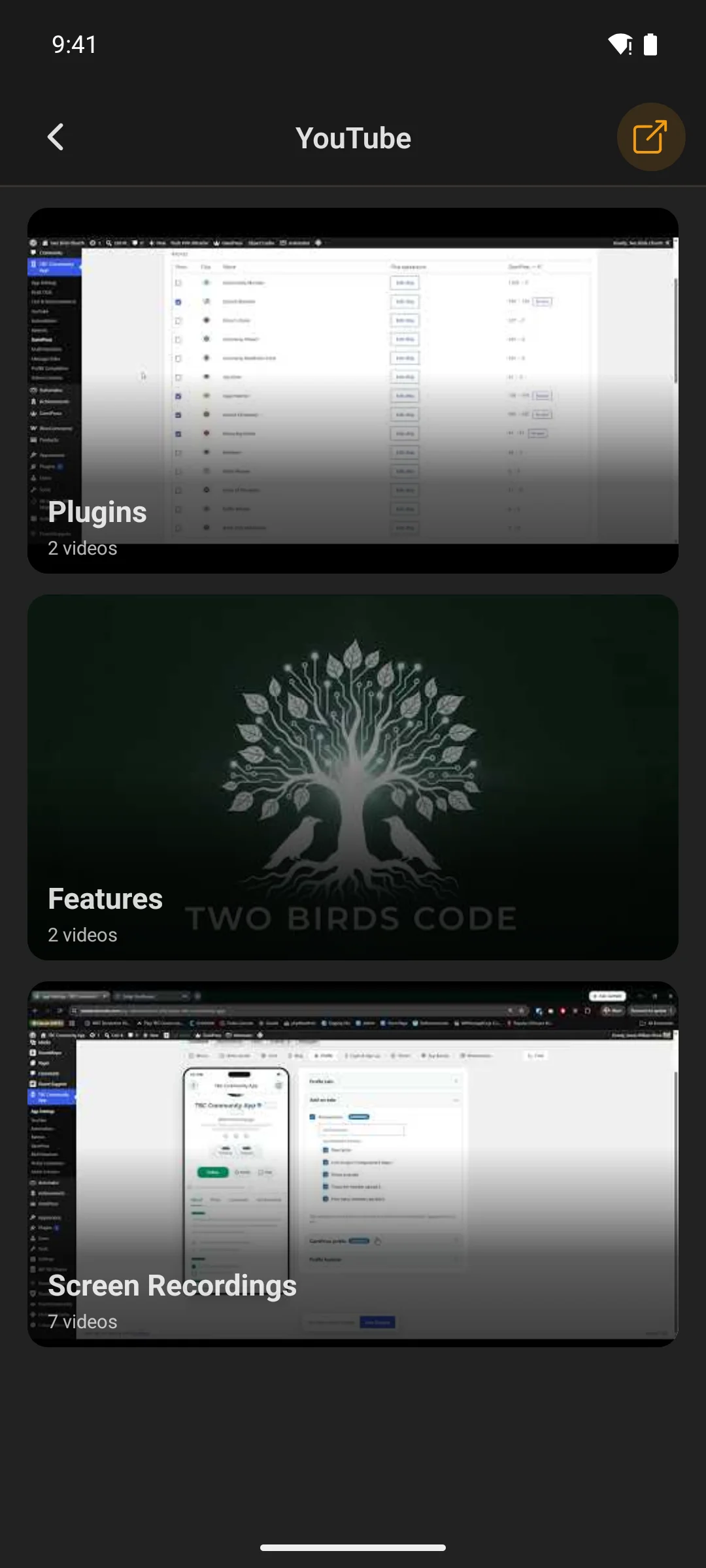
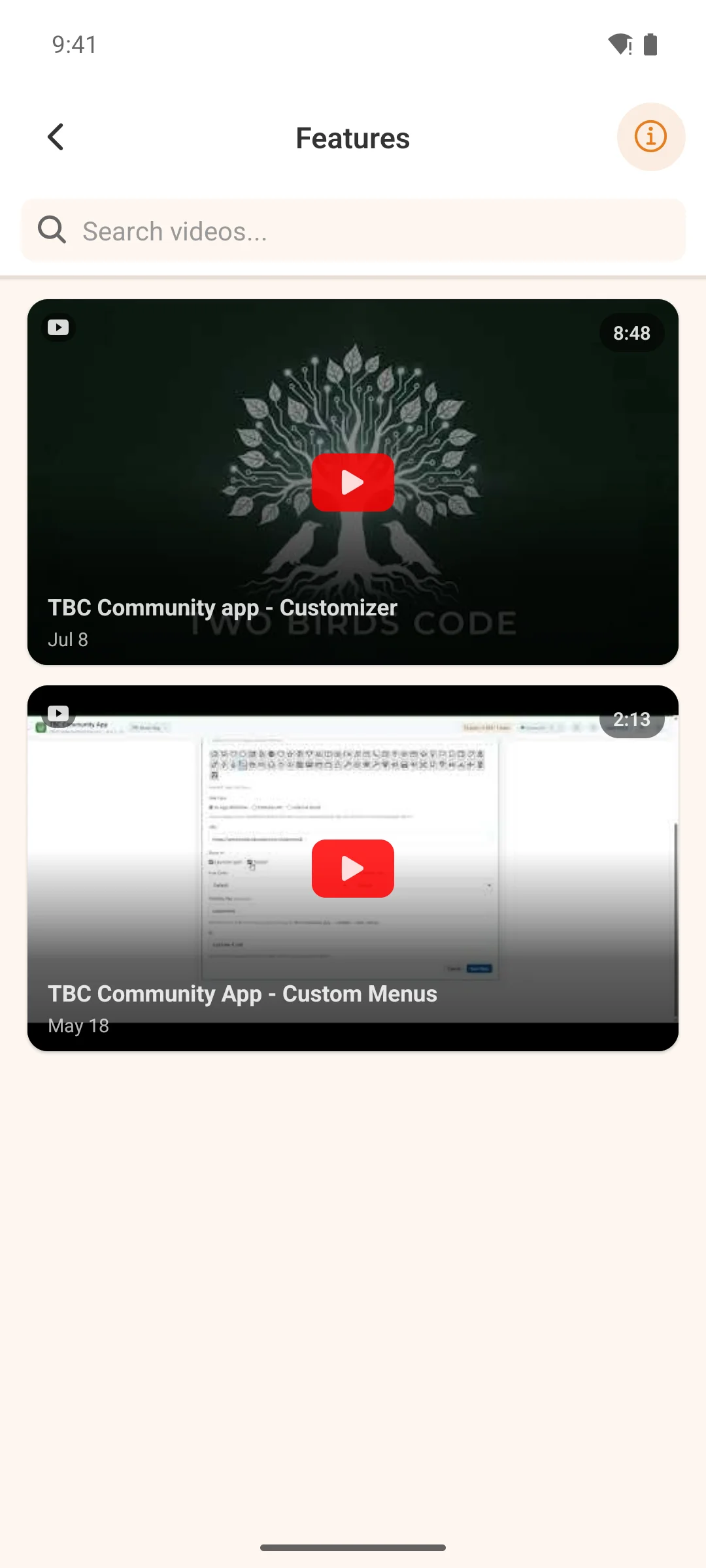
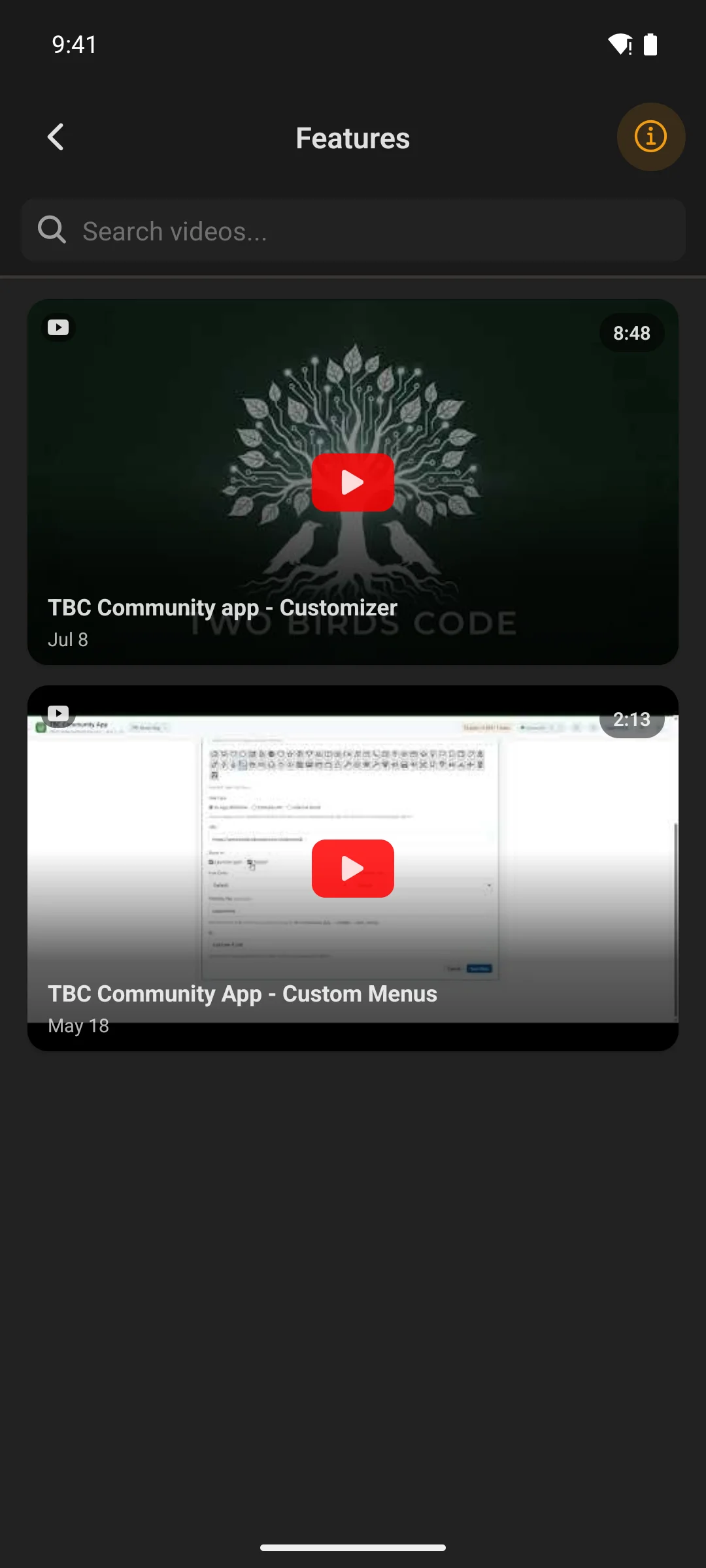
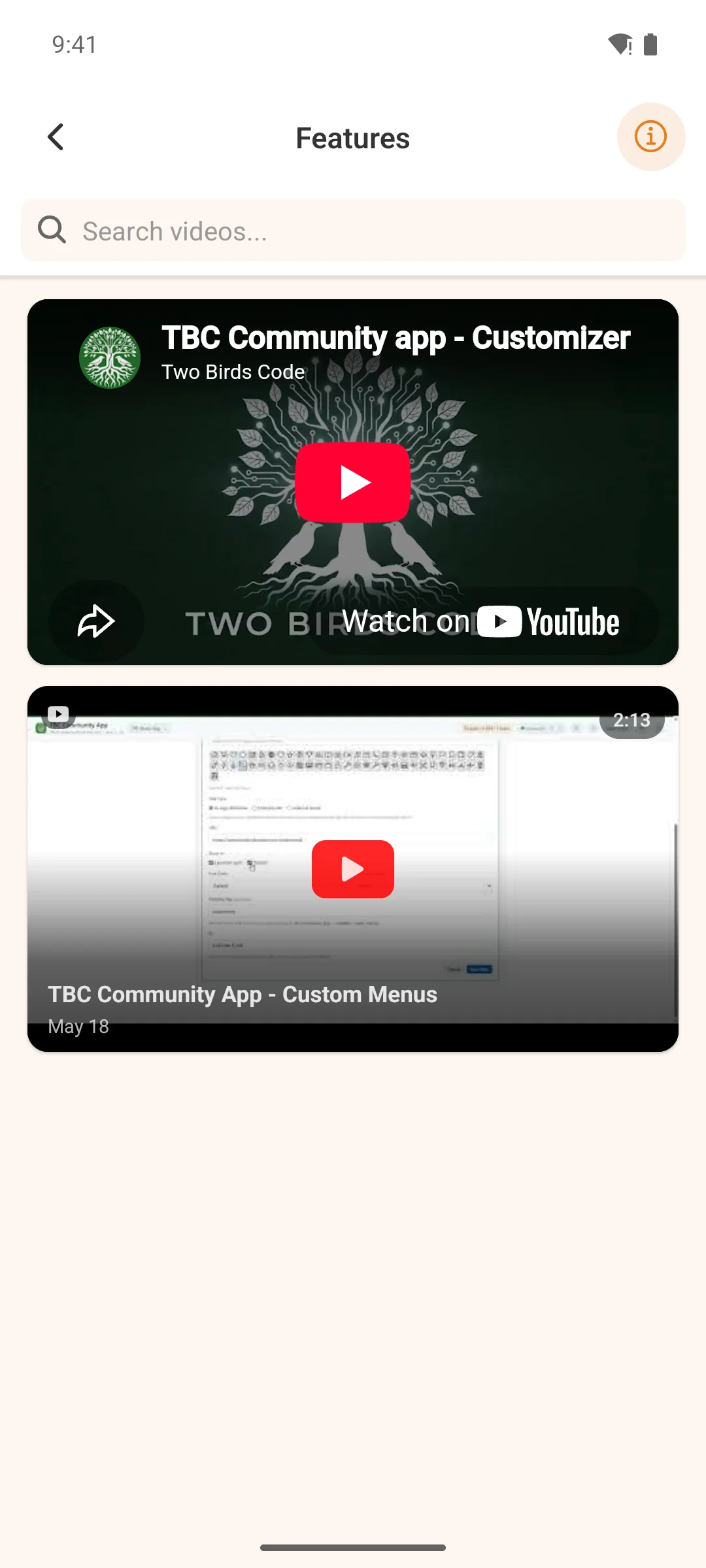
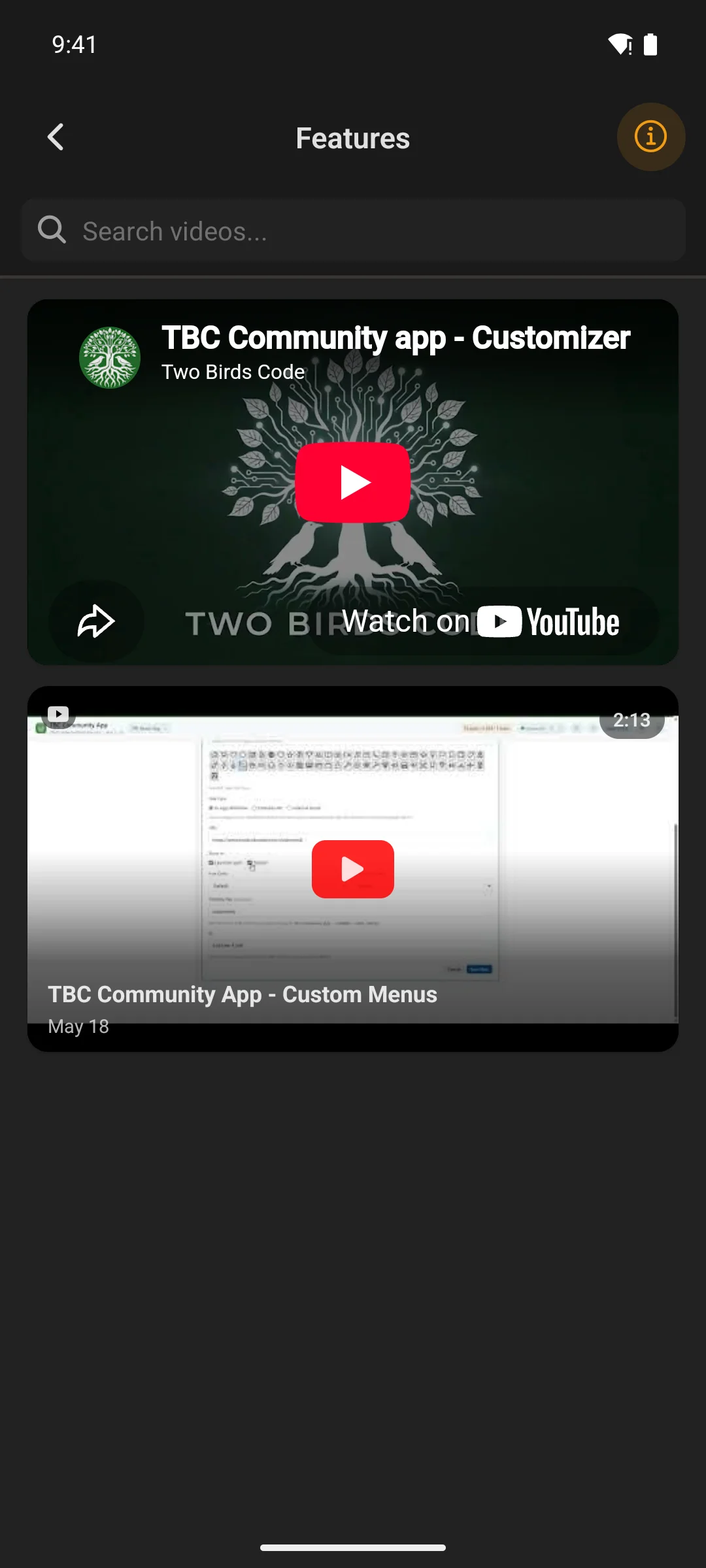
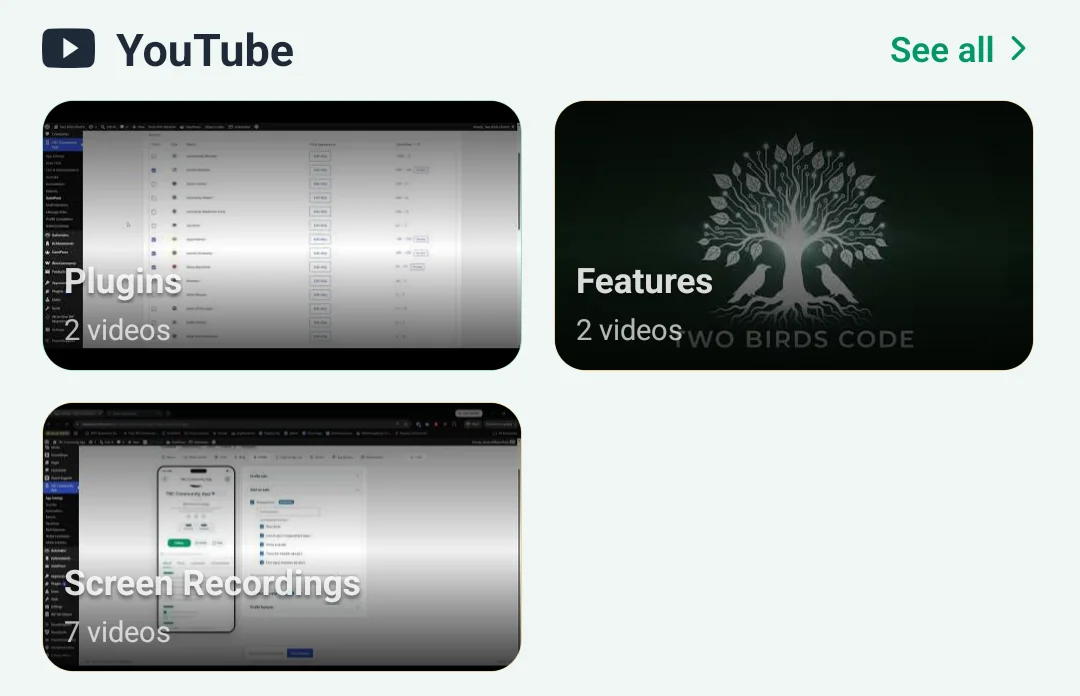
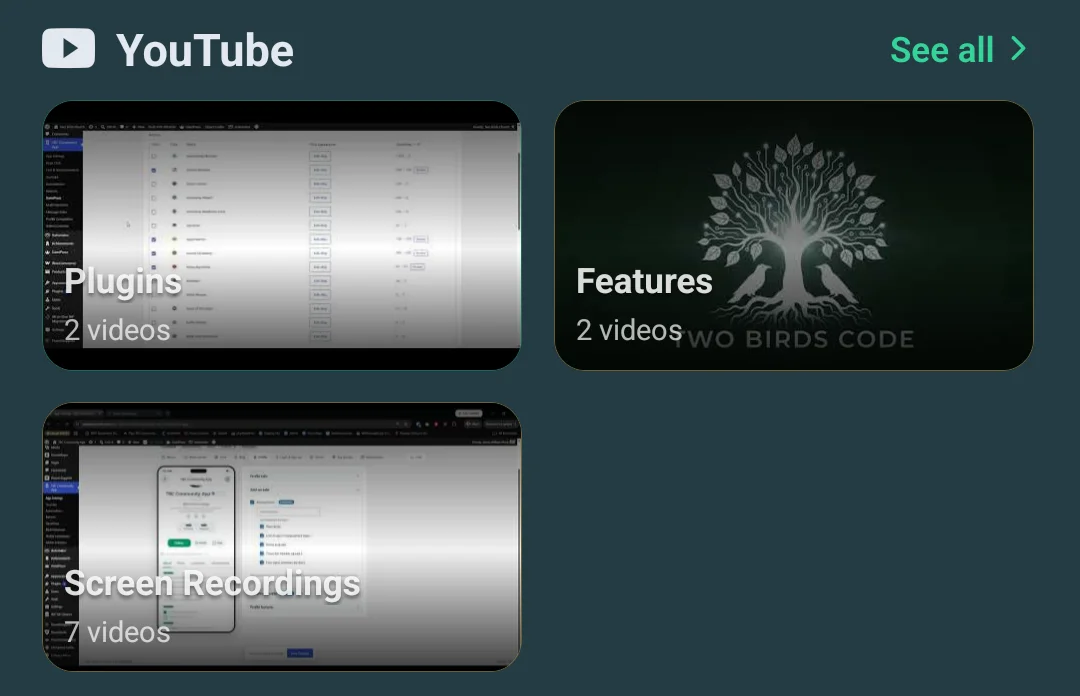
Every playlist you publish, each opening to its videos in the order you arranged them. Tap a row or a rail card and the video gets its own screen with room to read — because a thumbnail that small was never somewhere to watch anything. The full-width hero still plays where it sits.

the YouTube screen showing every playlistthe YouTube screen showing every playlist
Every playlist you publish.
a playlist opened, listing its videosa playlist opened, listing its videos
A playlist, searchable, in your order.
a video on its own screen in the appa video on its own screen in the app
A video, on its own screen.
the widget showing playlist coversthe widget showing playlist covers
Or lead with the playlists themselves.

Where you shape it

Two screens in WordPress, and no rebuild

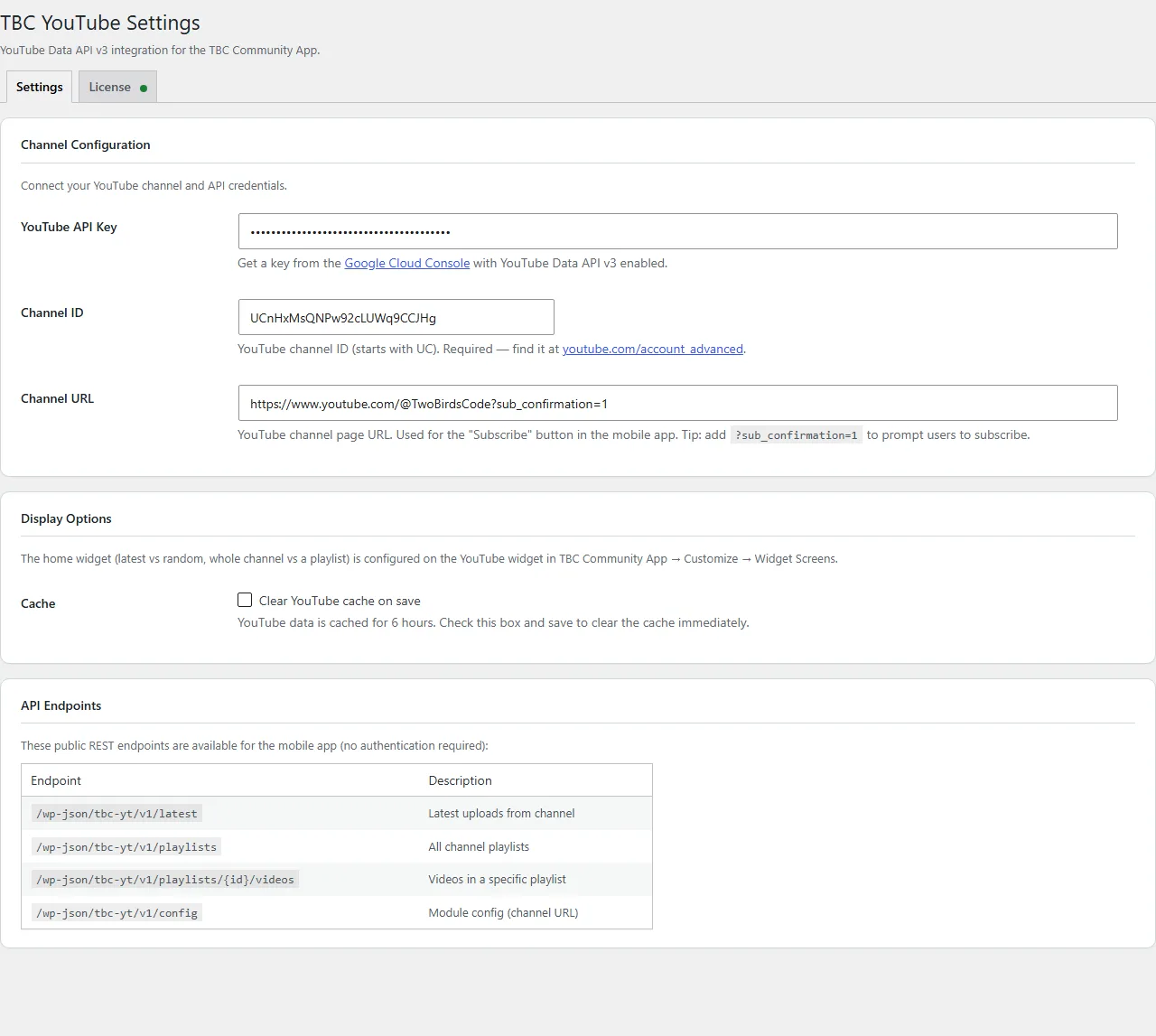
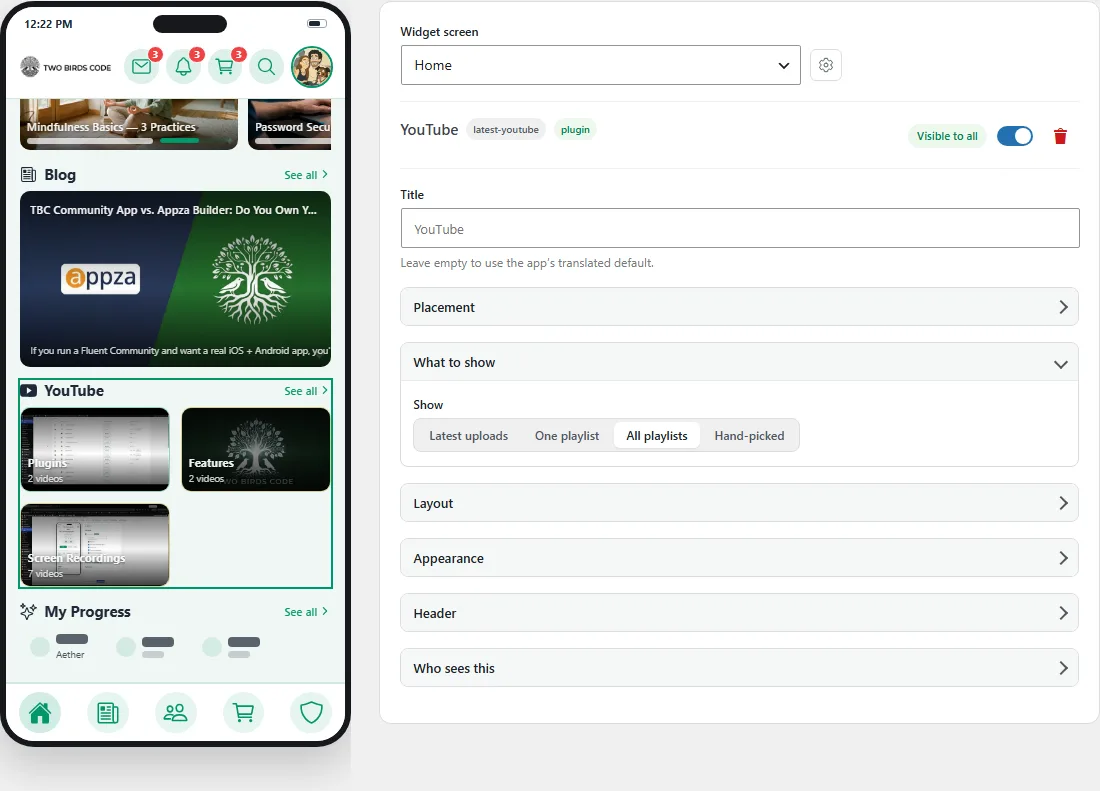
The plugin’s own settings page holds the key, the channel and the cache. Everything about how the widget looks lives in the Customizer, beside a phone that redraws as you change it — and what you save reaches members the next time they open the app. No store review, no developer.

the YouTube settings page in WordPress
The settings page — key, channel, cache.
the Customizer, with the widget settings beside a live phone preview
The Customizer, with a live preview.
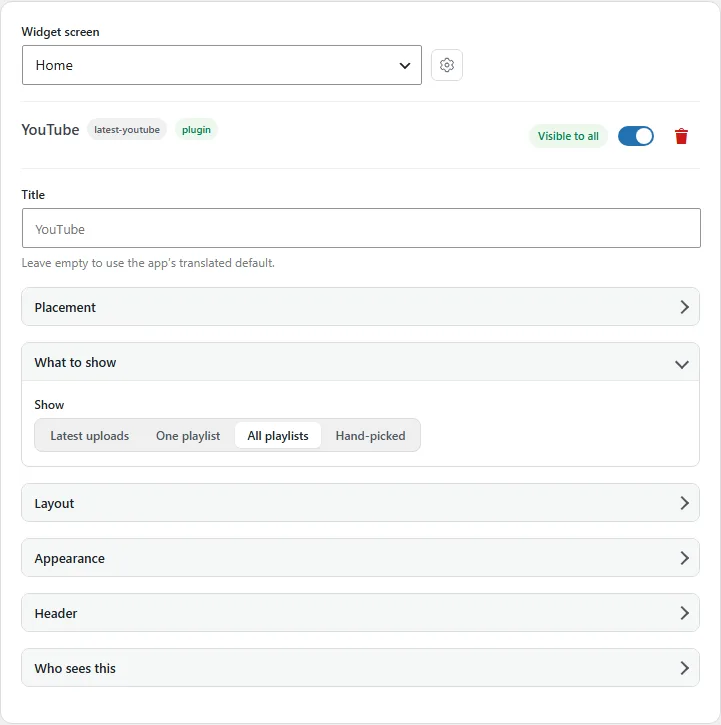
choosing what the widget shows
Source, sort and video length.
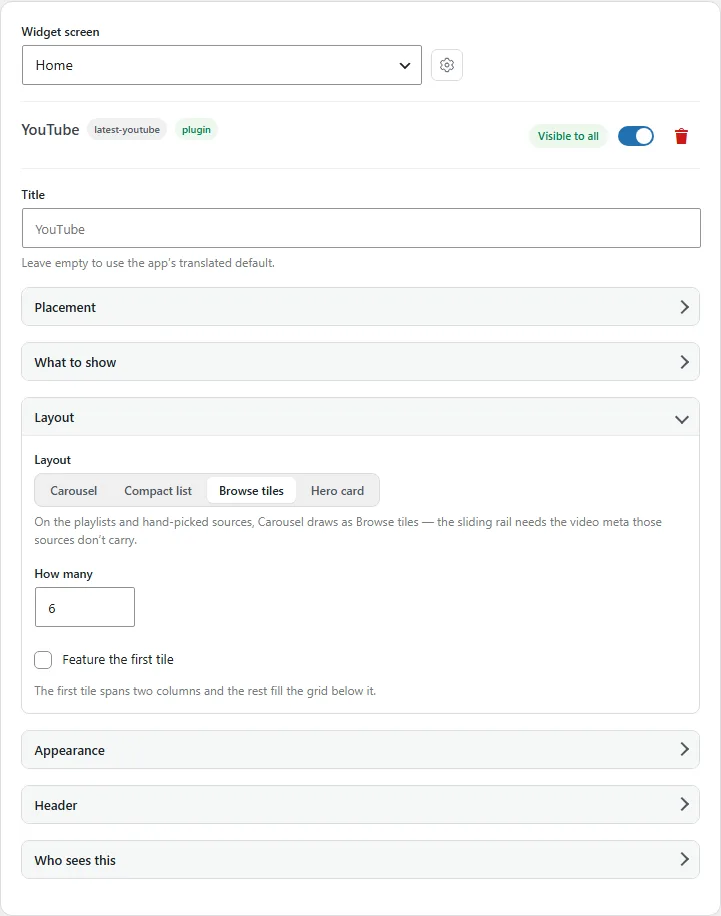
the layout options for the YouTube widget
Layout, and what each card shows.

The part that matters later

Your app never calls YouTube directly

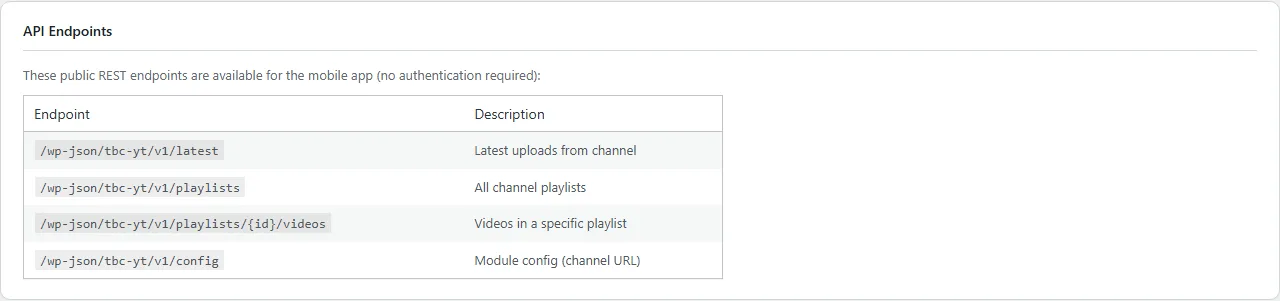
The companion plugin sits between your app and YouTube and caches every response on your own WordPress site. A small architectural decision with four practical consequences:

  • Members see videos instantly — served from your cache, not fetched per person
  • Your API quota lasts — one refresh serves your whole community instead of one member each
  • No key in the app bundle — an app binary can be unpacked; your server cannot
  • Rotate without rebuilding — change the key in WordPress and every member follows at once
screenshot coming soonstore-assets/products/tbc-youtube/admin-cache-settings.webp

What you get

  • App module — the home widget in four layouts, the channel screen, playlist screens and a screen per video
  • Companion WordPress plugin (tbc-youtube) — settings and server-side caching
  • Your theme, both modes — the screens follow your Fluent Community colours in light and dark
  • Lifetime licence — buy once, no per-member fees

What you need · setup is about ten minutes

  • The TBC Community App — Dev Bundle or Managed
  • WordPress with Fluent Community
  • A free YouTube Data API v3 key from Google Cloud Console
  • Your channel ID — it is in the URL of your channel

Pricing

One payment. Then it is yours.

A lifetime licence for the module and its companion plugin. No per-member fees, and nothing that stops working if you stop paying us — because there is nothing to keep paying.

Google does not charge for the YouTube Data API at the quota a normal community uses, and the caching here is what keeps you inside it.

YouTube add-onapp module + WordPress plugin$29
YouTube Data APIpaid to Google · free at community scale$0
At checkout$29