



TBC App/Web - Multi Reactions

SKU: TBC-APP-MULI-MOD

Facebook-style reactions on posts, comments and chat — unlimited custom animated icons, light and dark, web and app.

$29.00
Buy Now

v1.0.15
Changelog · v1.0.15

1.0.15 — 2026-09-03

Sync — lockstep bump, no plugin changes.

1.0.14 — 2026-08-29

Sync — lockstep bump, no plugin changes.

1.0.13 — 2026-08-26

🔧 Changed

  • The shared admin library caught up with the rest of the suite. Every TBC plugin ships a byte-identical copy of the same admin CSS, JS and licenser under one handle, and this plugin's copy had fallen behind. It now carries the Hide sensitive control — which covers credentials on screen so a settings page can be screen-shared or screenshotted without publishing them — the one-open-at-a-time accordion, and newest-wins registration, so the copy WordPress actually loads is the most recent one installed rather than whichever plugin happened to register first.
  • The documentation theme re-synced, so this plugin's HTML reference looks like the rest of the suite again.
  • The settings screen moved onto the suite's shared parts. One tab switcher for every plugin instead of a copy each, the theme palette read from shared tokens, and several hundred lines of dead CSS removed. Nothing about the screen changes for you; it simply stops drifting from its neighbours.

1.0.12 — 2026-08-16

Sync — lockstep bump, no plugin changes. The 1.0.12 change is module-side: the reaction breakdown reopens instantly from cache.

1.0.11 — 2026-08-01

✨ New

  • Your custom reaction icons travel with a site snapshot. Icons are part of the Community App's new Backup & Restore export. Uploaded artwork is re-uploaded into the target site's own media library and every reference rewritten, so a restored icon points at the new site rather than a URL on the old one.

🔧 Changed

  • The License tab's support contact follows the site's vendor identity. A dev-bundle buyer running managed service for their own clients points it at their own business from the client site's wp-config.php, so their clients see their address rather than ours. Left undefined it stays Two Birds Code, so nothing changes on an ordinary install.
  • Greek. The app module ships a Greek catalog this release, so its screens follow the app's language — see the module changelog. The plugin's own admin screens are unchanged.

1.0.10 — 2026-07-27

Sync — lockstep bump, no plugin changes. The 1.0.10 work is app-module only: the reaction picker and breakdown modal moved onto the app's shared popover, list-state and member-row primitives.

1.0.9 — 2026-07-21

🛠 Fixed

  • The Save bar works without JavaScript, and stops claiming unsaved changes mid-save. The floating Save pill only appeared once JavaScript had run, so a settings form could be left with no reachable submit button; there's now a plain fallback that always works. Separately, the post-submit latch cleared after 4 seconds, which on a slower save re-showed the "unsaved changes" warning while the save was still in flight and swallowed the "Saved" confirmation. That window is now 20 seconds. Shared across the plugin suite.

1.0.8 — 2026-07-14

🛠 Fixed

  • Licensing resilience. A rate limit or brief license-server hiccup no longer disables a licensed site — the plugin runs on its last good check, and only a definitive invalid or expired answer gates features. A revoked key also can't slip back to licensed between checks.

1.0.7 — 2026-07-09

🛠 Fixed

  • Custom reaction icons show on the Card feed layout. A card feed's reaction button sits in a different container that the icon swapper didn't target, so those feeds fell back to Fluent Community's default heart. The swapper now covers all four layout containers — Timeline, List, Card and standalone — so your custom reactions render everywhere the feed does.

🔧 Changed

  • "Delete data on uninstall" moved to the License tab, into the shared Data Management card rather than the plugin's own Settings screen. It still stores against this plugin's own option, so nothing changes about what's kept or removed — it's just consistent across the suite now.
  • The admin screen was rebuilt on the shared design system, drawing from the suite-wide drop-in libraries and shared save bar instead of its own copy of the same scaffold. About 190 lines of duplicated CSS came out. Look and behavior are unchanged.

1.0.6 — 2026-07-03

🛠 Fixed

  • No more cold-load request flood. On a thread with many comments the app requested each comment's reaction breakdown separately, hammering the connection on first load. Breakdowns now come back in a single batched request, so a busy thread opens cleanly.

🔧 Changed

  • Shared license UI and licenser sync, bringing the updater to parity with the rest of the suite.

Multi Reactions · WordPress plugin · web + app

One heart is not a conversation.

Replace Fluent Community’s single like with a hover-to-reveal picker — Like, Love, Laugh, Wow, Sad, Angry, and as many of your own as you want. On every surface Fluent Community has, and inside your app.

6reactions built in, plus unlimited custom ones you upload
5surfaces — feed, spaces, comments, chat, course discussions
1click to swap a reaction. No remove-then-re-add
2platforms — identical in the browser and in the app

Three parts · one add-on

Where it works, what you can make, how it reaches the app.

Click a tab. Every capture opens full size and is a real screen.

Multi Reactions › How it works
Choose a view

The part other plugins skip

Everywhere Fluent Community renders a post

Generic reaction plugins touch the main feed. This is built for Fluent Community, so every reaction you configure works on every surface with no per-surface setup.

  • Feed and space posts — the main feed and inside every space and group
  • Comments — tracked and displayed independently of the post
  • Chat messages — react to direct messages and group chats
  • Course discussions — anywhere posts or comments are rendered
  • A breakdown anyone can open — per-reaction counts, tabbed user lists, avatars and profile links
A community post showing its reactionsA community post showing its reactions
A post on the website, with its reactions.

Make them yours

Upload anything, including animation

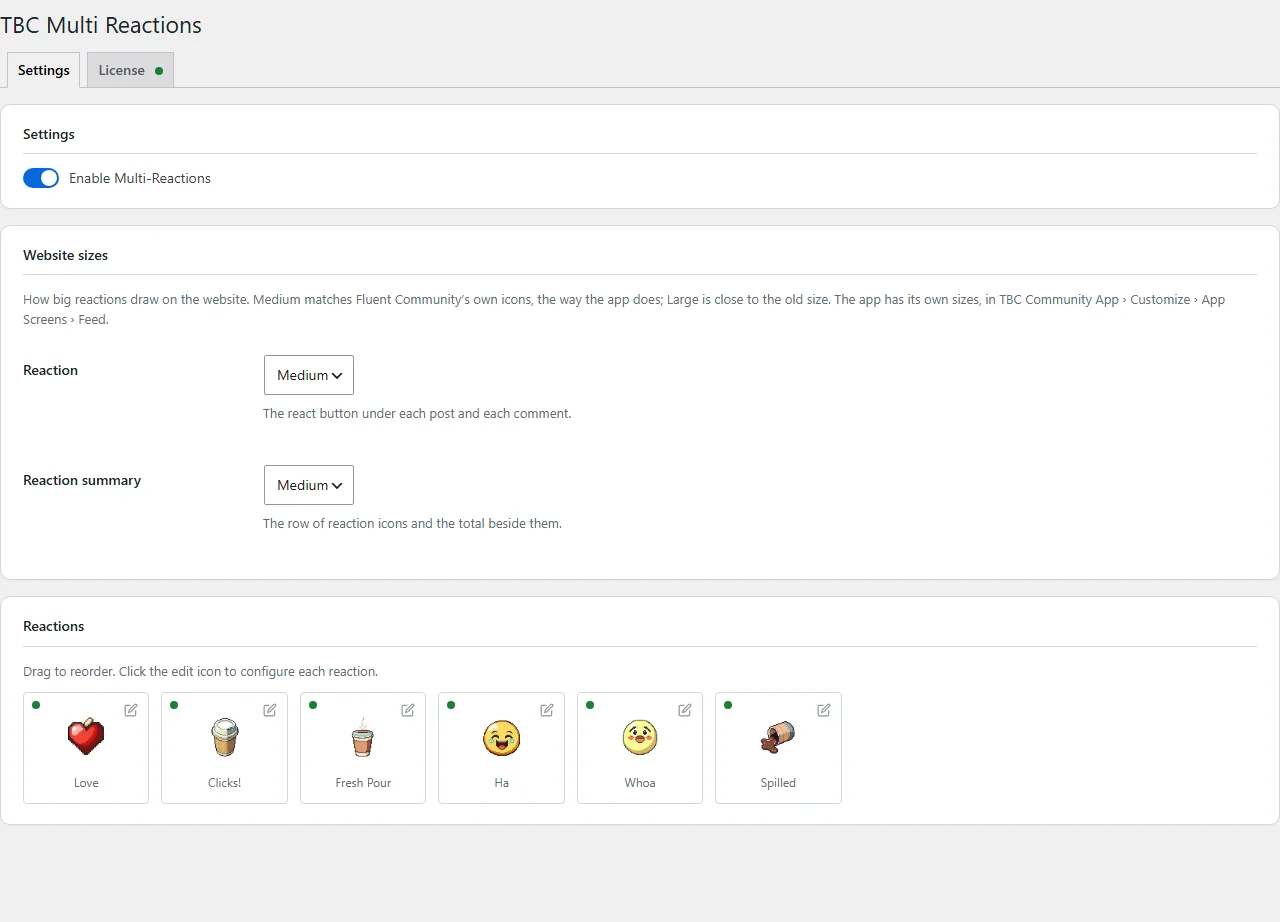
The admin screen is a drag-and-drop grid with a live preview. Each reaction opens its own editor for an emoji, an uploaded icon, a display name, a colour and an on/off toggle.

  • PNG, JPG, SVG, GIF or WebP — up to 2MB, resized to 128×128 automatically
  • Animated GIF and WebP — icons animate on hover and while active
  • Static uploads convert to WebP automatically, so performance costs you nothing
  • Stored in Fluent Community’s own media system — not a parallel library
  • A colour per reaction, used for active states, summaries and the breakdown tabs
The Multi Reactions settings screen in WordPress
Drag to reorder, click to edit.

If you run the app

The same reactions, natively

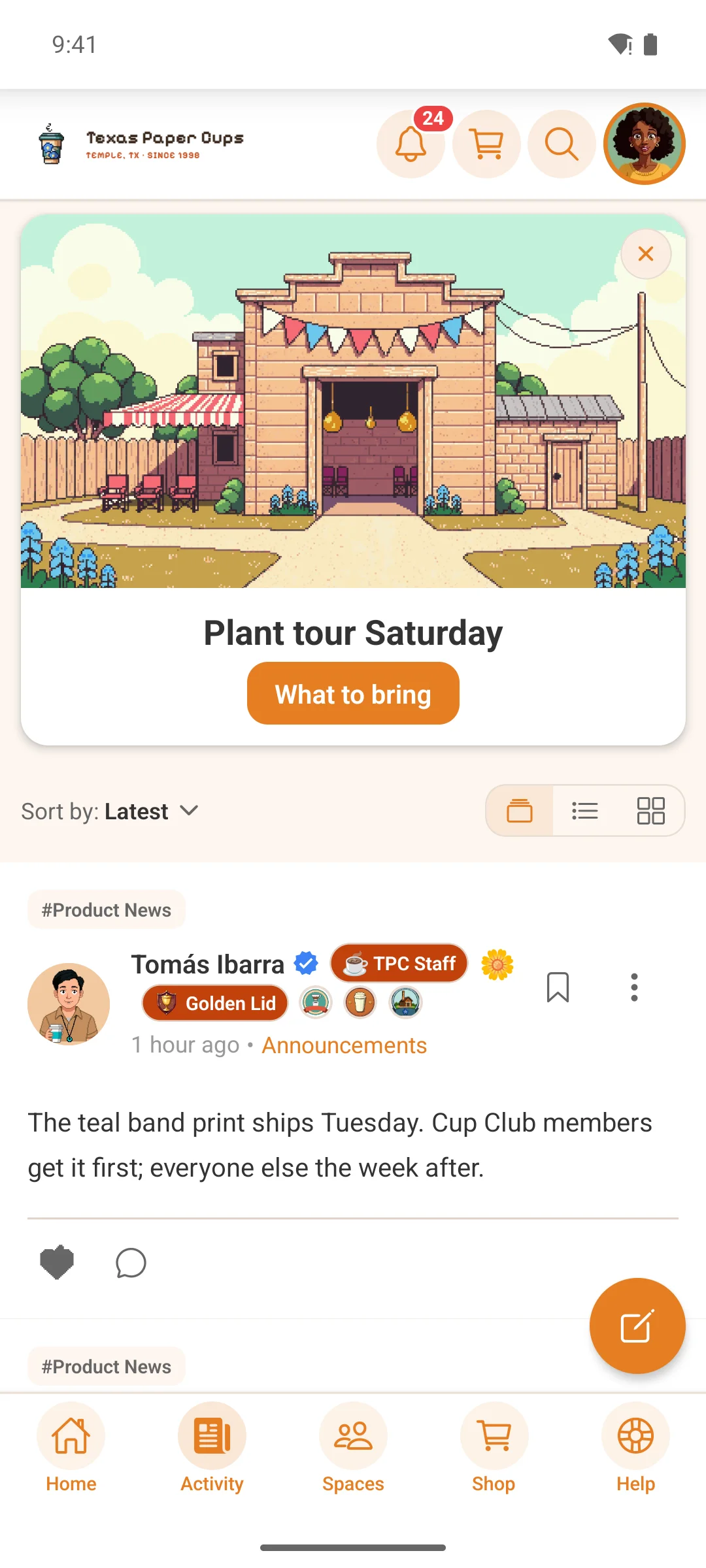
Reaction data is injected into Fluent Community’s existing feed, comment, activity and chat responses, so the app gets it without a separate round trip.

  • Push notifications show the real reaction — your custom icon and the right verb (“laughed at”, “loved”), not a generic heart
  • Five REST endpoints for configuration, swapping, breakdowns, batch queries and user details
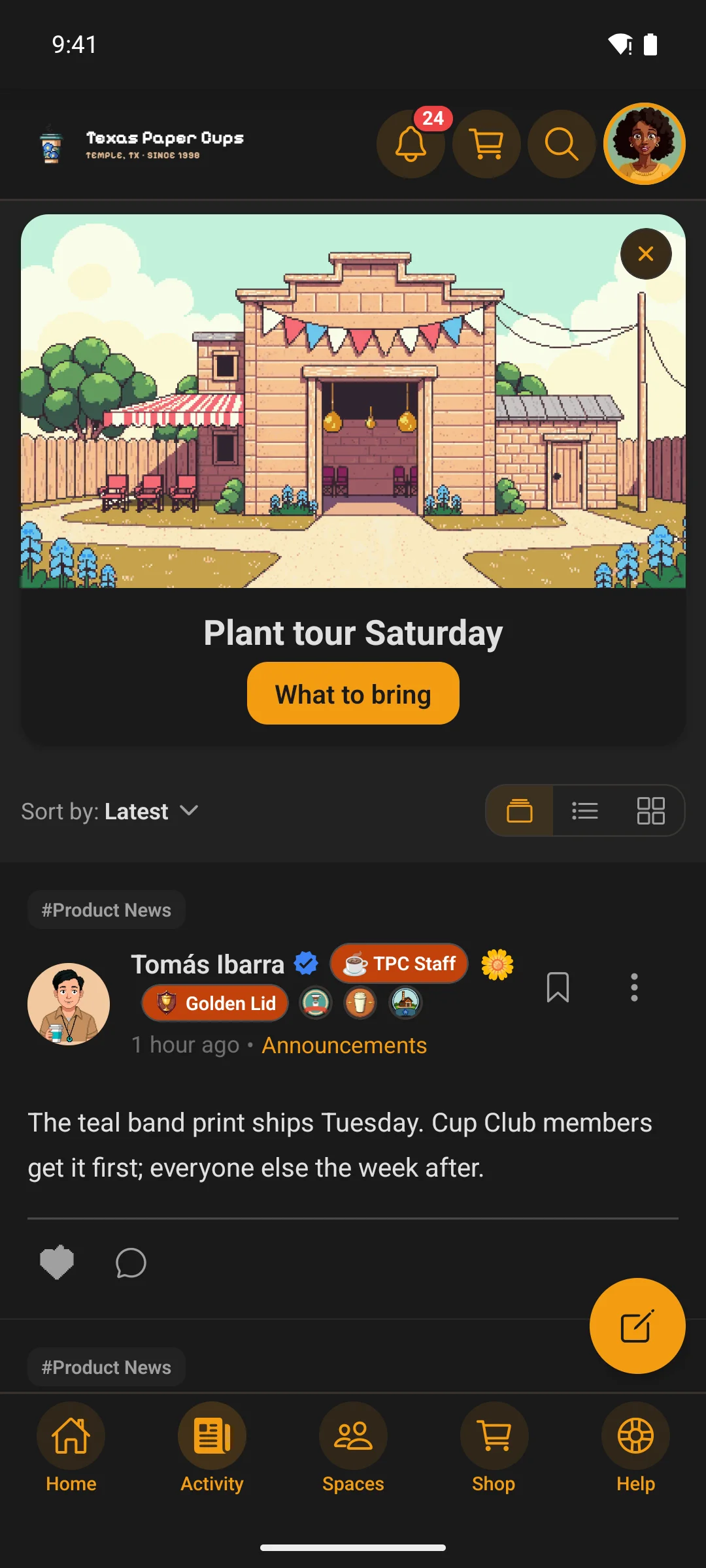
  • Light and dark, following the theme the member chose
The activity feed in the appThe activity feed in the app
The same reactions, in the app.

Built in

  • Hover-to-reveal picker with six defaults and unlimited custom types
  • One-click swapping, and a breakdown modal with per-reaction user lists
  • Overlapping icon summary with a total count
  • Posts, comments and chat messages tracked separately
  • Inherits Fluent Community’s CSS variables, light and dark

Clean & safe

  • Existing Fluent Community likes are preserved on install
  • Reaction types are tracked in a new column — FC’s original data is not modified
  • Batch queries and cached breakdowns, so scale does not cost you page speed
  • Assets load only on pages that need them
  • Uninstall removes settings, the column, uploaded icons and cached data — and leaves FC’s own reaction data intact

Pricing

One payment. Then it is yours.

A lifetime licence — no subscriptions, no renewals, and every future update included.

Needs WordPress 5.8+, PHP 7.4+ and Fluent Community (free or Pro). The TBC Community App is optional; without it, everything above still works on the web.

Multi ReactionsWordPress plugin · web + app$29
At checkout$29