

Why Apple rejects template apps (guideline 4.2.6)



 ·
24 min read
·
24 min read
Guide · App Store rejection
Why Apple rejects template apps.
If you got an App Store rejection under guideline 4.2.6, or you worry about one, here is what the rule says, why a template app runs into it, and what it means for a Fluent Community app.
The rule · in Apple’s words
What guideline 4.2.6 says.
Apple’s App Review Guidelines put it like this:
“Apps created from a commercialized template or app generation service will be rejected unless they are submitted directly by the provider of the app’s content. These services should not submit apps on behalf of their clients and should offer tools that let their clients create customized, innovative apps that provide unique customer experiences.”
The provider of the app’s content is you: the community, the church or the business whose posts, courses and members fill the app. The rule is aimed at a company that makes one app, changes the name and the logo for each customer, and uploads every copy from its own developer account.
The same guideline names one other way a template company can stay within the rules: a single app that holds every client inside it, the way a restaurant finder lists many restaurants.
Why template apps get rejected · three common reasons
Who sent it, and what it shows.
A rejection under 4.2.6 usually comes down to one of these.
- The app was submitted from the template company’s developer account, not from the account of the community it is for.
- The reviewer has seen the same screens under many names, with only the logo and colours changed.
- The app is the website in a frame. Guideline 4.2 asks for “features, content, and UI that elevate it beyond a repackaged website”, and 4.2.2 adds that an app shouldn’t be mainly “web clippings, content aggregators, or a collection of links”. An app that only shows your site in a browser window often hears about both.
Guideline 4.3 on spam sits close by. It asks developers not to “create multiple Bundle IDs of the same app”, which is what one company uploading the same app for every customer looks like from Apple’s side.
A Fluent Community app · published as yours
Your account, your name, your community.
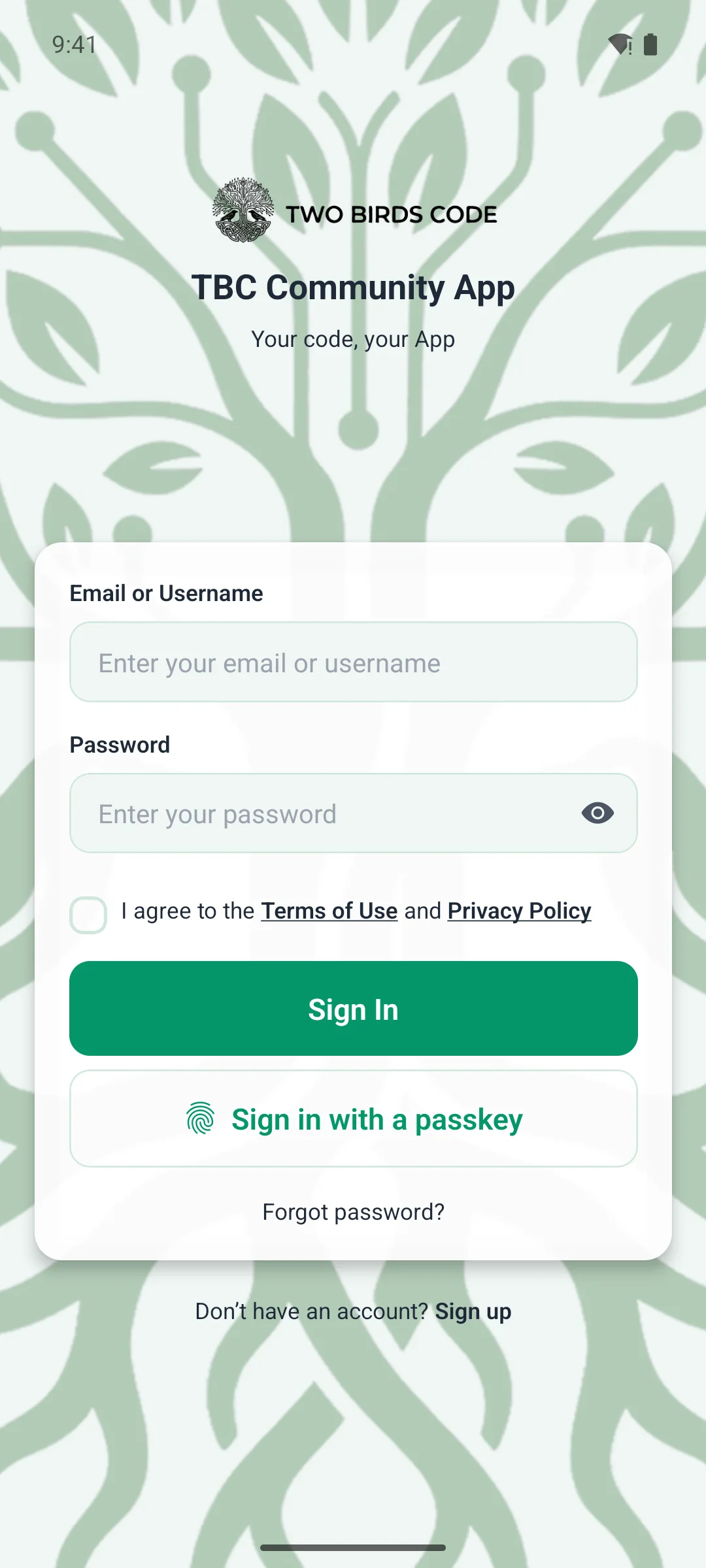
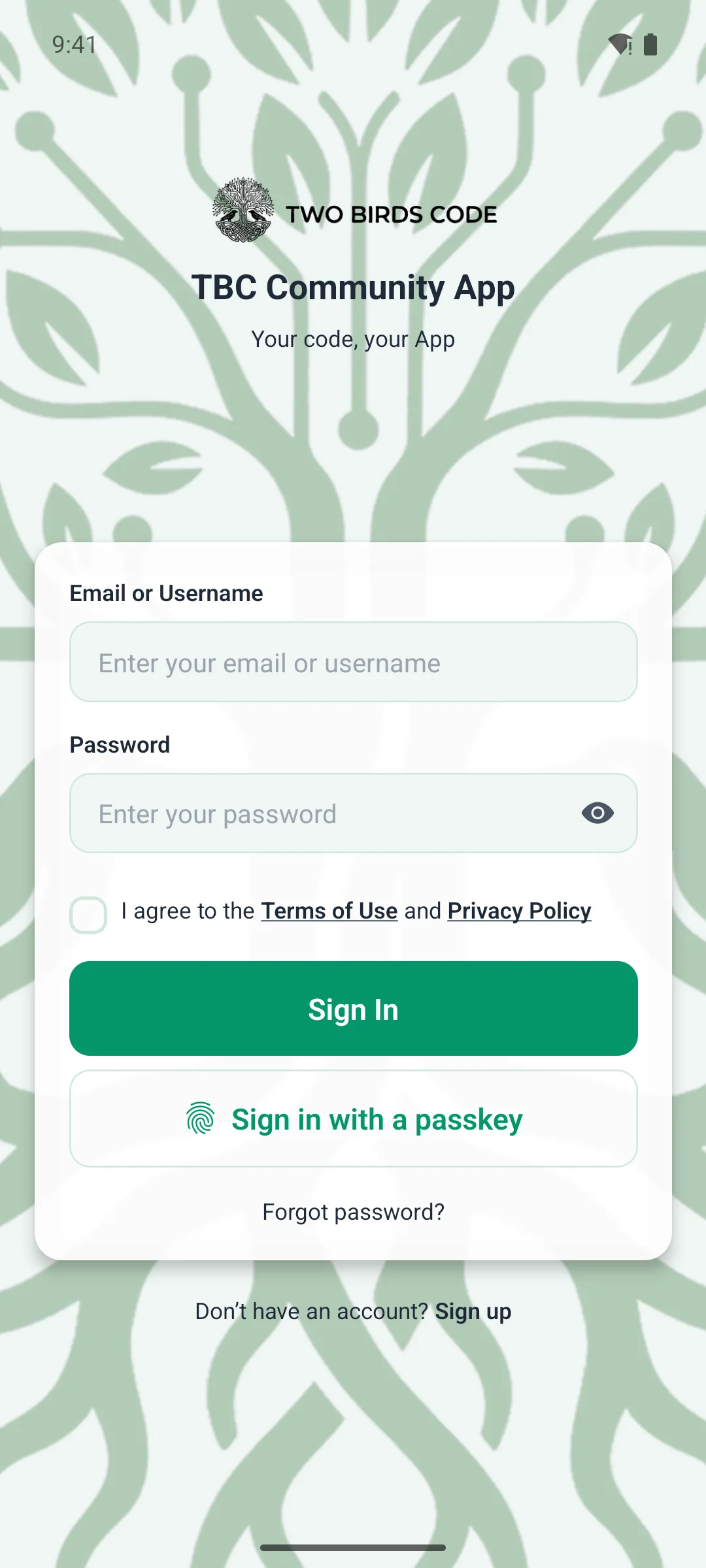
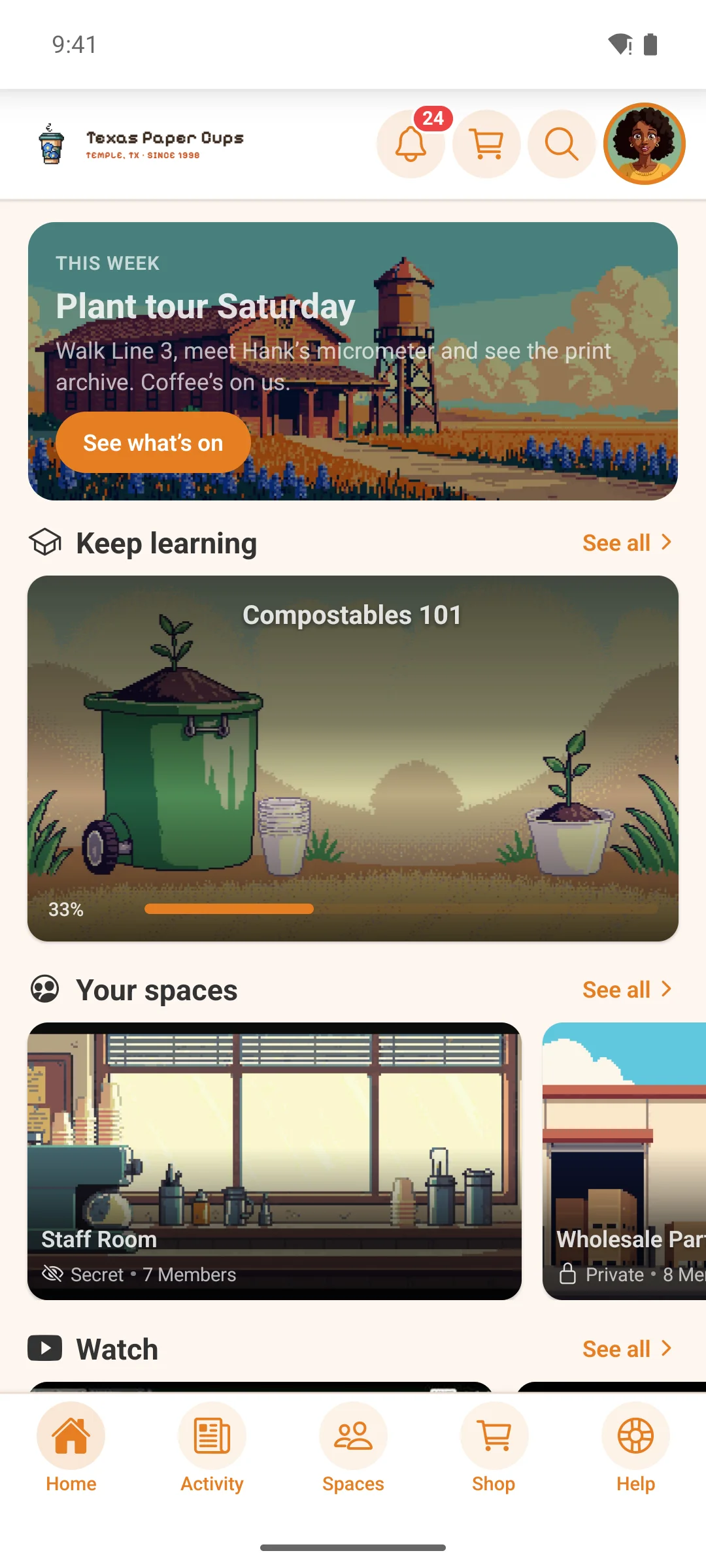
Our app for Fluent Community is a native iPhone and Android app. Its feed, chat, spaces, courses and profiles are screens drawn by the phone, not your website in a frame, and it carries your name and icon, your site’s colours and the menus you set in WP Admin.
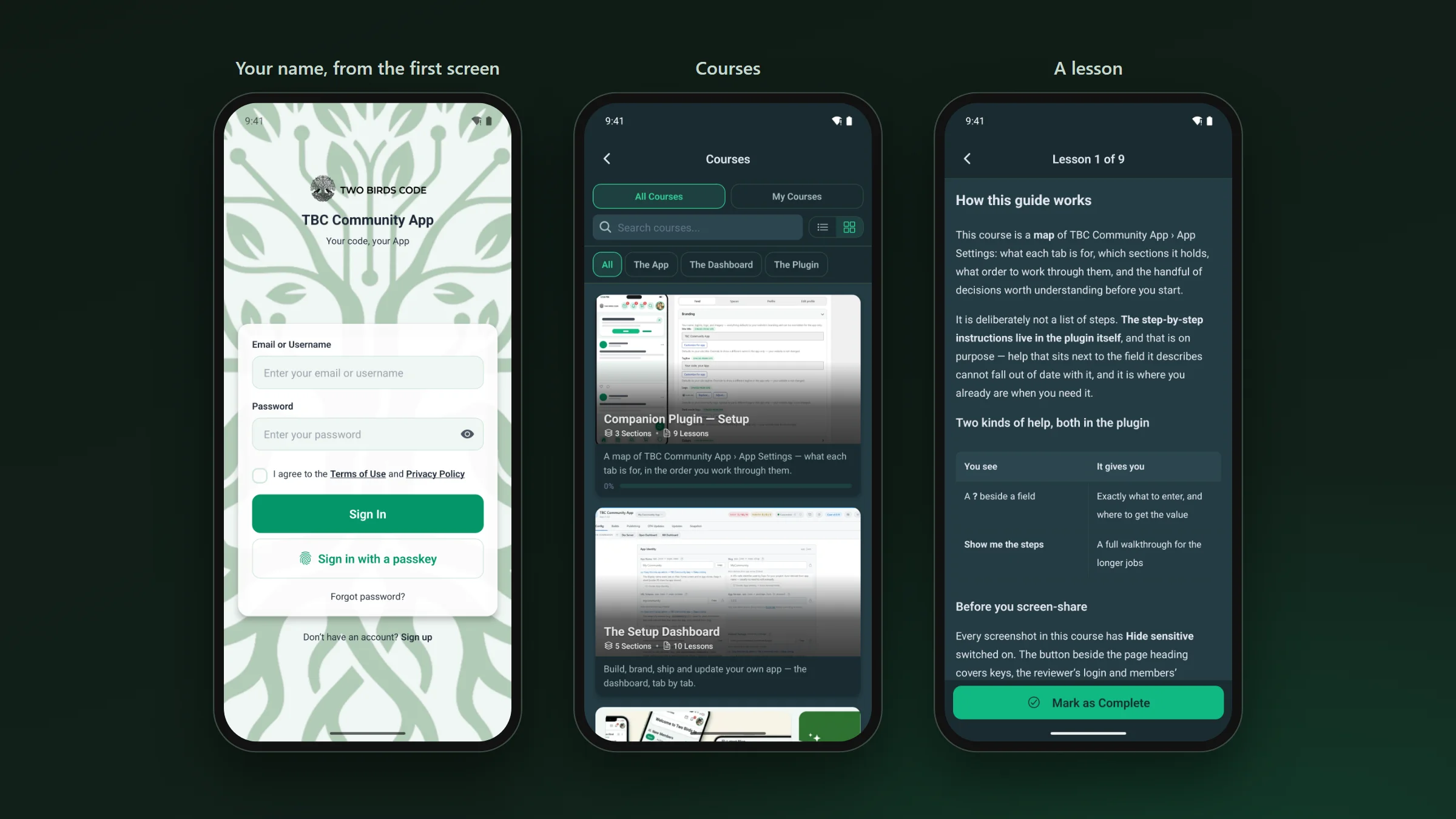
It is published in both stores on your own Apple and Google developer accounts, under your name. There are two ways to get there:
- You build it yourself: you get the full source and our setup dashboard, and you build, submit and update the app from your own store accounts.
- We build it for you: you fill in your details on the plugin’s Managed tab in WordPress, and we build the app and submit it under your own Apple and Google accounts.
Either way, the listing, the developer account and the content are yours. Apple judges every review on its own, so nobody can promise an approval. What you control is the part 4.2.6 asks about: the app comes from your account and shows your community. You can see what the app looks like on the app’s page.
Already rejected? · where to start
Three things to check.
- Read the rejection in App Store Connect. It names the guideline, and the reviewer often adds a line on what they saw.
- Check which developer account the app went out from. If it isn’t yours, publishing from your own account is the change 4.2.6 asks for.
- Look at the app the way the reviewer did. If it opens your website and little else, 4.2 is the part to answer.