Hello,
I was wondering to what extent the main page could be customizable.
Could the prices in the cart be more expensive than on the computer version to make up for the big cut that Apple takes?
I read that third party addons could be included by adding their corresponding webpages but oftentimes, said addon doesn’t have its own webpage; instead it just adds a feature to a page.
Is the app very technical to set up? I suspect that you offer a monthly management option because it might be.
Thank you!

I love my new app. James went above and beyond getting stuff going for me and I really appreciate it. The app is perfect. The admin gives me the control I need...if you're on the fence, just do it. You will not be disappointed.

Dear TBC Team,
I’m just purchase a add on plugin from third party " fluent community add ons " such as:
- Directory
- Blog
- Documentation / Pages
- Events
If I use the TBC Community App, will these third-party plugins/add-ons work within the mobile app as well?
Specifically, I’d like to know: Which of these features are supported natively in the TBC app?
I want to make sure the features I build on the FluentCommunity website will also be usable in the mobile app.
Thank you!
Hello, when will the next batch for the Managed App reopen? Thank you!
I also wanted to ask about the app navigation.
Currently, the Home section seems to be structured around:
Members
Spaces
Courses
YouTube / All Videos
Gamification
For my project, I would prefer Home to open directly to the main Feed, rather than showing these sections first.
Also, would it be possible to make the YouTube / All Videos section a dedicated navigation item in the bottom mobile app navigation?
Ideally, I’d like the bottom navigation to prioritize the main user journey.
Is this something that can be customized with the Managed App?
Thankyou
Hi, I’ve developed a module for Better Messages. Would it be possible to add an optional Custom Route field to the top menu Messages icon?
Currently, the icon appears to depend on Fluent Messaging being enabled. As I use Better Messages instead, the Messages icon is marked inactive.
Ideally, I’d like to enter a custom route such as /better-messages, which would keep the existing Messages icon active but open my module instead.
If a custom route is used, could there also be a way for the custom module to supply the unread badge count for the top Messages icon?
I’m currently using the following FluentCommunity Custom CSS to stop feed images being cropped/constrained and instead display the complete image at its original aspect ratio:
.feed_media_image,
.feed_media_image *,
.feed_custom_uploaded,
.feed_custom_uploaded * {
max-height: none !important;
height: auto !important;
aspect-ratio: auto !important;
}
.feed_media_image img,
.feed_custom_uploaded img {
display: block !important;
width: 100% !important;
height: auto !important;
max-height: none !important;
object-fit: contain !important;
}
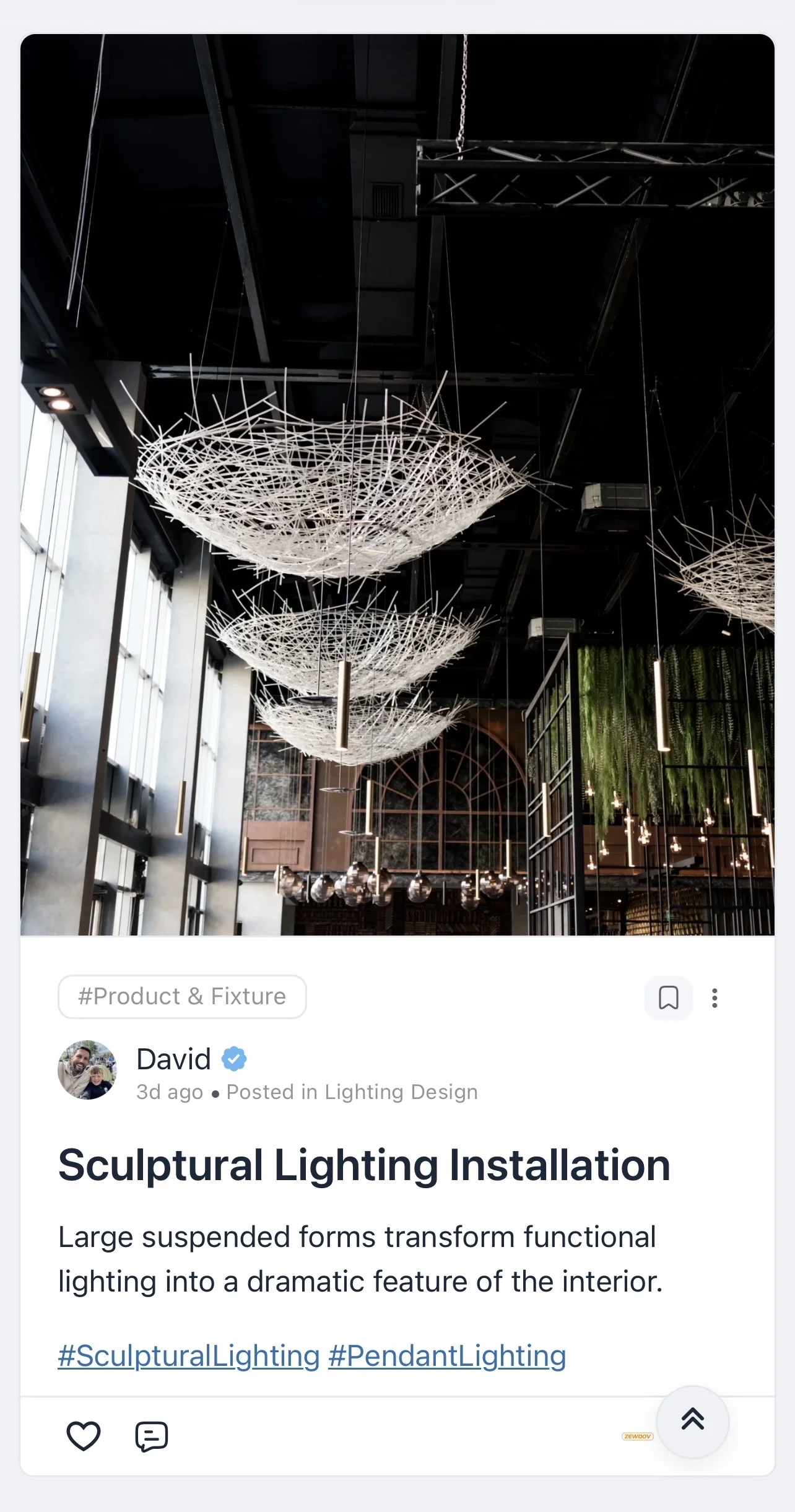
Could the TBC native app replicate this behaviour for feed images?
Essentially I’d like single feed images to:
-
use the full available feed width
-
retain their original aspect ratio
-
have no fixed/max height
-
show the complete image rather than crop it
-
use the image’s natural height based on its aspect ratio
It would be ideal if this could be an option in the Feed settings, for example:
Feed image ratio: Original / Cropped
The web CSS already gives me exactly the behaviour I want in FluentCommunity; I just need the native TBC feed to render images the same way.
Hi, I’ve been testing the module uploader in Community App Core 1.3.12 and noticed an issue when installing the first custom module.
When _registry.ts initially contains:
export const MODULES: ModuleManifest[] = [];
the module files install successfully, but the first module isn’t added to the active MODULES array.
Once the registry has been expanded/populated, subsequent module handling appears to work normally.
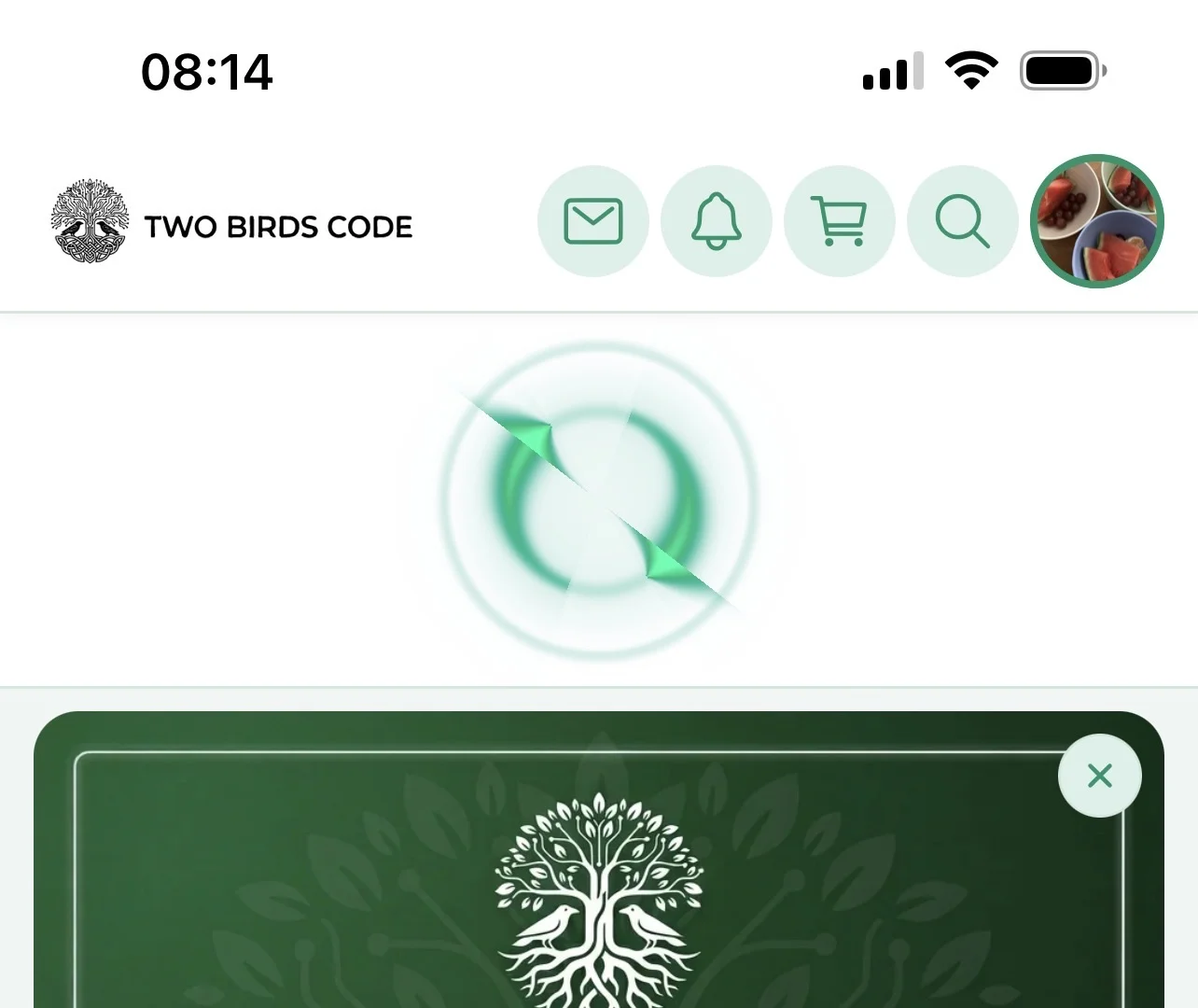
Also fresh loader (on iOS not sure on Android atm) looks horrendous 😂 can this be hidden/changed/updated optionally?
Last but not least when adding an image to this post the whole editor closes and you have to click new post again (a new user might be confused)
Thanks
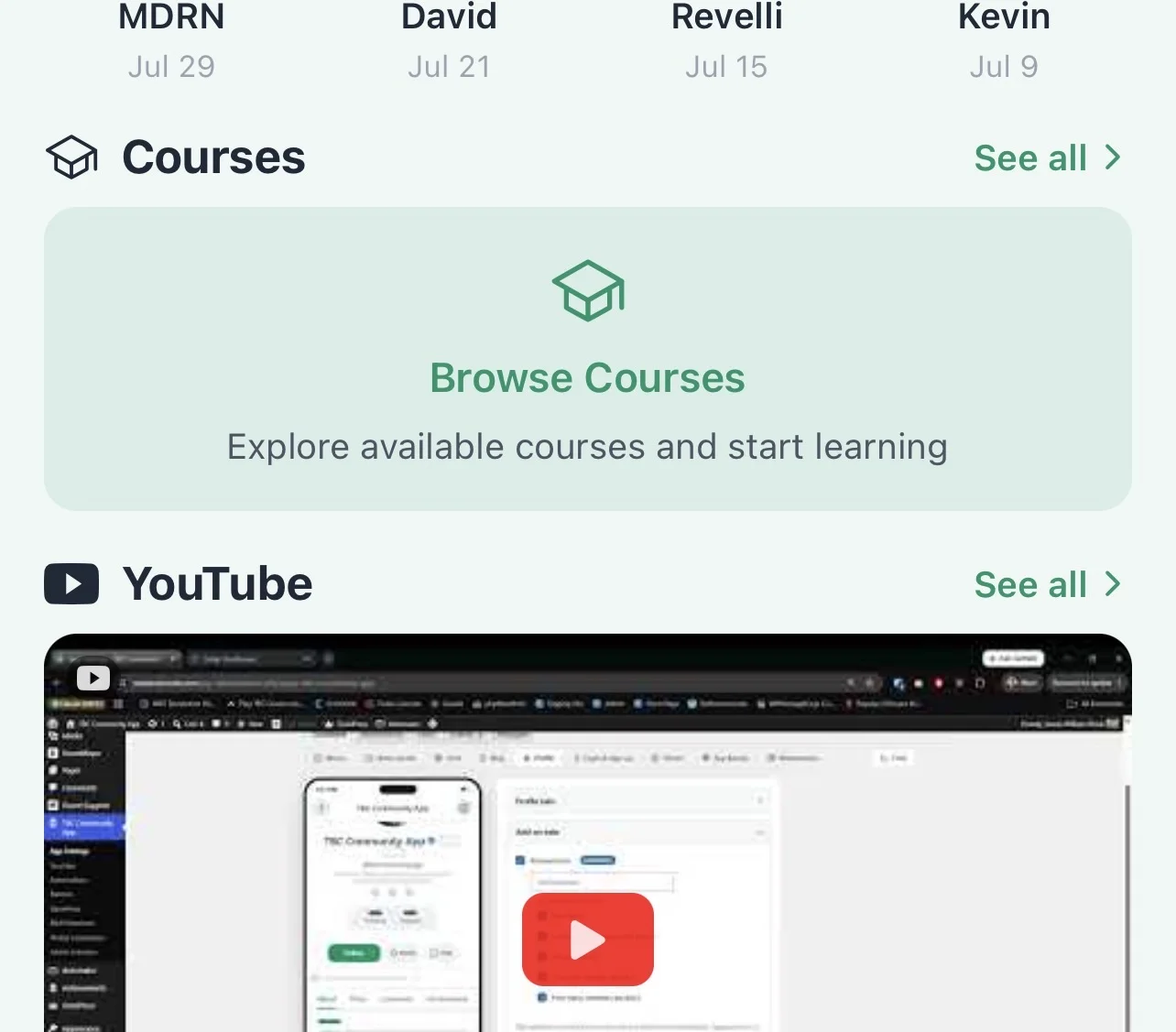
Can the YouTube widget be displayed like the courses or spaces that you can swipe to left/right?
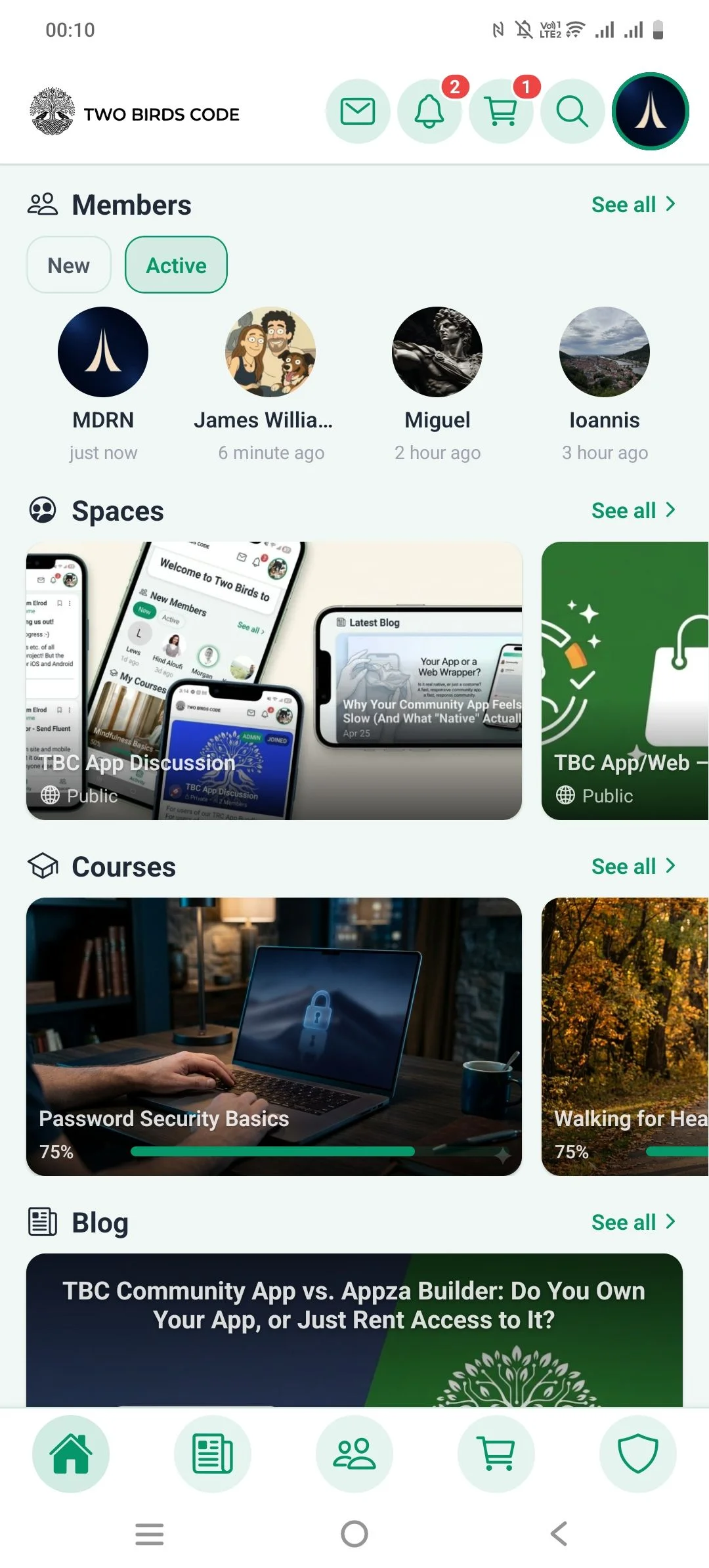
Hello, two minors..
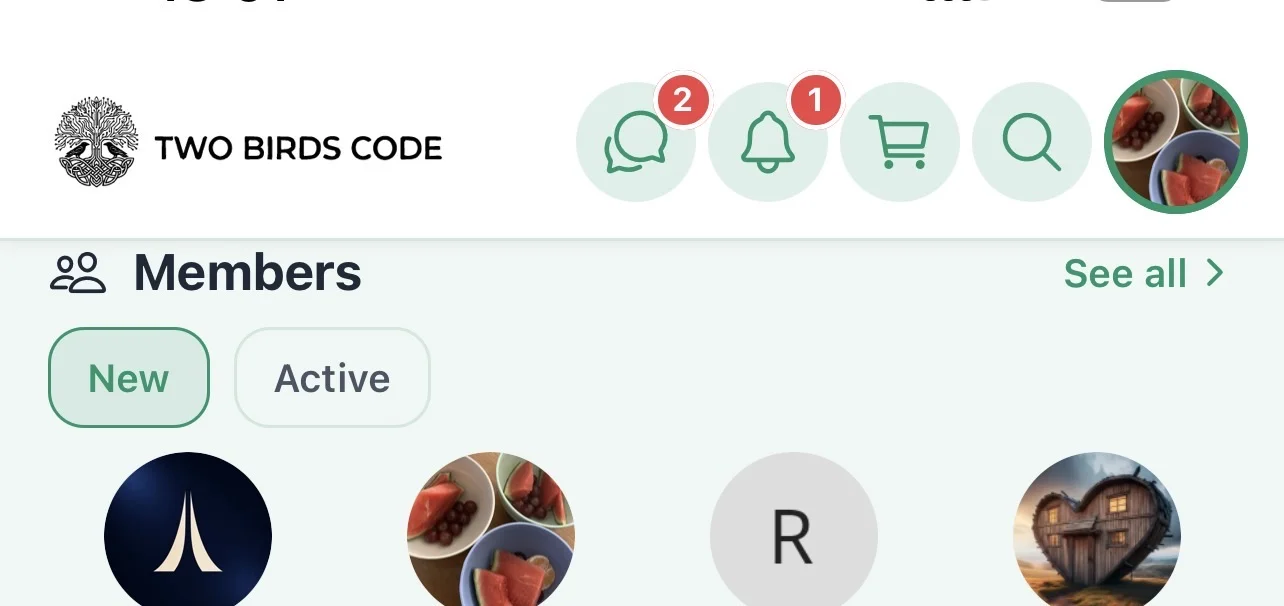
You’ll see Members is stuck at the very top on landscape and portrait any chance of some breathing space?
Lastly at home on the app, could we have a card for Community like blog that just links to the feed? Currently the only link is the bottom menu icon which isn’t apparent to users unless they click?
Even if it was an editable Title and card background image we can change.
Thanks
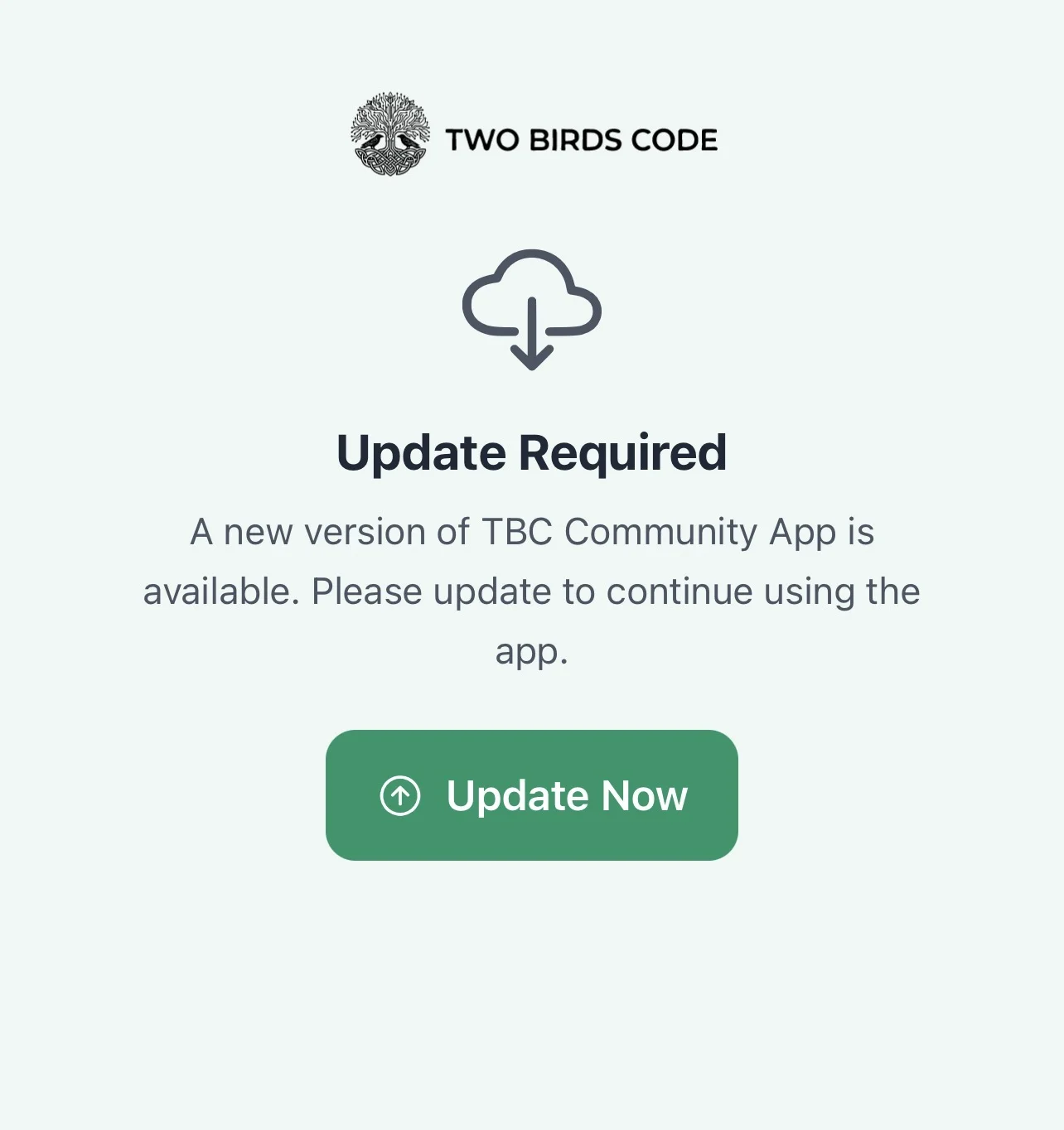
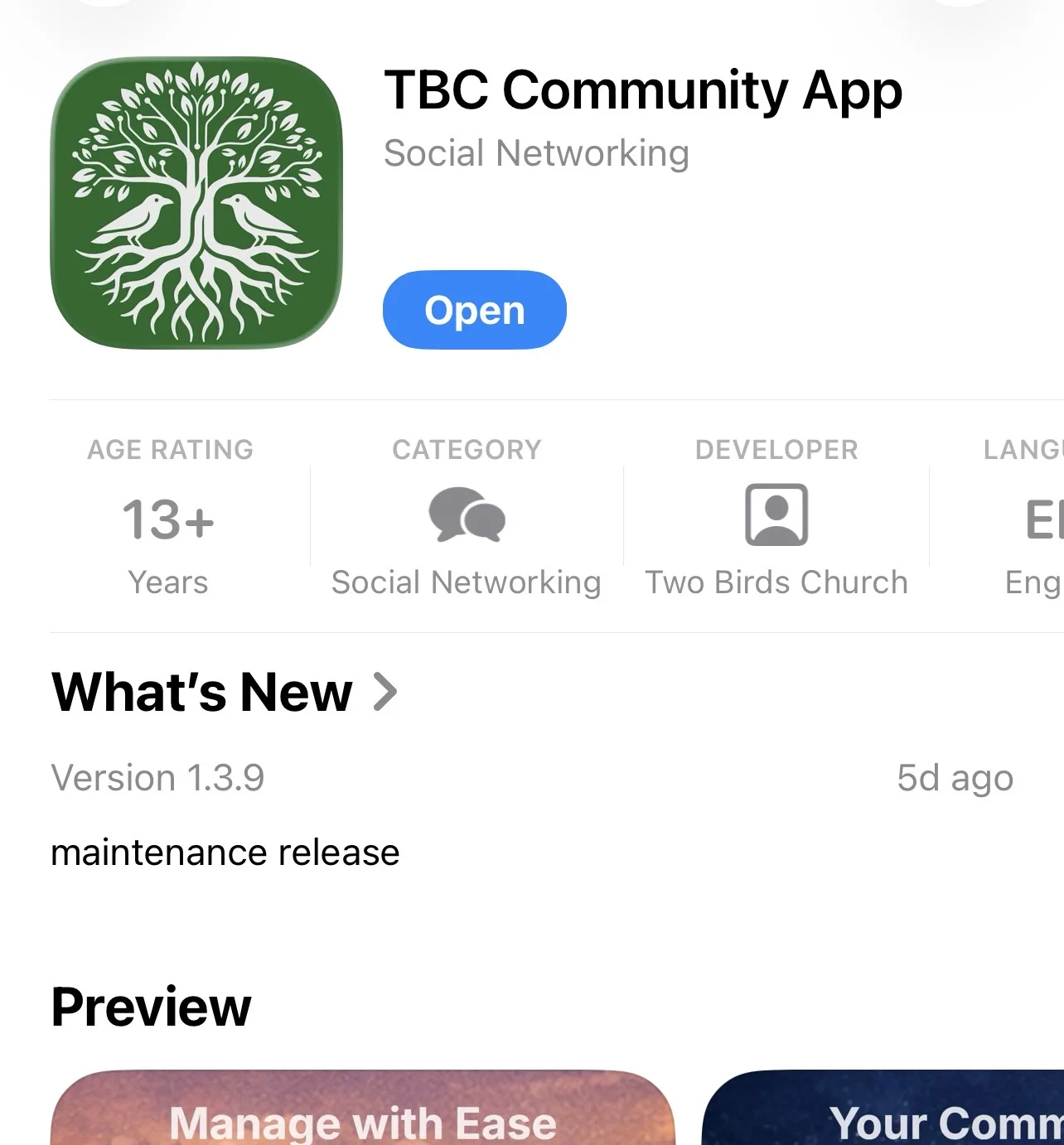
Just a heads up I’m seeing an update app on your app but Apple Store shows no update..