

A Fluent Community app: native, or the web app (PWA)?



 ·
24 min read
·
24 min read
Guide · Fluent Community on phones
A native app, or the web app?
Since version 2.8, Fluent Community Pro includes a web app, a version of your site that members can save to their home screen. Here is what it does well, what a native app in the App Store and Google Play adds, and how to tell which one your community needs.
The web app · what it is
Your site, saved to the home screen.
A web app (the technical name is PWA, a progressive web app) is your website with a few extra settings that let a phone keep it as an icon. It opens without the browser’s address bar, so it looks like an app. Every screen is still the website.
- Members install it by following browser steps. On an iPhone that means opening the site in Safari, tapping Share, then Add to Home Screen.
- It is not in the App Store or Google Play, so nobody finds it by searching a store.
- Notifications are web push, through FluentNotify, a separate plugin Fluent Community added in 2.9. On an iPhone, web push only works after the site has been added to the home screen.
- It changes the moment your site does. There is no build and no store review.
If you already pay for Fluent Community Pro, the web app costs nothing extra. Fluent Community’s 2.8 release post shows how to switch it on. For a small group that already lives on the website, that can be all you need.
The store · a listing under your name
Members find you by searching for you.
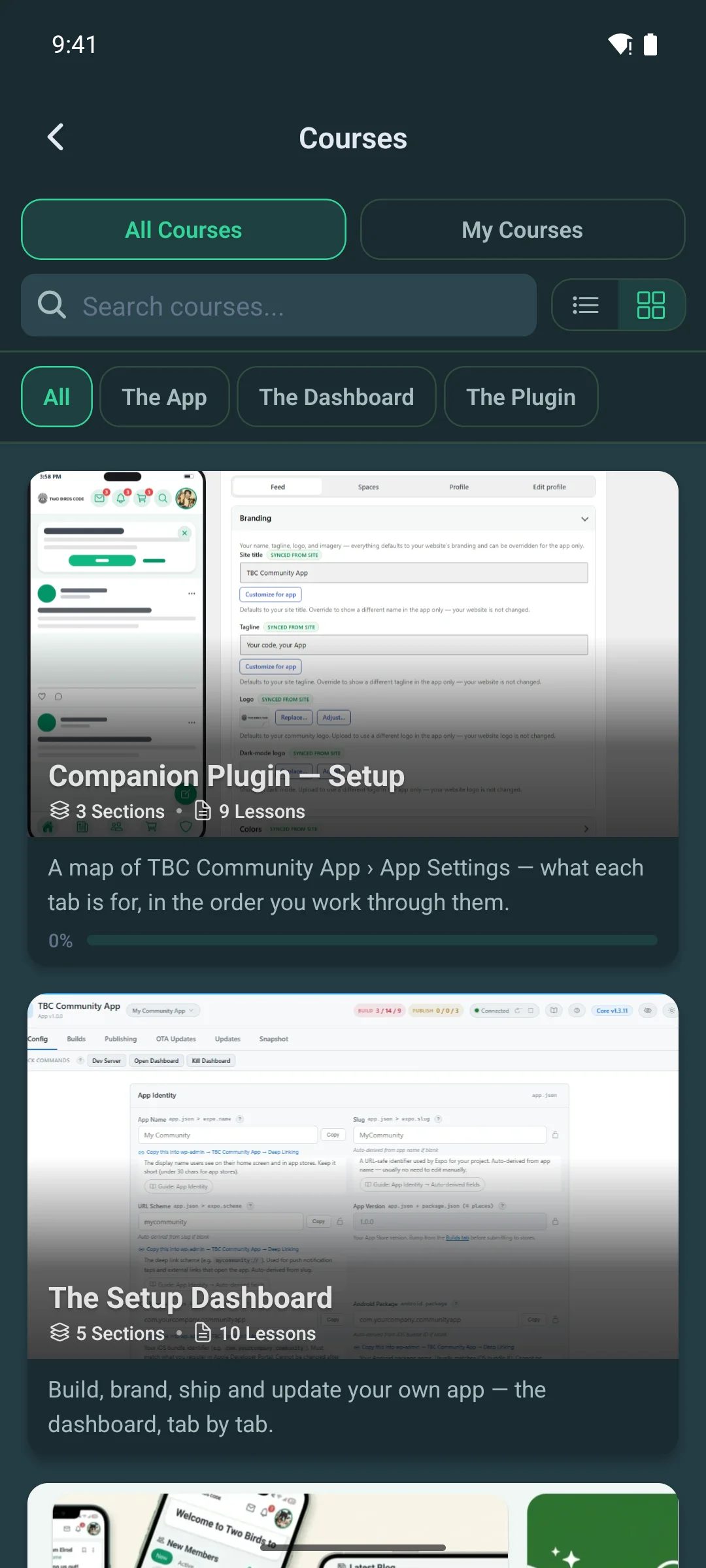
A native app is published in the App Store and Google Play under your own name, icon and developer accounts. That gives you a link you can put on your website, in your emails and on printed cards, and members install it the way they install every other app.
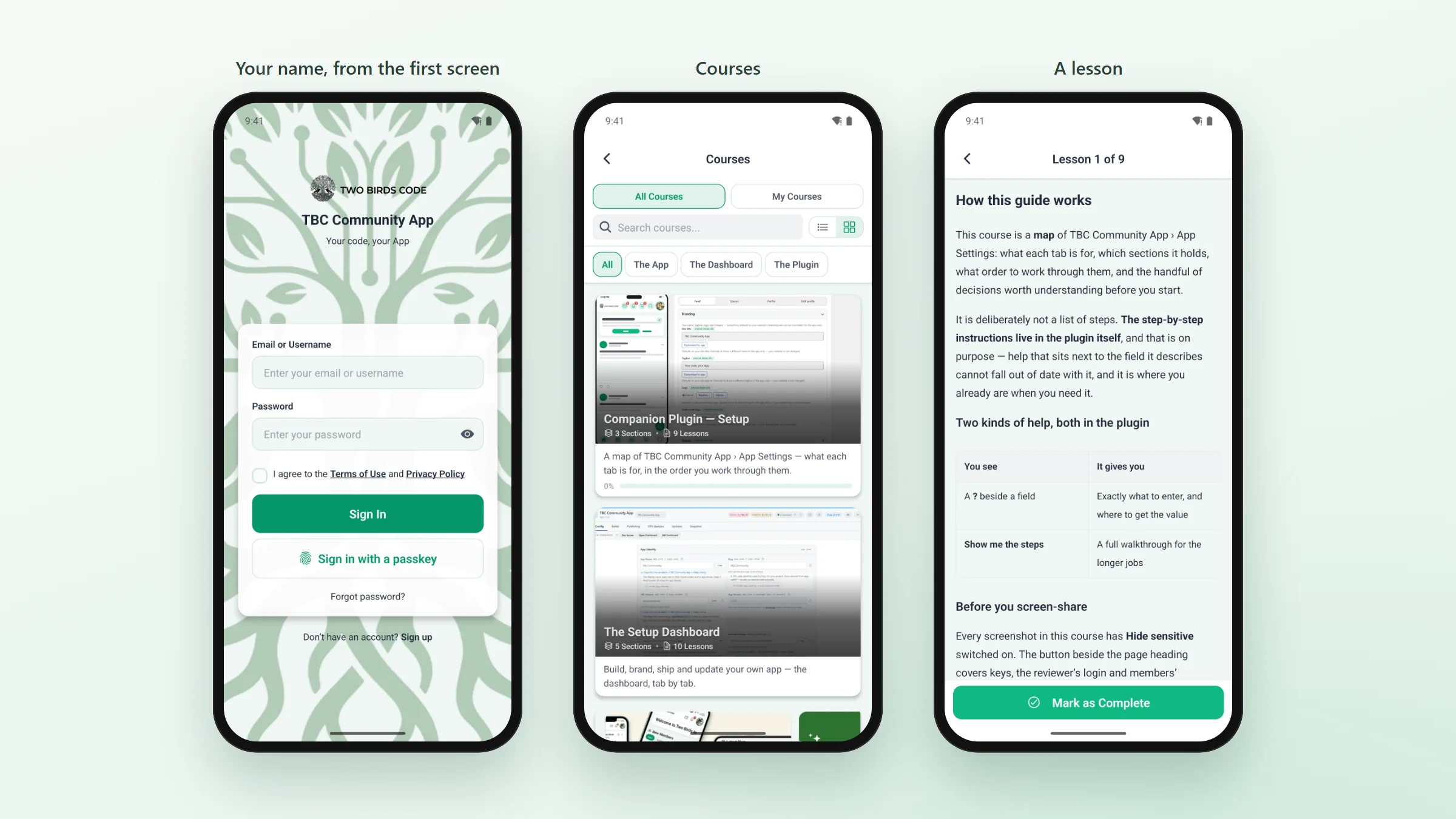
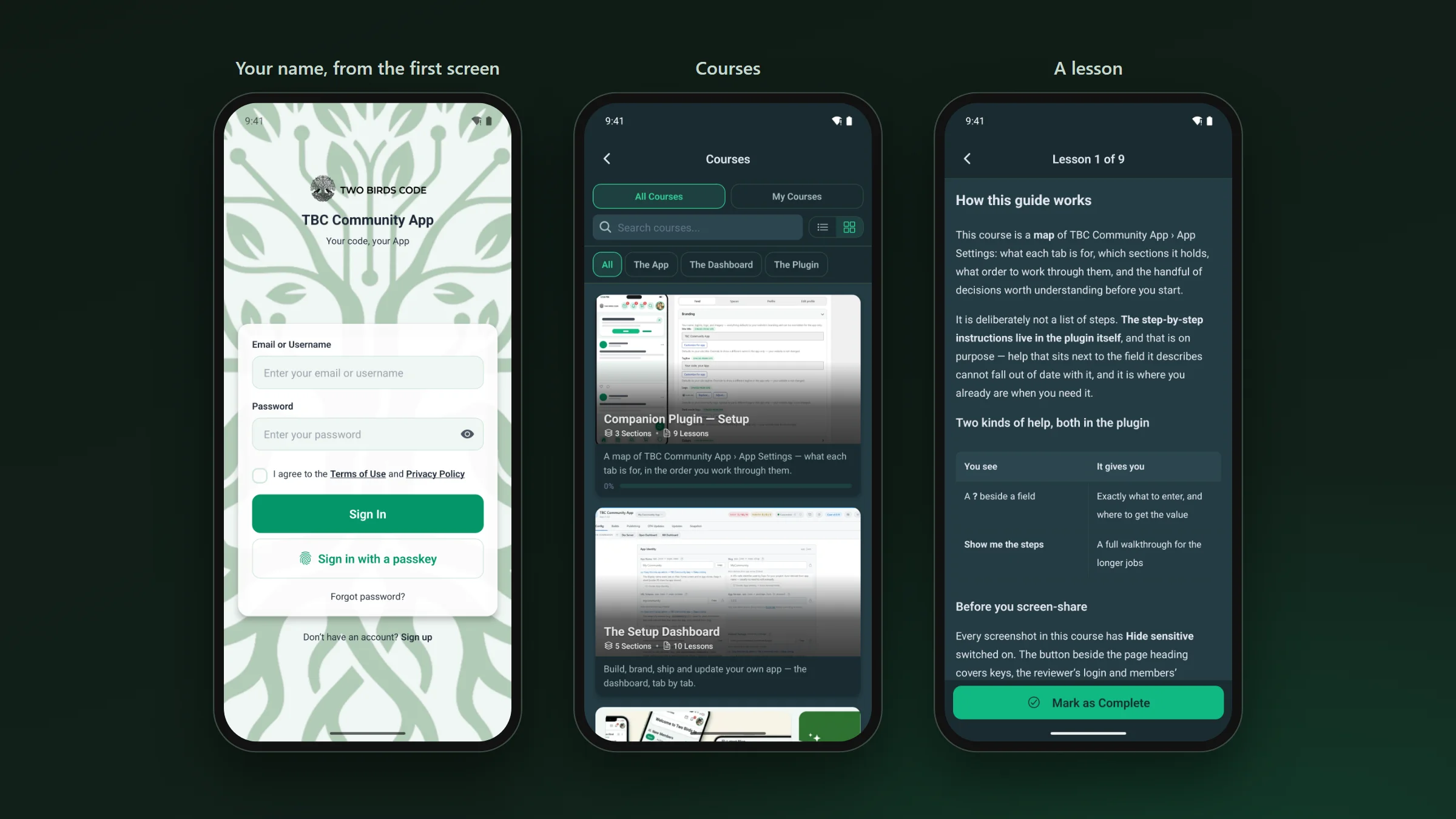
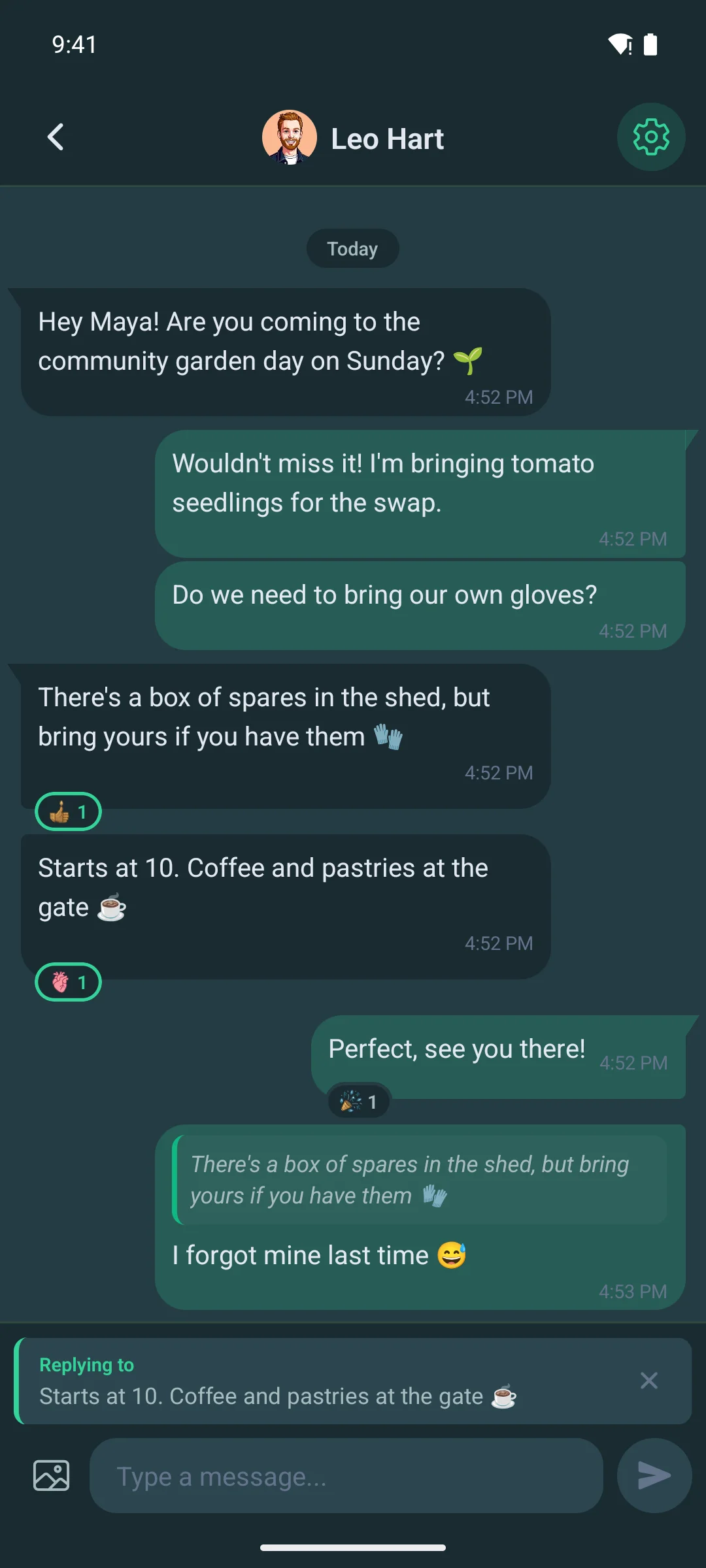
- Your logo, colours and words from the sign-in screen on. The colours come from your Fluent Community settings, in light and dark.
- Members can sign in with a passkey (their face or fingerprint) and lock the app with Face ID.
- Memberships can be sold inside the app through Apple and Google, priced in each member’s own currency.
Native screens · where members spend their time
The feed, chat and courses are built for the phone.
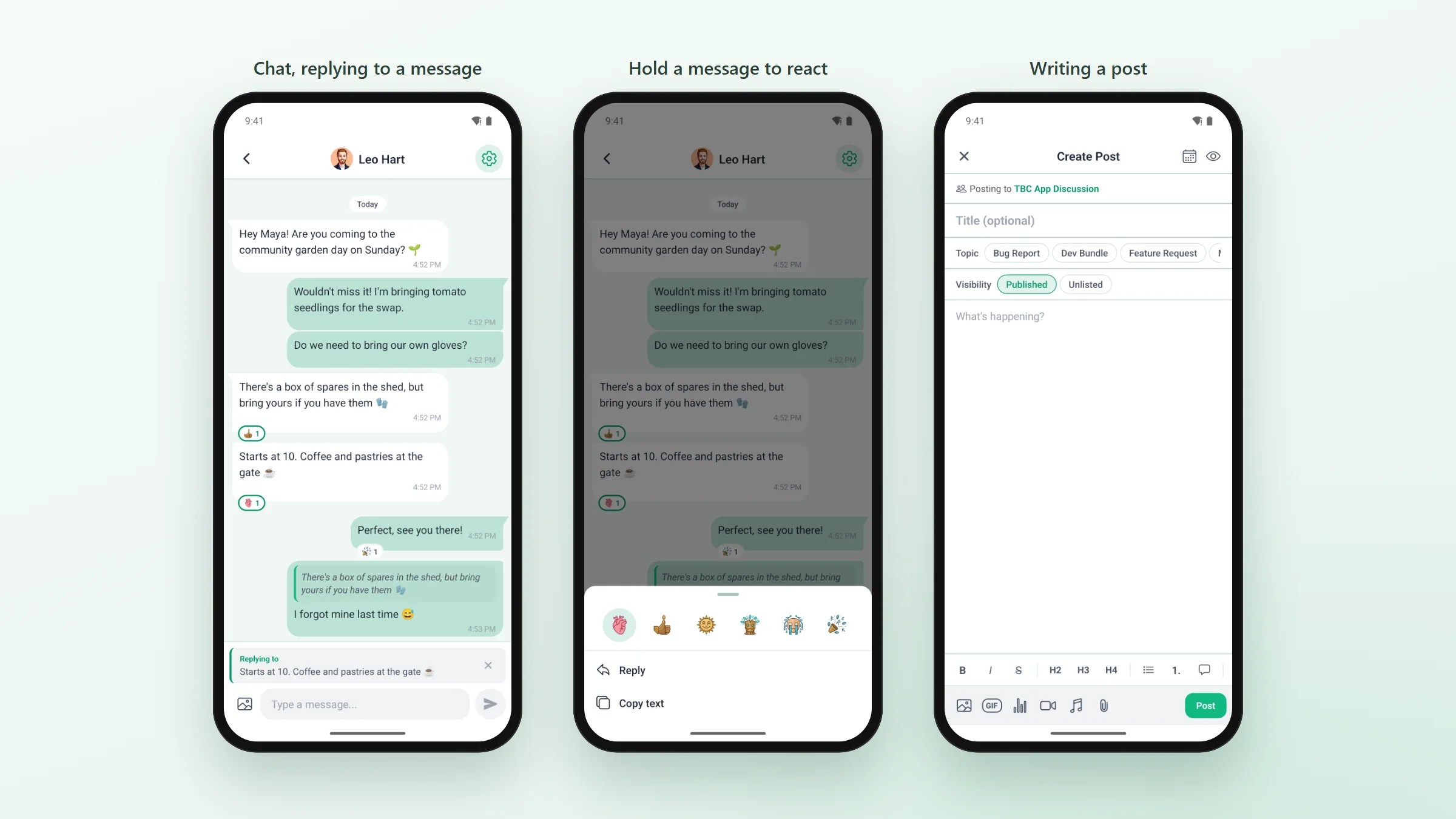
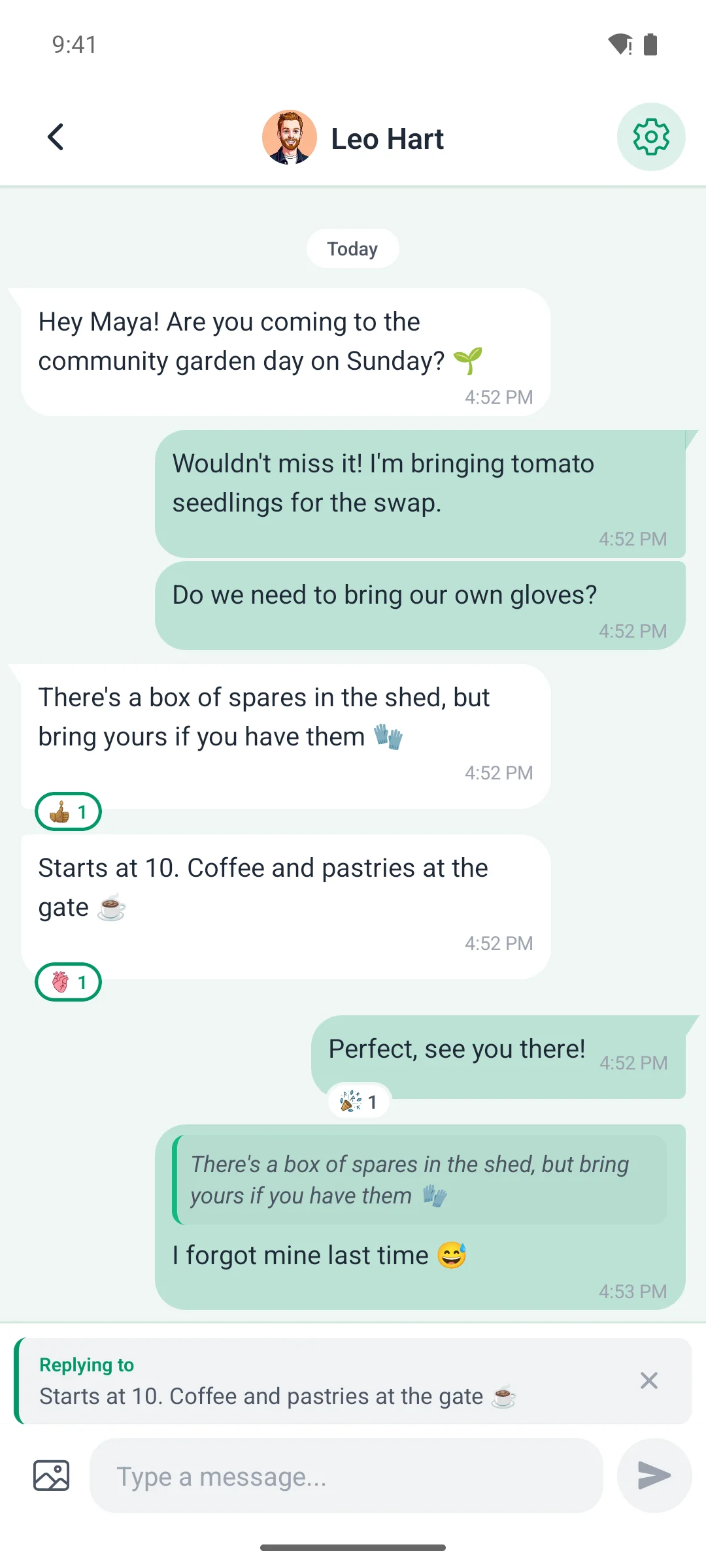
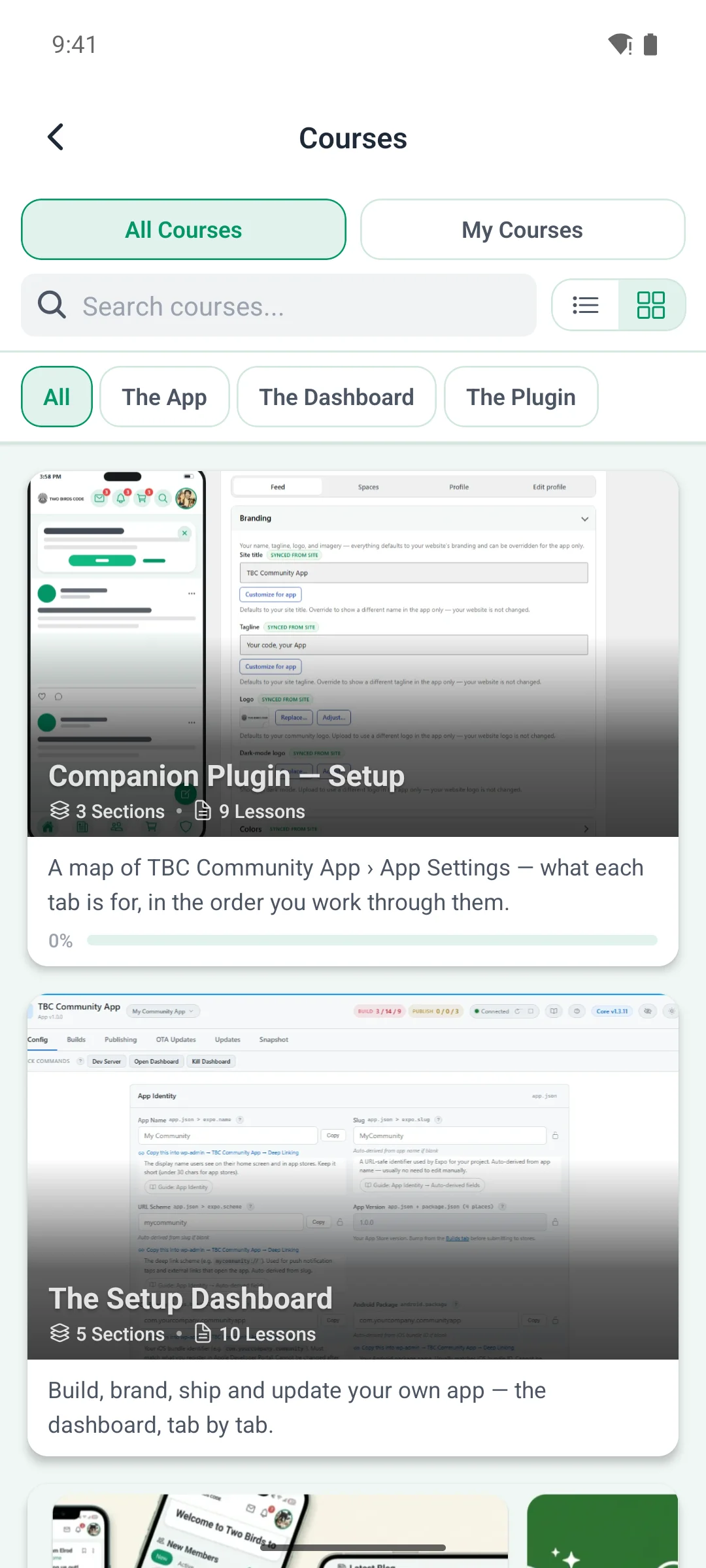
In our app the feed, messaging, spaces, courses, profiles and notifications are native screens, drawn by iOS and Android. Menus and sheets are the phone’s own, so they behave like the rest of the phone, and screen readers read them.
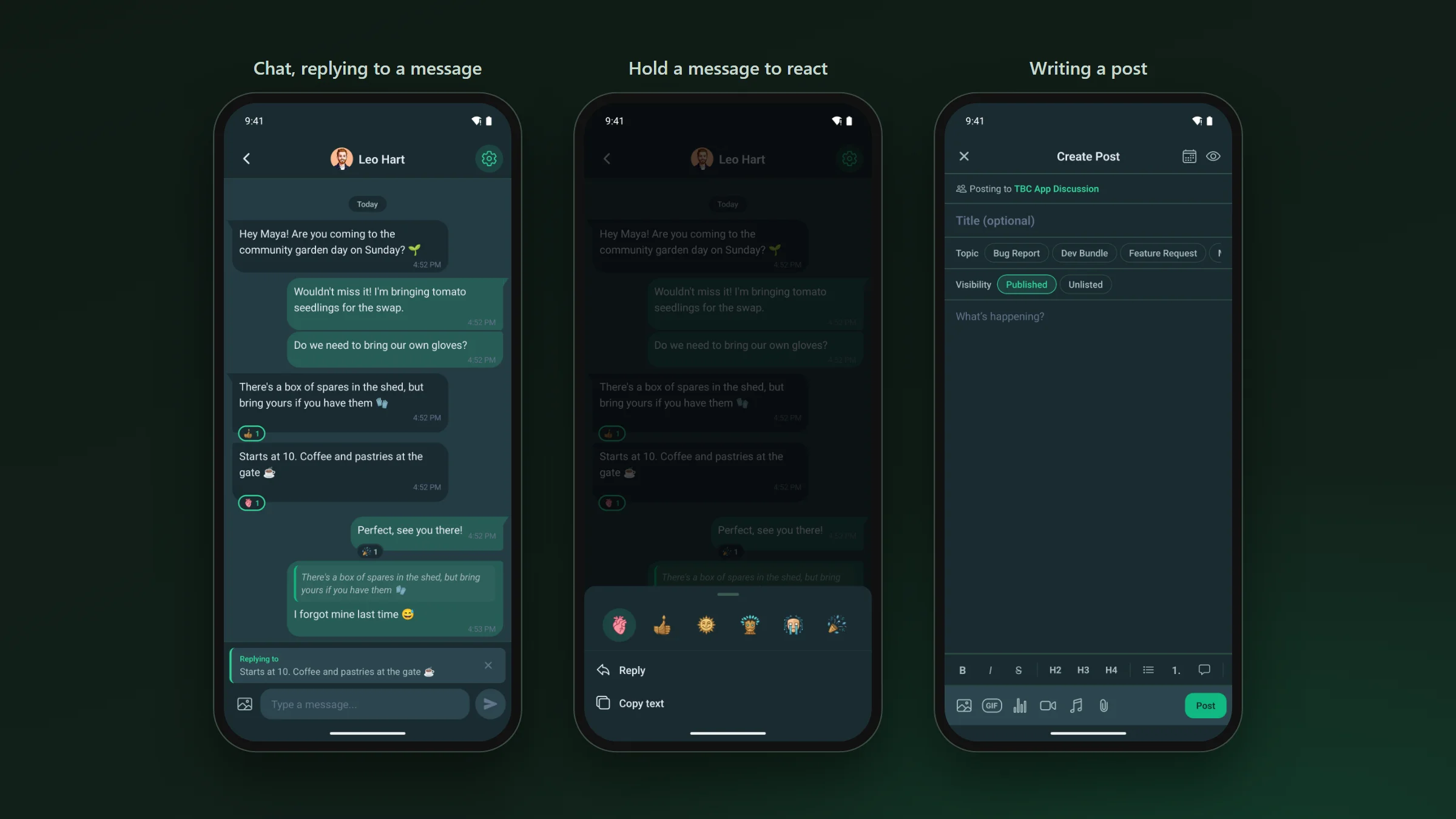
- New messages appear while the chat is open, and unread counts stay in step across the app.
- Notifications come through Apple and Google, put a badge on the icon and open the post or message they are about. Replies, mentions and messages arrive within seconds.
- Open the app with no signal and what you have already read is still there.
- Lesson and feed audio keeps playing when the screen locks.
- On an iPad or a tablet, lists spread into columns and sheets open as centred cards.
Your site · still there, inside the app
Every other page opens in the app, already signed in.
Your shop, a donation page or a page another plugin adds doesn’t need a native screen. Point a tab or a menu tile at it in WordPress and it opens inside the app with the member already signed in. Adding one needs no app update.
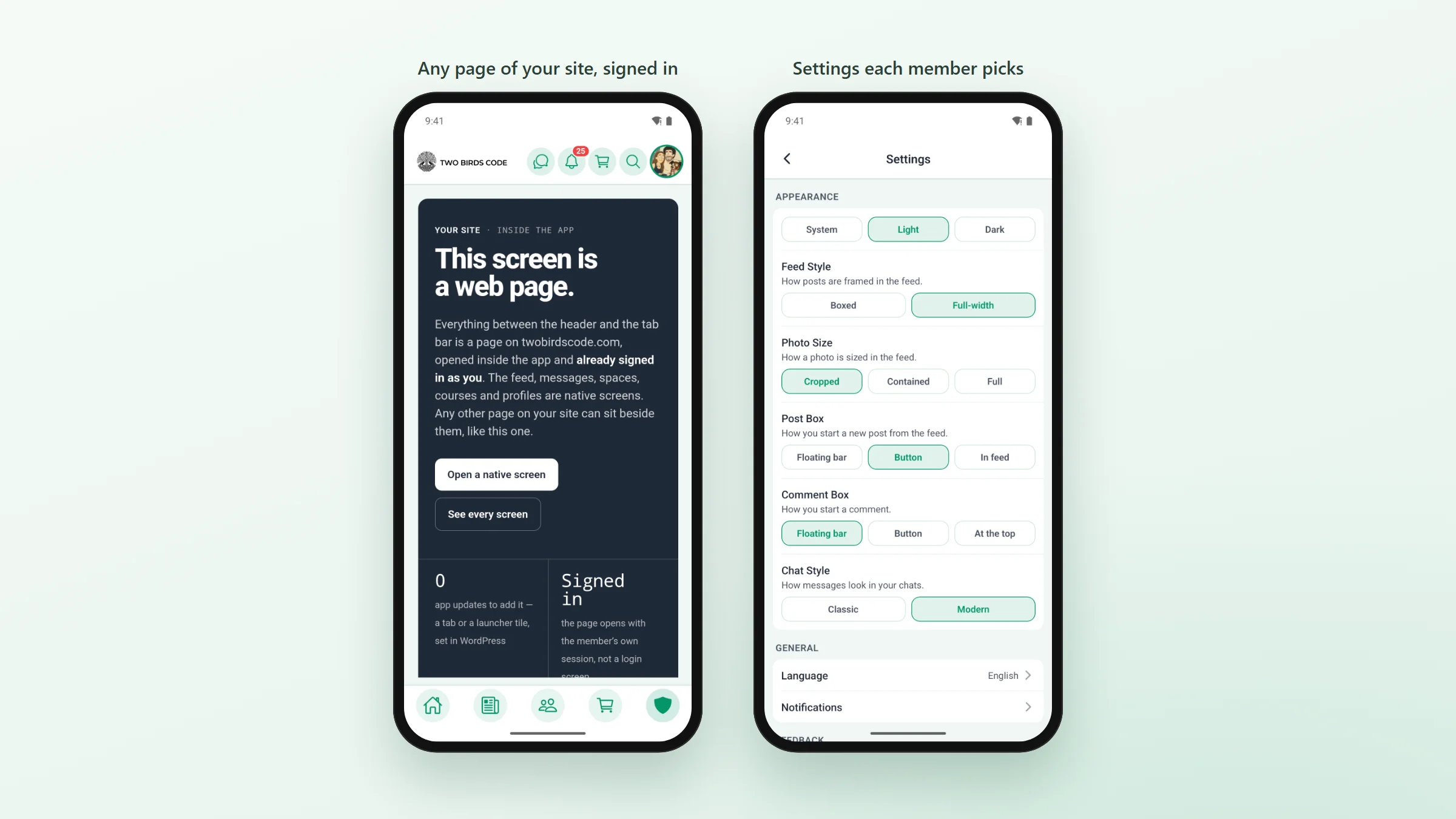
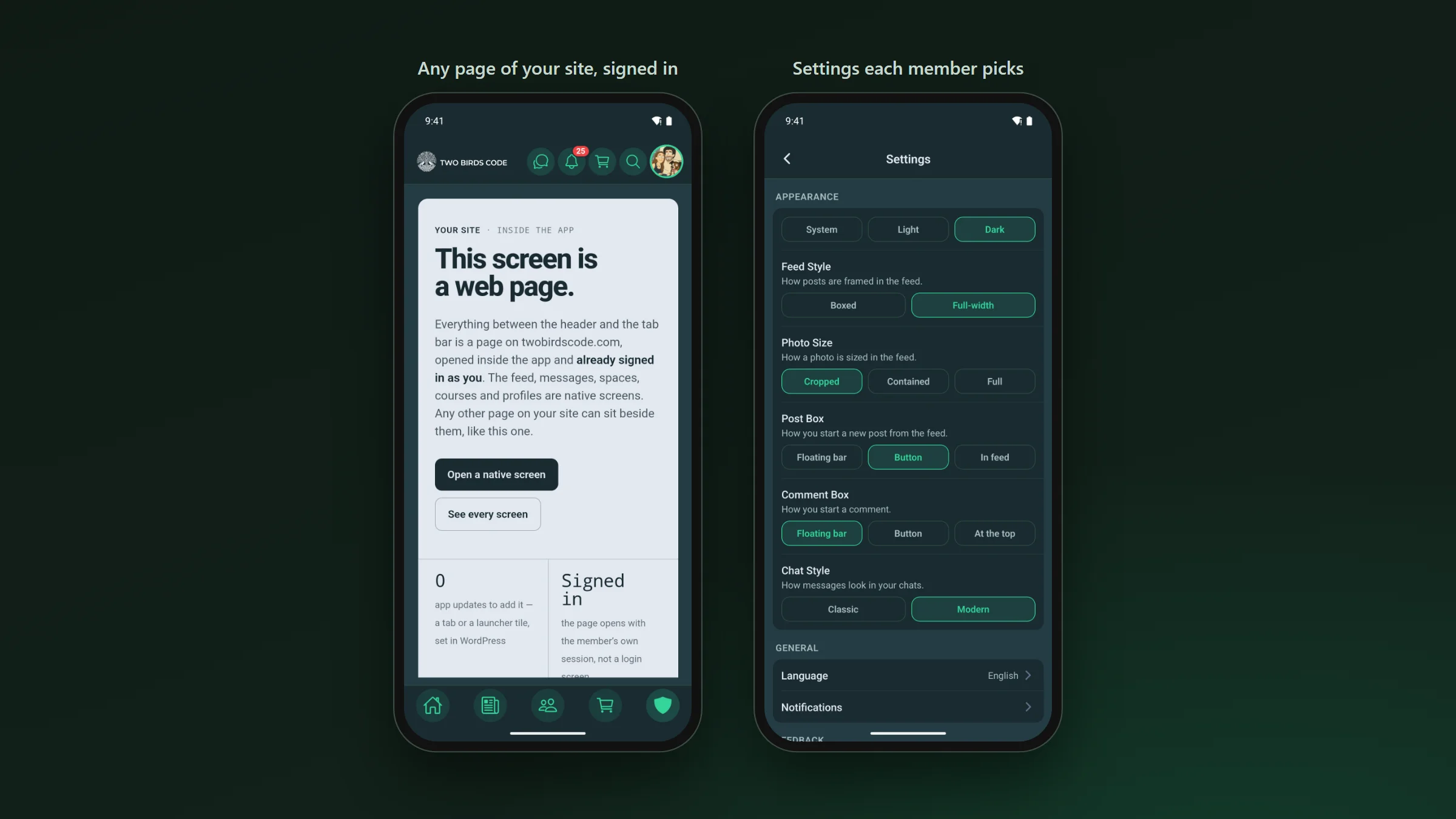
You arrange the home screen, menus and tabs, and choose who sees what, from WordPress. Members see the change the next time they open the app.
Choosing · an honest test
Which one fits your community.
The web app is enough when
- Members mostly visit on a computer
- You rarely need to reach them the moment something happens
- Nobody asks you “is there an app?”
- You don’t want to set up Apple and Google developer accounts
A native app is worth it when
- Members check in on their phones, several times a day
- Messages and replies need to reach people quickly, on iPhone too
- You want a store link to hand out, under your own name
- You sell memberships or courses and want to sell them in the app
Cost · what it takes
Priced for a small community.
A custom native app costs tens of thousands to build. Ours comes two ways, and both publish on your own Apple and Google accounts.
- Managed is $33 a month with no setup fee. We build the app, submit it to both stores and keep it updated. You shape it from WordPress.
- The Dev Bundle is the full React Native source for $399 per site, with a dashboard that builds the app and submits it to the stores from your browser. Core updates are $50 a year if you want them.
- Apple charges $99 a year for a developer account and Google charges $25 once. Those accounts are yours, and so is the listing.
- Apple turns down apps made from a template unless the owner of the content submits them. Ours always goes out on your own account, which is the way Apple’s rule describes.
If you stop paying, the app stays in the stores and keeps working for your members. You only stop getting updates.