

Moving to Fluent Community? Bring an app with you



 ·
23 min read
·
23 min read
Guide · leaving BuddyBoss
Moving to Fluent Community? Bring an app with you.
Fluent Community has a tool that moves a BuddyBoss site’s groups, members and posts across. It doesn’t move the app. This is what the move takes, what it leaves behind, and how to keep a store app your members already know how to use.
Why people move · our own reason
We were stuck on BuddyBoss because of the app.
Our church community ran on BuddyPress, then BuddyBoss and the BuddyBoss App, for years. We wanted Fluent Community long before we moved, and the app held us back: if we left BuddyBoss, the app our members opened every day went with it. So we built our own native app for Fluent Community, moved, and later made it something other communities can use.
If you are weighing the same move, the website side is the easy part now. The app is where you need a plan.
The move · Fluent Community’s own tool
What comes across, and what stays behind.
Fluent Community’s migration tool is in the portal under Settings, Manage Migration, BuddyBoss Module. Large sites can run it from WP-CLI instead (wp fluent_community migrate_from_bb). It can overwrite data already in Fluent Community, so take a full backup first.
Comes across
- Groups, as spaces, with their members
- Group posts, as space posts
- The main “What’s New” activity, as the community feed
- Comments and reactions
- Avatar profile pictures
Stays behind
- Private messages between members
- Connections (friends lists)
- bbPress forums
- Profile types and custom profile fields
- Uploaded profile pictures and group cover images
- Theme settings and BuddyBoss add-on data
That list comes from Fluent Community’s migration guide. Read it before you start, and run the move on a staging copy of your site first.
The app · what your members open
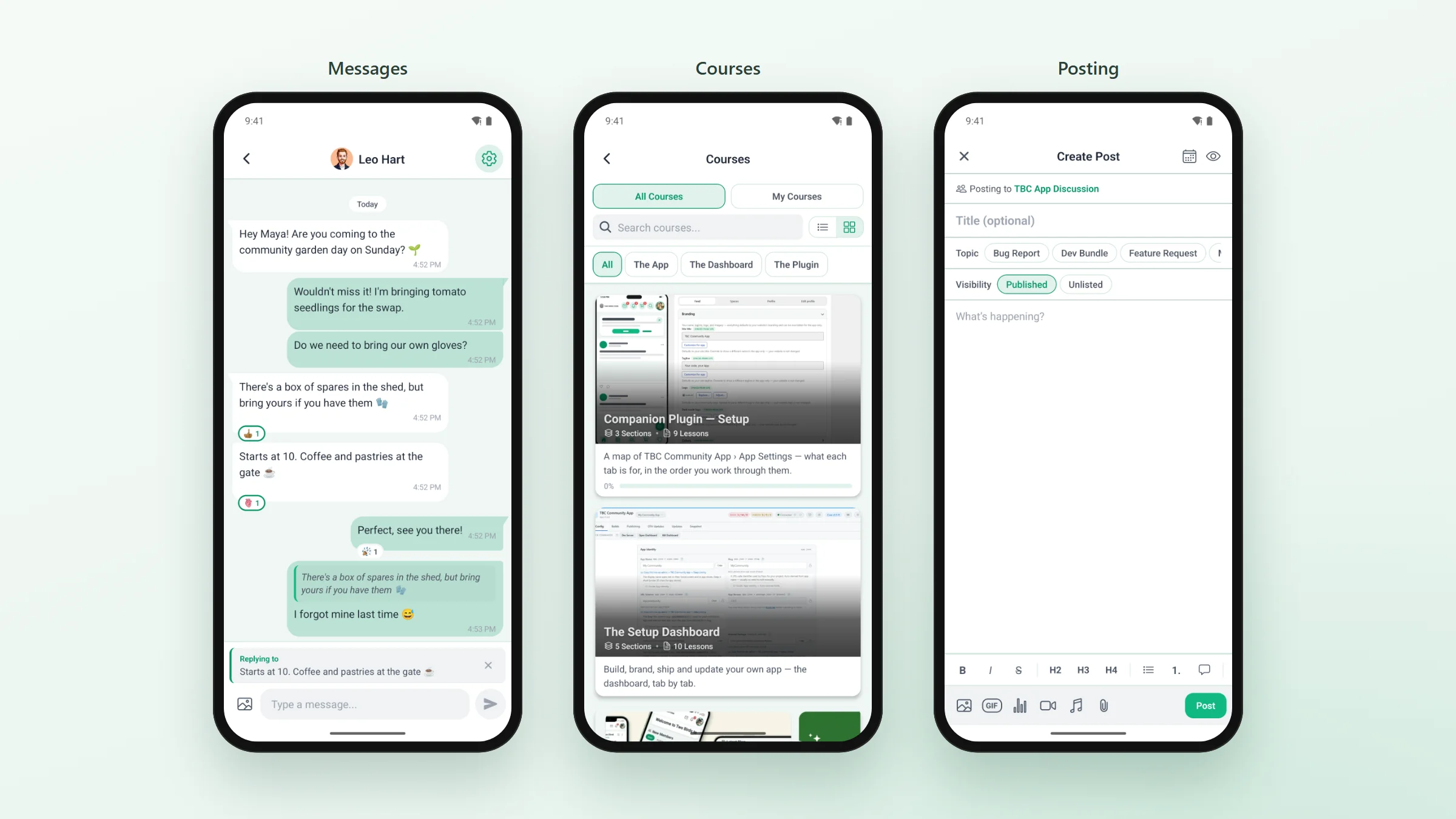
The same things your members do now, in a native app.
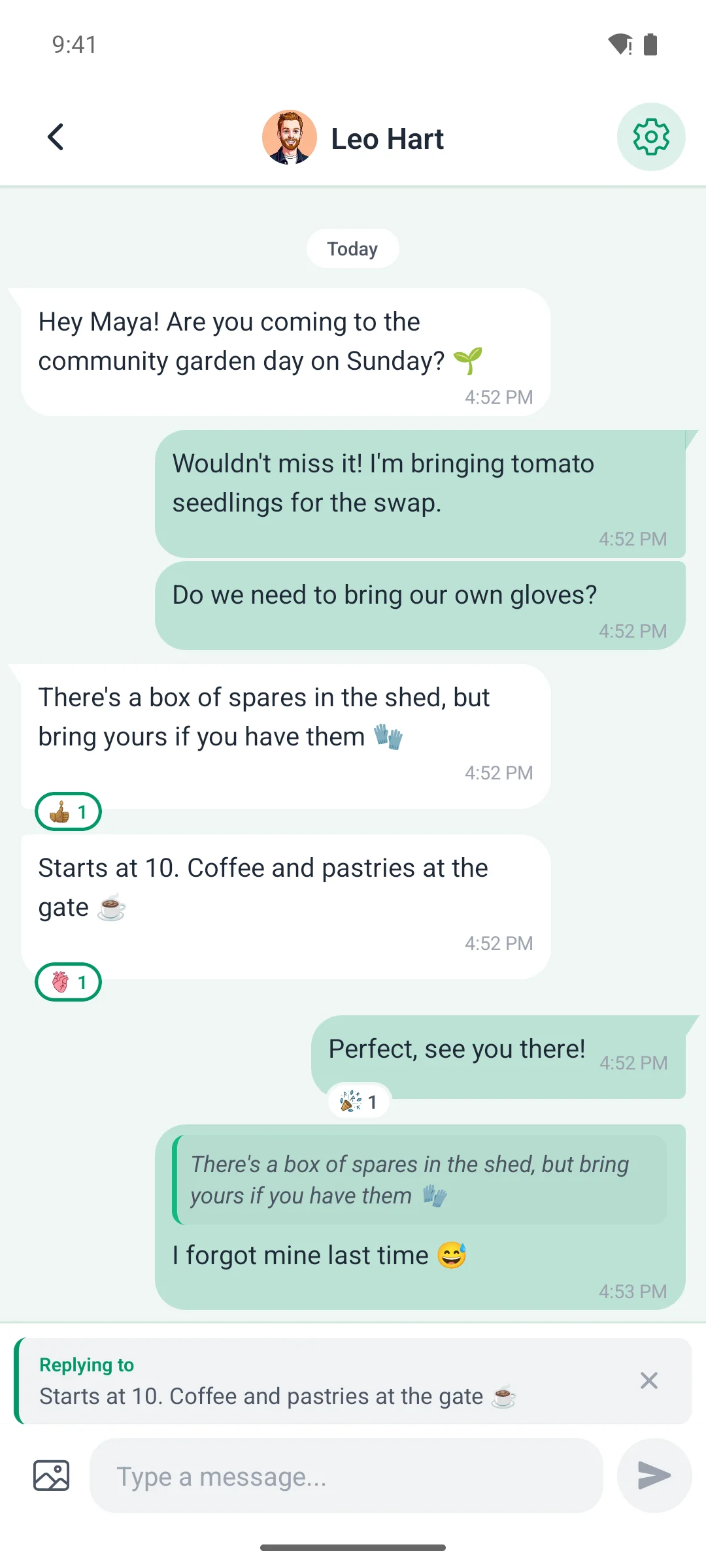
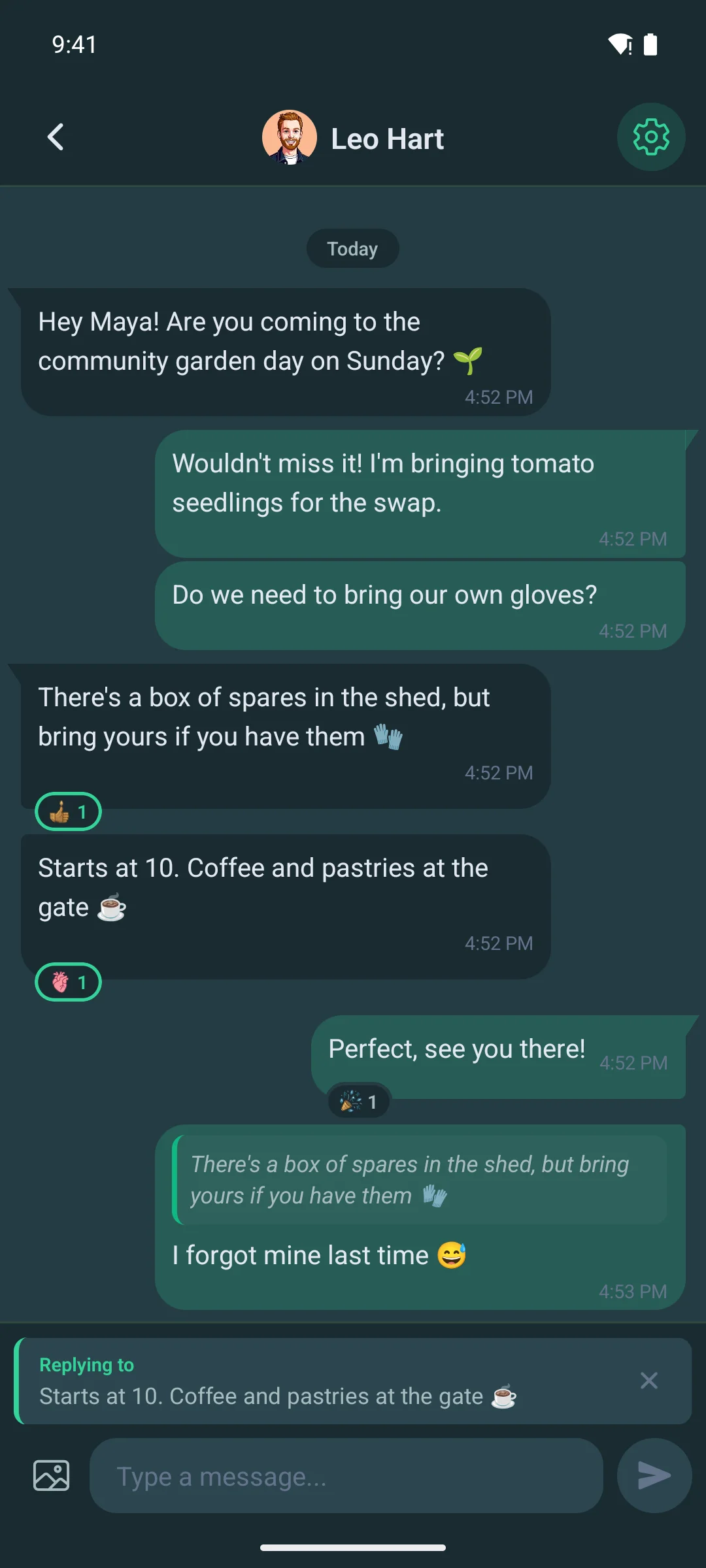
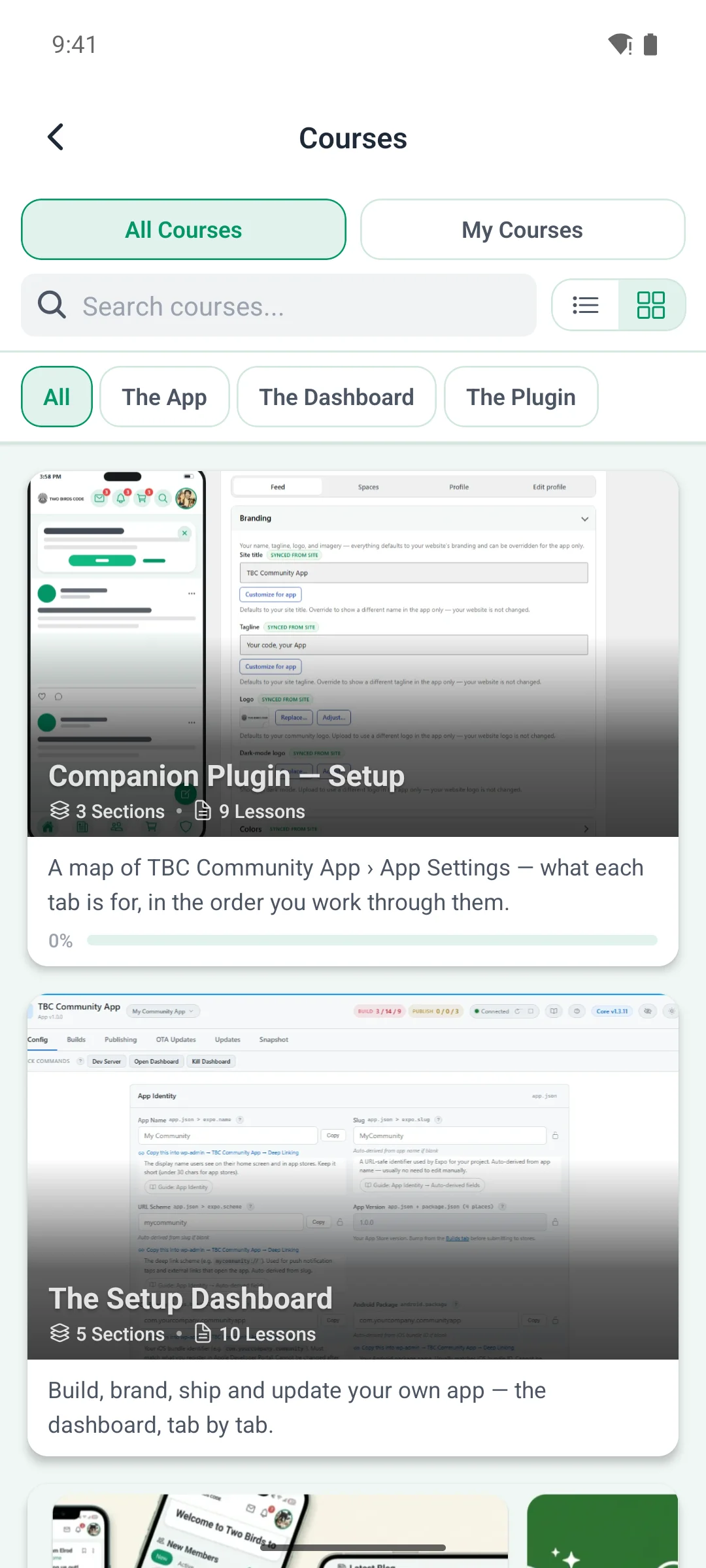
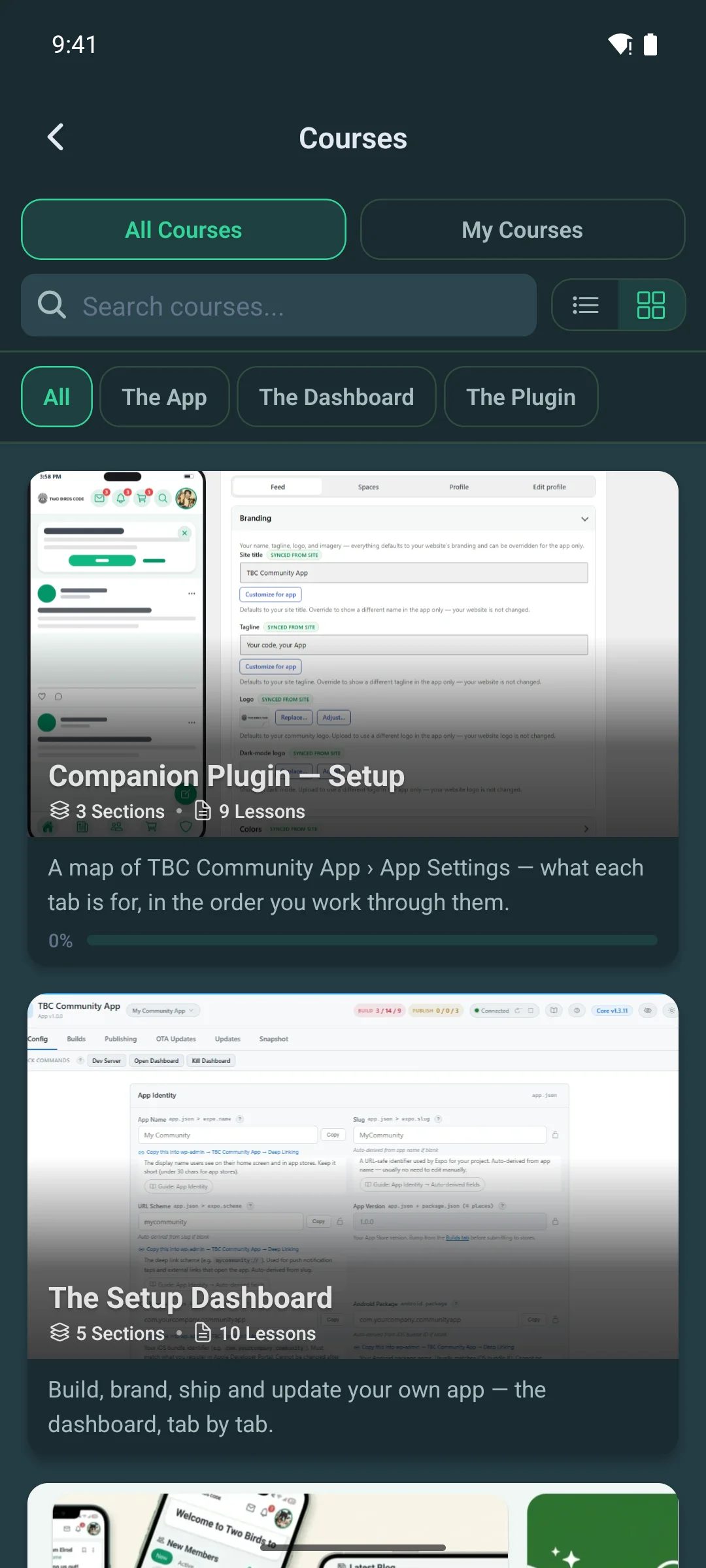
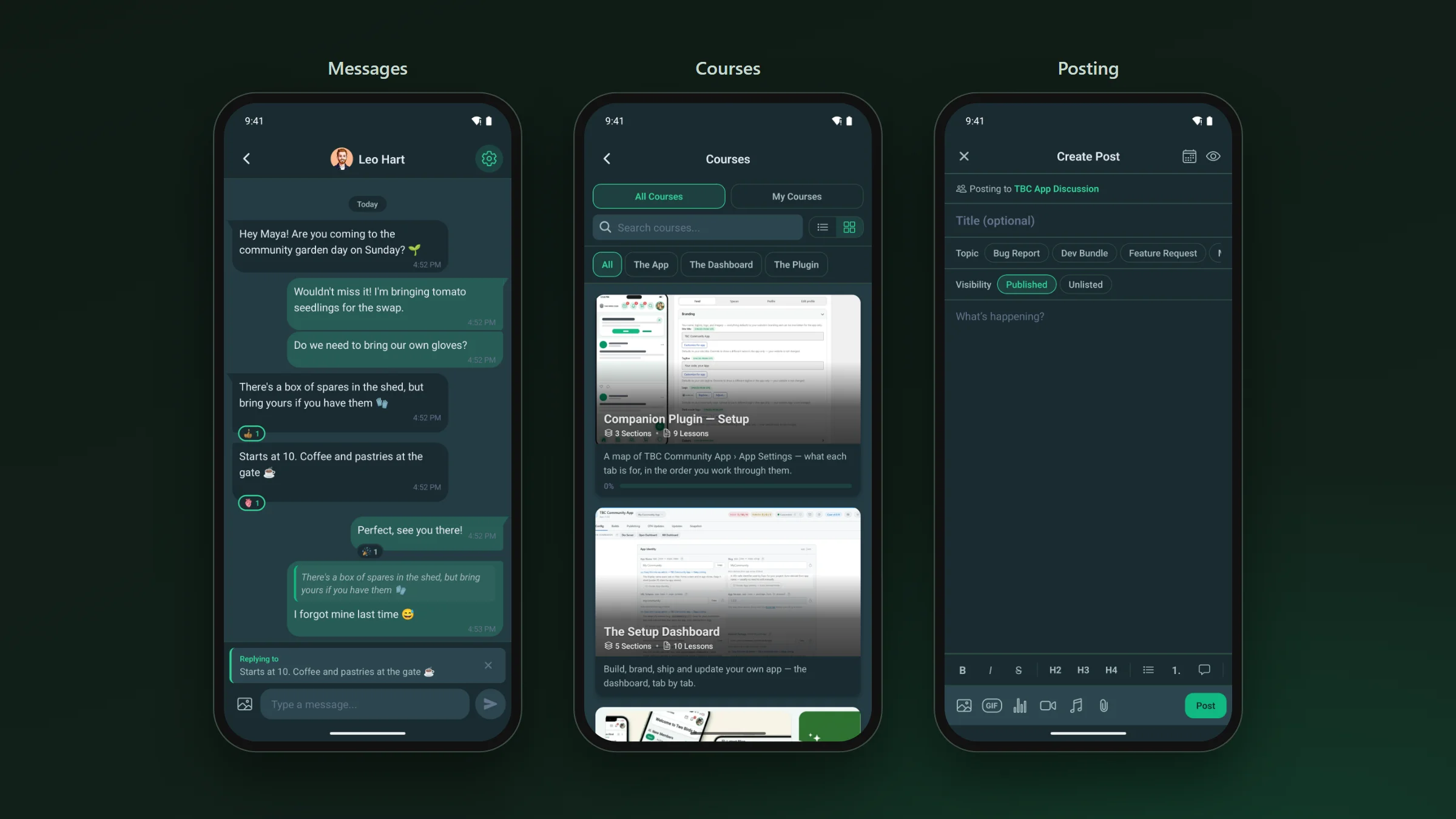
Our app is native on iOS and Android and talks to Fluent Community directly. The feed, messaging, spaces, courses, profiles and notifications are native screens. Any other page on your site opens inside the app, already signed in.
- Push notifications through Apple and Google, opening the post or message they are about.
- Direct messages and group chats, with replies and reactions.
- Courses with lessons, quizzes and video, and audio that keeps playing when the screen locks.
- Memberships sold in the app through Apple and Google.
- English, Spanish, Greek and Dutch, with a language picker in Settings.
Your listing · on your own accounts
Keep your name in the stores.
Both our options publish the app on your own Apple and Google developer accounts, under your name and icon. If you already have those accounts from the BuddyBoss App, you can use them.
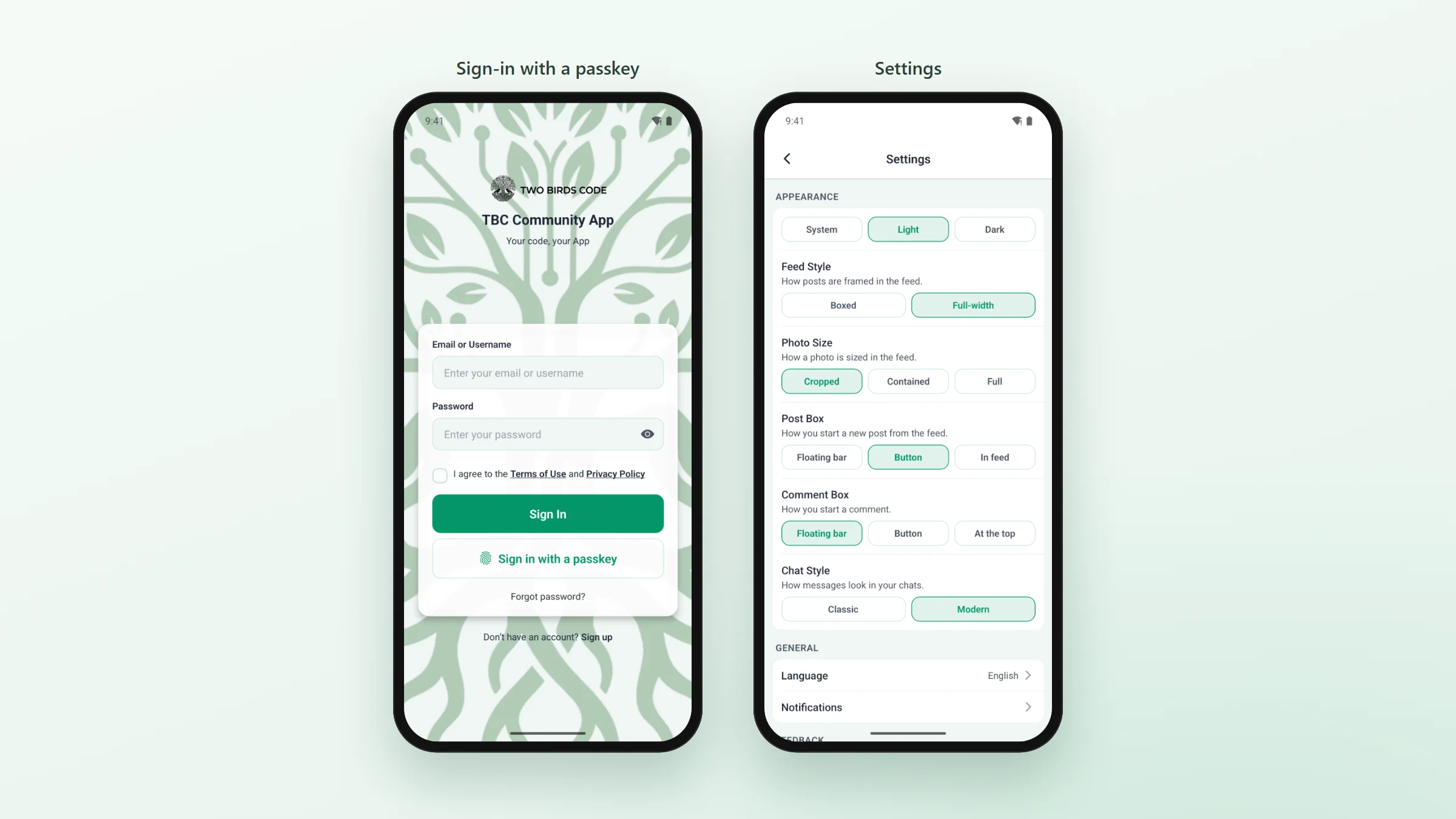
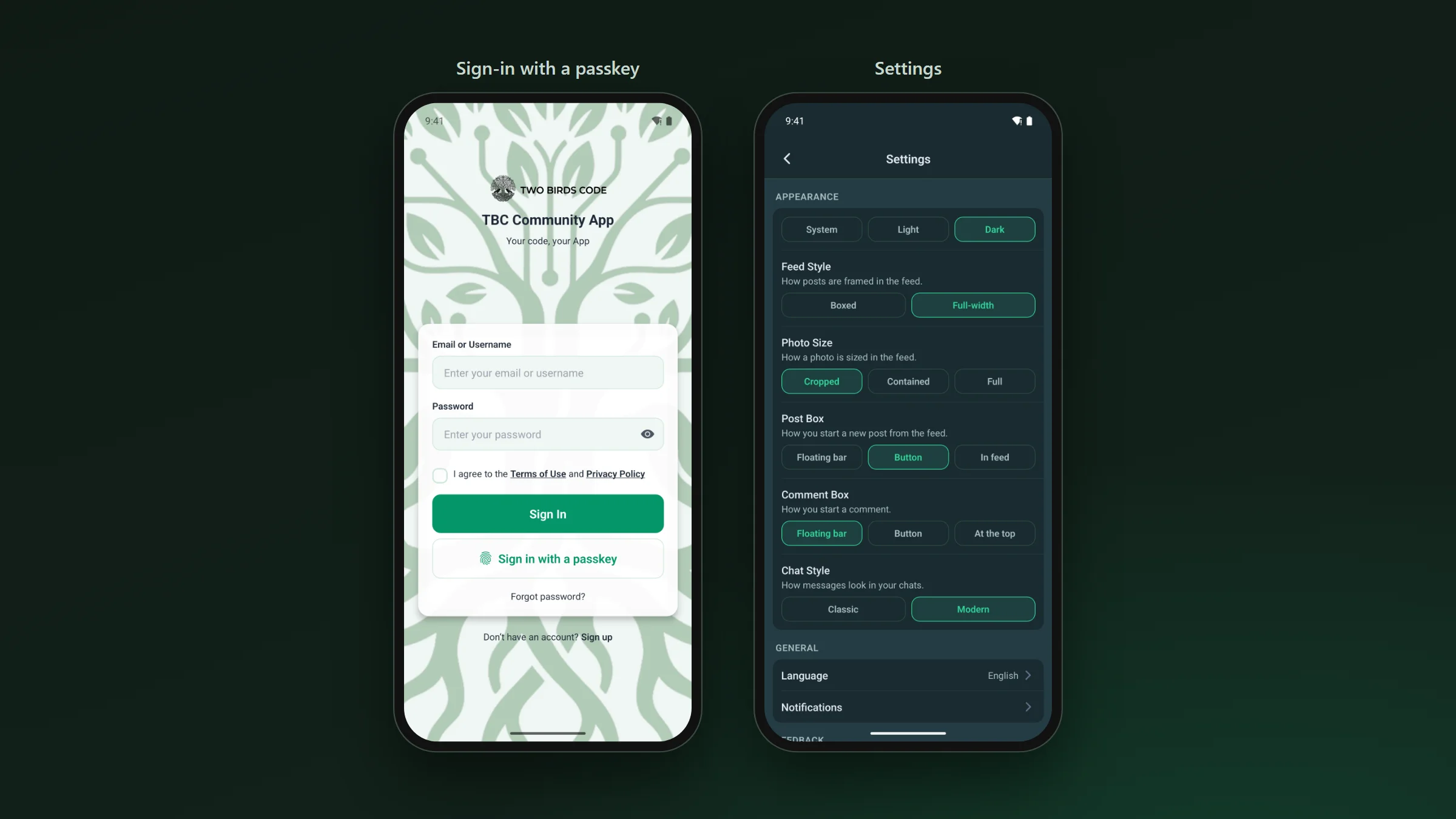
- Members sign in with the same WordPress account they use on your site, or with a passkey.
- You arrange the home screen, menus, tabs and colours from WordPress, and members see the change the next time they open the app.
- If you stop paying us, the app stays in the stores and keeps working. You only stop getting updates.
Cost · two ways
What the app costs after the move.
- Managed is $33 a month with no setup fee. We build the app, submit it to both stores and keep it updated.
- The Dev Bundle is the full React Native source for $399 per site, with a dashboard that builds and submits the app from your browser. Core updates are $50 a year if you want them.
- The app shows what your Fluent Community site has switched on, so a feature that needs Fluent Community Pro on the website needs it in the app too.
Our comparison with the BuddyBoss App sets the two side by side, with BuddyBoss’s own published prices and terms.