


Hello,
I am considering purchasing your app, but I have a few questions before making a decision:
- I plan to use the app primarily for a community platform. Is it possible to use the feed/community feed as the home page of the app?
- If there are features or options that I do not use, can those be hidden or removed from the app interface?
- In Bangladesh, international card payments are generally limited to around $300 per transaction. If the app price exceeds $300, what payment options do you offer for customers from Bangladesh?
- I am currently using your Android demo app. I noticed that the app provides vibration/haptic feedback whenever I tap on any buttons or links. Can this behavior be disabled?
- Is it possible to use custom CSS within the app for additional styling and customization?
- Does the app support native Google Login and Social Login functionality?
- How do you handle cache management within the app? Is there any built-in caching system, and can users clear or control the cache if needed?
Thank you. I look forward to your response.

Thanks for the update to the Profile Completion Gate plugin! I'm really loving the way you've included the "Additional Information" from the FluentCommunity "Custom Profile Fields". This is awesome!

The Fluent Community welcome banner is one of our favorite tools — across a lot of our clients' communities, and on our own community sites too, it's where everyone puts their upcoming events right in front of people the moment they open the app or the site.
The same snag kept coming up, though: outside of the occasional big special event, most of what these communities run is recurring — monthly gatherings, weekly sessions, that sort of thing. So nearly every week someone would be going in and swapping the banner out to feature whatever was coming up next. It worked, but it was a small chore that never really ended.
So we built a little tool to fix it. Instead of a single banner, you set up a whole pool of them — each with its own image or video, text, and buttons — and let them rotate. Randomly, daily, weekly, or on a set schedule. And when there's an event worth really pushing, you can lock a banner so it stays front and center until it's unlocked.
Now the events kind of promote themselves, and nobody's editing the banner every Monday morning.
We built it for our own sites and our clients first, but figured we'd share it in case it's useful to anyone else running a community on Fluent Community. It works right on the web portal (and in the app too, for the folks who have one).
👉 https://www.twobirdscode.com/blog/item/tbc-banner-roation/

The web platform got a big update, and we made sure the app keeps right up with it. Here's what's new on your phone:
✨ New posts and comments glow — when something fresh lands in the feed, it gently pulses and scrolls into view, just like on the web.
🎬 Instant video thumbnails — links to Vimeo, Wistia and friends now show a real poster image right away. Tap to play, no waiting.
🎓 Course welcome banners — the banners you see when you open or preview a course now show up in the app too, on both the course screen and locked previews.
🔒 Smarter lock screens — private course and space previews now render exactly the way they're set up on the web.
🛡️ First-comment & first-post approval — if your community holds new members' first contributions for review, the app now shows a friendly "pending approval" note so nobody's left guessing.
Everything updates automatically — just open the app. 💛
I got a message in my backend admin WordPress dashboard saying that my TBC Profile Completion Gateway plugin license is deactivated, and I need to reactivate it. So, I went into the plugin settings and the Settings tab screen is all grayed out, and when I click on the License tab, I clicked the Refresh button and it didn't do anything. So, I found my license key email and I deactivated the license and reinstalled the license key, and it won't activate my lifetime license.
Is there a way to fix this??
Been heads-down since the Fluent Community 2.5.0 catch-up. The big one this round: responsive layouts are now wired through every screen in the app — architected in from the ground up, not bolted on as an afterthought. The part you'll actually use every day is landscape.
- Rotate your phone and the app rotates too — read posts, watch videos, and type messages sideways without the app locking you back to portrait.
- Landscape uses the extra width smartly — text caps at a comfortable reading width instead of stretching the whole way across, and feeds flow into columns instead of one stretched-out list.
- Messages goes two-pane when there's room — conversation list on one side, the thread on the other, so a wider screen actually shows you more.
- One smart sheet everywhere — menus and pop-ups slide up from the bottom in portrait and in from the side in landscape, automatically.
And because it's built this way from the ground up, it scales all the way up to tablets, foldables, and desktop too. But the everyday win is just turning your phone.
Under the hood, a security + reliability pass you'll feel without seeing:
- Stay logged in across all your devices. Phone, tablet, and laptop each get their own secure session and push token now, so notifications land on the right device and you're not getting bumped out by a flaky connection. Refresh tokens rotate automatically behind the scenes, and we raised the per-account device limit way up.
Spent the weekend getting the TBC Community App caught up to Fluent Community 2.5.0 — full rundown of what they shipped here: https://fluentcommunity.co/blog/fluentcommunity-2-5-0/
Went down their list and matched every mobile-relevant feature in the app:
- Sequential Lesson Lock — finish a lesson, the next one unlocks instantly
- Comment reaction notifications — the new "someone reacted to your comment" alerts come through properly
- Hide header + tab bar on scroll — respects the FC setting
- Scroll-to-top button — on every feed
- Courses tab on member profiles — tap any profile, see what they're learning or teaching
- Copy button on code blocks — in posts and comments
- Remove photo on avatar + cover pickers (iOS + Android)
Also threw in a small parity fix from FC's avatar API change — real initials now show for users who never uploaded a photo, instead of everyone getting the same default Gravatar silhouette.

Brand new here.
Started with Circle, then BuddyBoss and rejoiced when Fluent Community arrived.
Been looking at Appza from Lazy Coders for my Fluent Community. It looks promising but still waiting on the release. Today someone mentioned Two Birds. And...this also looks pretty cool.
Trying to sort out what software I need to purchase here. Like what is the core software you purchase? Or if there's documentation I'm missing please fill me in.
Excited to try this out. Just need to be pointed in the right direction.
Hello,
I have just found your community and your addons. I am interested in 3 of them:
- Profile completion: is there a way to force members to fill out my custom profile fields? (that's a module that was recently added to fc)
- Youtube Widget: where exactly on the home screen does the video appear? Is there a way to not link it to a youtube channel, but a selection of rotating videos instead (that aren't part of a playlist)?
- Blog module: could I create and stylise my blog from your addon, or should I only import a blog already made on wp? Because I struggle understanding how to make a blog on wp, or even just articles.
How much does your app cost? To what extent is it customizable (besides the menu links)?
Besides, do you work on commission?
Best!
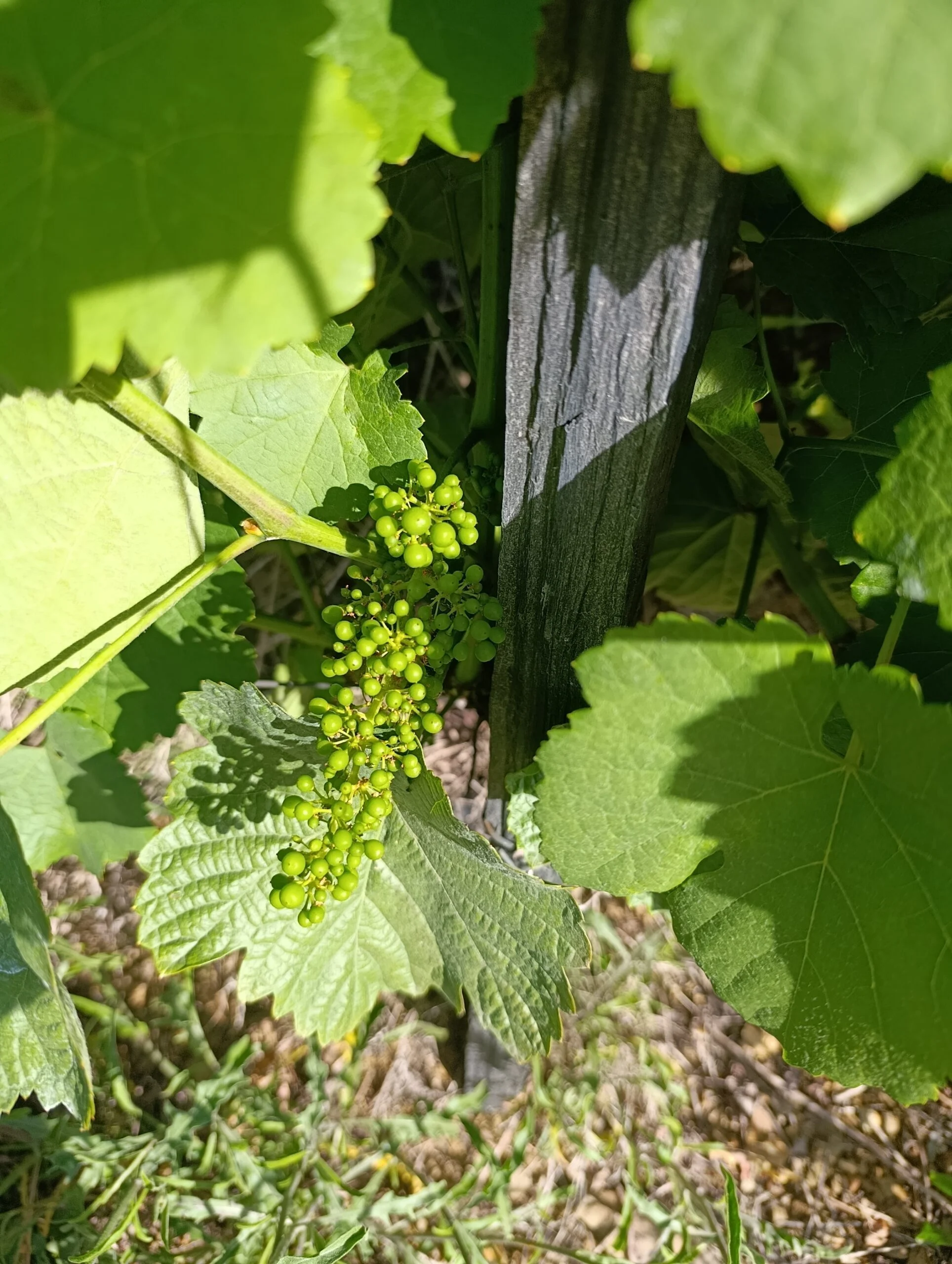
The activity time does not look right