



TBC -App - Better Messages Addon

Hand the app’s messaging to Better Messages — threads, group chats, attachments, reactions, rooms — with push that deep-links to the conversation.

Price: $0.00
Buy Now

v1.0.15
Changelog · v1.0.15

1.0.15 — 2026-10-14

🛠 Fixed

  • Chat photos are stored at a size made for phones. Better Messages switches off WordPress's own scaling for chat uploads, so a photo sent from the app was kept at full camera size (12 MP and more), and everyone in the conversation downloaded all of it. A photo over 2048 pixels on its longer side is now scaled down to 2048 as it uploads, the way WordPress scales any big upload: the chat shows the scaled copy, turned the right way up, and only that copy is kept — the full-size original, with the location data a camera writes into it, is not. If you set Better Messages' own Max Image Resolution, that size is used instead. Smaller pictures, moving pictures (GIFs, animated PNG and WebP) and other files are left as they are, and photos sent from the website are scaled the same way.
  • Several forms on one settings tab each keep their Save in sight. Where a settings tab holds more than one form, each form with unsaved changes now shows its own Save, one above the other, instead of every Save sitting in the same spot on top of the others, and the tab keeps its unsaved dot until every form on it is saved. Every TBC add-on shares one save bar, and WordPress runs the copy from the add-on that loads first, so keep your TBC add-ons current to bring this to every settings page.
  • Folding cards point the reading way in right-to-left languages. With WordPress in a right-to-left language such as Arabic or Hebrew, a closed card's arrow on the settings page pointed right, away from the text. It now points left, and down when the card is open.
  • A link to a card in the plugin's guide opens it, even inside a closed section. A link straight to a card that sits inside one of the guide's folded sections opened the card but left its section shut, so the page showed nothing where the link pointed. Every fold around the card now opens.
  • Fewer database reads on every request. On a site without an object cache such as Redis, each TBC add-on read its licence key and its last licence answer from the database on every page and app request, two reads per add-on. From its next licence check (within a day of the update) WordPress loads both with its other settings, in the one read it already makes. Activating, checking and renewing a licence work as before. Every TBC add-on shares this licence code and WordPress runs the copy from the add-on that loads first, so keep your TBC add-ons current to get the whole saving.

🔧 Changed

  • The app asks for GIFs and stickers only when your site has them. The app's settings from your site now say whether Better Messages has a GIF provider on, its built-in sticker packs on, or a Stipop key set: the same checks Better Messages uses before it offers those features. Before, every app asked once per start and got "no route" back on a site with them off. The Diagnostics report lists the three flags with the others.

📡 OTA & Internal

  • An animated PNG is recognised however much metadata comes before its animation, so it is never scaled to a still picture. The check used to read only the file's first 64 KB; it now steps through the file's section headers up to the picture data, without reading the rest.

1.0.14 — 2026-10-09

📡 OTA & Internal

  • The shared Save bar no longer flashes "Saved" on a page where WordPress shows a save error. Shared across the plugin suite. This plugin's settings page reports no such errors, so nothing changes on it.

1.0.13 — 2026-10-08

Sync — lockstep bump, no plugin changes.

1.0.12 — 2026-10-07

Sync — lockstep bump, no plugin changes.

1.0.11 — 2026-10-03

🛠 Fixed

  • WordPress's "Check again" finds our updates. Dashboard › Updates › Check again now asks our licence server too, so an update we've just published shows at once instead of up to 12 hours later. Before, only the plugin's License tab Refresh did that.

1.0.10 — 2026-09-29

✨ New

  • Works with Better Messages 3.0. Notification previews show plain text, without formatting marks or mention codes, and GIFs, stickers, voice notes and video notes get their own wording.
  • Call notifications. An incoming call reaches the app straight away and answers when tapped, and a call nobody picked up sends one missed-call notification. Muted conversations get neither. Members can turn "Incoming call" and "Missed call" on or off in their notification settings, and the new notification text is translated into Spanish, Greek and Dutch.
  • Voice messages from the app. The plugin tells the app whether Better Messages' Voice Messages add-on is on, and its length limit. It also gives the app the member's Better Messages chat page, so calls and encrypted chats open there. Diagnostics show the add-on's licence.

🛠 Fixed

  • Security: the chat encryption key no longer leaves your site. It rode along with data Better Messages sends to its own cloud service; the app now reads it from one place only.
  • Sending a message no longer waits up to 30 seconds while Better Messages' cloud checks who is online. That check only runs while app notifications are on, and gives up after 5 seconds.
  • A notification that fails can't stop a message from sending.
  • Photos, files and voice notes load in the app on sites with Better Messages' File Proxy on. Every one of them failed before.
  • Reactions work in the app. The plugin now gives the app your site's reaction list.
  • One less database write on every page. The plugin no longer writes a diagnostics entry on each page view to record that Better Messages' own push is standing down.

1.0.9 — 2026-09-21

🛠 Fixed

  • Members using the app in Spanish or Greek get Better Messages pushes in their language, not English.
  • Push titles use the sender's name as the community shows it, through Better Messages' own name, which its Fluent Community add-on maps to the profile name.

🔧 Changed

  • "Delete all plugin data" removes the license key too. With that switch on, uninstalling removes everything the plugin stored — the license key, its licenser records and cached checks included — so a reinstall asks for the key again. With it off, nothing is deleted, as before. Every TBC plugin now does the same; before, some kept the key and some did not.

📡 OTA & Internal

  • The settings screen no longer re-registers the shared admin script itself when a sibling plugin's copy registered first; the shared library does it. Nothing on the screen changes.
  • Guards for things that always load, placeholder admin text and an empty stylesheet go.
  • The shared licenser drops hooks and an argument nothing used, and its comments say what it does rather than how it got there.
  • The moderation re-check reads the message through Better Messages' own function.

1.0.8 — 2026-09-12

✨ New

  • The app is told which chat features this site has. Better Messages turns features on and off per site — search, pinned conversations, starred messages, mentions, voice notes — and the browser has always been handed that list at page load. The app was not, so it had to assume. The plugin now resolves the same list in one place and sends it in the app's hydration config, so a feature switched off on the site is simply absent in the app rather than shown and then refused.
  • Diagnostics prints the feature list. The Better Messages block in Diagnostics now shows the resolved flags alongside the realtime picture, so a support question about a missing chat feature is answered from the site itself rather than guessed at.

🔧 Changed

  • The plugin's own documentation covers the flag list, what each one gates in the app, and which Better Messages edition provides it.
  • The documentation says the module claims no web deep links, and describes its delivery source as socket or polling rather than a poller alone.

1.0.7 — 2026-09-07

🔧 Changed

  • The admin explains itself on request, not on sight. The paragraphs printed beside each control — read once, taking room forever — are behind a ? now, the same one on every screen in the suite. Orientation goes behind it; warnings, legal text and anything describing what is currently set stay visible, because a message you have to click to discover is not a warning.

✨ New

  • Dutch. The plugin loads its own languages folder and ships the member-facing strings — push bodies and labels — in Dutch.
  • Live delivery on the WebSocket build. With Better Messages' WebSocket edition licensed, the plugin now hands the app the same socket connection details it gives a browser tab — server, per-member key, encryption key, profile — in the hydration config, and the app connects to Better Messages' cloud directly. Messages, thread changes, unread counts, typing, presence and read receipts arrive live; polling is only the fallback. Free and AJAX sites see no change.
  • Push follows Better Messages' own rules on realtime sites. Pushes are taken from the relay's better_messages_send_pushs event, so "notify offline members only" and mention rules apply exactly as they do on the web. The plugin already caused Better Messages to compute that list; now it uses it.
  • Diagnostics shows the realtime picture. A Realtime block reports whether the socket transport is on, whether the site id and license secret are present, how long ago the cloud last synced unread counts to WordPress, and the settings the app's transport depends on.

🛠 Fixed

  • Unread badges no longer bounce back on the WebSocket build. The cloud overwrites WordPress's unread counts every minute with its own ledger, and it only learns a thread was read from a socket client. The app used to mark reads in WordPress alone, so a read could reappear as unread within a minute. The app now tells the socket which thread is open.

1.0.6 — 2026-09-03

🛠 Fixed

  • Activate works. The License panel's Activate and Deactivate buttons posted to form actions nobody was listening on — the panel derived the names from the plugin slug while the settings class listened on its own short names — so activating a key landed on a blank page. The prefix now has one home that both sides read.
  • Activates beside either edition of Better Messages. WordPress 6.5+ enforces the Requires Plugins header by folder slug, so the header refused to activate this add-on next to the standalone WebSocket build even though the runtime check already accepted it. The header is gone; one check on plugins_loaded covers both editions, Settings and Diagnostics load before that check so the admin page stays reachable while Better Messages is deactivated, and Diagnostics reads the version off the running plugin rather than a folder path. Delivery still polls on both editions; the docs now say so.

Better Messages Addon · WordPress plugin · app

Better Messages, running natively inside your app.

The app ships with Fluent Community’s built-in messenger: clean, fast and deliberately simple. If your community has outgrown it, this hands the app’s whole messaging surface to Better Messages — live chat, voice messages, voice and video calls, chat rooms — without your members noticing a handoff happened.

Livemessages over Better Messages’ own WebSocket, with typing and online status
Callsvoice and video, answered from a notification
2chat looks, Classic or Modern, from one setting
1messenger alive at a time — the built-in one steps aside

What members get · one add-on

Chat, voice, calls and rooms, all native.

Click a tab.

Better Messages › In the app
Choose a view

Not a bolt-on

One messenger, not two

Activate it and the app’s built-in messenger steps aside. Members get Better Messages’ conversations, group chats and space chats through the app’s own navigation, drawn by the app itself rather than a web page in a frame.

  • Live, not polled — on Better Messages’ WebSocket edition, messages, typing and online status arrive the moment they happen
  • Your chat look — Classic or Modern, the same setting the built-in chat uses, and members can pick their own
  • Photos, GIFs, stickers, reactions and mentions, formatted the way your website shows them
  • Space chats wear the space’s emoji, just like on your site
  • Switching back is a dropdown away in your Customize studio
The Better Messages inbox in the app, with a direct message and space chats showing their emojiThe Better Messages inbox in the app, with a direct message and space chats showing their emoji
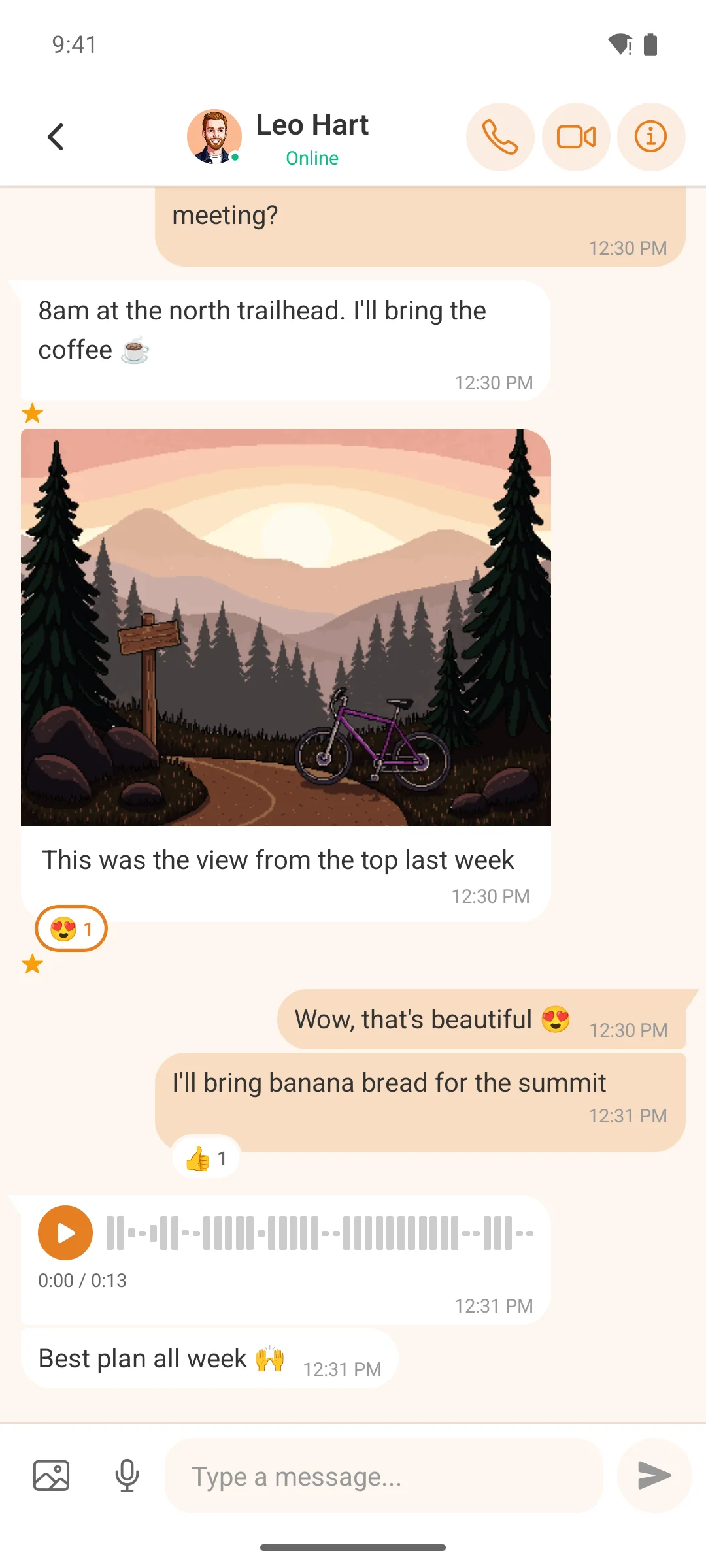
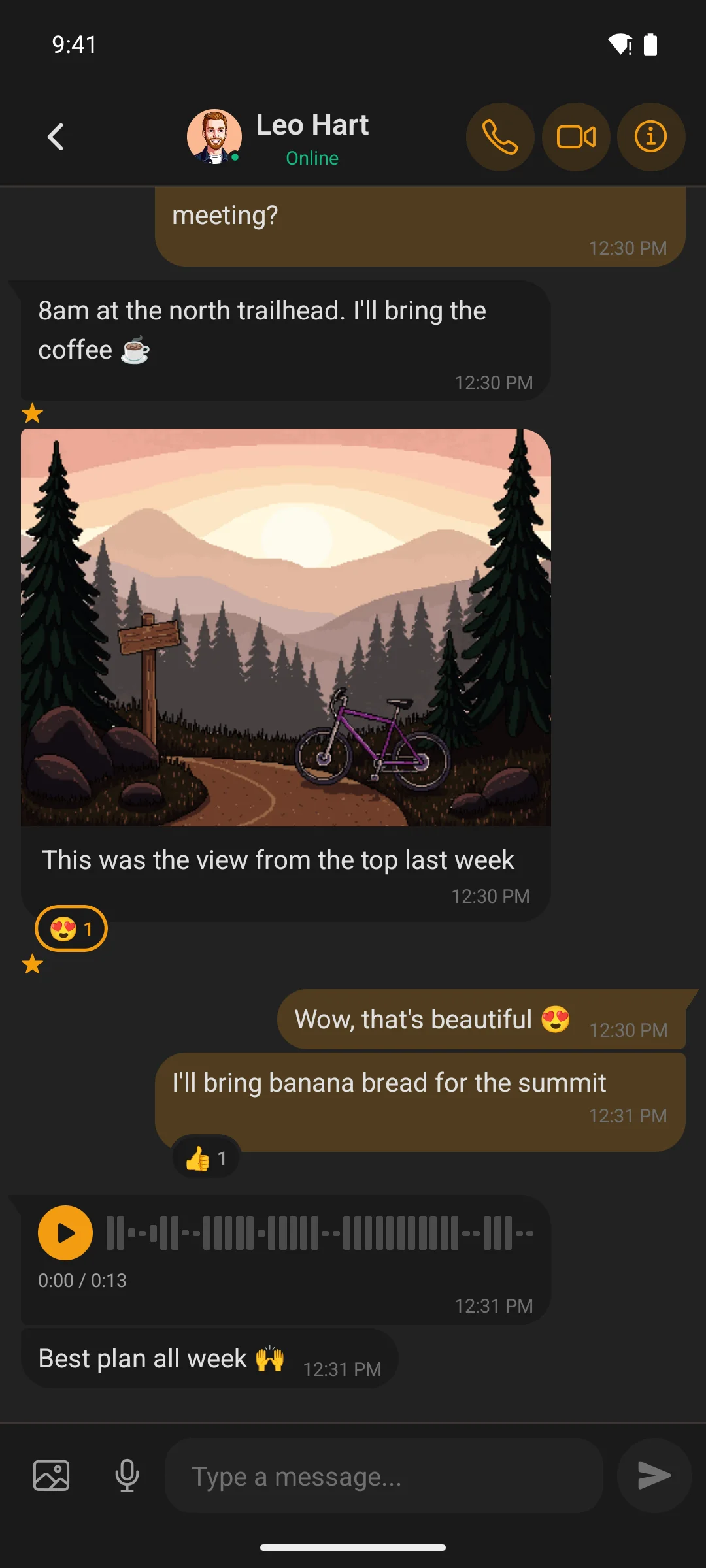
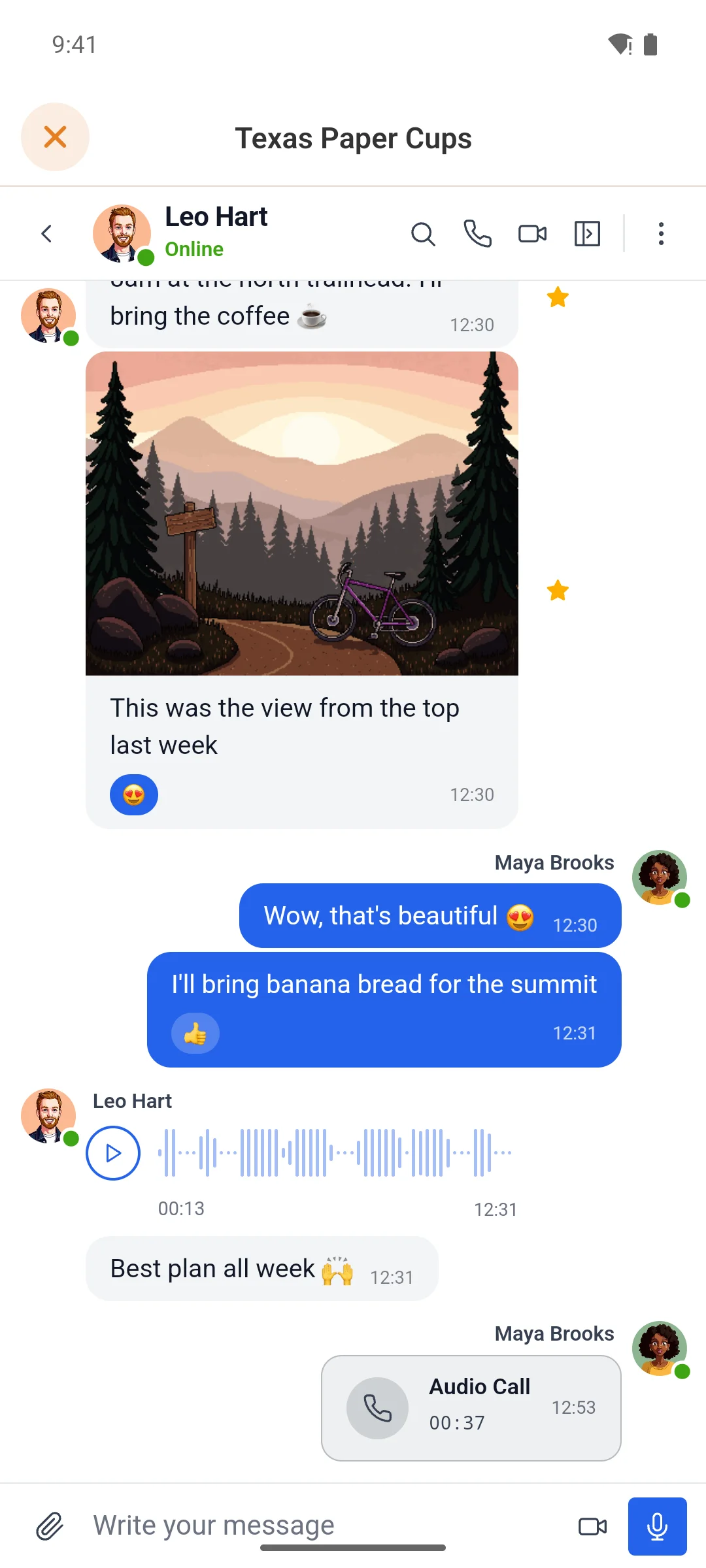
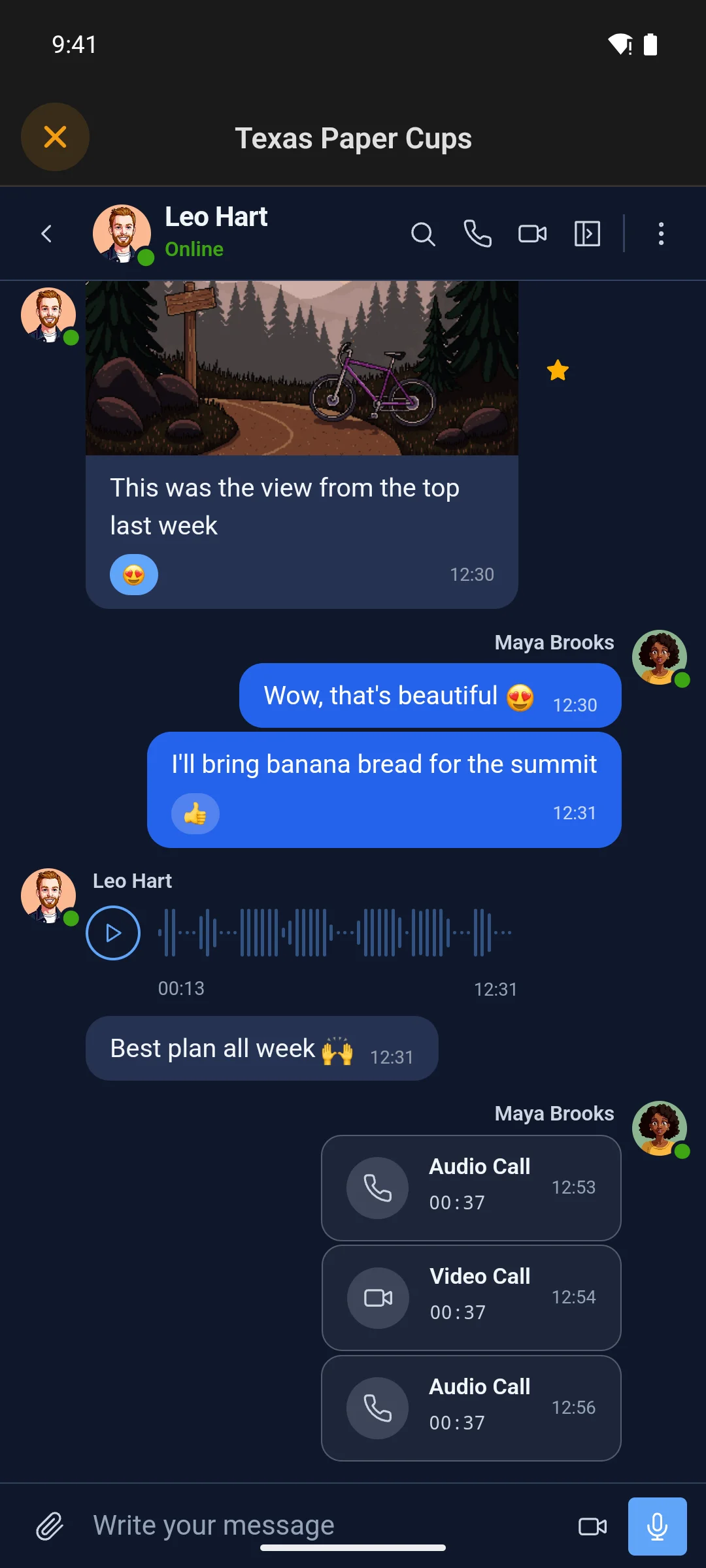
A Better Messages conversation in the Modern look, with a photo, reactions and a voice messageA Better Messages conversation in the Modern look, with a photo, reactions and a voice message

Talk, don’t just type

Voice messages, voice calls, video calls

The mic button records a voice message, and the call buttons start a voice or video call — the same calls your website makes, so a member on the app can call a member on a laptop.

  • Voice messages record in the app and play with their waveform, on a site with Better Messages’ Voice Messages add-on
  • Voice and video calls open in the app’s signed-in browser, already logged in
  • Answer from the notification — an incoming call rings as a high-priority push, and a tap answers it
  • Encrypted chats offer “Open on web”, signed in, since only the browser holds their keys

Needs Microphone (and Camera, for video) switched on in your dashboard’s Native Permissions before the app is built.

A voice call in the app, with the caller's picture and a running timerA voice call in the app, with the caller's picture and a running timer
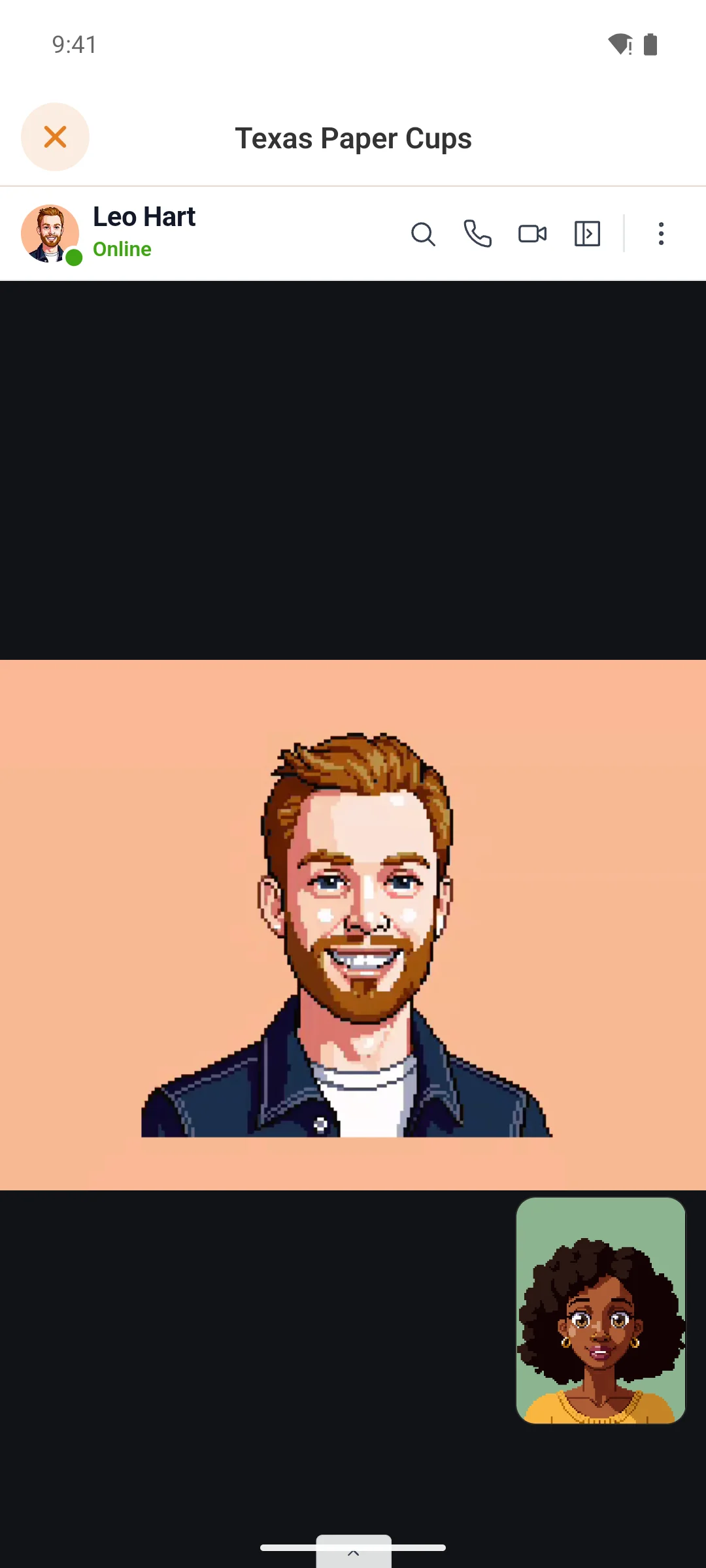
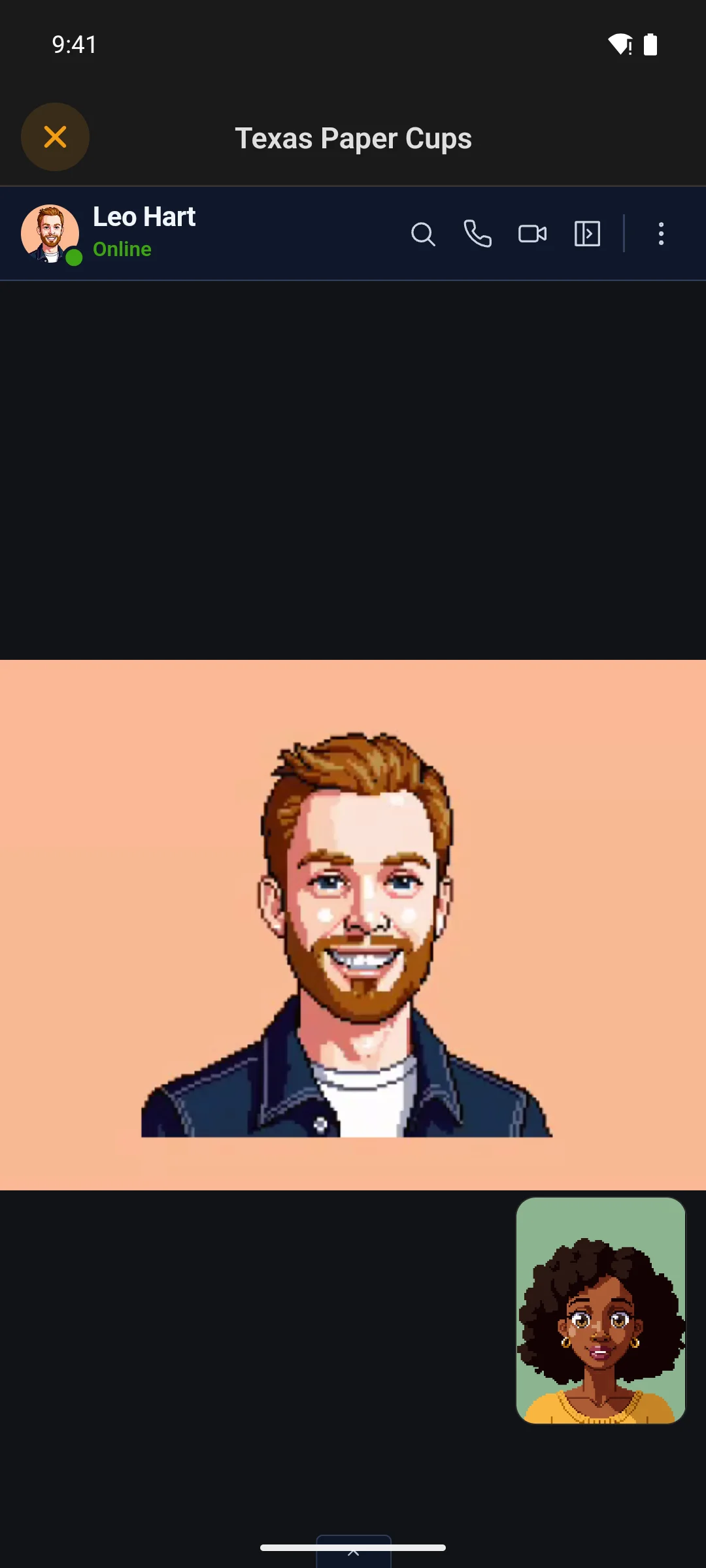
A video call in the app, the other member full screen and your own camera in the cornerA video call in the app, the other member full screen and your own camera in the corner

Everything else a messenger needs

Rooms, stars, search and the details

The rest of Better Messages comes along too, each as a native screen.

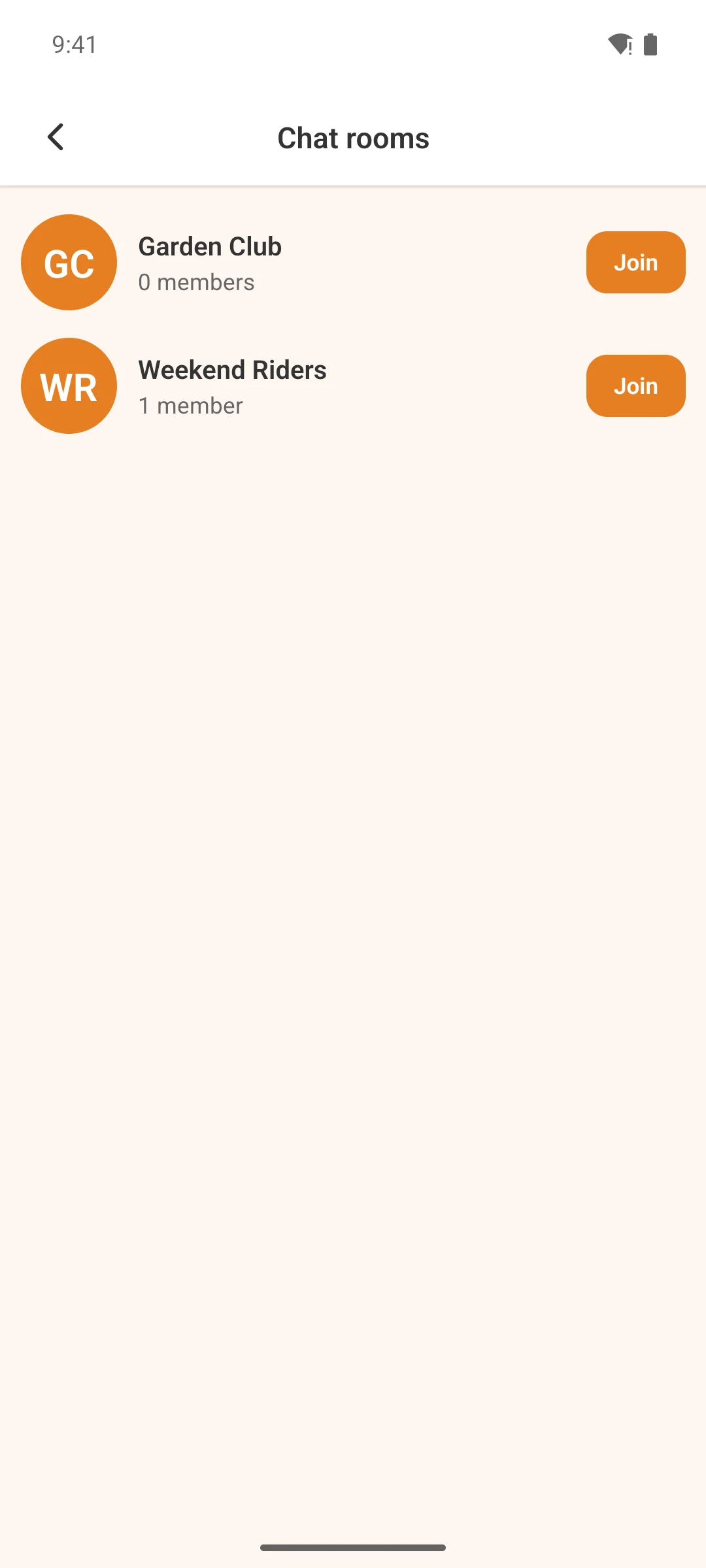
  • Chat rooms — browse your site’s public rooms, join and leave from the app
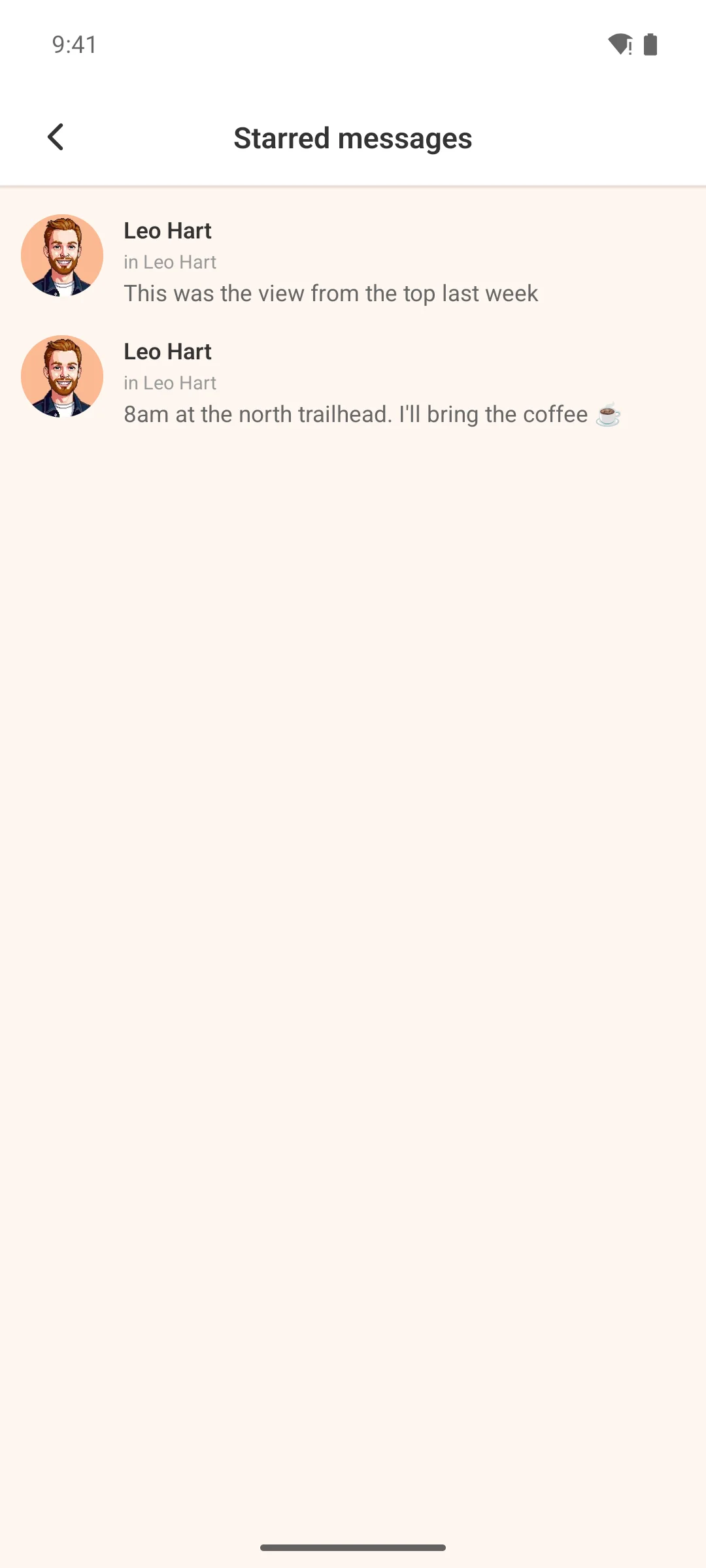
  • Starred messages — keep the address, the link or the date and find it again in one place
  • Search finds the message, not just the conversation, and opens the chat on it
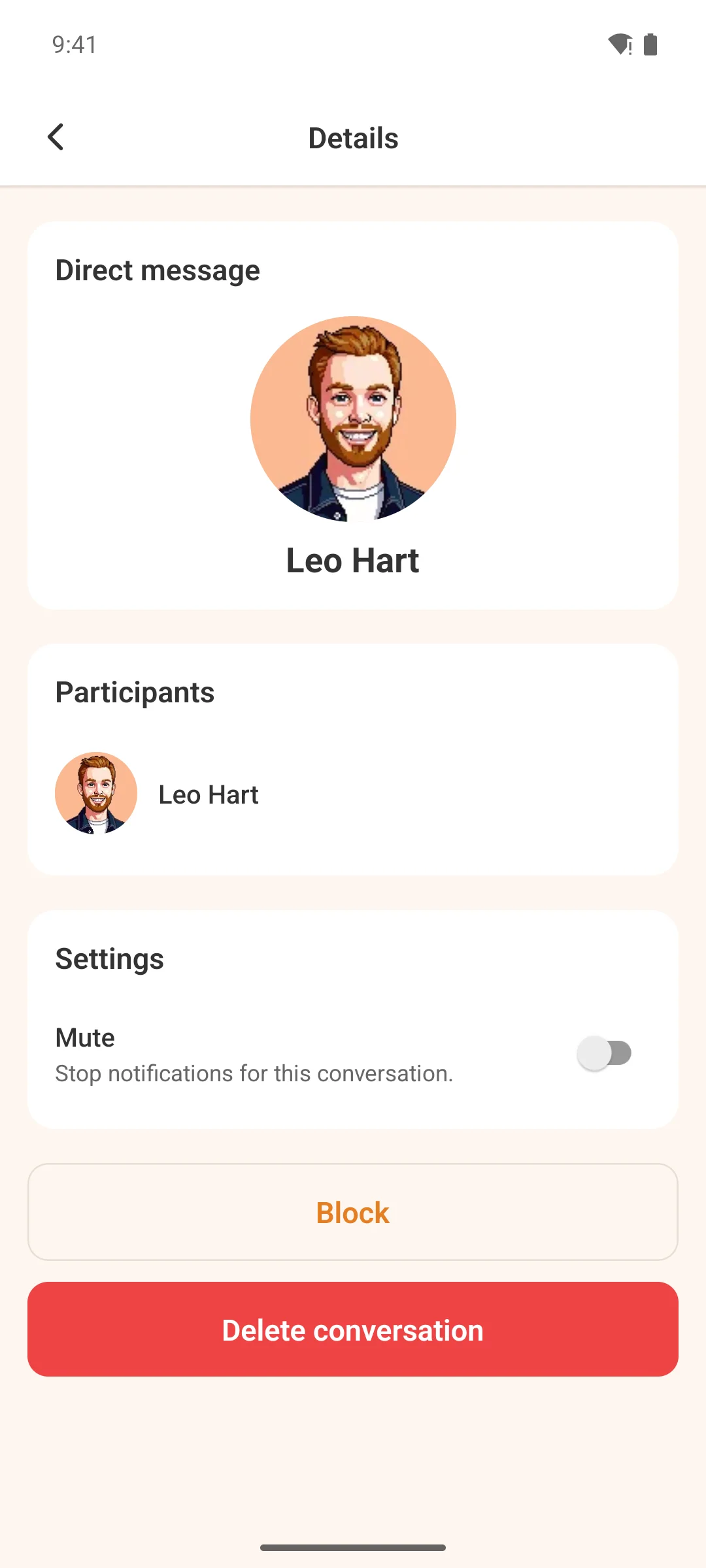
  • Pin, mute, block and drafts — a half-written message waits for you in every chat
The chat rooms list in the app, with rooms to joinThe chat rooms list in the app, with rooms to join
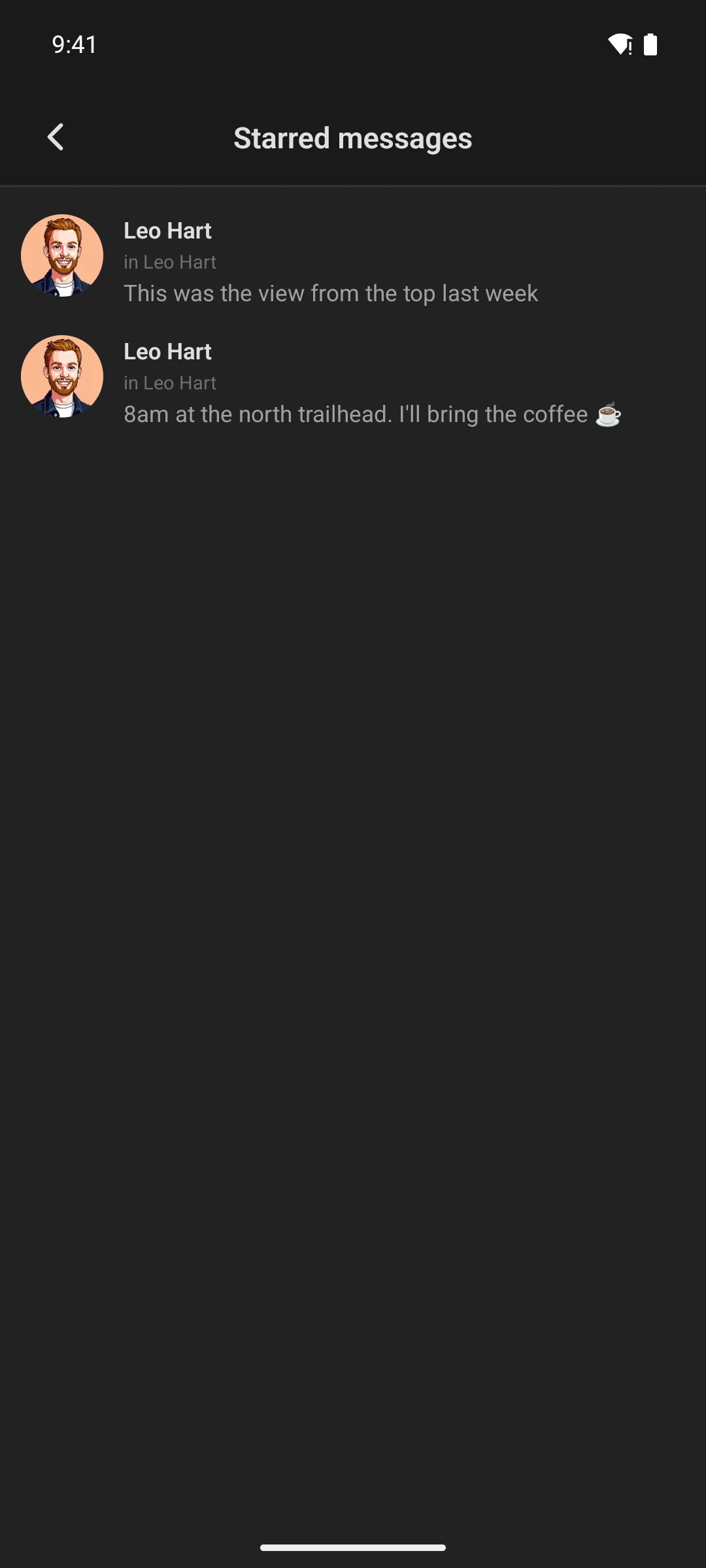
Starred messages in the app, each with who sent it and whereStarred messages in the app, each with who sent it and where

The part generic messaging plugins cannot do

Native push, and good judgement about when to fire it

New replies fire a real native push through the app’s existing pipeline — and the plugin is careful about when it does.

  • Deep-links to the conversation — tapping opens the thread itself, not the home screen
  • Its own “Messages” category in notification settings, so members tune messaging separately
  • Senders and muted threads are skipped, and system, deleted and still-pending messages never notify
  • No double notifications — Better Messages’ own browser push is stood down
  • A Diagnostics tab for sites you don’t run yourself: an opt-in push log that records why each push was sent or skipped, and a one-click report of versions, settings and transport state
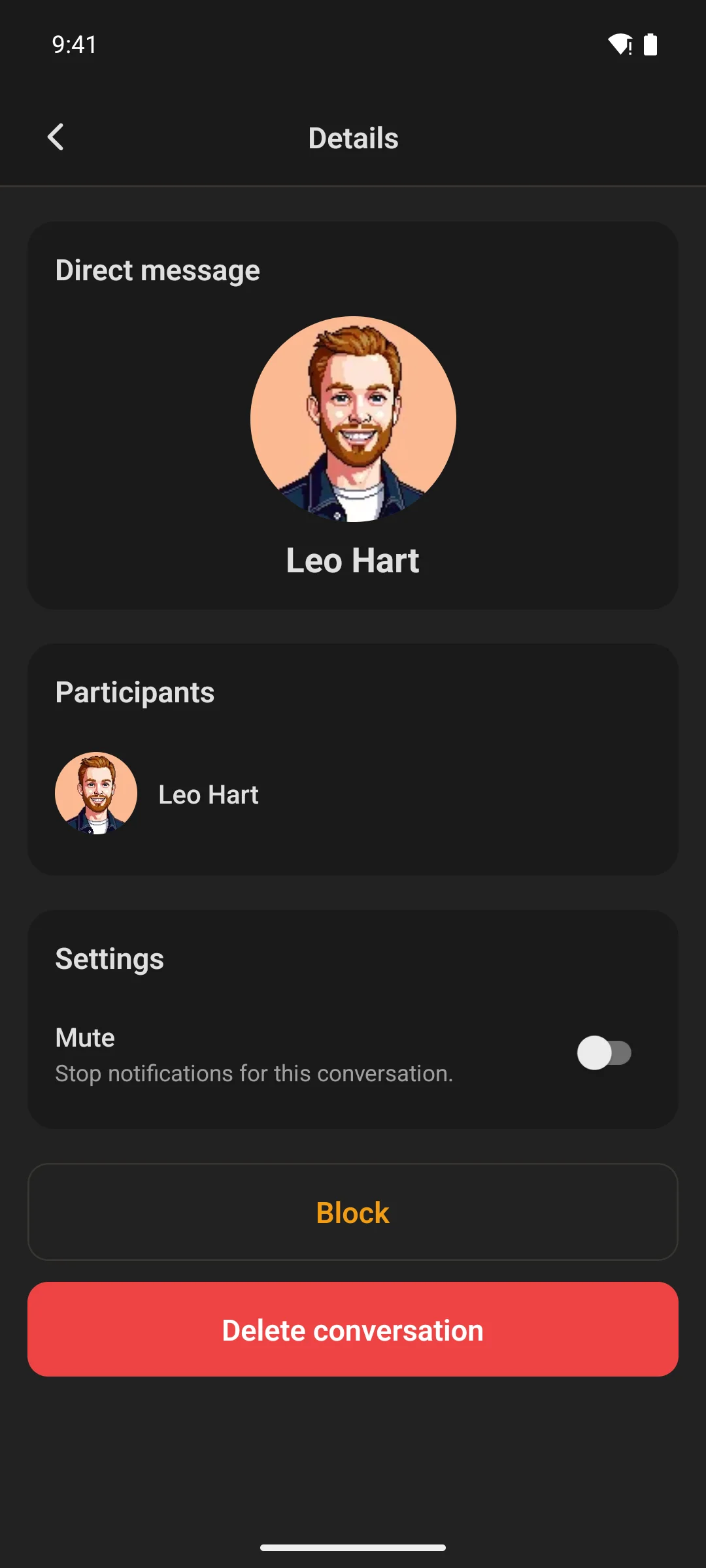
A conversation's details in the app: participants, mute, block and deleteA conversation's details in the app: participants, mute, block and delete

What members get

  • Live conversations, group chats, space chats and rooms
  • Voice messages, and voice and video calls
  • Photos, GIFs, stickers, reactions, mentions and stars
  • Native push that deep-links into the conversation
  • All of it inside the app’s own navigation — nothing new to learn

What you need

  • WordPress 5.8+ and PHP 7.4+, with Fluent Community (free or Pro)
  • The TBC Community App, version 1.3.20 or later
  • Better Messages, the third-party plugin this integrates with. Its free build runs chat by checking for new messages every few seconds; its WebSocket edition makes chat live and adds voice and video calls
  • Better Messages’ Voice Messages add-on, for voice messages

Pricing

One licence for your community’s app.

The licence key keeps the add-on updated as Better Messages and the app move forward.

Better Messages itself is sold by its own developer. This add-on is the bridge between it and your app.

Better Messages AddonWordPress plugin · app messagingBeta
Better Messagesthird-party plugin · free, or its WebSocket edition for live chat and callsSeparate
At checkoutBeta

0 Reviews

Loading reviews...

No reviews yet. Be the first to write a review!

Related Products

TBC - Web - Admin Columns

TBC - Web - Admin Columns

Fluent Community fields, stats, roles and user-meta as sortable, inline-editable columns on the Users list and WooCommerce Orders.

Price: $0.00

TBC - Web - Automations

TBC - Web - Automations

Eighteen Uncanny Automator triggers and actions for Fluent Community — DMs, notifications, follows, points, spaces, posts.

Price: $0.00
TBC - Web - User Switching

TBC - Web - User Switching

Puts the free User Switching plugin's buttons in the Fluent Community portal: Switch user on a member's profile, and Switch back in the header to return to your own account.

Price: $0.00
TBC App - Community App (Dev Bundle)

TBC App - Community App (Dev Bundle)

The full React Native source plus the build dashboard. Configure your site, drop in your assets, and ship to both stores yourself — no coding required.

From $50.00
TBC App - Community App (Managed)

TBC App - Community App (Managed)

Your own branded community app on iOS and Android — built, published and kept up to date by us, under your accounts. You bring the content and branding; we handle every build and update.

From $33.00
TBC App - Youtube Widget

TBC App - Youtube Widget

Your latest uploads on the home screen, tapping through to playlists and videos — cached server-side so it never burns API quota.

Price: $29.00