

TBC - Web - Admin Columns

Manage your Fluent Community members straight from the WordPress admin. Add profile fields, stats, roles, and custom user-meta as sortable, filterable, inline-editable columns โ€” on the Users list and WooCommerce Orders. No Admin Columns plugin required.

$29.00
Buy Now

Your community, manageable at a glance

Switched from BuddyBoss to Fluent Community and lost your admin columns? TBC Admin Columns brings them back โ€” built natively for Fluent Community. It turns the WordPress Users list (and WooCommerce Orders) into a control panel for your members: see the data that matters, sort and filter by it, and edit it inline. No third-party Admin Columns plugin required, and it coexists peacefully if you already run one.

On the Users list

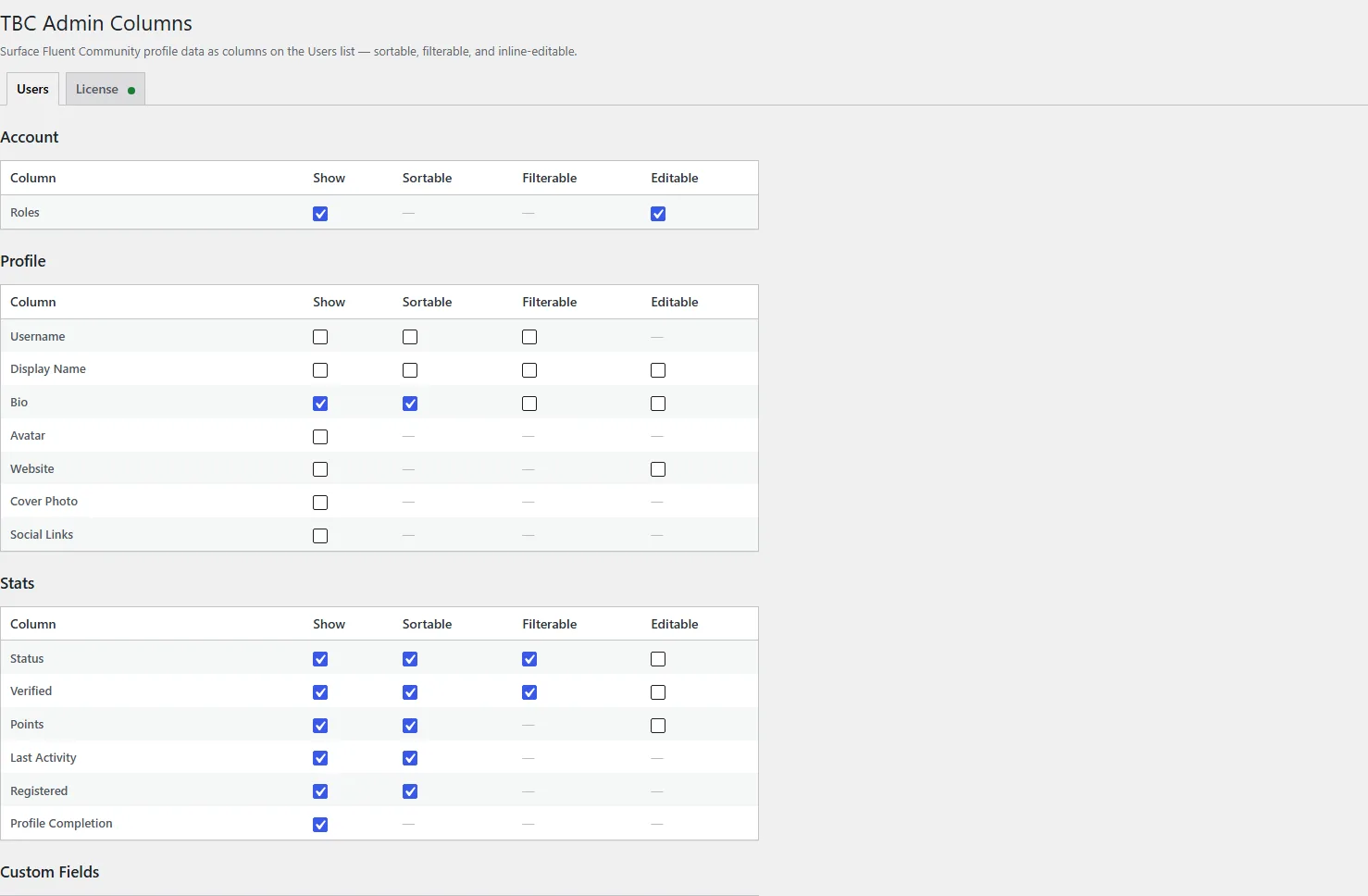
  • Profile fields โ€” display name, bio, avatar, website, cover photo, social links, username.
  • Member stats โ€” status, verified badge, points, last activity, registration date, and a profile-completion score.
  • Roles โ€” view and inline-edit a member’s WordPress roles as a multi-select (add or change roles in seconds).
  • Custom profile fields โ€” every Fluent Community custom field appears automatically.
  • Any user meta โ€” add WooCommerce billing fields, membership flags, or any per-user meta as a column, from a searchable picker (no code).
  • Sort, filter, and edit inline โ€” click a header to sort, use the toolbar to filter, click a cell to edit. Edits save through Fluent Community’s own validation.

On WooCommerce Orders

  • Customer profile columns โ€” show the buyer’s Fluent Community profile next to their order.
  • Order & line-item meta columns โ€” turn any order or product meta (event dates, ticket types, custom fieldsโ€ฆ) into a filterable column, no custom code. Works with modern HPOS and classic order storage.

Built right

  • Clean, modern, and lightweight โ€” it only loads what your site uses (WooCommerce features appear only when WooCommerce is active).
  • Pick exactly which columns show and what each one can do, from a simple settings screen.
  • No raw database writes โ€” everything goes through WordPress and Fluent Community’s own APIs.

Requirements

  • Fluent Community (custom profile fields require Fluent Community Pro).
  • WooCommerce is optional โ€” Orders features activate only when it’s installed.